Get 50% OFF All Premium 3D & STL Models!

“`html
The world of 3D printing has revolutionized model making, offering unparalleled precision, customization, and speed. But with a plethora of 3D printers available, choosing the right one can be a daunting task, especially for hobbyists and professionals focused on intricate model creation. This comprehensive guide delves into the critical features that matter most when selecting a 3D printer for model making, focusing on the nuances of FDM (Fused Deposition Modeling) and resin-based technologies. Whether you’re printing scale models of classic cars from platforms like 88cars3d.com or crafting detailed architectural replicas, understanding these features will empower you to make an informed decision and unlock your creative potential. We’ll explore resolution, build volume, material compatibility, software integration, and essential quality-of-life features to ensure your prints achieve the highest levels of detail and accuracy.
Resolution is arguably the most crucial factor for model makers. It determines the level of detail your printer can reproduce, impacting the sharpness of edges, the smoothness of curves, and the overall realism of your models. Resolution is typically measured in microns (µm), referring to the layer height the printer can achieve. Lower layer heights translate to finer details and smoother surfaces.
In FDM printing, layer height typically ranges from 50 to 400 microns. For high-detail models, aiming for layer heights between 50 and 100 microns is recommended. Resin printers, on the other hand, boast significantly higher resolution, often reaching down to 25 microns or even lower. This makes resin printing ideal for incredibly detailed models, such as miniatures or jewelry. The Z-axis resolution defines the minimum vertical movement the print head can achieve.
While layer height defines vertical resolution, XY resolution dictates the precision in the horizontal plane. In FDM printing, this is largely determined by the nozzle size. Smaller nozzles (e.g., 0.25mm) allow for finer details than larger nozzles (e.g., 0.4mm). For resin printers, XY resolution is defined by the pixel size of the LCD screen. Smaller pixel sizes (e.g., 35 microns) result in sharper and more detailed prints. Consider a project like a scale model airplane; fine details in the cockpit and engine require high XY resolution to accurately render.
Build volume dictates the maximum size of objects you can print in a single go. For model makers, a larger build volume opens up possibilities for printing larger models or multiple smaller components simultaneously, reducing printing time and simplifying assembly. However, consider the trade-offs, as larger build volumes often come with increased printer size and cost.
While a larger build volume is advantageous, it’s essential to ensure that the printer maintains accuracy and stability across the entire printing area. A printer with a large build volume but poor stability may produce warped or inaccurate prints, especially at the edges. Look for printers with robust frames and reliable bed leveling systems to mitigate these issues.
Even with a limited build volume, you can often print larger models by strategically orienting them on the print bed and dividing them into multiple parts that can be assembled later. Software like Meshmixer can be used to easily cut models into smaller, manageable pieces. When downloading models from marketplaces such as 88cars3d.com, consider if the file is already divided into smaller pieces for easier printing.
The range of materials a 3D printer can handle significantly impacts the types of models you can create and their final properties. FDM printers typically support a wider range of materials, including PLA, ABS, PETG, nylon, and even composites like carbon fiber-filled filaments. Resin printers, on the other hand, are primarily limited to various types of resins, each with its own unique properties.
When choosing an FDM printer, consider the materials you plan to use most frequently. PLA is a beginner-friendly material that prints at relatively low temperatures. ABS and PETG require higher temperatures and often benefit from a heated bed and a closed enclosure to prevent warping. Nylon and carbon fiber filaments demand even higher temperatures and specialized nozzles. A printer with a heated bed and adjustable temperature settings is crucial for accommodating different material requirements. When working with ABS, a bed temperature of 100-110°C and a nozzle temperature of 230-250°C are generally recommended.
Resin printers offer a variety of resin types, including standard resins, tough resins, flexible resins, and castable resins. Each resin type has its own specific properties and requires different exposure times and curing processes. Standard resins are ideal for general-purpose models, while tough resins are more durable and impact-resistant. Flexible resins allow you to create flexible and elastic parts. Castable resins are designed for investment casting in jewelry making. Proper curing after printing is essential to ensure the resin is fully hardened and reaches its optimal properties. This typically involves exposing the printed model to UV light for a specific duration.
The software used to prepare and control your 3D printer is an integral part of the model-making process. User-friendly and feature-rich slicing software can significantly simplify the process of generating print-ready files, optimizing print settings, and monitoring print progress. Look for software that offers advanced features such as support generation, infill control, and model repair tools.
Several excellent slicing software options are available, each with its own strengths and weaknesses. Cura is a popular open-source option known for its ease of use and extensive plugin library. PrusaSlicer is another powerful open-source slicer developed by Prusa Research, offering advanced features and precise control over print settings. Simplify3D is a commercial slicer known for its advanced support generation and optimization capabilities. Consider experimenting with different slicers to find the one that best suits your workflow and preferences.
STL is the most common file format for 3D printing, but other formats like OBJ and 3MF are also supported by some slicers. Before printing, it’s crucial to ensure that your STL file is free of errors and has a manifold mesh. Non-manifold meshes can cause printing problems and lead to failed prints. Software like Meshmixer and Netfabb can be used to repair and optimize STL files. Repairing meshes involves identifying and correcting issues such as holes, inverted normals, and self-intersections. For instance, if you’re preparing an STL file for a car model from 88cars3d.com, running it through a mesh repair tool is always a good practice.
Beyond the core technical specifications, several quality-of-life features can significantly enhance your 3D printing experience and make the process more efficient and enjoyable. These features include automatic bed leveling, filament runout sensors, power loss recovery, and network connectivity.
Automatic bed leveling is a game-changer for FDM printing, as it eliminates the need for manual bed leveling, which can be a time-consuming and frustrating process. Automatic bed leveling systems use sensors to probe the print bed and compensate for any imperfections, ensuring that the first layer adheres properly. This is crucial for achieving successful prints, especially with larger models. The first layer is the foundation of your print; a poorly adhered first layer can lead to warping and detachment from the bed.
Filament runout sensors detect when the filament spool is empty and automatically pause the print, allowing you to replace the spool and resume printing without losing progress. Power loss recovery systems save the print’s progress in case of a power outage, allowing you to resume printing from where it left off once power is restored. These features can save you time, money, and frustration by preventing print failures.
Achieving optimal print quality for model making requires fine-tuning various print settings in your slicing software. These settings include layer height, infill density, print speed, temperature, and support structures. The ideal settings will vary depending on the specific model, material, and printer you’re using.
As mentioned earlier, lower layer heights result in finer details but also increase printing time. Conversely, higher layer heights reduce printing time but sacrifice detail. Experiment with different layer heights to find the optimal balance between print quality and speed. Print speed also affects print quality. Slower print speeds generally result in smoother surfaces and more accurate details, while faster print speeds can lead to imperfections and reduced accuracy. A common starting point is 50mm/s, adjusting as needed.
Support structures are often necessary to support overhanging features and prevent them from collapsing during printing. However, support structures can also leave marks on the surface of your model. Carefully consider the placement and type of support structures to minimize their impact on the surface finish. Breakaway supports are easier to remove than standard supports and leave fewer marks. Using a dual-extrusion printer with soluble support material is another excellent option, as the supports can be dissolved away after printing, leaving a pristine surface finish. When generating supports, experiment with different support densities and angles to find the optimal settings for your model.
Post-processing is an essential step in model making, allowing you to refine the surface finish, remove support marks, and add details that couldn’t be achieved during printing. Common post-processing techniques include sanding, filing, priming, painting, and assembly.
Sanding is used to smooth out rough surfaces and remove support marks. Start with coarse sandpaper and gradually move to finer grits for a smooth finish. Filling is used to fill in gaps and imperfections. Priming provides a smooth and uniform surface for painting and helps the paint adhere better. For FDM prints, consider using a filler primer to help hide layer lines. Applying several thin coats of primer is better than one thick coat, which can obscure details.
Painting is used to add color and realism to your models. Use high-quality paints designed for plastic models. Apply thin coats of paint and allow each coat to dry completely before applying the next. Detailing techniques such as dry brushing, washes, and weathering can be used to add depth and realism to your models. Fine paint brushes and steady hands are essential for achieving intricate details. Consider using stencils or masking tape to create clean lines and patterns.
Selecting the right 3D printer for model making is a crucial decision that can significantly impact the quality, detail, and overall success of your projects. By carefully considering the features discussed in this guide – resolution, build volume, material compatibility, software integration, and quality-of-life features – you can make an informed choice and unlock your creative potential. Whether you are printing intricate scale models, detailed architectural replicas, or functional prototypes, understanding these features will empower you to create stunning and accurate models. Remember to optimize your print settings, experiment with different materials, and master post-processing techniques to achieve the best possible results. Platforms like 88cars3d.com offer a fantastic resource for printable car models and other designs, providing a solid foundation for your 3D printing journey. Take the time to research, experiment, and refine your workflow, and you’ll be amazed at the incredible models you can create with the power of 3D printing.
“`
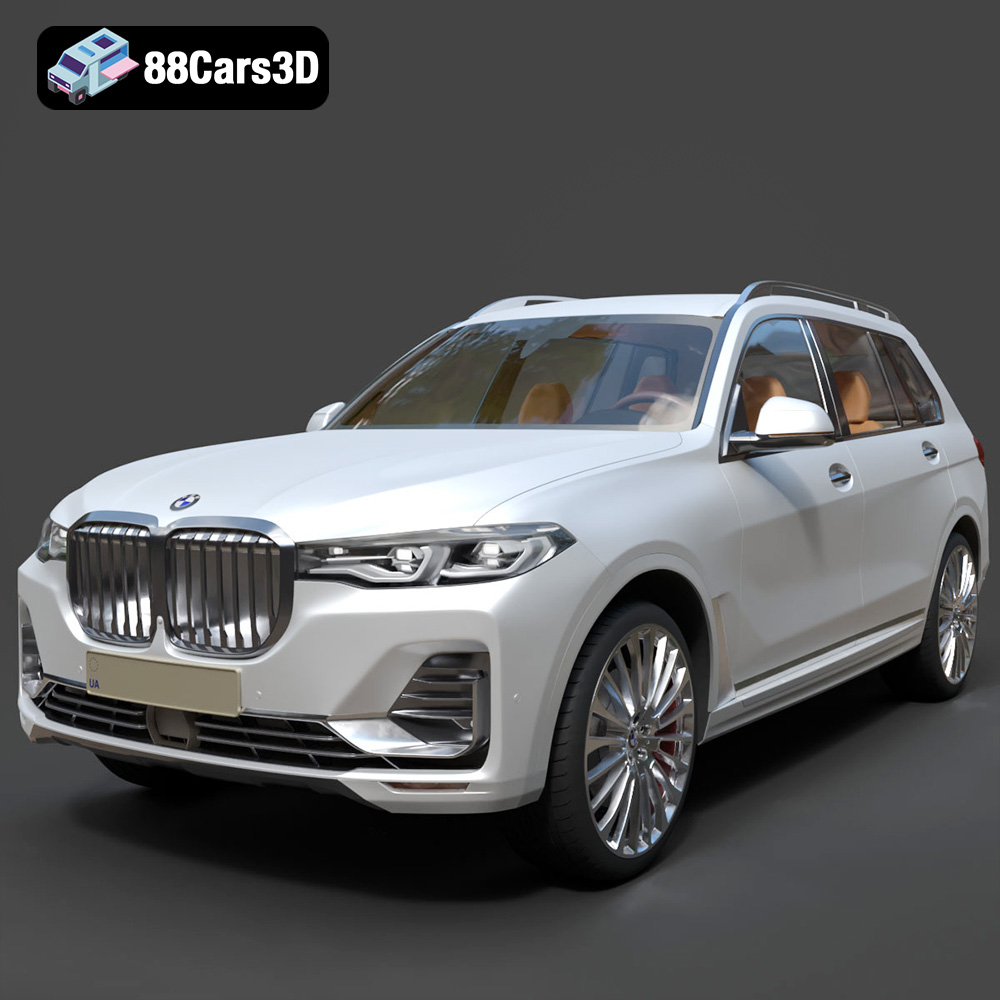
Texture: Yes
Material: Yes
Download the BMW X7 G07 2019 3D Model featuring clean geometry, realistic detailing, and a fully modeled interior. Includes .blend, .fbx, .obj, .glb, .stl, .ply, .unreal, and .max formats for rendering, simulation, and game development.
Price: $19.99
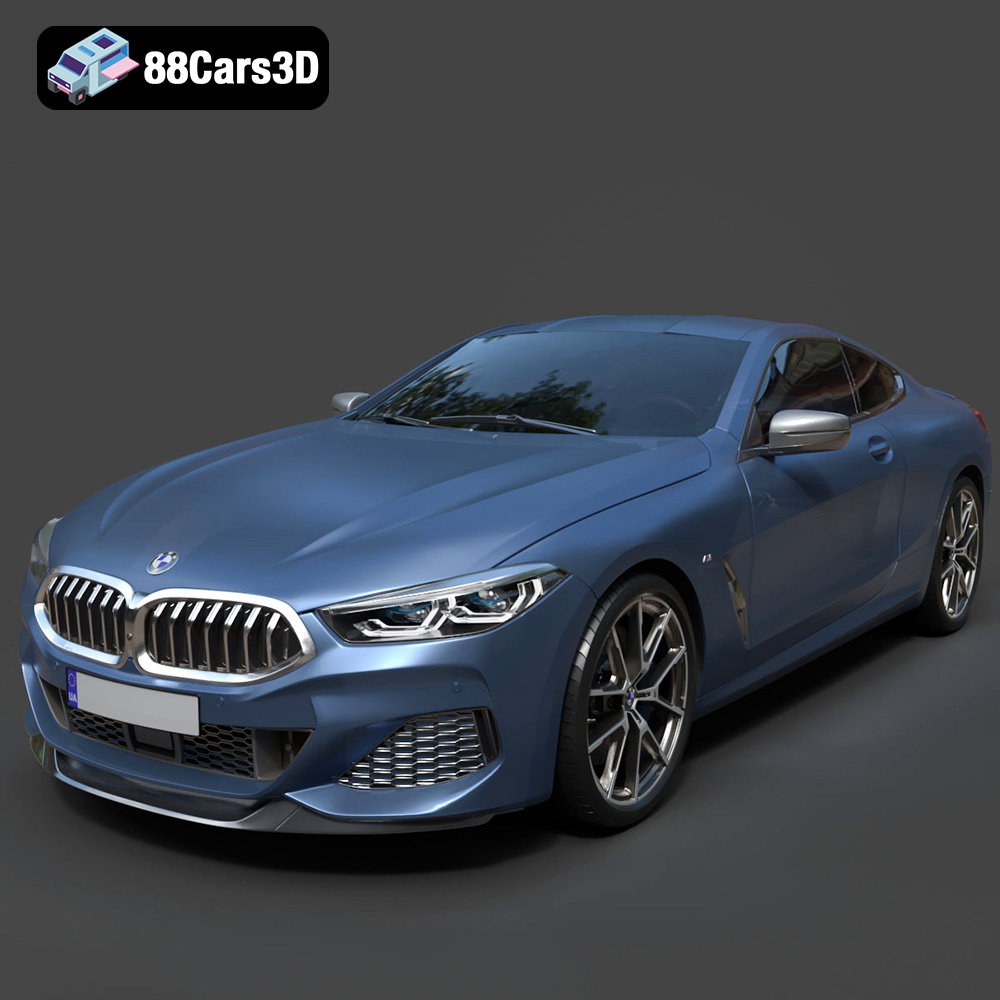
Texture: Yes
Material: Yes
Download the BMW 8-Series M850i G15 Coupe 2019 3D Model featuring clean geometry, realistic detailing, and a fully modeled interior. Includes .blend, .fbx, .obj, .glb, .stl, .ply, .unreal, and .max formats for rendering, simulation, and game development.
Price: $19.99
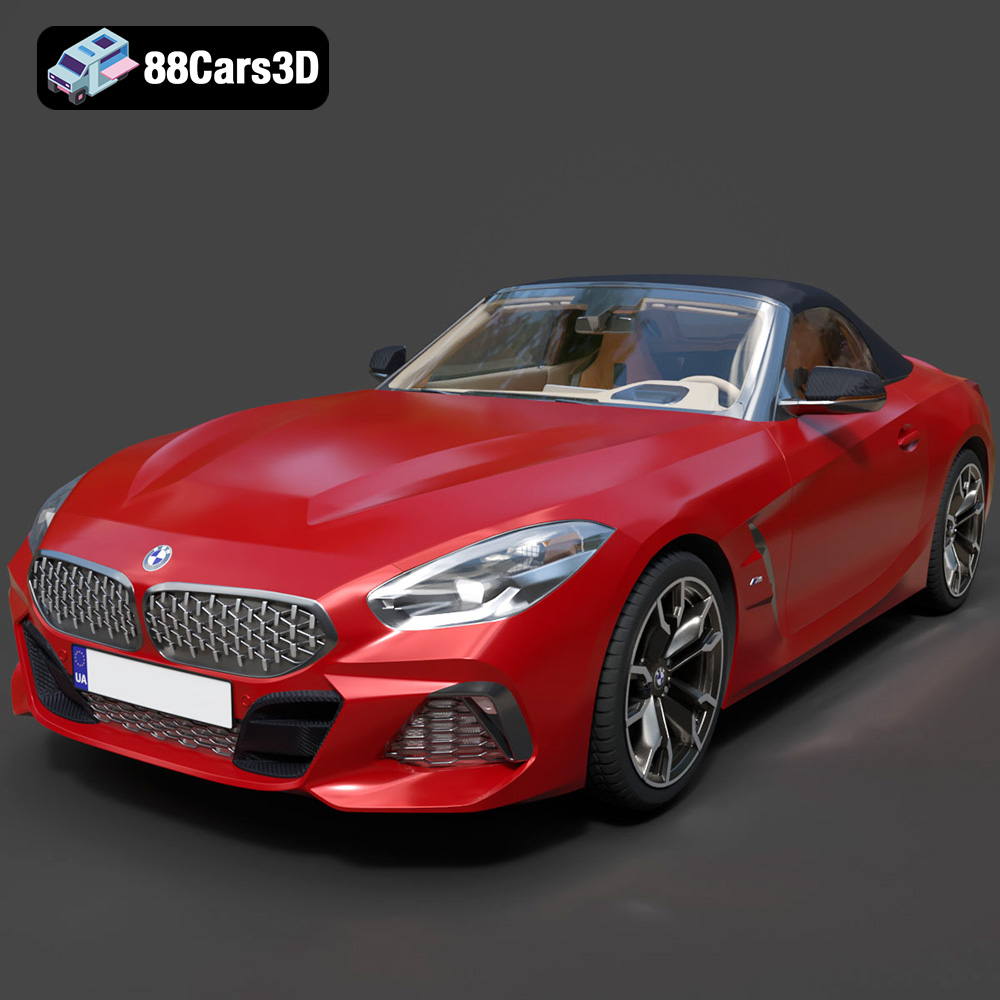
Texture: Yes
Material: Yes
Download the BMW Z4 Mk3 G29 Roadster M40i 2019 3D Model featuring clean geometry, realistic detailing, and a fully modeled interior. Includes .blend, .fbx, .obj, .glb, .stl, .ply, .unreal, and .max formats for rendering, simulation, and game development.
Price: $19.99
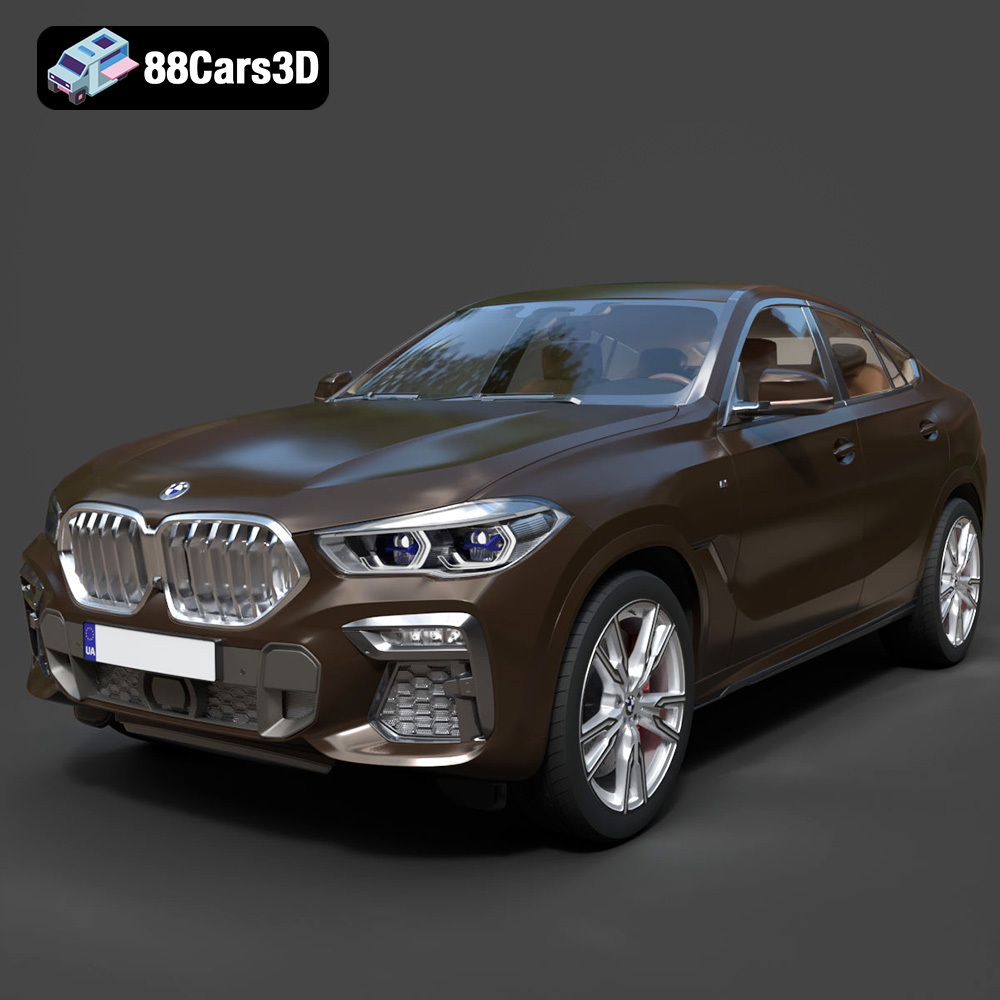
Texture: Yes
Material: Yes
Download the BMW X6 (Mk3) (G06) M Sport 2020 3D Model featuring clean geometry, realistic detailing, and a fully modeled interior. Includes .blend, .fbx, .obj, .glb, .stl, .ply, .unreal, and .max formats for rendering, simulation, and game development.
Price: $19.99
Texture: Yes
Material: Yes
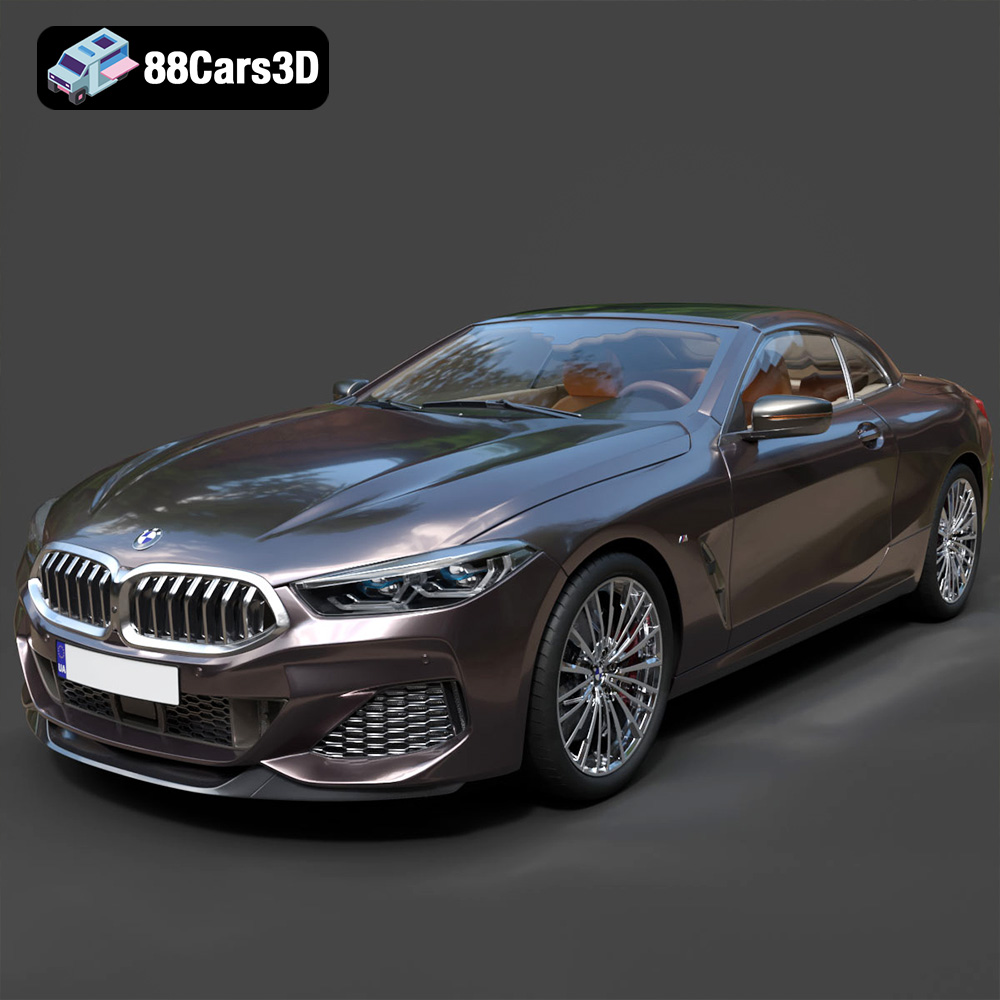
Download the BMW 8-Series G14 Convertible M850i 2019 3D Model featuring clean geometry, realistic detailing, and a fully modeled interior. Includes .blend, .fbx, .obj, .glb, .stl, .ply, .unreal, and .max formats for rendering, simulation, and game development.
Price: $19.99
Texture: Yes
Material: Yes
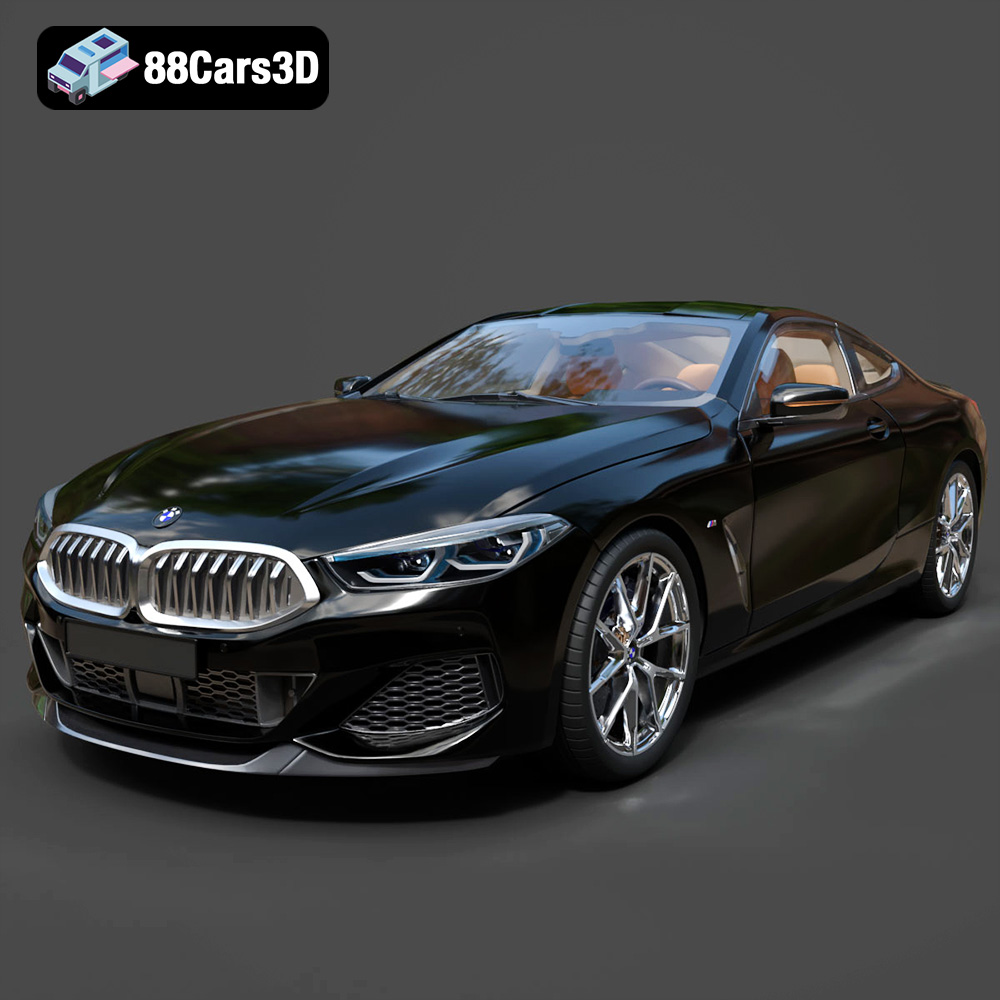
Download the BMW 8 Series M850i Coupe 2019 3D Model featuring clean geometry, realistic detailing, and a fully modeled interior. Includes .blend, .fbx, .obj, .glb, .stl, .ply, .unreal, and .max formats for rendering, simulation, and game development.
Price: $19.99
Texture: Yes
Material: Yes
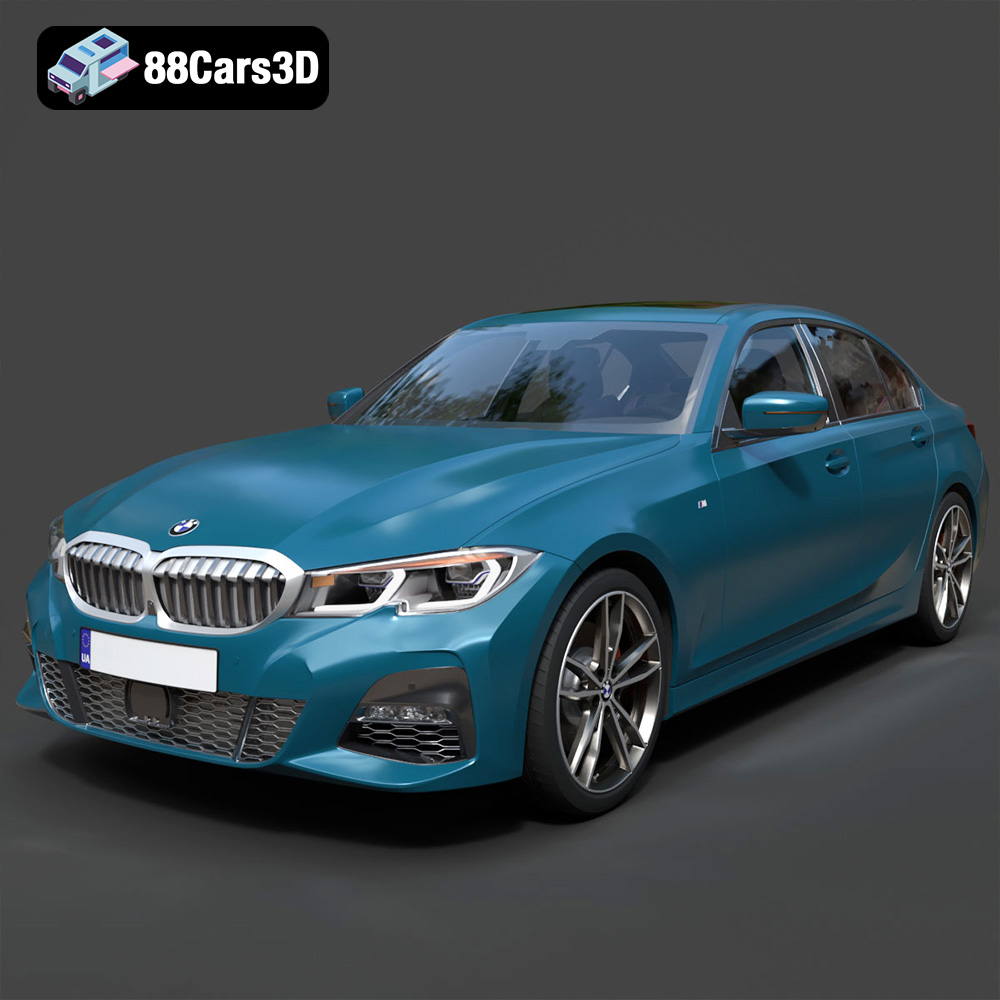
Download the BMW 3 Series M-Sport Sedan 2019 3D Model featuring clean geometry, realistic detailing, and a fully modeled interior. Includes .blend, .fbx, .obj, .glb, .stl, .ply, .unreal, and .max formats for rendering, simulation, and game development.
Price: $19.99
Texture: Yes
Material: Yes
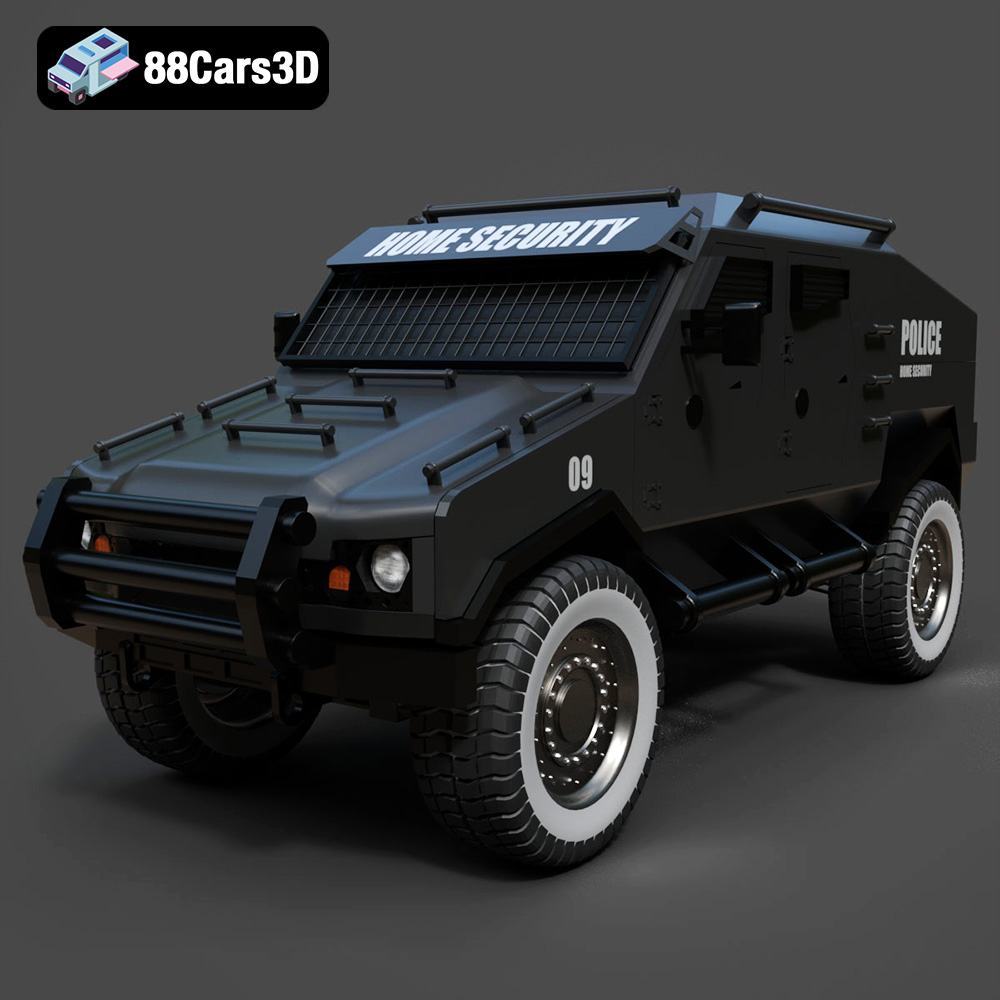
Download the Armoured Vehicle 001 3D Model featuring clean geometry, realistic detailing, and a fully modeled interior. Includes .blend, .fbx, .obj, .glb, .stl, .ply, .unreal, and .max formats for rendering, simulation, and game development.
Price: $19.99
Texture: Yes
Material: Yes
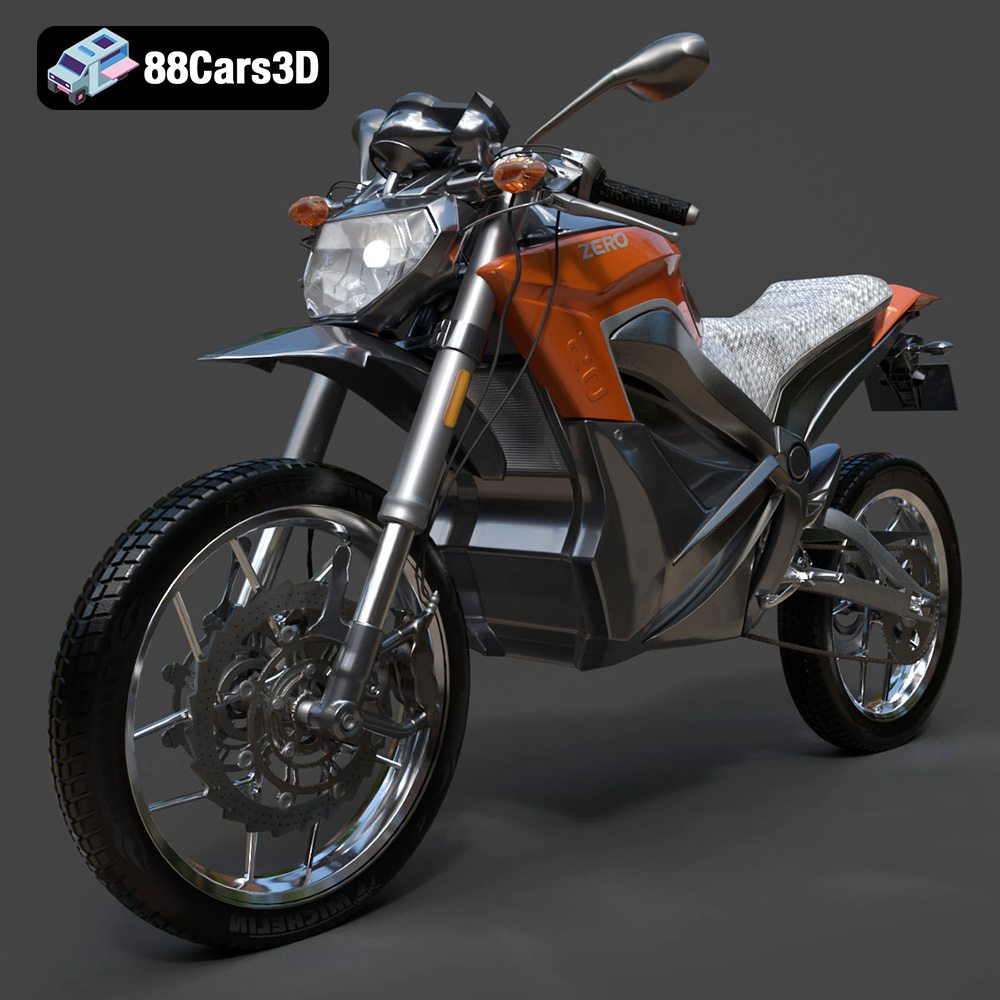
Download the Zero Motorcycles S ZF8.5 3D Model featuring clean geometry, realistic detailing, and a fully modeled interior. Includes .blend, .fbx, .obj, .glb, .stl, .ply, .unreal, and .max formats for rendering, simulation, and game development.
Price: $19.99

Texture: Yes
Material: Yes
Download the Zeekr 001 3D Model featuring clean geometry, realistic detailing, and a fully modeled interior. Includes .blend, .fbx, .obj, .glb, .stl, .ply, .unreal, and .max formats for rendering, simulation, and game development.
Price: $19.99

