Get 50% OFF All Premium 3D & STL Models!

“`html
The world of 3D printing has opened up incredible possibilities for automotive enthusiasts and model makers. The ability to bring your favorite cars to life as tangible objects is now within reach. However, the journey from a digital vehicle model to a physical 3D print requires careful preparation, particularly in converting the model into a printable STL file. This guide provides a comprehensive overview of the process, covering everything from file formats and mesh optimization to slicing parameters and printer settings. Whether you’re a seasoned 3D printing expert or just starting out, this guide will equip you with the knowledge and skills to create stunning 3D printed car models.
In this article, we will explore the intricacies of preparing your digital car models for 3D printing, focusing on the critical conversion to the STL format. We will delve into best practices for mesh repair, optimization for different printing technologies (FDM and resin), slicing techniques for achieving high-quality prints, and essential post-processing steps. Furthermore, we’ll discuss how marketplaces like 88cars3d.com can streamline the process by providing pre-optimized, print-ready STL files. By the end of this guide, you’ll be well-versed in the art of transforming virtual vehicle designs into impressive 3D printed realities.
The STL (Stereolithography) file format is the industry standard for 3D printing. It represents the surface geometry of a 3D object as a collection of triangles. The accuracy and printability of your 3D model heavily depend on the quality of the STL file. A poorly constructed STL can lead to print errors, weak spots, and a generally unsatisfactory final product.
At its core, an STL file is a list of triangular facets. Each facet is defined by three vertices (points in 3D space) and a normal vector (a vector perpendicular to the surface of the triangle). The normal vector determines the orientation of the surface, indicating which side is “inside” and which is “outside.” A consistent normal orientation is crucial for ensuring a “manifold” mesh, which is essential for successful slicing and printing. Issues like flipped normals can cause slicing software to interpret the model incorrectly, resulting in missing sections or printing errors. A good understanding of this fundamental structure allows you to troubleshoot potential problems and optimize your models for printing.
The number of triangles used to represent a 3D model dictates its resolution and level of detail. A higher triangle count results in a smoother surface and more accurate representation of curves and complex features. However, an excessively high triangle count can lead to large file sizes, slower slicing times, and increased processing demands on your 3D printer. Finding the right balance between detail and file size is crucial. For vehicle models, areas like the car’s body, rims, and intricate detailing often require a higher polygon count than simpler, flatter surfaces. Mesh simplification tools can be used to reduce the triangle count in less critical areas without significantly sacrificing visual quality. When sourcing models from online platforms, it’s beneficial to check the triangle count specifications – lower detail models will often be suitable for smaller prints, whilst higher detail models allow for larger, more impressive scale reproductions.
Before converting your vehicle model to an STL file, several preparatory steps are essential. This includes ensuring the model is watertight, scaled correctly, and properly oriented. These steps lay the foundation for a successful print and minimize the risk of errors or unexpected results.
A watertight model is one that has no holes, gaps, or open edges. In other words, it represents a fully enclosed volume. This is a fundamental requirement for 3D printing, as the slicing software needs to be able to define a clear “inside” and “outside” for the object. Non-watertight models can lead to slicing errors, missing sections, and failed prints. Software like Meshmixer, Netfabb, and Blender offers tools for identifying and repairing holes in meshes. These tools can automatically close small gaps, stitch together open edges, and fill in missing faces. Regularly checking your model for watertightness is a crucial step in the preparation process.
The scale of your model determines its final size when printed. It’s crucial to scale the model appropriately for your printer’s build volume and the desired level of detail. In most 3D modeling and slicing software, you can specify the dimensions in millimeters or inches. Proper orientation on the build plate is also critical. The orientation affects the amount of support material needed, the print time, and the surface finish. For example, orienting a car body with the roof facing down can minimize the need for supports on the curved roof surface. Experiment with different orientations to find the one that offers the best balance between support usage, print time, and surface quality. Proper scaling ensures your model fits within your printer’s build volume, while correct orientation optimizes the printing process for the best possible results.
Numerous software packages are available for converting and repairing 3D models for 3D printing. Each software has its strengths and weaknesses, so choosing the right tool for the job is crucial. Some popular options include Meshmixer, Netfabb, Blender, and dedicated CAD/CAM software.
Meshmixer is a free and powerful tool from Autodesk, ideal for preparing models for 3D printing. It offers a wide range of features, including mesh repair, support generation, hollowing, and mesh simplification. Meshmixer’s “Make Solid” tool is particularly useful for converting non-manifold meshes into watertight models. The software can automatically detect and fix holes, bridges, and self-intersections. Additionally, Meshmixer’s sculpting tools allow for manual adjustments and refinements to the mesh. Its user-friendly interface and comprehensive feature set make it a popular choice for both beginners and experienced users.
Netfabb is a professional-grade software package from Autodesk designed specifically for additive manufacturing. It offers advanced tools for mesh repair, optimization, and build preparation. Netfabb’s automatic repair tools can quickly identify and fix a wide range of mesh errors, including holes, flipped normals, and intersecting faces. The software also includes features for optimizing the mesh for different printing technologies, such as FDM and resin printing. While Netfabb is a paid software, it offers a free trial period, allowing you to test its capabilities before committing to a purchase. Its advanced features and robust performance make it a valuable tool for professional 3D printing applications.
The optimal STL file preparation techniques differ depending on whether you plan to print your vehicle model using FDM (Fused Deposition Modeling) or resin printing. Understanding these differences is crucial for achieving the best possible results.
FDM printing involves extruding molten plastic layer by layer. When preparing STL files for FDM printing, several factors need to be considered to ensure good layer adhesion and structural integrity. Proper orientation is essential, as it affects the direction of the layers and the amount of support material needed. Consider orienting the model to minimize overhangs, which require support structures. The layer height also plays a significant role. Lower layer heights (e.g., 0.1mm) result in smoother surfaces but increase print time. Higher layer heights (e.g., 0.2mm) print faster but may compromise surface quality. Infill density is another important parameter. A higher infill density increases the strength of the model but also increases print time and material usage. A density of 15-25% is typically sufficient for most decorative car models. Additionally, ensure proper bed adhesion by using a heated bed and appropriate bed adhesion techniques, such as using a brim or raft. FDM prints benefit from robust support structures to allow for complex forms and overhangs.
Resin printing, also known as stereolithography (SLA) or digital light processing (DLP), uses a liquid resin that is cured by UV light. Resin printing is known for its ability to produce highly detailed prints with smooth surfaces. When preparing STL files for resin printing, it’s crucial to optimize the model for the specific resin being used and the printer’s capabilities. Proper support structures are essential, as resin prints are often delicate before being fully cured. Consider using a combination of light, medium, and heavy supports to provide adequate support without leaving excessive marks on the surface. Orientation also plays a crucial role. Orienting the model at an angle can minimize the cross-sectional area of each layer, reducing the force on the supports and improving print success. Exposure time is a critical parameter that determines the amount of UV light needed to cure each layer. The optimal exposure time depends on the resin being used and the printer’s settings. Overexposure can lead to excessive curing and loss of detail, while underexposure can result in weak prints. Hollow out larger models to conserve resin and reduce the weight of the print. Be sure to include drain holes to allow resin to escape during printing and cleaning. When downloading models from marketplaces such as 88cars3d.com, check if they’re optimized for resin or FDM printing – or designed to be easily adapted to either.
Slicing software converts the STL file into a series of instructions (G-code) that the 3D printer can understand. The slicing parameters you choose have a significant impact on the print quality, strength, and print time. Popular slicing software options include Cura, PrusaSlicer, Simplify3D, and Chitubox.
Layer height determines the thickness of each layer in the print. Lower layer heights result in smoother surfaces and finer details but increase print time. Higher layer heights print faster but may compromise surface quality. A layer height of 0.1-0.2mm is a good starting point for most FDM prints. Print speed affects both print time and print quality. Slower print speeds generally result in better print quality but increase print time. Faster print speeds can lead to print defects, such as ringing and poor layer adhesion. Experiment with different print speeds to find the optimal balance. Temperature settings are crucial for proper material extrusion and layer adhesion. The optimal temperature depends on the material being used. PLA typically prints at 190-220°C, while ABS requires higher temperatures of 230-260°C. Refer to the material manufacturer’s recommendations for the appropriate temperature settings. It’s also important to dial in the bed temperature and use appropriate adhesion methods (brim, raft) to ensure your vehicle model stays securely attached to the build plate.
Infill is the internal structure of the 3D print. The infill pattern and density affect the strength, weight, and print time of the model. Common infill patterns include grid, line, triangle, and gyroid. Gyroid infill is known for its high strength-to-weight ratio. Infill density is the percentage of the model’s interior that is filled with infill. A higher infill density results in a stronger model but also increases print time and material usage. For decorative car models, an infill density of 15-25% is usually sufficient. For functional parts or models that need to withstand stress, a higher infill density may be necessary. Some slicing software also allows you to vary the infill density in different areas of the model. For example, you can increase the infill density in areas that are prone to stress or require extra support. Proper management of infill density can greatly increase the strength and durability of your printed model, ensuring it can withstand handling and display.
Once the 3D printing process is complete, post-processing techniques can be used to refine the surface finish, remove support structures, and assemble multiple parts. These steps are essential for achieving a professional-looking final product.
Support structures are often necessary to print overhangs and complex geometries. After printing, these supports need to be carefully removed. Use pliers, cutters, or a deburring tool to remove the supports, taking care not to damage the model. Start with the larger supports and work your way down to the smaller ones. Sanding is used to smooth the surface of the 3D print and remove any imperfections. Start with a coarse grit sandpaper (e.g., 220 grit) and gradually move to finer grits (e.g., 400 grit, 600 grit, 800 grit). Use wet sanding for best results. Filling is used to fill in any gaps, holes, or imperfections in the surface of the model. Use a putty or filler designed for plastics. Apply the filler to the affected areas and let it dry completely. Then, sand the filler smooth to blend it with the surrounding surface. These techniques are crucial for achieving a smooth, professional-looking surface finish on your 3D printed car model.
Painting can enhance the appearance of your 3D printed car model and add realistic details. Use acrylic paints or model paints designed for plastics. Apply a primer coat to the model before painting to improve adhesion. Use multiple thin coats of paint for best results. Consider using masking tape to create clean lines and add details. Assembly is necessary if the model consists of multiple parts. Use super glue or epoxy to join the parts together. Ensure the parts are aligned correctly before gluing them together. Consider using clamps or tape to hold the parts in place while the glue dries. With careful attention to detail, these post-processing steps can transform your 3D printed car model into a stunning work of art. Platforms like 88cars3d.com offer a diverse selection of printable car models, often designed with ease of assembly in mind.
Despite careful preparation, 3D printing can sometimes present challenges. Understanding common printing issues and how to troubleshoot them is essential for a successful outcome.
Warping occurs when the corners of the 3D print lift off the build plate. This is often caused by temperature differences between the print and the surrounding environment. To prevent warping, use a heated bed, apply bed adhesion techniques (e.g., brim, raft), and ensure the printing environment is stable. Bed adhesion is crucial for a successful print. If the print doesn’t stick to the build plate, it can lead to print failure. Clean the build plate thoroughly with isopropyl alcohol before printing. Use a bed adhesive, such as glue stick or hairspray, to improve adhesion. Layer delamination occurs when the layers of the 3D print separate. This is often caused by insufficient temperature or poor layer adhesion. Increase the printing temperature and ensure the bed is properly leveled to prevent layer delamination. Ensuring a clean build plate, proper temperature control, and sufficient bed adhesion are critical for successful printing.
Stringing occurs when strands of plastic are left between different parts of the 3D print. This is often caused by excessive retraction or insufficient cooling. Increase the retraction distance and speed, and ensure the cooling fan is working properly to prevent stringing. Blobs occur when excess plastic is deposited on the surface of the print. This can be caused by inconsistent extrusion or excessive flow rate. Calibrate the extruder and reduce the flow rate to prevent blobs. Overhangs are parts of the 3D print that extend outwards without support. If the overhang is too steep, it can collapse or sag. Use support structures to support overhangs. Consider reducing the layer height and printing speed to improve the quality of overhangs. These adjustments can dramatically improve the visual appearance and structural integrity of your prints.
Converting vehicle models into printable STL files is a multi-faceted process that requires careful attention to detail. From understanding STL file structure and mesh topology to optimizing slicing parameters and mastering post-processing techniques, each step plays a crucial role in achieving a high-quality 3D printed car model. By following the guidelines and best practices outlined in this comprehensive guide, you can transform your favorite virtual vehicles into tangible objects.
Remember, the key to successful 3D printing lies in careful preparation, experimentation, and continuous learning. Don’t be afraid to try different settings, materials, and techniques to find what works best for your specific printer and model. And when you’re looking for high-quality, print-ready STL files, be sure to explore reputable online marketplaces like 88cars3d.com. So, embrace the world of 3D printing and embark on your journey to create stunning 3D printed car models that will impress and inspire. Happy printing!
“`

Texture: Yes
Material: Yes
Download the Honda NSX 2017 3D Model featuring clean geometry, realistic detailing, and a fully modeled interior. Includes .blend, .fbx, .obj, .glb, .stl, .ply, .unreal, and .max formats for rendering, simulation, and game development.
Price: $19.99
Texture: Yes
Material: Yes
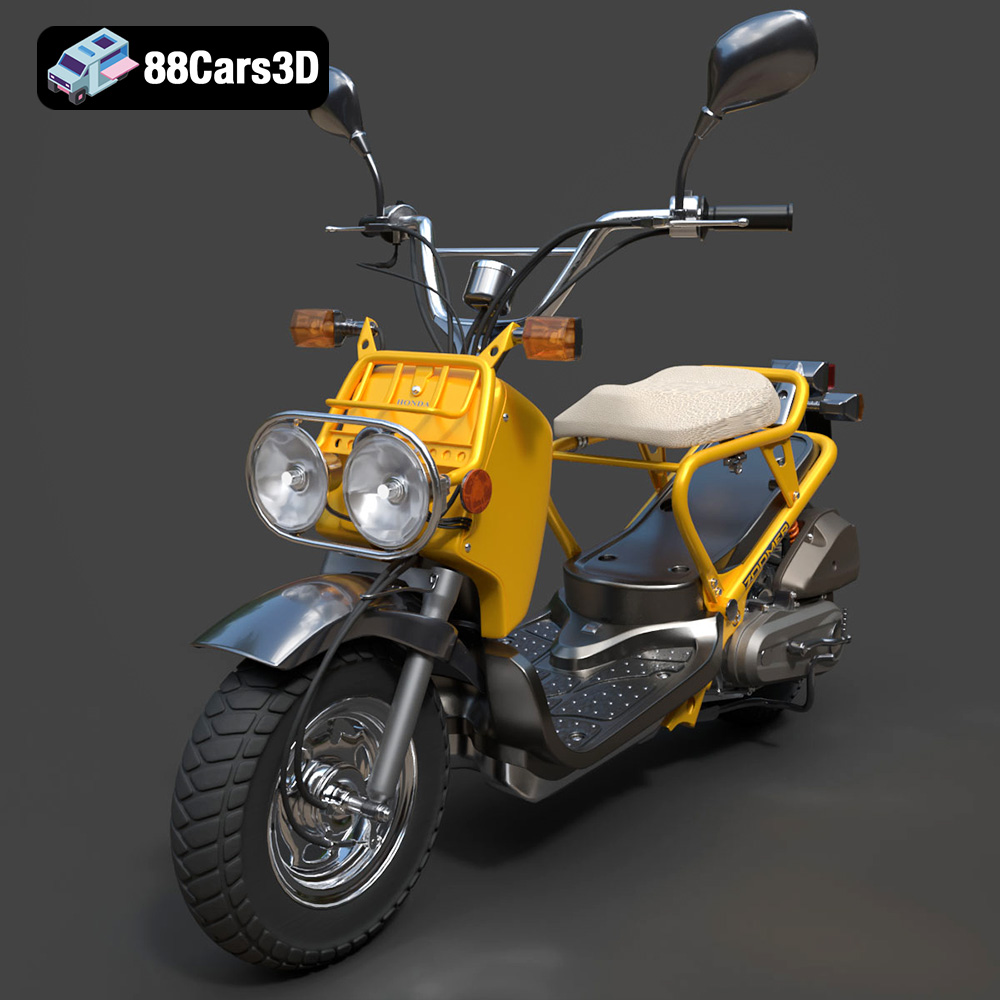
Download the Honda Zoomer 50 2005 3D Model featuring clean geometry, realistic detailing, and a fully modeled interior. Includes .blend, .fbx, .obj, .glb, .stl, .ply, .unreal, and .max formats for rendering, simulation, and game development.
Price: $19.99

Texture: Yes
Material: Yes
Download the Honda Valkyrie GL1800C 2015 3D Model featuring clean geometry, realistic detailing, and a fully modeled interior. Includes .blend, .fbx, .obj, .glb, .stl, .ply, .unreal, and .max formats for rendering, simulation, and game development.
Price: $19.99
Texture: Yes
Material: Yes
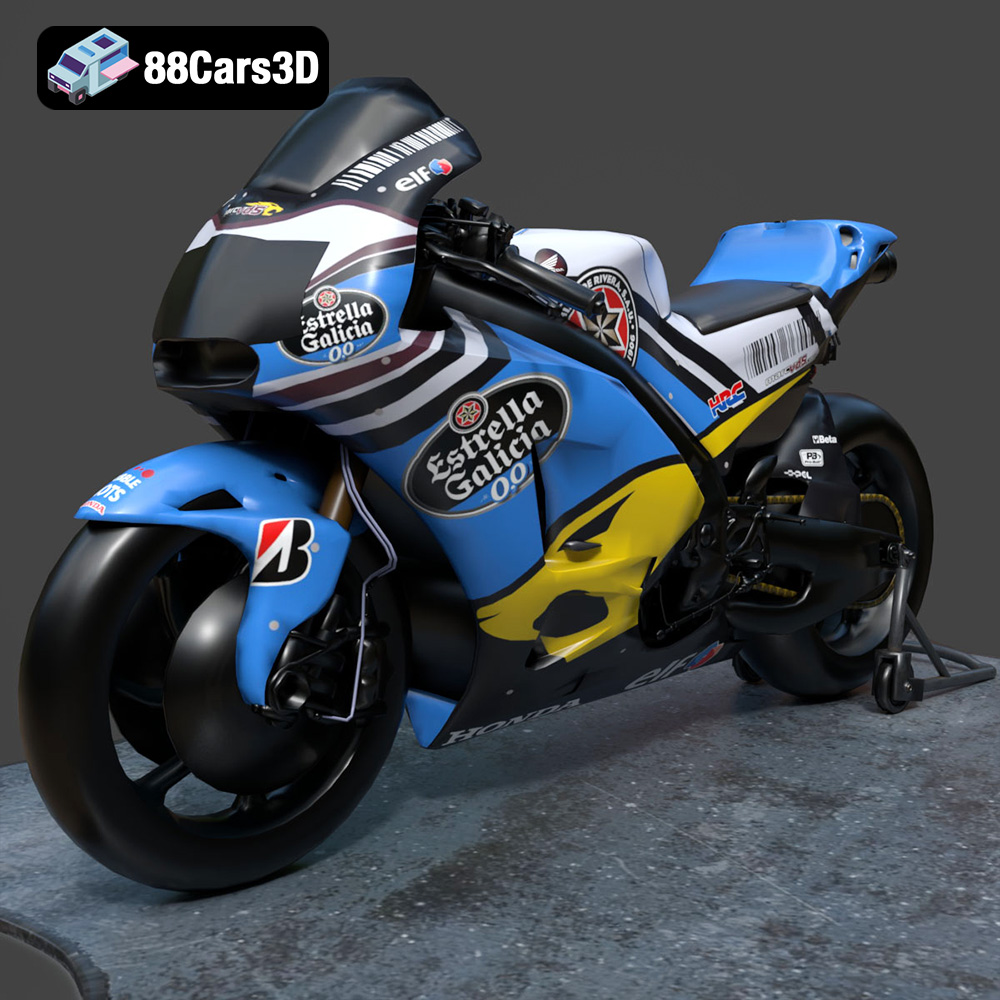
Download the Honda RCV-213-001 3D Model featuring clean geometry, realistic detailing, and a fully modeled interior. Includes .blend, .fbx, .obj, .glb, .stl, .ply, .unreal, and .max formats for rendering, simulation, and game development.
Price: $19.99
Texture: Yes
Material: Yes
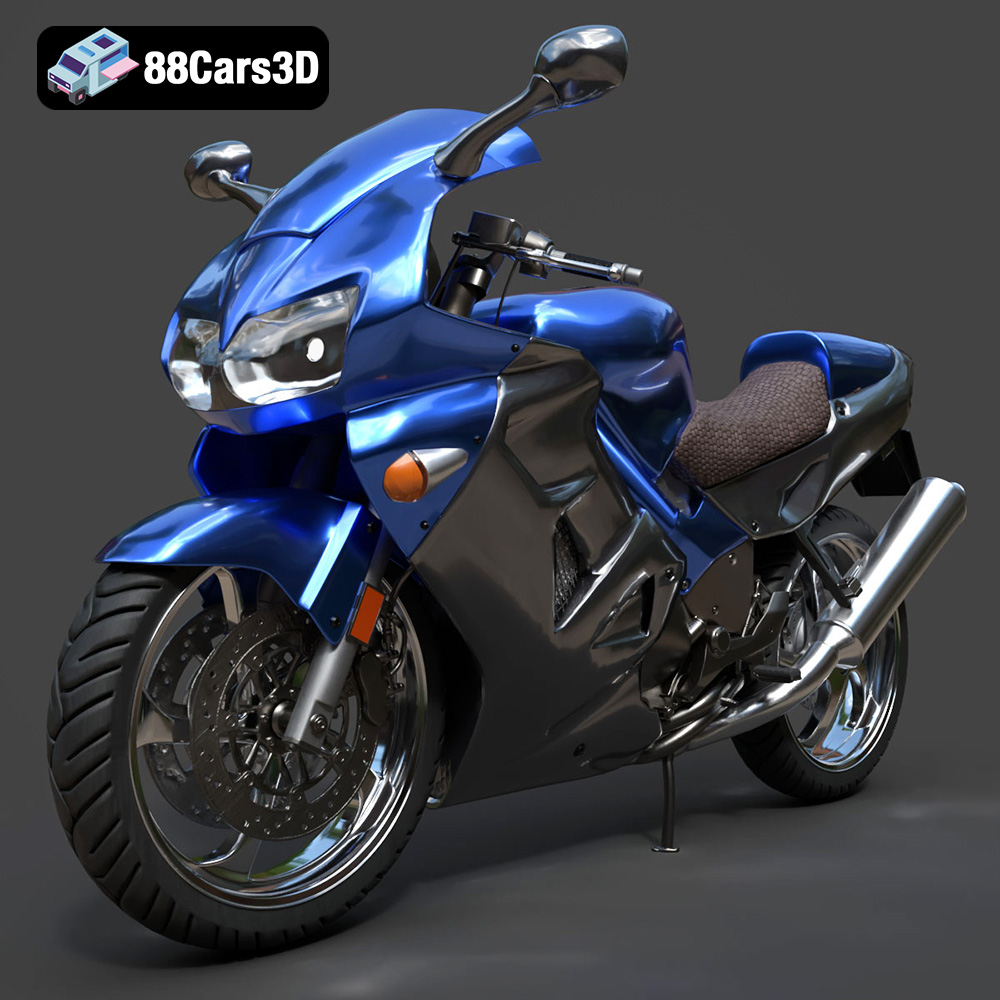
Download the Honda VFR 801-002 3D Model featuring clean geometry, realistic detailing, and a fully modeled interior. Includes .blend, .fbx, .obj, .glb, .stl, .ply, .unreal, and .max formats for rendering, simulation, and game development.
Price: $19.99
Texture: Yes
Material: Yes
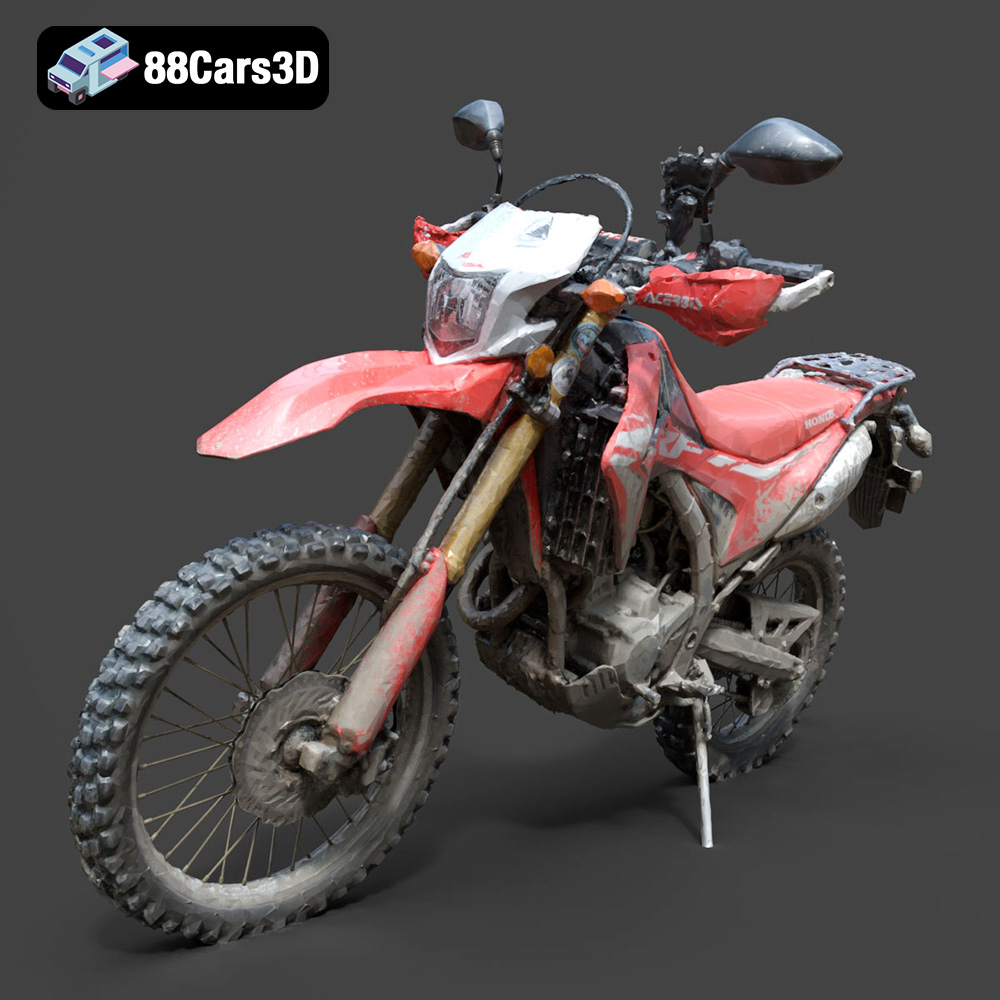
Download the Honda Motorcycle-001 3D Model featuring clean geometry, realistic detailing, and a fully modeled interior. Includes .blend, .fbx, .obj, .glb, .stl, .ply, .unreal, and .max formats for rendering, simulation, and game development.
Price: $19.99

Texture: Yes
Material: Yes
Download the Honda Monkey 125 2019 3D Model featuring clean geometry, realistic detailing, and a fully modeled interior. Includes .blend, .fbx, .obj, .glb, .stl, .ply, .unreal, and .max formats for rendering, simulation, and game development.
Price: $19.99
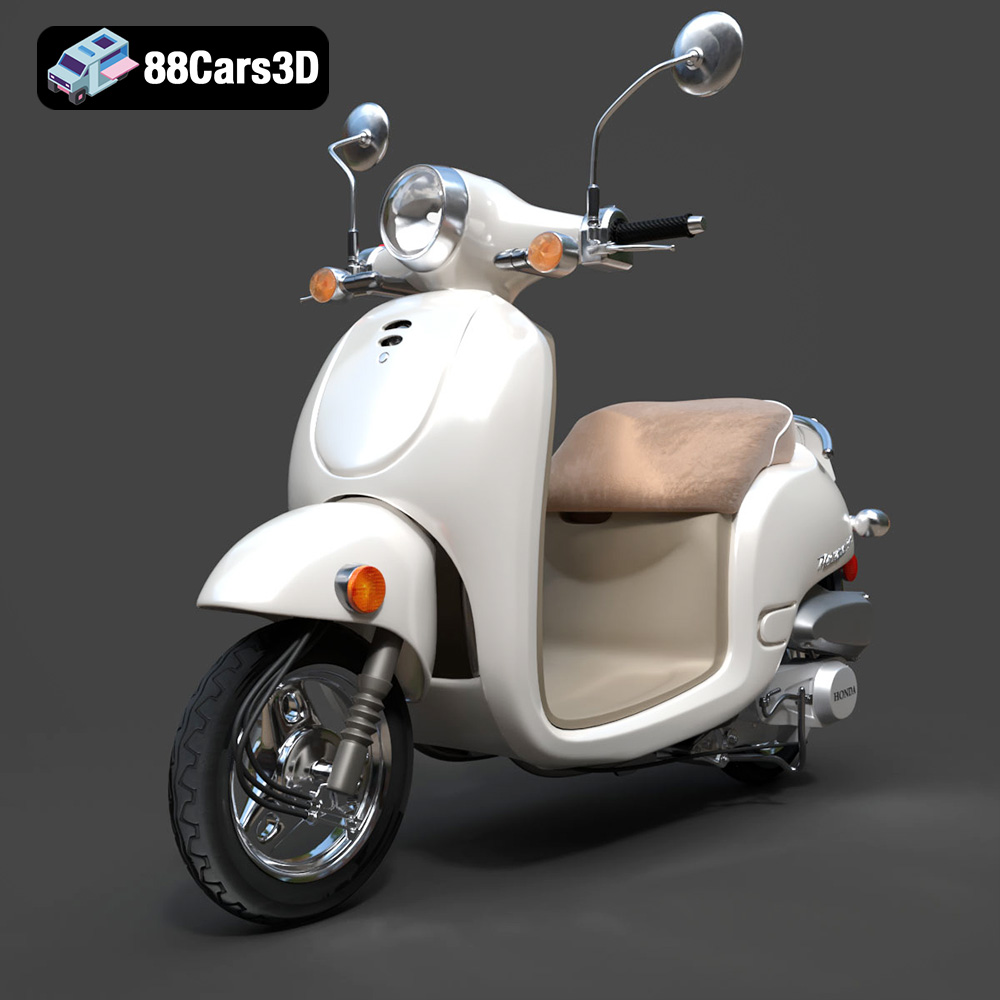
Texture: Yes
Material: Yes
Download the Honda Metropolitan 2013 3D Model featuring clean geometry, realistic detailing, and a fully modeled interior. Includes .blend, .fbx, .obj, .glb, .stl, .ply, .unreal, and .max formats for rendering, simulation, and game development.
Price: $19.99

Texture: Yes
Material: Yes
Download the Honda Civic Si Sedan 2017 3D Model featuring clean geometry, realistic detailing, and a fully modeled interior. Includes .blend, .fbx, .obj, .glb, .stl, .ply, .unreal, and .max formats for rendering, simulation, and game development.
Price: $19.99

Texture: Yes
Material: Yes
Download the Helicopter UH-40 3D Model featuring clean geometry, realistic detailing, and a fully modeled interior. Includes .blend, .fbx, .obj, .glb, .stl, .ply, .unreal, and .max formats for rendering, simulation, and game development.
Price: $19.99

