Get 50% OFF All Premium 3D & STL Models!

The automotive landscape is undergoing a profound transformation. Electric vehicles (EVs) are becoming mainstream, and autonomous technology promises to redefine personal mobility and urban infrastructure. For professionals in architectural visualization (ArchViz), game development, smart city planning, and cinematic CGI, accurately representing this evolving future is paramount. It’s no longer enough to use generic vehicle assets; the demand is for high-fidelity, technically precise 3D car models that capture the essence of next-generation transportation.
This is where specialized asset bundles like the Elite Future Mobility: EV & Autonomous SUV Bundle from 88cars3d.com become indispensable. This meticulously curated collection brings together four iconic vehicles that epitomize innovation: the sleek Tesla Model S, the futuristic Avatr 11 Electric SUV, the luxurious Li L9 SUV, and the revolutionary Zoox Robotaxi. Designed with a clean topology and optimized for both stunning close-up renders and seamless integration into real-time engines, this bundle empowers creators to populate their virtual worlds with the very best of future mobility.
In this comprehensive guide, we’ll delve into the technical intricacies of using such advanced 3D car models, explore essential file formats, discuss professional workflows in leading software like 3ds Max, Blender, and Unreal Engine, and highlight how these assets are shaping the future of digital automotive design and simulation.
When working with professional 3D car models, understanding the various file formats is crucial for seamless integration into your chosen software and pipeline. Each format offers specific advantages, optimized for different use cases, from detailed rendering to real-time interaction and even 3D printing. The Elite Future Mobility Bundle exemplifies this versatility by offering a wide array of formats, ensuring maximum compatibility for any project.
The .blend format is the native file type for Blender, an increasingly popular open-source 3D creation suite. A .blend file typically includes the entire scene setup: the 3D model geometry, materials (PBR shaders are common), textures, lighting, cameras, animation data, and even physics simulations. For Blender users, this format offers the most flexibility, allowing for full editability of the model, direct manipulation of materials, and immediate scene rendering without any conversion loss. It’s ideal for artists who want to customize every aspect of the vehicle, from tweaking polygon flow to creating bespoke material variations or animating specific components like doors and wheels.
.fbx (Filmbox) is a proprietary file format owned by Autodesk and is widely considered an industry standard for 3D data interchange. Its strength lies in its ability to store a comprehensive range of 3D data, including geometry, materials, textures, animations, and skeletal rigs, while maintaining hierarchical relationships. This makes it particularly ideal for transferring complex assets like the EV and autonomous SUV models into game engines like Unreal Engine and Unity, or between different DCC (Digital Content Creation) software. When you need to move a rigged car model with its pivot points correctly set for animation, .fbx is often the go-to choice due to its robust support for these features. It ensures that components like wheels and steering mechanisms retain their intended pivot points for easy rigging.
The .obj (Wavefront Object) format is one of the oldest and most universal 3D file formats. It primarily stores geometric data – vertices, normals, UV coordinates, and faces. While it can reference external material (.mtl) files for basic color and texture mapping, it doesn’t typically embed advanced PBR materials or animation data. Its strength is its ubiquity; almost every 3D software can import and export .obj files reliably. It’s an excellent choice for straightforward model transfers when detailed materials or animation aren’t the primary concern, making it a foundational format for cross-software compatibility. For the detailed exterior of the Tesla Model S or Li L9, .obj provides a clean geometric base.
.glb (GL Transmission Format Binary) is the binary version of the glTF format, designed for efficient transmission and loading of 3D scenes and models by engines and applications. It’s a relatively newer format, rapidly gaining traction for web-based 3D, Augmented Reality (AR), and Virtual Reality (VR) applications. A .glb file packages geometry, materials, textures, and even animation into a single, compact binary file, making it perfect for rapid deployment on websites, social media, or lightweight mobile AR experiences. For showcasing the Zoox Robotaxi in an interactive web viewer or an AR app, .glb is the most optimized solution.
The .stl (Stereolithography) format is the undisputed standard for 3D printing. Unlike other formats that describe surfaces, .stl represents a 3D model as a series of connected triangles, forming a tessellated approximation of the original geometry. It’s a “dumb” format in the sense that it carries no color, texture, or material information, only the raw mesh data. For preparing the EV and autonomous SUV models for physical output, such as creating miniature replicas of the Avatr 11, .stl is essential. It defines the external surface geometry crucial for additive manufacturing, ensuring manifold (watertight) geometry for successful prints.
.ply (Polygon File Format or Stanford Triangle Format) is another format for storing 3D data, often used for scanned 3D objects. It can store not only geometry but also color, transparency, surface normals, and other properties per vertex or per face. While less common for everyday artistic interchange than .fbx or .obj, it’s particularly valued in fields requiring precise mesh data, such as CAD, scientific visualization, and 3D scanning. For highly detailed analysis or specific reverse engineering workflows for an autonomous vehicle prototype, .ply can be a useful, precise mesh format.
The term .unreal refers to a highly optimized asset, specifically prepared for direct import and optimal performance within Unreal Engine. While Unreal Engine primarily imports .fbx files, an “.unreal” file often implies an .fbx that has been specifically configured with Unreal Engine’s conventions in mind: correct scale, pivot points, material setup (using Unreal’s PBR workflow), collision meshes, and sometimes even pre-set LODs (Levels of Detail). These assets are tailored to take full advantage of Unreal’s real-time rendering capabilities, making them perfect for high-fidelity games, cinematic sequences, and interactive ArchViz walkthroughs. The Elite Future Mobility models, being “unreal” ready, are designed to drop seamlessly into your projects for immediate use.
Finally, the .max format is the native file type for Autodesk 3ds Max, a powerful 3D modeling, animation, and rendering software widely used in design visualization and media production. Similar to .blend, a .max file contains all scene information, including the model geometry, modifiers, materials, textures, lights, cameras, animation curves, and render settings. For artists primarily working in 3ds Max, having the .max file provides complete control and editability, allowing for complex scene setups, advanced automotive rendering, and professional-grade animation sequences directly within the native environment.
The Elite Future Mobility: EV & Autonomous SUV Bundle is not just a collection of vehicles; it’s a statement about the future of transportation rendered in exquisite detail. Each of the four included 3D car models represents a pinnacle of design and technology, meticulously crafted for professional use. Let’s explore what makes each model unique and technically significant.
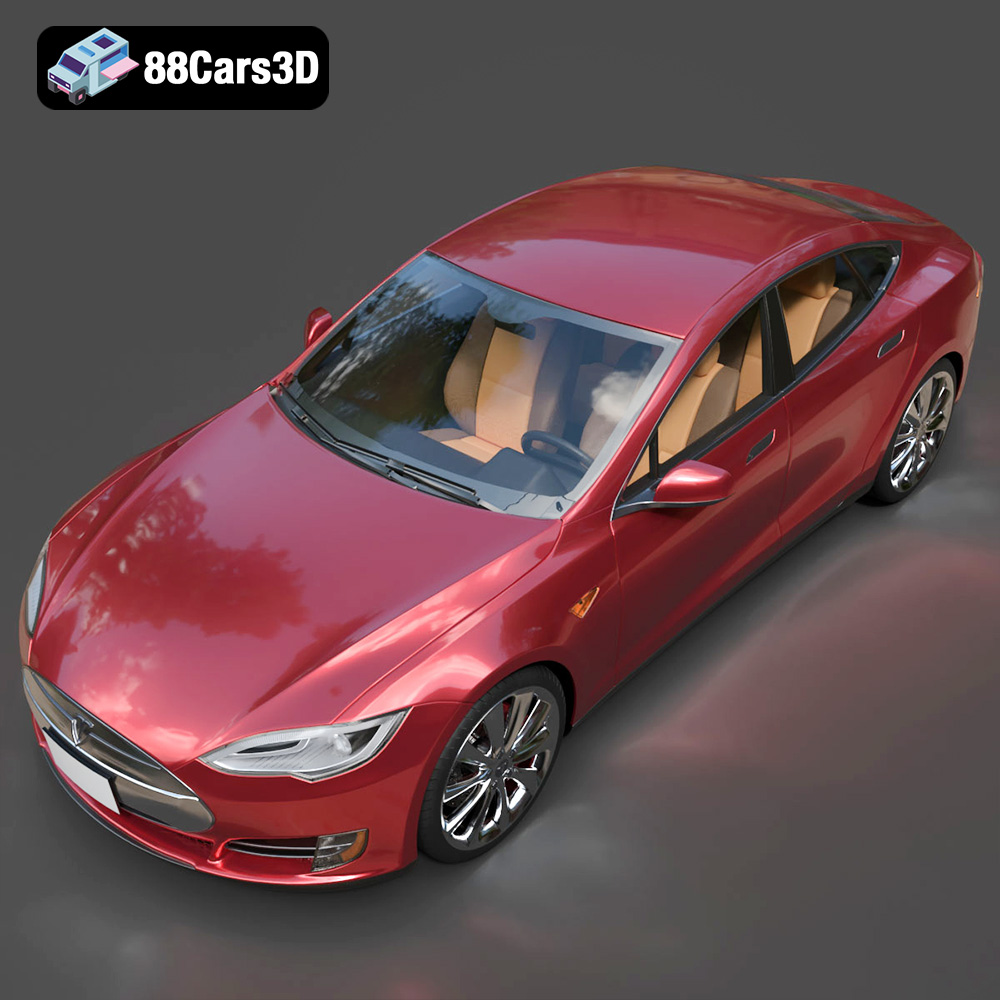
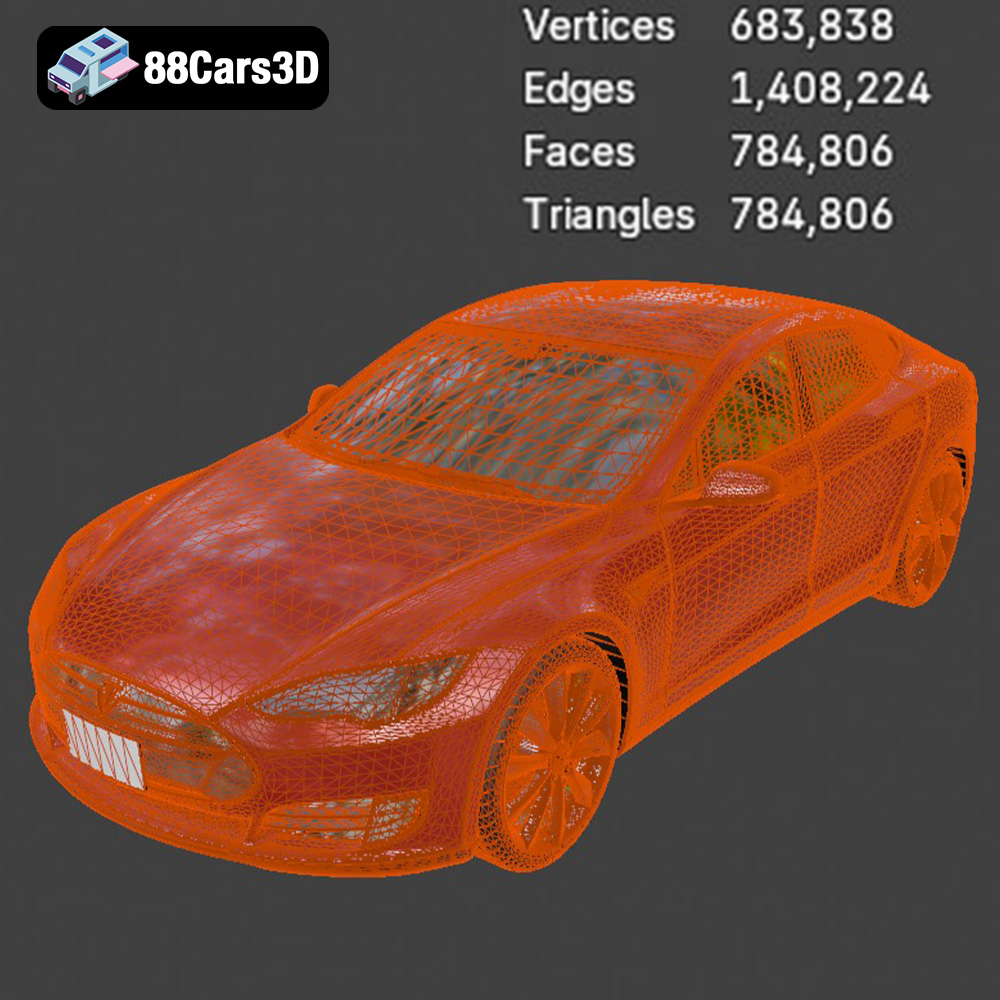
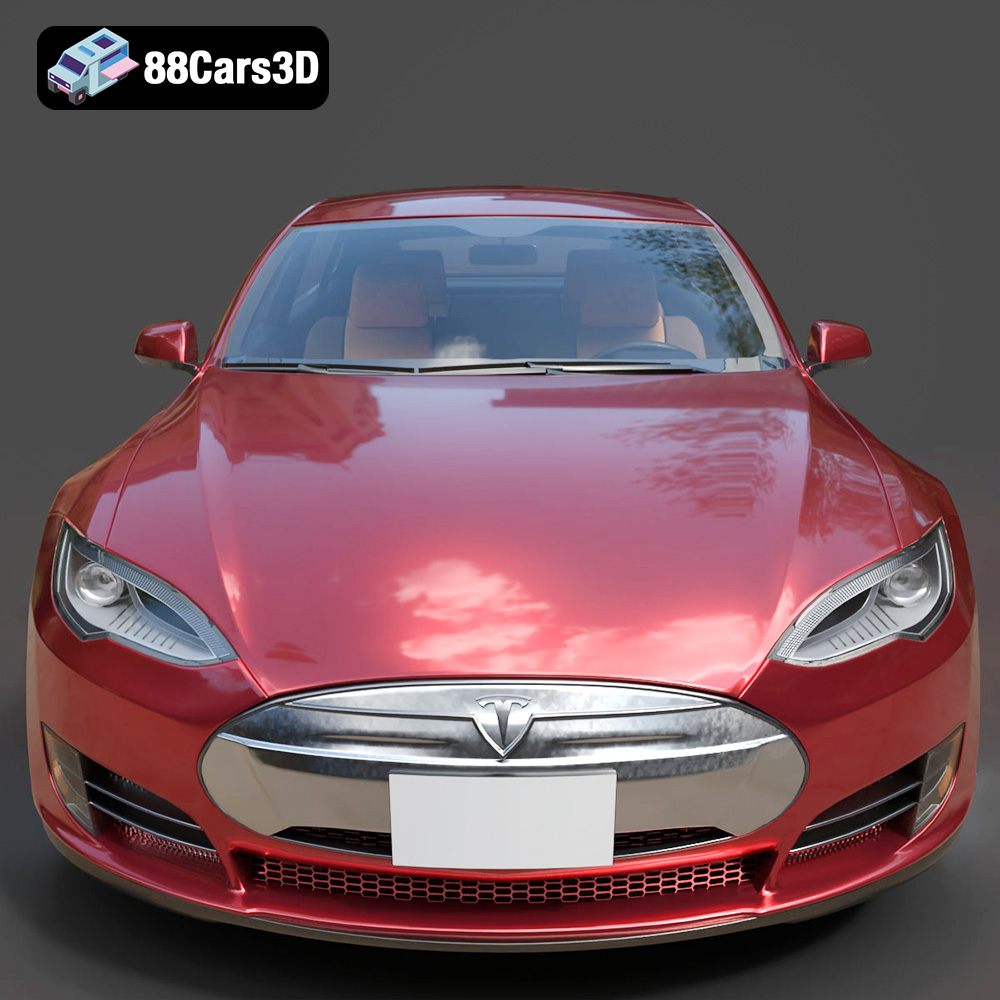
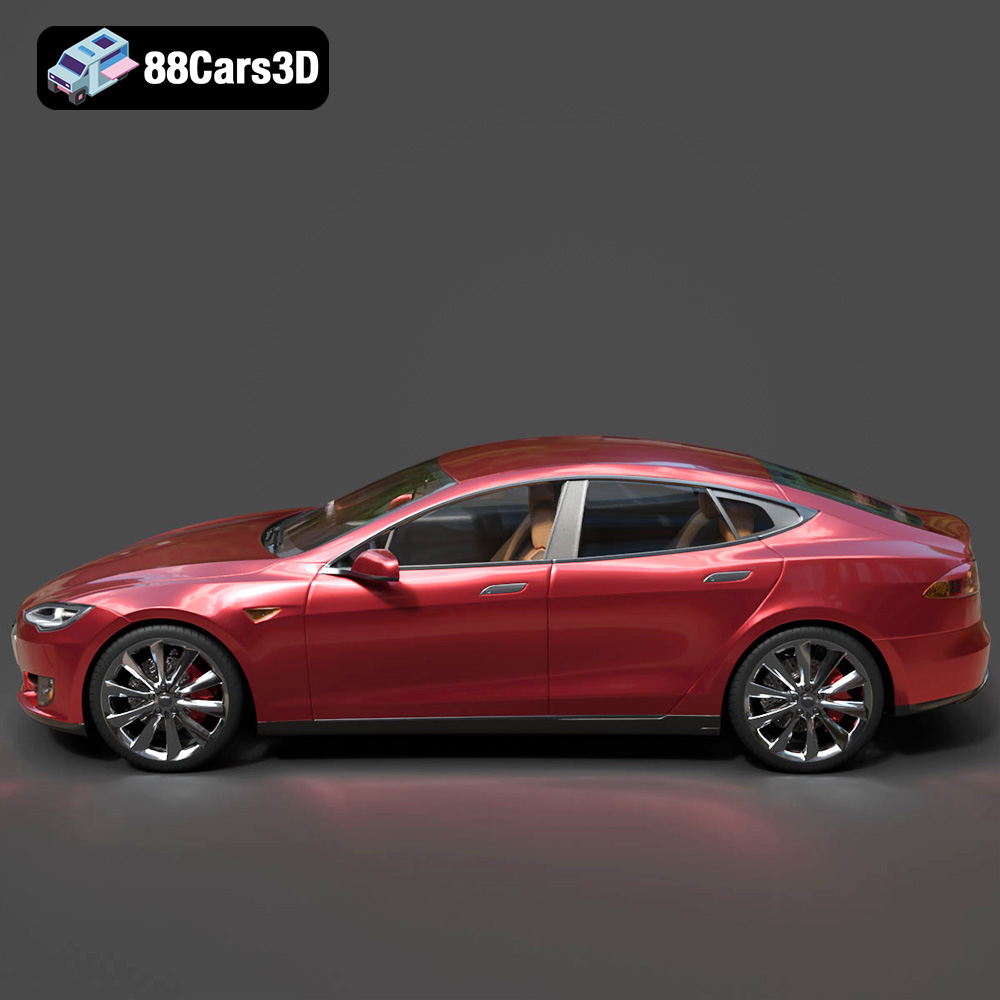
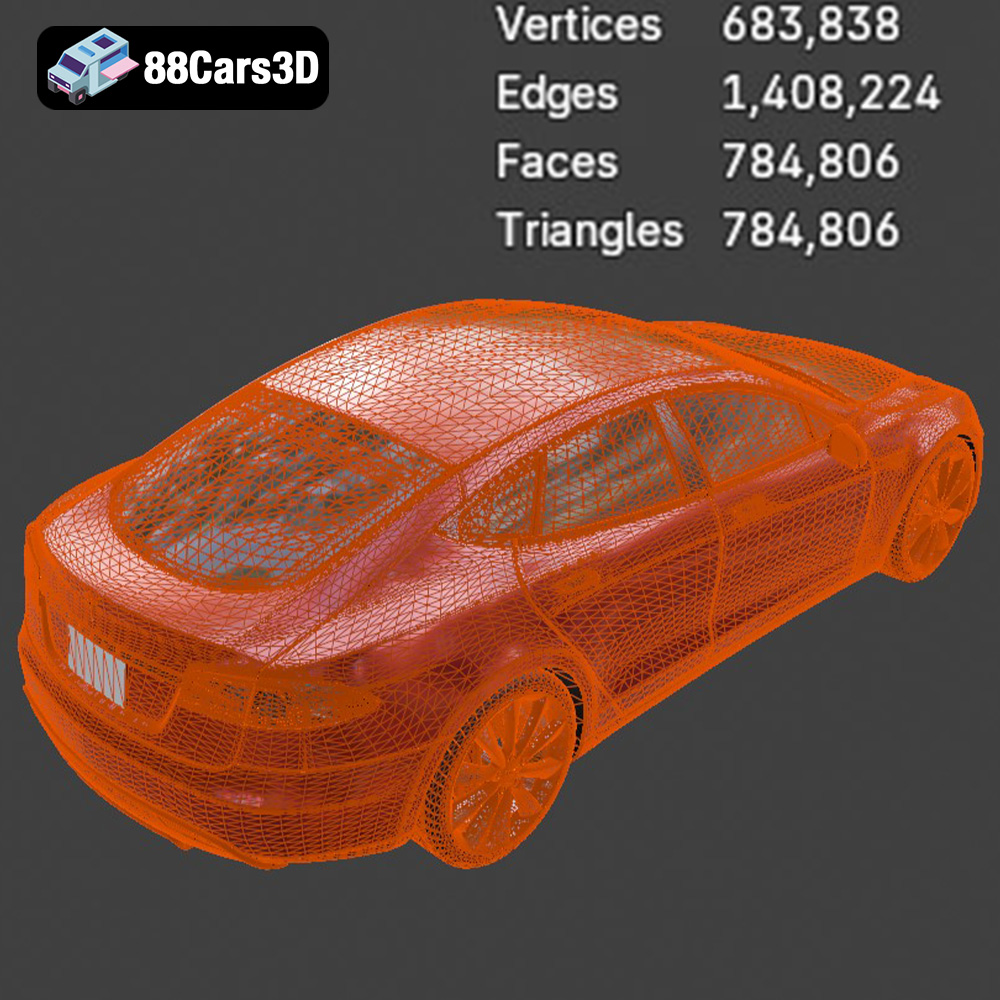
The Tesla Model S is arguably the car that redefined electric vehicles, blending performance with sleek, minimalist design. The 3D model in this bundle captures its iconic aerodynamic silhouette with accurate proportions derived from real-world factory dimensions. From the flush door handles to the distinctive headlight assemblies, every exterior detail is faithfully recreated. Its mid-poly topology (around 300k-500k triangles) ensures that it looks superb in close-up renders while remaining efficient enough for real-time environments. The clean quad-heavy mesh makes it subdivision-ready, allowing for even higher detail if needed for extreme close-ups or high-resolution stills.
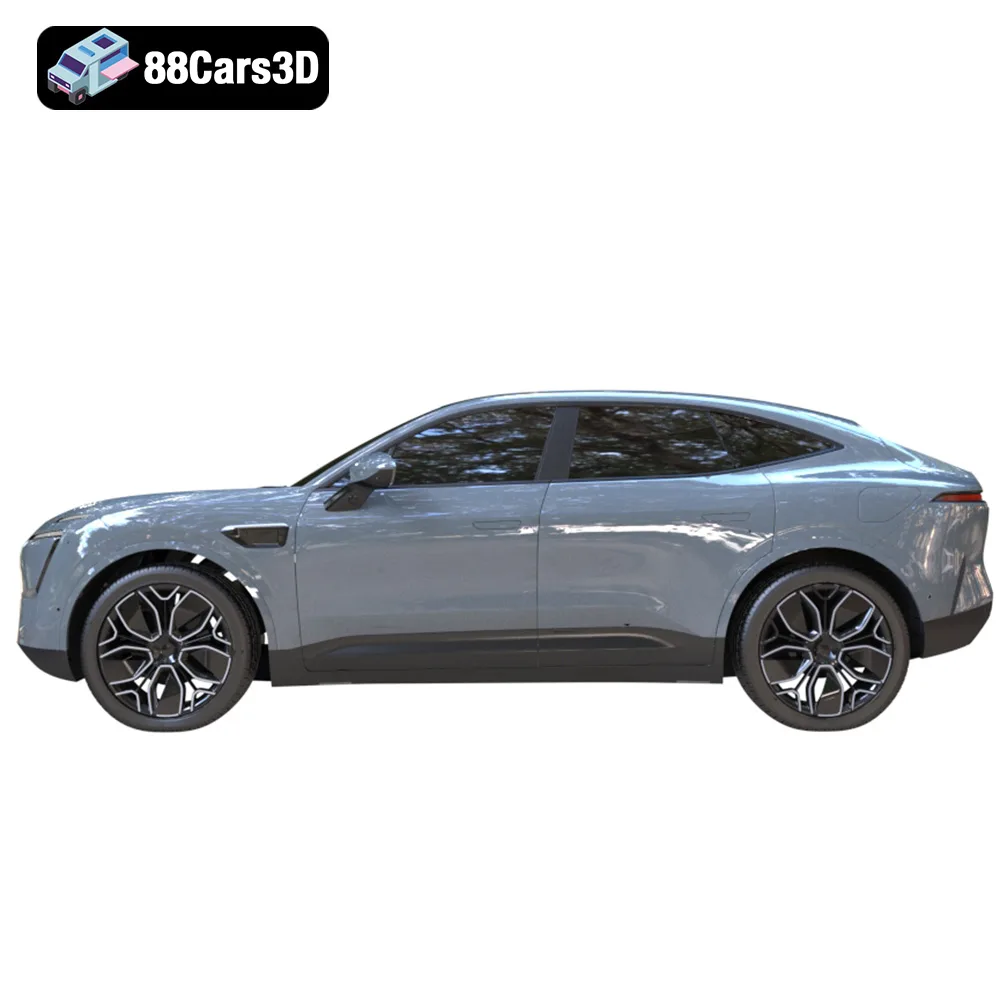
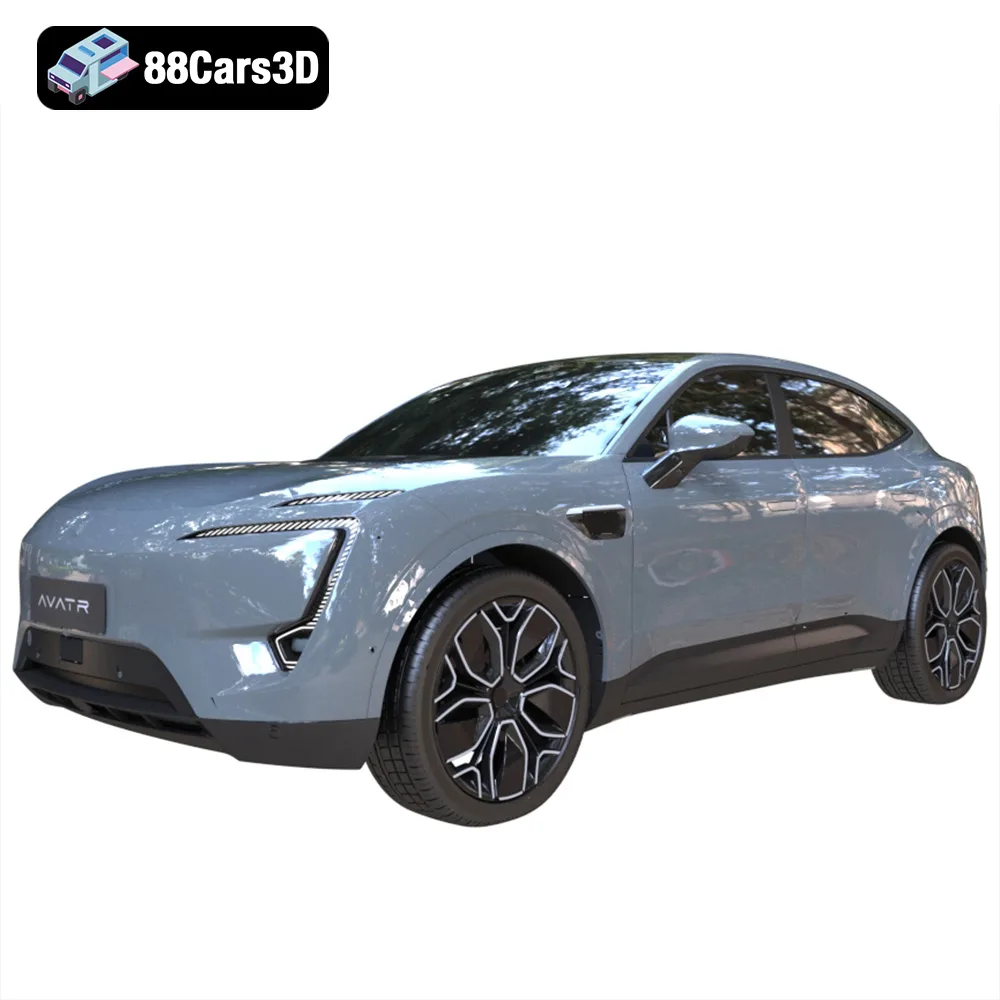
The Avatr 11, a collaboration between Changan, Huawei, and CATL, embodies a concept of “emotional functionalism” in its design. This 3D car model features its striking, futuristic aesthetic, including the unique rear window-less design that sets it apart. The emphasis on EV-specific details, such as charging port designs and unique body paneling, ensures authenticity. For ArchViz projects or smart city simulations, the Avatr 11 adds a distinctive, forward-thinking presence. Its optimized geometry is perfectly suited for populating virtual streets or showcasing next-generation charging infrastructure.
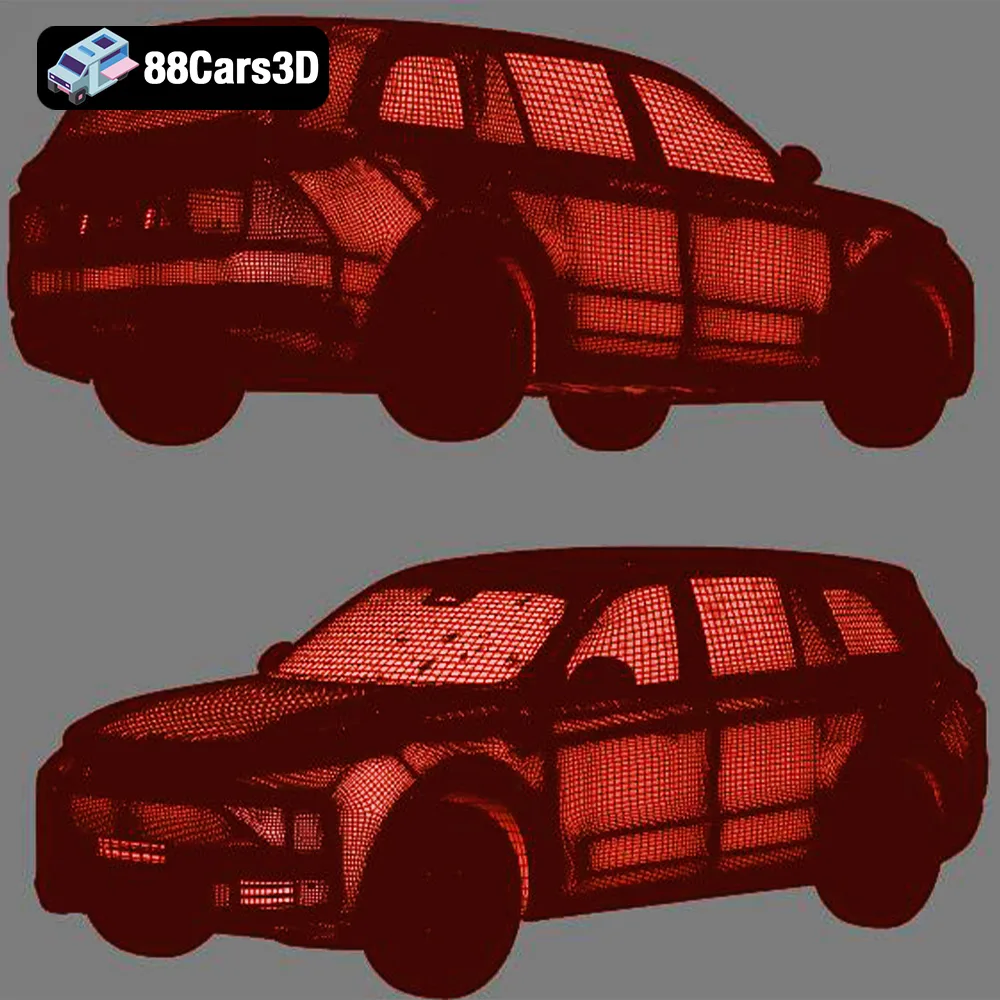
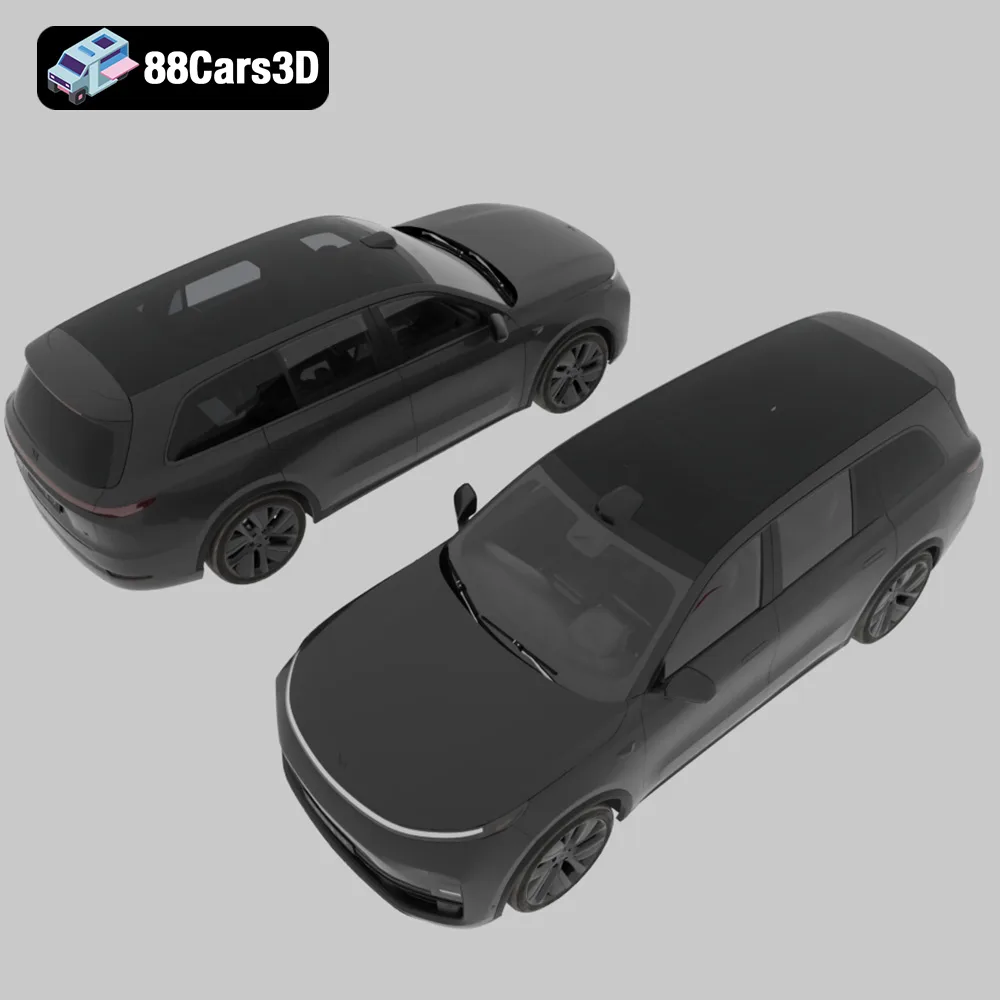
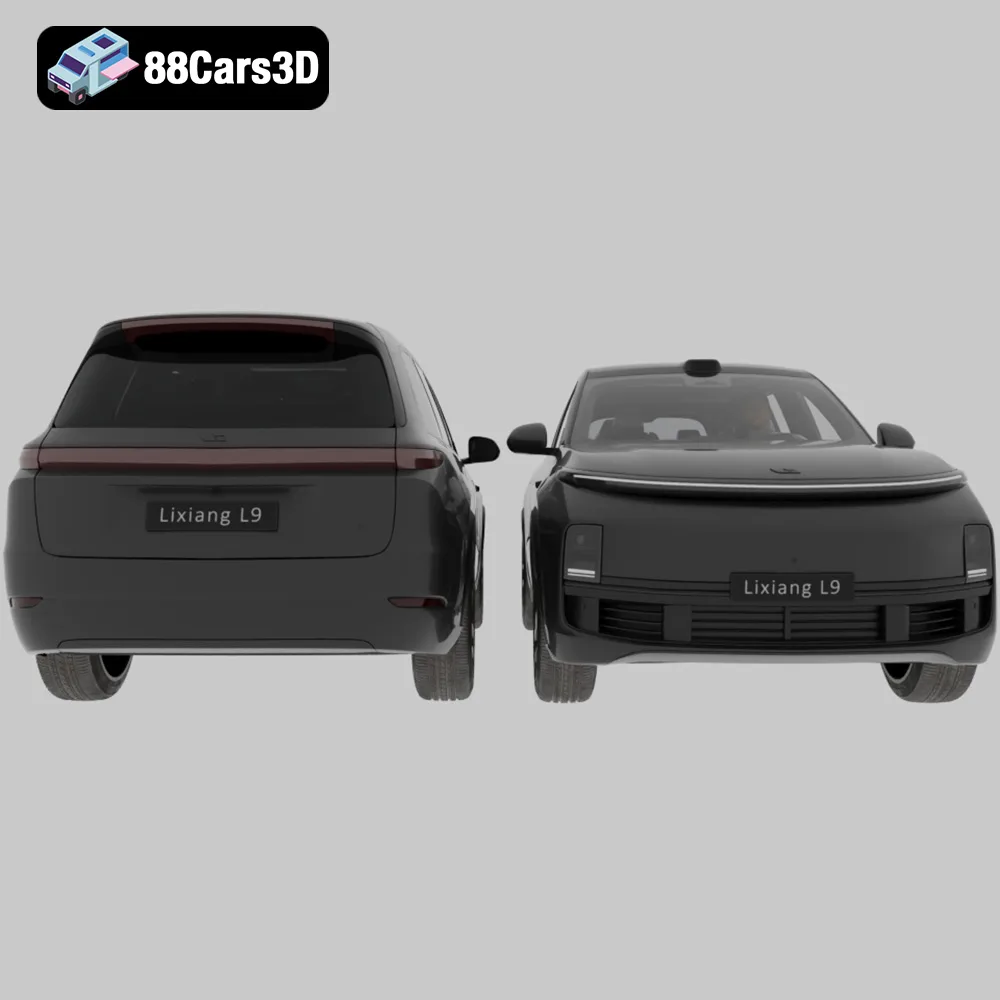
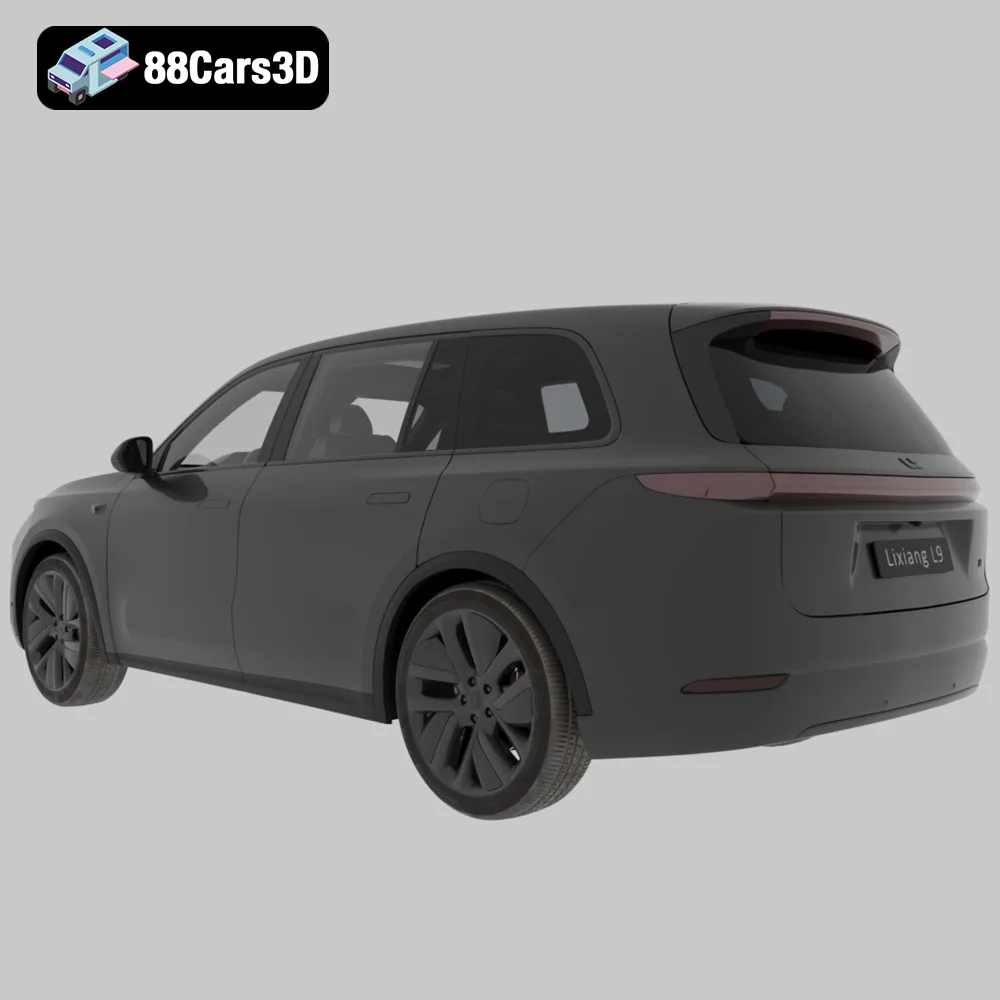
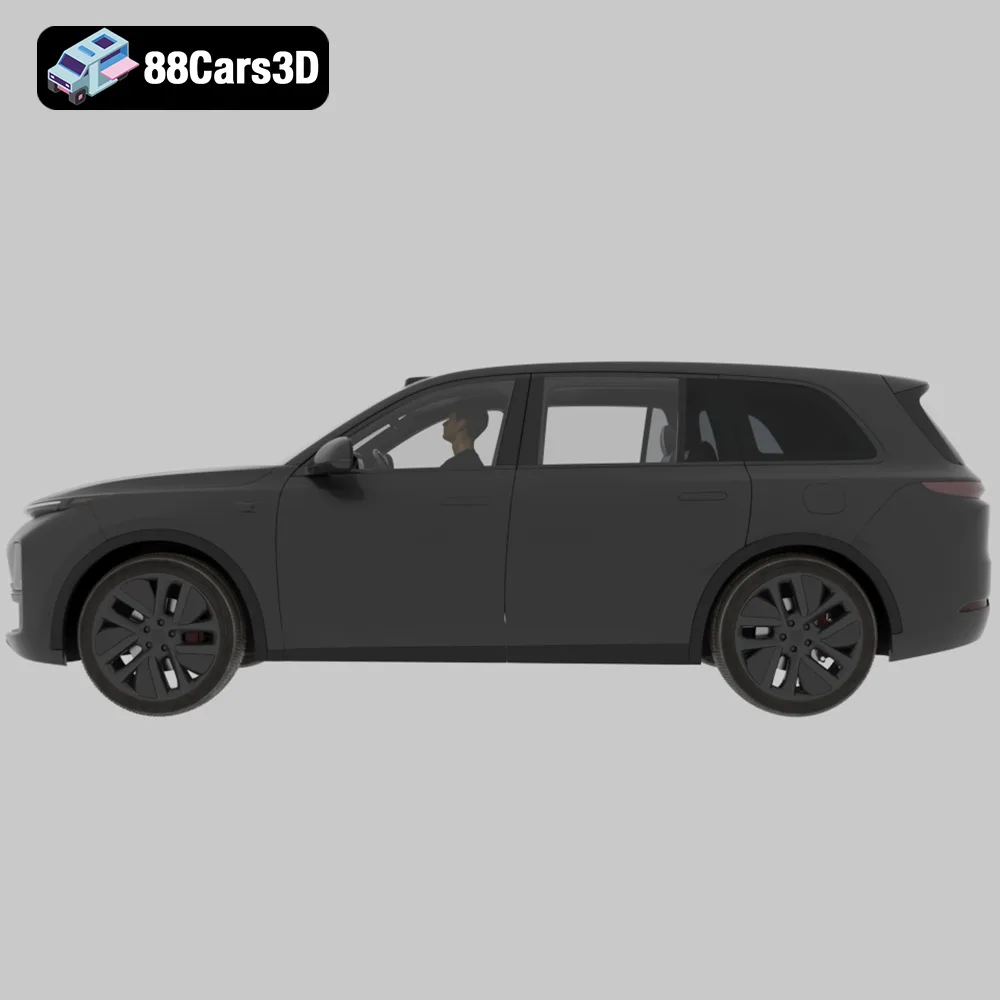
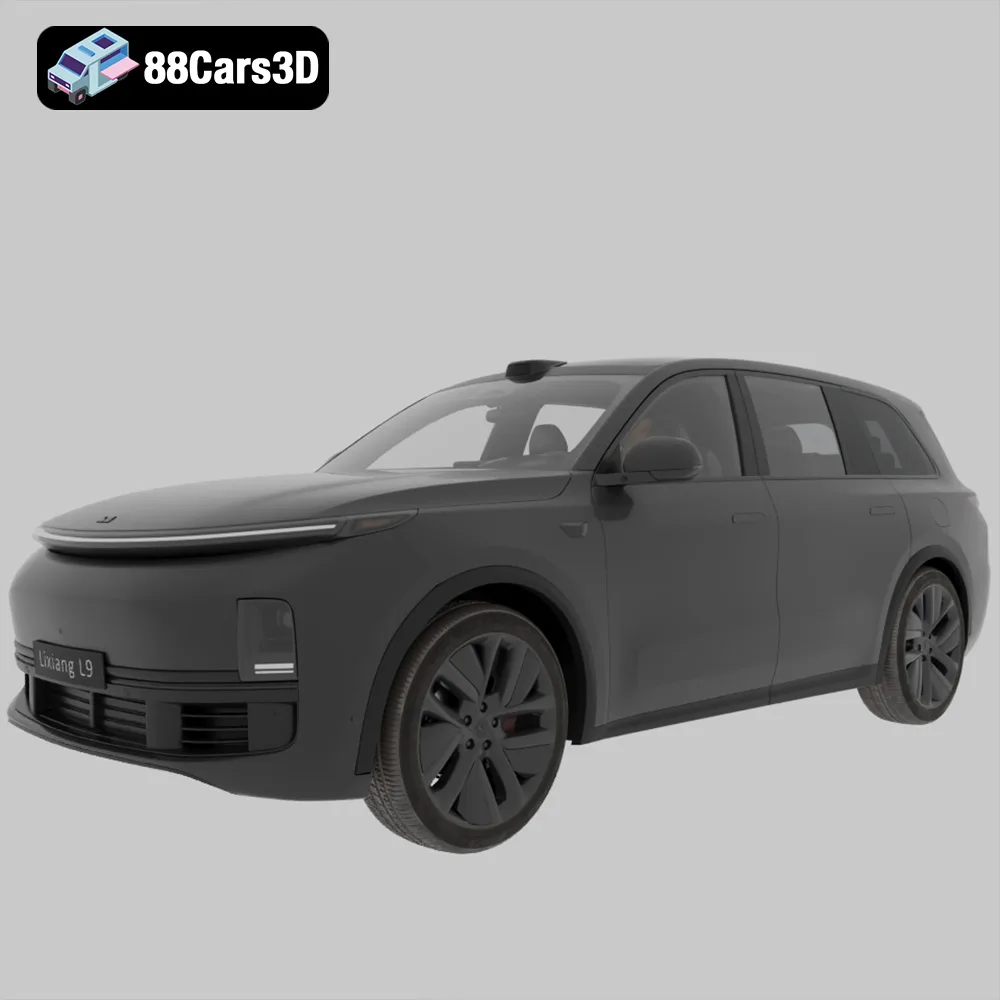
The Li L9 is presented as the ultimate full-size smart SUV, targeting high-end family lifestyles. The 3D model meticulously reproduces its luxurious and commanding presence. Key features like the signature “Halo” light bar, a continuous LED strip that defines its front fascia, are rendered with high detail, crucial for realistic lighting setups in automotive rendering. The specialized aero-wheels and high-quality street tires further enhance its visual fidelity. This model is invaluable for luxury ArchViz renders, showcasing modern homes with an equally modern and premium vehicle in the driveway, or for cinematic sequences depicting affluent, tech-savvy families.
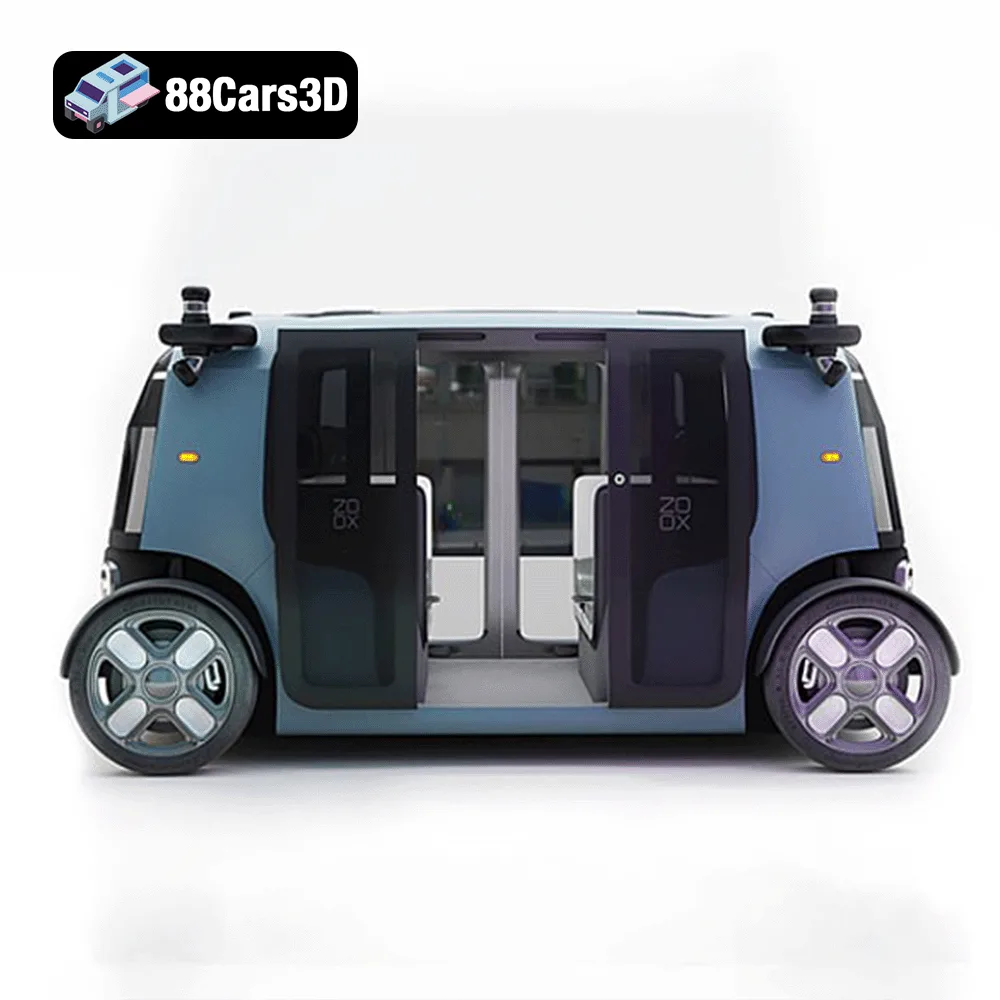
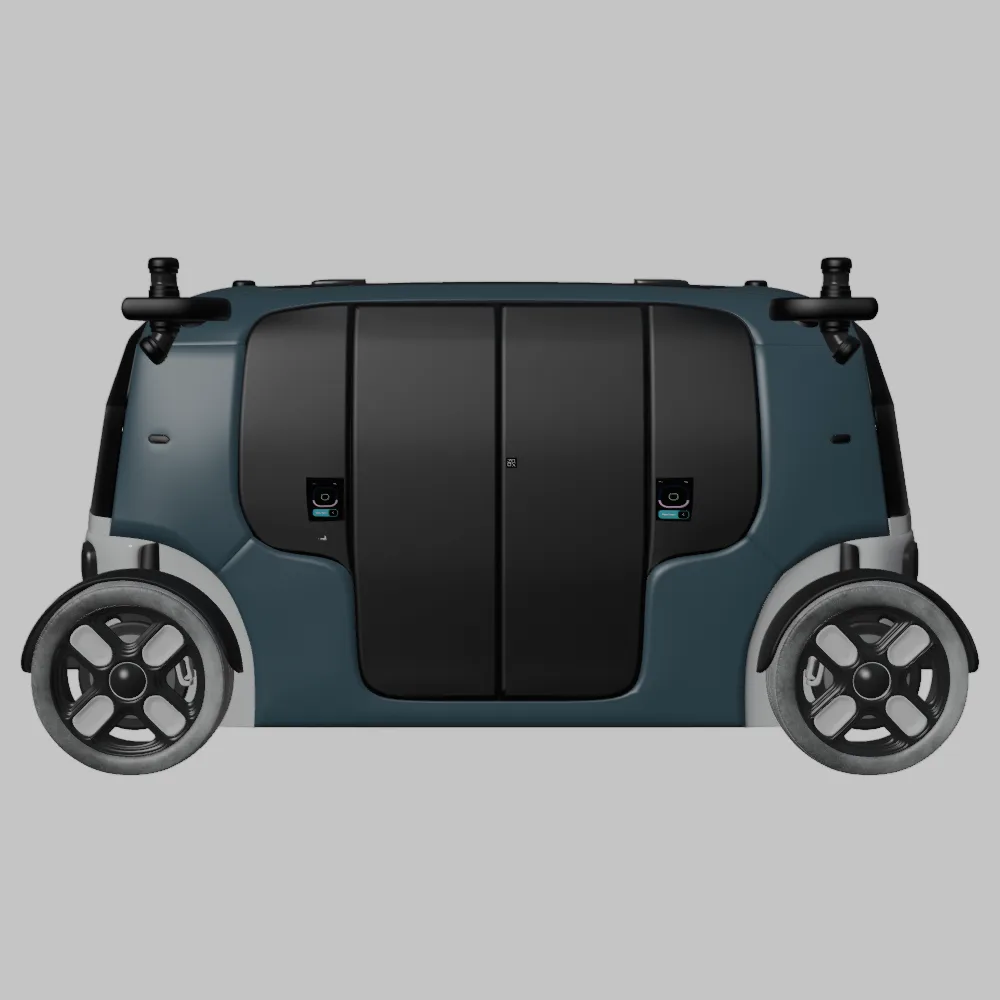
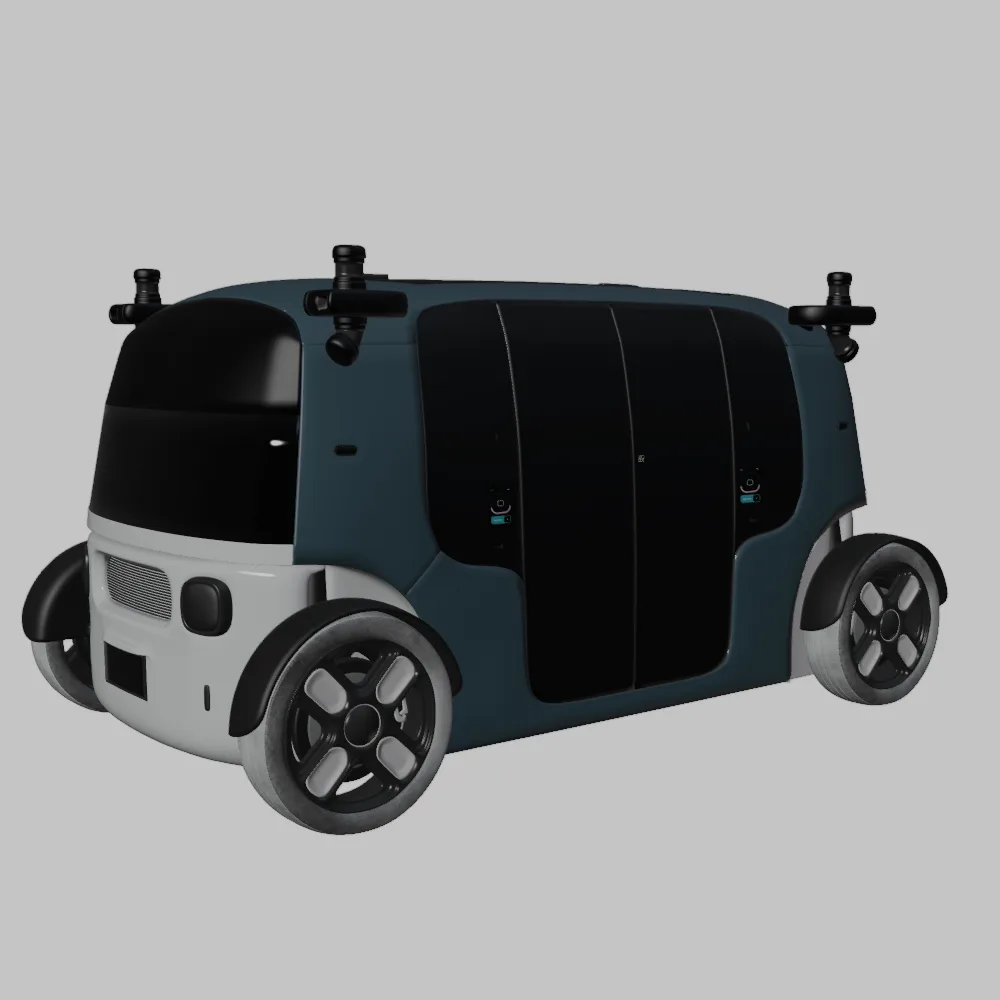
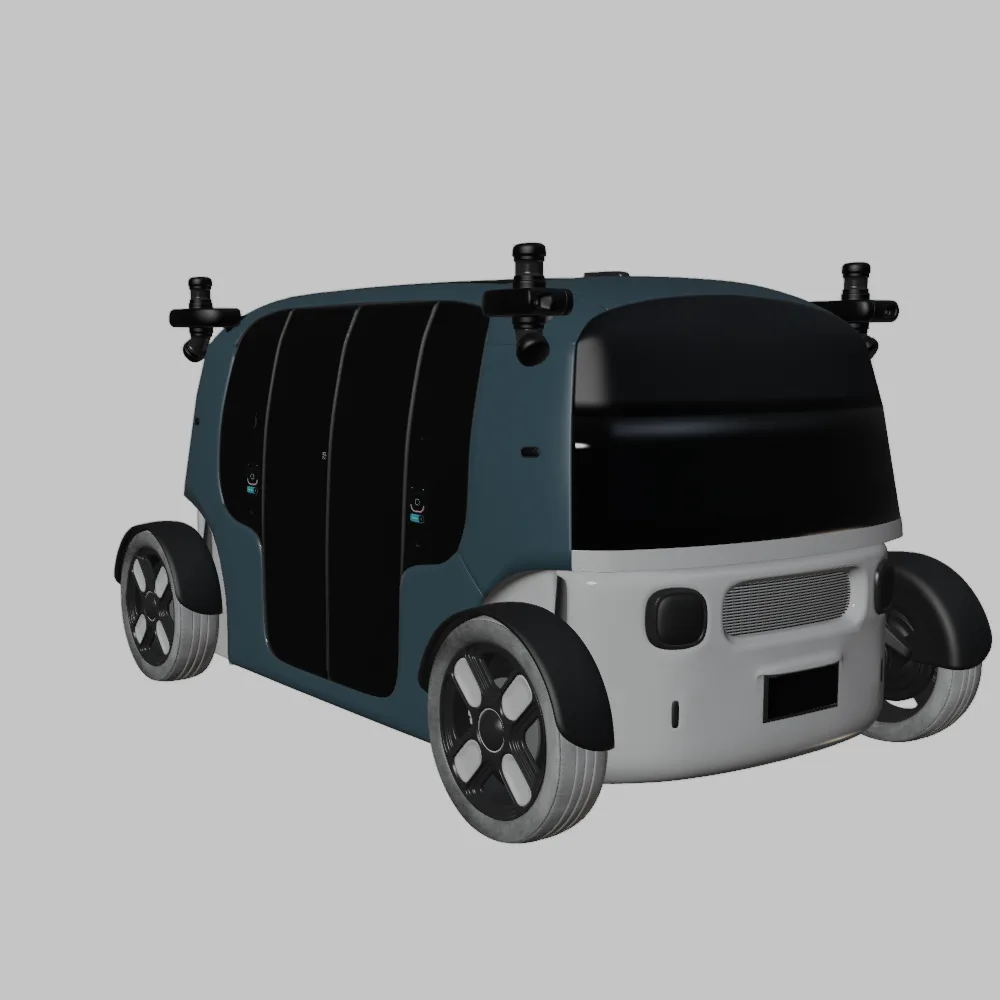
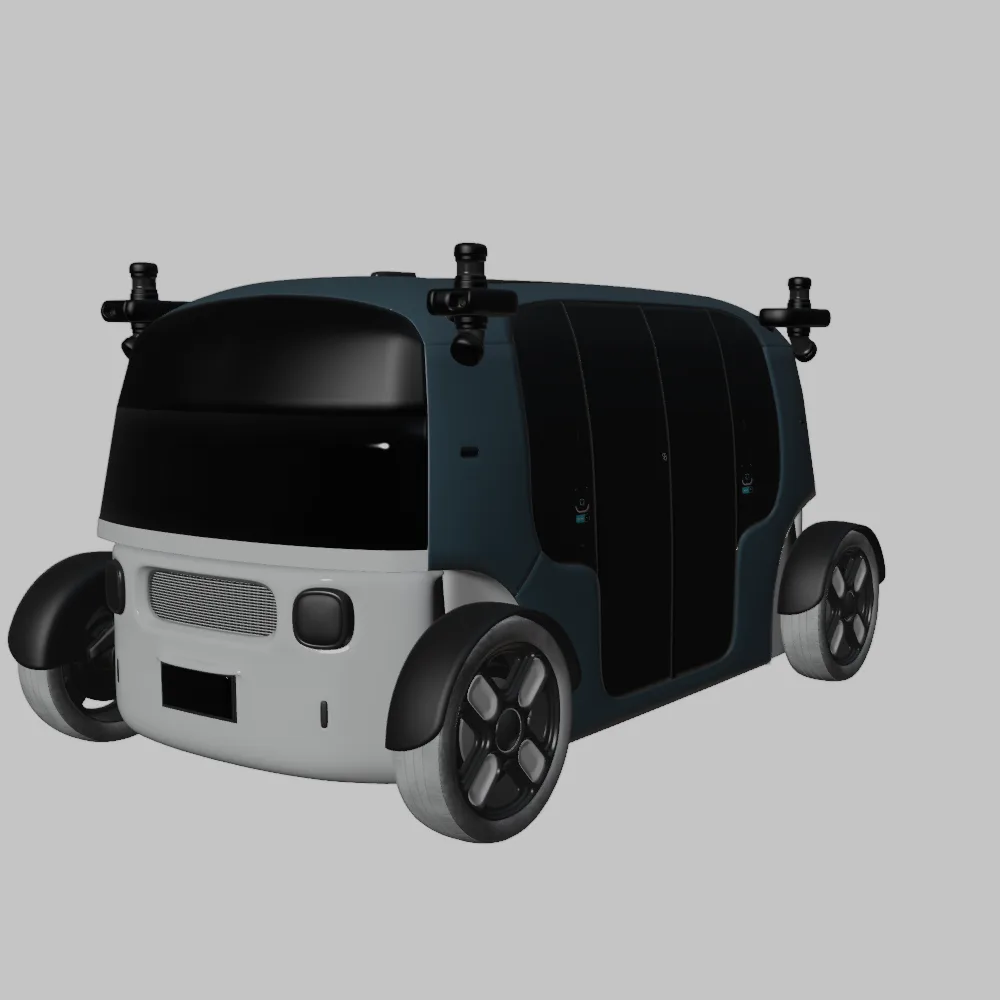
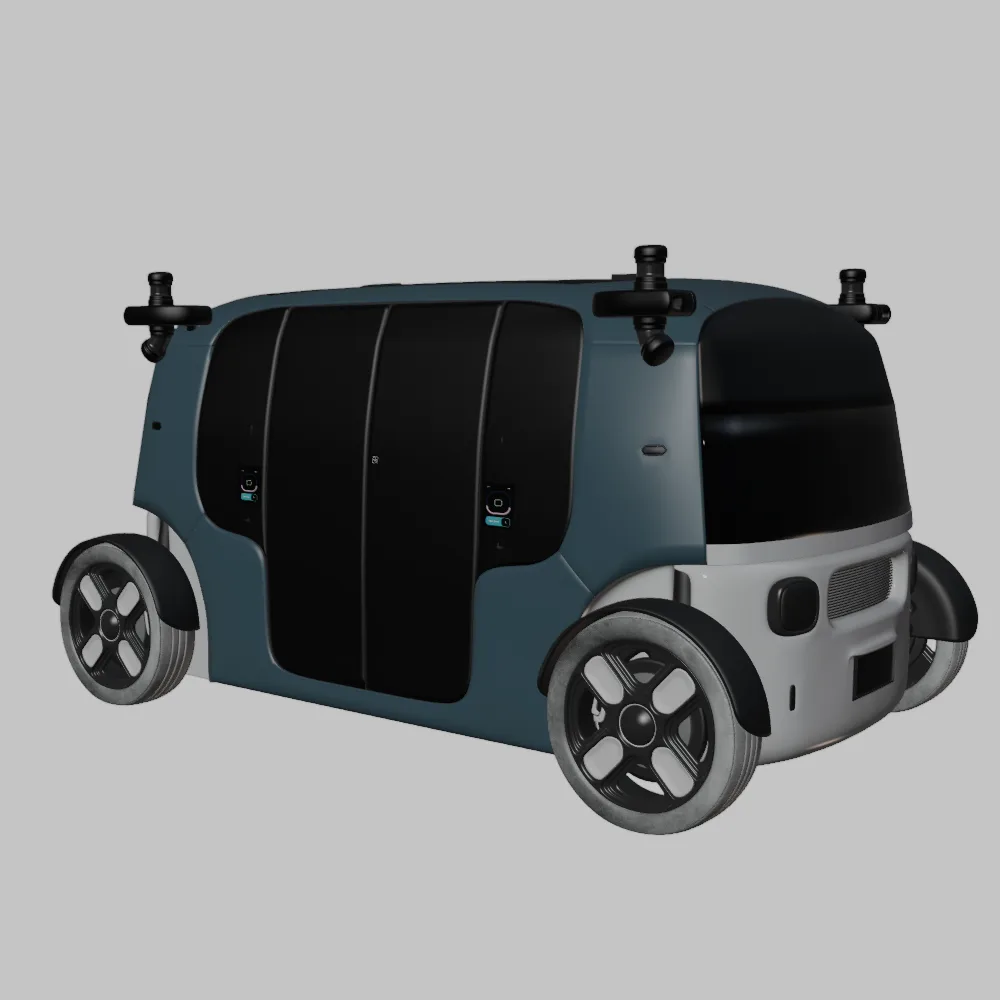
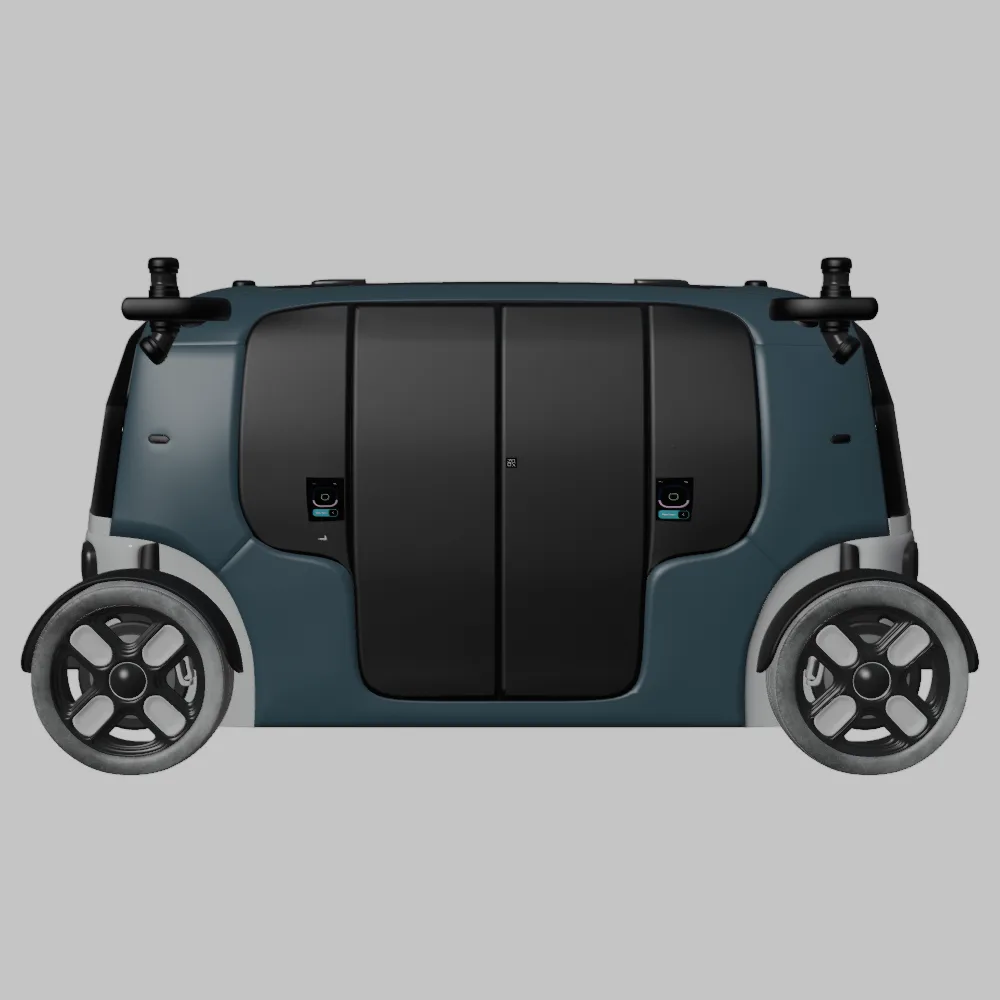
The Zoox Robotaxi is arguably the most radical vehicle in the bundle, representing the cutting edge of autonomous urban mobility. Its symmetrical, bi-directional pod design is captured in stunning detail, highlighting the array of sensors and unique lighting systems required for fully autonomous operation. This model is a game-changer for smart city simulations, urban planning visualizations, and showcasing future transportation paradigms. Its unique form factor and technical specifications make it perfect for demonstrating how autonomous vehicles will integrate into dense urban environments, offering a tangible vision of driverless fleets and on-demand mobility.
Leveraging high-quality 3D car models like those in the Elite Future Mobility Bundle requires a strategic approach within professional 3D software. This section details workflows for 3ds Max, Blender, and Unreal Engine, emphasizing best practices for integration, rendering, and real-time optimization.
For architectural visualization and high-fidelity cinematic rendering, 3ds Max remains a powerhouse. The .max files included in the bundle provide a native starting point.
Import and Scene Setup:
Material and Lighting:
Animation and Rigging:
Blender, with its robust feature set and open-source nature, is increasingly popular for both personal and professional projects. The .blend files in the bundle offer immediate access to fully editable scenes.
Import and Customization:
Shader and Rendering in Cycles/Eevee:
Animation and Scene Integration:
Unreal Engine is the gold standard for real-time game assets, interactive experiences, and virtual production. The “.unreal” optimized assets, typically imported via .fbx, are crucial here.
Import and Asset Setup:
Optimization and LODs:
Blueprints and Interactivity:
The versatility of the Elite Future Mobility Bundle extends far beyond creating static images. These 3D car models are engineered to empower dynamic and interactive projects across various industries.
In Architectural Visualization, the inclusion of realistic vehicles is critical for conveying scale, lifestyle, and a sense of realism. The Tesla Model S and Li L9 are perfect for adding a sophisticated, eco-conscious touch to luxury villa renders, modern housing developments, or high-rise urbanscapes. For smart city simulations, the entire bundle is invaluable. Imagine populating a futuristic urban environment with a fleet of Zoox Robotaxis navigating busy streets, while Avatr 11s are parked at next-gen charging stations. These models help visualize intelligent traffic flow, showcase sustainable infrastructure, and bring future urban planning concepts to life with unparalleled realism.
For game developers, these assets are ideal as high-quality “Hero” vehicles for open-world driving games, racing simulators, or as premium background traffic in high-fidelity urban environments. Their optimized mid-poly topology strikes a perfect balance between visual detail and real-time performance, crucial for game assets. The “Rigging-Ready” design with separate components for wheels, steering, and doors facilitates easy integration with vehicle physics systems, allowing for interactive gameplay and dynamic cinematic sequences. A game featuring autonomous driving challenges could utilize the Zoox Robotaxi for unique gameplay scenarios.
Beyond entertainment, these models serve as excellent tools for industrial design and product showcasing. Companies designing EV charging stations can use the Tesla Model S or Avatr 11 to demonstrate their products in a realistic context. Autonomous lane simulations can be brought to life with the Zoox Robotaxi. The ability to export to .stl further allows for physical prototyping or creating miniature scale models for presentations, bridging the gap between digital design and tangible output.
For film, advertising, and marketing, the Elite Future Mobility Bundle provides unparalleled assets for visual storytelling. Imagine a commercial showcasing a smart home, with the Li L9 gracefully pulling into the driveway, or a short film depicting a future where autonomous pods like the Zoox Robotaxi ferry passengers across a futuristic city. The high visual fidelity and rigging-ready nature of these models ensure they can be animated convincingly, becoming integral characters in narratives about innovation and future living.
The inclusion of the .stl format in the Elite Future Mobility Bundle opens up exciting possibilities for physical creation. 3D printing these highly detailed 3D car models transforms digital assets into tangible collectibles, prototypes, or scale models for tabletop displays. This process, while rewarding, requires attention to specific technical considerations.
To achieve the best results, especially for intricate automotive details, specific print settings are crucial. The recommended scale of 1:24, 1:32, or 1:43 is ideal for striking a balance between detail retention and manageable print size. For finer details, such as the Li L9’s signature “Halo” light bar or the Tesla’s sleek headlight assemblies, resin printing (SLA/DLP) is highly recommended due to its ability to achieve significantly thinner layers (0.04-0.12 mm) and smoother surface finishes compared to FDM (Fused Deposition Modeling).
Structural Integrity and Supports:
Print Orientation and Post-Processing:
In the fast-paced world of 3D content creation, time is a precious commodity. Creating high-quality 3D car models from scratch, particularly those as complex and accurately detailed as modern EVs and autonomous vehicles, is an incredibly labor-intensive process. It demands extensive modeling, texturing, and optimization skills, often consuming hundreds of hours per model.
Investing in pre-made, professional-grade bundles like the Elite Future Mobility collection from 88cars3d.com is a strategic decision for several reasons:
Whether you’re an ArchViz artist striving for photorealism, a game developer building an immersive open world, or a designer showcasing future mobility concepts, having access to such a robust toolkit is invaluable. It allows you to focus on the creative aspects of your project, confident that your automotive assets are of the highest caliber.
The digital frontier of automotive design and visualization is constantly expanding, driven by innovations in electric and autonomous vehicle technology. For professionals navigating this exciting landscape, access to high-fidelity, technically robust 3D car models is not just a luxury, but a necessity.
The Elite Future Mobility: EV & Autonomous SUV Bundle stands as a testament to this need, offering a meticulously crafted collection of vehicles that define tomorrow’s transportation. From the groundbreaking Tesla Model S to the visionary Zoox Robotaxi, each model is engineered for seamless integration into diverse workflows, be it for stunning automotive rendering in 3ds Max, flexible customization in Blender, or real-time immersion in Unreal Engine.
By understanding the nuances of file formats, embracing efficient workflows, and leveraging the power of these optimized assets, creators can push the boundaries of realism in ArchViz, build captivating game worlds, and simulate the smart cities of the future with unprecedented detail. The future of mobility is here, and with resources like this bundle from 88cars3d.com, you have the tools to render it in spectacular fashion.
The Elite Future Mobility Bundle is a curated collection of four groundbreaking vehicles that define the next era of transportation. This pack combines the elegance of high-performance electric sedans, the rugged luxury of next-gen SUVs, and the visionary design of autonomous urban pods. This bundle is specifically engineered for professionals in Architectural Visualization (ArchViz), Smart City Simulations, and Cinematic CGI. Featuring icons like the Tesla Model S, the futuristic Avatr 11, the luxurious Li L9, and the revolutionary Zoox Robotaxi, this collection provides a complete toolkit for populating modern, eco-conscious, and tech-driven virtual environments. Every model in this bundle follows a high-efficiency, clean topology philosophy, striking the perfect balance between visual fidelity for close-up renders and optimized performance for real-time engines. Included Vehicles: Tesla Model S Standard: The quintessential premium electric sedan, featuring its iconic aerodynamic silhouette. Avatr 11 Electric SUV: A masterpiece of futuristic “emotional functionalism” design from the Changan-Huawei-CATL partnership. Li L9 Luxury SUV: The ultimate full-size smart SUV, perfect for high-end family lifestyle renders. Zoox Robotaxi: A symmetrical, bi-directional autonomous pod representing the peak of urban mobility innovation. Exterior Features: Accurate Proportions: Every vehicle is modeled based on real-world factory dimensions and aesthetics. EV-Specific Details: From Tesla’s flush door handles to Avatr’s unique rear window-less design and Zoox’s 4-wheel steering sensors. Lighting Systems: Highly detailed LED arrays, including Li L9’s signature “Halo” light bar and Tesla’s sleek headlight assemblies. Wheel Geometry: Specialized aero-wheels and futuristic rim designs for each model, wrapped in high-quality street tires. Rigging-Ready: Separate components for wheels, steering, and doors to facilitate animation and interaction. Technical Specifications (Aggregated): Topology: Optimized Mid-Poly (averaging 300k–500k triangles per model). Structure: Clean, quad-heavy topology for smooth subdivision and light-weight rendering. Pivot Points: Properly centered and oriented for easy rotation, steering, and movement. Scalability: Real-world scale (Metric system). Applications: ArchViz & Smart Cities: The perfect set for adding a forward-thinking, sustainable touch to modern driveways, luxury villas, and futuristic cityscapes. Game Development: Ideal as high-quality “Hero” vehicles for open-world games or as premium background traffic in high-fidelity simulators. Industrial Design: Excellent for showcasing EV charging station concepts or autonomous lane simulations. Included File Formats: .blend, .fbx, .obj, .glb, .stl, .ply, .unreal, .max Title Tag: Future EV & Autonomous SUV Bundle – 4 Optimized 3D Models Meta Description: Download the Elite Future Mobility Bundle featuring 4 highly optimized 3D models: Tesla Model S, Avatr 11, Li L9, and Zoox Robotaxi. Perfect for ArchViz, Smart City renders, and game dev. Optimized for Unreal Engine and Blender. Includes .fbx, .obj, and .max formats. Tags: ev-bundle, electric-vehicles, future-cars, autonomous-driving, tesla-3d-model, avatr-11, li-l9, zoox-robotaxi, smart-city, archviz-assets, futuristic-suv, luxury-ev, game-ready-cars, 3d-vehicle-pack 3D Print Setting: • Recommended scale: 1:24 / 1:32 / 1:43 • Layer height: 0.04–0.12 mm (Resin printing recommended for the smaller scale details like the Thor’s Hammer headlights) • Wall thickness: 1.2–2.0 mm • Infill: 15–25% • Supports: Required for side mirrors, wheel arches, and the subtle rear roof spoiler • Print orientation: Body printed angled for a smooth surface finish; wheels printed separately • Post-processing: Sanding, primer, and modern Volvo factory colors (like Sage Green, Glacier Silver, or Crystal White) paired with a gloss black roof.3D Printing, STL, 3D Printable, Miniature Car, Scale Model, FDM Ready, Resin Print, SLA, Digital Manufacture, Car Prototype, Automotive Collectible, 3D Print Model, Physical Asset, Tabletop Display, Manifold Geometry. https://youtu.be/RMc4ybbfur4 https://youtu.be/H_aflwQh7a4 https://youtu.be/IJ0hYa4bJHw
$99
3d-vehicle-pack
archviz-assets
autonomous-driving
avatr-11
electric-vehicles
ev-bundle
future-cars
futuristic-suv
game-ready-cars
li-l9
luxury-ev
smart-city
tesla-3d-model
zoox-robotaxi