Get 50% OFF All Premium 3D & STL Models!

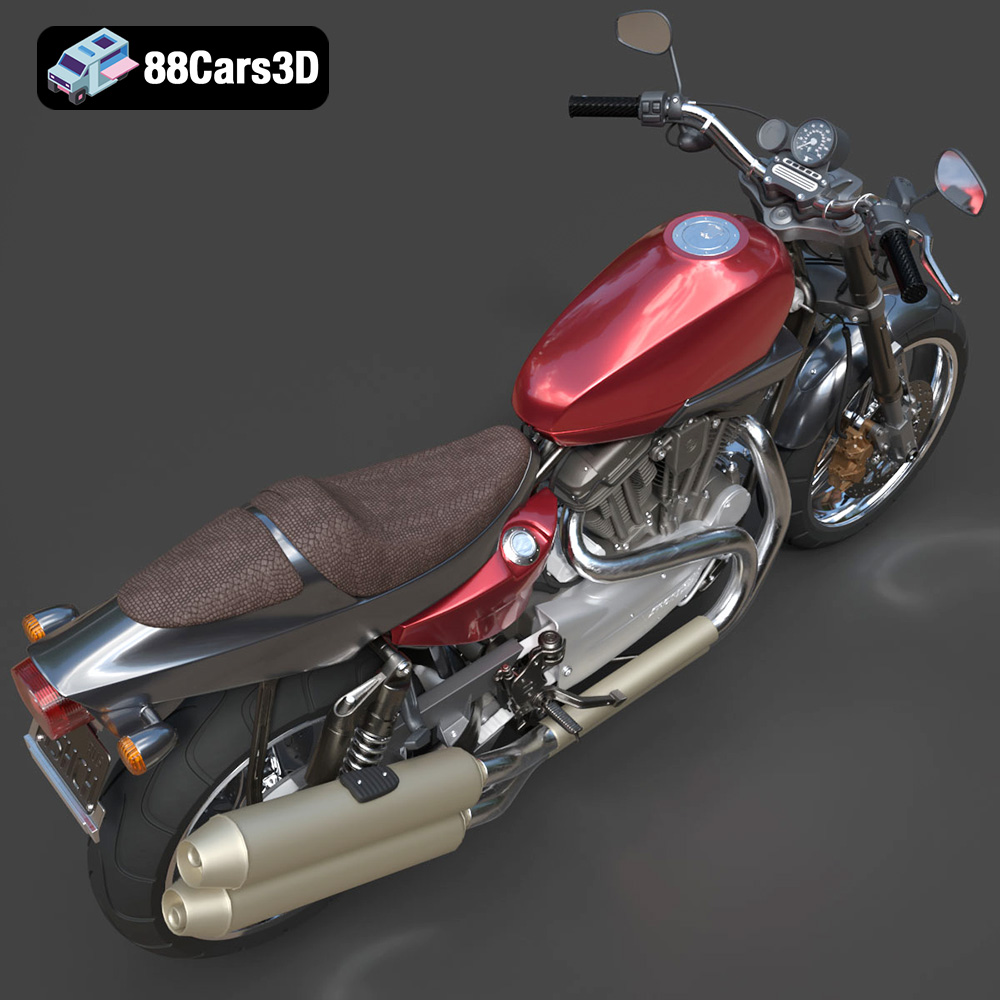
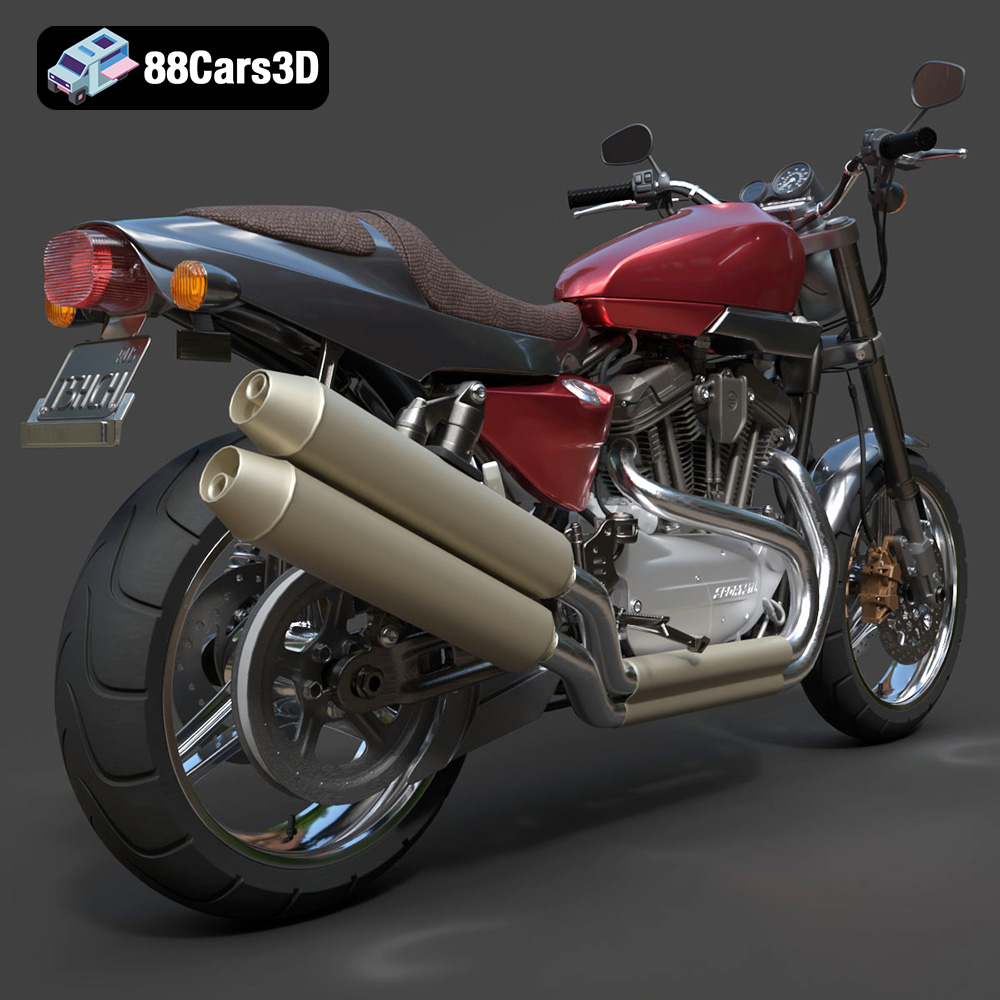
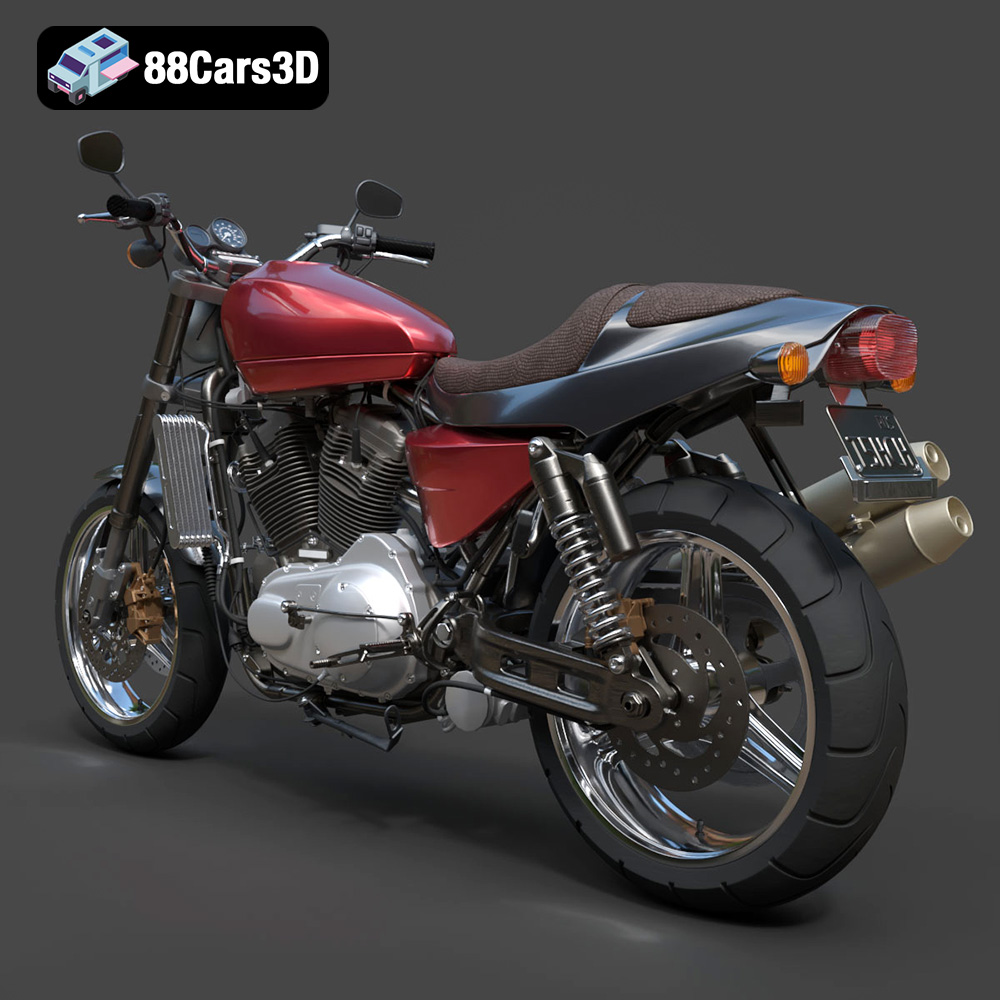
The Harley-Davidson XR1200X is a modern classic, a street-legal motorcycle that embodies the spirit of American flat-track racing. Its aggressive styling, powerful V-Twin engine, and sport-tuned chassis make it a head-turner. Now, thanks to the detailed 3D model available at 88cars3d.com, you can bring this iconic motorcycle to life with your 3D printer. This guide will provide you with the knowledge and techniques to successfully 3D print, finish, and showcase your own miniature XR1200X. Get ready to explore the world of additive manufacturing and create a stunning replica of this legendary machine.
Before diving into the specifics of printing the Harley-Davidson XR1200X, it’s crucial to understand the different file formats provided and their relevance to the 3D printing process. While 88cars3d.com provides a variety of formats, the .stl format is the workhorse of 3D printing and the primary focus for most users.
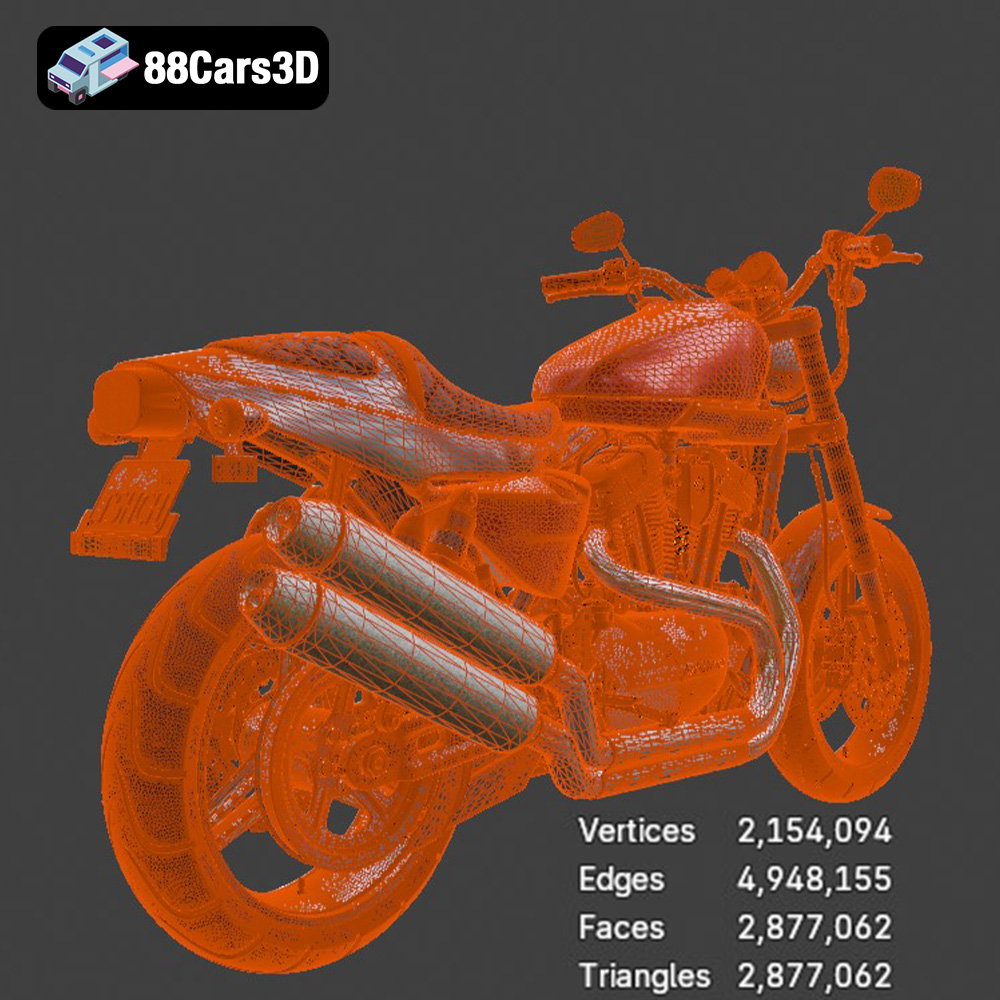
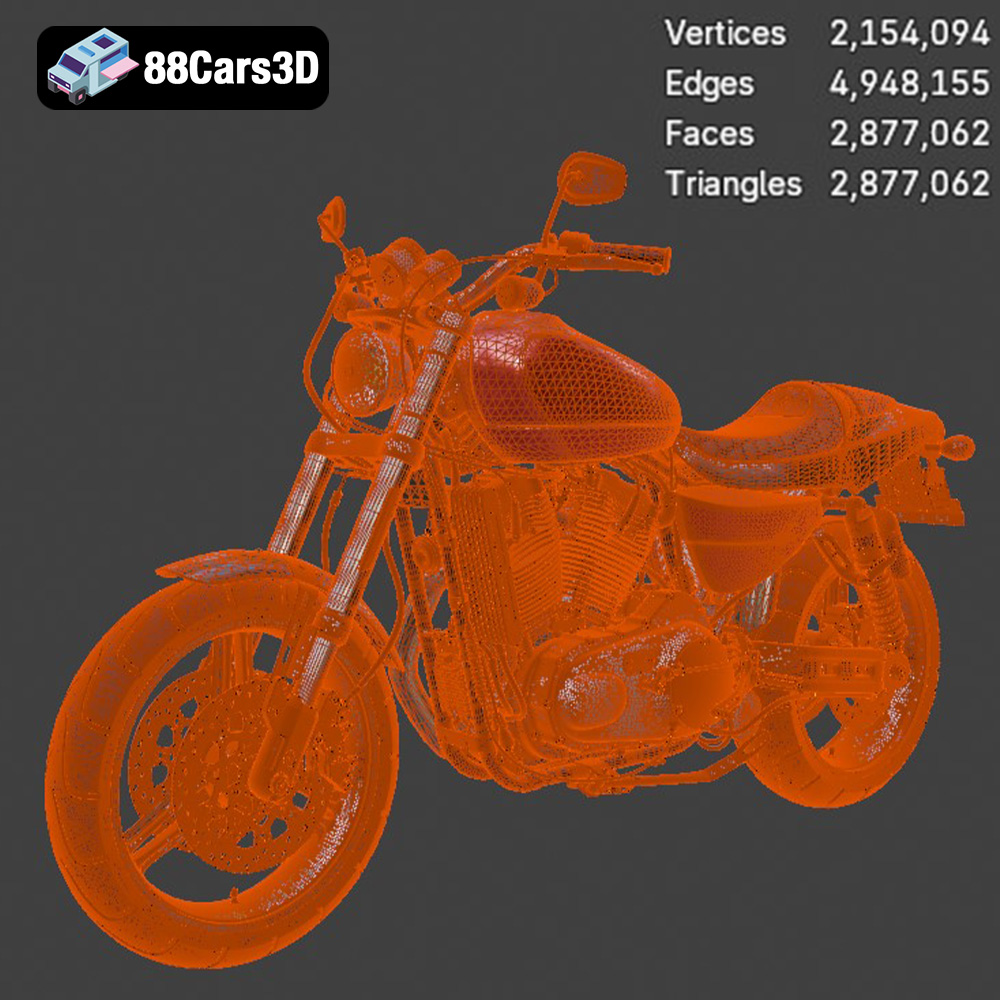
STL, or Standard Tessellation Language (sometimes referred to as Standard Triangle Language), is the most widely used file format for 3D printing. It represents the surface geometry of a 3D object as a collection of triangles. The more triangles, the more detailed the model. The Harley-Davidson XR1200X model boasts nearly 2.9 million triangles, ensuring a high level of fidelity.
However, STL files only contain information about the shape of the object; they do not store color, texture, or material properties. This means that any color or texture you want to apply to your 3D printed XR1200X will need to be done through post-processing techniques like painting. Because the STL format is so simple, it is compatible with virtually all slicing software.
When working with STL files, it’s important to ensure the mesh is “watertight,” meaning it has no holes or gaps. Slicing software requires a closed, continuous surface to generate accurate printing instructions. Most slicing software includes tools to automatically repair minor mesh errors in STL files, but more complex issues may require manual repair using 3D modeling software. The high-quality STL files available at 88cars3d.com minimize the risk of such problems, but it’s always a good practice to check the mesh before printing.
The OBJ file format is a more versatile format than STL, as it can store color and texture information in addition to the geometry of the model. This makes it potentially useful for 3D printing applications where you want to directly print a multi-colored object. However, printing in full color is only possible with specialized printers and materials. For the XR1200X, you’d likely still rely on post-processing painting to achieve the desired finish. Most slicing software can import OBJ files, although STL remains the preferred format.
PLY is designed to store 3D data acquired from 3D scanners. It is capable of capturing high-detail mesh data, including color information. While the high-resolution mesh detail is a plus, PLY isn’t as universally supported as STL in slicing software, making it a less practical choice for straightforward 3D printing of the XR1200X.
These formats – .blend (Blender), .fbx (Filmbox), .glb (GL Transmission Format), and .max (3ds Max) – are primarily used for 3D modeling, animation, and rendering. They contain richer information about the model, such as materials, textures, lighting, and animation rigs. They are useful if you want to modify the XR1200X model before printing, such as making custom parts or adjusting the pose. However, these formats are not directly compatible with 3D printers. You will need to export the model to an STL file after making any modifications. The GLB file format is most suitable for quick preview in AR before printing the STL.
Ultimately, for the Harley-Davidson XR1200X 3D model, the STL file is the most practical and widely supported option for 3D printing.
The Harley-Davidson XR1200X model from 88cars3d.com is designed for high detail, so the choice of your 3D printer and materials will significantly impact the final result.
Resin printing (SLA/DLP) is strongly recommended for this model, particularly if you want to capture the intricate details of the Evolution V-Twin engine, the suspension springs, and other fine features. Resin printers offer significantly higher resolution than filament printers (FDM), allowing for smoother surfaces and finer details. This is especially important for smaller scales (1:24 or smaller) where every detail counts.
If you opt for FDM printing, consider using a nozzle size of 0.25mm or smaller to improve detail resolution. You’ll also need to carefully consider the orientation of the parts to minimize the visibility of layer lines.
For resin printing, standard resin is a good starting point. However, consider using a tough resin or a resin blend with enhanced strength for parts that will be subject to stress, such as the wheels and suspension components.
For FDM printing, PLA is a common and affordable choice, but PETG offers better strength and heat resistance. ABS is another option, but it’s more prone to warping and requires a heated enclosure.
Before you can start printing, you’ll need to prepare the 3D model using slicing software. This software converts the STL file into a series of instructions that the 3D printer can understand.
Popular slicing software options include Cura, PrusaSlicer (for FDM), and Chitubox (for resin). These programs allow you to adjust various settings, such as layer height, infill density, support structures, and print speed. Experiment to find the best balance of print quality and speed for your printer and material.
Proper orientation is crucial for successful 3D printing. For the Harley-Davidson XR1200X, consider printing the frame angled to minimize the need for supports and improve the surface finish. Print the wheels and exhaust separately to optimize their respective orientations and support requirements.
The model will definitely require supports for overhangs like the upswept exhaust, handlebars, footpegs, and brake calipers. In your slicing software, carefully place supports to minimize their impact on the visible surfaces of the model. Tree supports are a good option as they use less material and are easier to remove.
The recommended scales for this model are 1:12, 1:10, and 1:8. Choose a scale that suits your printing volume and desired level of detail. Keep in mind that smaller scales will require finer print settings and may be more challenging to print successfully.
Finding the right balance of print settings is essential for achieving a high-quality 3D print of the Harley-Davidson XR1200X.
For resin printing, a layer height of 0.04-0.08 mm is recommended to capture the fine details of the model. For FDM printing, aim for a layer height of 0.1 mm or less. Decreasing the layer height increases the print time but also improves the surface finish and detail resolution.
An infill density of 20-30% is sufficient for most parts of the model. Increase the infill density for parts that need to be stronger, such as the wheels and suspension components. A wall thickness of 1.2-2.0 mm will provide adequate strength and rigidity.
Adjust the print speed and temperature according to the material manufacturer’s recommendations. Slower print speeds generally result in better print quality, but they also increase the print time.
Post-processing is the final stage in the 3D printing process. It involves removing supports, cleaning up the surface, and applying paint to achieve the desired finish.
Carefully remove the supports using pliers or a sharp knife. Be careful not to damage the model. Sand the surface to remove any imperfections and layer lines. Start with coarse sandpaper and gradually move to finer grits.
Apply a primer to the model to create a smooth surface for painting. Once the primer is dry, paint the model with your desired colors. The product description suggests using classic Black Denim or White Hot Denim for the bodywork and matte/satin black finishes for the engine components. Consider using stencils or masking tape to create accurate details and graphics.
Once all the parts are painted, carefully assemble them using glue or screws. Ensure all parts fit together properly and that the model is stable.
Even with careful preparation, you may encounter some common 3D printing issues.
Warping is a common issue with FDM printing, especially with materials like ABS. To prevent warping, ensure your print bed is properly leveled and heated. Use a bed adhesive, such as hairspray or glue stick, to improve bed adhesion.
Support failures can occur if the supports are not strong enough or if the overhangs are too steep. Increase the support density or adjust the support angle to improve support strength. Consider splitting the model into smaller parts to reduce overhangs.
Layer shifting can be caused by loose belts or stepper motors. Tighten the belts and ensure the stepper motors are properly calibrated. Under-extrusion occurs when the printer is not extruding enough material. Increase the flow rate or check for clogs in the nozzle.
3D printing the Harley-Davidson XR1200X 3D model from 88cars3d.com is a rewarding project that allows you to create a stunning replica of this iconic motorcycle. By carefully selecting your printer and materials, optimizing your print settings, and applying proper post-processing techniques, you can achieve a high-quality result that you’ll be proud to display. Remember to pay close attention to the details, such as the intricate engine and suspension components, to truly capture the spirit of the XR1200X. With patience and dedication, you can transform a digital file into a tangible masterpiece.
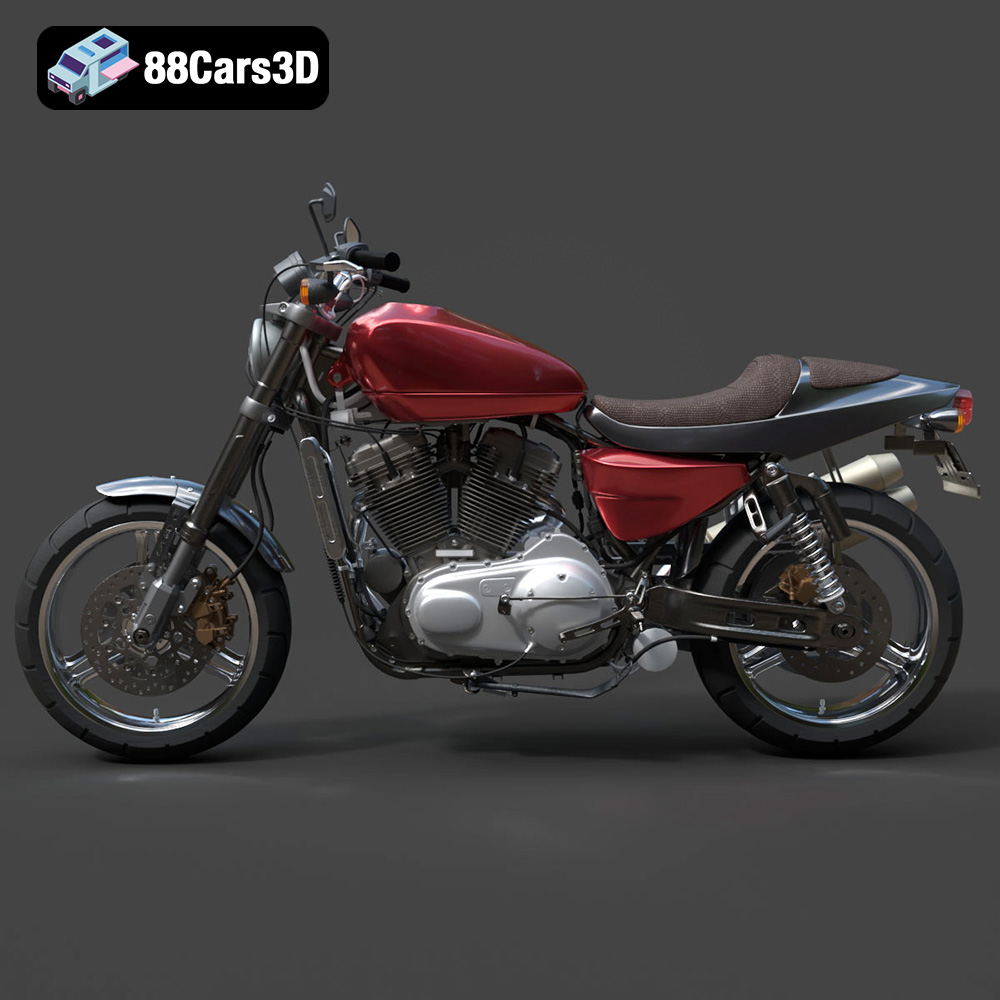
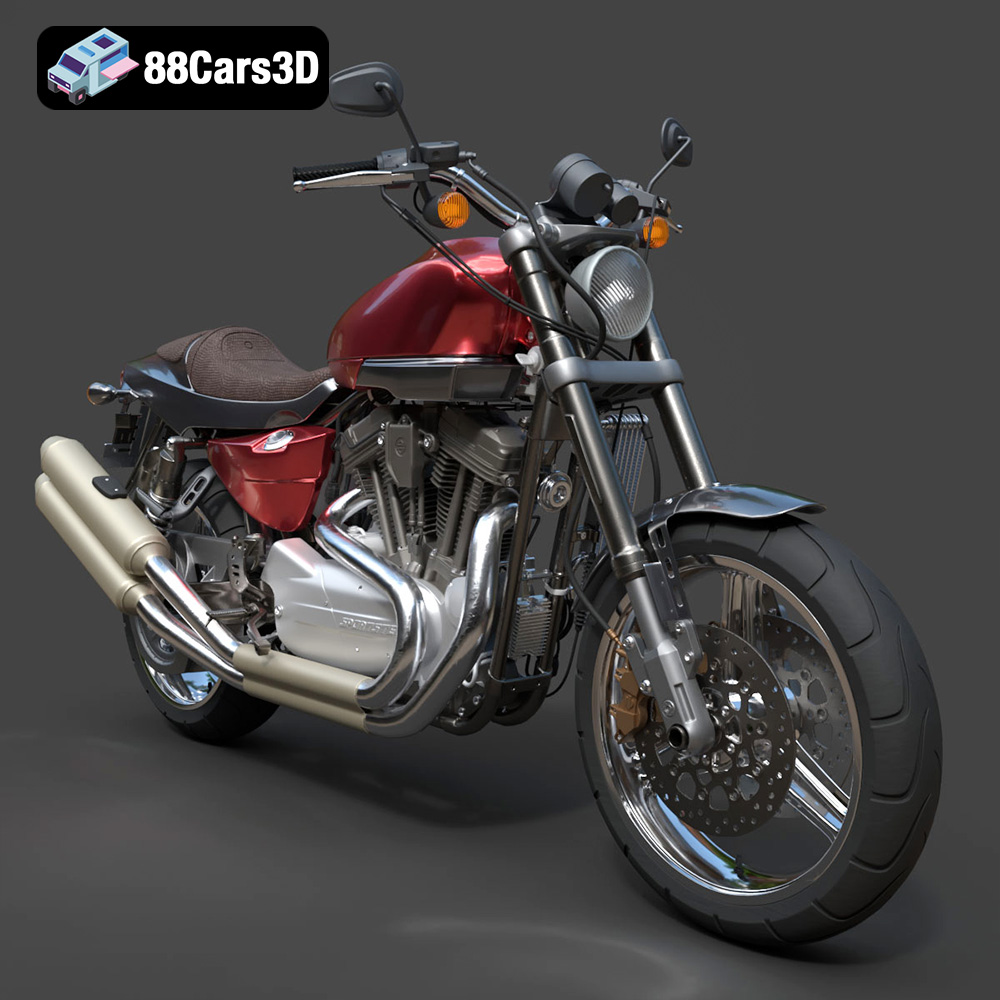
The Harley-Davidson XR1200X 3D Model is an ultra-high-detail digital recreation of the American brand’s legendary performance-focused Sportster. Deeply inspired by Harley-Davidson’s dominant XR750 flat-track racing heritage, the XR1200X was built for handling and speed, featuring a blacked-out Evolution V-Twin engine, upgraded Showa suspension, and aggressive dirt-tracker styling.
$9.99
.blend
.fbx
.obj
.rendering
.stl
.xr1200x
2m-polygons
3d printing
evolution-engine
flat-tracker
harley-davidson
hero-asset
high poly
motorcycle-3d-model
sportster
xr1200