Get 50% OFF All Premium 3D & STL Models!

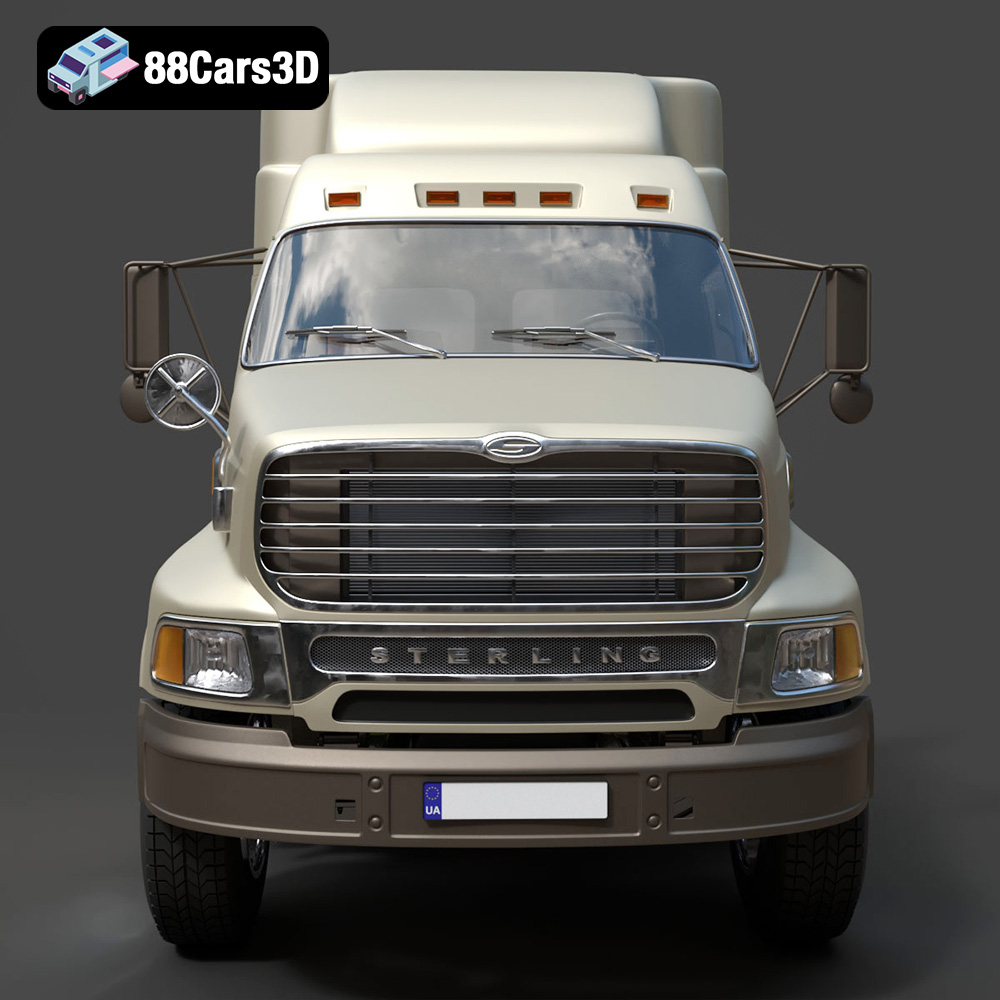
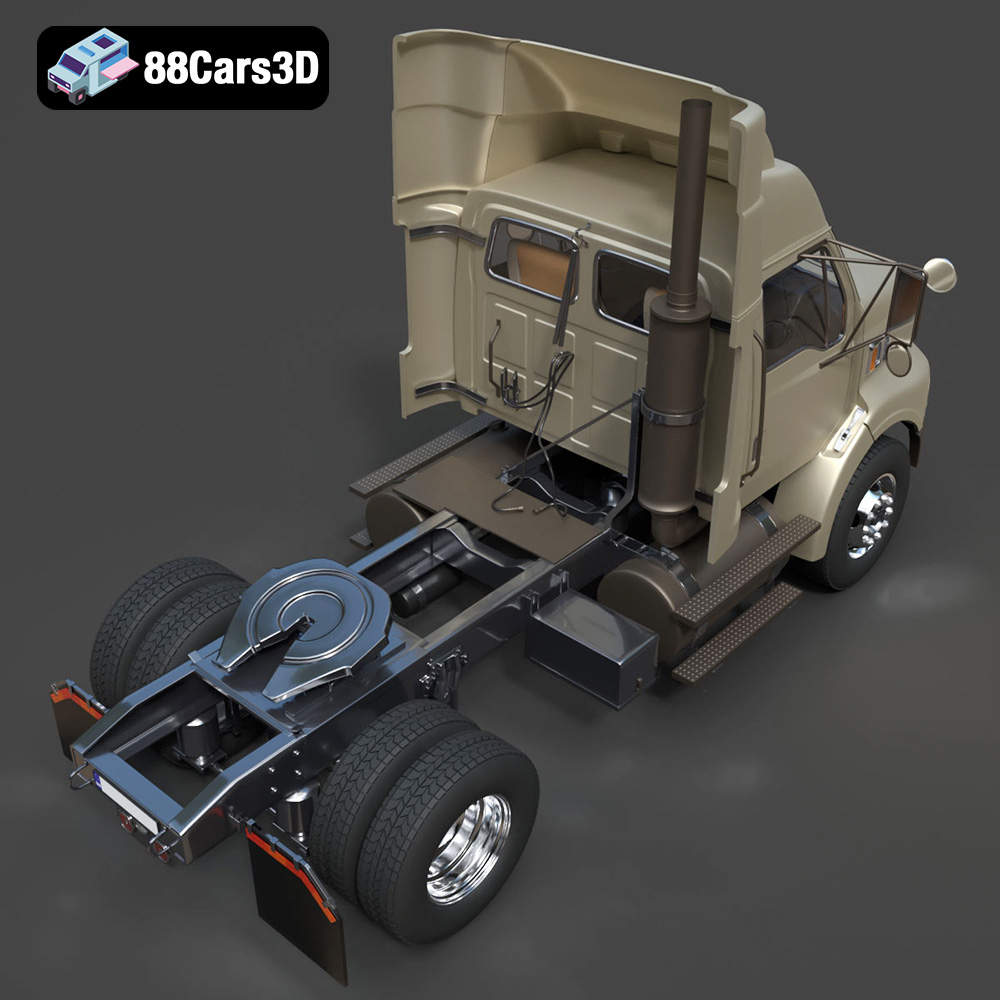
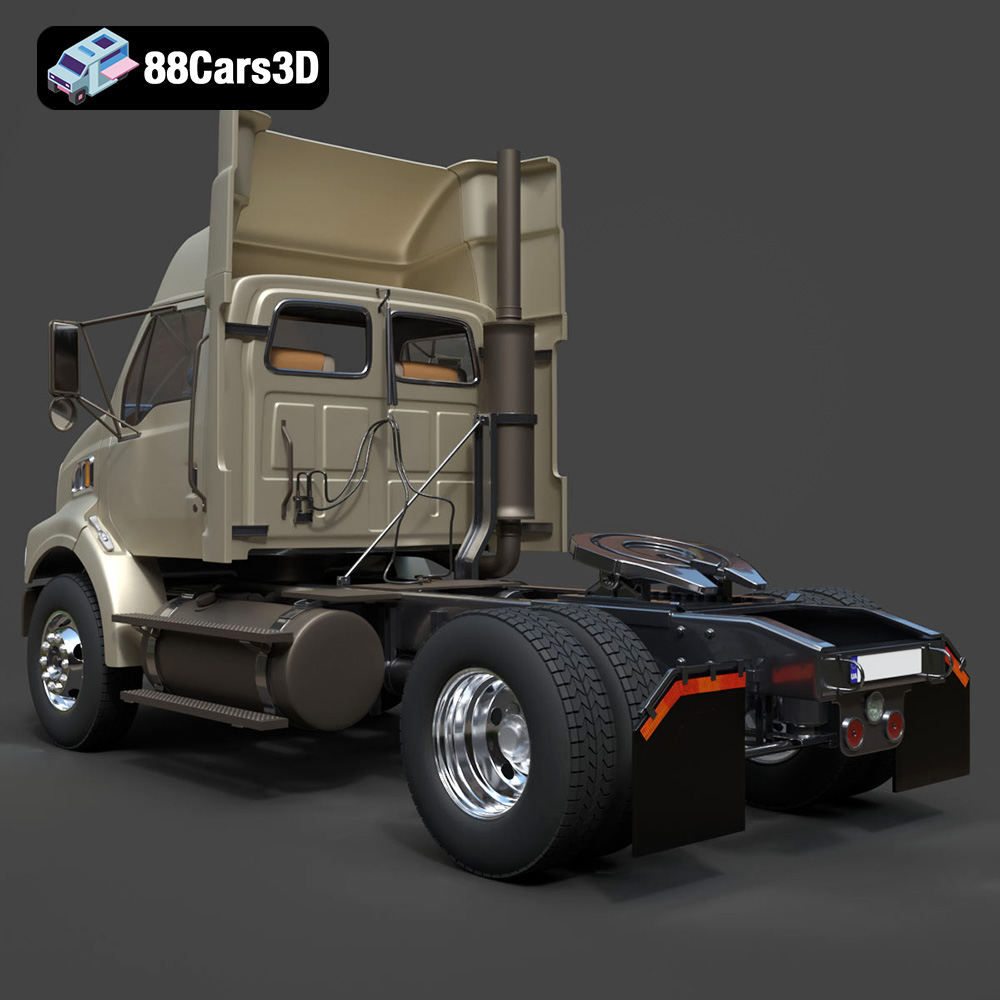
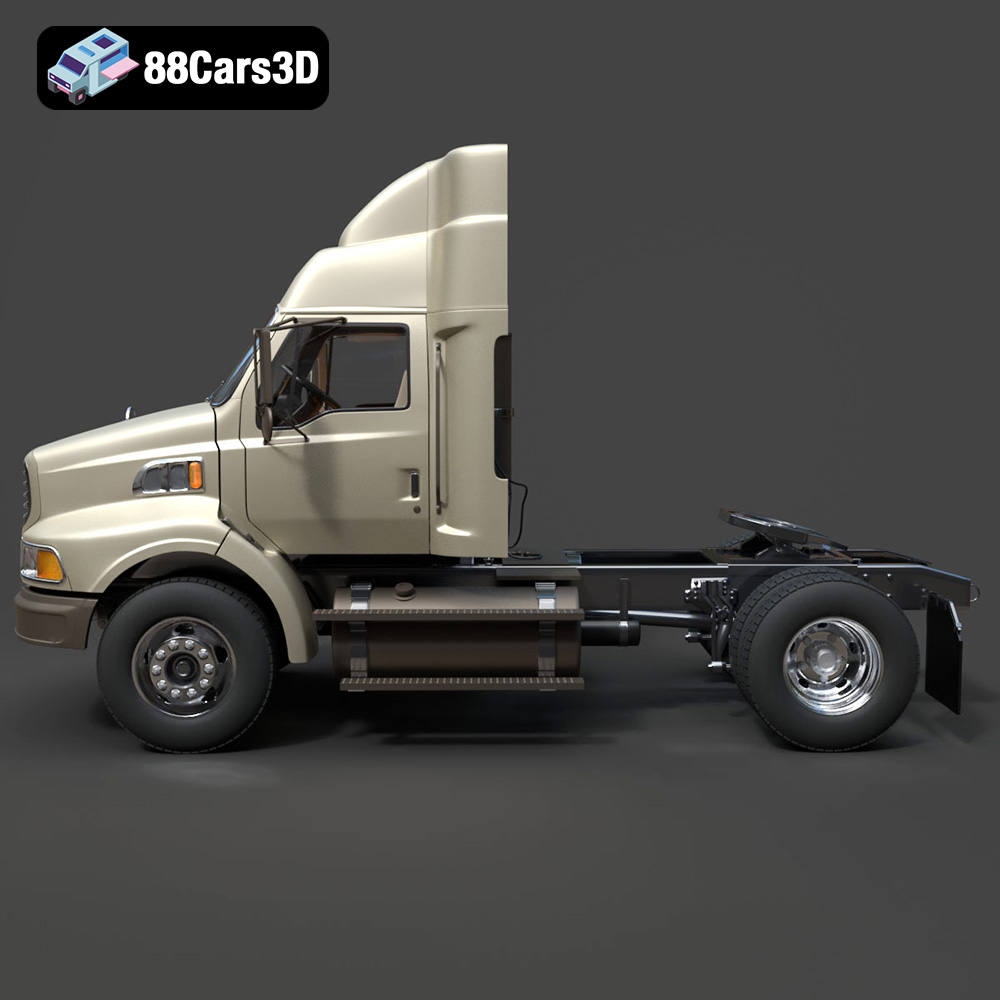
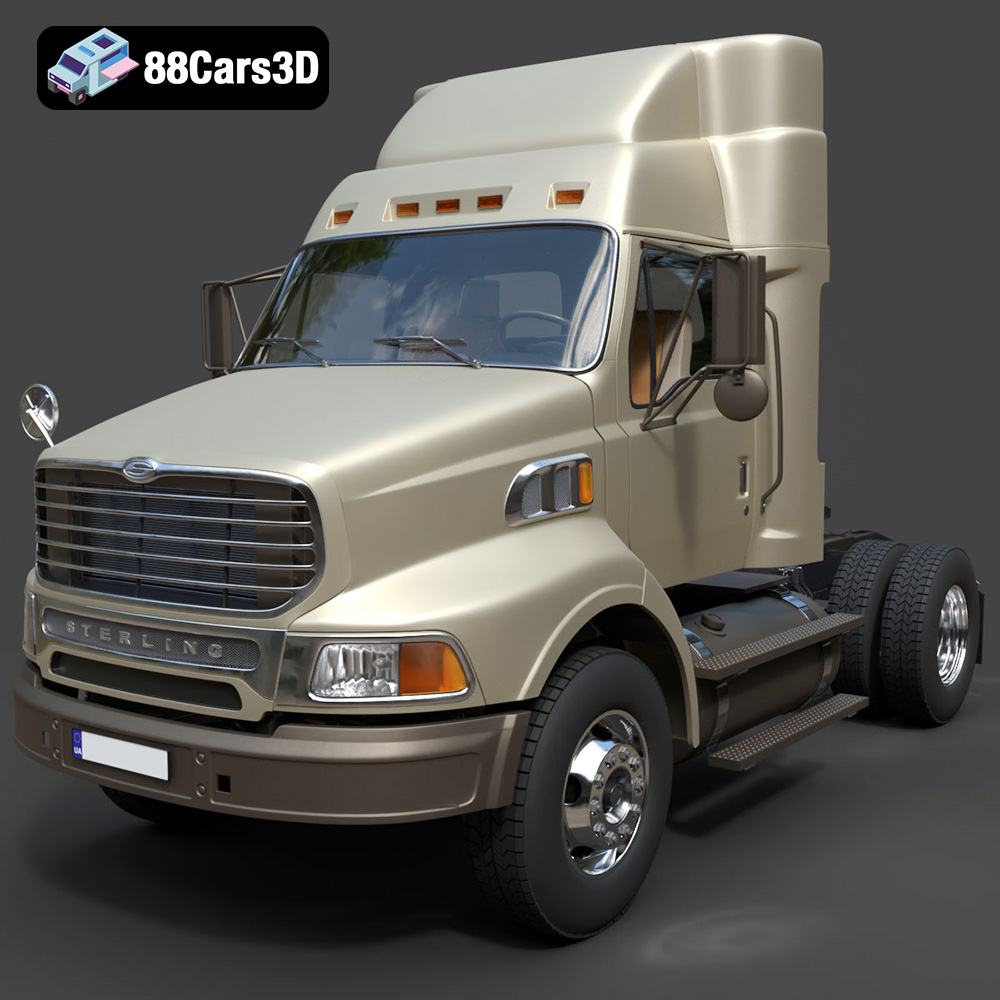
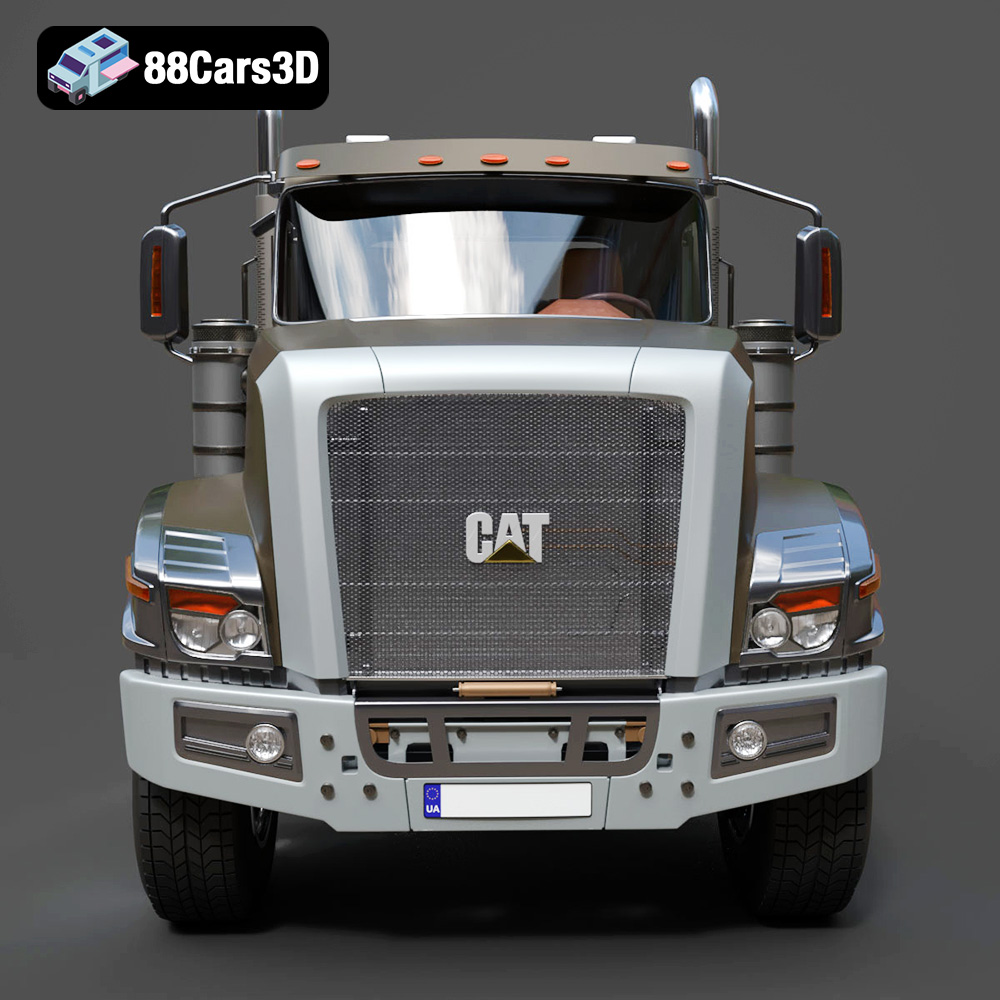
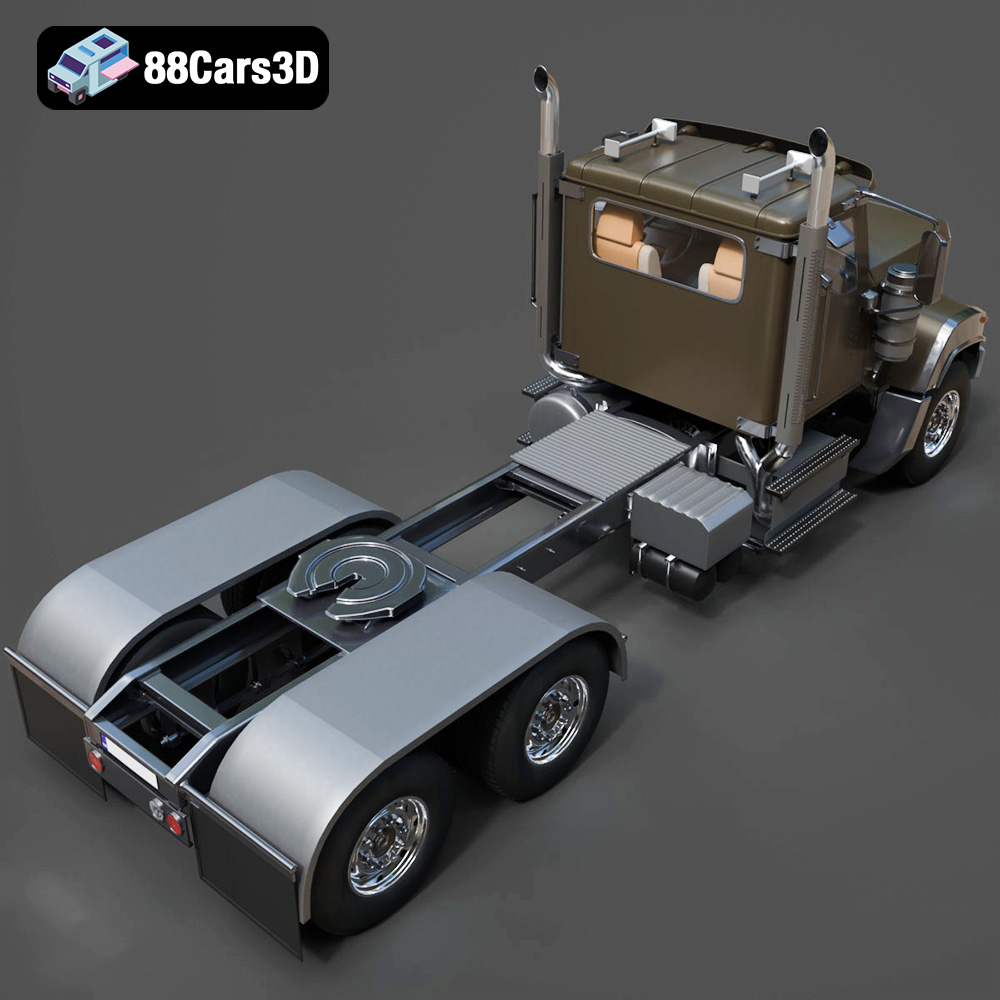
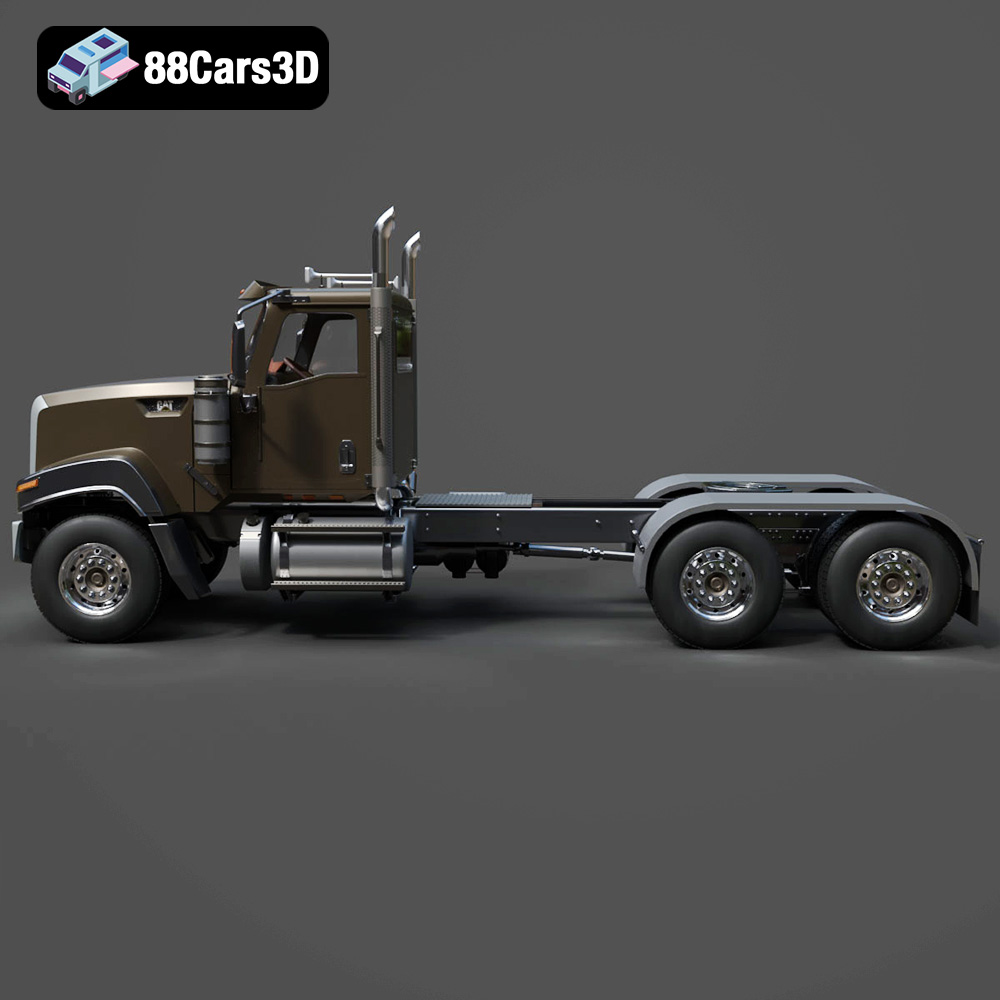
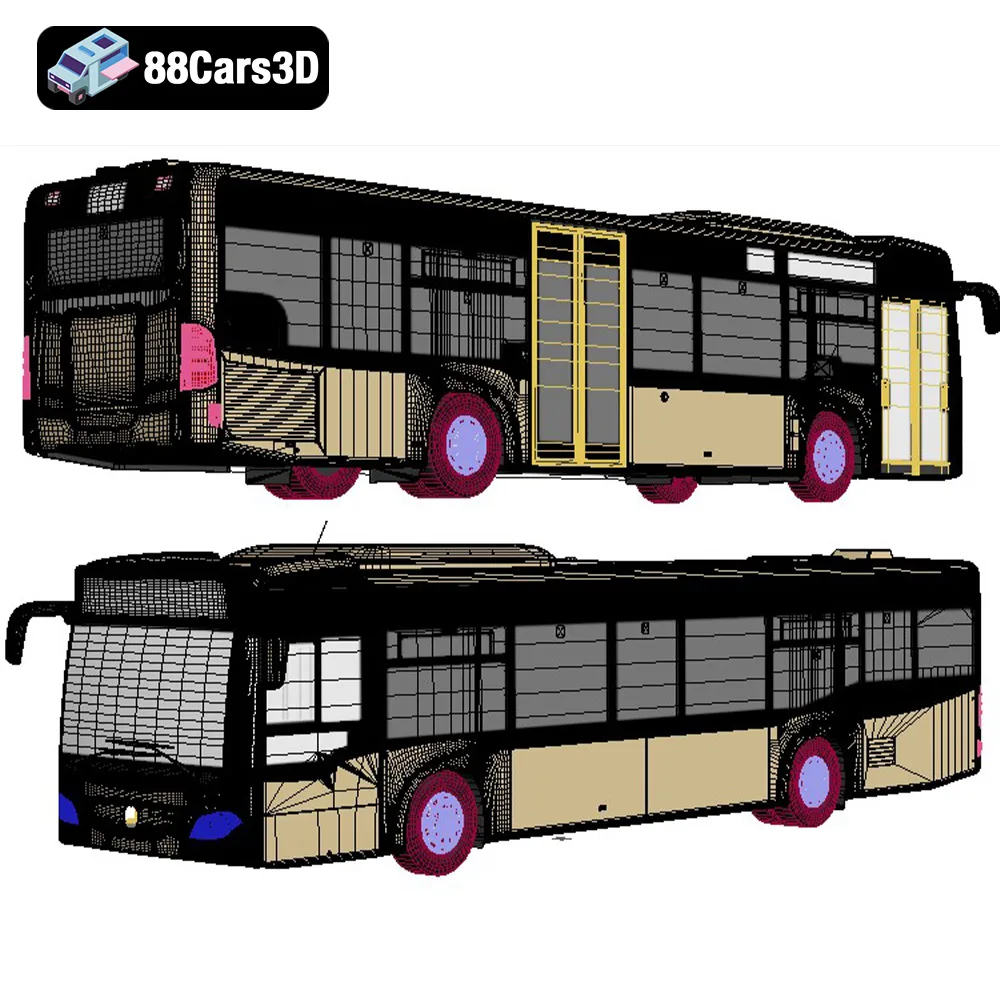
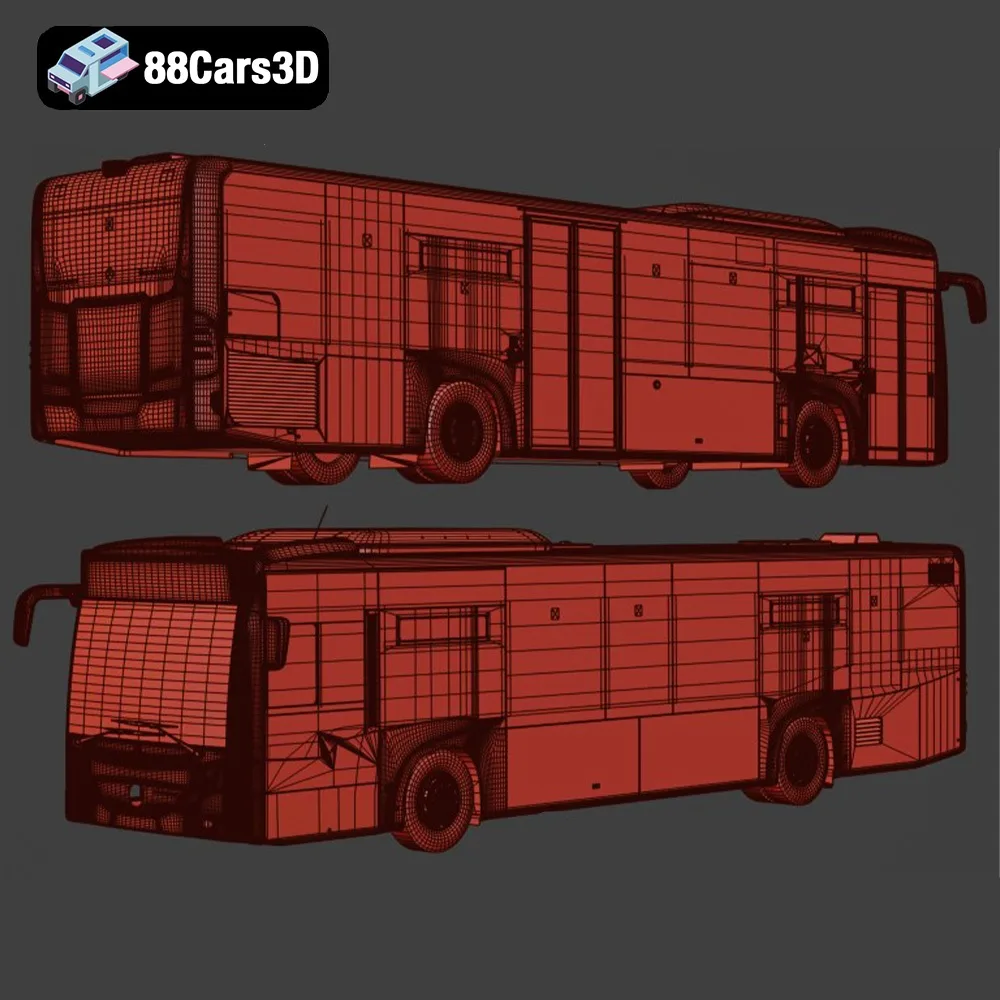
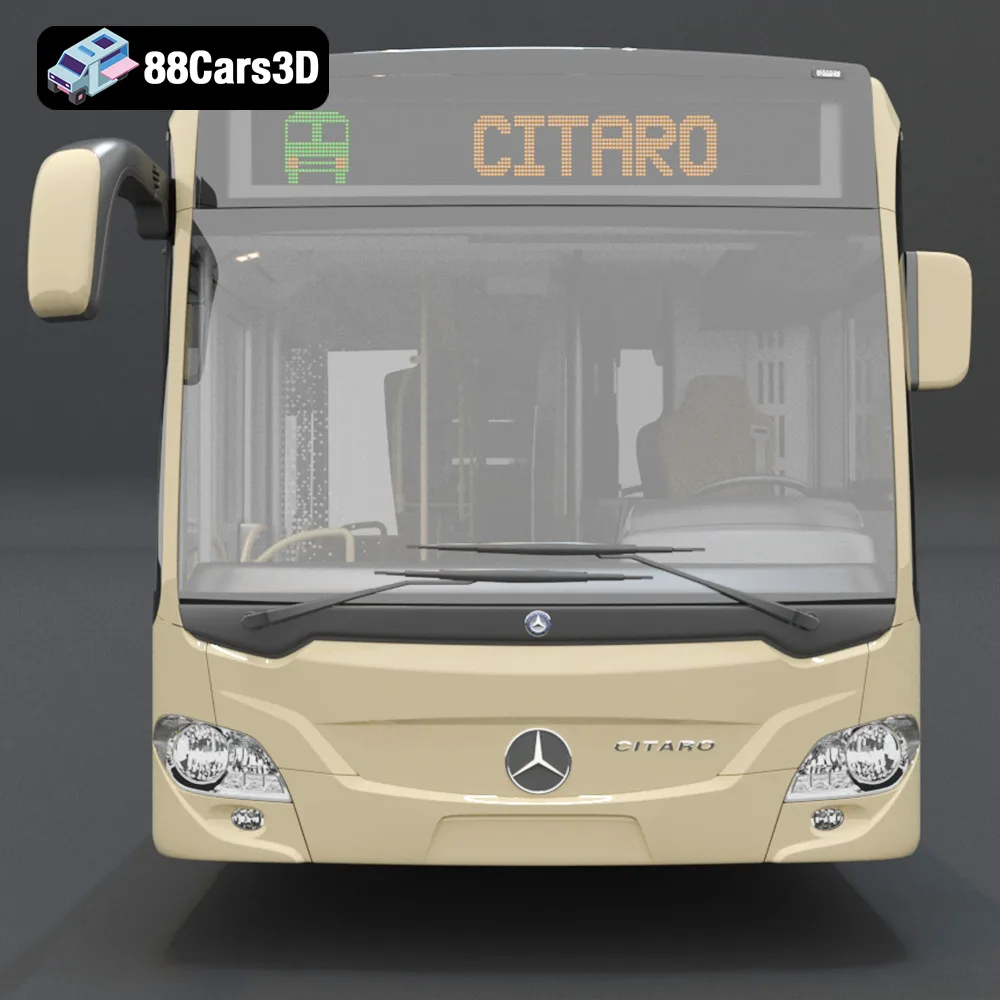
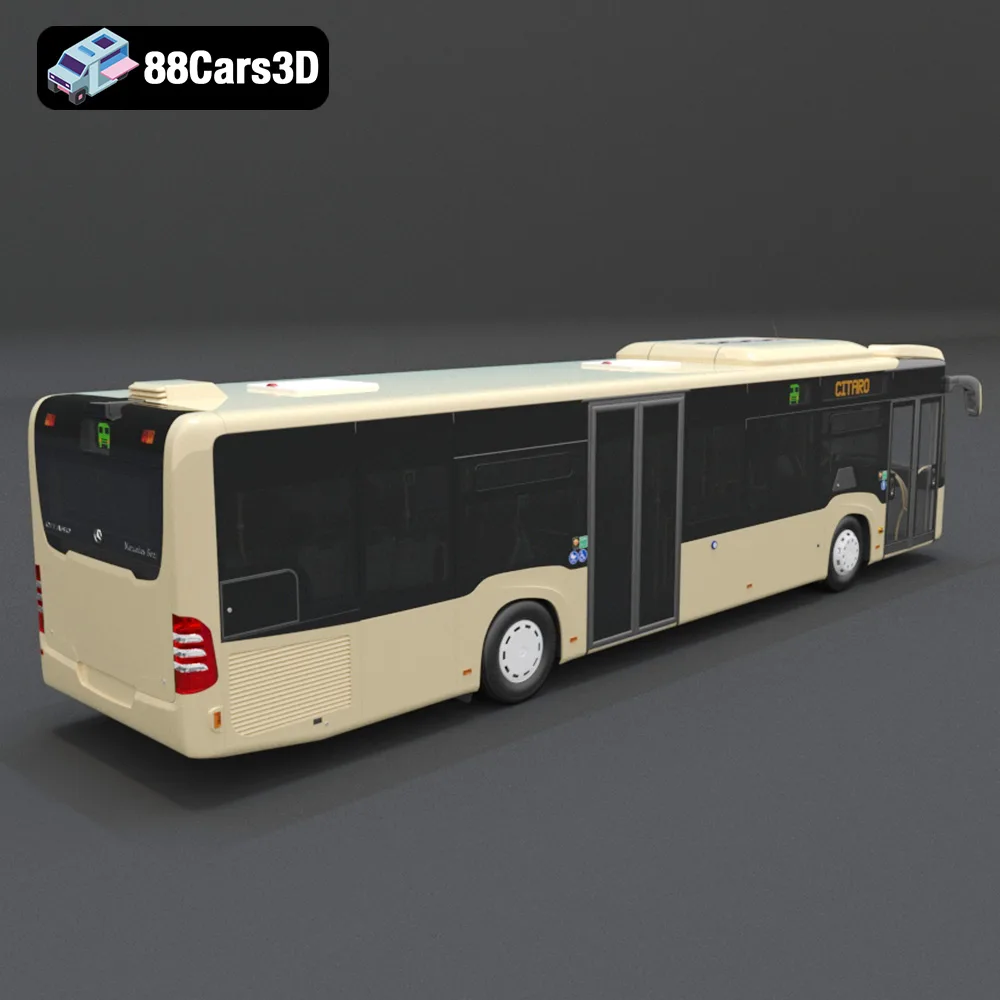
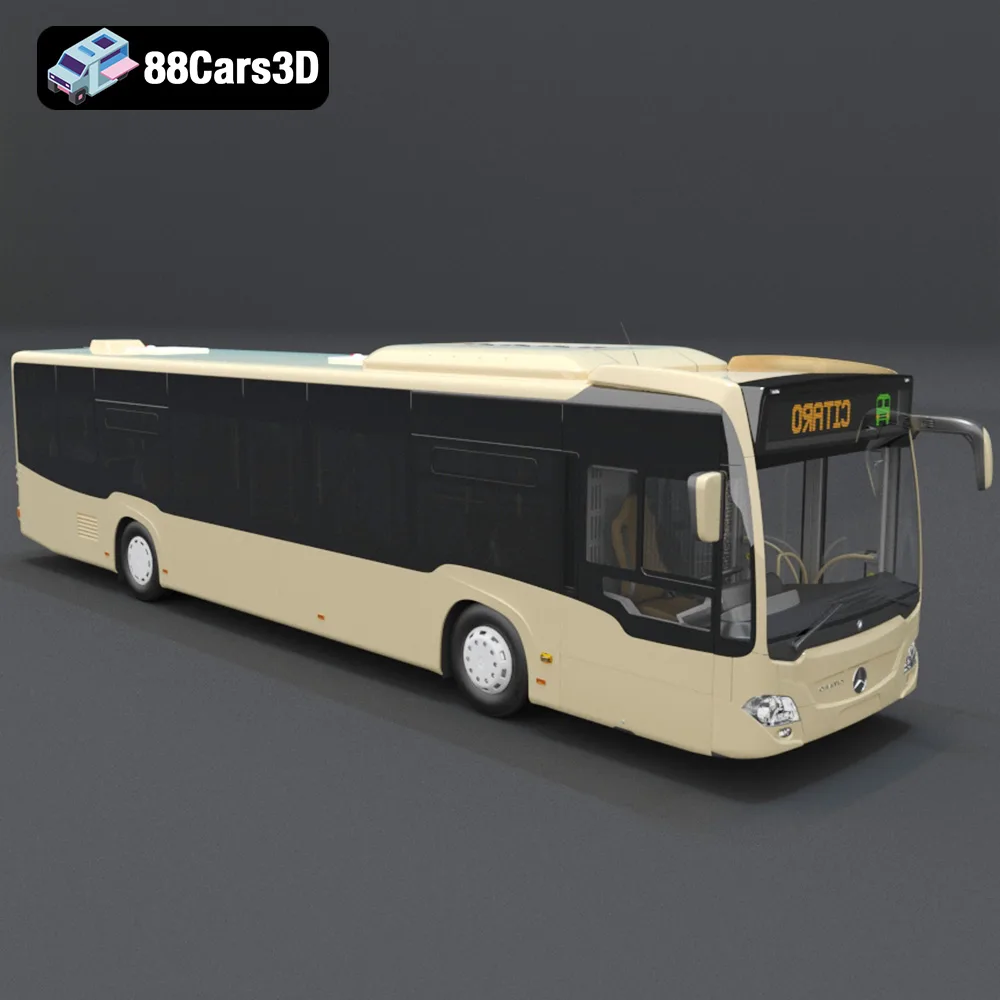
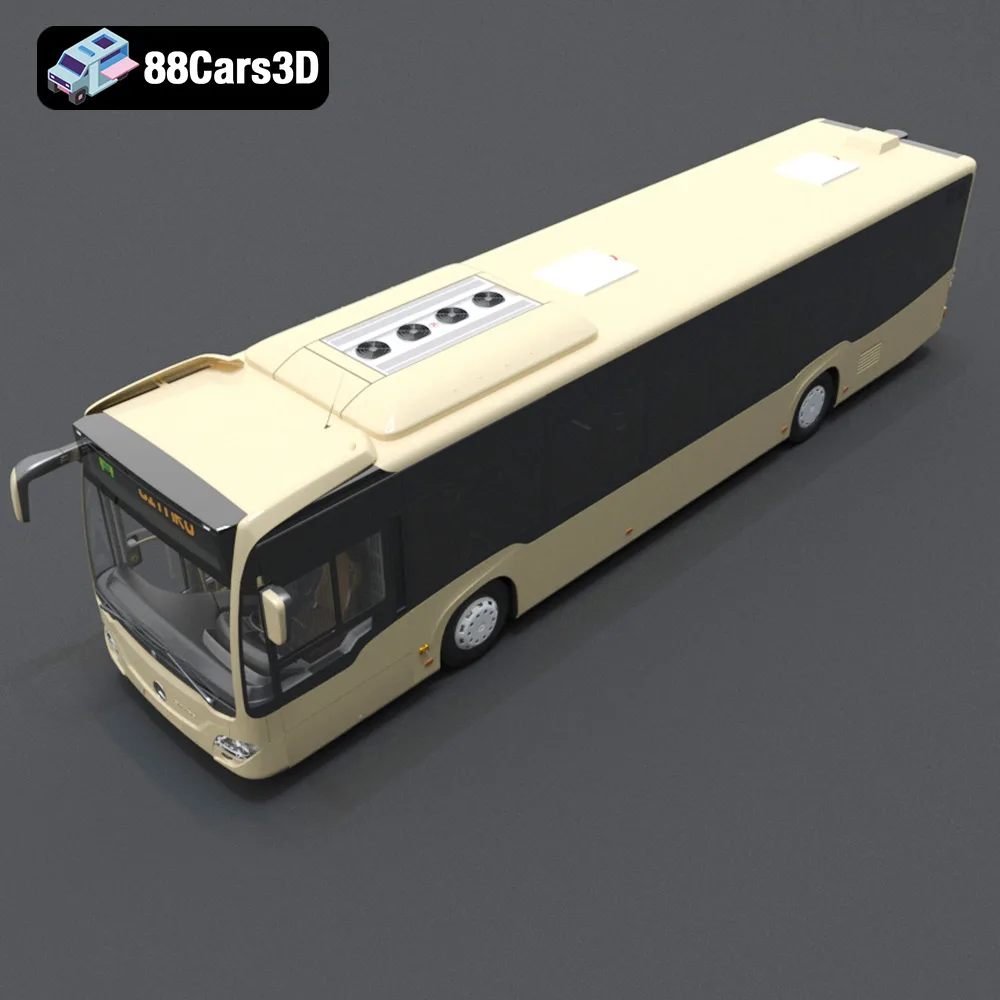
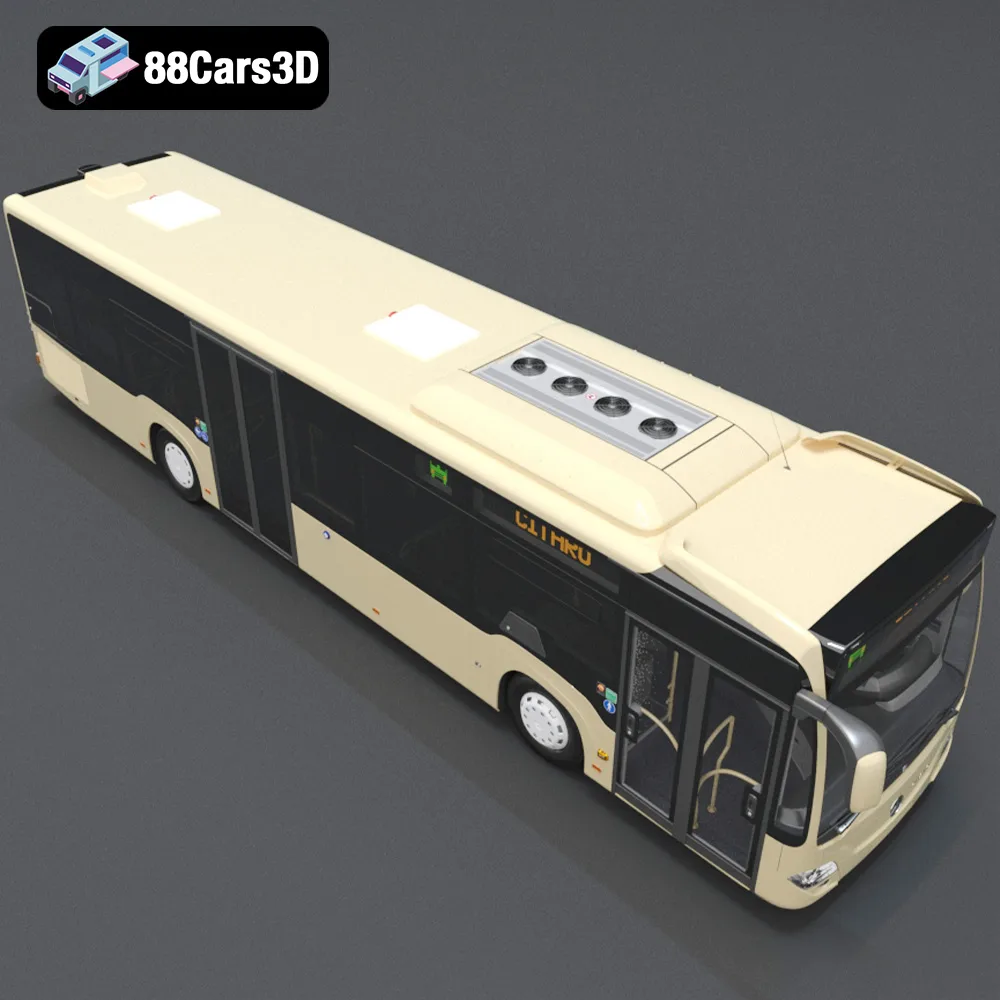
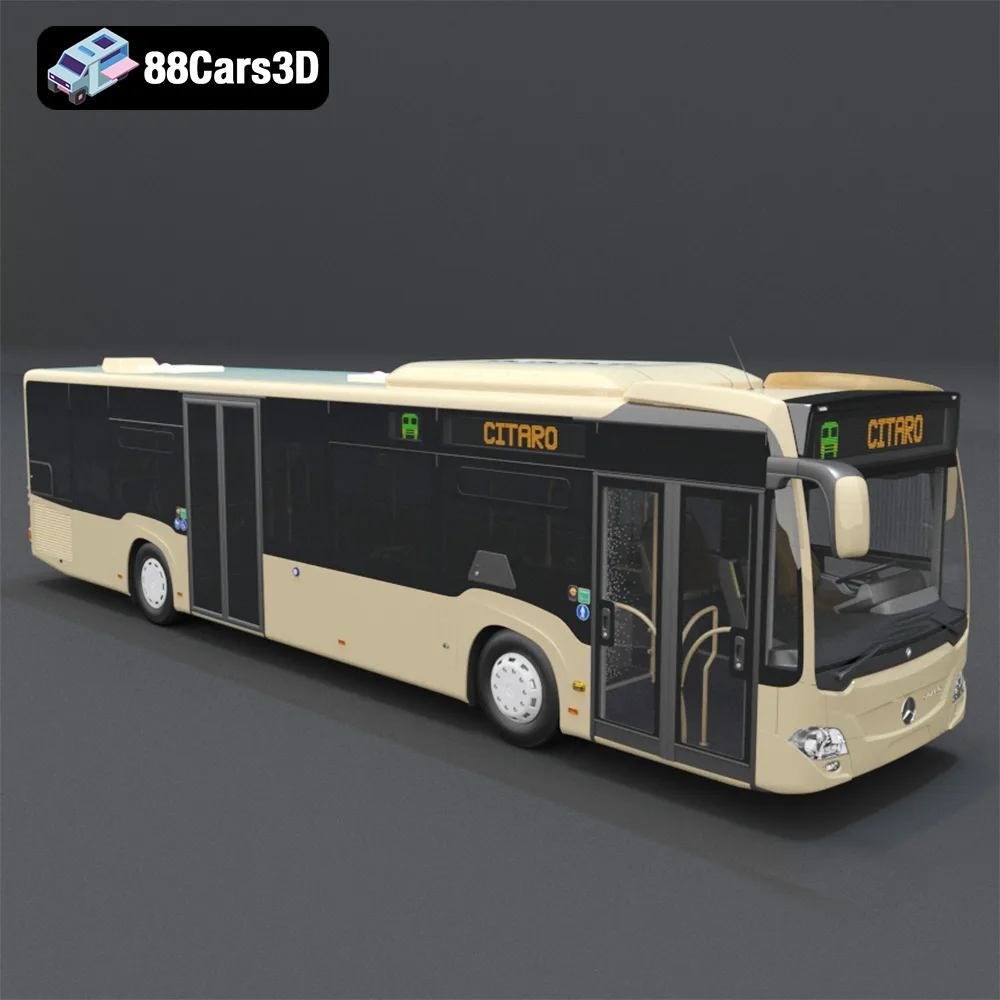
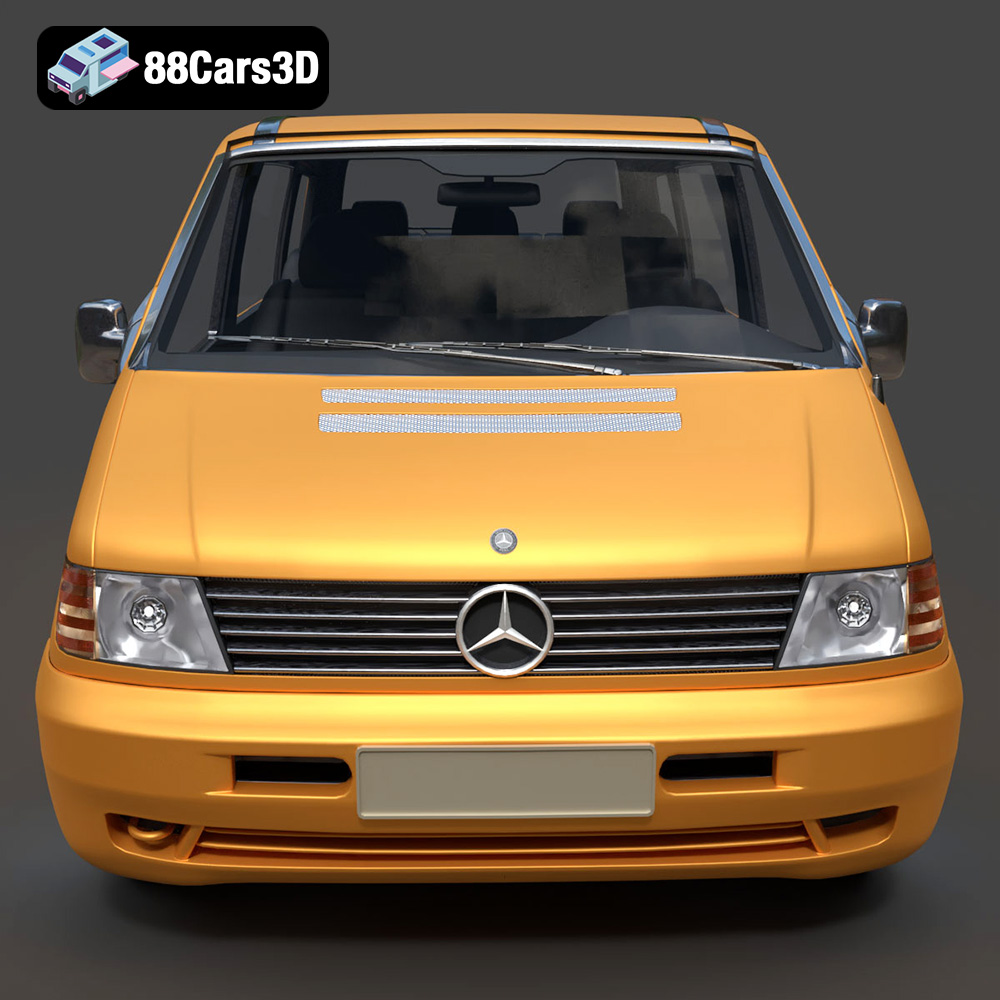
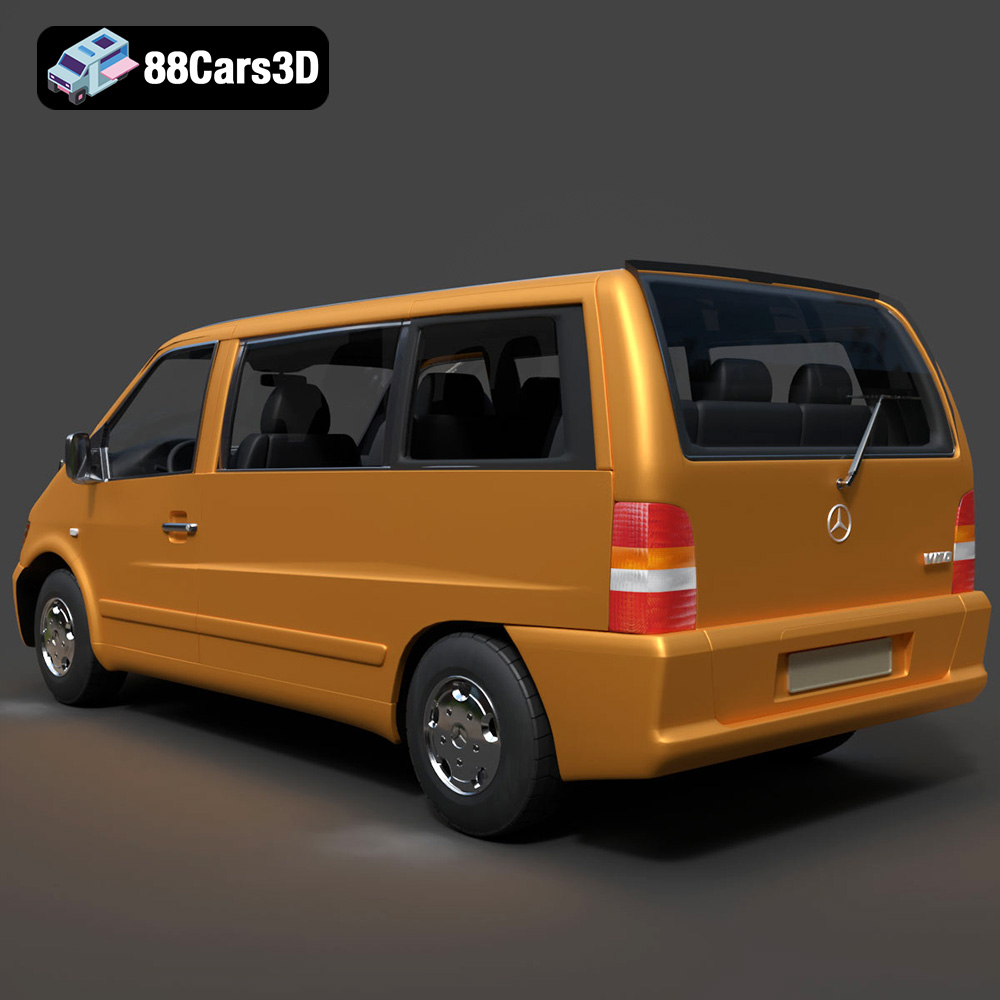
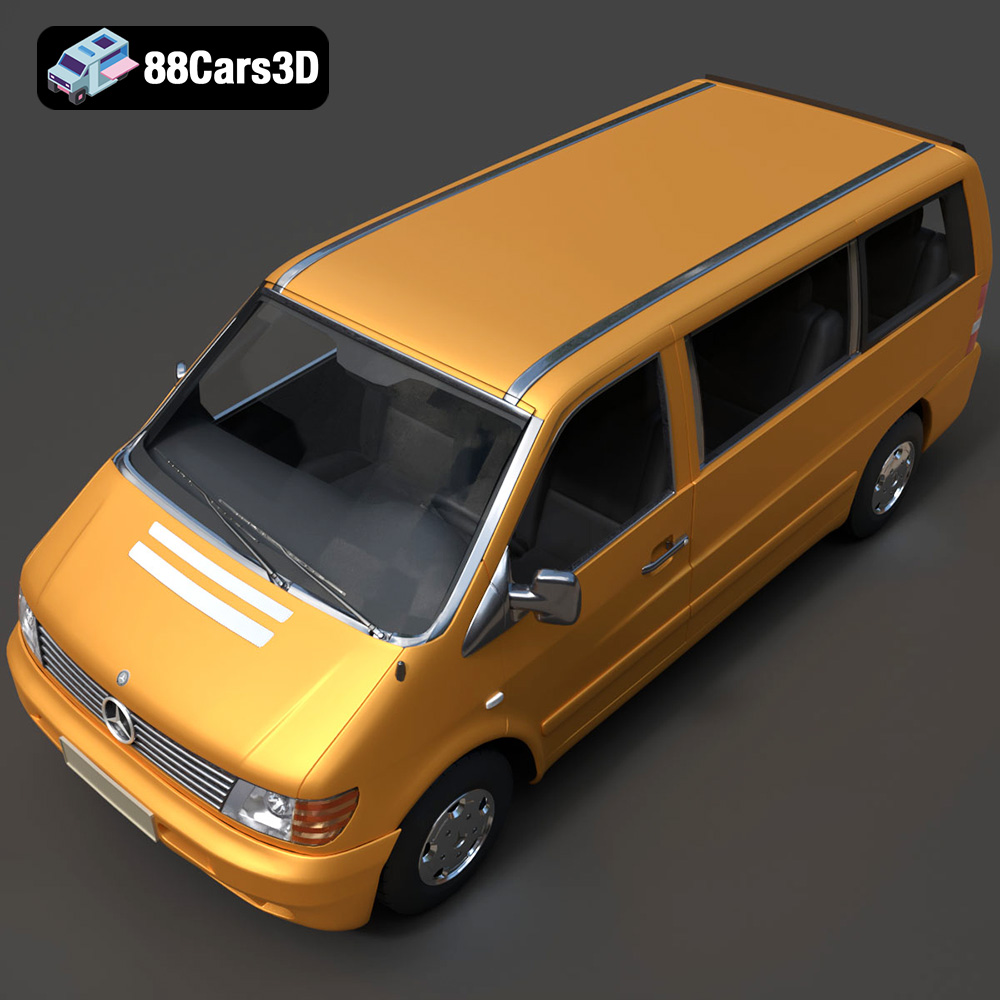
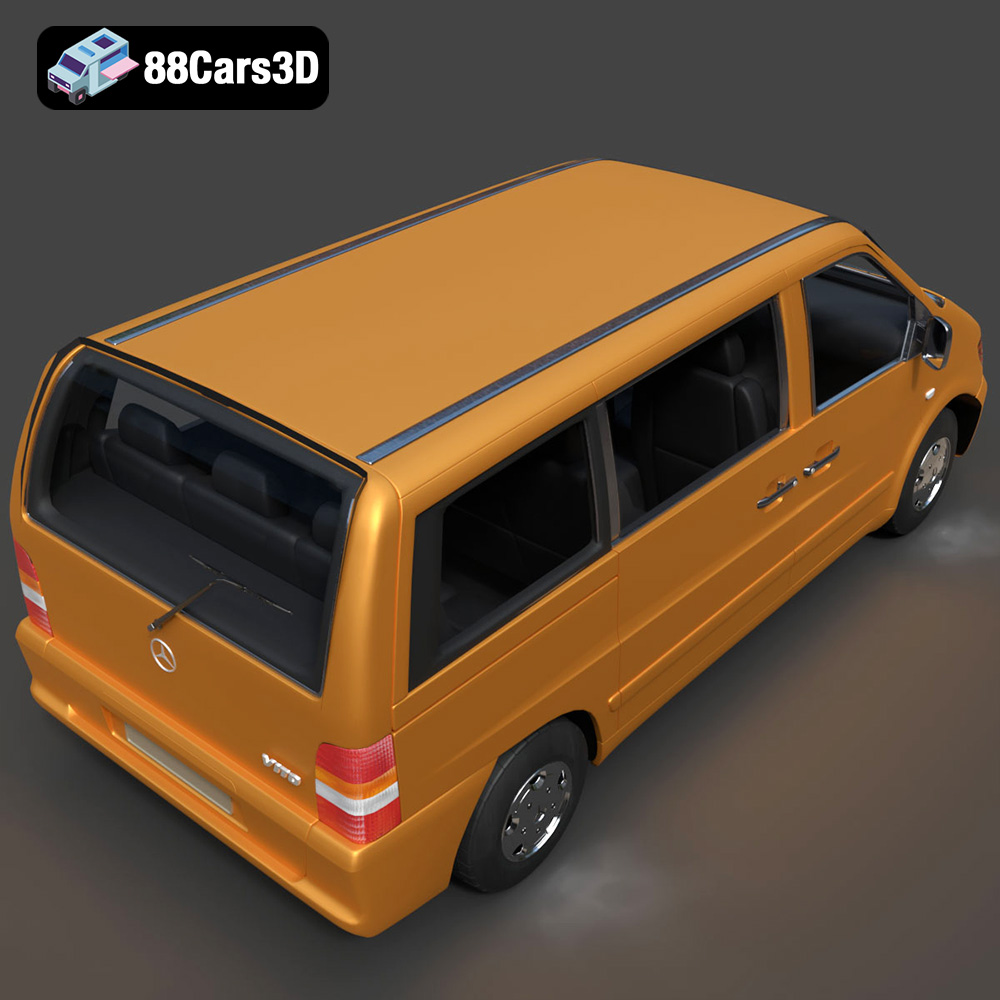
The Heavy Duty & Commercial Logistics 3D Models Bundle from 88cars3d.com presents an exciting opportunity for 3D printing enthusiasts. This 4-in-1 pack, featuring the Ford Sterling A9500 Tractor Truck, Caterpillar CT680 Tractor Truck, Mercedes Citaro NGT Modern City Bus, and Mercedes-Benz Vito Passenger Van, offers a diverse range of vehicles perfect for scale modeling, diorama creation, or even custom game assets. But bringing these digital designs into the physical world requires careful planning and execution. This guide will provide a comprehensive breakdown of how to successfully 3D print these intricate models, covering everything from pre-print preparation to post-processing techniques.
Before diving into printer settings and materials, it’s crucial to understand the different file formats provided with the Heavy Duty & Commercial Logistics Bundle and how they relate to 3D printing. While the bundle includes formats optimized for rendering and game development (.blend, .fbx, .obj, .glb, .max), the .stl format is the workhorse of additive manufacturing.
The STL (Stereolithography) file format has been the industry standard for 3D printing for decades. It represents a 3D model as a collection of triangular facets, effectively creating a mesh approximation of the original design. This simplicity makes it universally compatible with virtually all 3D printing software and hardware. The key advantage of STL is its widespread adoption; nearly every slicing program can read and process STL files.
However, STL’s limitations are also important to consider. It only stores geometric data, lacking information about color, texture, or material properties. This means that while you can 3D print the shape of the models in the Heavy Duty & Commercial Logistics Bundle using STL, you’ll need to apply any desired colors or finishes during post-processing.
While STL is ideal for 3D printing, the other included formats offer different benefits:
* **.obj:** This is a more versatile format than STL because it can store color and texture information. While you can technically 3D print OBJ files, it’s less common, especially for single-extrusion printers. OBJ shines when dealing with full-color 3D printing technologies.
* **.ply:** The Polygon File Format (PLY) is designed for storing 3D scanner data and can handle complex mesh structures with high precision. It’s generally not used directly for 3D printing due to its complexity.
* **.blend, .max, .fbx, .glb:** These are native formats for specific 3D modeling software (Blender, 3ds Max, etc.) and are primarily used for editing and manipulating the models before exporting them as STL for 3D printing. They are valuable for customizing the models but not directly compatible with most 3D printers.
Slicing software is essential for preparing an STL file for 3D printing. Programs like Cura, PrusaSlicer, Simplify3D, and others take the STL file and convert it into a series of instructions (G-code) that the 3D printer can understand. These instructions dictate the path the printer’s nozzle or laser will take to build the model layer by layer.
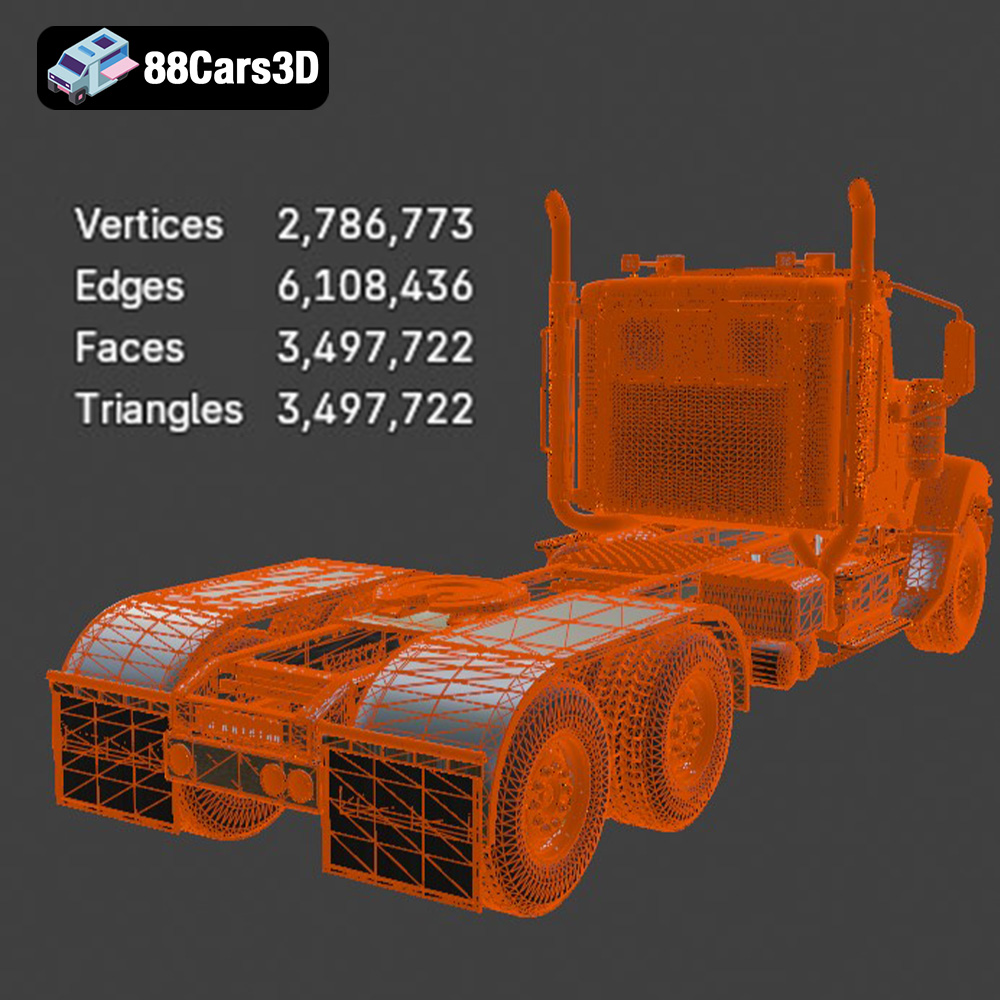
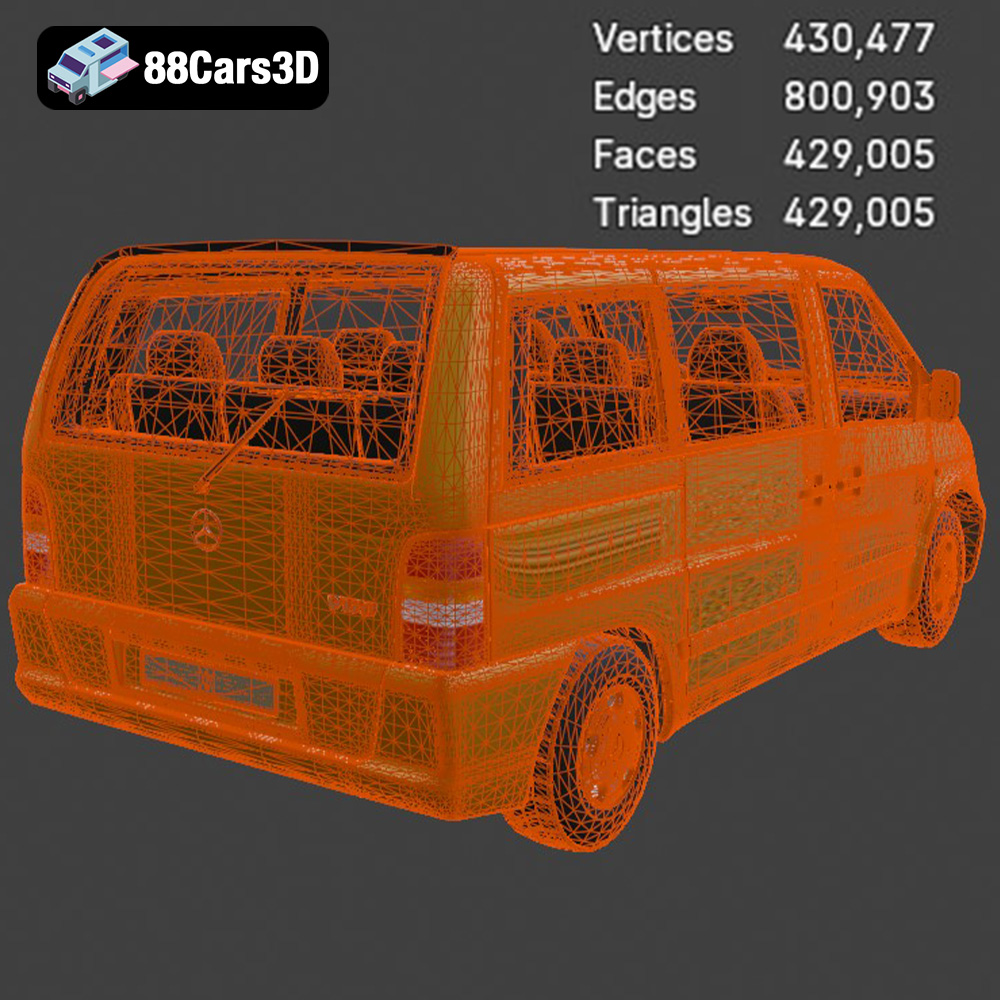
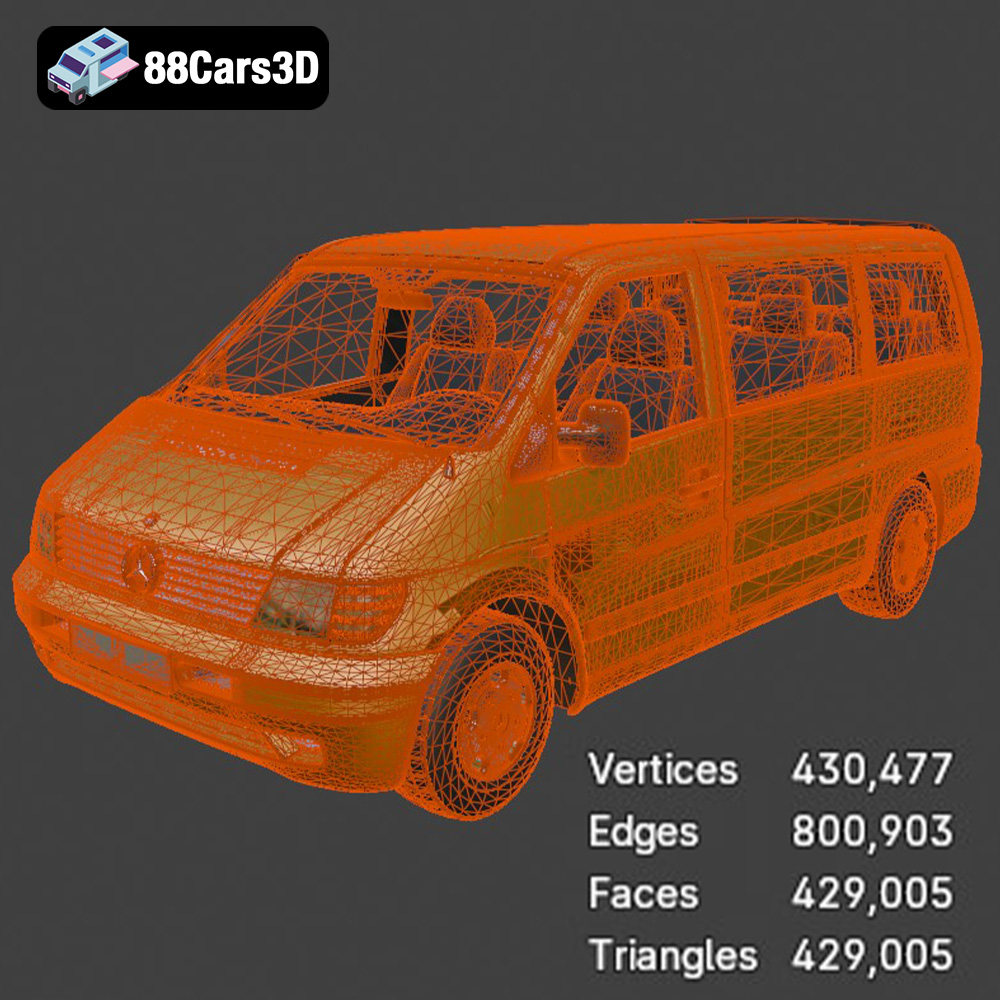
The quality of the original STL mesh directly affects the quality of the final print. A poorly constructed STL file with gaps, overlaps, or inverted normals can lead to printing errors. Before slicing, it’s good practice to run the STL file through a mesh repair tool (often included in slicing software) to identify and fix any potential issues. These tools can automatically correct many common mesh problems, ensuring a smoother and more successful printing process. The Heavy Duty & Commercial Logistics Bundle from 88cars3d.com should provide well-formed STL files, but verifying their integrity before printing is always recommended.
Choosing the right material is paramount to achieving a successful 3D print of the Heavy Duty & Commercial Logistics models. The optimal choice depends on your desired level of detail, strength, and aesthetic finish.
For Fused Deposition Modeling (FDM) printers, which extrude melted plastic filament, PLA (Polylactic Acid) is a popular and easy-to-use option. PLA is biodegradable, relatively inexpensive, and produces good detail, making it suitable for showcasing these models. However, PLA is not very heat-resistant and can be brittle.
PETG (Polyethylene Terephthalate Glycol-modified) offers a good balance of strength, flexibility, and heat resistance. It’s a strong contender if you plan on displaying the models in environments exposed to sunlight or higher temperatures. PETG can be more challenging to print than PLA, requiring precise temperature and retraction settings.
ABS (Acrylonitrile Butadiene Styrene) is known for its durability and high-temperature resistance, often used in automotive parts. However, ABS is more difficult to print due to its tendency to warp and requires a well-ventilated area as it emits fumes during printing. It is generally not recommended for beginners.
For intricate details, especially at smaller scales, resin printing (SLA/DLP) is highly recommended. Resin printers use liquid photopolymer resin that is cured by UV light, resulting in parts with incredibly fine resolution and smooth surfaces. This is particularly important for capturing the details of the trucks’ chassis, grilles, and other intricate features.
Resin printing requires proper safety precautions, including gloves and eye protection, as the resin can be irritating. Post-processing involves washing the printed parts in isopropyl alcohol (IPA) and curing them under UV light to fully harden the resin.
Before sending the STL files to your 3D printer, you need to prepare them using slicing software. This involves setting print parameters, orienting the model, and generating support structures.
The Heavy Duty & Commercial Logistics Bundle description suggests scales of 1:24, 1:32, or 1:43. Choosing the right scale depends on your printer’s build volume and desired level of detail. Larger scales will showcase finer details but require more material and longer print times.
Orientation is crucial for print quality and support placement. For the truck cabs, angling the model slightly backward can minimize the need for supports on the front and improve the surface finish. Wheels should be printed separately, ideally laying flat on the build plate to maximize adhesion.
Support structures are necessary to hold up overhanging features during printing. Slicing software can automatically generate supports, but it’s essential to customize them to minimize material usage and ease removal. Focus support generation on areas like wheel arches, side mirrors, and the rear roof spoiler.
For FDM printing, consider using tree supports, which are more efficient and easier to remove than traditional linear supports. For resin printing, use thinner support tips to minimize scarring on the model’s surface.
The ideal printer settings will vary depending on your printer and material, but here are some general guidelines:
* **Layer Height:** 0.1mm – 0.2mm (lower layer heights for finer detail)
* **Infill:** 15-25% (adjust for desired strength)
* **Wall Thickness:** 1.2mm – 2.0mm (multiple of your nozzle diameter)
* **Print Speed:** 40-60mm/s (adjust for optimal quality and adhesion)
* **Support Overhang Angle:** 45-60 degrees (adjust based on support material)
* **Layer Height:** 0.03mm – 0.05mm (lower layer heights for smoother surfaces)
* **Bottom Layer Exposure Time:** 30-60 seconds (ensure strong adhesion to the build plate)
* **Normal Layer Exposure Time:** 2-8 seconds (optimize for resin type)
* **Lift Speed:** 60-100mm/min (prevent suction forces from detaching the model)
Once the 3D prints are complete, post-processing is essential to achieve a polished and professional finish.
Carefully remove support structures using tools like pliers, cutters, or hobby knives. Take your time to avoid damaging the model’s surface.
Sanding is crucial to smooth out layer lines and imperfections. Start with coarse-grit sandpaper (220-320) and gradually move to finer grits (400-600-800) for a smooth finish. For resin prints, wet sanding can further improve the surface quality.
Priming the model is essential before painting to provide a uniform surface for the paint to adhere to. Use spray primer in light, even coats.
Apply multiple thin coats of paint using spray paint or an airbrush. For realistic automotive finishes, research the original colors used on the Ford Sterling, Caterpillar CT680, Mercedes Citaro, and Mercedes Vito. Consider adding details like panel lines, weathering, and decals for added realism.
The Heavy Duty & Commercial Logistics models can be printed in separate parts (cab, chassis, wheels, etc.) for easier printing and painting. Use super glue or epoxy to assemble the components. Ensure proper alignment for a professional-looking final product.
Even with careful preparation, 3D printing can sometimes present challenges. Here are some common issues and solutions:
* **Warping (FDM):** Increase bed adhesion by using a heated bed, applying adhesive (glue stick or hairspray), or using a brim or raft.
* **Stringing (FDM):** Reduce printing temperature, increase retraction distance, or decrease travel speed.
* **Delamination (FDM):** Ensure proper layer adhesion by increasing printing temperature or decreasing layer height.
* **Support Failure:** Increase support density, increase support thickness, or adjust support angle.
* **Resin Print Failures:** Increase bottom layer exposure time, level the build plate carefully, or check for resin expiration.
By following these guidelines and paying attention to detail, you can successfully 3D print the Heavy Duty & Commercial Logistics 3D Models Bundle and create stunning scale models or custom assets for your projects. Remember to visit 88cars3d.com for more high-quality 3D models optimized for 3D printing and other applications.
The Heavy Duty & Commercial Logistics 3D Models Bundle is the ultimate asset collection for industrial architectural visualization, logistics animations, and simulator game development. This 4-in-1 bundle gives you an irresistible opportunity to equip your digital fleet at a massive discount.
$109.99
caterpillar-ct680
commercial-vehicles
ford-sterling
heavy-duty-truck
industrial-archviz
logistics-3d-models
mercedes-citaro-bus
simulator-ready
truck-3d-model
vehicle-bundle