Get 50% OFF All Premium 3D & STL Models!

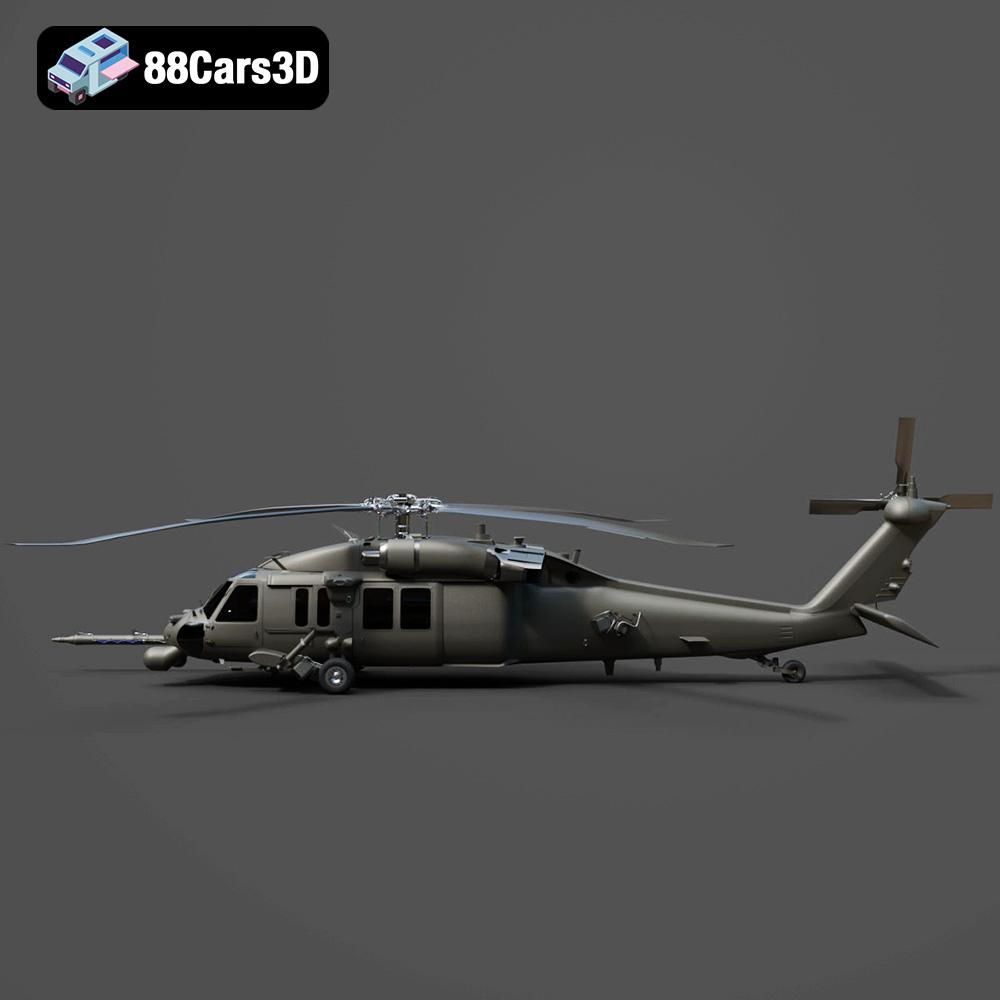
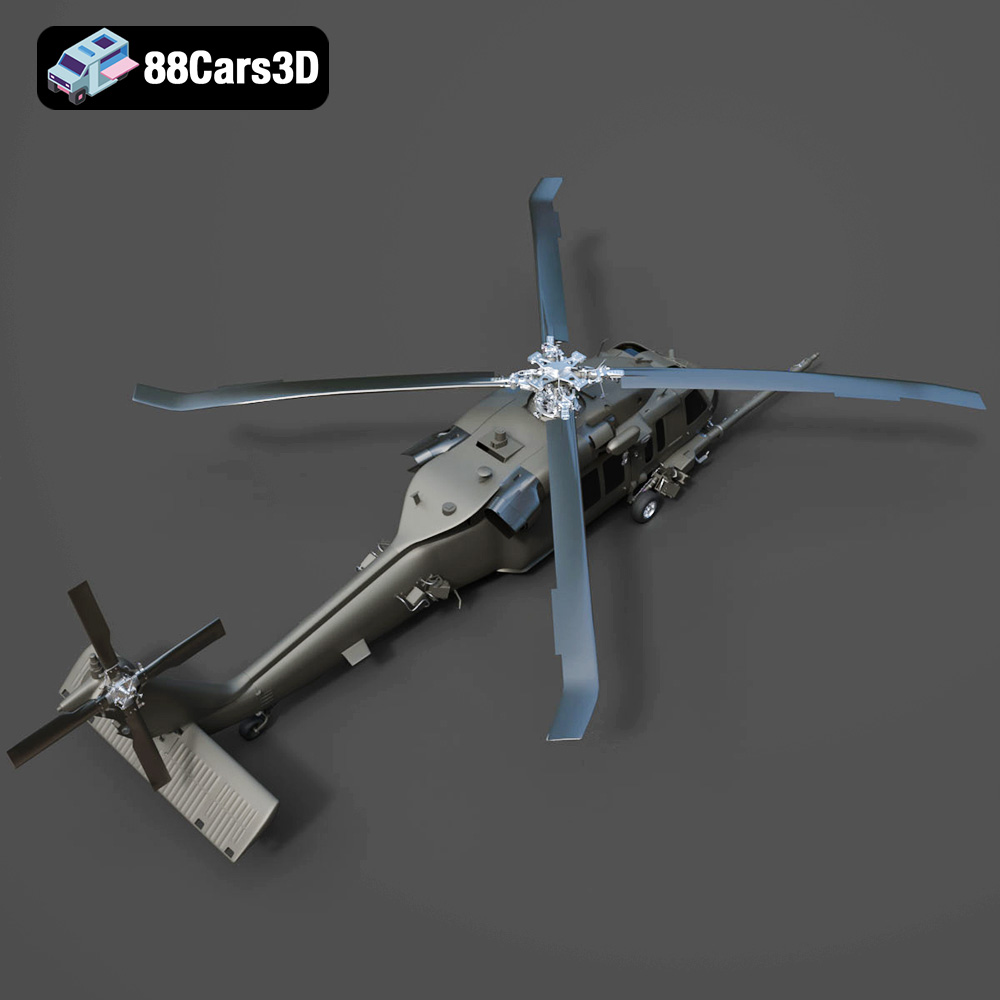
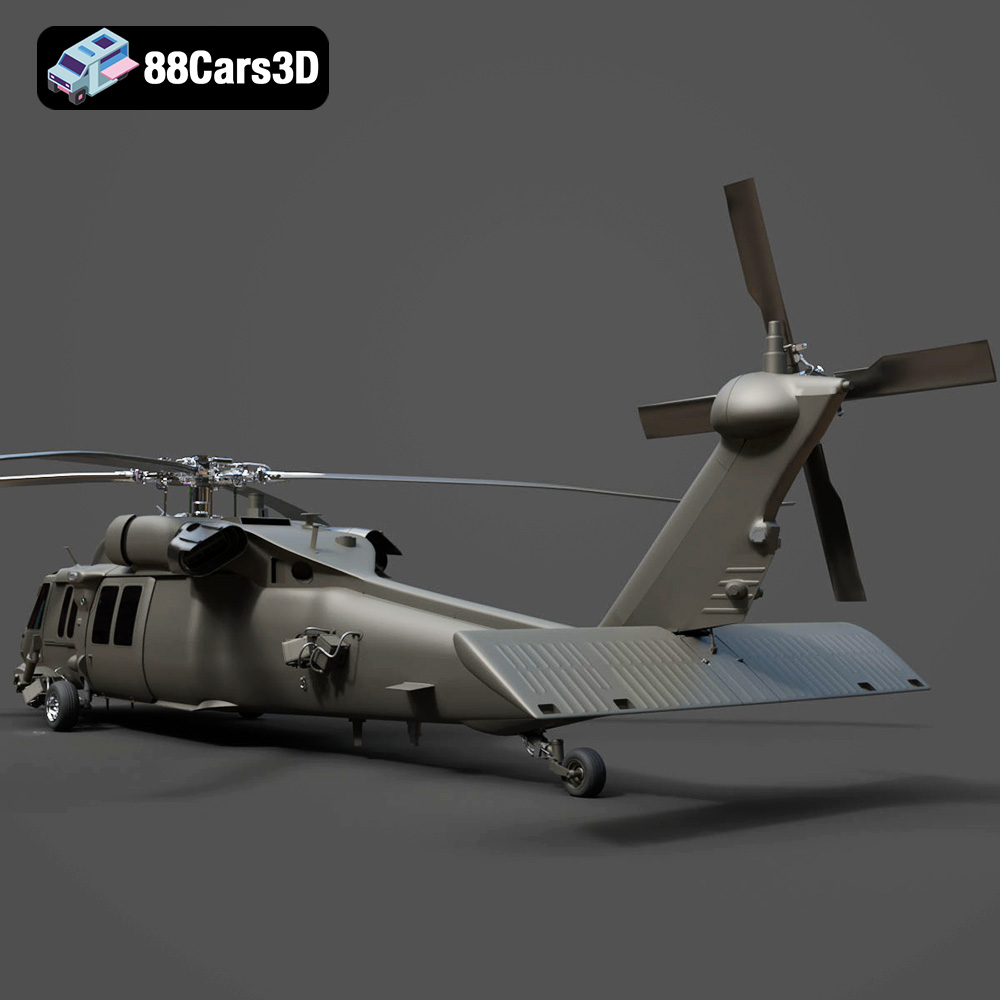
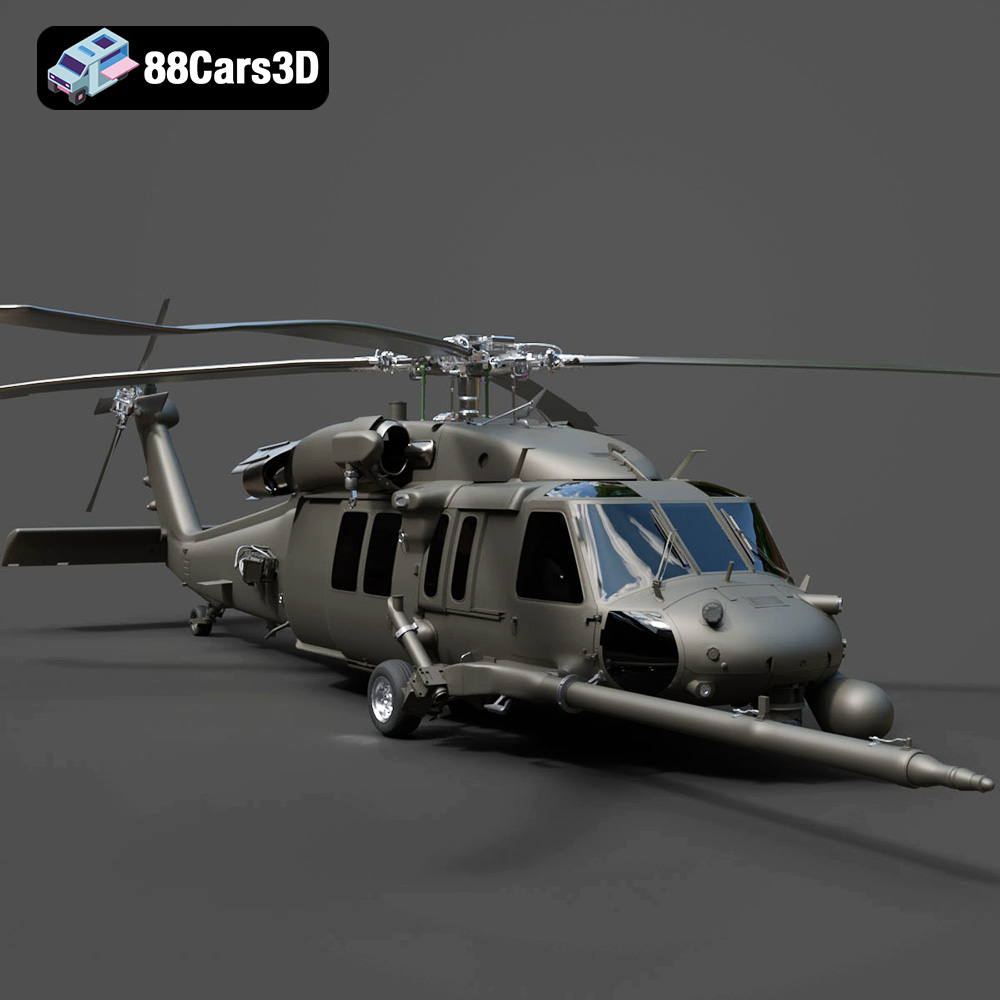
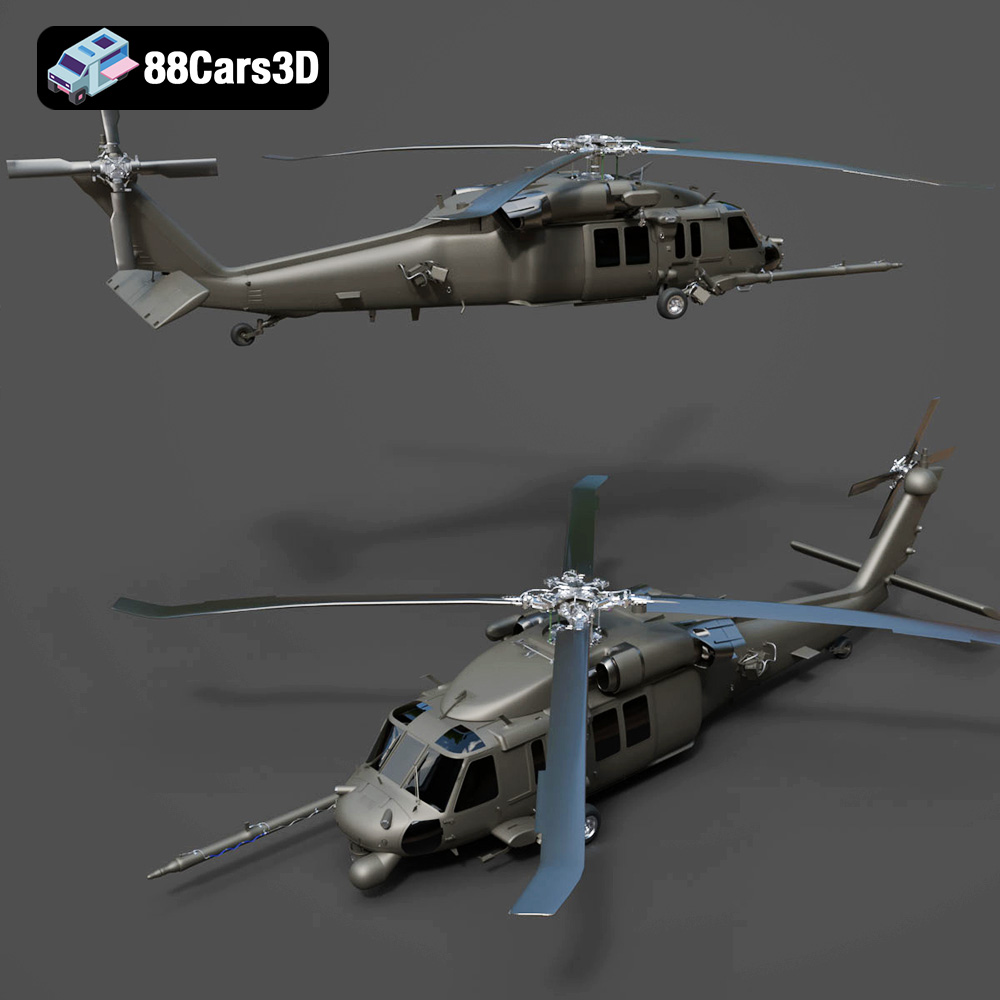
The Helicopter UH-40 3D Model from 88cars3d.com presents a thrilling opportunity for 3D printing enthusiasts. This detailed model, designed for visualization and game development, translates beautifully into a tangible, physical object. However, achieving a successful 3D print requires careful planning and execution. This comprehensive guide will walk you through every step, from selecting the right materials and settings to post-processing techniques, ensuring your UH-40 takes flight from your 3D printer. Whether you’re a seasoned pro or a beginner, you’ll learn the best practices for bringing this impressive aircraft to life.
Selecting the correct file format is paramount to a successful 3D printing endeavor. While the Helicopter UH-40 3D model on 88cars3d.com comes in various formats optimized for rendering and game engines, the .stl format is the undisputed champion for 3D printing. Understanding the nuances of different file formats will ensure smooth sailing when preparing your model for printing.
The .stl (stereolithography) format is the workhorse of 3D printing. It represents the surface geometry of a 3D object as a collection of triangles. This simplicity makes it universally compatible with nearly all 3D printers and slicing software. However, .stl files only contain mesh data; they do not store information about color, texture, or materials. This means your 3D printed UH-40 will be a single-color print unless you apply post-processing techniques like painting.
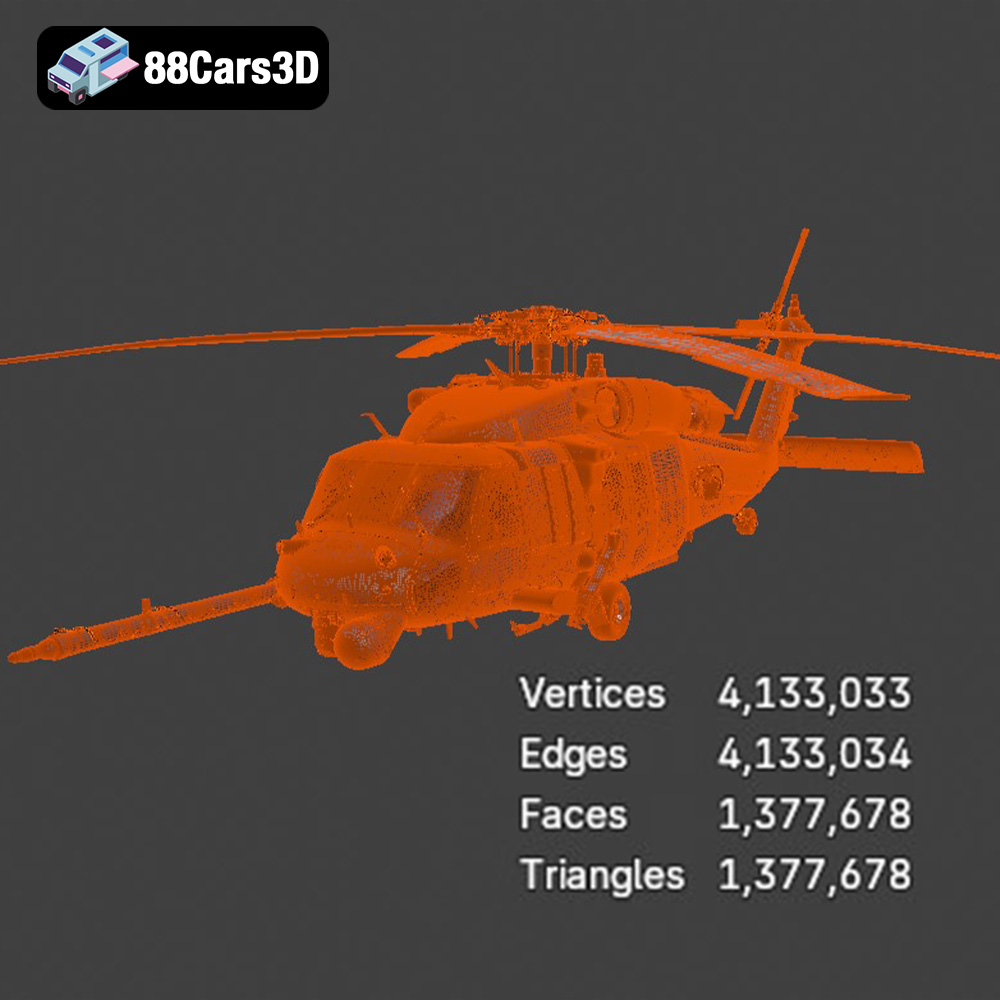
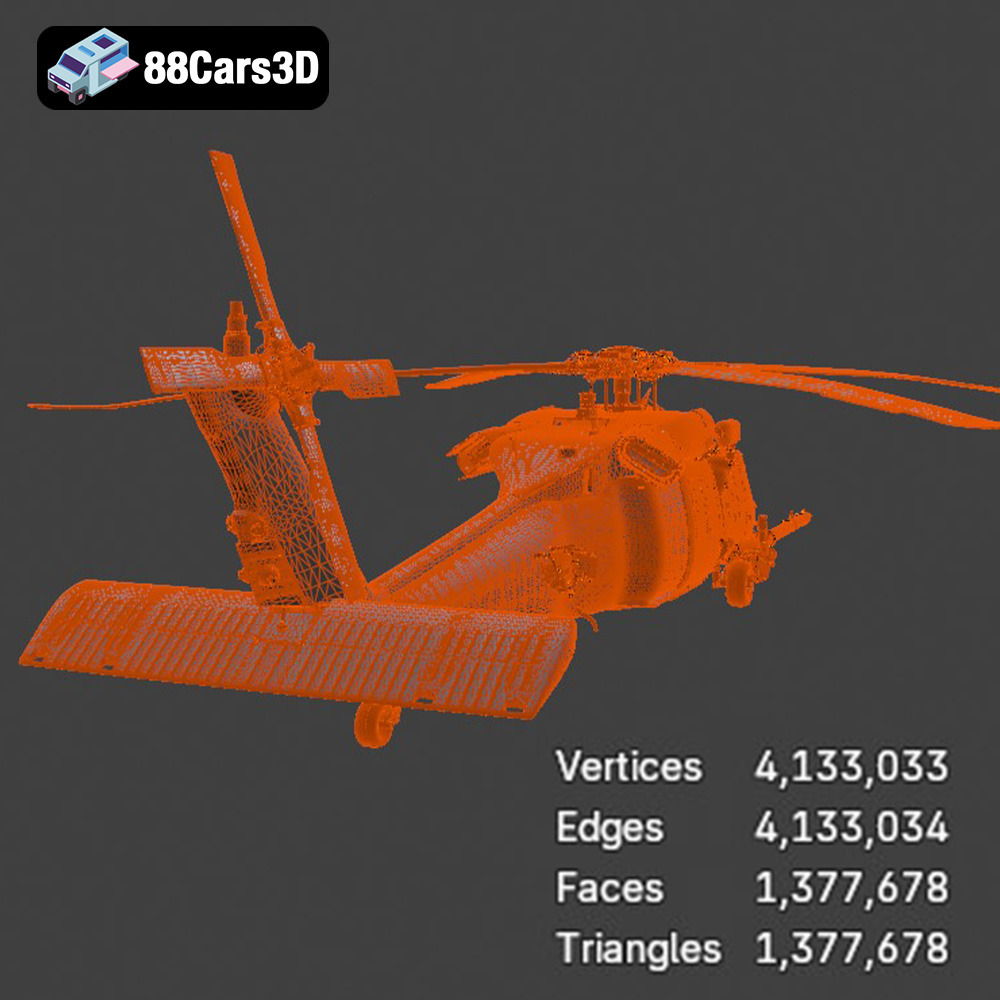
When preparing your .stl file for printing, pay close attention to mesh quality. A low-resolution mesh will result in a blocky, faceted print, while an excessively high-resolution mesh can bog down your slicing software and printer. Slicing software compatibility is virtually guaranteed with .stl, but some programs may struggle with overly complex meshes. Aim for a balance that captures the details of the UH-40 without overwhelming your system. Repairing an STL file is often needed, check for non-manifold geometry (edges that connect to more than two faces) and inverted normals (faces pointing the wrong way). Software like MeshMixer or Netfabb can automatically fix these issues.
The .obj (object) format is another widely used format that supports both geometry and texture information. Unlike .stl, .obj files can store color and texture data, theoretically allowing for multi-color 3D prints. However, multi-color 3D printing is still a relatively niche technology, and the complexity of setting up textures for printing can be significant. For the UH-40, sticking with .stl and painting the model after printing is often the more practical approach.
The .ply (polygon file format) is designed to store 3D data acquired from 3D scanners. It excels at capturing highly detailed mesh information, making it suitable for applications like reverse engineering and scientific visualization. While .ply can be used for 3D printing, the resulting files are often very large and computationally intensive. Unless you require an extremely high level of detail, .stl is generally a better choice for printing the UH-40.
The .blend format is the native file format for Blender, a popular open-source 3D modeling software. This format allows you to directly modify the UH-40 model before exporting it for printing. You can use Blender to simplify the mesh, add custom details, or split the model into multiple parts for easier printing and assembly. This is helpful if you want to create internal structure cutaways or add personalized touches. If you are planning to make modifications, .blend offers the greatest flexibility.
The .fbx (Filmbox) format is primarily used for animation and game development, it supports complex scene data. While FBX files can sometimes be imported into slicing software, the material information is often discarded, and the complexity of the file can cause issues. .stl is more reliable for preparing the UH-40 for printing.
The .glb (GL Transmission Format Binary) is designed for efficient transmission and loading of 3D models in web and AR/VR applications. While .glb is great for previewing the UH-40 in augmented reality, it is not directly suitable for 3D printing. You will need to convert the .glb file to .stl before slicing and printing.
Similar to .blend for Blender, .max is the native file format for 3ds Max, another professional 3D modeling software package. If you are familiar with 3ds Max, you can use the .max file to customize the UH-40 model before exporting it as an .stl for printing.
The choice of material significantly impacts the appearance, strength, and durability of your 3D printed Helicopter UH-40 model. Several factors should influence your decision, including the intended use of the model, your printer’s capabilities, and your desired aesthetic.
PLA (Polylactic Acid) is a popular choice for 3D printing due to its ease of use and relatively low cost. It is a biodegradable thermoplastic derived from renewable resources like cornstarch. PLA prints at lower temperatures than other materials, reducing the risk of warping and making it ideal for beginners.
For the UH-40, PLA is a good option if you prioritize ease of printing and a smooth surface finish. However, PLA is not particularly strong or heat-resistant. If you plan to display your model indoors and away from direct sunlight, PLA is a viable choice. Consider using a high-quality PLA filament to minimize stringing and improve the overall print quality. Estimated material cost for a model of this size in PLA would be approximately $5 – $10.
PETG (Polyethylene Terephthalate Glycol-modified) offers a balance of strength, durability, and ease of printing. It is more flexible and impact-resistant than PLA, making it a better choice for models that may be handled frequently. PETG also has better heat resistance than PLA.
If you want a more robust UH-40 model, PETG is an excellent choice. It can withstand more wear and tear than PLA and is less prone to cracking. PETG can be slightly more challenging to print than PLA, requiring higher temperatures and careful bed adhesion. Expect to pay around $7 – $12 for the material.
Resin 3D printing, using technologies like SLA (Stereolithography) or DLP (Digital Light Processing), offers unparalleled detail and surface finish compared to FDM (Fused Deposition Modeling) printing with filaments. Resin is a liquid photopolymer that hardens when exposed to ultraviolet light.
If you want to capture every intricate detail of the UH-40, resin printing is the way to go. The layer resolution is much finer than FDM, resulting in incredibly smooth surfaces and sharp edges. However, resin printing also requires more post-processing, including washing and curing the model. Resin is typically more expensive than filament, and the fumes produced during printing can be hazardous, requiring proper ventilation. Cost estimates for resin material may range from $15-$25.
Before you hit print, you’ll need to prepare the Helicopter UH-40 model using slicing software. This software converts the 3D model into a series of instructions that your 3D printer can understand. Proper slicing is crucial for achieving a successful print.
The orientation of the model on the print bed significantly affects the print quality and the amount of support material required. For the UH-40, consider printing it with the bottom facing down. This minimizes the need for supports on the fuselage and wings.
Support structures are essential for printing overhanging features. Slicing software automatically generates these structures, but you can customize them to optimize material usage and print time. Consider using tree supports, which are more efficient and easier to remove than traditional linear supports. Experiment with different support densities and angles to find the best balance between support strength and ease of removal. The placement of supports will directly impact the finish quality.
Layer height determines the resolution of the print. Lower layer heights result in smoother surfaces but increase print time. A layer height of 0.1mm to 0.2mm is a good starting point for the UH-40.
Infill density affects the strength and weight of the model. A higher infill density makes the model stronger but also increases material consumption and print time. For a display model, an infill density of 15% to 25% is usually sufficient. Increasing infill on sections needing more rigidity can be done with modifiers in most slicers.
Print speed affects both print quality and print time. Slower print speeds generally result in better quality but take longer. Experiment with different print speeds to find the optimal balance for your printer and material. A good starting point is 40-60mm/s.
Once you have oriented the model, added supports, and chosen your basic settings, it’s time to fine-tune your printing parameters for the specific material you are using.
The optimal printing temperature depends on the material. PLA typically prints between 190°C and 220°C, while PETG requires higher temperatures, typically between 230°C and 250°C. Consult the filament manufacturer’s recommendations for the best results. Also important is bed adhesion; PLA usually requires a heated bed around 60°C. PETG may need 70°C – 80°C.
Proper cooling is essential for preventing warping and ensuring good layer adhesion. PLA benefits from strong cooling, while PETG requires less cooling to avoid delamination. Adjust your fan speed accordingly.
Flow rate determines how much filament is extruded. Calibrating your flow rate ensures accurate dimensions and prevents over- or under-extrusion. Retraction settings control how much filament is pulled back into the nozzle between movements, minimizing stringing and blobs. Experiment with retraction distance and speed to find the optimal settings for your printer and filament.
Once the 3D printing process is complete, post-processing is essential to achieve a professional-looking final product.
Carefully remove the support structures using pliers or a sharp knife. Be patient and avoid damaging the model. Sand the surface to remove any remaining support marks and smooth out any imperfections. Start with coarse sandpaper and gradually move to finer grits for a smooth finish.
Apply a primer to the model to create a uniform surface for painting. Choose a primer that is compatible with your chosen paint. Once the primer is dry, paint the model using acrylic paints or spray paints. Apply multiple thin coats for best results. Consider using stencils or masking tape to create intricate details.
If you printed the UH-40 in multiple parts, carefully assemble them using glue or epoxy. Add any finishing touches, such as decals or weathering effects, to enhance the realism of the model. Seal the painted model with a clear coat to protect the paint and add a glossy or matte finish.
3D printing can be challenging, and it’s not uncommon to encounter issues during the printing process.
Warping occurs when the corners of the model lift off the print bed. To prevent warping, ensure that your bed is properly leveled and heated. Use a bed adhesion aid, such as hairspray or glue stick. Printing with a brim or raft can also improve bed adhesion.
Stringing occurs when thin strands of filament are left between different parts of the model. Blobs are small clumps of filament that accumulate on the surface. Adjusting your retraction settings, temperature, and flow rate can minimize these issues.
Layer delamination occurs when the layers of the print separate. This can be caused by insufficient bed adhesion, low printing temperature, or inadequate cooling. Increase the bed temperature, increase the printing temperature, or reduce cooling to improve layer adhesion.
By following these guidelines, you can successfully 3D print the Helicopter UH-40 model from 88cars3d.com and create a stunning replica of this iconic aircraft. With careful planning, proper slicing, and meticulous post-processing, you can achieve a professional-looking result that you’ll be proud to display. 88cars3d.com offers a wide array of high-quality 3D models perfect for your next additive manufacturing project.
Enhance your digital hangar with the detailed Helicopter UH-40 3D Model. Designed to meet the demands of visualizers and developers, this model delivers precise structural accuracy. The exterior captures the robust aerodynamics of the UH-40 aircraft, while the internal layout provides a fully modeled interior, ensuring it stands up to close-up renders and immersive experiences.
$19.99
.aircraft
.arvr
.aviation
.blend
.car3dmodel
.fbx
.gameasset
.glb
.helicopter
.max
.military
.obj
.ply
.rendering
.simulation
.stl
.uh40
.unreal