Get 50% OFF All Premium 3D & STL Models!

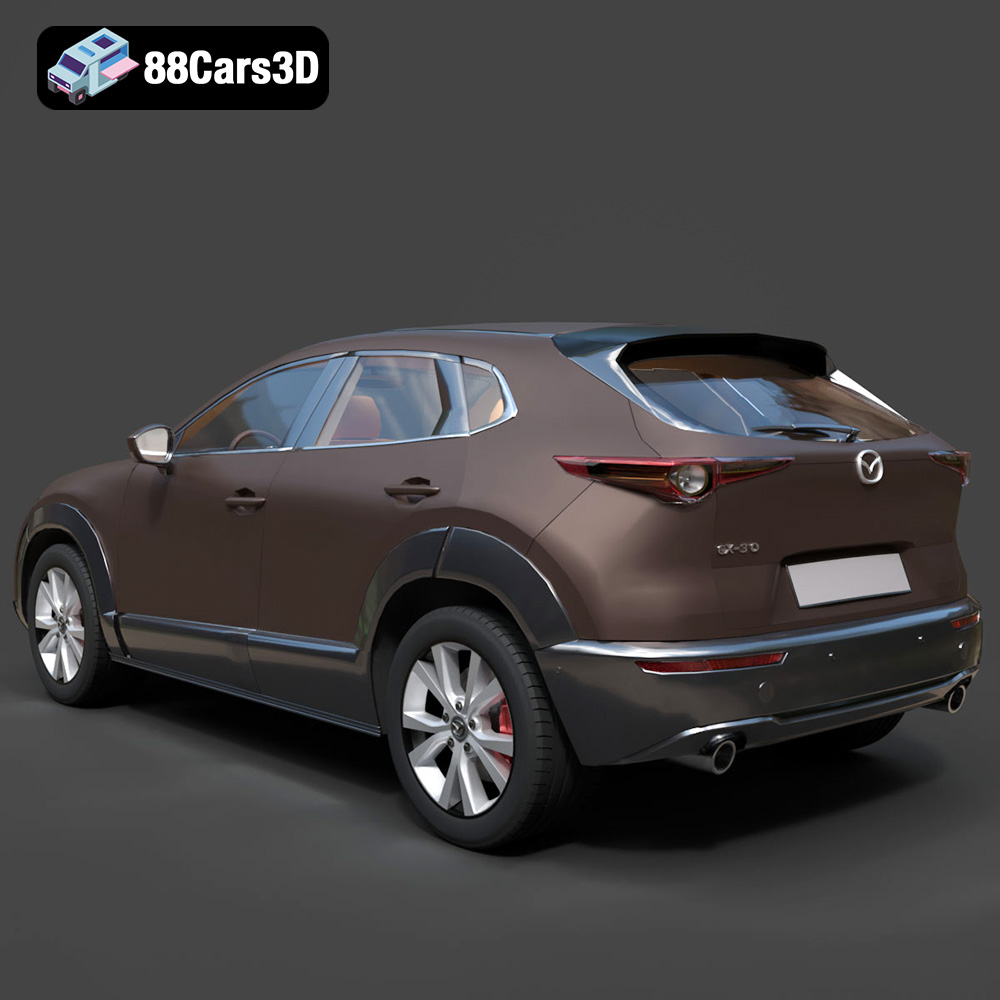
The Mazda CX-30 is a stylish and popular compact crossover SUV, known for its elegant design and engaging driving experience. Now, thanks to the meticulously crafted 3D model available at 88cars3d.com, you can bring this vehicle to life in miniature form through the magic of 3D printing. This comprehensive guide will walk you through the entire process, from preparing the model to achieving a stunning final product, perfect for display, collecting, or even incorporating into larger dioramas. We’ll cover everything from choosing the right materials and settings to mastering post-processing techniques, ensuring your 3D printed CX-30 captures the essence of the original.
Before diving into the specifics, it’s crucial to understand the available 3D printing technologies and how they relate to the Mazda CX-30 model. Fused Deposition Modeling (FDM) and Stereolithography (SLA) are the two most common desktop 3D printing methods, each with its own set of advantages and disadvantages.
FDM printing utilizes a thermoplastic filament, such as PLA or PETG, which is melted and extruded layer by layer to build the object. FDM printers are generally more affordable and easier to operate than SLA printers, making them a great entry point into 3D printing. However, FDM prints typically exhibit visible layer lines, which may require more post-processing to achieve a smooth surface finish.
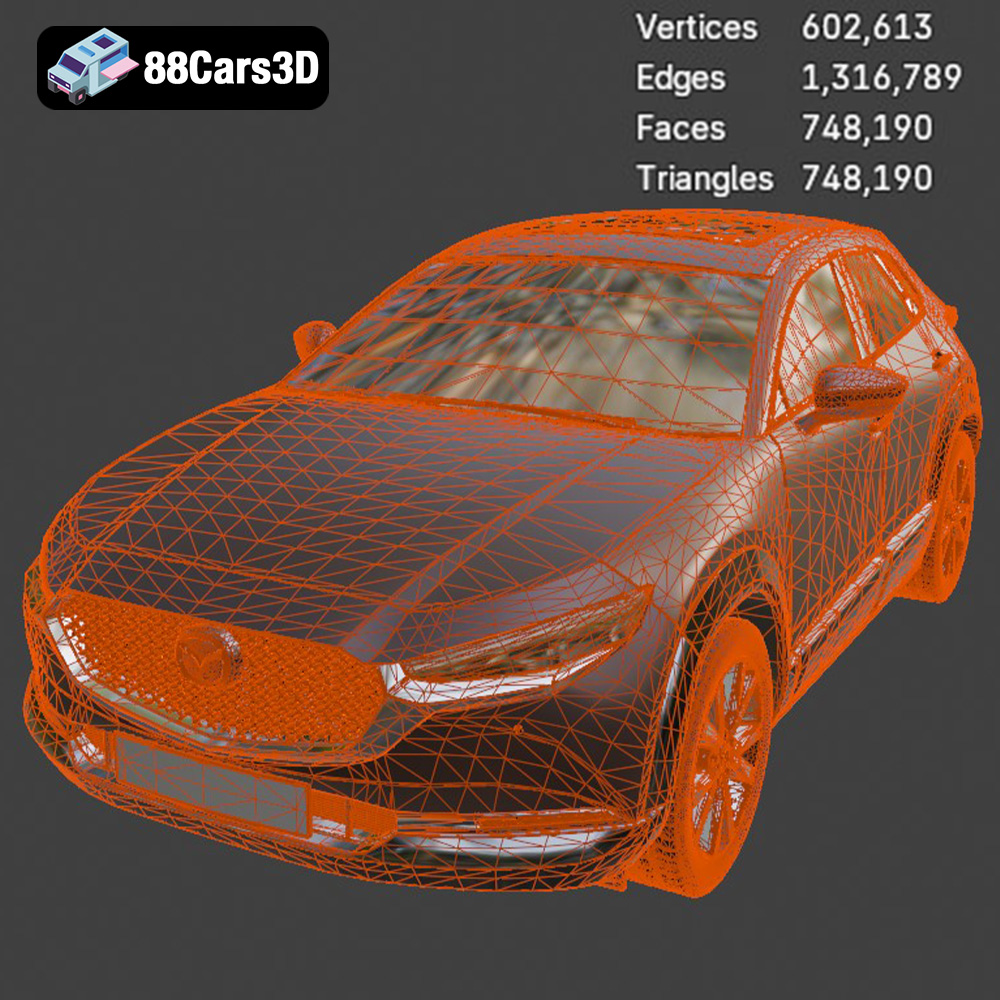
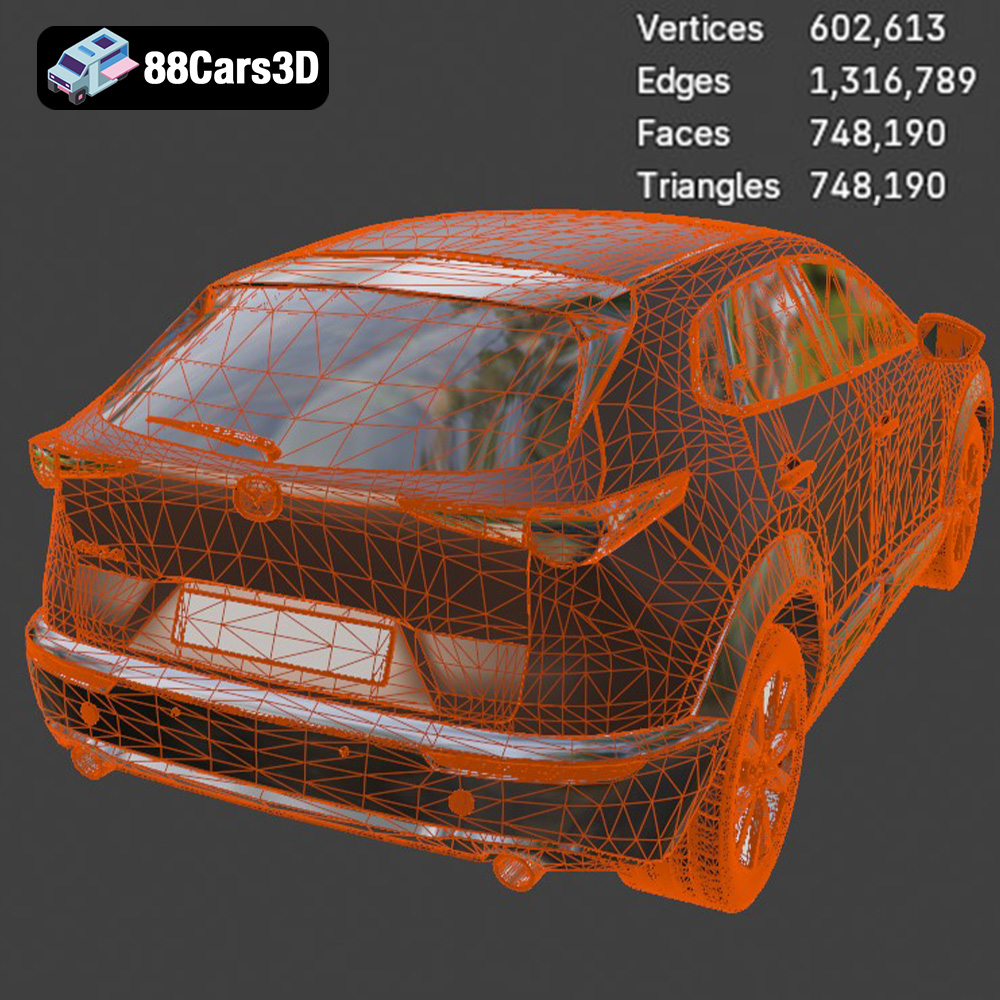
SLA printing, on the other hand, uses a liquid resin that is cured by a UV laser or projector. This process allows for much finer layer heights and greater detail, resulting in smoother surfaces and more accurate representations of complex geometries, like the intricate grille pattern and wheel spokes of the Mazda CX-30. The trade-off is that SLA printers and resins are typically more expensive, and the process can be more demanding in terms of setup and handling. Considering the model’s intricate details, SLA/Resin printing is often recommended, as it can capture the finer aspects of the CX-30’s design more effectively.
Choosing the right file format is crucial for a successful 3D printing experience. The Mazda CX-30 model from 88cars3d.com is available in a variety of formats, each catering to different software and applications. Understanding these formats will allow you to select the best option for your needs.
The .stl (Stereolithography) file format is the workhorse of 3D printing. It represents the surface geometry of a 3D object as a collection of triangles. This mesh-only format is universally compatible with slicing software, the programs used to prepare a 3D model for printing. Because the .stl format only contains information about the shape of the object, it does not include color, texture, or material properties. When using an .stl file, you’ll need to define these properties within your slicing software. For the Mazda CX-30, the .stl format is the most direct and reliable choice for 3D printing. Slicing software like Cura, Simplify3D, and PrusaSlicer handle .stl files with ease, allowing you to adjust settings such as layer height, infill density, and support structures. Ensure that the .stl file is properly scaled and oriented before slicing to optimize print quality and minimize support material usage. A well-prepared .stl file is the foundation for a successful 3D printed model. The mesh quality is also critical; look for smooth surfaces and no obvious gaps or errors in the mesh.
The .obj (Wavefront Object) format is another popular choice for 3D models. Unlike .stl, .obj files can store color and texture information, making them suitable for colored 3D prints (although most desktop 3D printers still focus on single-color prints). While most slicing software can import .obj files, compatibility can vary.
The .ply (Polygon File Format) is designed for storing 3D data obtained from 3D scanners. It’s known for its ability to represent high-detail meshes accurately, making it a good option for models with intricate surfaces.
The .blend file is the native format for Blender, a free and open-source 3D creation suite. If you are familiar with Blender, you can use the .blend file to customize the Mazda CX-30 model before exporting it to a 3D printable format like .stl. This allows you to modify the design, add details, or even split the model into separate parts for easier printing and assembly.
The .fbx (Filmbox) format is commonly used for exchanging 3D data between different software applications. It can store geometry, textures, materials, and animations. While some slicing software can import .fbx files, it’s primarily used for game development and animation workflows.
The .glb (GL Transmission Format Binary) is a binary file format that represents 3D models in a compact and efficient way. It’s often used for displaying 3D models on the web and in augmented reality (AR) applications.
The .max file is the native format for Autodesk 3ds Max, a professional 3D modeling and rendering software. Similar to .blend, you can use .max to modify the Mazda CX-30 model if you have access to 3ds Max.
Once you’ve chosen your preferred file format (ideally .stl), the next step is to prepare the model for printing using slicing software. This process involves converting the 3D model into a series of instructions that the 3D printer can understand.
Several excellent slicing software options are available, both free and paid. Cura is a popular open-source choice known for its ease of use and extensive features. Simplify3D is a commercial option that offers advanced control over printing parameters. PrusaSlicer is another free option, developed by Prusa Research, that provides excellent performance and a user-friendly interface.
The recommended scales for 3D printing the Mazda CX-30 are 1:24, 1:32, and 1:43. Choose a scale that suits your printer’s build volume and desired level of detail. Before slicing, carefully consider the model’s orientation on the build plate. Orienting the model to minimize the need for support structures is crucial for achieving a clean and aesthetically pleasing print. For the Mazda CX-30, printing the body at an angle can improve the surface finish, while the wheels should be printed separately.
Support structures are necessary to support overhanging features, such as the side mirrors, wheel arches, and rear roof spoiler. Slicing software can automatically generate support structures, but it’s essential to optimize their placement and density to minimize material usage and improve print quality. Consider using tree supports or manually placing supports in strategic locations to provide adequate support while minimizing their impact on the visible surfaces of the model.
The printing parameters you choose will significantly impact the quality of your 3D printed Mazda CX-30. Carefully consider these settings based on your printer, material, and desired level of detail.
Layer height determines the resolution of the print. A smaller layer height (e.g., 0.04mm for resin, 0.1mm for FDM) results in a smoother surface finish and finer details, but it also increases print time. For the intricate grille and wheel spokes of the Mazda CX-30, a smaller layer height is highly recommended, especially with resin printing.
Infill density determines the internal solidity of the model. A higher infill density increases the strength and weight of the print, but it also consumes more material and increases print time. For a display model like the Mazda CX-30, an infill density of 15-25% is generally sufficient. Choose an infill pattern that provides adequate support without adding excessive weight, such as a gyroid or honeycomb pattern.
Printing speed and temperature are crucial for material adhesion and overall print quality. Refer to your filament or resin manufacturer’s recommendations for optimal settings. Generally, slower printing speeds result in better layer adhesion and fewer defects. Ensure that the nozzle temperature is appropriate for the chosen material to prevent clogging and ensure proper extrusion. For resin printing, follow the resin manufacturer’s recommended exposure times for each layer.
The material you choose will affect the strength, appearance, and overall durability of your 3D printed Mazda CX-30.
PLA (Polylactic Acid) is a biodegradable thermoplastic known for its ease of printing and wide availability. It’s a good choice for beginners due to its low printing temperature and minimal warping. However, PLA is not as strong or heat-resistant as other materials, so it may not be suitable for parts that will be subjected to stress or high temperatures.
PETG (Polyethylene Terephthalate Glycol-modified) offers a good balance of strength, durability, and ease of printing. It’s more heat-resistant and impact-resistant than PLA, making it a good option for parts that need to withstand more wear and tear.
Resin offers the highest level of detail and surface finish. It’s ideal for printing intricate parts like the grille, wheel spokes, and interior components of the Mazda CX-30. However, resin prints require post-processing, including washing and curing, to remove uncured resin and fully harden the part. Resin can also be more brittle than FDM filaments, so it may not be suitable for parts that will be subjected to high stress.
Post-processing is essential for refining the appearance and functionality of your 3D printed Mazda CX-30. This involves removing support structures, sanding the surface, and applying paint or other finishes.
Carefully remove the support structures using pliers, a hobby knife, or other appropriate tools. Take your time to avoid damaging the model. For resin prints, soaking the model in warm water can help soften the support structures and make them easier to remove.
Sanding is crucial for smoothing out layer lines and other imperfections on the surface of the print. Start with a coarse grit sandpaper (e.g., 220 grit) and gradually move to finer grits (e.g., 400, 600, 800 grit) to achieve a smooth surface. For resin prints, wet sanding can help prevent the sandpaper from clogging.
Apply a primer coat to prepare the surface for painting. Primer helps to fill in small imperfections and provides a uniform surface for the paint to adhere to. Choose a primer that is compatible with the chosen material. Once the primer is dry, apply several thin coats of paint, allowing each coat to dry completely before applying the next. Consider using an airbrush for a professional-looking finish. To replicate Mazda’s iconic striking paint finishes, such as Soul Red Crystal, Polymetal Gray, or Snowflake White Pearl, you may need to use specialized paints or custom color matching.
If the model was printed in multiple parts, carefully assemble them using glue or other appropriate adhesives. Ensure that the parts are properly aligned before the glue dries.
Even with careful preparation, 3D printing can sometimes present challenges. Here are some common issues and their solutions:
Warping occurs when the corners of the print lift off the build plate due to uneven cooling. To prevent warping, ensure that the build plate is properly leveled and heated. Use a brim or raft to increase adhesion to the build plate. Enclosing the printer can also help to maintain a consistent temperature and reduce warping.
Poor layer adhesion can result in weak or delaminated prints. To improve layer adhesion, increase the nozzle temperature, reduce the printing speed, and ensure that the filament is dry.
Stringing occurs when the nozzle oozes filament while moving between parts of the print. To reduce stringing, decrease the nozzle temperature, increase retraction settings, and adjust travel speed.
3D printing the Mazda CX-30 model from 88cars3d.com offers a rewarding experience for hobbyists and automotive enthusiasts alike. By carefully considering the material, printing parameters, and post-processing techniques outlined in this guide, you can create a stunning replica of this popular crossover SUV. Remember to take your time, experiment with different settings, and don’t be afraid to learn from your mistakes. The journey from digital design to physical reality is a testament to the power of 3D printing and the creativity it unlocks.
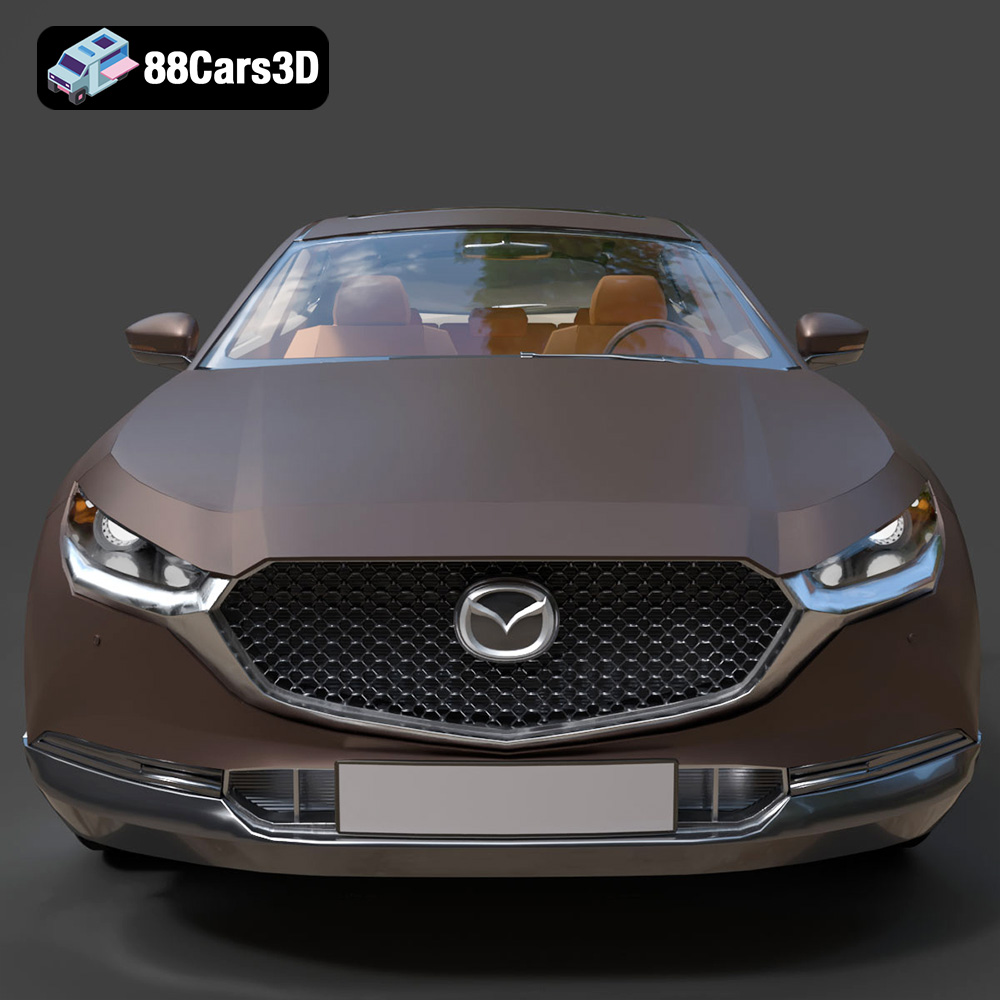
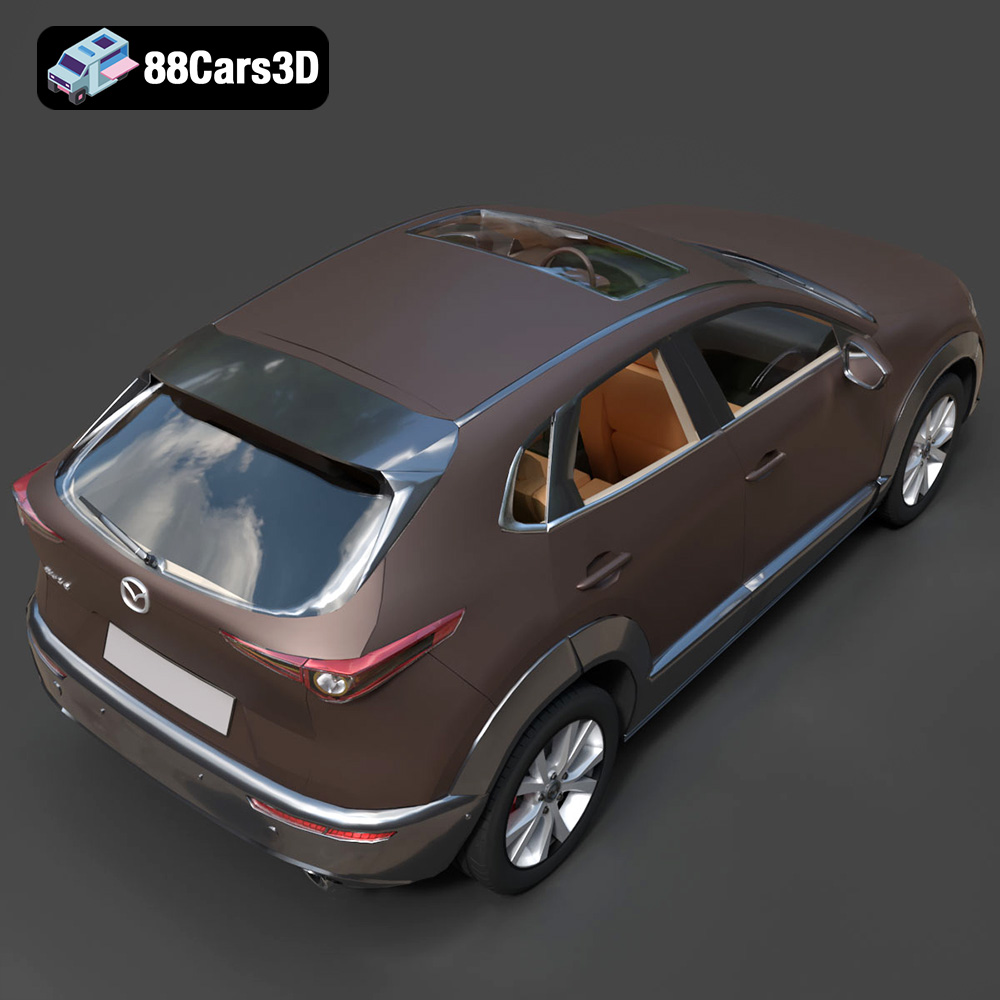
The Mazda CX-30 3D Model is an exceptionally accurate digital recreation of the highly acclaimed compact crossover. Embodying Mazda’s renowned “Kodo: Soul of Motion” design philosophy, the CX-30 artfully blends the athletic stance of a sporty hatchback with the rugged practicality and raised driving position of an SUV.
$19.99
.archviz
.blend
.crossover
.fbx
.mazda
.obj
.rendering
car-3d-model
compact-suv
cx-30
cx30
game-ready
kodo-design
mazda-cx30
mid-poly
traffic-car