Get 50% OFF All Premium 3D & STL Models!

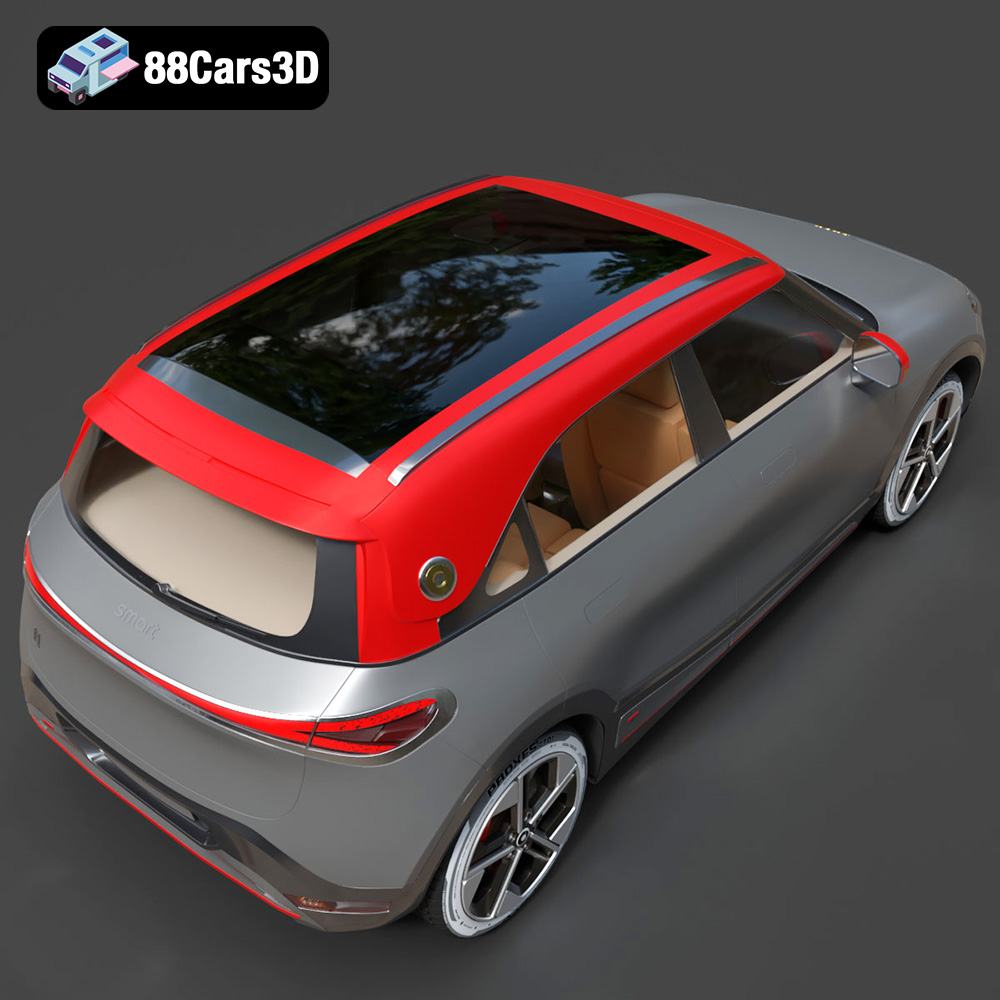
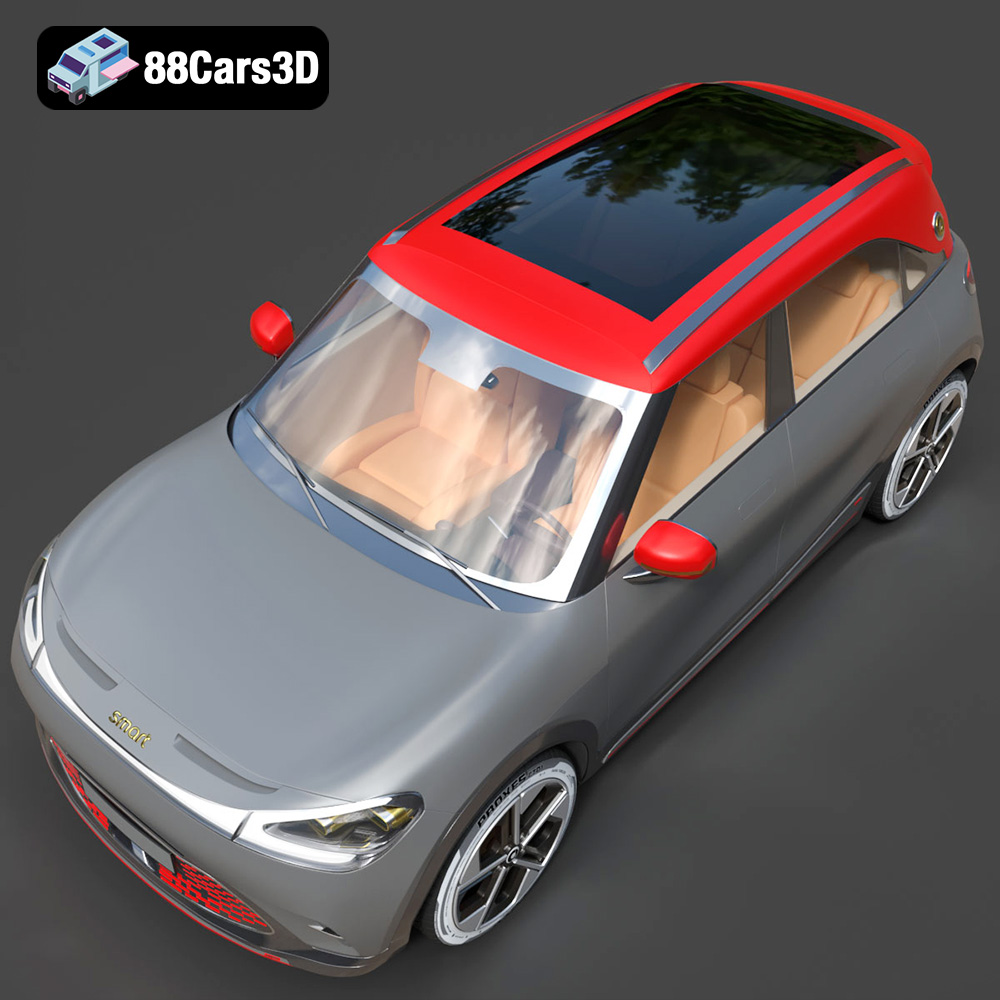
The Smart 1 Brabus 3D model, available on 88cars3d.com, is a fantastic project for 3D printing enthusiasts. This detailed model captures the essence of the electric crossover, offering a rewarding experience whether you’re a beginner or an experienced maker. This guide will walk you through the entire 3D printing process, from pre-print preparation to post-processing, ensuring a successful and satisfying outcome. We’ll cover essential aspects like choosing the right materials, optimizing printer settings, and tackling potential challenges.
Selecting the appropriate 3D printing technology is crucial for achieving the desired level of detail and finish for your Smart 1 Brabus model. The two most common technologies are Fused Deposition Modeling (FDM) and Stereolithography (SLA).
FDM 3D printing, which uses filaments like PLA, PETG, or ABS, is known for its affordability and ease of use. It’s a great option for creating a robust and durable model, especially if you plan to handle it frequently.
SLA 3D printing, which utilizes resin and a UV light source, offers superior detail and a smoother surface finish compared to FDM. This is ideal for capturing the intricate design elements of the Smart 1 Brabus, but SLA printers and resins are typically more expensive.
The selection of the appropriate file format is just as crucial as the choice of printing technology. Different file formats are designed to store 3D model data in varying ways, affecting their suitability for 3D printing and compatibility with different software.
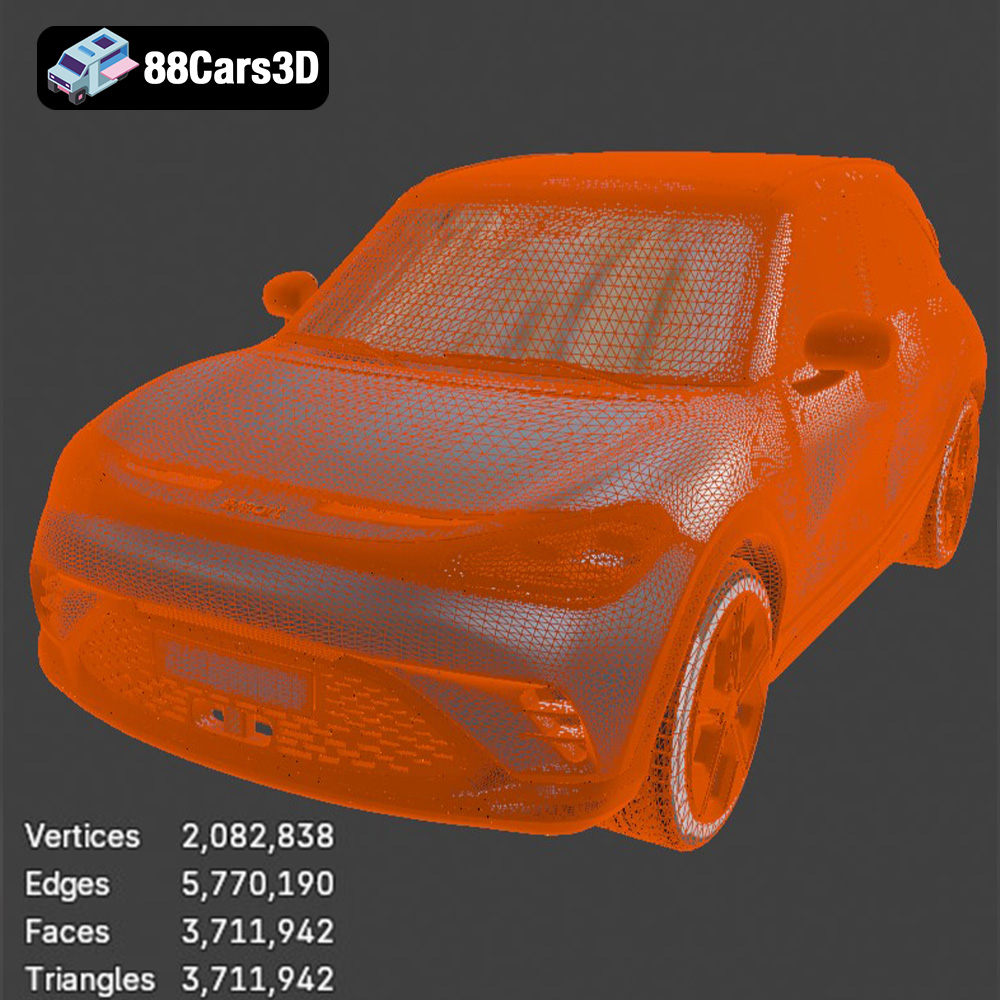
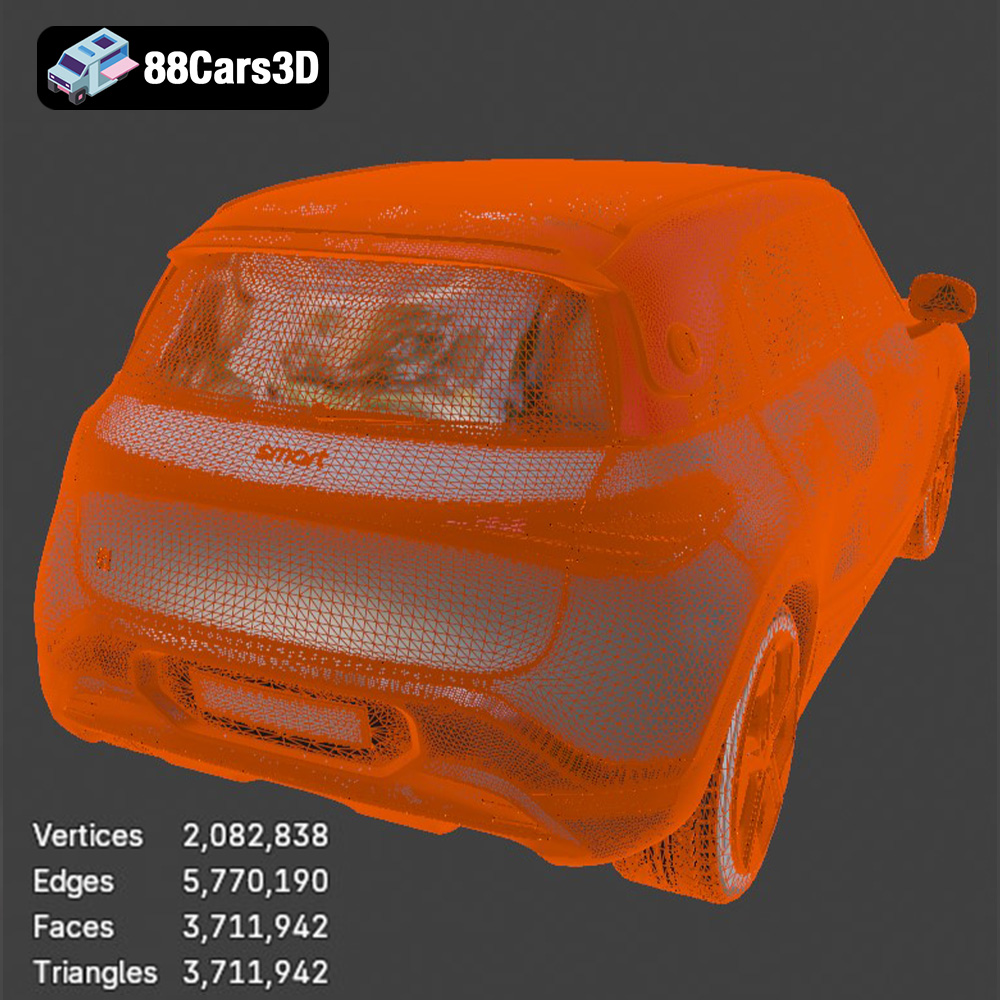
The STL (Stereolithography) file format is the de facto standard for 3D printing. It represents the surface geometry of a 3D object as a collection of triangles. This simplicity makes it universally compatible with almost all 3D printers and slicing software. However, STL files only store information about the shape of the object; they do not contain color, texture, or material information. For 3D printing, this is generally sufficient, as the color and material are determined by the filament or resin used. When preparing an STL file for printing, it’s essential to ensure the mesh is watertight (i.e., closed and without any holes or gaps) and that the triangles are oriented correctly (i.e., normals pointing outwards). Repairing non-manifold geometry is a common step in preparing STL files. The resolution of the STL file (the number of triangles used to represent the surface) affects the smoothness of the printed object. Too few triangles can result in a faceted appearance, while too many can lead to unnecessarily large file sizes and slower slicing times. Most slicing software allows you to control the resolution of the STL file during import or export. This format is ideal for the Smart 1 Brabus 3D model, providing a straightforward and reliable way to transfer the model’s geometry to your 3D printer.
OBJ is a more versatile format than STL, as it can store color, texture, and material information in addition to the geometry. This makes it suitable for applications like rendering and animation, where visual appearance is critical. However, for 3D printing, the extra information is often unnecessary, unless you are using a multi-material 3D printer that can print in color.
PLY is another format that can store color and texture information. It is often used for 3D scanning and reverse engineering, as it can capture high-resolution mesh data. While it’s possible to 3D print PLY files, they are less common than STL or OBJ.
The .blend file is the native format for Blender, a popular open-source 3D modeling software. It stores the entire scene, including the model, materials, textures, lighting, and animation data. If you want to customize the Smart 1 Brabus model before printing, you can open the .blend file in Blender, make your changes, and then export it as an STL file for printing.
FBX is a proprietary format developed by Autodesk. It is widely used in the game development and animation industries for transferring 3D models between different software packages. While it supports materials and animations, most slicing software primarily uses the geometric data within the FBX file for 3D printing.
GLB is a binary file format that represents 3D models in a compact and efficient manner. It is commonly used for AR/VR applications and web-based visualization. GLB files can contain textures, animations, and other data, making them suitable for creating interactive 3D experiences.
.max files are the native format for 3ds Max, another popular 3D modeling software from Autodesk. Similar to .blend files, .max files store the entire scene and are ideal for making modifications to the Smart 1 Brabus model before exporting it for 3D printing.
For 3D printing the Smart 1 Brabus model from 88cars3d.com, the **STL format is generally the best choice**. It’s universally compatible and provides all the necessary geometric information for a successful print. Ensure the STL file is properly prepared (watertight, correct normals, appropriate resolution) before loading it into your slicing software.
Once you’ve chosen your printing technology and file format, the next step is to prepare the model for printing using slicing software. This software converts the 3D model into a series of instructions (G-code) that the 3D printer can understand.
Popular slicing software options include Cura, Simplify3D, PrusaSlicer, and Chitubox (for resin printing). Each slicer offers a range of settings that you can adjust to optimize the print quality, speed, and material usage.
The orientation of the Smart 1 Brabus model on the print bed is crucial. Consider the model’s geometry and minimize the need for supports, which can be time-consuming to remove and can leave blemishes on the surface. Orienting the model with the flattest surface on the build plate often works well. If supports are necessary, use the slicing software to generate them automatically. Experiment with different support settings (density, type, and placement) to find the optimal balance between support strength and ease of removal. For FDM printing, consider using a “raft” or “brim” to improve adhesion to the build plate, especially for larger models.
The Smart 1 Brabus model can be scaled to your desired size within the slicing software. However, keep in mind that scaling down the model too much can result in a loss of detail, while scaling it up significantly may require a larger build volume and longer print times. Check the tolerances of your printer and the intended use of the model before making significant scaling adjustments.
The right printer settings are essential for achieving a high-quality 3D print of the Smart 1 Brabus. These settings will vary depending on the printing technology (FDM or SLA) and the material you choose.
* **Layer Height:** A smaller layer height (e.g., 0.1mm – 0.2mm) will result in a smoother surface finish and finer details, but it will also increase the print time.
* **Infill Density:** The infill density determines the internal structure of the model. A higher infill density (e.g., 20% – 30%) will make the model stronger but will also increase the material usage and print time. For a display model, a lower infill density may be sufficient.
* **Print Speed:** A slower print speed (e.g., 40mm/s – 60mm/s) can improve the print quality, especially for intricate details.
* **Temperature:** Adjust the nozzle and bed temperature according to the filament manufacturer’s recommendations.
* **Supports:** As mentioned earlier, use supports strategically to prevent overhangs from collapsing.
* **Layer Height:** SLA printers typically use much smaller layer heights than FDM printers (e.g., 0.025mm – 0.05mm), resulting in very high resolution prints.
* **Exposure Time:** Adjust the exposure time according to the resin manufacturer’s recommendations.
* **Lift Speed:** Optimize the lift speed to prevent the model from sticking to the FEP film.
* **Supports:** SLA printing also requires supports, but they are typically thinner and easier to remove than FDM supports.
The material you choose for 3D printing the Smart 1 Brabus will impact the final appearance, durability, and functionality of the model.
PLA (Polylactic Acid) is a popular choice for FDM printing due to its ease of use, low odor, and biodegradability. It’s a good option for creating a display model of the Smart 1 Brabus.
PETG (Polyethylene Terephthalate Glycol-modified) is a stronger and more durable material than PLA. It also has better temperature resistance, making it suitable for functional parts or models that will be exposed to sunlight.
Resin is the preferred material for SLA printing. It allows for incredibly detailed prints with a smooth surface finish, perfect for capturing the intricate design of the Smart 1 Brabus. However, resin prints can be more brittle than FDM prints.
Once the 3D print is complete, post-processing is often necessary to achieve a professional finish.
Carefully remove the supports using pliers or a sharp knife. Sand down any rough edges or support remnants with sandpaper, starting with a coarse grit and gradually moving to finer grits.
Apply a primer to the model to create a smooth surface for painting. Choose paints that are compatible with the chosen material (e.g., acrylic paints for PLA and PETG, resin-specific paints for resin prints). Apply multiple thin coats of paint for the best results. Consider using masking tape to create clean lines and detailed paint jobs.
If the Smart 1 Brabus model consists of multiple parts, assemble them using glue or other fasteners. Ensure that the parts fit together properly before applying glue.
Even with careful preparation, you may encounter some common 3D printing issues. Here are some solutions:
Warping occurs when the corners of the print lift off the build plate. This can be caused by poor bed adhesion, insufficient bed temperature, or drafts in the room. To prevent warping, use a heated bed, apply a bed adhesive (e.g., glue stick or hairspray), and ensure that the printer is in a well-ventilated but draft-free environment.
Stringing occurs when thin strands of filament are left between different parts of the print. This can be caused by high nozzle temperature, slow retraction speed, or excessive travel moves. To reduce stringing, lower the nozzle temperature, increase the retraction speed, and enable “avoid crossing perimeters” in the slicing software.
Layer delamination occurs when the layers of the print separate. This can be caused by insufficient nozzle temperature, poor layer adhesion, or drafts. To prevent layer delamination, increase the nozzle temperature, ensure that the bed is level, and enclose the printer to prevent drafts.
Resin print failures can be caused by insufficient exposure time, low resin temperature, or a dirty FEP film. To prevent resin print failures, increase the exposure time, warm the resin before printing, and clean the FEP film regularly.
By following these guidelines, you can successfully 3D print the Smart 1 Brabus model from 88cars3d.com and create a stunning replica of this innovative electric crossover. Remember to experiment with different settings and materials to find what works best for your printer and your desired outcome.
Experience the impressive realism of the Smart 1 Brabus 3D Model. Carefully crafted with precision, this model captures the dynamic stance, signature design elements, and detailed interior of the original vehicle. Built to meet professional standards, it serves as an exceptional digital twin for any demanding project.
$19.99
.1brabus
.arvr
.blend
.car3dmodel
.crossover
.electricvehicle
.fbx
.gameasset
.glb
.max
.obj
.ply
.rendering
.simulation
.smart
.stl
.unreal
SUV