Get 50% OFF All Premium 3D & STL Models!

In the dynamic world of digital content creation, the demand for high-fidelity 3D assets is ever-growing. From cinematic automotive rendering to immersive game development and cutting-edge AR/VR experiences, the quality of a 3D model can significantly impact the final product’s realism and appeal. Professionals across various industries are constantly seeking ways to enhance their workflows, reduce production times, and deliver breathtaking visuals.
This quest for excellence often leads to a crucial decision: building assets from scratch or leveraging meticulously crafted, pre-made 3D models. While custom creation offers ultimate control, it demands substantial time and resources. This is where premium, production-ready assets, like the exceptional Smart 1 Brabus 3D Model, become invaluable. Such models are not merely pretty faces; they are engineered for performance and versatility across diverse digital pipelines, serving as a robust digital twin for any demanding project.
Today, we’ll delve deep into the technical intricacies, practical applications, and workflow efficiencies that high-quality 3D car models bring to the table. We’ll explore how assets from platforms like 88cars3d.com empower artists and developers to achieve professional-grade results, transforming creative visions into stunning realities.
Choosing the correct file format is a critical decision in any 3D workflow, directly impacting compatibility, functionality, and overall project efficiency. Each format is designed with specific use cases and technical considerations in mind. Understanding their nuances is key to leveraging premium 3D car models like the Smart 1 Brabus 3D Model effectively across various software and platforms. Here’s a detailed look at the formats typically included with professional-grade assets:
The .blend format is Blender’s native file type. It’s not just a mesh container; it encapsulates an entire Blender project, including the 3D model, its materials (often set up with Cycles or Eevee PBR shaders), lighting rigs, camera setups, animations, and even scene metadata. This makes it incredibly powerful for Blender users, offering immediate access to a fully editable and render-ready scene. For the Smart 1 Brabus 3D Model, a .blend file means you can open it, hit render, and get stunning results straight away, or easily modify any aspect of the model, materials, or environment for custom projects.
Autodesk’s Filmbox, or .fbx, is an industry-standard format for exchanging 3D data, particularly popular in game development and animation. It supports geometry, materials (though often simplified or requiring re-setup in the target engine), textures, rigging, animation, and cameras. Its strength lies in its ability to transfer complex animated scenes between different software packages. When integrating the Smart 1 Brabus 3D Model into Unreal Engine or Unity, .fbx is often the go-to choice due to its robust support for skeletal meshes and animations, making it game-engine ready.
The Wavefront .obj format is perhaps the most universally supported 3D file format. It’s a simple, text-based format that primarily stores geometry (vertices, normals, texture coordinates, and faces). Materials are typically defined in a separate .mtl (material template library) file, which references texture maps. While it doesn’t support rigging or animation, its widespread compatibility makes it excellent for static model exchange between virtually any 3D software. The .obj version of the Smart 1 Brabus 3D Model ensures that no matter what 3D package you’re using, you can import the core geometry and begin working.
.glb (GLB format) is a binary representation of the GL Transmission Format (.gltf), specifically designed for efficient transmission and loading of 3D scenes and models in web and real-time applications. It packages all necessary assets (geometry, materials, textures, animations) into a single file, making it incredibly convenient for AR/VR experiences, web viewers, and browser-based configurators. Its compact nature and optimization for GPU pipelines make the .glb version of the Smart 1 Brabus 3D Model perfect for cutting-edge immersive projects.
The Standard Tessellation Language, or .stl, is the de facto standard for 3D printing. It represents a 3D model as a series of connected triangles (a tessellated surface) and contains no color, material, or texture information. It’s purely about the geometry’s surface. While not directly useful for rendering, the .stl version of the Smart 1 Brabus 3D Model is essential for anyone looking to create a physical prototype or scale model of the vehicle using additive manufacturing.
The Polygon File Format, or .ply, can store a wider range of properties for objects, including color, transparency, and even normal vectors, beyond just geometry. It’s often used in applications that involve scanning, CAD, and scientific visualization where precise mesh data and vertex properties are crucial. For advanced analysis or specific CAD workflows, the .ply format of the Smart 1 Brabus 3D Model offers a more detailed and flexible dataset compared to .stl.
This isn’t a universal file extension but rather refers to assets specifically configured and sometimes packaged within an Unreal Engine project structure. A pre-configured .unreal asset for the Smart 1 Brabus 3D Model means it comes with Unreal-specific materials, collision meshes, LODs, and potentially blueprints already set up, allowing for immediate drag-and-drop functionality within Unreal Engine, significantly accelerating development for real-time applications.
The .max format is the native file type for Autodesk 3ds Max, similar to how .blend works for Blender. It stores all scene information, including geometry, materials (V-Ray, Corona, Arnold setups are common), lighting, cameras, animation, and modifiers. For 3ds Max users, the .max version of the Smart 1 Brabus 3D Model provides a fully editable and render-ready scene, making it ideal for high-end automotive rendering, animation, and visualization projects.
By offering this comprehensive suite of formats, premium 3D models ensure maximum versatility, allowing professionals to integrate assets seamlessly into their preferred software and meet diverse project requirements without the need for extensive conversion or re-setup.
Photorealistic rendering is where a high-quality 3D car model truly shines. The ability to create images indistinguishable from actual photographs requires meticulous attention to detail in modeling, materials, lighting, and post-processing. The Smart 1 Brabus 3D Model is engineered with these demanding standards in mind, providing a robust foundation for stunning visual output.
The secret to convincing renders lies in physically based rendering (PBR) materials. PBR workflows accurately simulate how light interacts with surfaces, resulting in materials that react realistically in any lighting environment. The Smart 1 Brabus 3D Model boasts realistic materials, meaning its car paint, tires, glass, plastics, and metals are all set up with appropriate albedo, roughness, metallic, normal, and sometimes anisotropic maps. For artists using 3ds Max with V-Ray or Corona Renderer, or Blender with Cycles, these meticulously mapped textures and material definitions mean less time spent on setup and more time refining the artistic vision. The clean geometry ensures that reflections and refractions behave correctly, enhancing the overall realism.
Beyond materials, lighting is paramount. Whether it’s an indoor studio setup or an outdoor HDR environment, the way light plays across the Smart 1 Brabus 3D Model’s contours defines its visual impact. Professionals can leverage included lighting setups in the .blend or .max files as a starting point, then customize them to create dramatic scenes. Compositing, the final stage, involves blending the rendered image with background elements, adding atmospheric effects, lens flares, and color grading. A well-optimized 3D model ensures a clean render pass, making compositing a seamless process that elevates the final image to a magazine-cover standard.
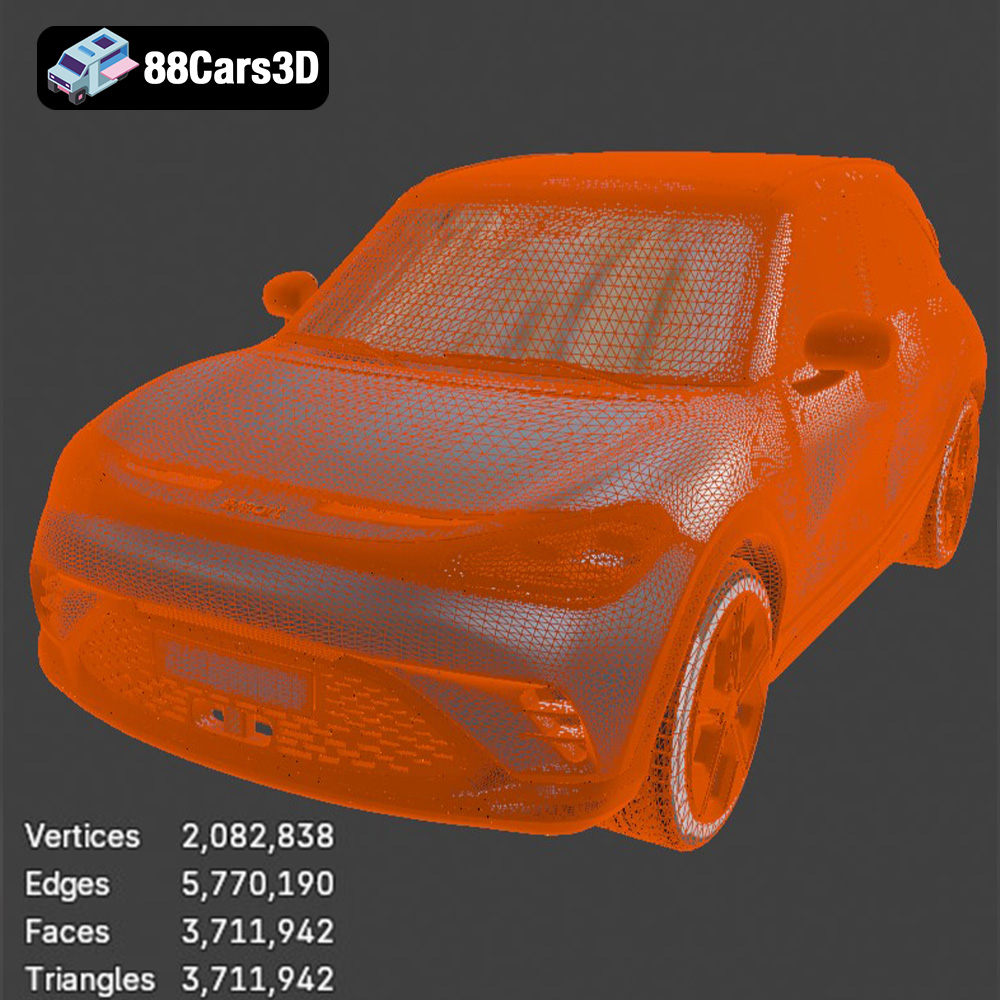
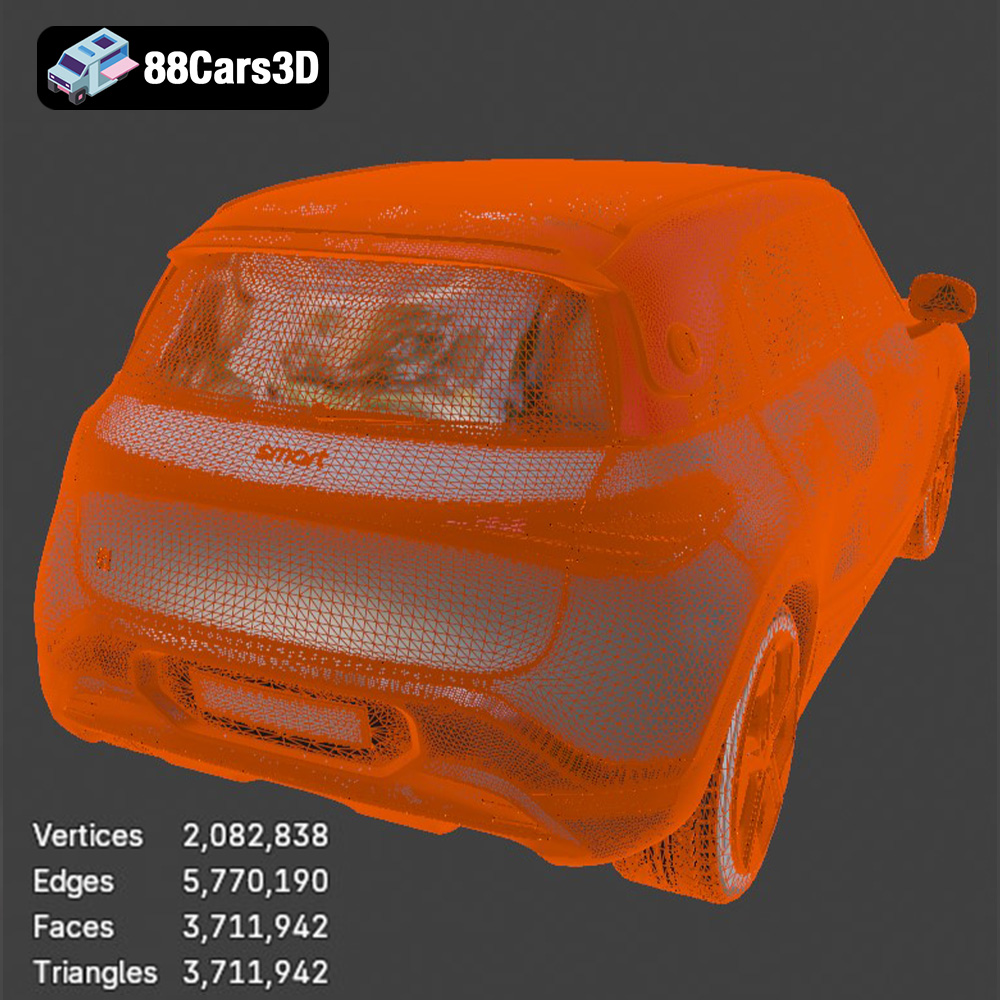
Game development demands a unique blend of visual fidelity and performance optimization. A beautiful model is useless if it bogs down the game engine. The Smart 1 Brabus 3D Model, with its optimized polygon structure, is designed to strike this critical balance, making it an excellent asset for game developers working in Unreal Engine or Unity.
An “optimized polygon structure” is a crucial feature for game assets. It means the model has enough detail to look great but not so much that it crushes frame rates. For modern game engines, Level of Detail (LOD) is essential. High-quality 3D car models often come with pre-configured LODs, or are easily adaptable for LOD generation, ensuring that cars far from the camera use simpler versions, saving computational resources. The .fbx and .unreal formats provided for the Smart 1 Brabus 3D Model are specifically geared towards enabling efficient performance within real-time environments.
Game engines use their own PBR material systems. While the base textures from the Smart 1 Brabus 3D Model are directly usable, they often need to be re-setup within Unreal or Unity’s material editors to take full advantage of their real-time rendering capabilities. This allows for dynamic environmental reflections, weather effects, and interactive elements like customizable paint jobs or working headlights. With clean geometry and well-defined UVs, the integration process is significantly streamlined, allowing developers to focus on gameplay mechanics and immersive experiences rather than wrestling with asset preparation.
Augmented Reality (AR) and Virtual Reality (VR) are transforming how we interact with digital content, offering unprecedented levels of immersion. High-quality 3D car models are at the forefront of this revolution, enabling captivating virtual showrooms, interactive training simulations, and dynamic product configurators. The Smart 1 Brabus 3D Model, particularly in its .glb format, is perfectly suited for these cutting-edge applications.
Imagine a customer exploring the Smart 1 Brabus in their living room via AR, or taking a virtual test drive in VR. This requires 3D models that are not only visually accurate but also highly optimized for real-time performance on mobile devices or VR headsets. The .glb format, designed for web and real-time use, bundles all necessary assets into a single, efficient package, making the Smart 1 Brabus 3D Model an ideal candidate for seamless integration into AR/VR platforms. Its precise details and realistic materials ensure that the immersive experience is truly believable.
Automotive manufacturers and dealers are increasingly using 3D configurators to allow customers to customize vehicles in real-time. A high-quality base model like the Smart 1 Brabus is crucial for this. Developers can build interactive layers on top, allowing users to change paint colors, wheel designs, and interior trims instantly. Virtual showrooms, built with game engines and populated with detailed 3D car models, offer an engaging alternative to physical visits, especially for concept cars or limited editions, enhancing the sales and marketing experience.
While most applications of 3D car models exist in the digital realm, there’s a significant demand for physical outputs. 3D printing allows designers and engineers to bring digital concepts into the tangible world for prototyping, scale models, or even functional parts. The inclusion of .stl and .ply formats with the Smart 1 Brabus 3D Model opens up these exciting possibilities.
For 3D printing, models need to be “manifold,” meaning they have no holes, inverted normals, or self-intersecting geometry. High-quality 3D models like the Smart 1 Brabus, crafted with clean geometry, inherently simplify this preparation process. The .stl format is the most common for 3D printing, providing a tessellated surface that printers can interpret. Engineers might use these models to create physical prototypes for aerodynamic testing, aesthetic evaluation, or as display pieces. The precision of the original digital model directly translates to the accuracy of the physical print.
The ability to quickly 3D print a physical representation of the Smart 1 Brabus allows for rapid design iteration. Automotive designers can validate ergonomic features, assess proportions in a real-world context, or present a tangible model to stakeholders long before committing to expensive manufacturing processes. The .ply format, with its ability to store more detailed mesh information, can also be valuable for advanced analysis or generating high-precision prints where surface detail is critical, going beyond simple aesthetic models to potential functional prototypes.
In a professional production environment, efficiency is key. Whether you’re working on a tight deadline for an advertisement, developing an expansive open-world game, or crafting a groundbreaking AR experience, starting with a high-quality, pre-built asset can dramatically cut down on development time and costs. This is where resources like 88cars3d.com become indispensable.
Building a high-detail automotive 3D model from scratch is a monumental task, requiring specialized skills in modeling, UV mapping, texturing, and material creation. It can take weeks, even months, for a single vehicle. Professional asset libraries, such as those found on 88cars3d.com, offer a curated selection of production-ready 3D car models that have already undergone this rigorous development process. This allows artists and developers to bypass the most time-consuming initial stages, freeing them up to focus on creative direction, scene composition, animation, or game logic.
Consider a studio tasked with creating a commercial for the new Smart 1 Brabus. Instead of modeling the car from zero, they can acquire the Smart 1 Brabus 3D Model from 88cars3d.com. With its clean geometry, realistic materials, and multiple file formats, the model is immediately usable. The 3ds Max or Blender user can drop it into their scene, light it, animate it, and render stunning visuals in a fraction of the time. Game developers can import the .fbx or .unreal version directly into their engine, apply engine-specific materials, and start implementing driving physics and gameplay, all without the initial hurdle of asset creation. This streamlined approach not only accelerates timelines but also ensures a consistent level of quality across projects.
The digital landscape is constantly evolving, with increasing demands for realism, performance, and immersive experiences. High-quality 3D car models are fundamental to meeting these challenges, serving as versatile assets across a multitude of applications – from stunning automotive rendering and dynamic game environments to cutting-edge AR/VR visualizations and physical prototyping.
The Smart 1 Brabus 3D Model exemplifies the meticulous craftsmanship and technical precision required for professional-grade projects. Its carefully crafted details, realistic materials, optimized polygon structure, and wide array of included file formats (.blend, .fbx, .obj, .glb, .stl, .ply, .unreal, .max) make it an exceptional digital twin, ready to integrate into virtually any workflow. By providing such comprehensive and production-ready assets, platforms like 88cars3d.com empower artists, developers, and designers to achieve their creative visions with unprecedented efficiency and quality.
Investing in premium 3D car models is not just about acquiring an asset; it’s about investing in a streamlined workflow, superior visual fidelity, and the ability to push the boundaries of digital content creation. Explore the possibilities and elevate your next project with the professional assets available at 88cars3d.com.
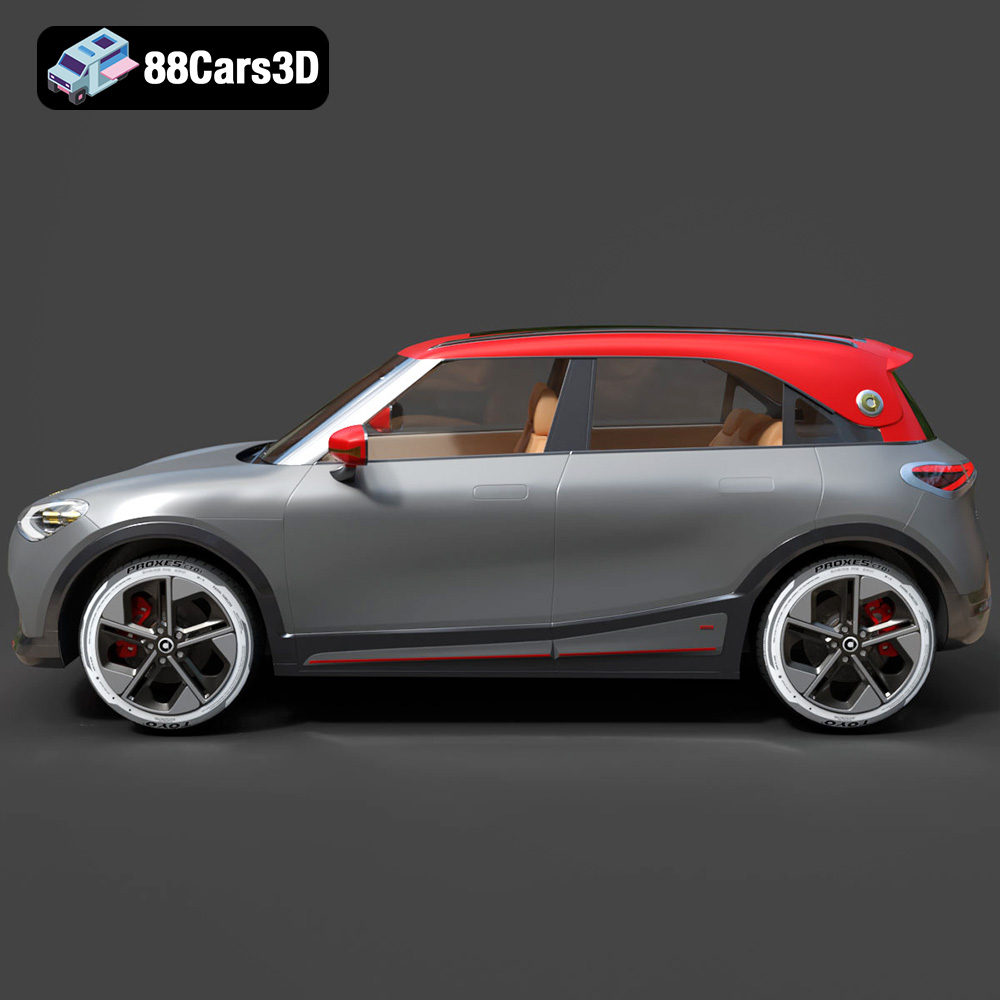
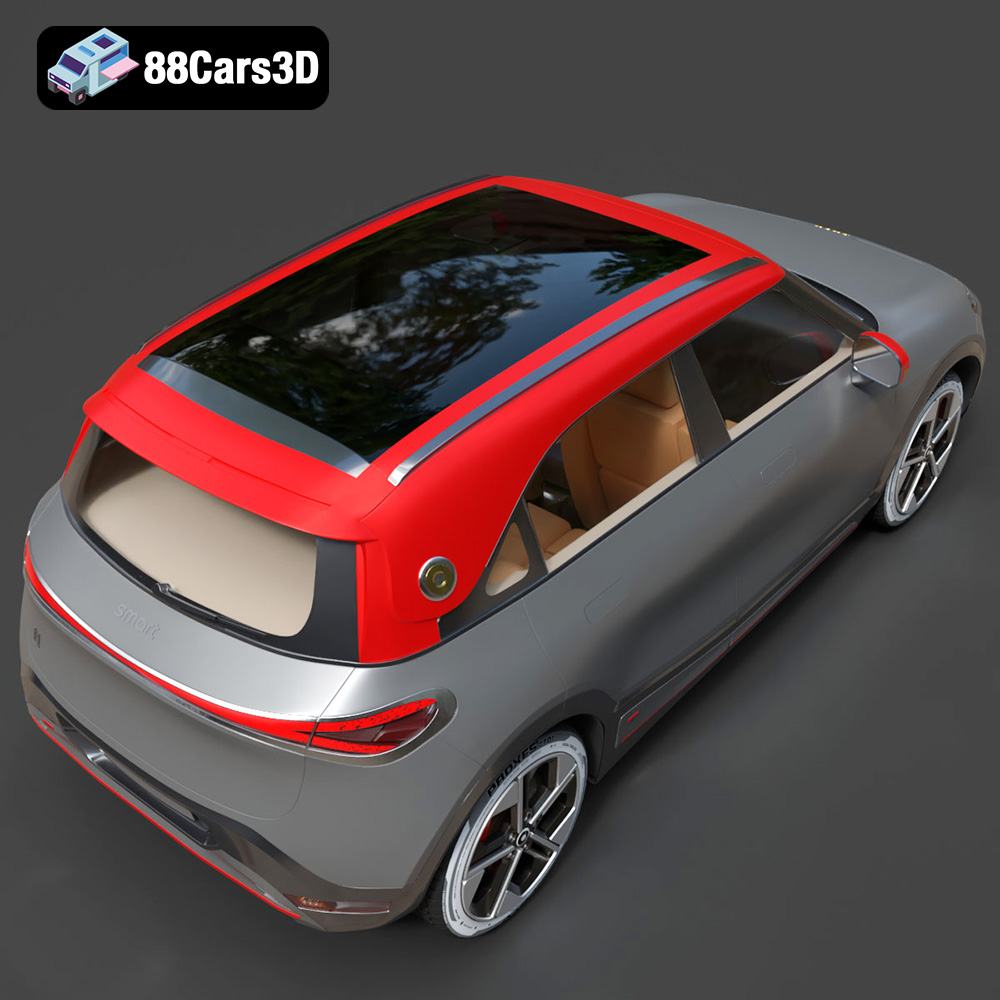
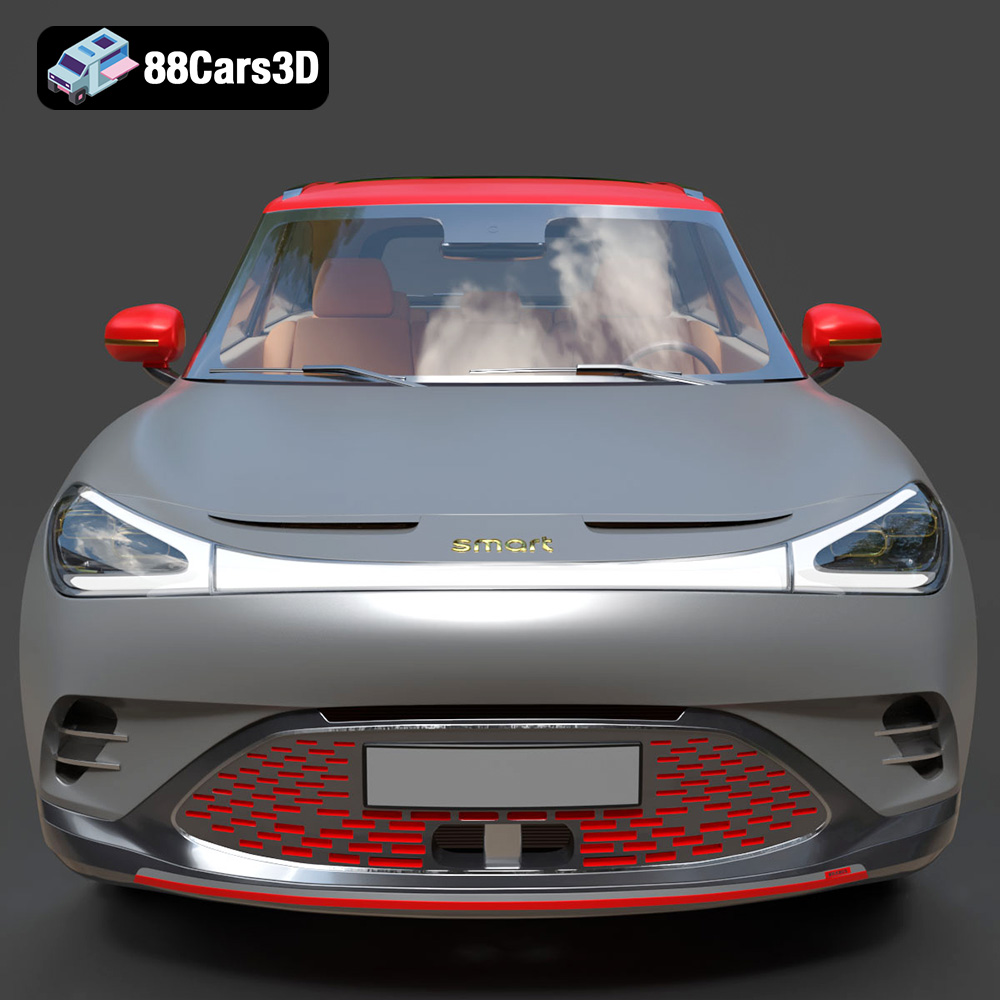
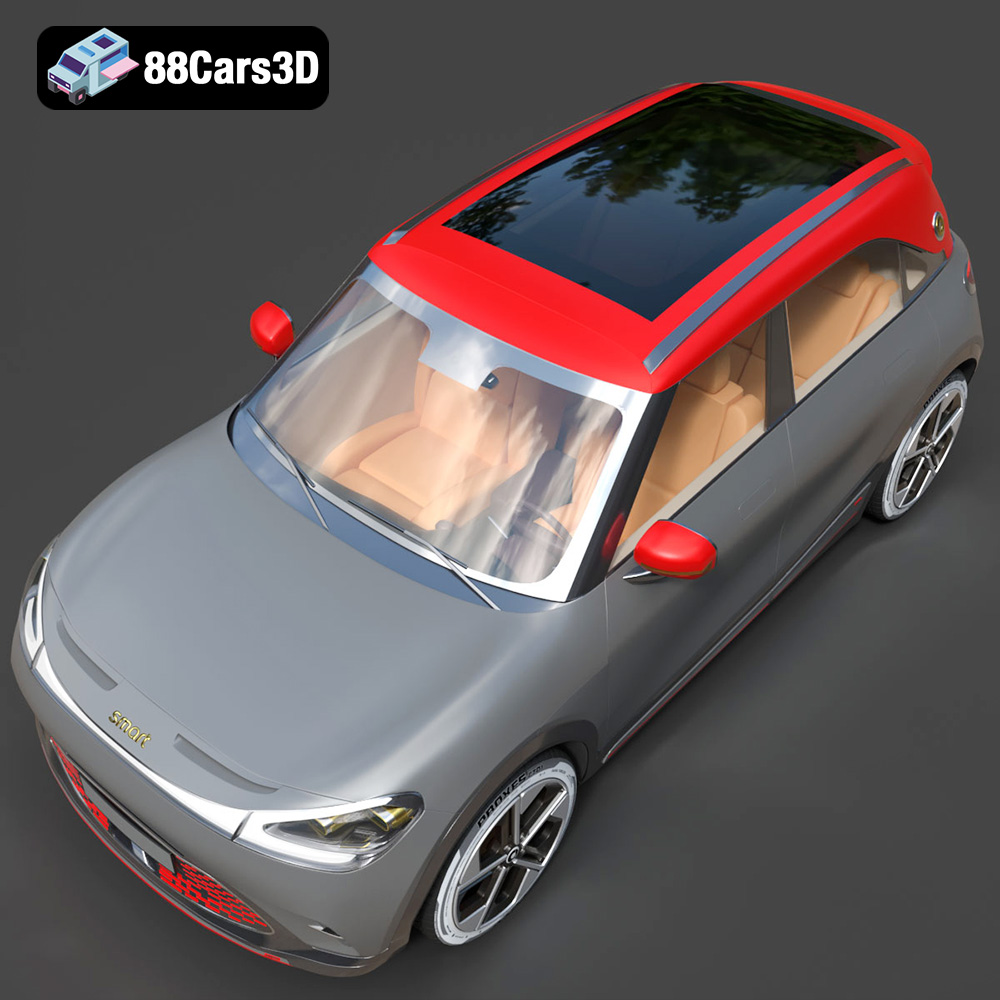
Experience the impressive realism of the Smart 1 Brabus 3D Model. Carefully crafted with precision, this model captures the dynamic stance, signature design elements, and detailed interior of the original vehicle. Built to meet professional standards, it serves as an exceptional digital twin for any demanding project.
Key features include clean geometry, realistic materials, meticulously mapped textures, and a fully realized exterior and interior. Its optimized polygon structure ensures a perfect balance between visual fidelity and performance, making it adaptable for various pipelines.
This versatile asset is ideal for multiple applications, including rendering, game development, simulation environments, AR/VR experiences, and automotive visualization.
Tags: .smart, .1brabus, .crossover, .electricvehicle, .suv, .car3dmodel, .rendering, .simulation, .gameasset, .arvr, .blend, .fbx, .obj, .glb, .stl, .ply, .unreal, .max
Tags:
.smart, .1brabus, .crossover, .electricvehicle, .suv, .car3dmodel, .rendering, .simulation, .gameasset, .arvr, .blend, .fbx, .obj, .glb, .stl, .ply, .unreal, .maxMercedes Benz CLS 500 3D Model 3D Printable STL
$19.99
.1brabus
.arvr
.blend
.car3dmodel
.crossover
.electricvehicle
.fbx
.gameasset
.glb
.max
.obj
.ply
.rendering
.simulation
.smart
.stl
.unreal
SUV