Get 50% OFF All Premium 3D & STL Models!

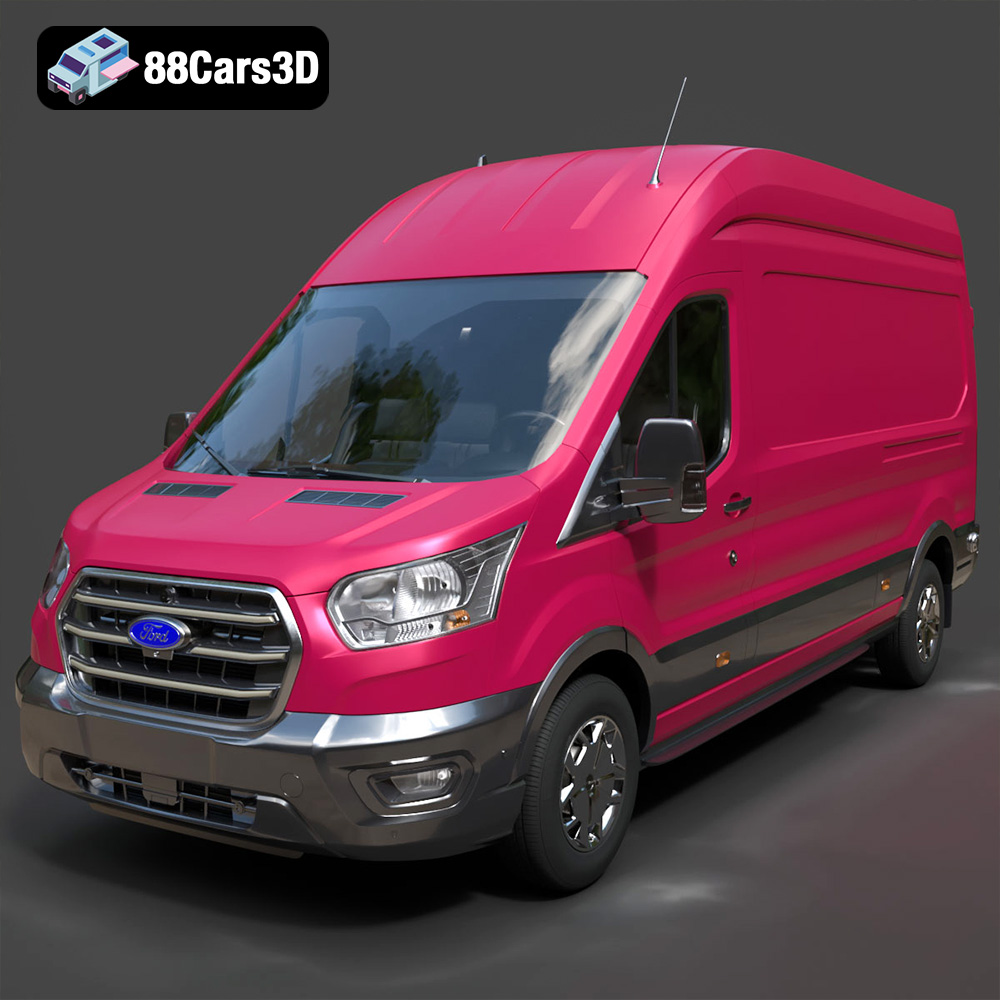
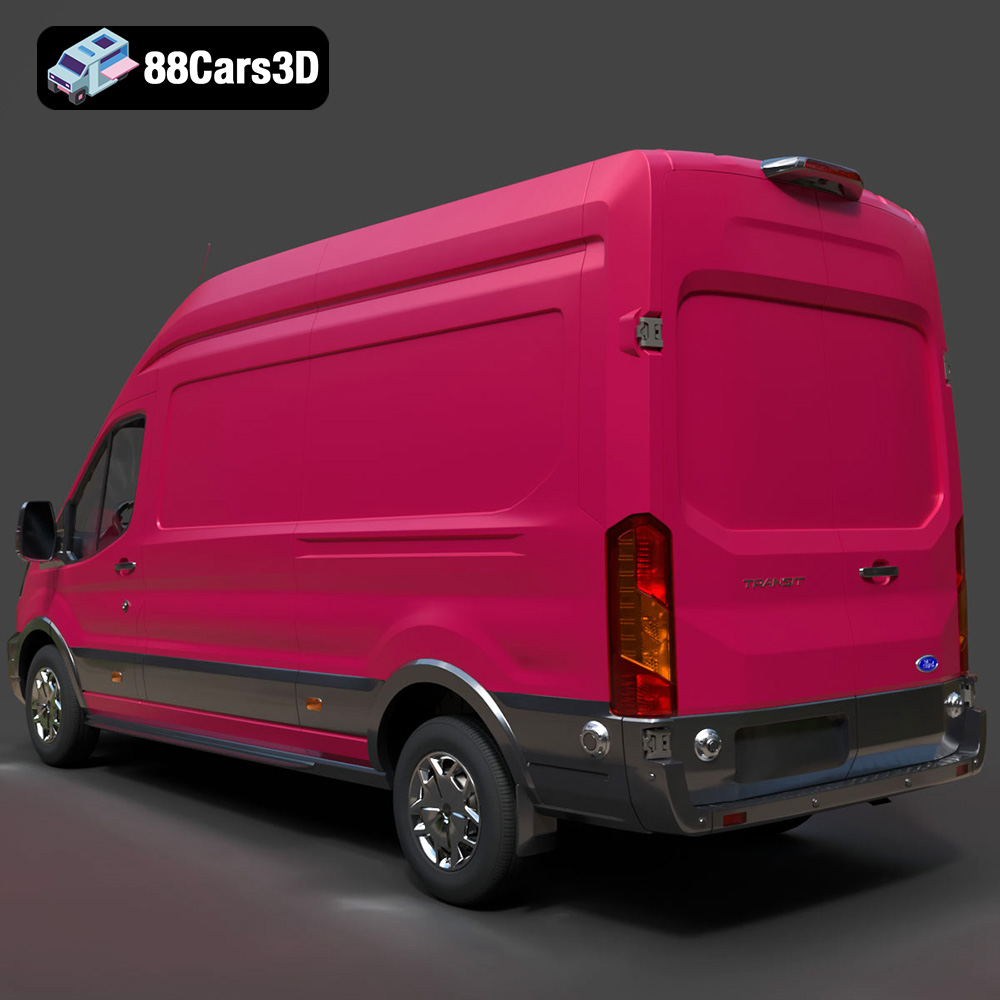
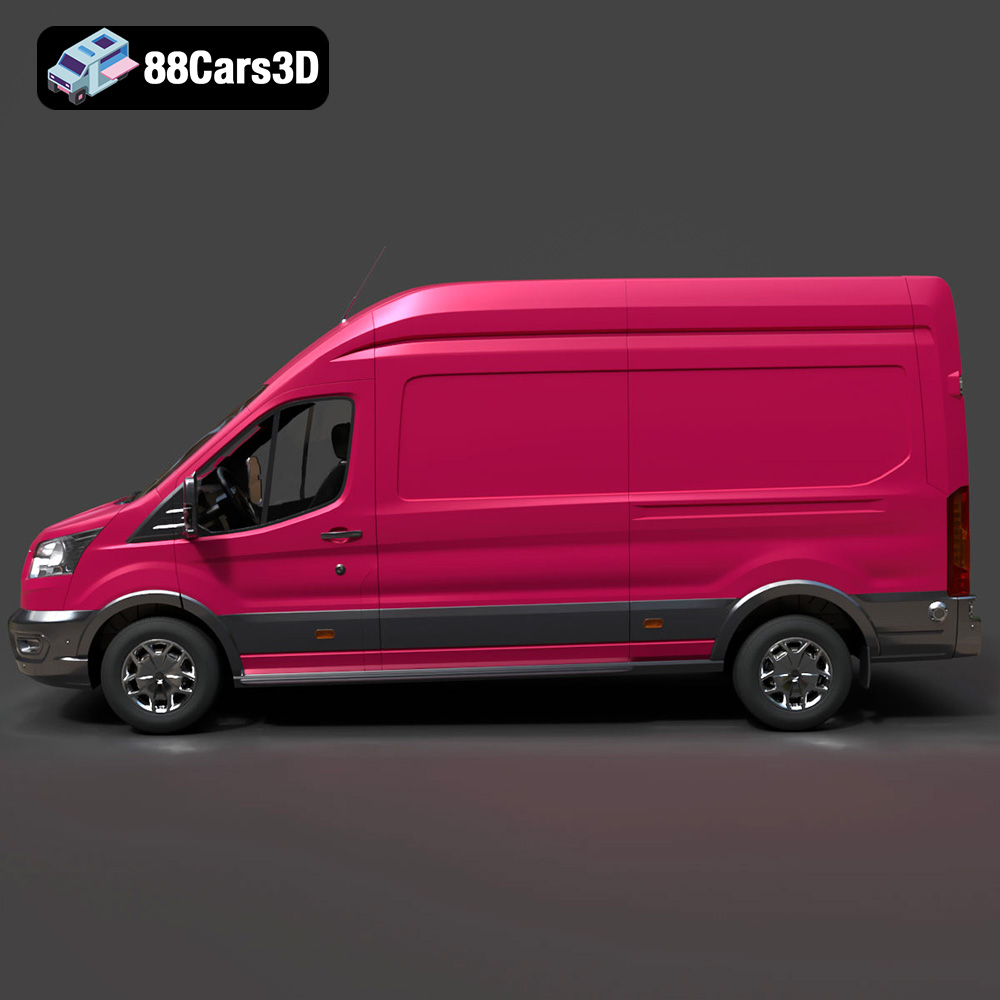
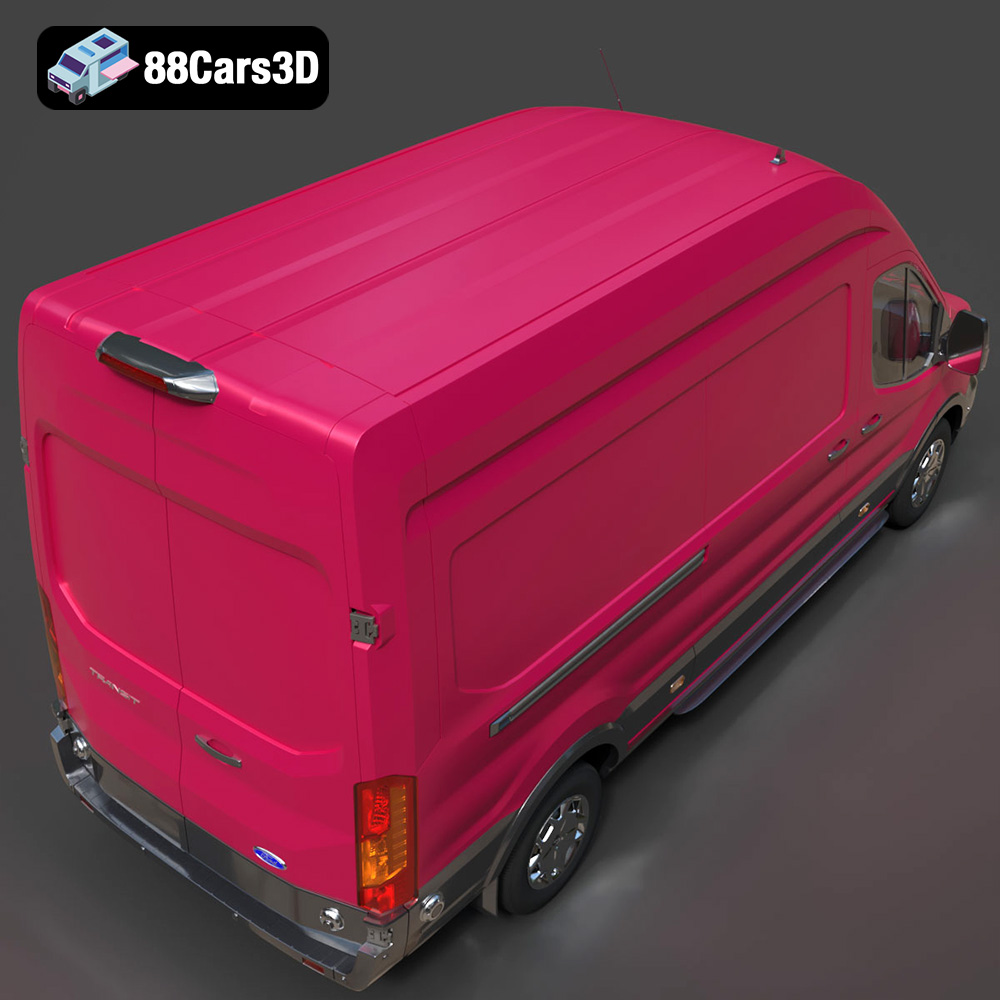
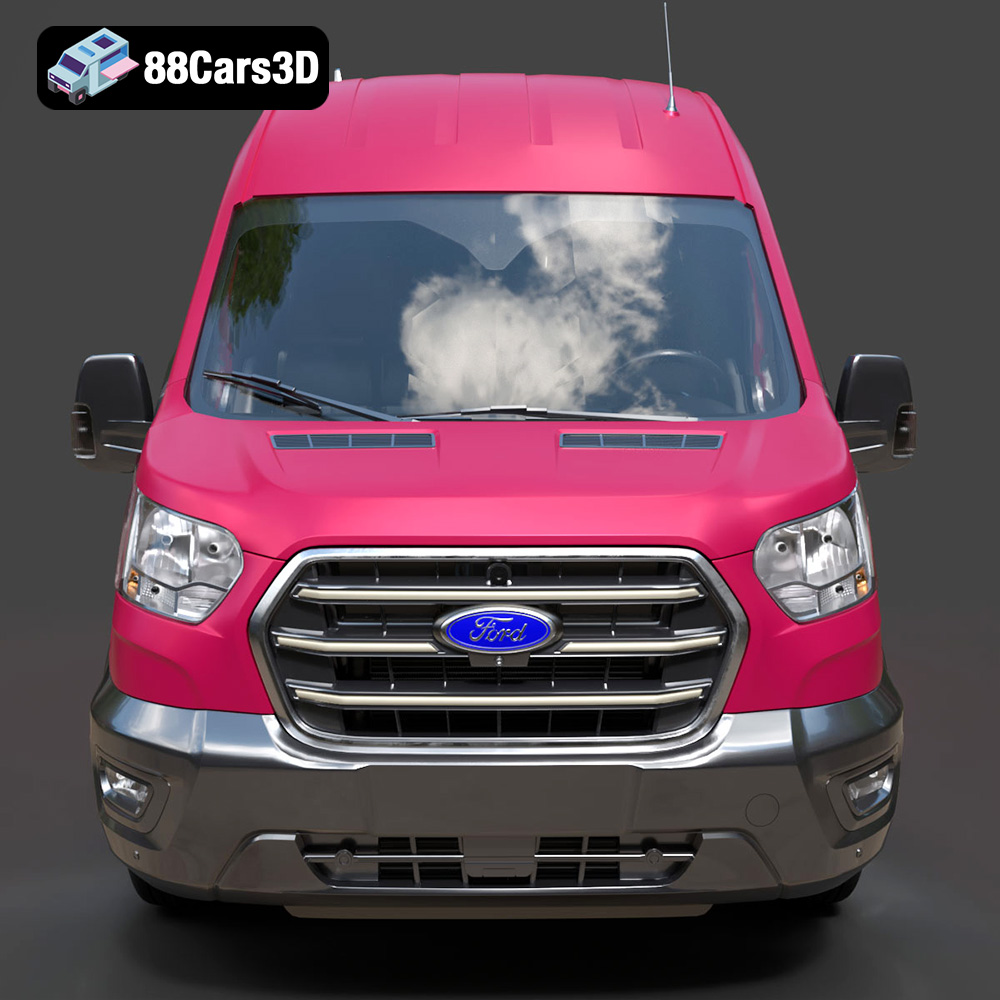
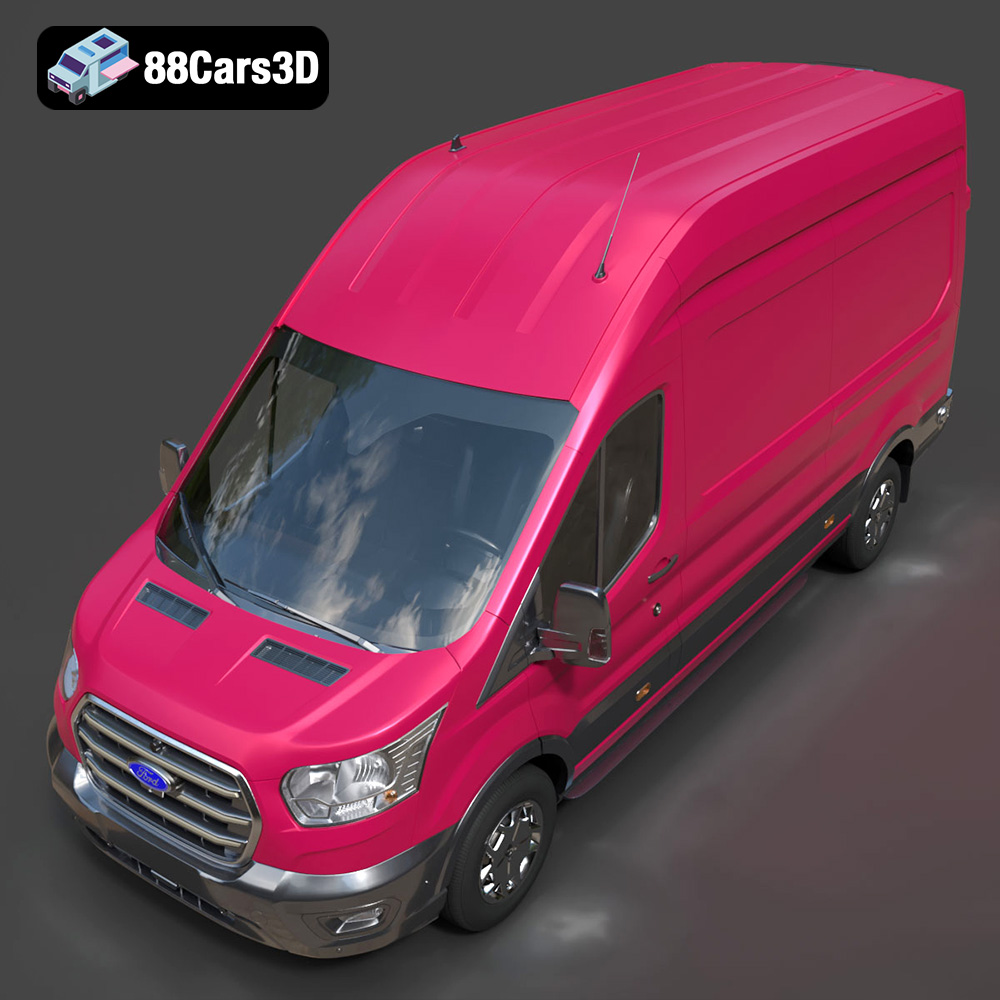
The Ford Transit Van L3H3 Trend 2021 3D model, available at 88cars3d.com, is a fantastic project for 3D printing enthusiasts. Its detailed design offers a rewarding challenge and results in a tangible replica of this iconic vehicle. This article provides a comprehensive guide to successfully 3D printing this model, covering everything from pre-print preparation to post-processing techniques.
The optimal 3D printing technology for the Ford Transit Van L3H3 Trend 2021 model depends on the desired level of detail, material properties, and budget.
FDM is the most common and affordable 3D printing technology. It uses a thermoplastic filament that is heated and extruded layer by layer to build the object. For the Ford Transit Van model, FDM is a good choice for larger prints where fine detail is less critical.
SLA and DLP use liquid resin cured by UV light to create highly detailed parts. These technologies are excellent for smaller, more intricate versions of the Ford Transit Van, capturing finer details like the grill and lights. However, resin printing typically requires more post-processing and can be more expensive than FDM.
SLS uses a laser to fuse powdered material (typically nylon) layer by layer. This technology can create strong and functional parts without the need for support structures. While SLS offers excellent mechanical properties, it can be more expensive and less accessible than FDM or SLA. It’s generally not necessary for a scale model like the Ford Transit Van, but could be considered for functional prototypes.
Choosing the right file format is crucial for a successful 3D printing experience. The Ford Transit Van L3H3 Trend 2021 3D model is available in various formats, each with its own strengths and weaknesses.
The .stl (stereolithography) file format is the industry standard for 3D printing. It represents the surface geometry of a 3D object as a collection of triangles. This simplicity makes it universally compatible with slicing software and 3D printers. However, STL files only contain mesh data, meaning they do not store color, texture, or material information.
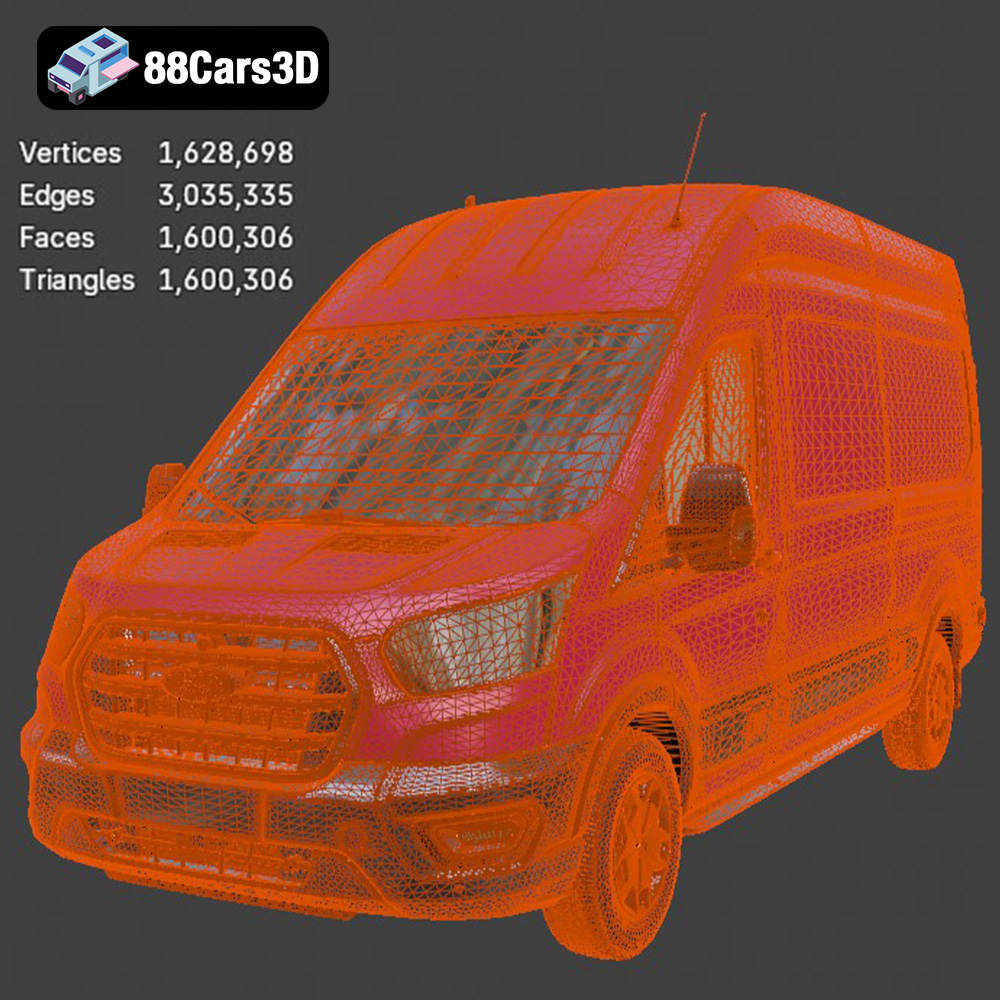
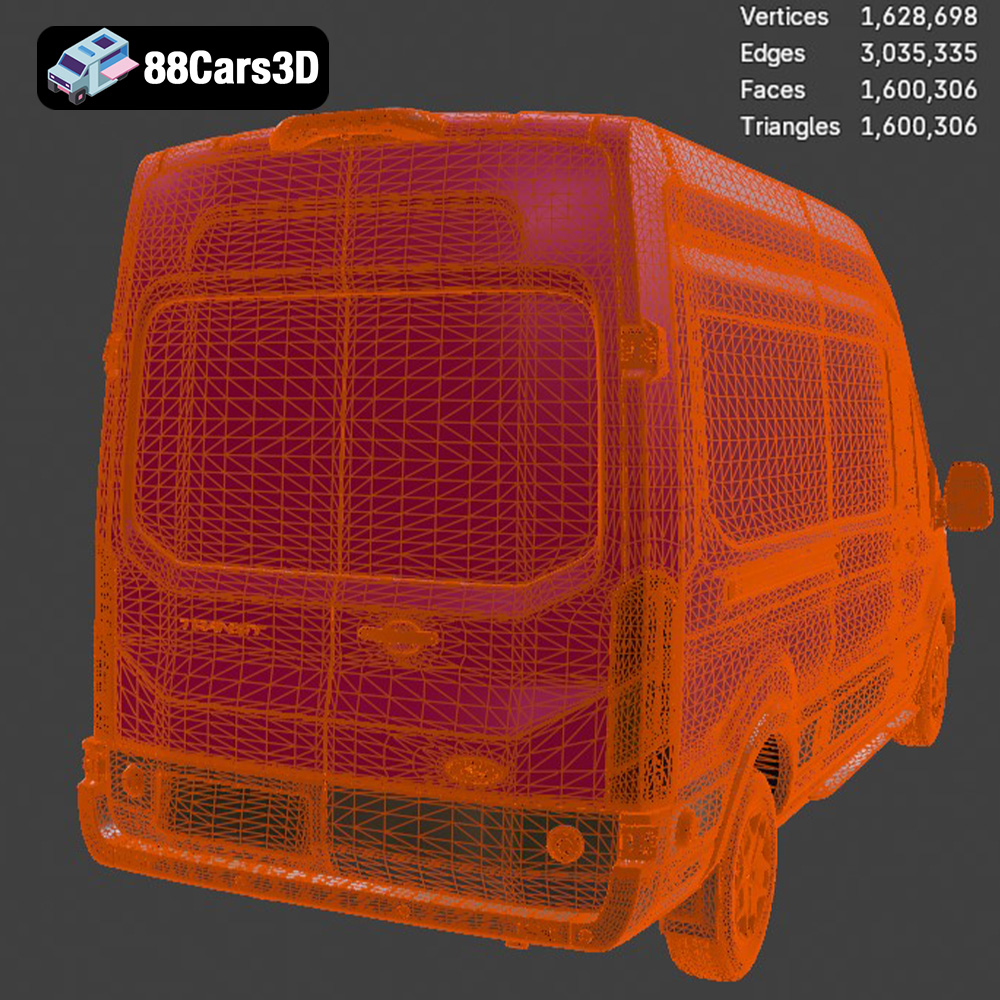
When preparing an STL file for printing, it’s crucial to ensure the mesh is watertight and free of errors such as flipped normals, non-manifold edges, and holes. Most slicing software includes basic repair tools, but dedicated mesh editing software like MeshMixer or Netfabb can provide more advanced repair capabilities. The resolution of the STL file also impacts the print quality. A higher resolution STL will have smaller triangles, resulting in a smoother surface finish, but it will also increase the file size and processing time. For the Ford Transit Van model, a medium to high-resolution STL is recommended to capture the vehicle’s details accurately. Ensure the STL is properly scaled within the modeling software before exporting to maintain correct proportions during printing.
The .obj (object) file format is another widely used 3D format that supports both geometry and texture information. Unlike STL, OBJ files can store color and material properties, making them suitable for printing with multi-material or full-color 3D printers.
The .ply (polygon) file format is designed for storing 3D data acquired from scanning devices. It can represent a model as a collection of vertices, edges, and faces, and it supports storing color, normals, and texture coordinates. PLY files are often used for high-detail models, but they may not be as universally supported by slicing software as STL or OBJ files.
The .blend file format is the native format for Blender, a popular open-source 3D modeling software. It contains the entire Blender scene, including geometry, materials, textures, lighting, and animation data. If you want to customize the Ford Transit Van model before printing, the .blend file is the best choice. You can modify the model’s shape, add details, or create variations. After making your changes, you’ll need to export the model as an STL file for 3D printing.
The .fbx (filmbox) file format is a proprietary format developed by Autodesk. It is commonly used for exchanging 3D data between different software applications, such as modeling programs and game engines. FBX files can store geometry, materials, textures, animations, and other data. While some slicing software can import FBX files, it’s generally recommended to convert them to STL before printing to ensure compatibility and simplify the printing process.
The .glb (GL Transmission Format Binary) file format is designed for efficient transmission and loading of 3D models on the web and in AR/VR applications. It is a binary format that includes geometry, textures, and animations in a single file. While .glb is great for previews, it’s not directly used for 3D printing.
The .max file format is the native format for 3ds Max, another popular 3D modeling software by Autodesk. Similar to .blend, it contains the entire project scene and allows for complete modification of the model before exporting to STL for printing.
Before sending the STL file to your 3D printer, some preparation steps are necessary to ensure a successful print.
As mentioned previously, ensure the STL file is free of errors. Use mesh editing software or the repair tools in your slicing software to fix any issues. Optimize the model by reducing the polygon count if necessary, without sacrificing too much detail. This can improve printing speed and reduce the risk of errors.
The orientation of the model on the print bed significantly affects print quality, support requirements, and print time. Consider printing the Ford Transit Van with the roof facing down to minimize the need for supports on the body. However, this may require more supports for the chassis and wheels.
Support structures are necessary to support overhanging features like the roof, mirrors, and wheels. Experiment with different support settings in your slicing software to find the optimal balance between support strength, ease of removal, and surface finish. Tree supports are a good option as they often require less material and are easier to remove than linear supports.
Decide on the desired scale for your 3D printed Ford Transit Van. If you’re printing a smaller scale model, consider hollowing out the interior to save material and reduce print time. Ensure the walls are thick enough to provide structural integrity. For resin printing, hollowing is essential to prevent suction forces during printing. Add drain holes to allow resin to escape.
The following settings are recommended as a starting point for 3D printing the Ford Transit Van L3H3 Trend 2021 model. Adjust these settings based on your specific printer, material, and desired print quality.
* **PLA:** PLA is a biodegradable thermoplastic that is easy to print and offers good detail. It’s a good choice for beginners and for models that don’t require high strength or heat resistance.
* **PETG:** PETG is a more durable and heat-resistant thermoplastic than PLA. It offers good layer adhesion and is less prone to warping. PETG is a good choice for functional parts or models that will be exposed to higher temperatures.
* **ABS:** ABS is a strong and heat-resistant thermoplastic, but it can be more difficult to print than PLA or PETG due to its tendency to warp. Enclosing the printer can help mitigate warping issues.
* **Resin:** For SLA/DLP printing, standard resin is a good starting point. However, consider using tough or flexible resins for parts that require greater durability or impact resistance.
* **FDM:** A layer height of 0.1-0.2mm offers a good balance between print speed and detail. For finer details, reduce the layer height to 0.05-0.1mm.
* **Resin:** A layer height of 0.025-0.05mm is common for resin printing. Lower layer heights result in smoother surfaces but increase print time.
* **FDM:** An infill density of 15-25% is sufficient for most parts of the Ford Transit Van model. Increase the infill density for parts that require more strength, such as the wheels or chassis.
* **Resin:** Resin prints are typically solid, so infill density is not applicable.
* **FDM:** A print speed of 40-60mm/s is a good starting point. Reduce the print speed for finer details or complex geometries.
* **Resin:** Print speed is determined by the exposure time per layer. Refer to the resin manufacturer’s recommendations for optimal exposure settings.
* **PLA:** Bed temperature: 60°C, Nozzle temperature: 200-220°C
* **PETG:** Bed temperature: 70-80°C, Nozzle temperature: 230-250°C
* **ABS:** Bed temperature: 100-110°C, Nozzle temperature: 230-260°C
After printing, some post-processing is typically required to achieve the desired finish and functionality.
Carefully remove the support structures using pliers, a hobby knife, or specialized support removal tools. Take your time to avoid damaging the model.
Sand the model to remove layer lines and other imperfections. Start with a coarse grit sandpaper (e.g., 220 grit) and gradually move to finer grits (e.g., 400, 600, 800 grit). Wet sanding can help reduce dust and improve the surface finish. For resin prints, consider using isopropyl alcohol to clean the model before sanding.
Apply primer to the model to prepare it for painting. Use acrylic paints for a durable and vibrant finish. Consider using masking tape to create clean lines and separate different colors. Apply a clear coat to protect the paint and add shine.
If the Ford Transit Van model is printed in multiple parts, assemble them using glue or screws. Ensure the parts are properly aligned before joining them.
Even with careful preparation, some issues may arise during the 3D printing process.
Warping occurs when the corners of the model lift off the print bed due to uneven cooling. Ensure the bed is properly leveled and heated. Use a brim or raft to improve adhesion. Enclosing the printer can help prevent warping, especially when printing with ABS.
Poor layer adhesion can result in weak or delaminated prints. Increase the nozzle temperature and reduce the print speed. Ensure the filament is dry and free of moisture.
Stringing occurs when the printer extrudes filament while moving between different parts of the model. Increase the retraction distance and speed. Reduce the nozzle temperature.
Elephant’s foot is a phenomenon where the bottom layers of the print are wider than the rest of the model. This is usually caused by the bed being too close to the nozzle. Adjust the bed level to create more space between the nozzle and the bed.
3D printing the Ford Transit Van L3H3 Trend 2021 model from 88cars3d.com is a rewarding project that requires careful planning and execution. By understanding the different 3D printing technologies, preparing the model properly, using the right settings, and applying appropriate post-processing techniques, you can create a stunning replica of this iconic vehicle. Remember to experiment with different materials and settings to find what works best for your specific printer and desired outcome. With patience and attention to detail, you’ll be driving around your own miniature Ford Transit Van in no time! Remember to visit 88cars3d.com for more amazing 3D models.
Immerse yourself in the intricate detail of the Ford Transit Van L3H3 Trend 2021 3D Model. This model captures the essence of the versatile van with a high level of accuracy, mirroring the real-world vehicle’s design and functionality. From its spacious cargo area to its distinctive exterior features, every aspect has been carefully replicated to provide a true-to-life representation.
$19.99
.arvr
.blend
.car3dmodel
.fbx
.ford
.gameasset
.glb
.max
.obj
.ply
.rendering
.simulation
.stl
.transit
.transitvanl3h3trend
.unreal
.van
.vanl3h3trend