Get 50% OFF All Premium 3D & STL Models!

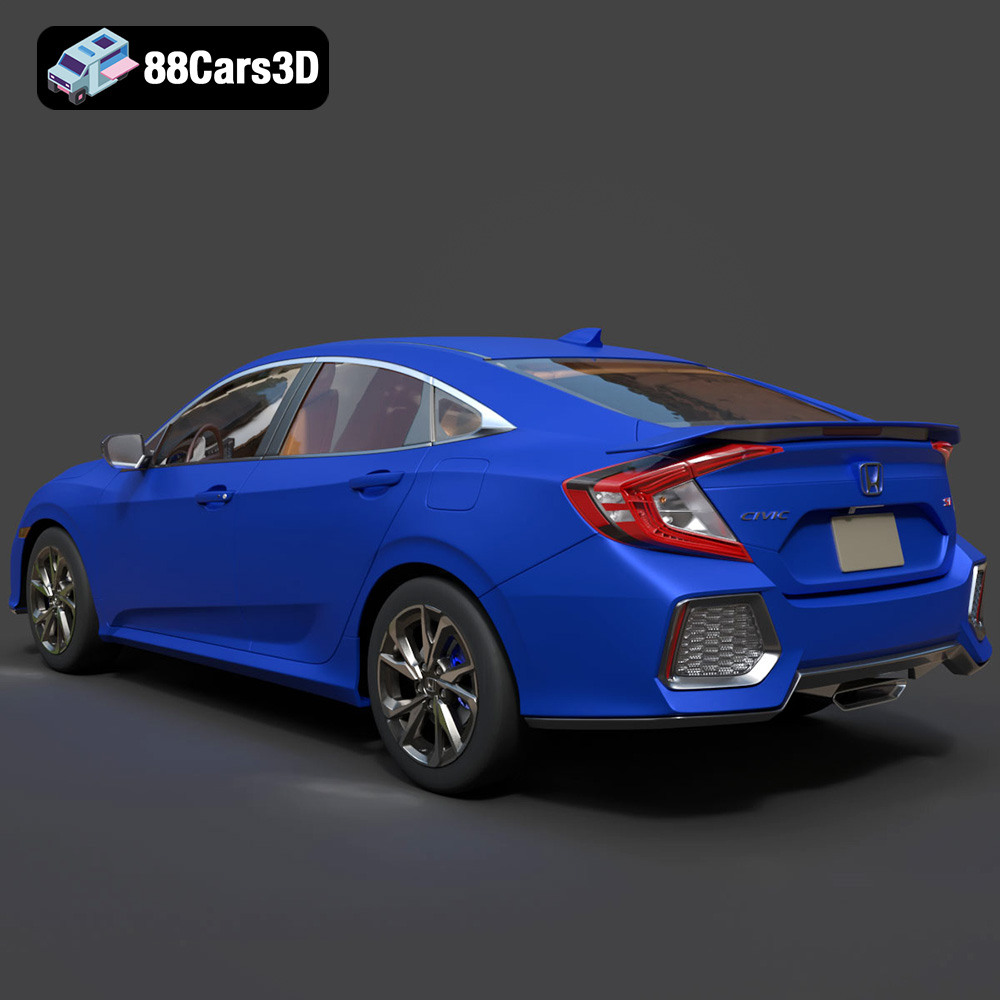
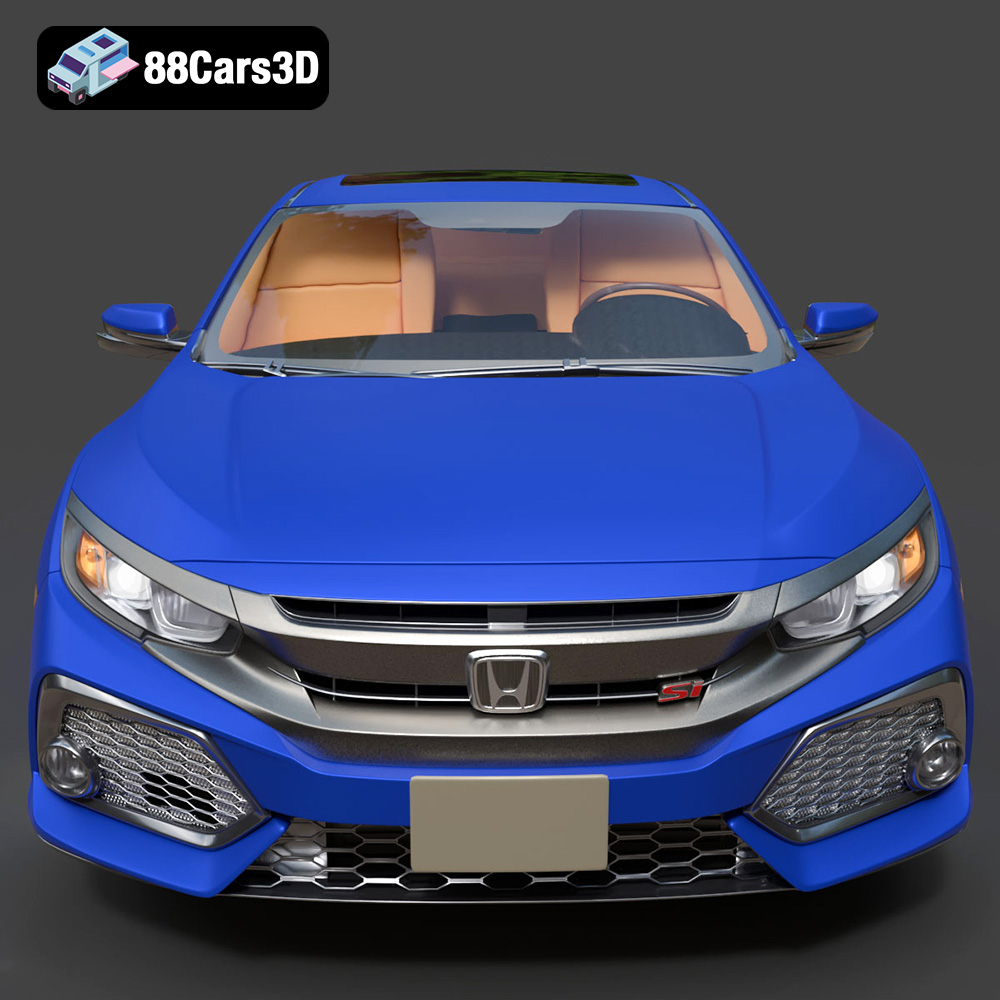
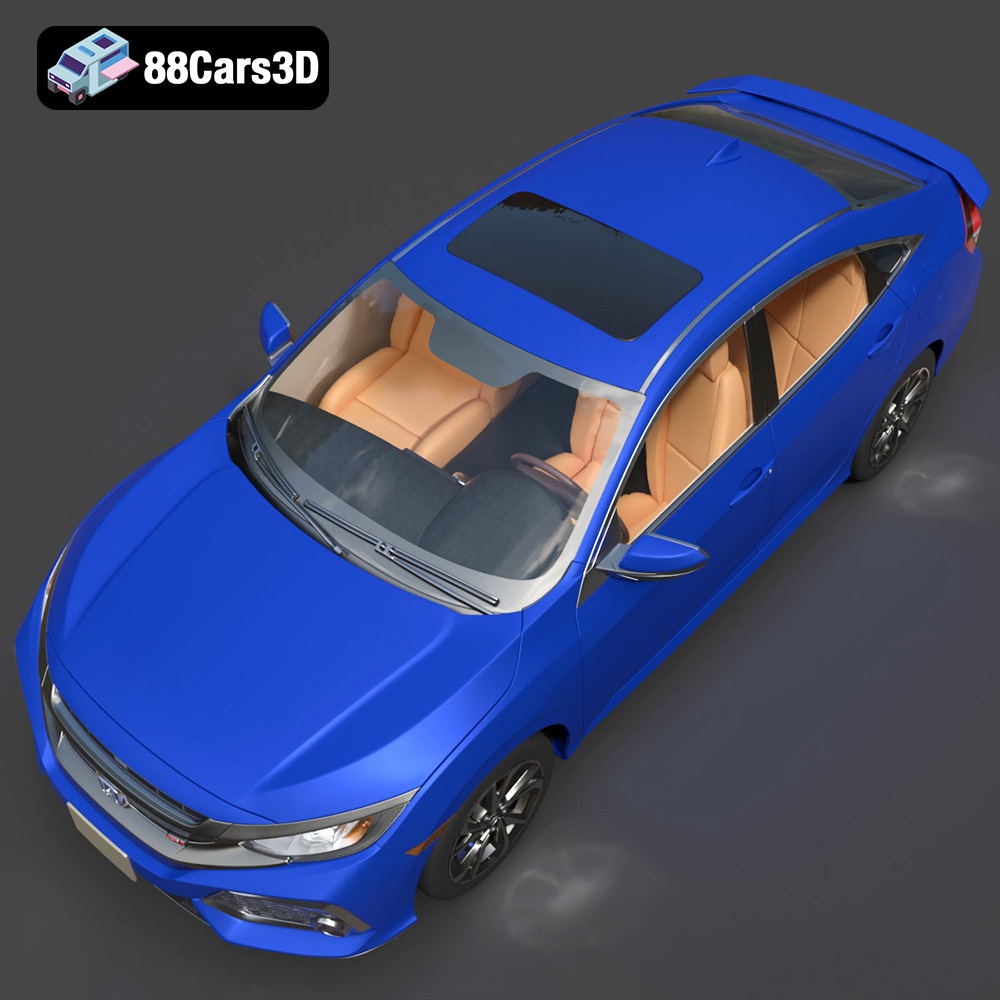
The Honda Civic Si Sedan 2017 is an iconic car, loved for its sporty handling and stylish design. Now, thanks to 88cars3d.com, you can bring this car to life in miniature form through the magic of 3D printing. This guide will walk you through every step of the process, from preparing the STL files to post-processing your finished 3D printed model. Whether you’re a seasoned 3D printing enthusiast or a beginner looking for a rewarding project, this guide will provide the knowledge and techniques needed to successfully 3D print your own Honda Civic Si Sedan 2017.
Before diving into the specifics of 3D printing the Honda Civic Si Sedan 2017, it’s crucial to understand the different file formats available and which ones are best suited for additive manufacturing. The model from 88cars3d.com comes with a range of formats designed for various applications, but for 3D printing, the STL format is your primary focus.
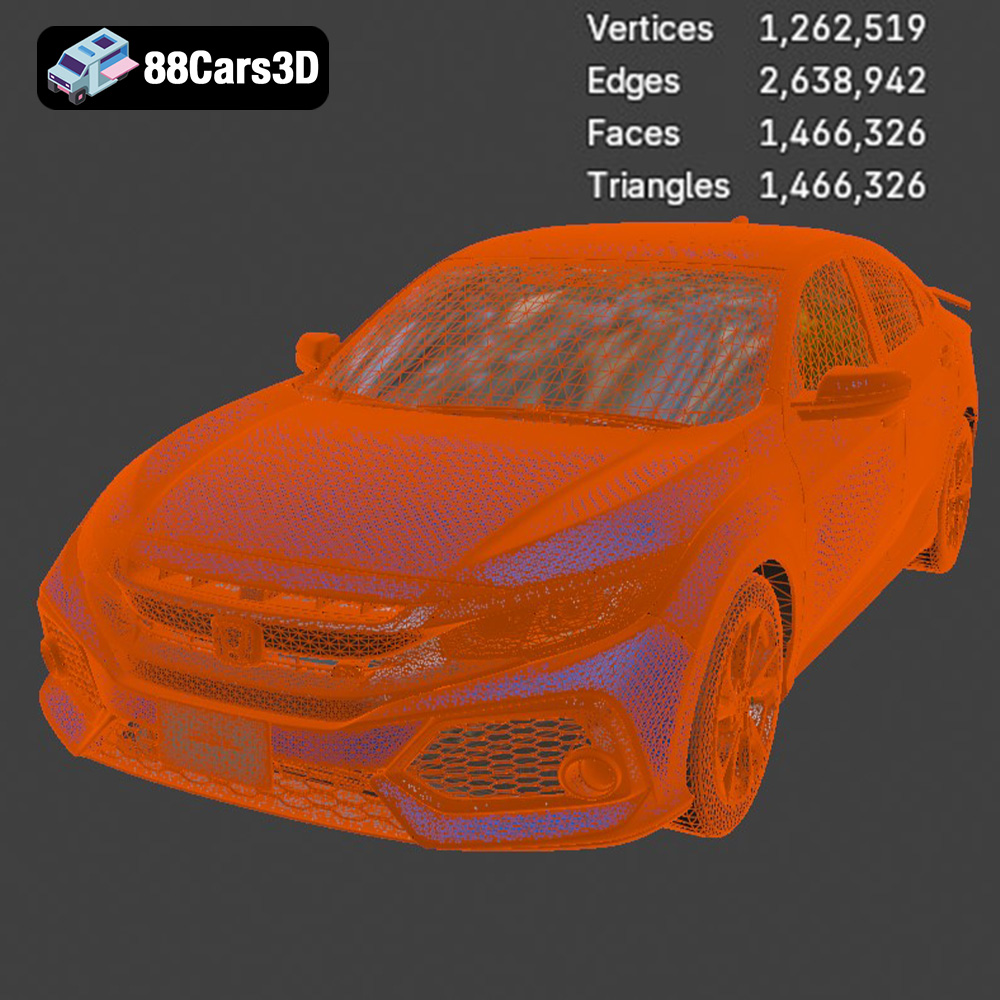
The STL (stereolithography) file format is the industry standard for 3D printing. It represents the surface geometry of a 3D object as a collection of triangles. While it doesn’t store color, texture, or material information, its simplicity and widespread compatibility make it the go-to format for most 3D printing applications. All slicing software understands STL files. When preparing an STL file for printing, you’ll want to ensure the mesh is watertight (no holes) and has sufficient resolution to capture the details of the Honda Civic Si Sedan 2017.
OBJ files are another common 3D model format. Unlike STL, OBJ files can store color and texture information, making them useful for colored 3D prints (if your printer supports it). However, for many standard 3D printing applications, the STL format is preferred due to its simplicity and smaller file size. The Honda Civic Si Sedan 2017 OBJ file could be useful if you intend to add custom textures or colors using a 3D modeling program before printing.
PLY files are designed to store data from 3D scanners and can represent models with very high levels of detail. They are sometimes used for complex organic shapes. The higher precision comes at the cost of larger file sizes. While the Honda Civic Si Sedan 2017 model may not require the extreme detail that PLY offers, it could be useful if you’re working with very high-resolution printers or require extremely accurate dimensions.
The .blend format is the native file format for Blender, a popular open-source 3D modeling software. This format is incredibly powerful because it allows you to fully edit the 3D model before exporting it for printing. You can modify the design, add details, separate parts for easier printing, or even create custom accessories for your Honda Civic Si Sedan 2017 model.
FBX is a proprietary format primarily used in animation and game development. It can store animation, textures, and materials. While you can sometimes import FBX files directly into slicing software, it’s generally better to export the model as an STL for 3D printing to ensure compatibility and optimal results.
GLB files are designed for real-time 3D rendering and are commonly used for augmented reality (AR) applications. They are efficient and can be easily shared online. While GLB files aren’t directly used for 3D printing, they can be valuable for previewing the Honda Civic Si Sedan 2017 model in a real-world context before you commit to printing it.
Like .blend, .max files are the native file format for 3ds Max, another professional 3D modeling software. If you have access to 3ds Max, you can use the .max file to make extensive modifications to the Honda Civic Si Sedan 2017 model before exporting it as an STL for printing.
In summary, for 3D printing the Honda Civic Si Sedan 2017, the STL file is your primary tool. Ensure the mesh is clean, watertight, and has sufficient resolution to capture the car’s details. If you want to customize the model, the .blend or .max files offer the most flexibility, allowing you to make any necessary changes before exporting to STL for printing.
Before you hit the print button, careful preparation is crucial for a successful outcome. This stage involves slicing the STL file and optimizing the model for your specific 3D printer and material.
Slicing software takes your 3D model and converts it into a series of layers that your 3D printer can understand. Popular choices include Cura, PrusaSlicer, Simplify3D, and IdeaMaker. Each software offers a range of settings to fine-tune your print.
* **Layer Height:** A lower layer height (e.g., 0.1mm) results in a smoother surface finish but increases print time. For the Honda Civic Si Sedan 2017, a layer height of 0.15mm to 0.2mm is a good balance between detail and speed.
* **Infill Density:** Infill provides internal support for your model. For a display model like the Civic Si Sedan 2017, an infill density of 15-20% is typically sufficient. Use a gyroid infill pattern for a good balance of strength and material usage.
* **Support Structures:** Support structures are essential for printing overhangs and complex geometries. The Honda Civic Si Sedan 2017 will likely require supports under the bumpers, side mirrors, and potentially the roof, depending on the printing orientation. Experiment with different support types (e.g., tree supports, linear supports) to find what works best for your printer.
* **Printing Speed:** Slower printing speeds generally improve print quality. Start with a printing speed of 40-50mm/s and adjust as needed based on your printer’s performance.
* **Bed Adhesion:** Ensure good bed adhesion to prevent warping. Use a brim or raft if necessary, especially for larger prints.
The orientation of your model on the print bed significantly impacts the print quality and support requirements. For the Honda Civic Si Sedan 2017, consider these options:
* **Upside Down:** Printing the car upside down minimizes the need for supports on the body panels, resulting in a smoother surface finish. However, the roof and windows may require more extensive support structures.
* **On its Side:** This orientation can be useful if you want to minimize supports on the front and rear of the car. However, it may require significant supports under the body.
* **Flat on the Bed:** Printing the car flat on the print bed is generally not recommended, as it can result in a less detailed finish and requires extensive supports.
Experiment with different orientations in your slicing software to determine the best option for your printer and desired level of detail.
The choice of material greatly influences the appearance, strength, and durability of your 3D printed Honda Civic Si Sedan 2017. Here’s a breakdown of common 3D printing materials and their suitability for this project:
PLA is a biodegradable thermoplastic known for its ease of use and excellent print quality. It’s a great choice for beginners and ideal for creating display models like the Honda Civic Si Sedan 2017. PLA comes in a wide range of colors, allowing you to achieve the desired aesthetic. However, PLA is not very heat resistant, so avoid placing your 3D printed car in direct sunlight or hot environments.
PETG offers a good balance of strength, flexibility, and heat resistance. It’s more durable than PLA and can withstand higher temperatures. PETG is a good option if you want a more robust 3D printed model that can handle some wear and tear. It can be slightly more challenging to print with than PLA, requiring higher temperatures and careful bed adhesion.
ABS is a strong and heat-resistant thermoplastic commonly used in automotive parts. While it’s a durable material, ABS is more challenging to print with than PLA or PETG, as it requires a heated bed and enclosed printer to prevent warping. The fumes produced during ABS printing can also be unpleasant, so good ventilation is essential.
Resin printing (SLA/DLP) offers exceptional detail and a smooth surface finish. If you want to capture every detail of the Honda Civic Si Sedan 2017, resin printing is the way to go. However, resin printers are more expensive than filament printers, and resin materials can be brittle. Resin printing also requires post-processing, such as washing and curing.
For most users, PLA or PETG are the best choices for 3D printing the Honda Civic Si Sedan 2017. PLA offers ease of use and good print quality, while PETG provides increased durability and heat resistance.
Now that you’ve prepared your model and chosen your material, it’s time to start printing! Here’s a step-by-step guide to help you through the process:
1. Open your slicing software and import the STL file of the Honda Civic Si Sedan 2017.
2. Choose your desired printing settings based on the material you’ve selected (layer height, infill density, support structures, etc.).
3. Orient the model on the print bed according to your chosen strategy.
4. Generate the G-code file, which contains the instructions for your 3D printer.
5. Load the G-code file onto your 3D printer.
6. Ensure your printer bed is level and clean.
7. Load the appropriate filament into your printer.
8. Preheat the printer to the recommended temperature for your chosen material.
1. Start the print and closely monitor the first few layers to ensure good bed adhesion.
2. Watch for any signs of warping, stringing, or other printing issues.
3. Adjust the printer settings as needed to optimize the print quality.
4. Allow the print to complete without interruption. The print time will vary depending on the size of the model, layer height, and printing speed, but expect it to take several hours.
1. Once the print is complete, allow it to cool completely before removing it from the print bed.
2. Carefully remove the support structures using pliers or a sharp knife.
3. Take your time and avoid damaging the model during support removal.
After printing, some post-processing is usually necessary to achieve a polished and professional look for your Honda Civic Si Sedan 2017.
1. Use sandpaper with varying grits (e.g., 220, 400, 600) to smooth the surface of the model.
2. Start with coarser grits to remove any imperfections and then move to finer grits for a smoother finish.
3. Pay particular attention to areas where support structures were removed.
4. For resin prints, wet sanding can help achieve an even smoother surface.
1. Apply a primer to the model to create a smooth surface for painting.
2. Choose a primer that is compatible with your chosen paint.
3. Apply several thin coats of paint, allowing each coat to dry completely before applying the next.
4. Use masking tape to create clean lines and avoid overspray.
5. Consider using an airbrush for a more professional finish.
If you’ve printed the Honda Civic Si Sedan 2017 in multiple parts, carefully assemble them using glue or other appropriate adhesives. Ensure the parts are properly aligned before the glue dries.
Even with careful preparation, 3D printing can sometimes present challenges. Here are some common issues and their solutions:
Warping occurs when the corners of your print lift off the print bed. To prevent warping:
* Ensure your print bed is level and clean.
* Use a heated bed (if available) and set the temperature appropriately for your chosen material.
* Apply a bed adhesion aid, such as glue stick or hairspray.
* Enclose your printer to maintain a consistent temperature.
Stringing occurs when thin strands of filament are left between different parts of the print. To prevent stringing:
* Reduce the printing temperature.
* Increase retraction distance and speed.
* Ensure the filament is dry.
Layer delamination occurs when the layers of your print separate. To prevent layer delamination:
* Increase the printing temperature.
* Reduce the printing speed.
* Ensure proper bed adhesion.
Problems with support structures can lead to poor print quality. To address support structure issues:
* Experiment with different support types and densities.
* Adjust the support overhang angle.
* Ensure the support structures are firmly attached to the model and the print bed.
By understanding these common issues and their solutions, you can overcome challenges and achieve successful 3D prints of the Honda Civic Si Sedan 2017.
The print time and material cost for the Honda Civic Si Sedan 2017 model will vary depending on several factors, including the size of the model, layer height, infill density, printing speed, and material used.
As a rough estimate:
* **Print Time:** 10-20 hours (depending on size and settings)
* **Material Cost:** $5-$15 (depending on the material and amount used)
Keep in mind that these are just estimates, and your actual print time and material cost may vary.
3D printing the Honda Civic Si Sedan 2017 is a rewarding project that allows you to create a detailed replica of this iconic car. By following the steps outlined in this guide, you can successfully prepare, print, and post-process your model to achieve a professional-looking finish. Remember to experiment with different settings and materials to find what works best for your printer and desired aesthetic. Visit 88cars3d.com for more amazing 3D models and to start your 3D printing journey today!
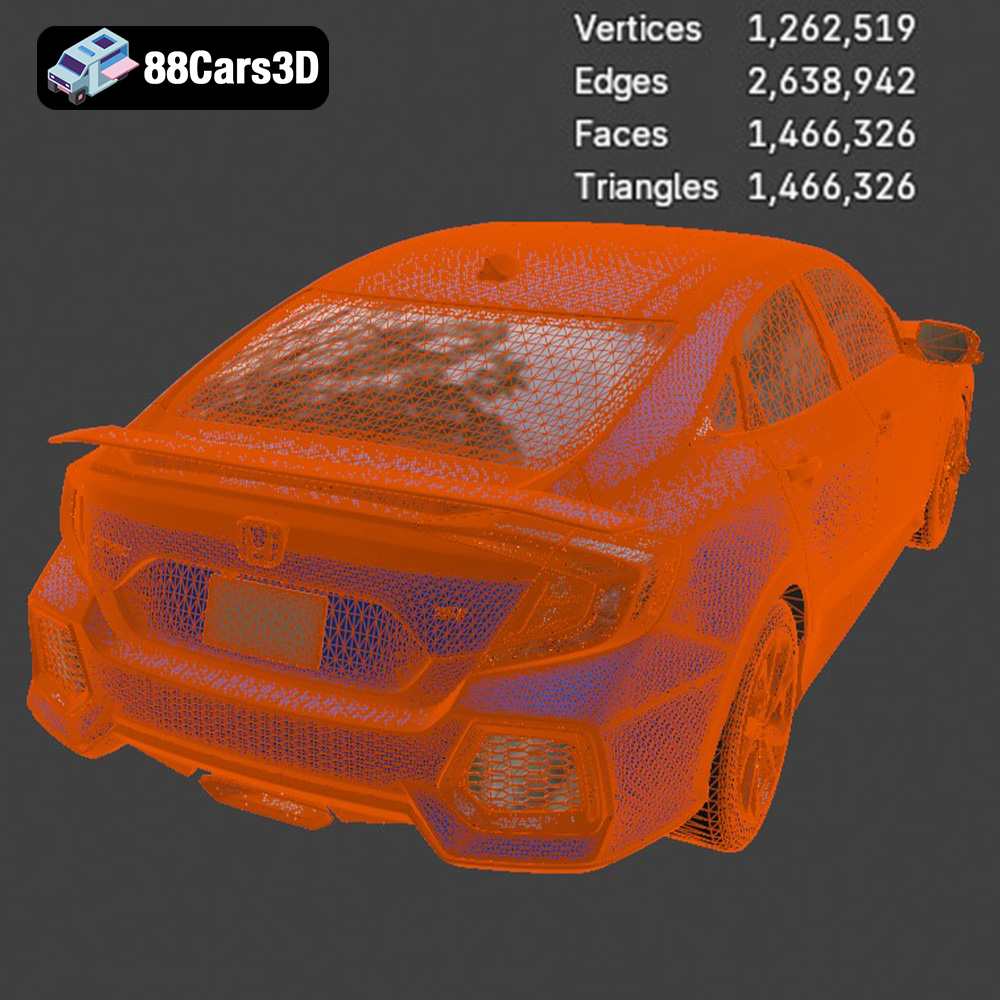
Experience unparalleled realism with the Honda Civic Si Sedan 2017 3D Model. This exceptionally detailed asset has been accurately modeled to represent the iconic exterior styling, dynamic lines, and precise proportions of the original vehicle. Engineered with clean geometry, professional topology, and realistic materials, this model delivers outstanding performance across various digital environments.
$19.99
.arvr
.blend
.car3dmodel
.civic
.compactcar
.fbx
.gameasset
.glb
.honda
.max
.obj
.ply
.rendering
.sedan
.si
.simulation
.stl
.unreal