Get 50% OFF All Premium 3D & STL Models!

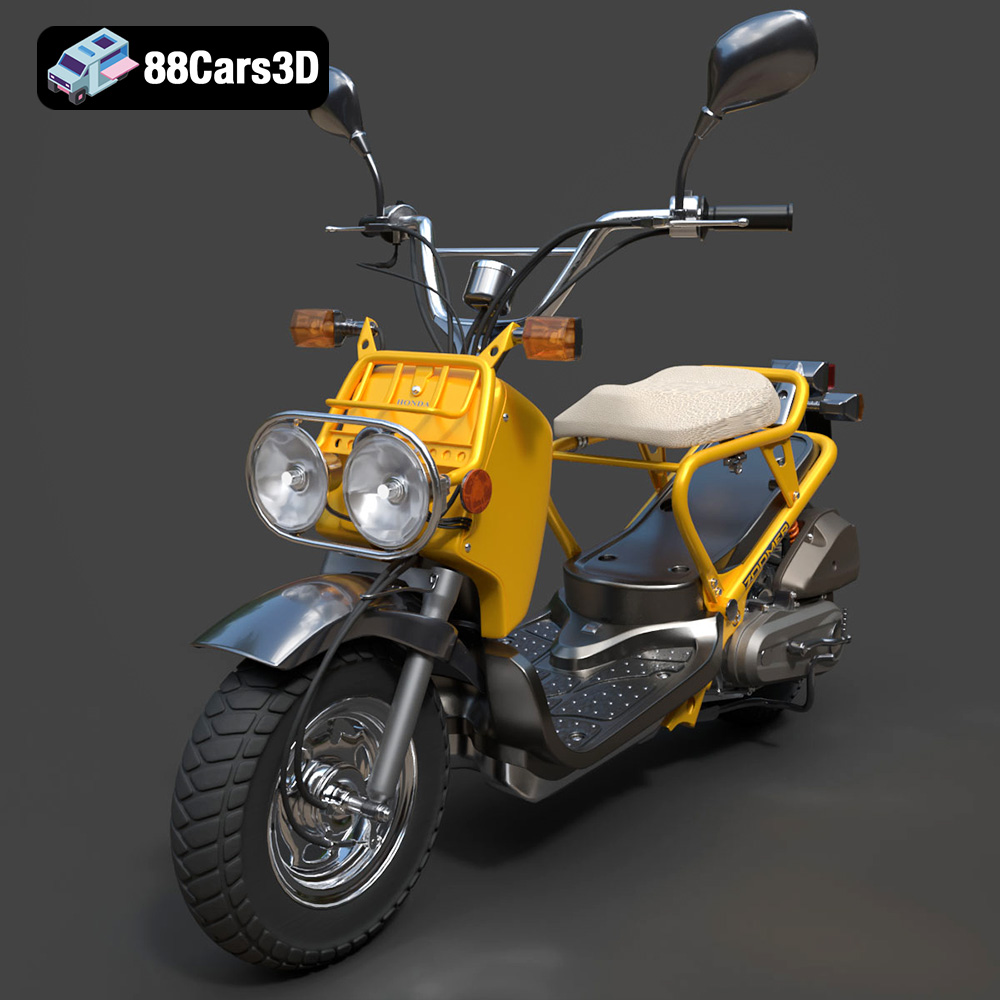
The Honda Zoomer 50, with its distinctive and rugged design, has captured the hearts of scooter enthusiasts worldwide. Now, thanks to the availability of high-quality 3D models on platforms like 88cars3d.com, you can bring this iconic scooter to life in your own home using the power of 3D printing. This article will guide you through the entire process, from preparing the model to post-processing your finished print, ensuring a successful and satisfying 3D printing experience.
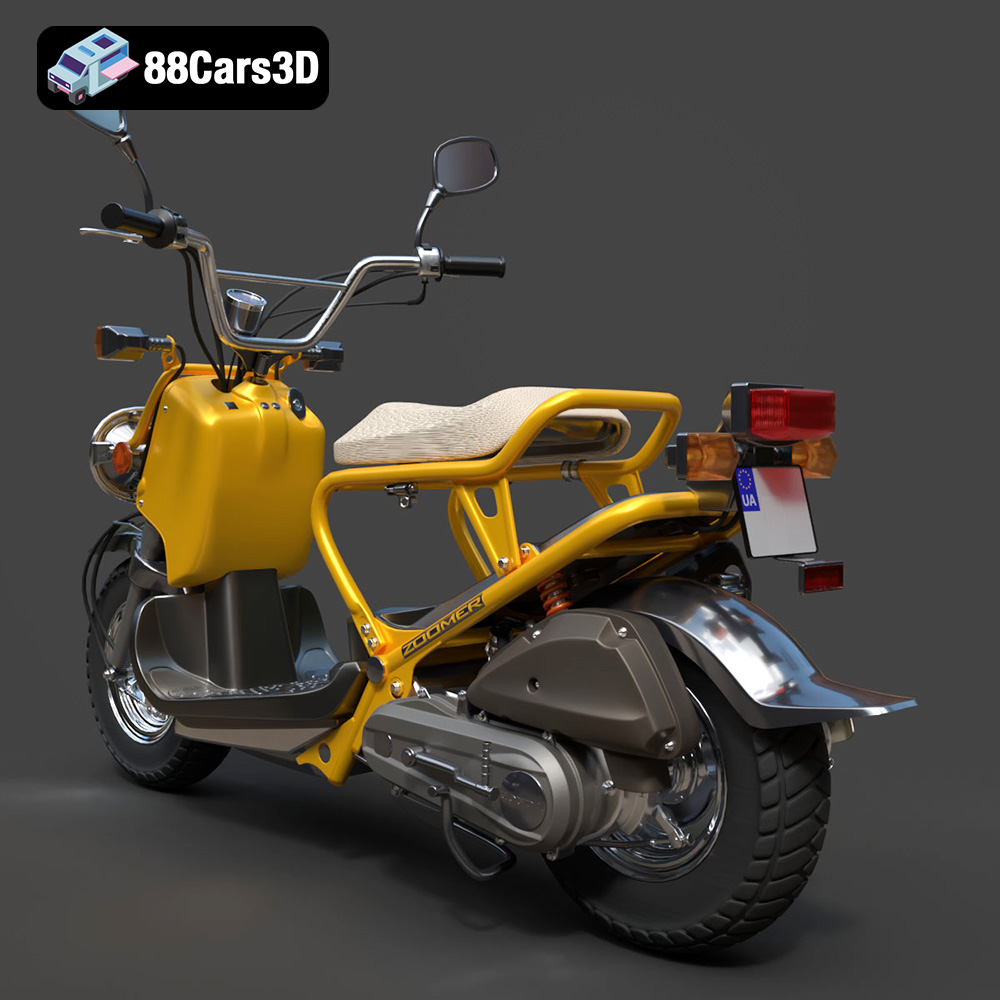
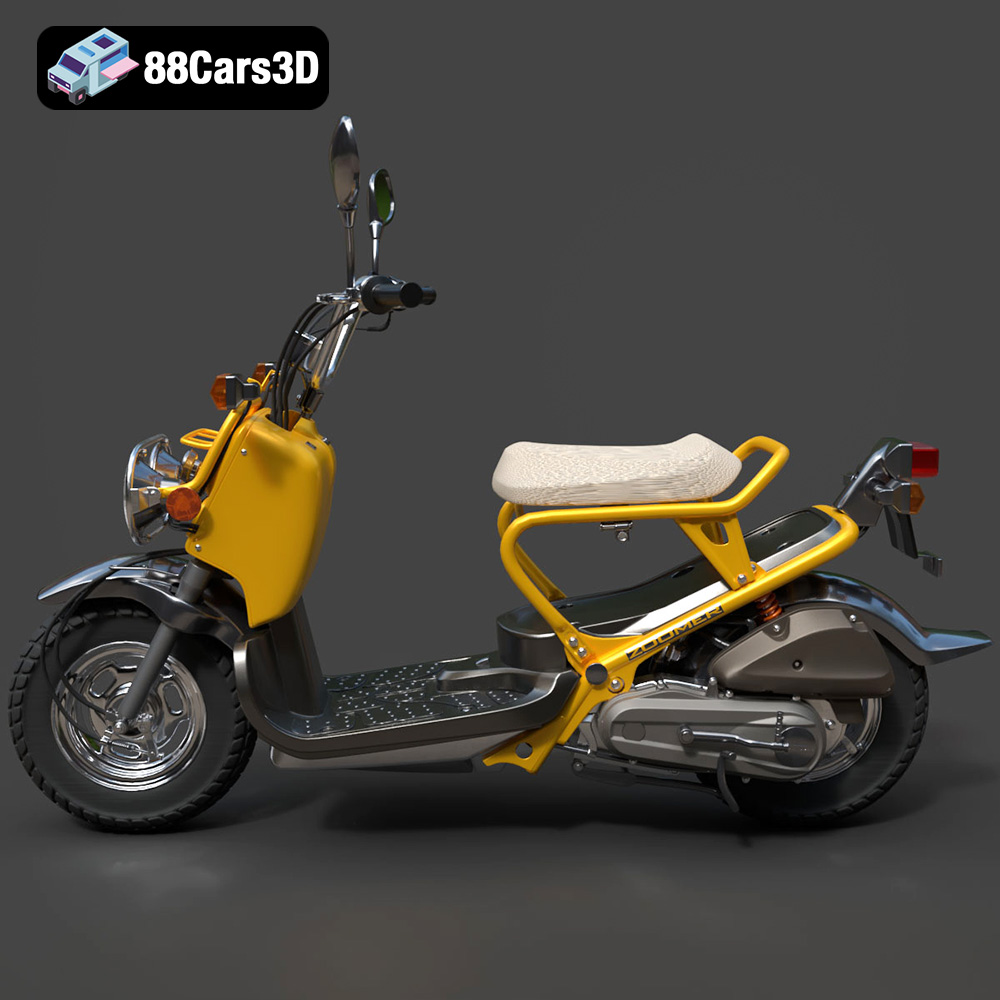
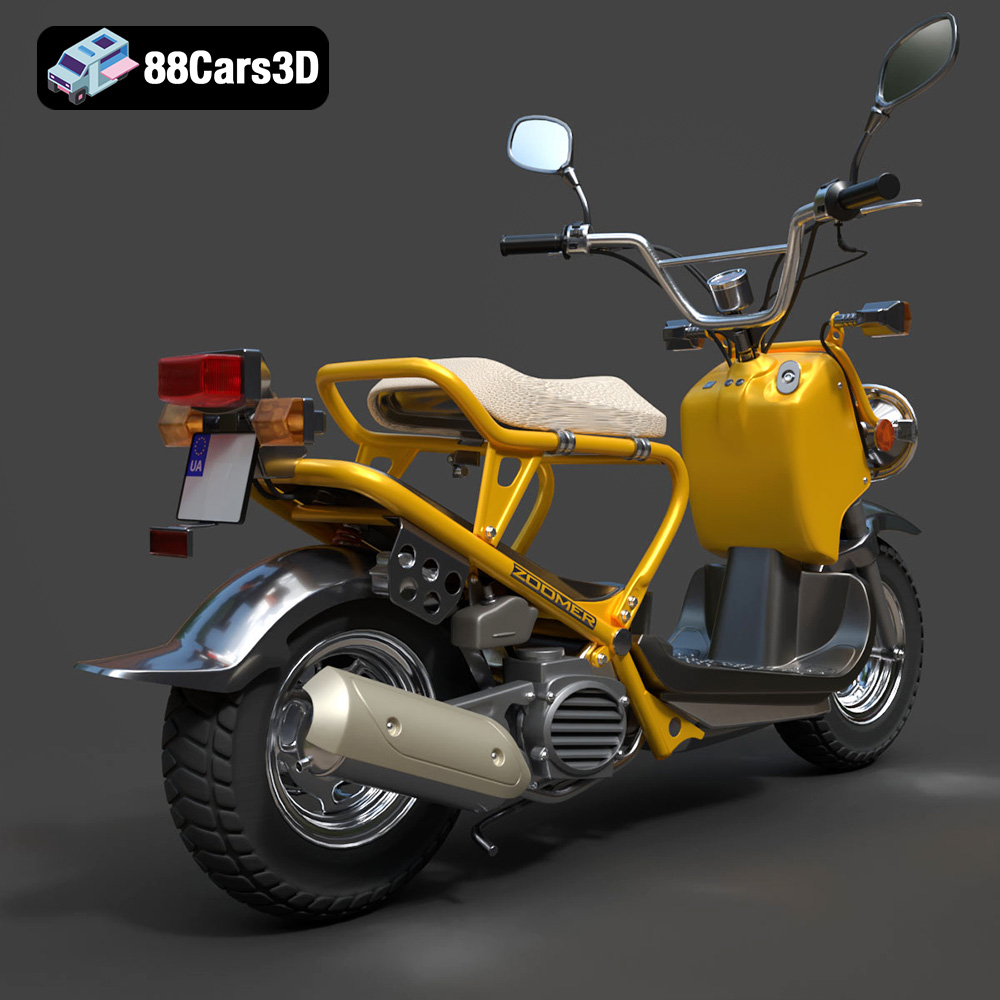
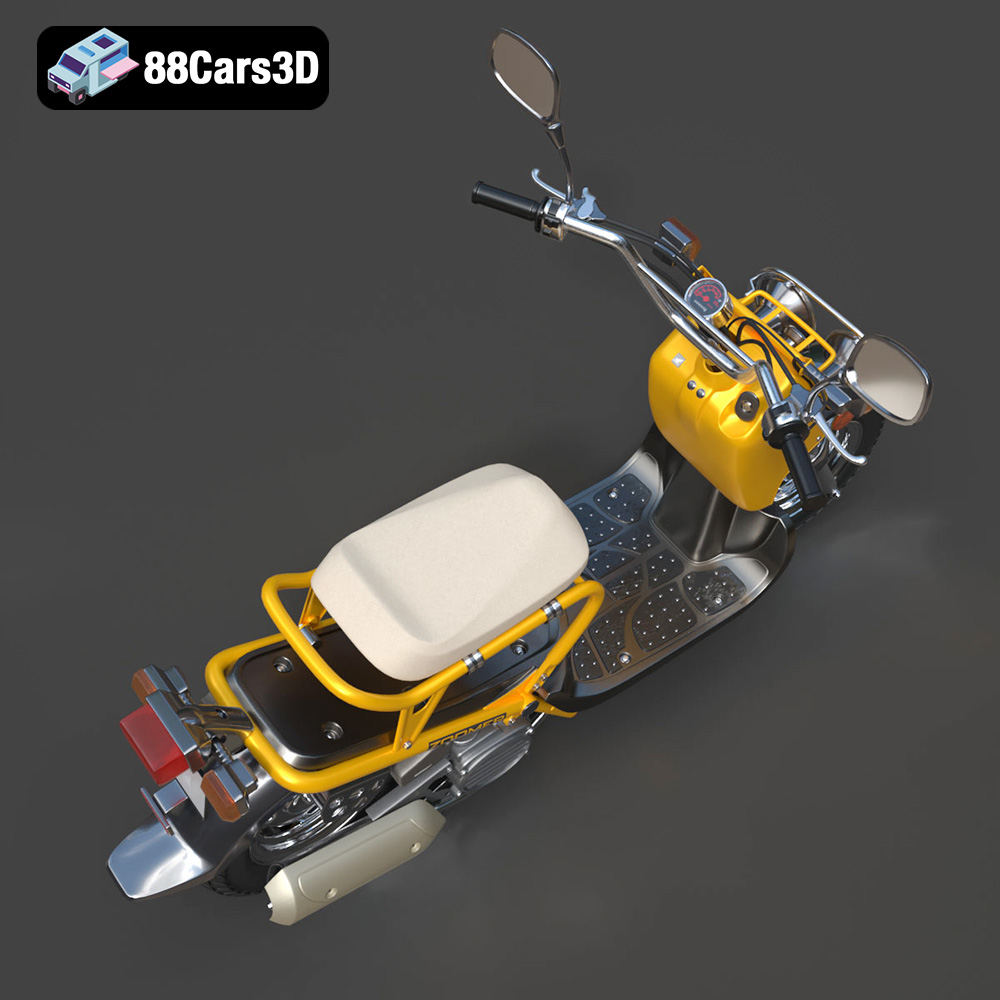
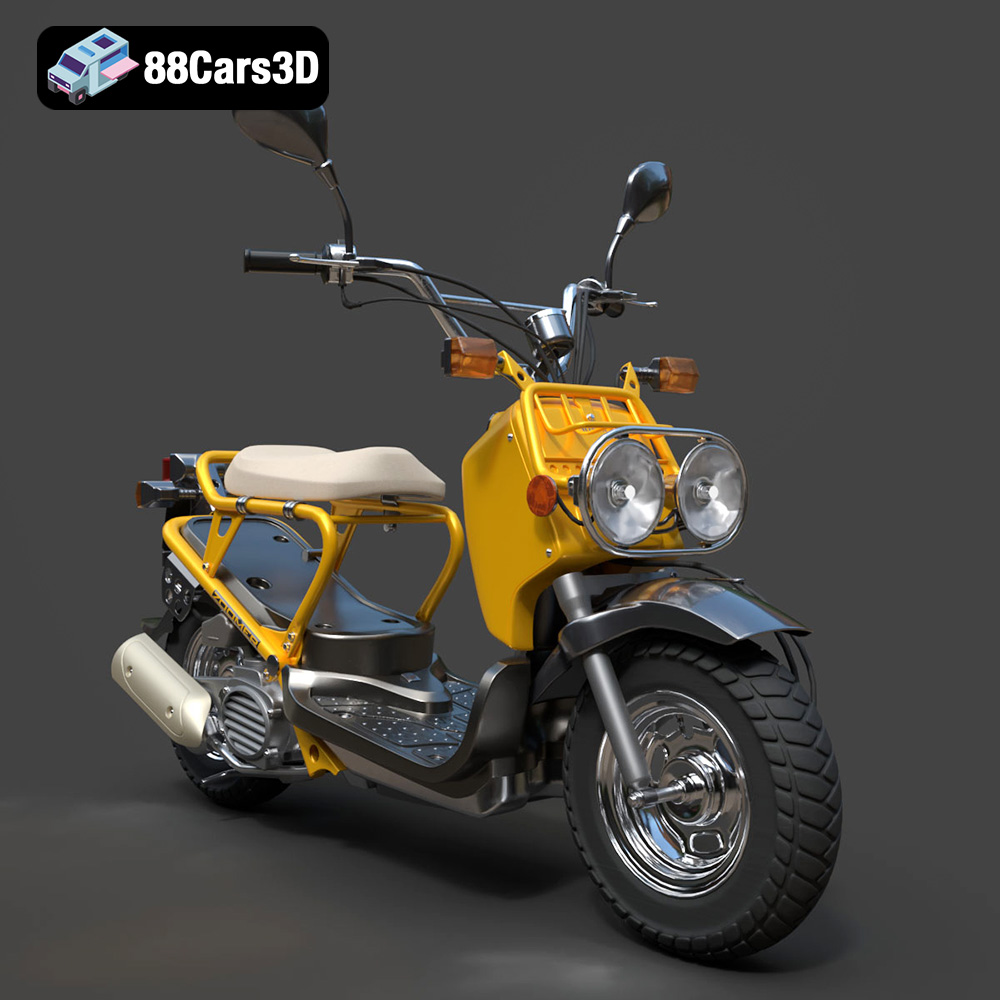
Before diving into the 3D printing process, it’s essential to understand the characteristics of the Honda Zoomer 50 2005 3D model available on 88cars3d.com. This model is meticulously crafted to represent the scooter’s unique features, offering a high level of detail suitable for various applications, including 3D printing.
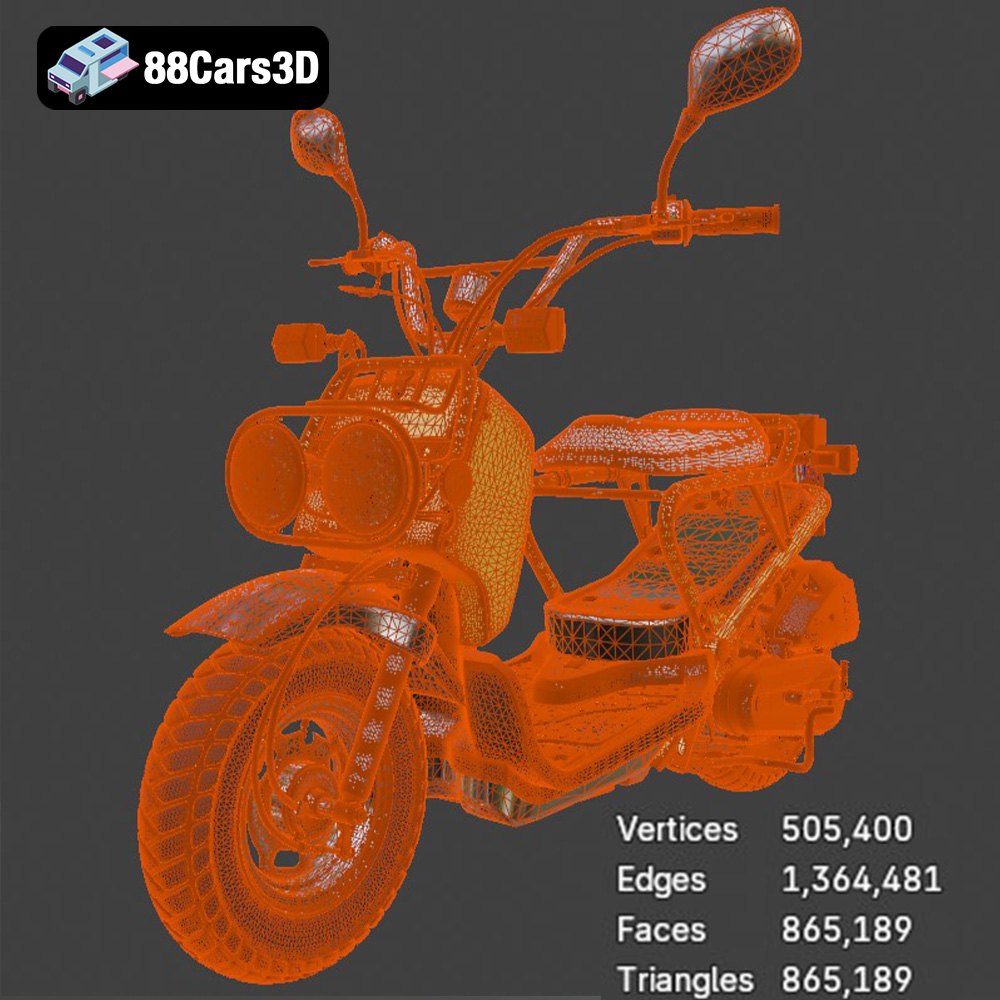
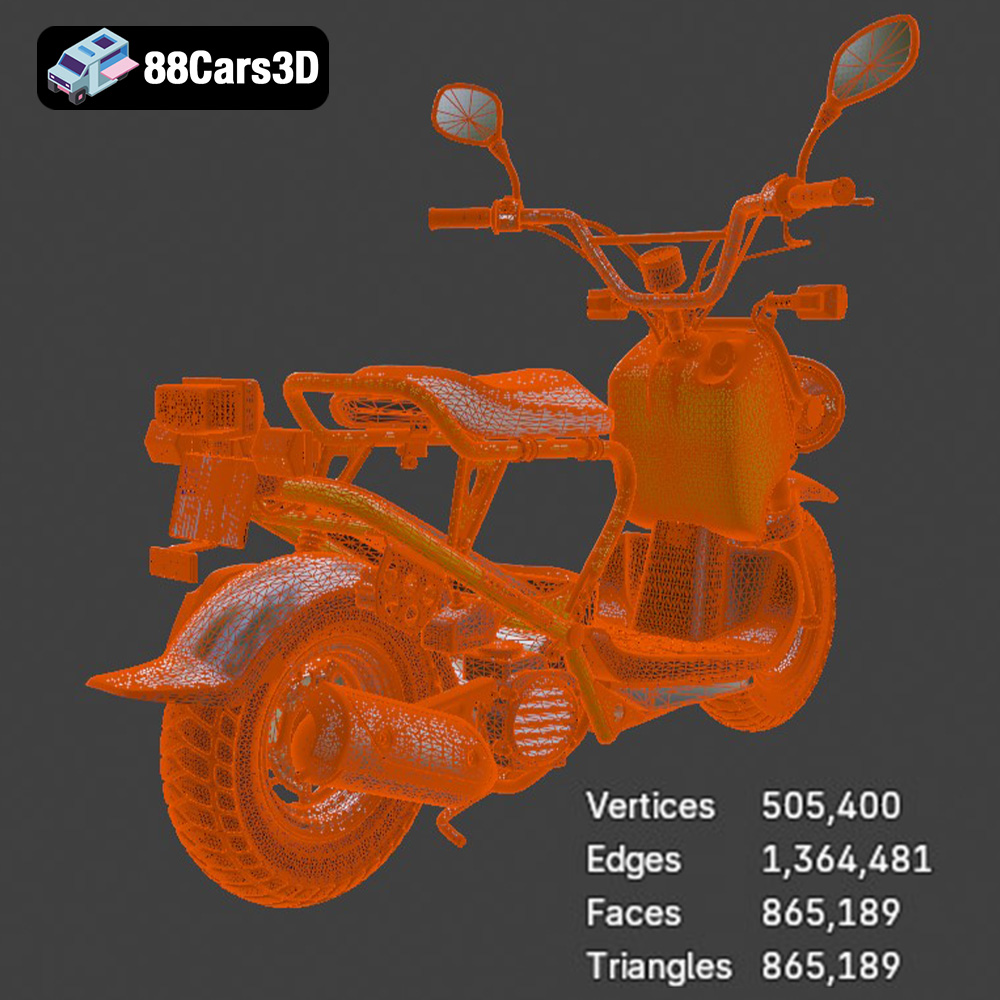
The 3D model is designed with clean geometry and realistic proportions, making it ideal for visualization, rendering, and, most importantly, 3D printing. Its structural components are carefully modeled to ensure accurate representation and ease of printing. The model’s intended use also influences its design; the Zoomer 50 model available from 88cars3d.com is designed to be versatile enough for both static display and integration into larger scenes or projects.
Before slicing, it’s crucial to inspect the model for potential issues that could affect print quality. Look for non-manifold geometry (where the mesh isn’t properly closed), intersecting faces, or excessively thin walls. While the model from 88cars3d.com is designed for printing, minor adjustments might be needed based on your printer’s capabilities and chosen settings. Use mesh editing software like MeshMixer or Blender to correct any imperfections.
Choosing the right file format is critical for a successful 3D printing experience. While many formats exist, some are better suited for additive manufacturing than others.
The .stl (Stereolithography) file format is the undisputed industry standard for 3D printing. It represents the 3D model’s surface geometry as a collection of triangles, effectively creating a mesh. This simplicity is both its strength and weakness. STL files are universally compatible with slicing software, but they lack information about color, texture, or material properties. When preparing an STL file for printing, it’s crucial to consider the mesh resolution. A higher resolution (more triangles) results in a smoother surface but increases file size and processing time. Conversely, a lower resolution can lead to a faceted appearance. Most slicing software allows you to adjust the STL import resolution to balance detail and performance. Because the .stl format is a mesh-only format, it is the best choice for 3D printing as it is a simplified version of the original model that is compatible with almost all 3D printers.
The .obj (Object) format is another widely used 3D model format that supports both geometry and texture information. Unlike STL, OBJ files can store color data, making them suitable for 3D printing with multi-material or full-color printers. However, the complexity of OBJ files can sometimes pose challenges for slicing software, especially if the texture maps are large or intricate.
.ply (Polygon File Format) is designed to store 3D data acquired from scanning technologies. It excels at representing highly detailed meshes, making it valuable for replicating intricate geometries. However, .ply files can be quite large, potentially straining the resources of older slicing software.
.blend files are native to Blender, a popular open-source 3D modeling software. They contain the entire Blender scene, including the model geometry, materials, textures, lighting, and animation data. While .blend files aren’t directly used for 3D printing, they offer the advantage of allowing extensive customization and modification of the 3D model before exporting it to a printable format like STL.
.fbx (Filmbox) is a proprietary format developed by Autodesk primarily used for data exchange between different 3D software packages, especially in game development and animation workflows. The .fbx format can contain geometry, textures, materials, animations, and even scene information. While it’s not the primary format for 3D printing, certain advanced slicing software programs can import .fbx files to preserve material assignments, which could be useful for multi-material printing applications.
.glb (GL Transmission Format Binary) is a file format designed for efficient transmission and loading of 3D scenes, particularly in web and AR/VR applications. The .glb format is compact and self-contained, as it stores the model geometry, textures, and animations in a single binary file. It’s generally not directly used for 3D printing, but it is useful for previewing a model in AR before you print the model so you can be sure it is what you are looking for.
.max is the native file format for Autodesk 3ds Max, a professional 3D modeling, animation, and rendering software. A .max file contains the entire scene setup, including the model geometry, materials, textures, lighting, and animation rigs. Similar to .blend files, .max files are primarily used for creating and editing 3D models before exporting them to a printable format like .STL. For 3D printing purposes, .max files offer the advantage of allowing detailed adjustments and optimizations to the 3D model, ensuring high-quality results when printed.
Once you’ve obtained the Honda Zoomer 50 STL file from 88cars3d.com, the next step involves preparing it for your specific 3D printer and desired print quality. This involves several critical steps within your chosen slicing software.
Slicing software takes your 3D model and converts it into a series of instructions (G-code) that your 3D printer can understand. Popular choices include Cura, PrusaSlicer, Simplify3D, and IdeaMaker. Each offers a range of settings to control print quality, speed, and material usage. For the Honda Zoomer 50, consider using a slicer that allows for fine-tuning of support structures due to the model’s intricate details.
Model orientation significantly impacts print quality and the amount of support material needed. Experiment with different orientations to minimize overhangs and maximize surface finish on critical areas. For the Honda Zoomer 50, orienting the model with the wheels facing downwards can reduce the need for supports on the main body. However, this might increase the amount of support needed for the wheels themselves. When generating supports, opt for tree-like supports or manually placed supports to minimize scarring on the model’s surface. Ensure adequate support density and attachment strength to prevent supports from collapsing during printing.
Depending on your printer’s build volume and desired final size, you may need to scale the model. Be mindful of the model’s features when scaling; reducing it too much can make small details unprintable. After scaling, review the model in the slicer’s preview mode to identify any potential issues, such as thin walls or unsupported overhangs. Adjust the model’s orientation or add manual supports to address these issues.
The choice of material is another critical factor in achieving a successful 3D print of the Honda Zoomer 50 model. Each material has its own strengths and weaknesses, affecting the final product’s appearance, durability, and functionality.
PLA is a popular and easy-to-use thermoplastic ideal for beginners. It’s biodegradable, prints at relatively low temperatures, and offers good detail resolution. For the Honda Zoomer 50, PLA is suitable for creating display models or prototypes. However, PLA is not very heat-resistant or impact-resistant, so it’s not recommended for parts that will be subjected to high temperatures or stress.
PETG offers a good balance of strength, flexibility, and ease of printing. It’s more durable and heat-resistant than PLA, making it a better choice for functional parts or models that need to withstand some wear and tear. PETG can be a good option for printing parts of the Honda Zoomer 50 that might be handled frequently or exposed to sunlight.
For incredibly detailed prints, resin 3D printing is the way to go. Resin printers use liquid photopolymer resins cured by UV light, allowing for much higher resolution and smoother surfaces compared to FDM (Fused Deposition Modeling) printers. If you’re aiming for a museum-quality replica of the Honda Zoomer 50 with intricate details, resin printing is the ideal choice. However, resin printing requires more post-processing, including washing and curing, and the resins themselves can be more expensive and require careful handling.
Fine-tuning your printer settings is essential to achieving optimal results. The specific settings will vary depending on your printer, material, and desired print quality, but the following guidelines provide a solid starting point.
Layer height directly affects the resolution and smoothness of your print. Lower layer heights (e.g., 0.1mm – 0.15mm) produce finer details and smoother surfaces, but they also increase print time. Higher layer heights (e.g., 0.2mm – 0.3mm) print faster but sacrifice some detail. For the Honda Zoomer 50, a layer height of 0.15mm is a good compromise between detail and speed. Print speed also impacts print quality. Slower speeds generally result in better layer adhesion and reduced warping, especially with materials like ABS. Start with a moderate print speed (e.g., 40-60mm/s) and adjust as needed based on your printer and material.
Infill density determines the internal solidity of your print. Higher infill densities increase strength and weight but also increase material usage and print time. For a display model of the Honda Zoomer 50, a moderate infill density (e.g., 15-25%) is usually sufficient. The infill pattern also affects strength and print time. Common patterns include rectilinear, grid, gyroid, and honeycomb. Gyroid infill offers a good balance of strength and material efficiency. Consider using a denser infill (50-75%) for parts that need to be particularly strong, such as axles or mounting points.
Optimal temperature settings are crucial for layer adhesion and preventing warping. Refer to your material manufacturer’s recommendations for nozzle and bed temperatures. Proper cooling is equally important, especially for materials like PLA. Use a part cooling fan to rapidly cool each layer, preventing warping and improving surface finish. Adjust the fan speed based on the material and print speed. Some materials, like ABS, require minimal cooling to prevent cracking, so consult material-specific guides.
Once the print is complete, post-processing is necessary to remove supports, smooth surfaces, and add finishing touches.
Carefully remove support structures using pliers, cutters, or a sharp knife. Be patient and avoid applying excessive force, which can damage the model. After removing the supports, sand the surface to remove any remaining support marks or imperfections. Start with coarse-grit sandpaper (e.g., 150-220 grit) to remove larger imperfections, then gradually move to finer grits (e.g., 400-600 grit) for a smoother finish. For hard-to-reach areas, use small sanding tools or files.
Painting can significantly enhance the appearance of your 3D printed Honda Zoomer 50 model. Prime the model with a plastic primer to improve paint adhesion. Apply thin, even coats of paint using spray paint or an airbrush. Allow each coat to dry completely before applying the next. Use masking tape to create clean lines and protect areas that you don’t want to paint. Consider adding finer details with a brush, such as highlighting panel lines or adding chrome accents. Clear coating the model after painting will protect the finish and add a glossy or matte sheen.
If the Honda Zoomer 50 model consists of multiple parts, carefully assemble them using glue or fasteners. Test-fit the parts before applying glue to ensure proper alignment. Use clamps or rubber bands to hold the parts together while the glue dries. Consider using different types of glue depending on the materials and the strength required. For example, super glue (cyanoacrylate) is good for quick bonding, while epoxy provides a stronger and more durable bond.
Even with careful preparation, you may encounter issues during the 3D printing process. Here are some common problems and their solutions:
Warping occurs when the corners of your print lift off the build plate. This is often caused by poor bed adhesion or uneven cooling. To improve bed adhesion, ensure your build plate is clean and level. Use a bed adhesive like glue stick, hairspray, or painter’s tape. Increase the bed temperature and reduce the part cooling fan speed. If warping persists, try printing with a brim or raft.
Stringing occurs when small strands of filament are left between different parts of the print. Blobs are small deposits of excess filament on the surface. These issues are often caused by excessive nozzle temperature, retraction settings, or travel speed. Lower the nozzle temperature, increase the retraction distance and speed, and optimize the travel speed to minimize these issues.
Layer shifting occurs when the print suddenly shifts horizontally during printing. This is often caused by loose belts, stepper motor issues, or obstructions on the print bed. Tighten the belts, check the stepper motor drivers, and ensure the print bed is free of obstructions. Reduce the print speed and acceleration to prevent sudden movements that can cause layer shifting.
By following these guidelines and tips, you can successfully 3D print your own Honda Zoomer 50 2005 model and enjoy a rewarding 3D printing experience. Remember to always experiment with different settings and techniques to find what works best for your printer and material.
Discover the realistic Honda Zoomer 50 2005 3D Model, meticulously crafted to represent the iconic rugged scooter. This model delivers unparalleled precision, making it an excellent choice for detailed visualizations and dynamic projects. Key features include clean geometry, realistic materials, and professional quality construction.
$19.99
.arvr
.blend
.car3dmodel
.fbx
.gameasset
.glb
.honda
.max
.moped
.motorcycle
.obj
.ply
.rendering
.scooter
.simulation
.stl
.unreal
.zoomer50