Get 50% OFF All Premium 3D & STL Models!

“`html
The allure of owning a miniature replica of your dream car, meticulously brought to life through 3D printing, is a powerful draw for automotive enthusiasts and hobbyists alike. The digital revolution in manufacturing has made it possible to transform virtual designs into tangible objects, and 3D printing car models is a prime example. This guide dives deep into the process of 3D printing realistic car models from STL files, covering everything from file preparation and slicing to print settings, post-processing, and troubleshooting. Whether you’re a seasoned 3D printing veteran or just starting your journey, this comprehensive guide will provide the knowledge and techniques necessary to achieve stunning results. We’ll explore the nuances of FDM and resin printing, discuss essential software tools, and share expert tips for maximizing print quality and realism. So, buckle up and get ready to embark on this exciting adventure into the world of 3D printed automotive art!
The STL (Stereolithography) file format is the de facto standard for 3D printing. It represents the surface geometry of a 3D object as a collection of triangles. Understanding the structure of an STL file and its implications for print quality is crucial for successful car model printing.
An STL file contains a list of triangles, each defined by three vertices and a normal vector indicating the triangle’s orientation. The quality of the STL file, particularly the density and distribution of triangles, directly affects the smoothness and accuracy of the printed model. A poorly designed STL can exhibit faceted surfaces and inaccuracies, especially on curved areas like car bodies. When downloading models from marketplaces such as 88cars3d.com, you can expect high-quality, optimized STL files. However, it’s still useful to understand the underlying principles.
Key considerations:
Even high-quality STL files may require some level of repair or optimization before printing. Common issues include holes, self-intersections, and non-manifold edges. Several software tools can be used to address these problems:
For example, using Meshmixer, you can import your STL file and use the “Edit -> Make Solid” function to automatically repair any holes or non-manifold edges. Experiment with the settings to find the optimal balance between detail preservation and mesh simplification.
Slicing software is the bridge between your STL file and your 3D printer. It converts the 3D model into a series of 2D layers, along with instructions for the printer to deposit material layer by layer. Proper slicing parameter optimization is critical for achieving high-quality and realistic car model prints.
Several slicing parameters significantly impact the final print quality of car models:
Different slicing software offers unique features and settings. Here are some specific tips for popular slicers:
For example, in Cura, you might set the layer height to 0.1mm, the infill density to 15% using a gyroid pattern, and the print speed to 50mm/s. Ensure that the bed adhesion setting is enabled (e.g., brim or raft) to prevent warping.
FDM (Fused Deposition Modeling) and resin printing (SLA/DLP) are the two dominant 3D printing technologies. Each has its strengths and weaknesses, making them suitable for different applications. When it comes to printing realistic car models, the choice between FDM and resin depends on the desired level of detail, surface finish, and overall cost.
FDM printing is a cost-effective and versatile technology that uses thermoplastic filaments. Its main advantages include:
However, FDM printing also has limitations:
Resin printing uses light to cure liquid resin, resulting in highly detailed and accurate prints. Its key advantages include:
However, resin printing also has drawbacks:
If you are aiming for the highest level of detail and realism, resin printing is generally the better choice for car models. FDM printing is a viable option for larger, less detailed models, or when cost is a primary concern.
Support structures are essential for 3D printing models with overhangs and bridges. However, poorly designed or placed supports can negatively impact the surface finish and overall quality of the print. Mastering support generation and removal techniques is crucial for achieving optimal results when printing car models.
Different types of support structures are available, each with its own advantages and disadvantages:
Careful consideration should be given to support placement and settings to minimize their impact on the surface finish:
For example, when printing a car model with overhanging fenders, you might use tree supports with a low density and a small support distance to minimize their impact on the surface. After printing, carefully remove the supports using tools like flush cutters, hobby knives, and sandpaper. Dissolvable supports (e.g., HIPS for ABS) can be used for complex internal geometries, but require a dual-extrusion printer.
Even with optimized print settings and careful support removal, 3D printed car models often require post-processing to achieve a realistic and professional finish. Post-processing techniques can smooth surfaces, remove imperfections, and add color and detail to the model.
Sanding is a crucial step in removing layer lines and achieving a smooth surface. Start with coarse-grit sandpaper (e.g., 220 grit) and gradually move to finer grits (e.g., 400, 600, 800, 1000 grit) to polish the surface. Wet sanding can help to minimize dust and improve the sanding process.
Painting is essential for adding color and realism to the car model. Use automotive-grade paints and primers for best results. Apply multiple thin coats of primer and paint, allowing each coat to dry completely before applying the next. Detailing techniques, such as panel lining and weathering, can further enhance the realism of the model.
For example, you might prime the sanded car model with a gray automotive primer, then apply several thin coats of a metallic blue paint. After the paint has dried, apply a clear coat to protect the paint and add a glossy shine. Finally, use a fine-tipped brush and black enamel paint to highlight the panel lines and add depth to the model. Many STL files available on platforms like 88cars3d.com are designed with separate parts, making painting easier.
Even with careful planning and optimized settings, 3D printing is not always a perfect process. Encountering problems is part of the learning curve. Understanding common issues and knowing how to troubleshoot them is essential for successful car model printing.
Warping occurs when the printed model lifts off the build plate during printing, often due to uneven cooling or poor bed adhesion. Several factors can contribute to warping:
Stringing occurs when the printer extrudes filament while moving between different parts of the model, leaving thin strands of plastic. Blobs are small accumulations of plastic on the surface of the print.
Layer shifting occurs when the printed layers are misaligned, resulting in a noticeable shift in the model’s geometry.
3D printing realistic car models from STL files is a rewarding but challenging endeavor. By understanding the nuances of STL files, mastering slicing parameters, choosing the right printing technology, and implementing effective post-processing techniques, you can achieve stunning results. Remember to focus on proper file preparation, optimized printer settings, and meticulous post-processing to bring your dream car replicas to life. Experiment with different materials, techniques, and settings to find what works best for your printer and desired outcome. With practice and patience, you’ll be creating impressive 3D printed car models in no time.
Take the knowledge gained from this guide and start printing! Explore online communities, share your experiences, and continue learning to refine your skills. Start by selecting a high-quality STL file from a reputable source like 88cars3d.com and experimenting with different print settings. Remember that continuous learning and experimentation are key to mastering the art of 3D printing. Good luck, and happy printing!
“`

Texture: Yes
Material: Yes
Download the Jaguar XFR-S 2014 3D Model featuring clean geometry, realistic detailing, and a fully modeled interior. Includes .blend, .fbx, .obj, .glb, .stl, .ply, .unreal, and .max formats for rendering, simulation, and game development.
Price: $19.99

Texture: Yes
Material: Yes
Download the Infiniti QX50 2019 3D Model featuring clean geometry, realistic detailing, and a fully modeled interior. Includes .blend, .fbx, .obj, .glb, .stl, .ply, .unreal, and .max formats for rendering, simulation, and game development.
Price: $19.99
Texture: Yes
Material: Yes
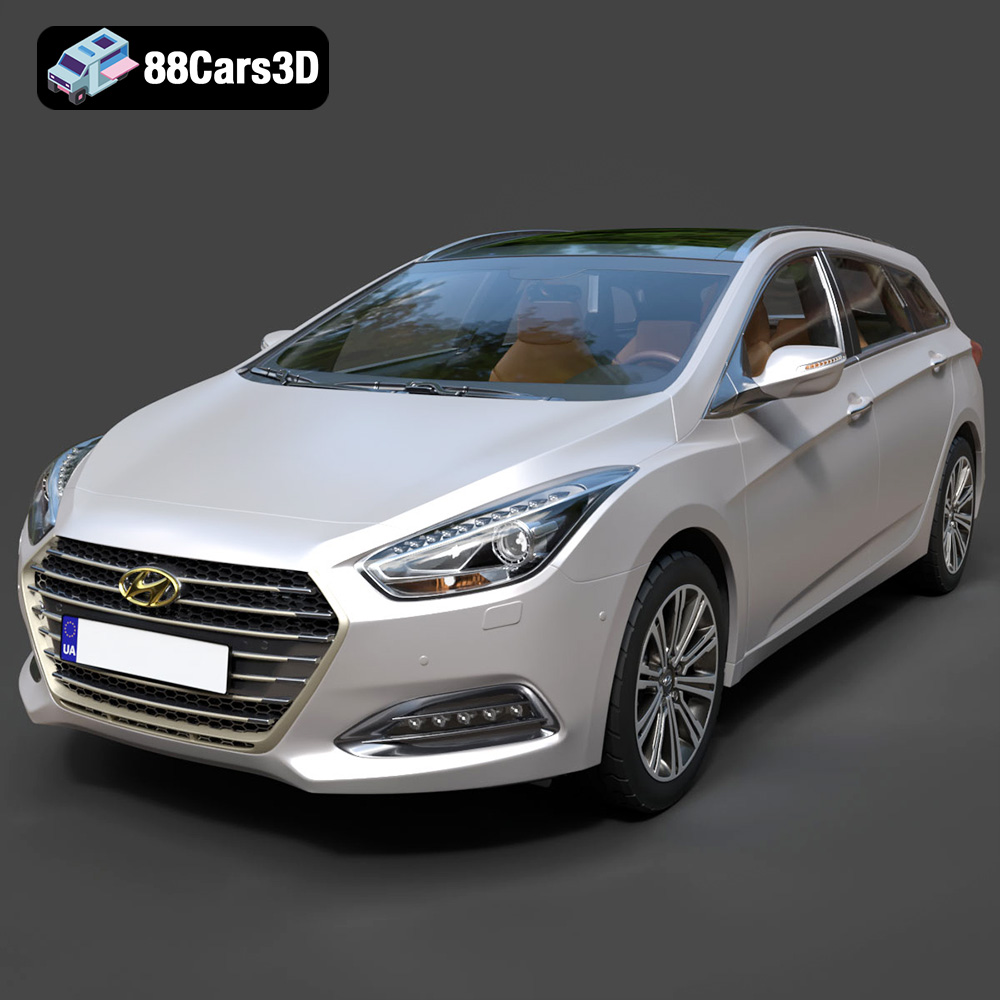
Download the Hyundai i40 Wagon 2015 3D Model featuring clean geometry, realistic detailing, and a fully modeled interior. Includes .blend, .fbx, .obj, .glb, .stl, .ply, .unreal, and .max formats for rendering, simulation, and game development.
Price: $19.99

Texture: Yes
Material: Yes
Download the Honda NSX 2017 3D Model featuring clean geometry, realistic detailing, and a fully modeled interior. Includes .blend, .fbx, .obj, .glb, .stl, .ply, .unreal, and .max formats for rendering, simulation, and game development.
Price: $19.99
Texture: Yes
Material: Yes
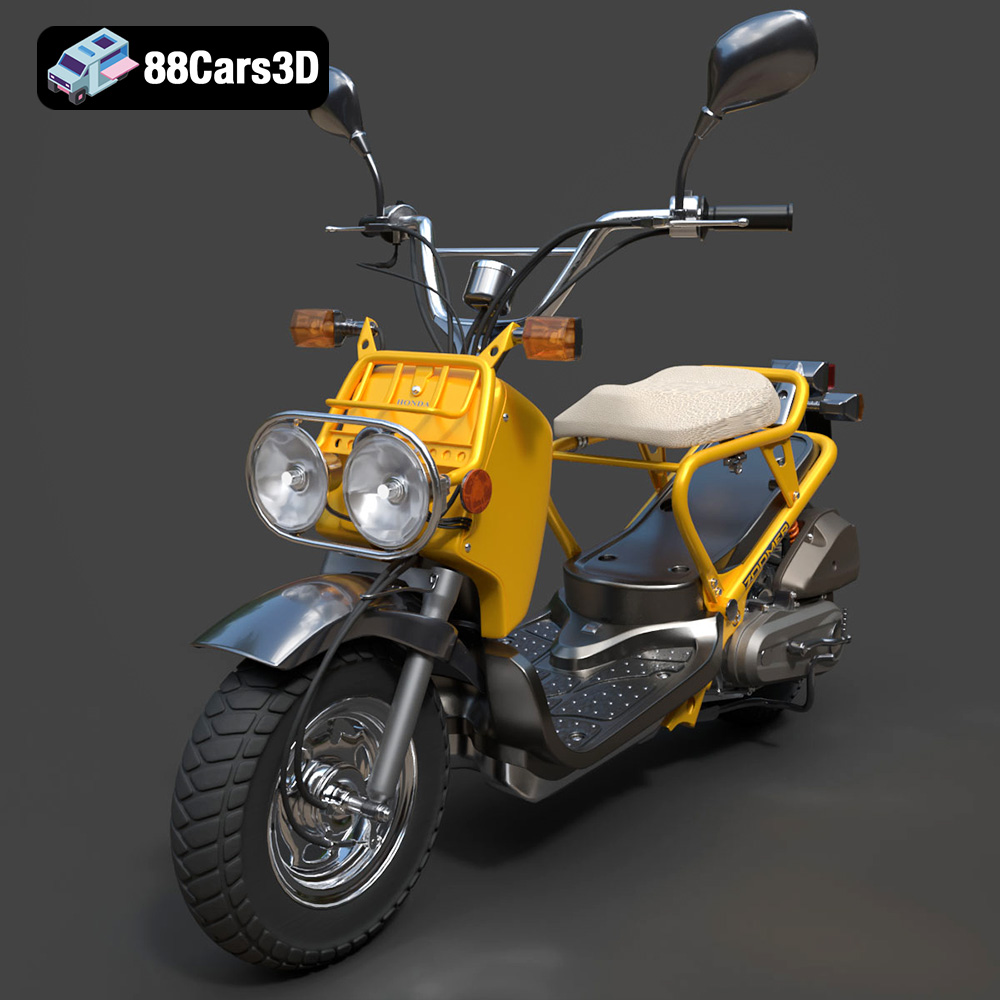
Download the Honda Zoomer 50 2005 3D Model featuring clean geometry, realistic detailing, and a fully modeled interior. Includes .blend, .fbx, .obj, .glb, .stl, .ply, .unreal, and .max formats for rendering, simulation, and game development.
Price: $19.99

Texture: Yes
Material: Yes
Download the Honda Valkyrie GL1800C 2015 3D Model featuring clean geometry, realistic detailing, and a fully modeled interior. Includes .blend, .fbx, .obj, .glb, .stl, .ply, .unreal, and .max formats for rendering, simulation, and game development.
Price: $19.99
Texture: Yes
Material: Yes
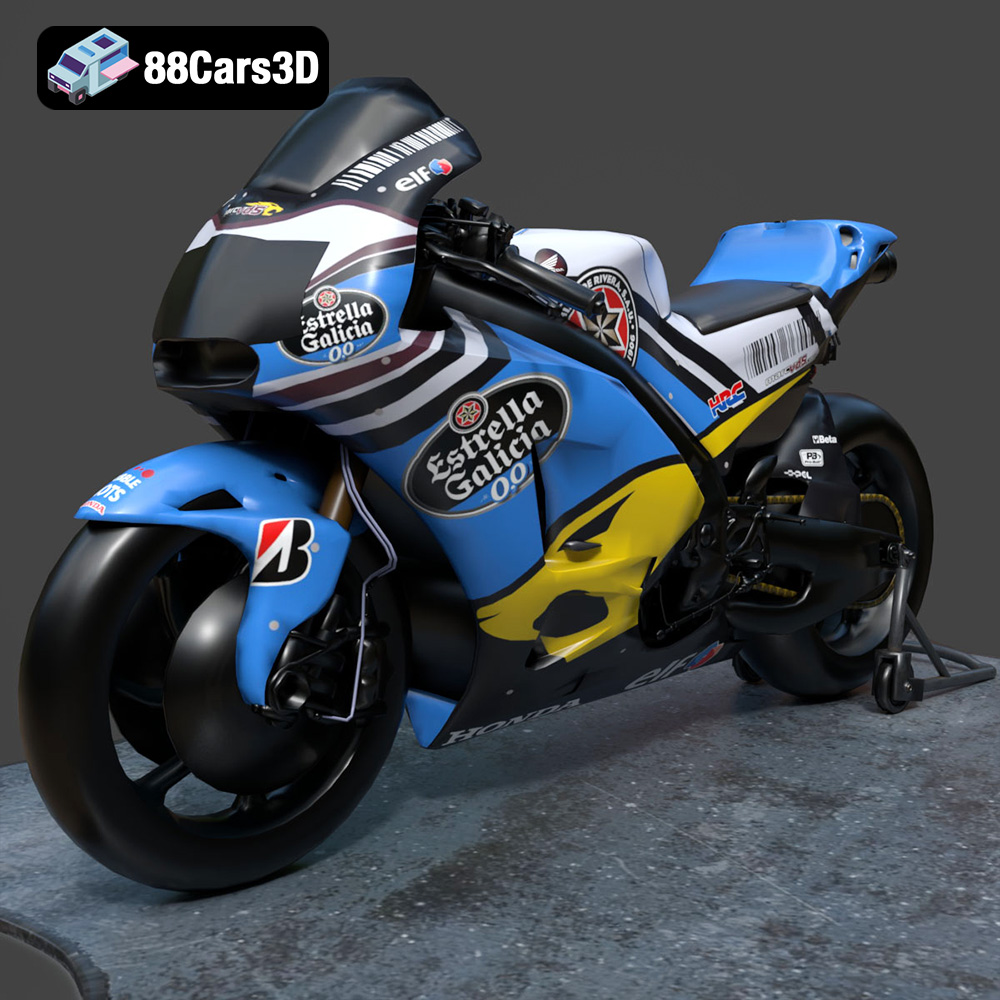
Download the Honda RCV-213-001 3D Model featuring clean geometry, realistic detailing, and a fully modeled interior. Includes .blend, .fbx, .obj, .glb, .stl, .ply, .unreal, and .max formats for rendering, simulation, and game development.
Price: $19.99
Texture: Yes
Material: Yes
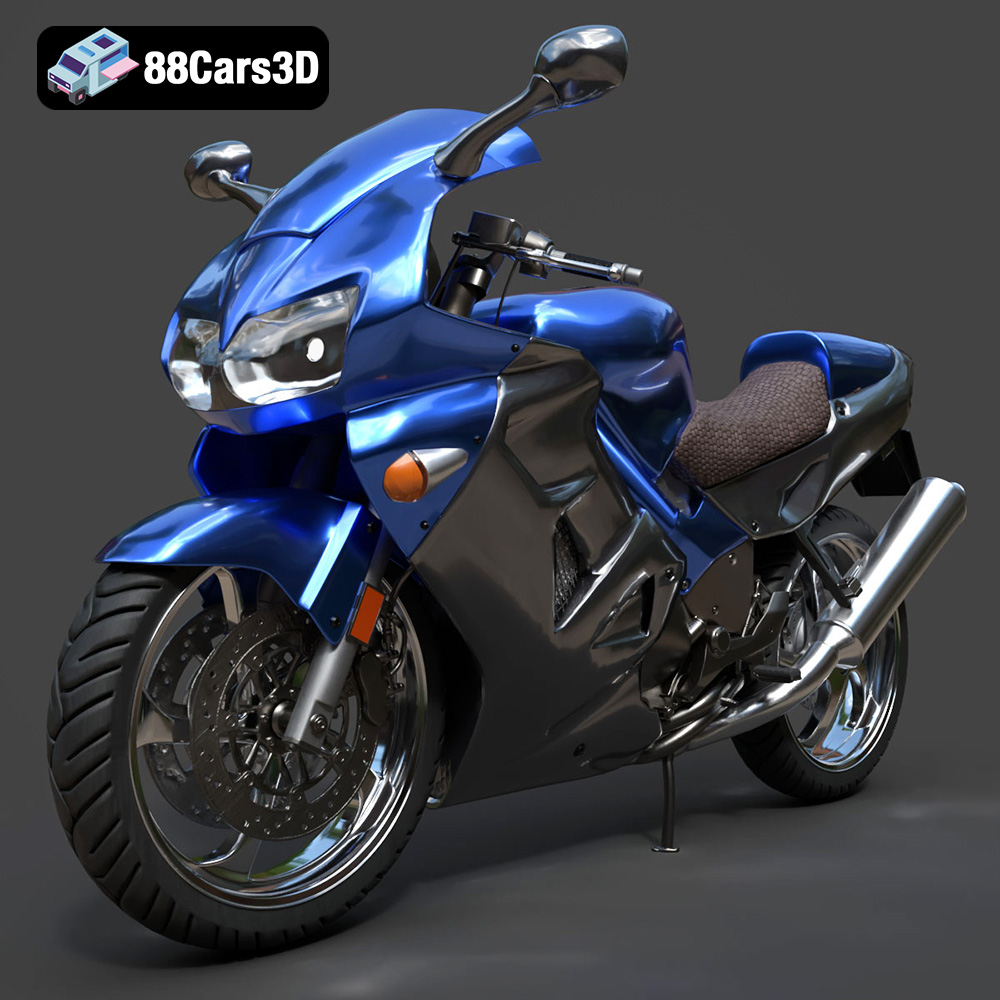
Download the Honda VFR 801-002 3D Model featuring clean geometry, realistic detailing, and a fully modeled interior. Includes .blend, .fbx, .obj, .glb, .stl, .ply, .unreal, and .max formats for rendering, simulation, and game development.
Price: $19.99
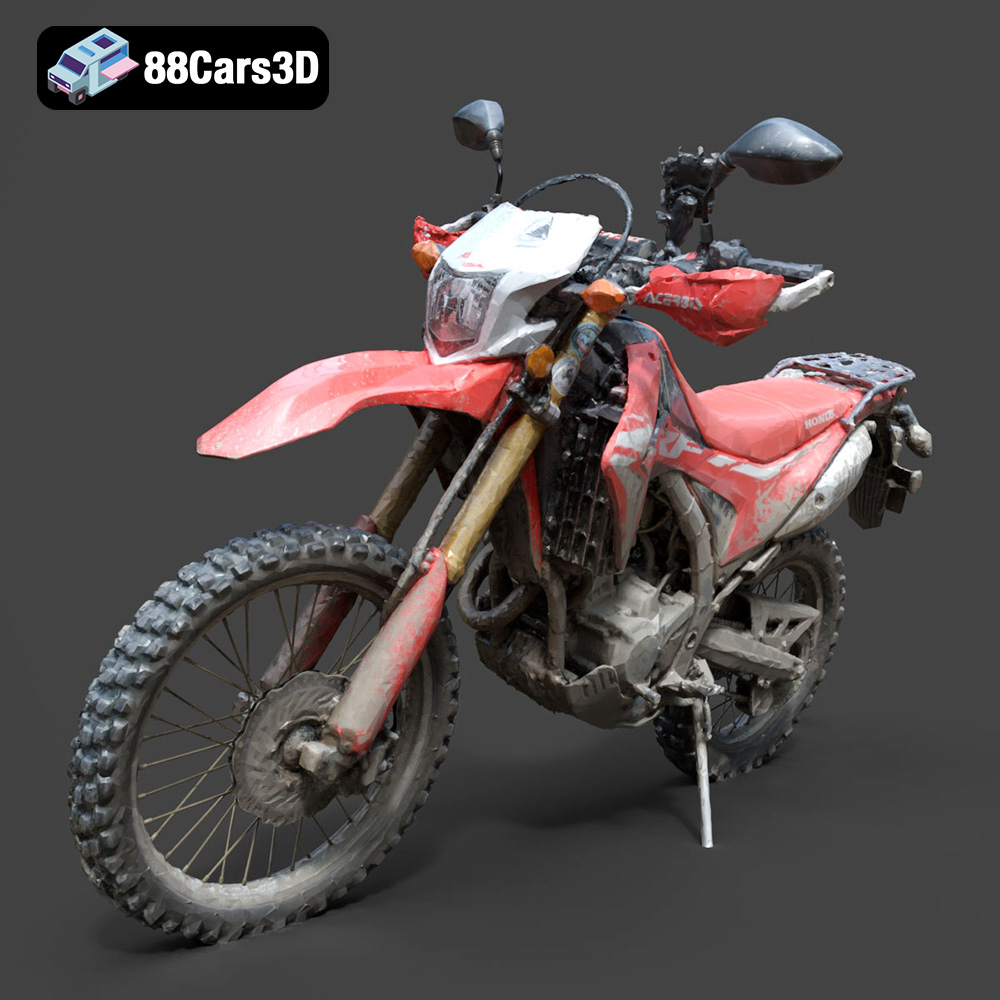
Texture: Yes
Material: Yes
Download the Honda Motorcycle-001 3D Model featuring clean geometry, realistic detailing, and a fully modeled interior. Includes .blend, .fbx, .obj, .glb, .stl, .ply, .unreal, and .max formats for rendering, simulation, and game development.
Price: $19.99

Texture: Yes
Material: Yes
Download the Honda Monkey 125 2019 3D Model featuring clean geometry, realistic detailing, and a fully modeled interior. Includes .blend, .fbx, .obj, .glb, .stl, .ply, .unreal, and .max formats for rendering, simulation, and game development.
Price: $19.99

