Get 50% OFF All Premium 3D & STL Models!

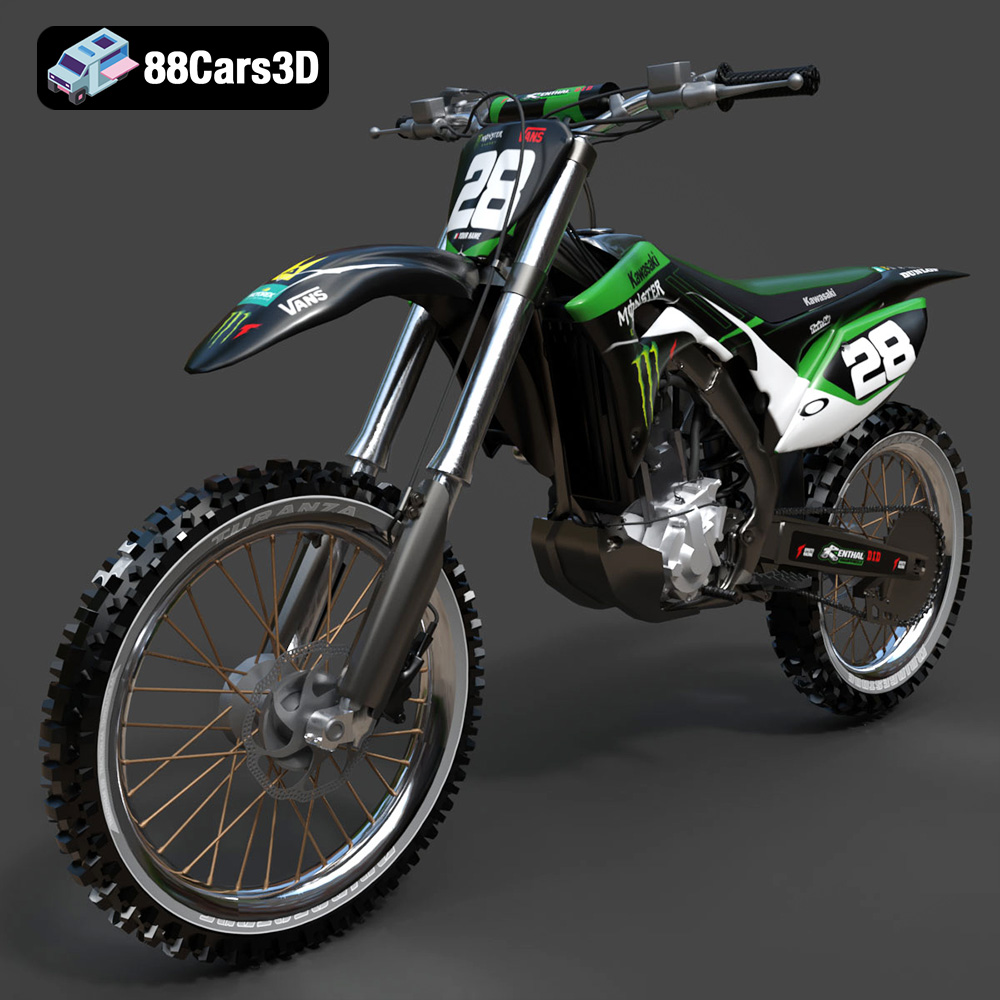
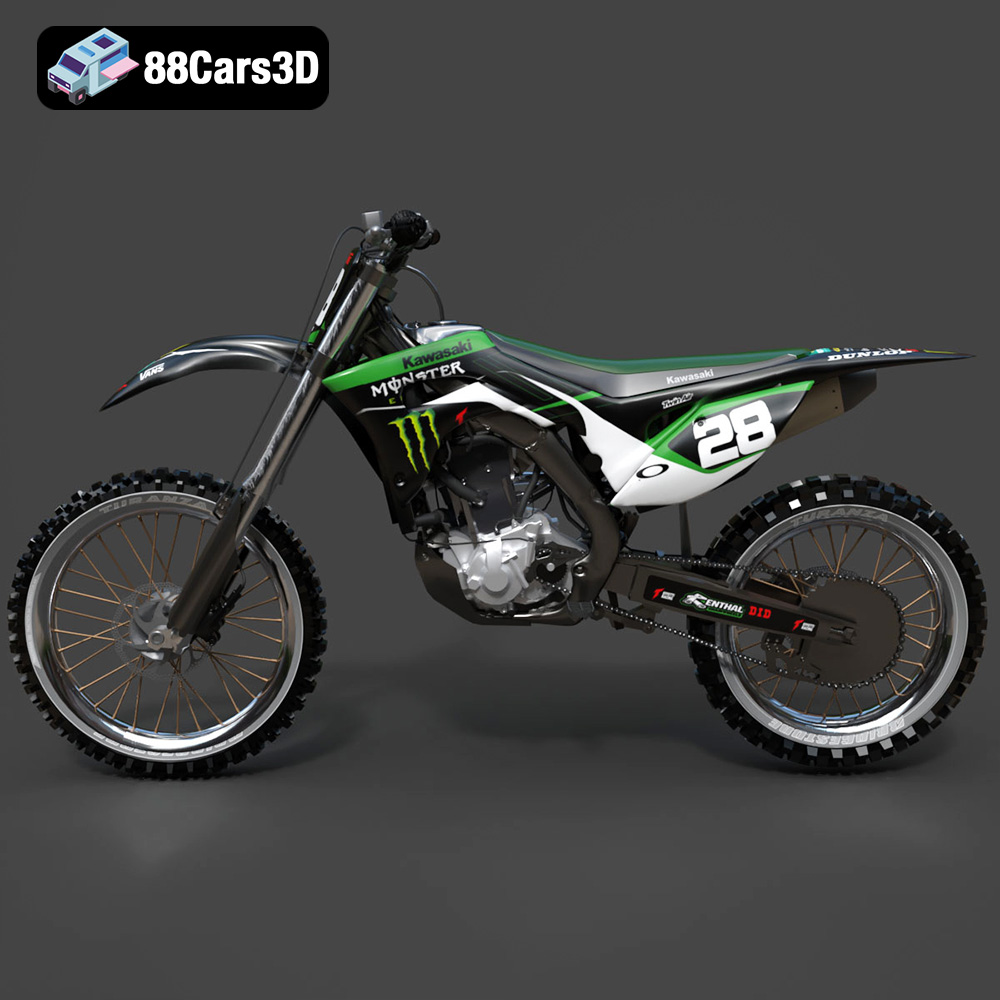
The Kawasaki Motorcycle-001, a symbol of speed and design, can now grace your desk thanks to the power of 3D printing. This blog post is your comprehensive guide to bringing this iconic motorcycle to life using additive manufacturing. We’ll cover everything from selecting the right materials and printer settings to post-processing techniques that will elevate your 3D printed model from a simple replica to a stunning display piece. Whether you’re a seasoned 3D printing enthusiast or just starting, this guide will provide you with the knowledge and tips to successfully 3D print the Kawasaki Motorcycle-001 model available at 88cars3d.com.
Before diving into the specifics of 3D printing the Kawasaki Motorcycle-001, it’s crucial to understand the different file formats available and their implications for the 3D printing process. 88cars3d.com provides the model in a variety of formats, catering to diverse applications, but not all formats are created equal when it comes to 3D printing.
The .stl (Stereolithography) file format is the industry standard for 3D printing. It represents the surface geometry of a 3D object as a collection of triangles. This mesh-based representation is simple, universally compatible with slicing software, and relatively small in file size. The Kawasaki Motorcycle-001’s .stl file is the primary choice for 3D printing. When preparing the .stl file, ensure the mesh is watertight (no holes or gaps) and the normals are correctly oriented (pointing outwards). Slicing software relies on these characteristics to generate accurate toolpaths for the 3D printer. Inconsistent or faulty meshes will lead to printing errors, such as missing layers or unexpected voids.
The .obj (Object) format is a more versatile format that can store not only geometric data but also color and texture information. While you can 3D print .obj files, it’s important to note that most standard 3D printers only print in a single color per print job. To leverage the color data in an .obj file, you would need a multi-material 3D printer or employ post-processing painting techniques. The Kawasaki Motorcycle-001’s .obj file can be valuable for visualizing the model with its intended colors and textures, aiding in post-processing decisions.
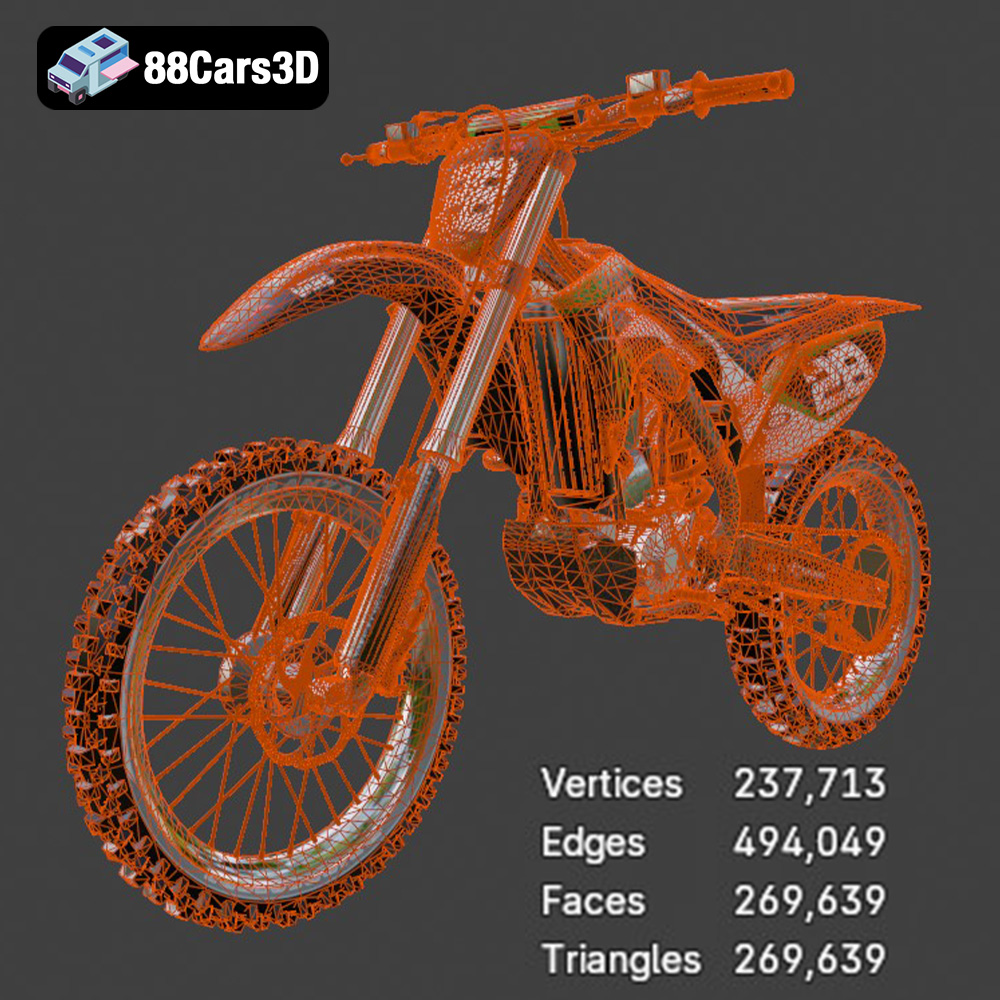
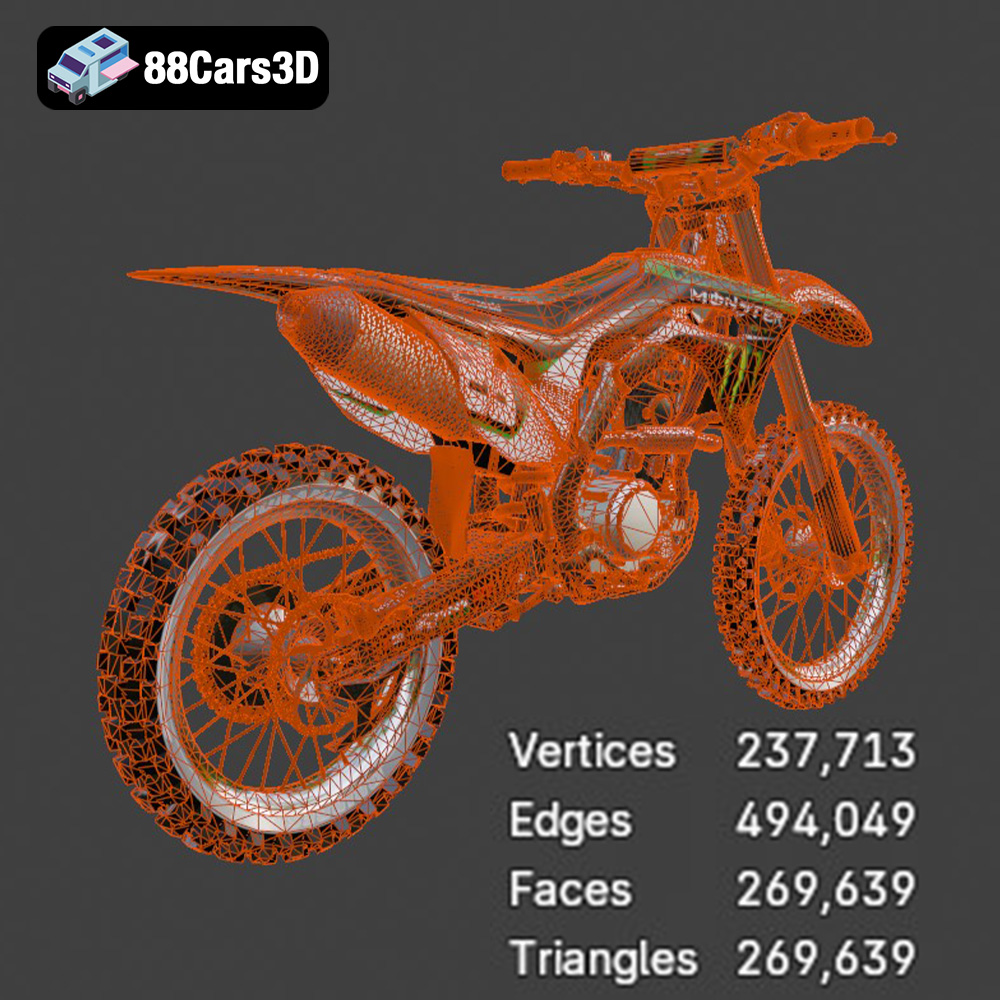
The .ply (Polygon File Format) is designed for storing data acquired from 3D scanners. It can represent complex geometries with high precision and is suitable for models with intricate details. However, the high level of detail in a .ply file can lead to larger file sizes and increased processing time during slicing. When 3D printing the Kawasaki Motorcycle-001 from a .ply file, ensure your computer has sufficient processing power and memory to handle the large mesh. Also, consider simplifying the mesh in a 3D modeling software if necessary to reduce the computational load.
Formats like .blend (Blender), .fbx, .glb, and .max are beneficial for editing the model before printing or visualizing it in different environments. For example, the .blend file allows you to modify the Kawasaki Motorcycle-001’s design, adjust its scale, or add custom features before exporting it as an .stl file for 3D printing. The .fbx format is useful for importing the model into game engines, while the .glb format enables you to preview the model in augmented reality (AR) before committing to a print. These formats facilitate customization and pre-visualization but are not directly used for 3D printing.
Successful 3D printing of the Kawasaki Motorcycle-001 relies heavily on proper pre-print preparation. This involves using slicing software to convert the 3D model into a series of instructions for the 3D printer and carefully considering the model’s orientation on the build plate.
Choose a slicing software that is compatible with your 3D printer and offers the necessary features for optimizing the print. Popular options include Cura, PrusaSlicer, and Simplify3D. When configuring the slicing settings, pay close attention to the following parameters:
* **Layer Height:** A smaller layer height (e.g., 0.1mm) results in finer details and smoother surfaces, but it also increases print time. For the Kawasaki Motorcycle-001, a layer height of 0.15mm to 0.2mm is a good balance between quality and speed.
* **Infill Density:** Infill density determines the internal support structure of the 3D printed model. A higher infill density (e.g., 20%) provides greater strength and rigidity but also consumes more material. For the Kawasaki Motorcycle-001, an infill density of 10-15% should be sufficient for most parts. Increase the infill density for parts that require high strength, such as the wheels or chassis.
* **Support Structures:** Support structures are necessary for printing overhanging features. The Kawasaki Motorcycle-001 likely has several overhanging areas, such as the handlebars, seat, and fenders. Use the slicing software to automatically generate support structures, and adjust the support settings (e.g., support density, support overhang angle) to optimize support removal and minimize scarring on the printed surface.
* **Print Speed:** The print speed affects both the print quality and the print time. A slower print speed (e.g., 40mm/s) generally results in better quality but increases the print time. Experiment with different print speeds to find the optimal balance for your 3D printer and material.
* **Bed Adhesion:** Ensure good bed adhesion to prevent warping or detachment during printing. Use a heated bed, apply adhesive solutions such as glue stick or hairspray, or add a brim or raft to the model.
The orientation of the Kawasaki Motorcycle-001 on the build plate can significantly impact the print quality, strength, and the amount of support material required. Consider the following factors when orienting the model:
* **Minimize Overhangs:** Orient the model to minimize the number of overhanging features that require support structures.
* **Hide Layer Lines:** Orient the model so that the most visible surfaces are parallel to the build plate. This will minimize the visibility of layer lines on those surfaces.
* **Maximize Strength:** If the model will be subjected to stress, orient it so that the stress is applied parallel to the layer lines rather than perpendicular.
* **Consider Support Removal:** Orient the model so that support structures are easy to remove and do not leave unsightly marks on the visible surfaces.
* **Flat surfaces:** Orient the largest flat surface on the bottom, directly on the print bed for maximum adhesion.
For the Kawasaki Motorcycle-001, consider printing the frame and body components separately and then assembling them after printing. This will allow you to optimize the orientation of each part for the best possible print quality and minimize the need for support structures.
The choice of material is crucial for the success of your 3D printed Kawasaki Motorcycle-001. Different materials offer varying properties in terms of strength, flexibility, heat resistance, and surface finish.
PLA (Polylactic Acid) is a biodegradable thermoplastic derived from renewable resources. It is easy to print, has low warping, and produces a smooth surface finish. PLA is an excellent choice for beginners and for models that do not require high strength or heat resistance. The Kawasaki Motorcycle-001 can be successfully printed with PLA, especially for decorative purposes. However, PLA is not suitable for parts that will be exposed to high temperatures or stress.
* **Pros:** Easy to print, low warping, smooth surface finish, biodegradable.
* **Cons:** Low heat resistance, brittle.
* **Recommended Settings:** Bed temperature: 60°C, Nozzle temperature: 200-220°C, Print speed: 40-60mm/s.
PETG (Polyethylene Terephthalate Glycol-modified) offers a good balance of strength, flexibility, and heat resistance. It is more durable than PLA and less prone to warping than ABS. PETG is a versatile material that can be used for a wide range of applications, including functional parts and prototypes. The Kawasaki Motorcycle-001 can be printed with PETG for increased durability and resistance to wear and tear.
* **Pros:** Stronger and more flexible than PLA, good heat resistance, low warping.
* **Cons:** Can be stringy during printing, requires higher printing temperatures.
* **Recommended Settings:** Bed temperature: 70-80°C, Nozzle temperature: 230-250°C, Print speed: 40-50mm/s.
For exceptional detail and smooth surfaces, resin 3D printing is ideal. While more complex than FDM (filament) printing, resin allows for incredibly fine features that are perfect for scale models like the Kawasaki Motorcycle-001. Resin printers use liquid photopolymer resins that are cured by UV light.
* **Pros:** Incredible detail, smooth surfaces, ideal for small and intricate parts.
* **Cons:** Requires post-processing (washing and curing), resin can be messy and requires proper ventilation, typically more expensive than FDM printing.
* **Recommended Settings:** Layer height: 0.025-0.05mm, Exposure time: Varies depending on the resin and printer (refer to resin manufacturer’s recommendations).
Post-processing is the final stage in the 3D printing process, and it involves refining the printed model to achieve a desired look and feel.
The first step in post-processing is to remove the support structures. Use pliers, cutters, or a sharp knife to carefully detach the supports from the model. Take care not to damage the printed surface. After removing the supports, sand the model to smooth out any rough edges or imperfections. Start with coarse sandpaper (e.g., 120 grit) to remove large imperfections, and then gradually move to finer sandpaper (e.g., 220, 400, 600 grit) to achieve a smooth surface finish. For hard-to-reach areas, use small sanding tools or rotary tools with sanding attachments.
Painting can dramatically enhance the appearance of the 3D printed Kawasaki Motorcycle-001. Start by applying a primer to the model to create a smooth and uniform surface for the paint to adhere to. Then, use acrylic paints or enamel paints to apply the desired colors and details. Use masking tape to create clean lines and sharp edges. For small details, use fine-tipped brushes or paint pens. After painting, apply a clear coat to protect the paint and add a glossy or matte finish.
If the Kawasaki Motorcycle-001 was printed in multiple parts, assemble them using glue or screws. Ensure that the parts fit together properly and that the joints are strong. Add any final details, such as decals, stickers, or chrome accents. Consider using polishing compounds to further enhance the surface finish of the model.
Even with careful preparation, 3D printing can sometimes encounter challenges. Here are some common issues and their solutions:
Warping occurs when the corners of the 3D printed model lift off the build plate. This is often caused by poor bed adhesion or temperature fluctuations.
* **Solution:** Ensure that the bed is properly leveled and heated. Use adhesive solutions such as glue stick or hairspray. Add a brim or raft to the model. Enclose the 3D printer to maintain a consistent temperature.
Stringing occurs when thin strands of filament are left between different parts of the model. This is often caused by excessive nozzle temperature or retraction settings.
* **Solution:** Lower the nozzle temperature. Increase the retraction distance and speed. Adjust the travel speed.
Layer shifting occurs when the layers of the 3D printed model are misaligned. This is often caused by loose belts or motors.
* **Solution:** Tighten the belts on the 3D printer. Check the motor connections and ensure that they are secure. Reduce the print speed.
Under-extrusion occurs when the 3D printer does not extrude enough filament. This can result in weak prints with gaps between layers.
* **Solution:** Increase the nozzle temperature. Increase the flow rate. Check the extruder for clogs. Ensure that the filament is properly loaded.
The print time and material cost for the Kawasaki Motorcycle-001 will depend on the size of the model, the layer height, the infill density, and the material used.
* **Estimated Print Time:** A typical Kawasaki Motorcycle-001 model printed at a scale of 1:12 with a layer height of 0.2mm and an infill density of 15% could take anywhere from 20 to 40 hours to print, depending on the complexity and size of the parts.
* **Estimated Material Cost:** The material cost will depend on the price of the filament or resin. A 1kg spool of PLA filament typically costs around $20-$30, while a liter of resin can cost $30-$50. For the Kawasaki Motorcycle-001, you might need approximately 200-400g of filament or 200-400ml of resin, depending on the size and infill density.
Keep in mind that these are just estimates, and the actual print time and material cost may vary.
The Kawasaki Motorcycle-001 3D model available at 88cars3d.com is a fantastic project for 3D printing enthusiasts. With careful preparation, the right materials, and attention to detail, you can create a stunning replica of this iconic motorcycle. Remember to visit 88cars3d.com for more high-quality 3D models.
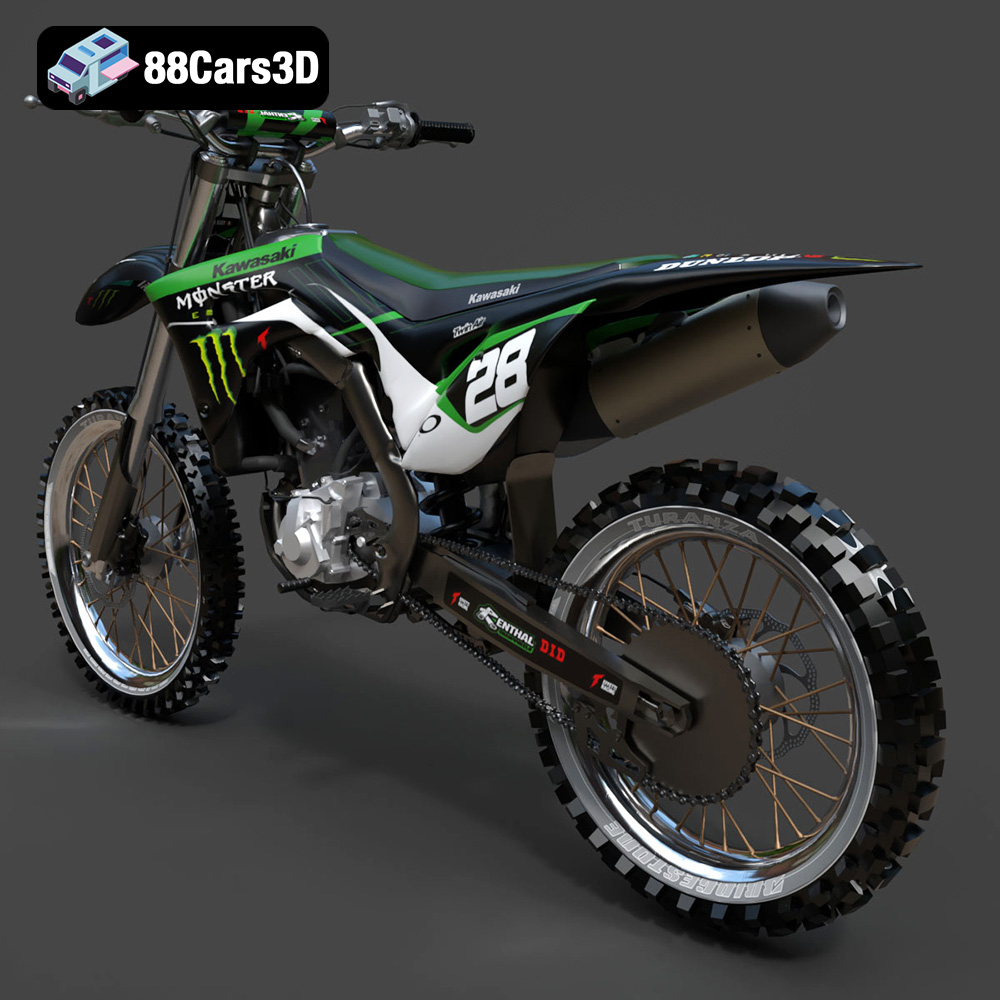
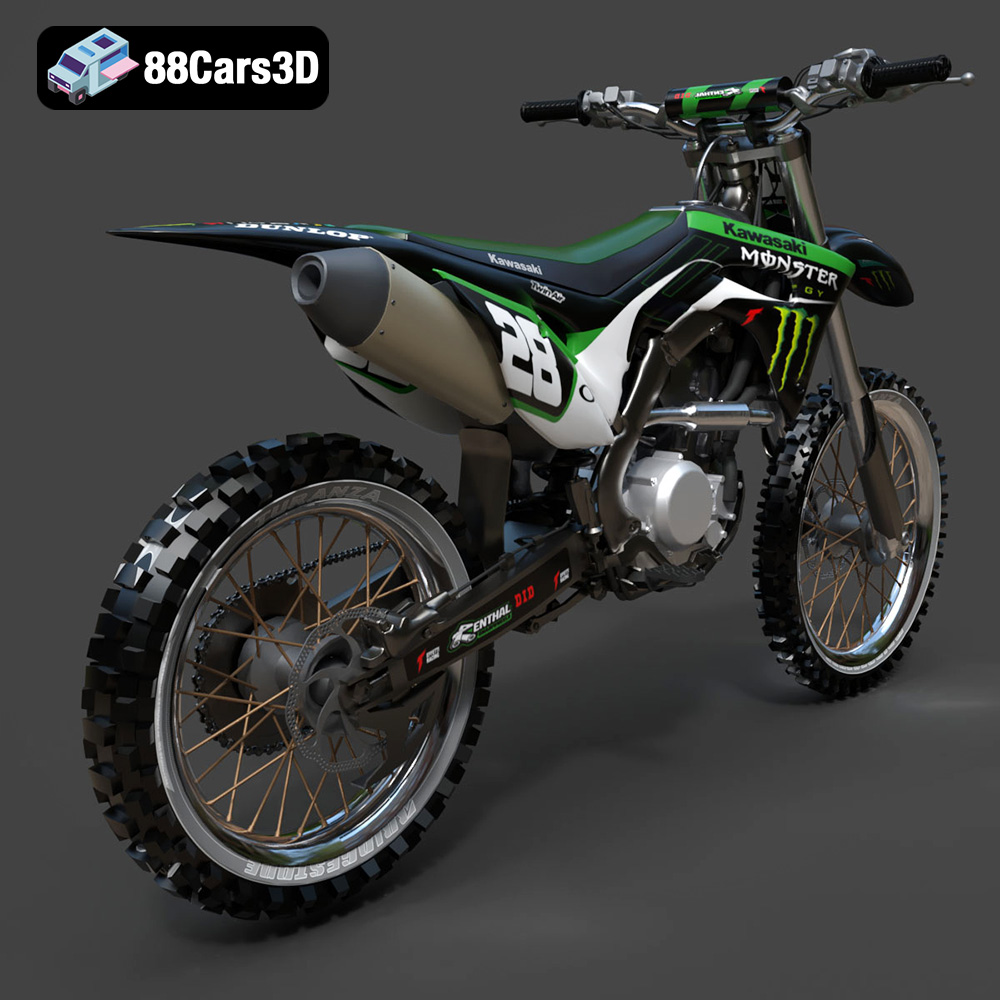
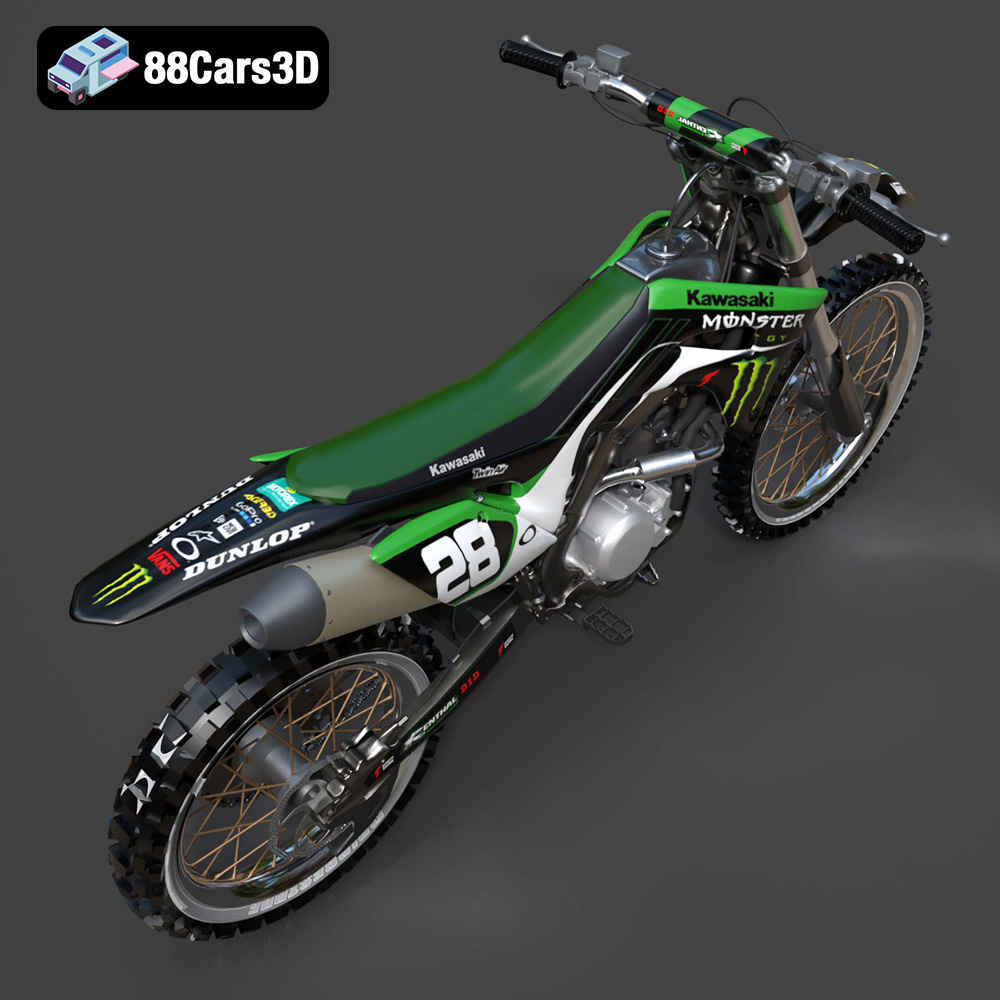
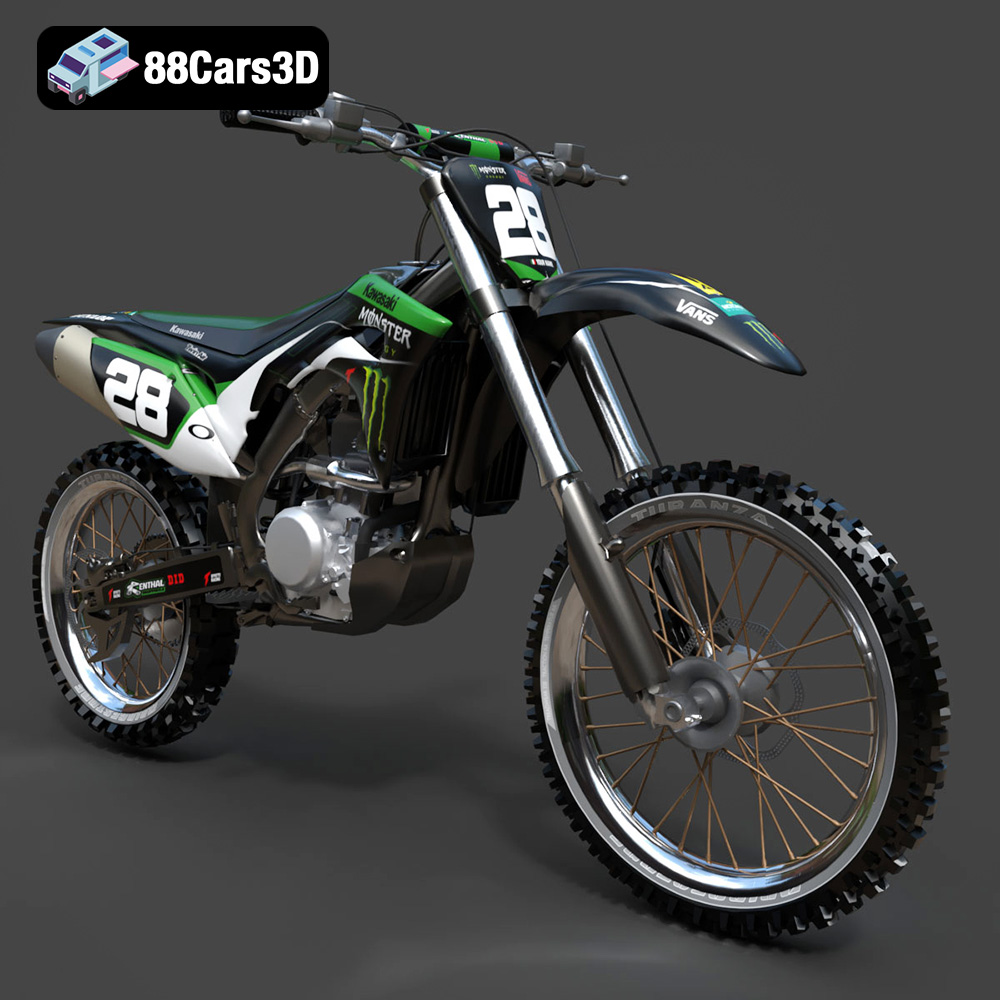
This meticulously crafted 3D model captures the essence of the Kawasaki Motorcycle-001, delivering a high level of realism and detail. Every component is modeled with precision to mirror the actual motorcycle, making it ideal for a variety of applications.
$19.99
.arvr
.blend
.car3dmodel
.fbx
.gameasset
.glb
.kawasaki
.max
.motorcycle
.motorcycle001
.obj
.ply
.rendering
.simulation
.stl
.unreal