Get 50% OFF All Premium 3D & STL Models!

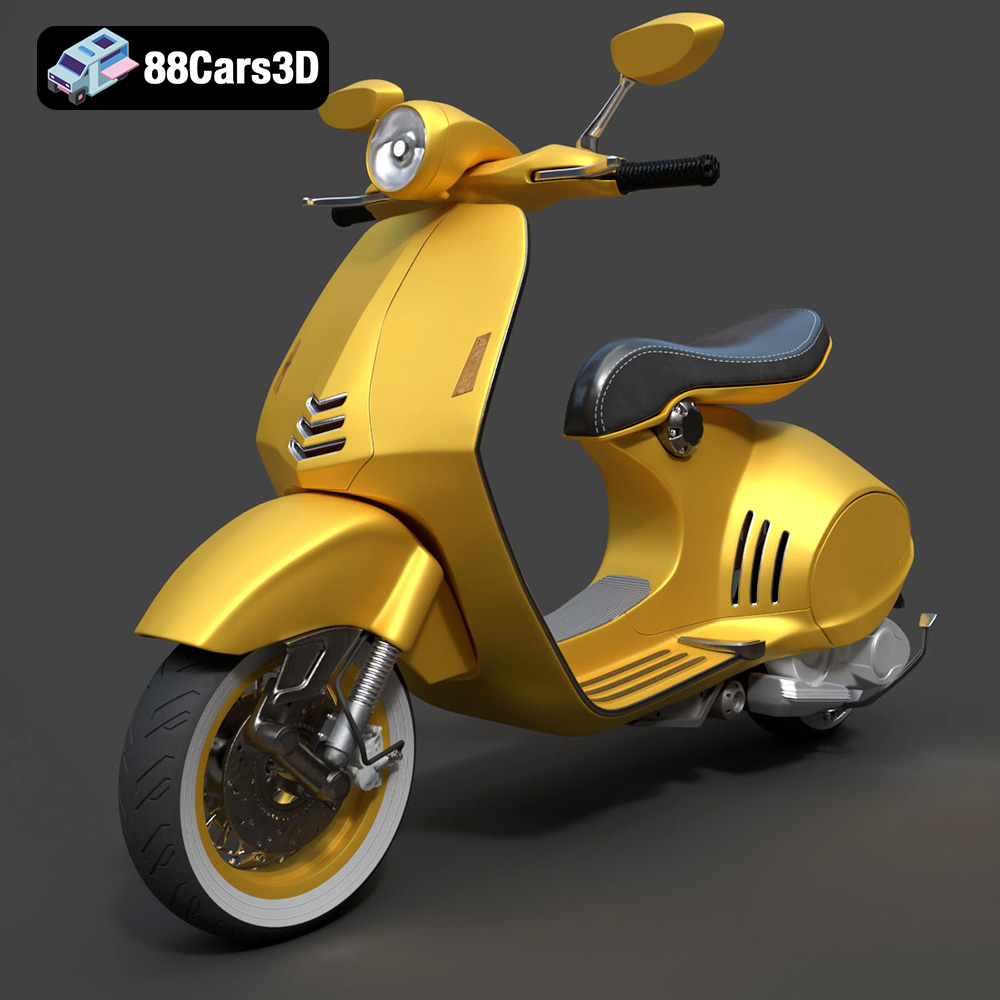
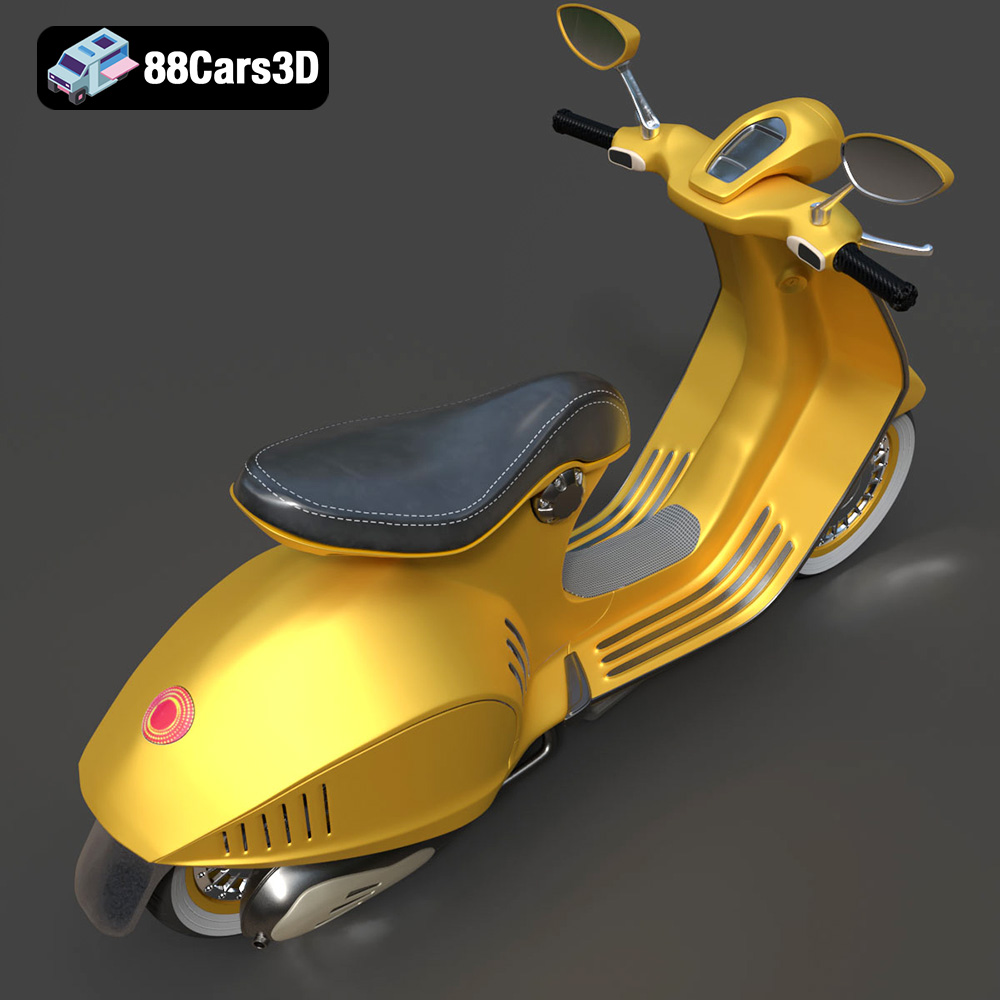
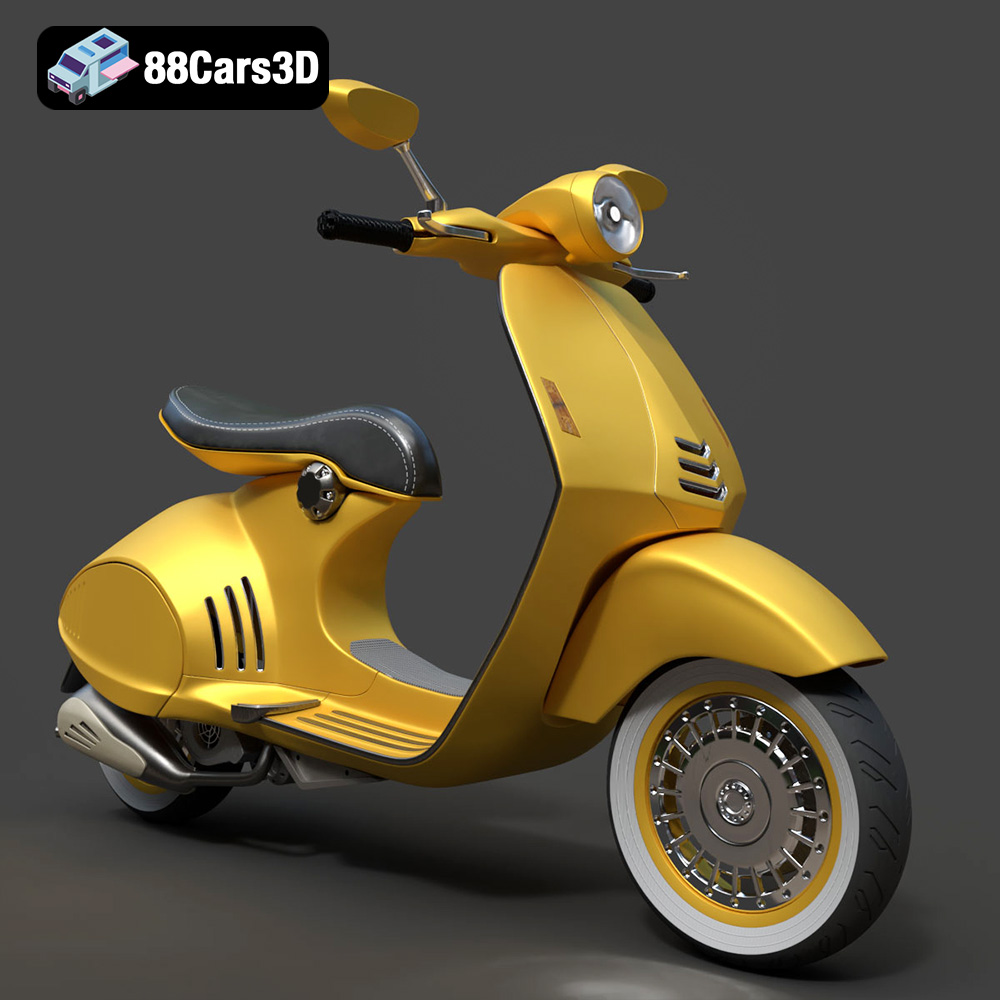
The Vespa 946 is a symbol of Italian style and innovation. Its sleek curves and timeless design make it a highly desirable object, and now, thanks to 3D printing, you can bring a miniature version of this iconic scooter into your own home. This guide will walk you through the process of 3D printing the Vespa 946 3D model, covering everything from selecting the right materials to post-processing your finished print. Whether you are a seasoned 3D printing enthusiast or a beginner, this detailed guide will help you achieve a stunning, high-quality 3D printed Vespa 946. You can find the starting point for this project by browsing the selection of meticulously crafted 3D models available on 88cars3d.com.
Before diving into the specifics of printing the Vespa 946 model, it’s crucial to understand the different file formats that are used in 3D modeling and their suitability for 3D printing. Choosing the right format and understanding its properties can significantly impact the success of your print.
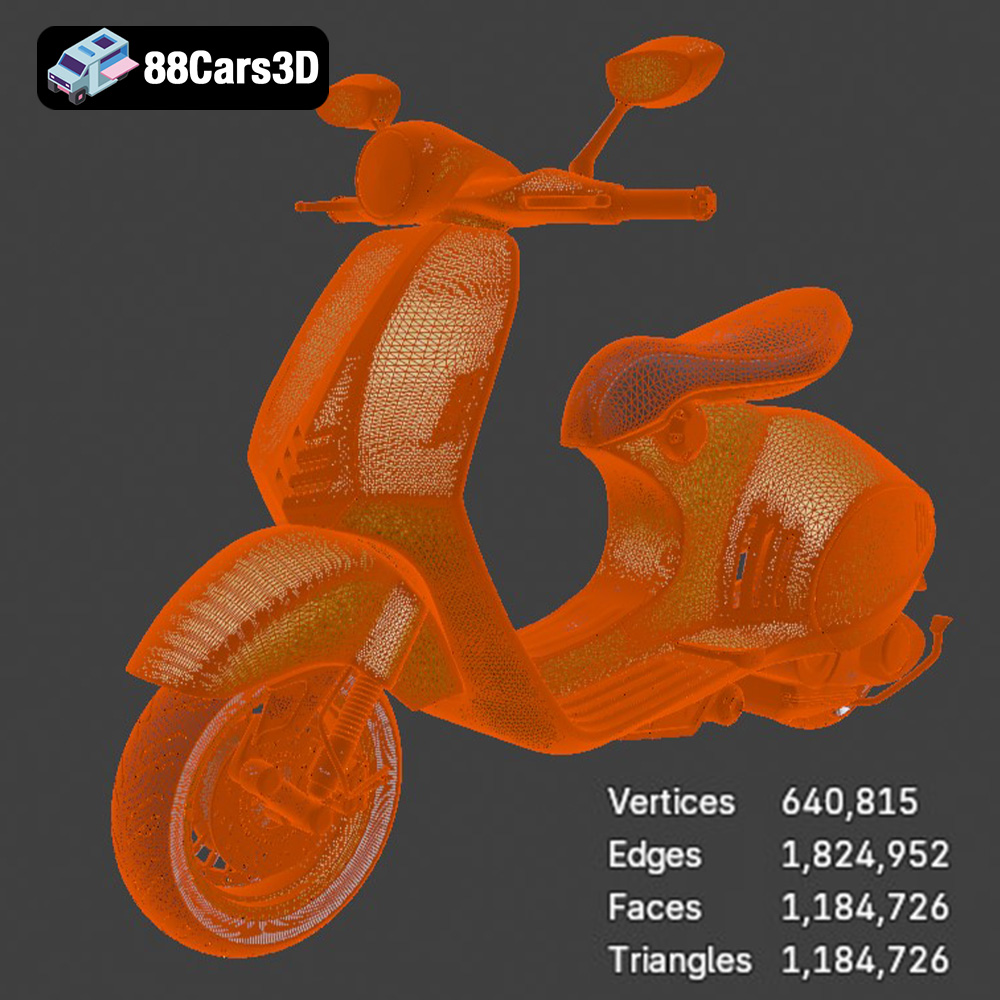
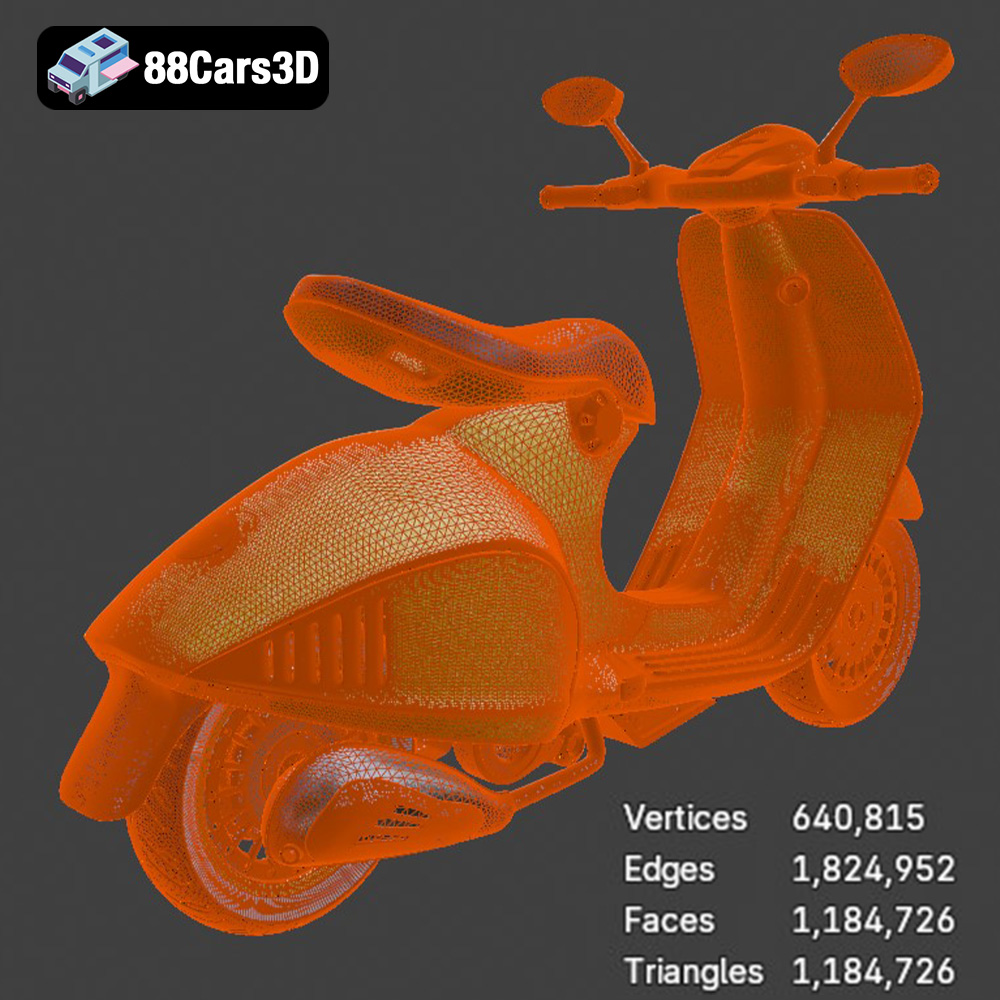
The .stl (Stereolithography) file format is the undisputed industry standard for 3D printing. It represents the surface geometry of a 3D object as a collection of triangles, forming a mesh. This simplicity is its strength, making it universally compatible with virtually all 3D printers and slicing software. However, it’s important to note that .stl files only store information about the shape of the object; they don’t contain any data about color, texture, or materials. When working with .stl files, the mesh quality is paramount. A low-resolution mesh will result in a faceted, pixelated print, while an excessively high-resolution mesh can create unnecessarily large files that are difficult to process. Slicing software uses the .stl file to generate the instructions (G-code) that the 3D printer follows to build the object layer by layer. For the Vespa 946 model, ensuring the .stl file has a good balance between detail and file size is key for optimal print results. This file type is readily available for download on 88cars3d.com.
While .stl is the most common, several other formats can be used in the 3D printing workflow, each with its own strengths and weaknesses:
* **.obj (Object):** A more versatile format than .stl, .obj files can store color and texture information, making them suitable for full-color 3D printing (though this is less common). However, not all slicing software fully supports .obj files with textures, so it’s essential to check compatibility.
* **.ply (Polygon File Format):** This format is designed to store 3D data acquired from 3D scanners. It supports color and can represent models with high precision. It’s often used in scientific and engineering applications.
* **.blend (Blender):** The native file format for the Blender 3D creation suite. It’s a full scene description, including meshes, materials, lighting, and animations. While not directly used for 3D printing, it’s invaluable for customizing the Vespa 946 model before exporting it to a printable format like .stl.
* **.fbx (Filmbox):** A popular format for exchanging 3D models between different software packages, particularly in game development. It can store animation, materials, and textures. While not ideal for direct 3D printing, it can be useful for importing the Vespa 946 model into slicing software that supports material properties.
* **.glb (GL Transmission Format Binary):** Designed for efficient transmission and loading of 3D models in web and AR/VR applications. It supports PBR (Physically Based Rendering) materials and is becoming increasingly popular for online model viewers. You could use it to preview the Vespa 946 model before printing it.
* **.max (3ds Max):** The native format for Autodesk 3ds Max. Similar to .blend, it contains a complete scene description and is used for creating and editing 3D models.
For 3D printing the Vespa 946 model, the **.stl format is the most reliable and widely supported choice**. It’s compatible with virtually all slicing software, allowing you to easily prepare the model for printing. While formats like .obj or .ply can store color information, the vast majority of desktop 3D printers are still single-color, making this advantage less relevant. If you intend to modify the model before printing, working with the .blend or .max files (if you have Blender or 3ds Max) can be beneficial. However, always export the final version to .stl for slicing and printing. Ensure you inspect your models through slicing software prior to printing to guarantee mesh integrity.
Before you even think about loading your filament, proper preparation is key to a successful 3D print of the Vespa 946. This involves inspecting the model, making necessary repairs, and strategically orienting it for optimal printing.
* **Mesh Analysis:** Use a mesh analysis tool (many slicing software packages have built-in tools for this) to check for common issues like non-manifold edges, holes, and flipped normals. These imperfections can cause problems during slicing and printing.
* **Repair Tools:** If you find errors, use a mesh repair tool like Meshmixer, Netfabb Basic, or the repair function in your slicing software. These tools can automatically fix many common mesh issues, ensuring a watertight model. The goal is to get a fully closed mesh that your slicer can interpret correctly.
* **Strategic Orientation:** How you orient the Vespa 946 model on the print bed can significantly impact the print quality, support requirements, and overall print time. Consider the following:
* **Minimizing overhangs:** Overhangs require support structures, which can be time-consuming to remove and may leave blemishes on the finished print. Orient the model to minimize the need for supports.
* **Hiding support scars:** If supports are unavoidable, try to orient the model so that the support attachment points are on less visible areas, such as the underside of the scooter or on internal surfaces.
* **Maximizing bed adhesion:** Choose an orientation that provides a large, flat surface for the first layer to adhere to the print bed.
* **Support Generation:** Use your slicing software to generate support structures. Experiment with different support settings to find the optimal balance between support strength, ease of removal, and material usage. Consider using tree supports or lightweight supports to reduce material consumption and improve surface finish.
* **Scaling for Detail:** The desired size of your 3D printed Vespa 946 will influence the level of detail that can be captured. Smaller prints require finer layer heights and more precise printer settings to reproduce intricate features.
* **Resolution Considerations:** If you’re scaling the model down significantly, consider simplifying some of the smaller details to ensure they print reliably. Alternatively, scaling up the model will allow you to capture even the finest details with ease.
The choice of material for your 3D printed Vespa 946 will affect its appearance, durability, and functionality. Here’s a breakdown of some common options:
* **Pros:** PLA is a biodegradable thermoplastic derived from renewable resources, making it an environmentally friendly choice. It’s easy to print with, has low warping, and produces smooth, detailed prints. PLA is also available in a wide range of colors and finishes.
* **Cons:** PLA is not as strong or heat-resistant as other materials like ABS or PETG. It’s also more brittle and can be susceptible to cracking under stress.
* **Recommendations:** PLA is an excellent choice for printing the Vespa 946 if you prioritize ease of printing, aesthetic appeal, and environmental considerations. It’s well-suited for display models that won’t be subjected to high temperatures or significant stress.
* **Pros:** PETG combines the best features of PLA and ABS. It’s stronger and more flexible than PLA, with better heat resistance. PETG is also relatively easy to print with, has good layer adhesion, and produces parts with a glossy finish.
* **Cons:** PETG can be more prone to stringing than PLA, and it may require slightly higher printing temperatures.
* **Recommendations:** PETG is a good choice for printing the Vespa 946 if you need a balance of strength, durability, and ease of printing. It’s suitable for models that might be handled frequently or exposed to moderate temperatures.
* **Pros:** Resin printing, using technologies like SLA (Stereolithography) or DLP (Digital Light Processing), offers unparalleled detail and surface finish. Resin printers can produce incredibly intricate parts with smooth surfaces and sharp edges, making them ideal for highly detailed models like the Vespa 946.
* **Cons:** Resin printing requires more post-processing than FDM printing, including washing and curing the printed parts. Resins can also be more expensive and potentially hazardous than filaments. Resin prints tend to be more brittle than FDM prints, especially with standard resins.
* **Recommendations:** Resin printing is the best choice if you want the highest level of detail and surface finish on your 3D printed Vespa 946. Consider using a tough or engineering resin for improved durability.
The settings you use in your slicing software can significantly impact the quality of your 3D printed Vespa 946. Here are some key settings to consider:
* **Lower Layer Height:** Lower layer heights (e.g., 0.1mm or 0.15mm) will produce smoother surfaces and capture finer details, but they will also increase print time.
* **Higher Layer Height:** Higher layer heights (e.g., 0.2mm or 0.25mm) will print faster but may result in a more stepped appearance.
* **Recommendations:** For the Vespa 946, start with a layer height of 0.15mm or 0.2mm for a good balance of detail and print time. If you’re printing a smaller version of the model, consider using an even lower layer height.
* **Lower Infill:** Lower infill densities (e.g., 10% or 15%) will result in lighter prints with lower material consumption, but they will also be weaker.
* **Higher Infill:** Higher infill densities (e.g., 25% or 30%) will make the prints stronger and more rigid but will also increase weight and material usage.
* **Recommendations:** For the Vespa 946, use an infill density of 15% to 20% for a good balance of strength and weight. Consider using a higher infill density for areas that require more support, such as the base of the model or any thin, cantilevered features.
* **Slower Speed:** Slower print speeds will generally result in higher-quality prints with better layer adhesion and fewer artifacts.
* **Faster Speed:** Faster print speeds will reduce print time but may compromise print quality.
* **Recommendations:** Start with a print speed of 40-50mm/s for PLA or PETG. If you’re experiencing issues with print quality, try reducing the print speed.
Once your Vespa 946 is printed, you’ll likely want to perform some post-processing to improve its appearance and finish.
* **Careful Removal:** Carefully remove any support structures using pliers, a hobby knife, or a deburring tool. Be patient and avoid damaging the model during removal.
* **Sanding:** Sand the surface of the print to remove any layer lines or blemishes. Start with a coarse grit sandpaper (e.g., 220 grit) and gradually work your way up to finer grits (e.g., 400 grit, 600 grit, 800 grit). Wet sanding can help to minimize dust and improve the surface finish.
* **Priming:** Apply a coat of primer to the sanded print to create a smooth, uniform surface for painting.
* **Painting:** Use acrylic paints or spray paints to add color and detail to the Vespa 946 model. Consider using stencils or masking tape to create intricate designs or patterns.
* **Clear Coating:** Apply a clear coat to protect the paint and add a glossy or matte finish.
Even with careful preparation, you may encounter some common 3D printing issues. Here are some tips for troubleshooting:
* **Warping:** Warping occurs when the corners of the print lift off the print bed. To prevent warping, ensure that your print bed is properly leveled and heated, use a brim or raft, and consider using an enclosure.
* **Stringing:** Stringing occurs when thin strands of filament are left between different parts of the print. To prevent stringing, reduce the printing temperature, increase retraction settings, and ensure that the filament is dry.
* **Layer Adhesion Issues:** Poor layer adhesion can cause the print to separate between layers. To improve layer adhesion, increase the printing temperature, reduce the print speed, and ensure that the first layer is properly squished onto the print bed.
By following these tips and tricks, you can successfully 3D print a stunning Vespa 946 model that you’ll be proud to display. Remember to check out the variety of high-quality 3D models available at 88cars3d.com to fuel your next 3D printing project!
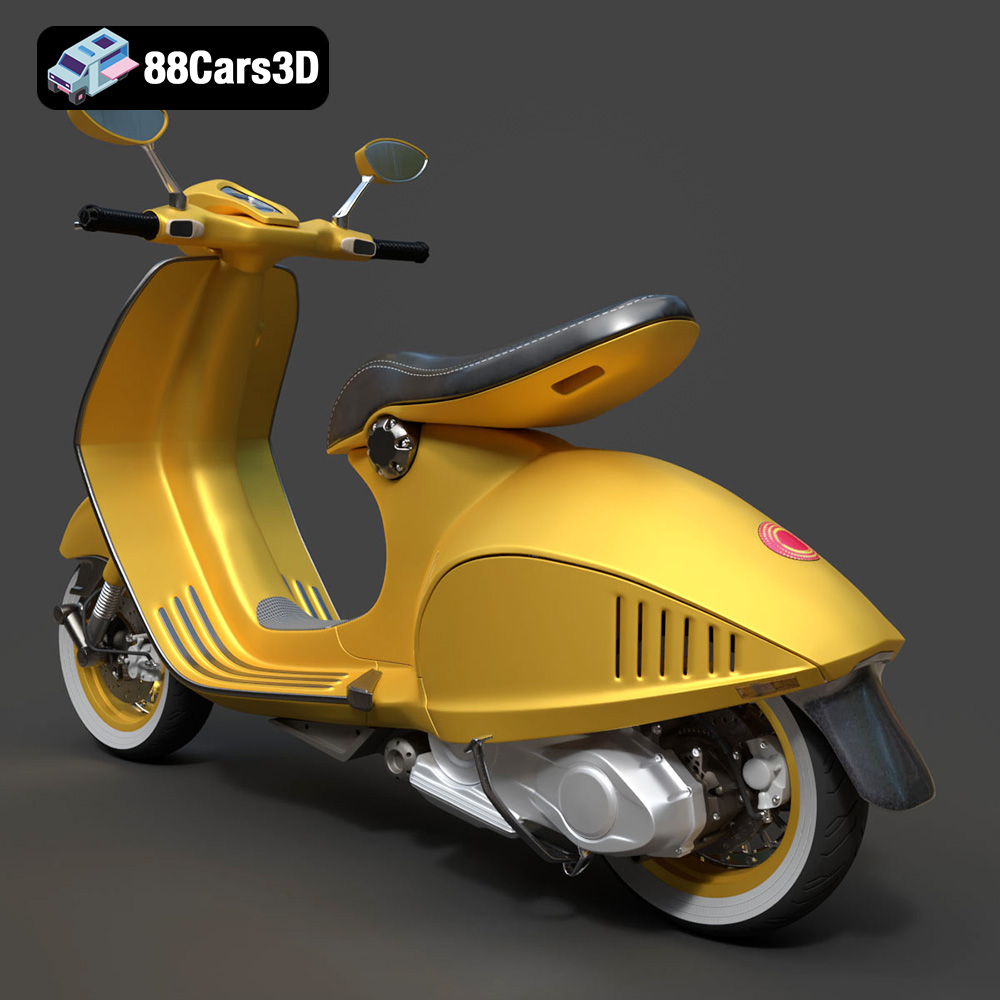
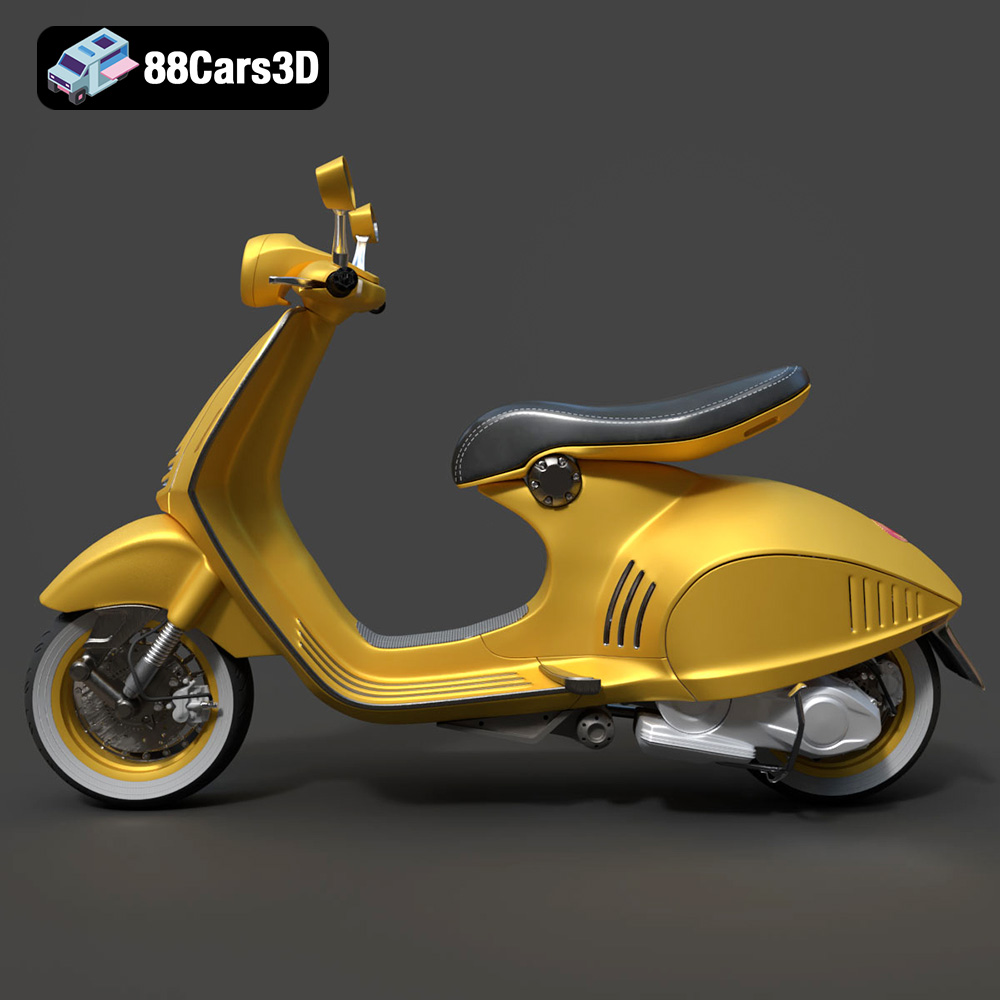
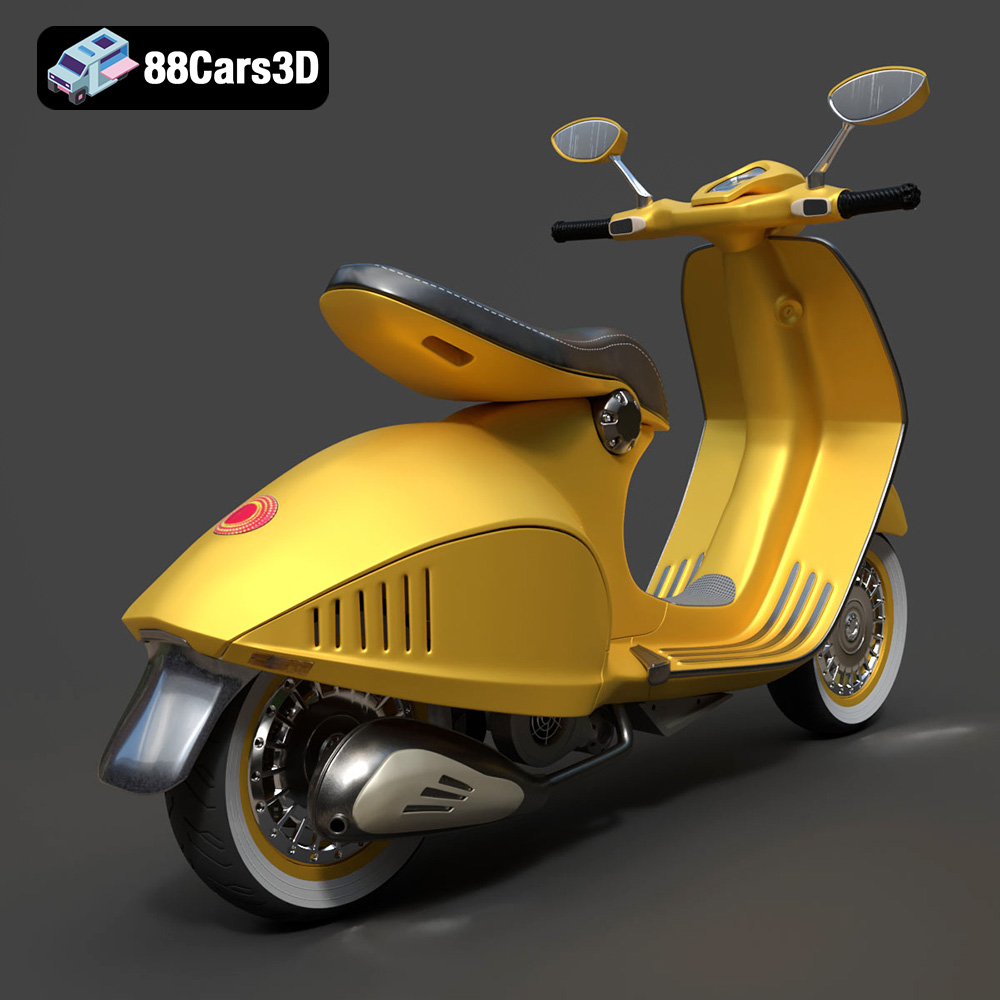
Experience the iconic elegance of the Vespa 946 with this meticulously crafted 3D model. Designed to replicate the authentic curves and refined aesthetics of the renowned scooter, this asset provides true-to-life realism for professional projects. Whether for close-up studio renders or dynamic environments, every detail from the distinct seating to the polished chassis has been modeled with precision.
$19.99
.946
.arvr
.blend
.car3dmodel
.fbx
.gameasset
.glb
.max
.motorcycle
.obj
.ply
.rendering
.scooter
.simulation
.stl
.unreal
.vespa