Get 50% OFF All Premium 3D & STL Models!

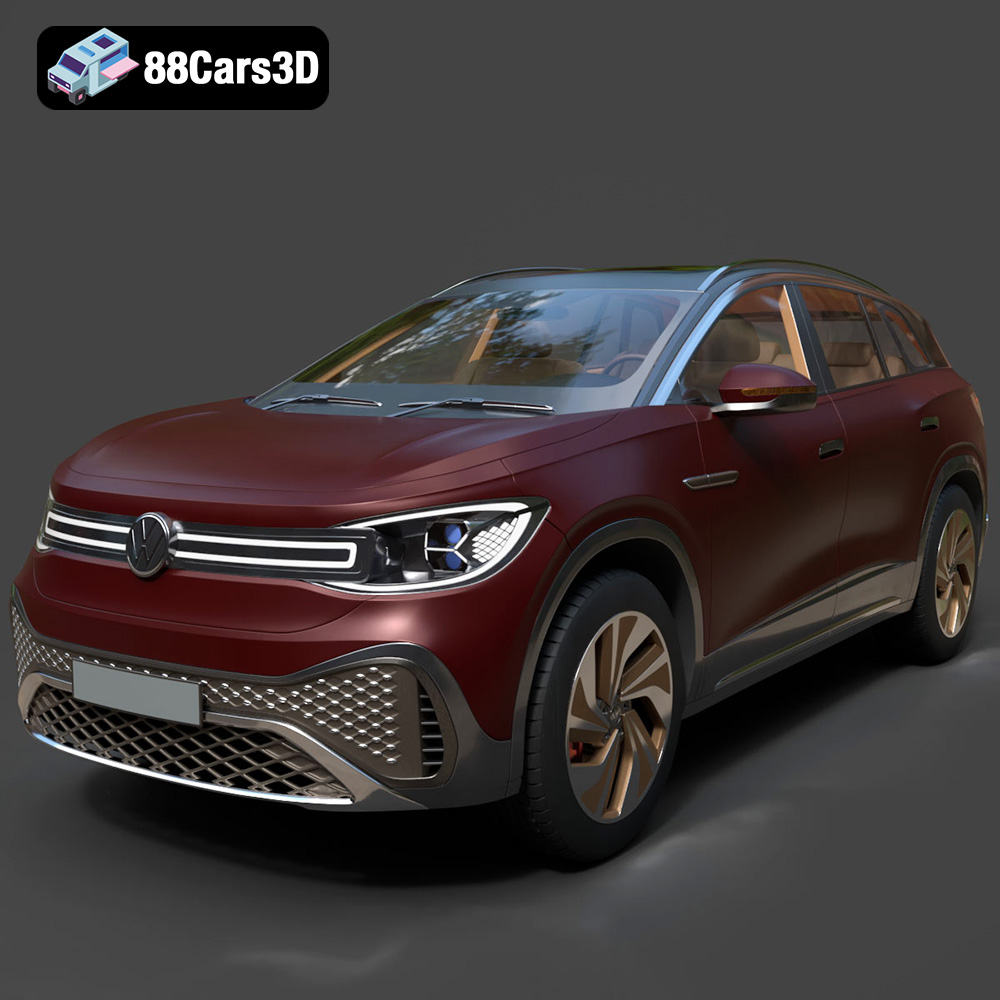
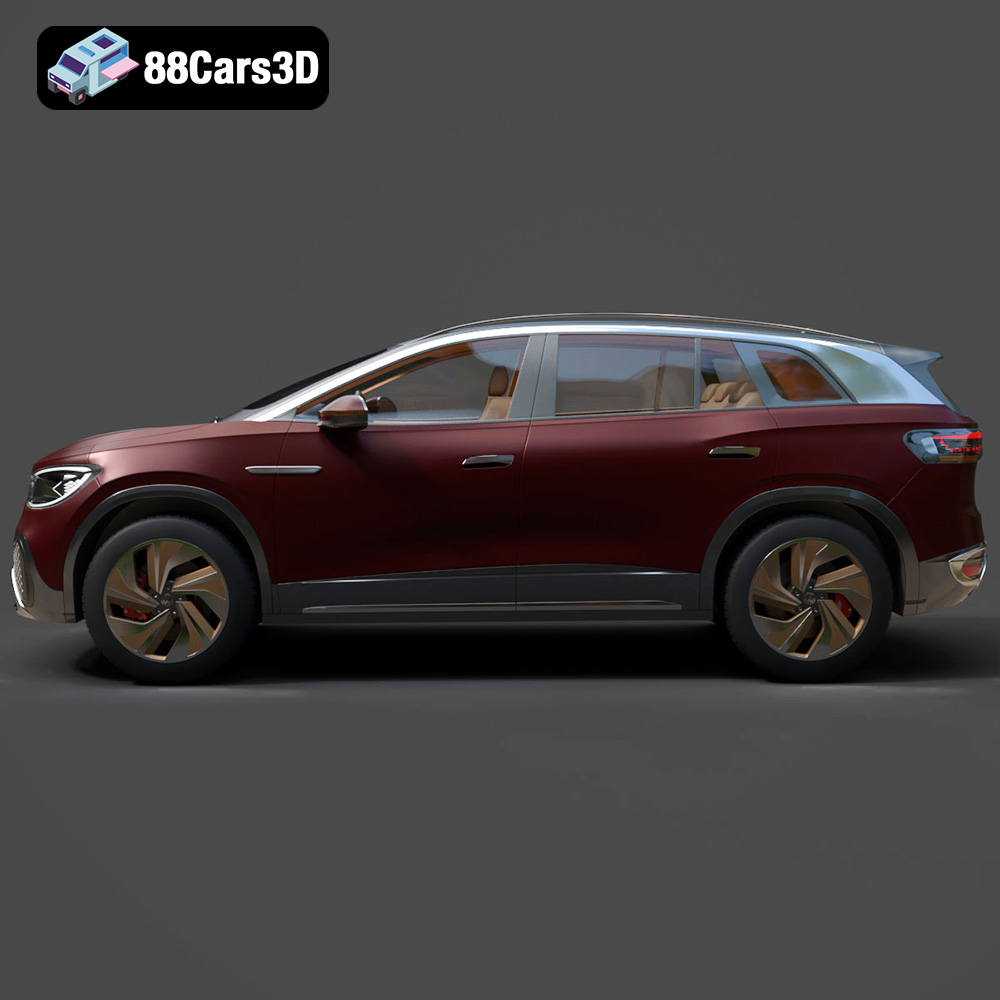
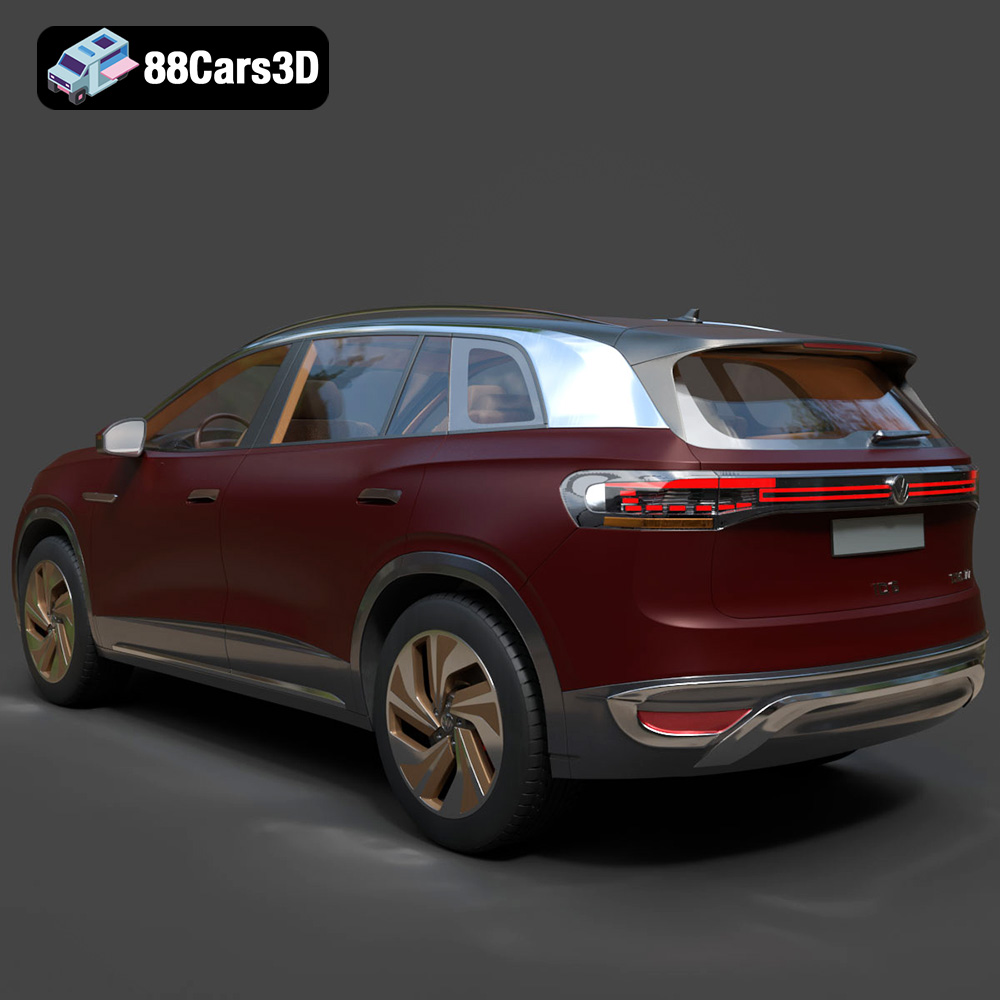
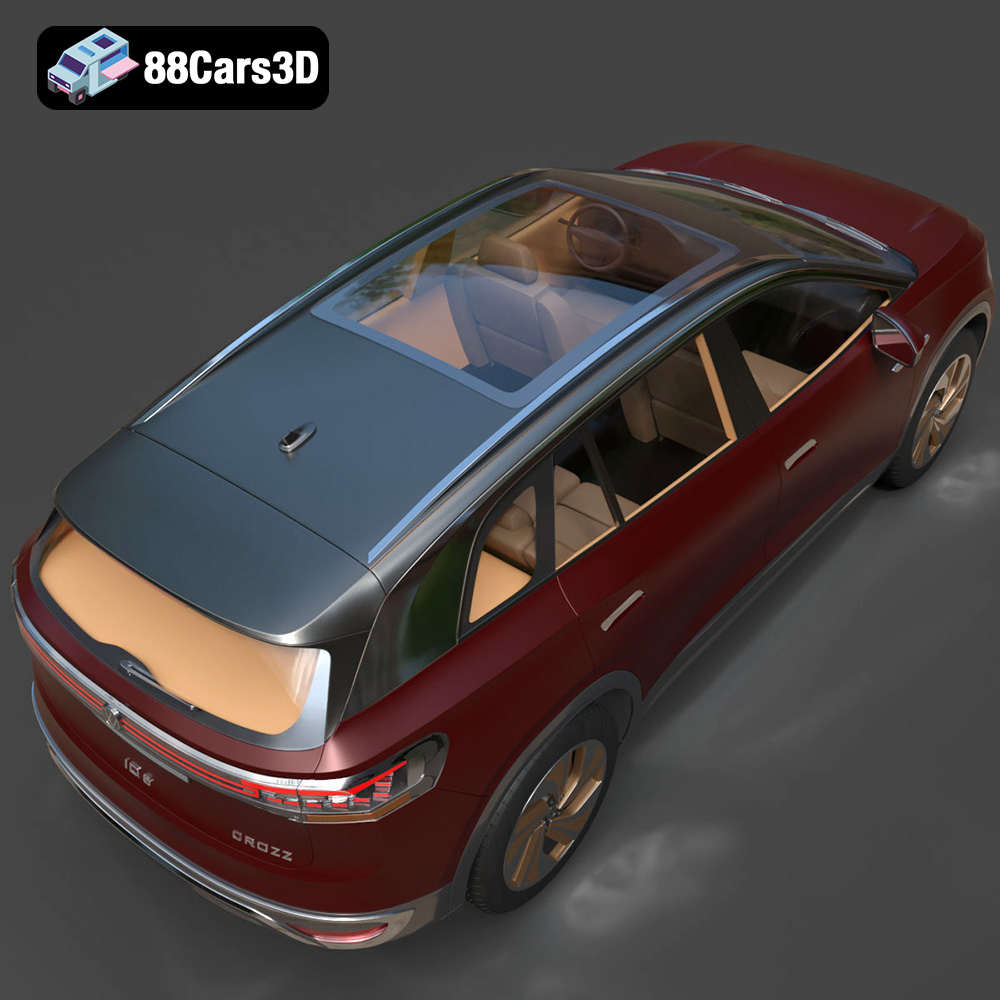
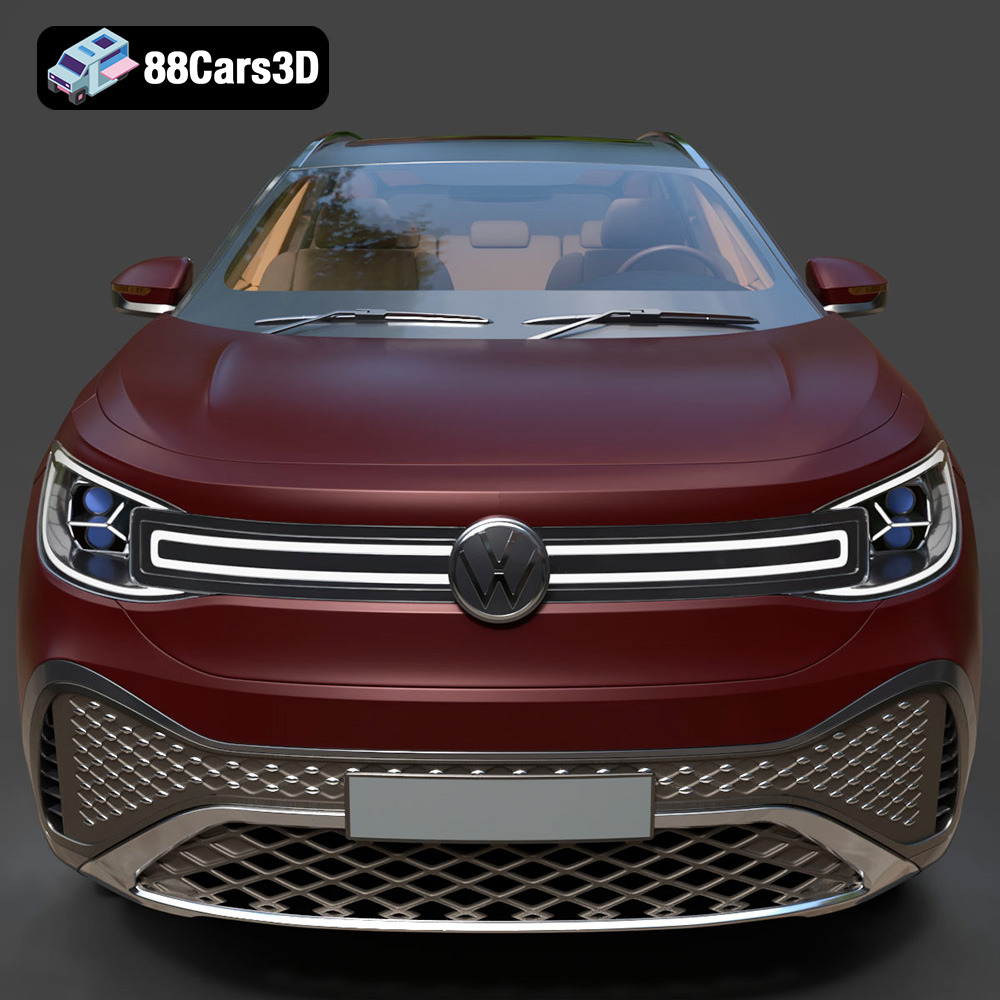
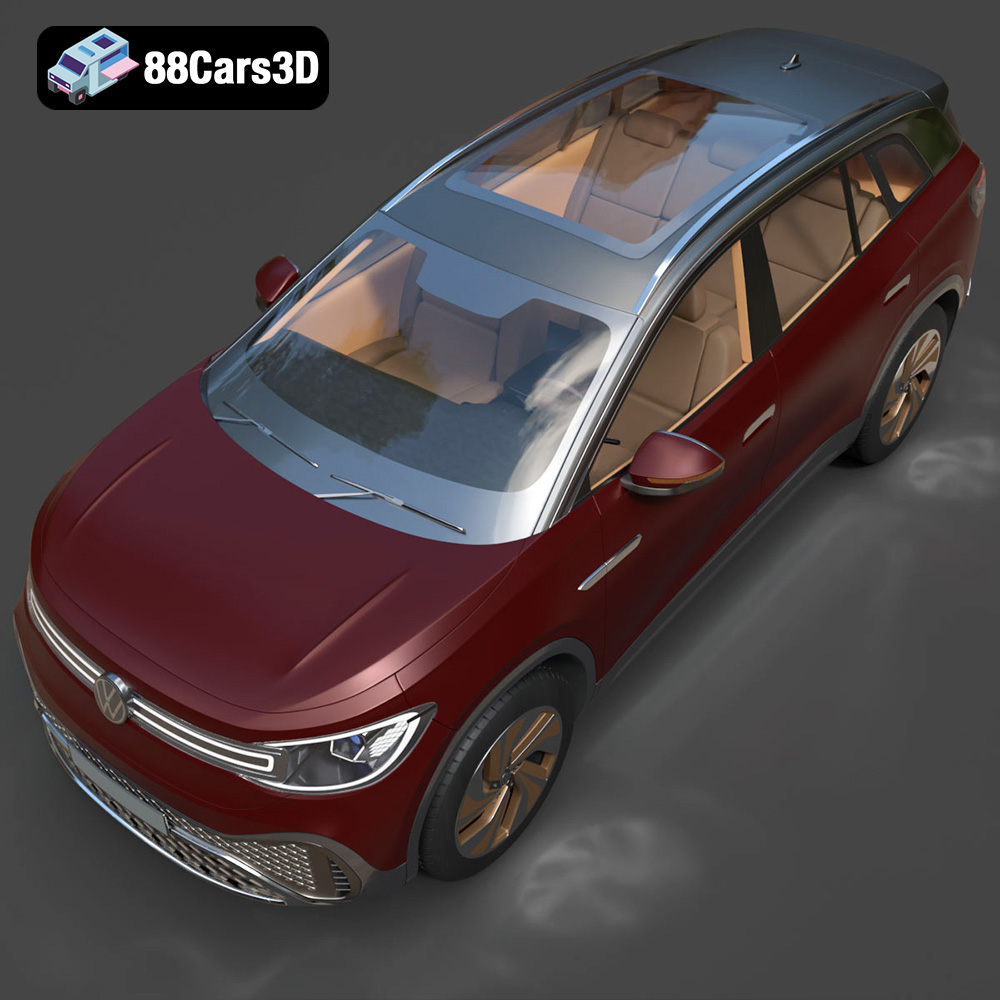
The Volkswagen ID6 CROZZ 2022, a modern electric SUV, is a fantastic subject for 3D printing. Its sleek lines and intricate details make it a rewarding project for both beginners and experienced enthusiasts. This guide provides a detailed walkthrough of the 3D printing process, covering everything from initial preparation to post-processing, ensuring you can bring this impressive vehicle to life on your 3D printer. This guide will focus on the STL files available for download at 88cars3d.com.
Before diving into 3D printing, proper preparation is crucial for a successful outcome. This involves inspecting the STL file, making necessary repairs, and configuring the model for optimal printing.
The STL file, while a standard for 3D printing, can sometimes contain errors such as non-manifold geometry, inverted normals, or gaps. These imperfections can lead to printing failures. Therefore, the first step is to inspect the STL file using software like MeshLab, Netfabb, or even the repair tools available in many slicer programs.
* **MeshLab:** This open-source software offers a range of tools for analyzing and repairing 3D meshes. Use the “Filters > Cleaning > Remove Duplicate Faces” and “Filters > Cleaning > Remove Isolated Vertices/Faces” functions to eliminate common errors. The “Filters > Quality > Compute Normals” function can fix inverted normals.
* **Netfabb Basic:** While Autodesk Netfabb is a powerful professional tool, the basic version offers essential repair capabilities. Simply import the STL file, and Netfabb will automatically detect and fix common errors.
* **Slicer Software Repair Tools:** Many popular slicing programs, such as Cura, PrusaSlicer, and Simplify3D, have built-in repair tools that can automatically fix minor errors in the STL file.
Choosing the correct orientation is critical for minimizing support material and maximizing print quality. For the Volkswagen ID6 CROZZ 2022 model, consider the following:
* **Minimizing Overhangs:** Orient the model to reduce the amount of unsupported overhangs. For instance, printing the car on its wheels can reduce the need for extensive support structures, especially for the roof and hood.
* **Hiding Layer Lines:** Consider the visibility of layer lines. Orienting the model with the roof facing upwards might result in more noticeable layer lines on the roof, while orienting it on its side might distribute these lines more evenly.
* **Support Placement:** Identify areas that require support, such as the wheel arches, side mirrors, and potentially the rear spoiler. Use your slicer software to manually add or adjust supports to ensure these features print correctly. Consider using tree supports or customizable supports for easier removal and minimal scarring.
Before printing, decide on the desired scale of your 3D printed Volkswagen ID6 CROZZ 2022. Keep in mind that smaller scales will require finer details and may be more challenging to print successfully. Larger scales, while easier to print, will consume more material and take longer. Consider these factors when scaling:
* **Printer Build Volume:** Ensure the scaled model fits within your printer’s build volume.
* **Detail Level:** Smaller scales might lose fine details such as panel lines or intricate features. Consider printing at a larger scale if you want to capture these details accurately.
* **Post-Processing:** Larger models are often easier to sand, paint, and assemble due to the increased size of the parts.
Choosing the correct file format is essential for a smooth and successful 3D printing experience. While several formats exist, some are better suited for additive manufacturing than others. Let’s explore the common formats and their relevance to 3D printing the Volkswagen ID6 CROZZ 2022 model.
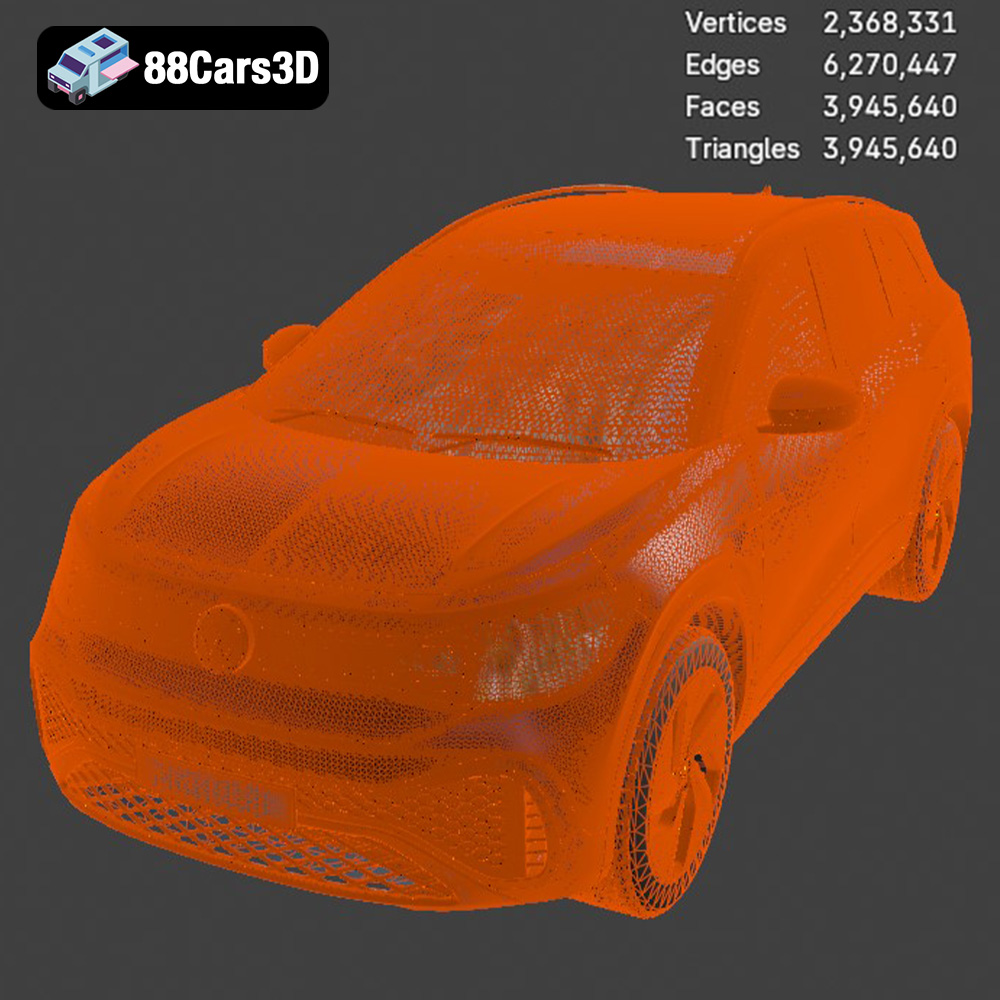
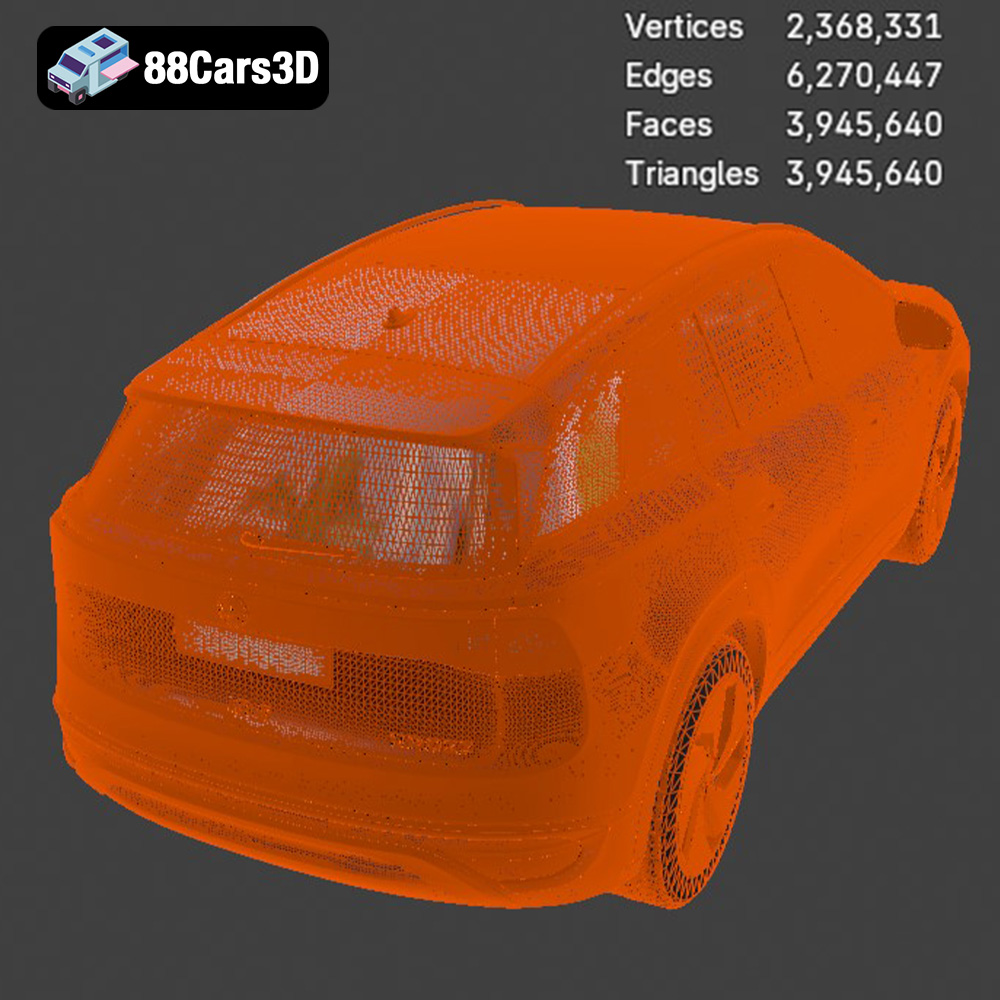
* **.stl:** This is the industry standard for 3D printing. STL (Stereolithography) files represent the surface geometry of a 3D object as a collection of triangles. It’s a mesh-only format, meaning it doesn’t store color, texture, or material information. STL files are universally compatible with slicing software and 3D printers. The quality of the printed model heavily relies on the mesh density – a higher triangle count results in smoother surfaces but larger file sizes. For the Volkswagen ID6 CROZZ 2022, ensure the STL file from 88cars3d.com has a sufficient triangle count to capture the vehicle’s curves and details accurately. Slicing software compatibility is almost guaranteed with STL files, making it the preferred choice for most 3D printing projects.
* **.obj:** OBJ is a more versatile format than STL, as it can store color, texture, and material information. While beneficial for rendering and visualization, these features are less relevant for standard 3D printing, which typically uses a single material. OBJ files are compatible with most slicing software, but ensure your software supports the color/texture information if present.
* **.ply:** PLY (Polygon File Format) is another mesh format often used for storing data acquired from 3D scanners. It’s known for its precision and ability to store vertex colors and other properties. While PLY files can be used for 3D printing, they are less common than STL, and some slicing software may have limited support.
* **.blend:** This is the native file format for Blender, a popular open-source 3D modeling software. BLEND files contain the entire Blender scene, including the model, materials, lighting, and animation. While you can’t directly 3D print a BLEND file, you can open it in Blender, make modifications, and then export it as an STL file for printing. This format is ideal for customization before printing.
* **.fbx:** FBX (Filmbox) is a proprietary format developed by Autodesk. It’s primarily used for exchanging 3D data between different software applications, particularly in game development and animation. FBX files can contain geometry, textures, materials, and animation data. While some slicing software can import FBX files, they are typically converted to STL before printing.
* **.glb:** GLB (GL Transmission Format Binary) is a file format designed for efficient transmission and loading of 3D models in web-based applications. It’s commonly used for AR/VR experiences and online model viewers. Like FBX, GLB files are not directly printable and must be converted to STL.
* **.max:** This is the native file format for 3ds Max, another professional 3D modeling and animation software. Similar to BLEND files, MAX files cannot be directly printed and need to be exported as STL after any desired modifications.
For 3D printing the Volkswagen ID6 CROZZ 2022 model, the **STL format is the most practical and widely supported**. It ensures compatibility with almost all slicing software and 3D printers. Focus on obtaining a high-quality STL file from 88cars3d.com with a sufficient mesh density to capture the vehicle’s details accurately.
Choosing the right material is crucial for achieving the desired aesthetic and functional properties in your 3D printed Volkswagen ID6 CROZZ 2022 model. Several materials are suitable, each with its own strengths and weaknesses.
PLA is a biodegradable thermoplastic derived from renewable resources, making it an environmentally friendly option. It’s easy to print, has excellent surface finish, and is available in a wide range of colors.
* **Pros:** Easy to print, low warping, good surface finish, wide color selection, biodegradable.
* **Cons:** Low heat resistance, can be brittle, not suitable for outdoor use.
* **Recommended Settings:**
* Nozzle Temperature: 200-220°C
* Bed Temperature: 60°C
* Print Speed: 40-60 mm/s
* Layer Height: 0.1-0.2 mm
PLA is a great choice for creating a display model of the Volkswagen ID6 CROZZ 2022 that will be kept indoors.
PETG combines the ease of printing of PLA with increased strength, flexibility, and temperature resistance. It’s a popular choice for functional parts and models that need to withstand more wear and tear.
* **Pros:** Stronger than PLA, more flexible, good chemical resistance, higher temperature resistance than PLA.
* **Cons:** Can be prone to stringing, requires higher printing temperatures than PLA.
* **Recommended Settings:**
* Nozzle Temperature: 220-250°C
* Bed Temperature: 70-80°C
* Print Speed: 40-60 mm/s
* Layer Height: 0.1-0.2 mm
PETG is a suitable option if you want a more durable 3D printed Volkswagen ID6 CROZZ 2022.
Resin 3D printing, using technologies like SLA (Stereolithography), DLP (Digital Light Processing), or LCD (Liquid Crystal Display), offers exceptional detail and surface finish. Resin is ideal for creating highly detailed models with intricate features.
* **Pros:** Extremely high detail, smooth surface finish, excellent for small parts.
* **Cons:** Can be brittle, requires post-processing (washing and curing), more expensive than filament printing, limited build volume.
* **Recommended Settings:** (Vary based on resin type and printer)
* Layer Height: 0.025-0.05 mm
* Exposure Time: Varies based on resin and printer. Consult resin manufacturer’s guidelines.
If you prioritize detail and are willing to invest in resin printing, the Volkswagen ID6 CROZZ 2022 can be printed with stunning accuracy.
Slicing software is the bridge between the 3D model and the 3D printer. Proper configuration of slicing parameters is essential for achieving the desired print quality, strength, and aesthetics. We will use Cura as an example for slicing settings.
* **Layer Height:** A smaller layer height (e.g., 0.1 mm) results in smoother surfaces and finer details but increases print time. A larger layer height (e.g., 0.2 mm) prints faster but might compromise surface quality. For the Volkswagen ID6 CROZZ 2022, a layer height of 0.1-0.15 mm is recommended for a balance between detail and print time.
* **Infill Density:** Infill density determines the internal structure of the 3D printed model. A higher infill density (e.g., 20-25%) increases strength and weight but also consumes more material and increases print time. For a display model, a 10-15% infill density with a gyroid or cubic pattern is often sufficient. If structural integrity is a concern, increase the infill density.
* **Support Type:** Choose between normal supports or tree supports. Tree supports are generally easier to remove and leave fewer marks on the model.
* **Support Density:** Adjust the support density to balance support strength and ease of removal. A lower density is easier to remove but might not provide sufficient support for overhanging features.
* **Support Placement:** Manually add or adjust supports to ensure critical areas, such as the wheel arches, side mirrors, and rear spoiler, are adequately supported.
* **Bed Adhesion:** Ensure good bed adhesion to prevent warping or detachment during printing. Options include using a brim, raft, or skirt. A brim is often sufficient for PLA and PETG.
* **Bed Temperature:** Set the bed temperature according to the material recommendations. Proper bed temperature ensures the first layer adheres well to the build plate.
Post-processing is the final stage in the 3D printing process, involving cleaning, sanding, painting, and assembling the model to achieve the desired final appearance.
* **Support Removal:** Carefully remove the support structures using pliers, cutters, or a sharp knife. Take your time and avoid damaging the model’s surface. Tree supports are generally easier to remove than traditional supports.
* **Cleaning:** Remove any remaining support material or stringing with a hobby knife or sandpaper. Clean the model with a soft brush and isopropyl alcohol to remove any dust or residue.
* **Sanding:** Sand the model with progressively finer grits of sandpaper (e.g., 220, 400, 600, 800) to smooth out layer lines and imperfections. Wet sanding can help reduce dust and improve the finish.
* **Smoothing:** For PLA prints, consider using chemical smoothing with solvents like acetone or ethyl acetate (use with extreme caution and proper ventilation). For PETG prints, a heat gun can be used to slightly melt the surface and smooth out layer lines.
* **Priming:** Apply a primer to the model to create a uniform surface for painting. Primer also helps the paint adhere better and improves the overall finish.
* **Painting:** Use acrylic paints or spray paints to color the model. Apply multiple thin coats for best results. Consider using stencils or masking tape to create detailed paint schemes.
* **Finishing:** Apply a clear coat to protect the paint and add a glossy or matte finish.
The Volkswagen ID6 CROZZ 2022 model may be split into multiple parts for printing. If this is the case, assemble the parts using glue, screws, or other fasteners.
Even with careful preparation and configuration, you might encounter issues during 3D printing. Here are some common problems and their solutions:
* **Warping:** This occurs when the corners of the model lift off the build plate due to uneven cooling. Ensure proper bed adhesion, use a heated bed, and avoid drafts.
* **Stringing:** This is when thin strands of filament are left between different parts of the model. Reduce printing temperature, increase retraction distance, and decrease travel speed.
* **Layer Shifting:** This is when the layers of the model are misaligned. Check the belts and pulleys of your printer for tightness, reduce printing speed, and ensure the build plate is stable.
* **Under-Extrusion:** This is when the printer doesn’t extrude enough filament, resulting in weak or incomplete layers. Increase printing temperature, increase flow rate, and check for clogs in the nozzle.
* **Over-Extrusion:** This is when the printer extrudes too much filament, resulting in blobs or rough surfaces. Reduce printing temperature, decrease flow rate, and calibrate the extruder.
By understanding these issues and their solutions, you can overcome challenges and achieve successful 3D prints of the Volkswagen ID6 CROZZ 2022. Remember to check 88cars3d.com for other amazing 3D printable car models.
Experience realistic automotive visualization with the Volkswagen ID6 CROZZ 2022 3D Model. Crafted with precision, this model captures the distinctive styling and proportions of the modern electric SUV. The exterior features accurate body panels, intricate lighting fixtures, and realistic wheel assemblies, making it an excellent choice for demanding visual projects. Built with clean geometry and professional quality standards, the model ensures smooth subdivision and optimized performance.
$19.99
.arvr
.blend
.car3dmodel
.crozz
.electricvehicle
.ev
.fbx
.gameasset
.glb
.id6
.id6crozz
.max
.obj
.ply
.rendering
.simulation
.stl
.unreal
.volkswagen
SUV