Get 50% OFF All Premium 3D & STL Models!

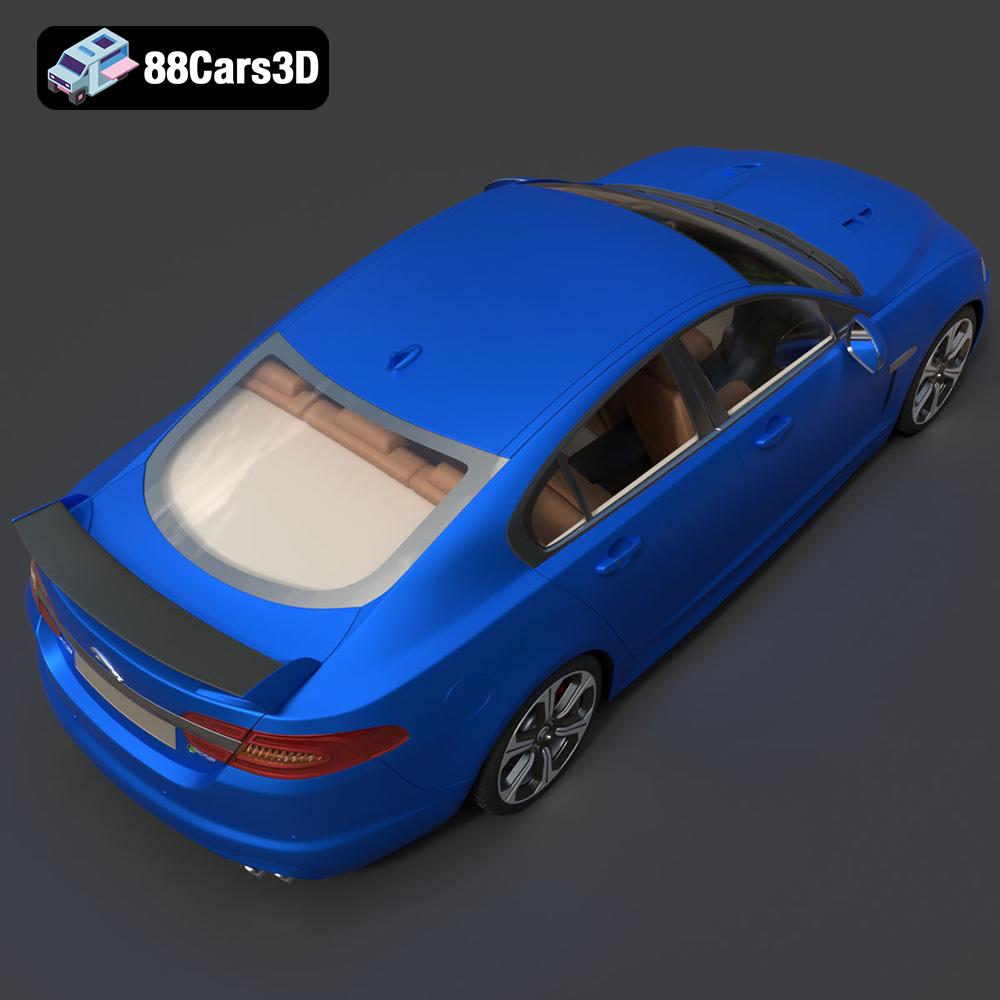
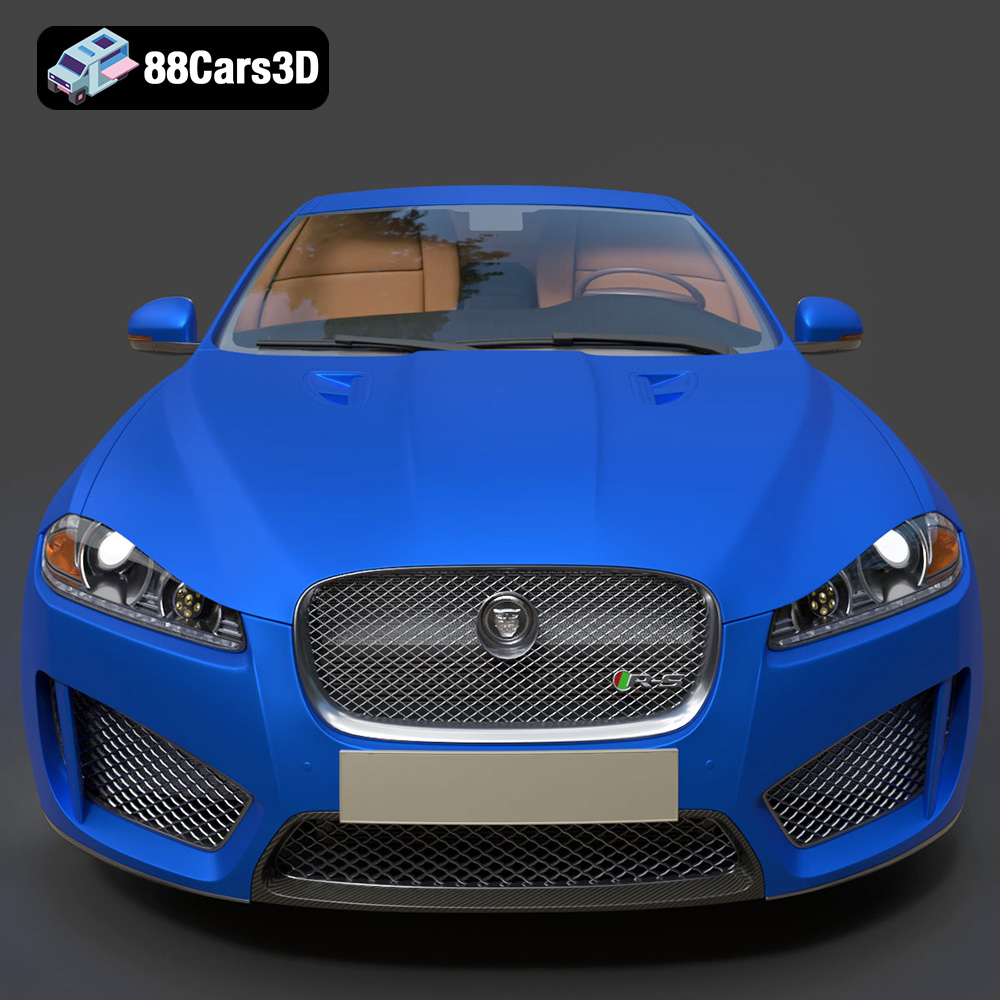
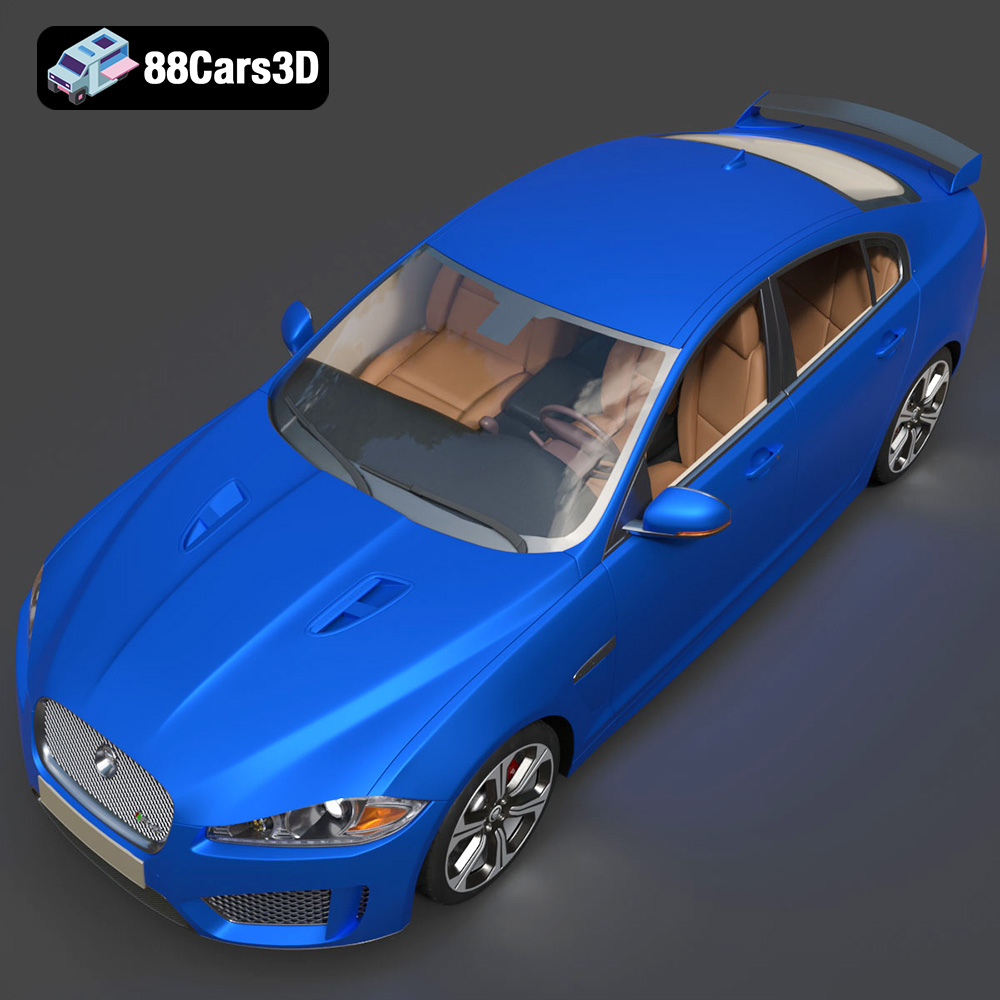
The Jaguar XFR-S 2014. Just the name evokes images of British luxury, powerful performance, and sleek, aggressive styling. Now, thanks to the detailed 3D model available at 88cars3d.com, you can bring this automotive icon to life with your 3D printer. This article will guide you through the entire process, from selecting the right materials and preparing the STL files to fine-tuning your printer settings and post-processing your finished 3D printed model. Whether you’re a seasoned 3D printing enthusiast or just starting, this comprehensive guide will help you achieve a stunning replica of the Jaguar XFR-S.
Before diving into specific settings, it’s crucial to understand the different 3D printing technologies and how they impact the final result. Two primary methods dominate the desktop 3D printing world: Fused Deposition Modeling (FDM) and Stereolithography (SLA).
FDM printing, where plastic filament is heated and extruded layer by layer, is a versatile and cost-effective option. For the Jaguar XFR-S model, FDM is well-suited for larger scale prints and functional parts. However, achieving the intricate details of the car’s bodywork may require careful attention to layer height and support structures. Consider using materials like PLA for ease of printing and PETG for increased durability and heat resistance, especially if you plan to display your model in a warm environment.
SLA, or resin printing, uses a laser or projector to cure liquid resin layer by layer. This technology excels at producing highly detailed and smooth surfaces, making it ideal for capturing the nuanced design of the Jaguar XFR-S. Resin printing is particularly advantageous for smaller scale models or individual components like badges and intricate trim pieces. While resin prints offer superior detail, they can be more brittle than FDM prints and require careful post-processing, including washing and curing.
Choosing the correct file format is essential for successful 3D printing. The Jaguar XFR-S 2014 3D model from 88cars3d.com is provided in multiple formats, but understanding their strengths and weaknesses is key to a smooth printing experience.
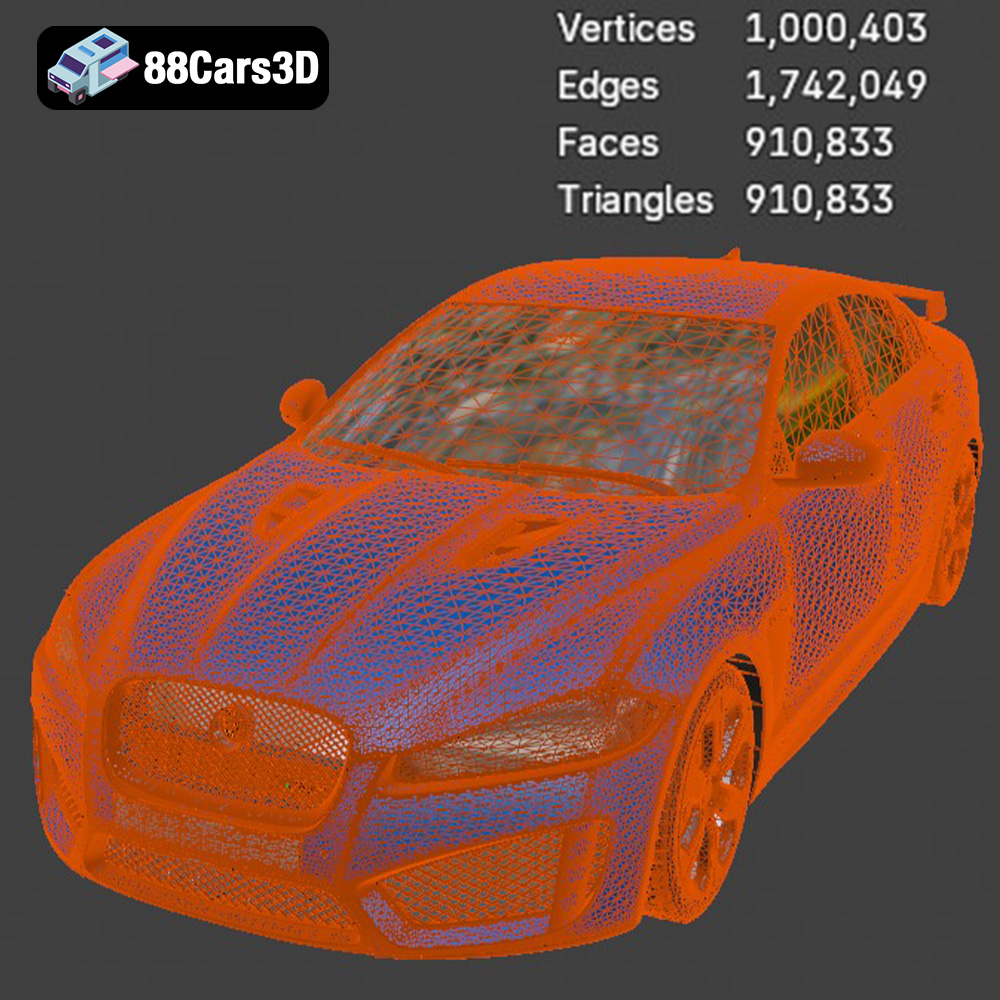
The STL (Stereolithography) file format is the workhorse of 3D printing. It represents the 3D model as a mesh of triangles, defining the surface geometry. STL files are universally compatible with slicing software and 3D printers, making them the most common choice for additive manufacturing. However, STL files only store geometric data, lacking information about color, texture, or materials.
When working with STL files, the mesh resolution is paramount. A low-resolution STL will result in a faceted, blocky print, while a high-resolution STL can significantly increase file size and processing time. The Jaguar XFR-S model benefits from a moderately high-resolution STL to capture its complex curves and details. Before printing, always inspect the STL in your slicing software for any errors or gaps in the mesh. Mesh repair tools, available in most slicers, can help resolve these issues. Aim for a watertight mesh – meaning no holes or self-intersections – to ensure a successful print.
OBJ is another widely supported 3D model format. Unlike STL, OBJ files can store color and texture information, opening up possibilities for multi-material or full-color 3D printing (if your printer supports it). However, OBJ files can be more complex than STL and may require more processing power from your slicing software.
PLY files are designed for storing 3D data acquired from scanning devices. They can represent surfaces with higher precision than STL, making them suitable for highly detailed models. However, PLY files are not as universally supported as STL, so check compatibility with your slicing software.
The .blend format is specific to Blender, a free and open-source 3D creation suite. Having access to the .blend file allows you to make modifications to the Jaguar XFR-S model before printing, such as adding custom details, splitting the model into smaller parts for easier printing, or adjusting the overall scale.
FBX is a popular format used in game development and animation. It can store geometry, textures, materials, and animation data. While not directly used for 3D printing, you can import FBX files into some slicing software that support color or multi-material printing.
GLB is a binary file format representing 3D models, often used for augmented reality (AR) and web-based applications. While not used directly for 3D printing, the GLB version of the Jaguar XFR-S allows you to preview the model in AR using your smartphone or tablet, giving you a better sense of its scale and appearance.
Similar to .blend, the .max format is specific to Autodesk 3ds Max, another professional 3D modeling and rendering software. It allows advanced users to further refine and customize the Jaguar XFR-S model before exporting it to a printable format like STL.
Once you’ve chosen your printing technology and file format (STL is recommended for general compatibility), the next step is preparing the model using slicing software. Slicing software takes the 3D model and converts it into a series of layers that your 3D printer can understand. Popular slicing software options include Cura, PrusaSlicer, Simplify3D, and Chitubox (for resin printing).
The orientation of the Jaguar XFR-S model on the build plate significantly impacts the print’s strength, surface finish, and the amount of support material required. For FDM printing, consider orienting the model with the flattest surface facing down to maximize adhesion and minimize warping. However, this might compromise the detail on the top surfaces.
Experiment with different orientations to find the best balance between detail, support usage, and print time. For example, tilting the model slightly can reduce the need for supports on curved surfaces. If you are printing the model in multiple parts, carefully consider the orientation of each part to optimize its strength and minimize the visibility of layer lines.
Support structures are necessary to hold up overhanging parts of the model during printing. However, they can also leave blemishes on the surface of the print. To minimize these issues, carefully consider the type and placement of supports. Tree supports, available in some slicing software, offer a more efficient and less intrusive support structure compared to traditional linear supports. For areas where surface finish is critical, consider using soluble support material (e.g., PVA for PLA) which can be dissolved away after printing, leaving a clean surface.
The optimal printer settings will depend on your specific printer, material, and desired level of detail. However, here are some general guidelines for printing the Jaguar XFR-S 2014 model:
Layer height directly impacts the print’s resolution and print time. A lower layer height results in smoother surfaces and finer details, but it also increases print time. For FDM printing, a layer height of 0.1mm to 0.2mm is a good starting point for the Jaguar XFR-S. For resin printing, layer heights can be even lower, typically ranging from 0.025mm to 0.05mm, resulting in exceptionally detailed prints.
Infill density determines the internal structure of the 3D printed model. A higher infill density results in a stronger and heavier print, while a lower infill density saves material and reduces print time. For a display model of the Jaguar XFR-S, an infill density of 15% to 25% is generally sufficient. For functional parts or models that need to withstand stress, increase the infill density accordingly.
Print speed affects both the print quality and the overall print time. A slower print speed generally results in better quality, especially for intricate details. Start with a moderate print speed of 40mm/s to 60mm/s for FDM printing and adjust as needed. For resin printing, the lift speed and exposure time are critical parameters that need to be calibrated based on your resin and printer.
Proper temperature settings are crucial for successful 3D printing. For PLA, a nozzle temperature of 200°C to 220°C and a bed temperature of 60°C to 70°C are generally recommended. For PETG, increase the nozzle temperature to 230°C to 250°C and the bed temperature to 70°C to 80°C.
Ensuring good bed adhesion is essential to prevent warping and delamination, especially for larger prints. Use a heated bed, apply a bed adhesion agent (e.g., glue stick, hairspray), or use a brim or raft to improve adhesion.
The choice of material greatly influences the look, feel, and functionality of your 3D printed Jaguar XFR-S.
PLA (Polylactic Acid) is a biodegradable thermoplastic known for its ease of printing, low warping, and wide availability. It’s an excellent choice for beginners and for printing display models. PLA is available in a vast range of colors, allowing you to create visually appealing prints. However, PLA is not very heat-resistant and can soften or deform in high temperatures.
PETG (Polyethylene Terephthalate Glycol-modified) offers a good balance of strength, durability, and heat resistance. It’s more flexible than PLA and less prone to cracking. PETG is a great choice for printing functional parts or models that will be exposed to higher temperatures. However, PETG can be slightly more challenging to print than PLA, requiring careful temperature and speed settings.
ABS (Acrylonitrile Butadiene Styrene) is a strong and durable thermoplastic commonly used in engineering applications. It offers good impact resistance and heat resistance. However, ABS is more prone to warping and requires a heated enclosure to print successfully. ABS also emits fumes during printing, so proper ventilation is essential.
Resins are used in SLA and DLP 3D printing to produce parts with very high detail. The surface finish is generally smooth and ready for priming and painting after the part is cured. However, resin parts tend to be more brittle than FDM printed parts.
Post-processing is the final step in transforming your 3D printed model from a raw print into a polished masterpiece.
The first step in post-processing is removing the support structures. Use pliers, a hobby knife, or specialized support removal tools to carefully detach the supports from the model. Take your time to avoid damaging the surface of the print.
Once the supports are removed, use sandpaper to smooth out any imperfections and layer lines. Start with a coarse grit sandpaper (e.g., 220 grit) and gradually move to finer grits (e.g., 400 grit, 600 grit, 800 grit) to achieve a smooth surface. Wet sanding can help reduce dust and improve the surface finish.
Priming is essential for creating a smooth and uniform surface for painting. Apply several thin coats of primer, allowing each coat to dry completely before applying the next. Sand the primed surface with fine-grit sandpaper (e.g., 800 grit) to remove any imperfections.
Once the primer is dry, you can begin painting the model. Use acrylic paints or automotive paints for a durable and realistic finish. Apply several thin coats of paint, allowing each coat to dry completely before applying the next. Consider using masking tape to create sharp lines and define different areas of the model.
If you printed the Jaguar XFR-S model in multiple parts, the final step is to assemble the pieces. Use super glue or epoxy to bond the parts together. Ensure proper alignment before the glue sets. You can also use screws or other fasteners to create a more robust assembly.
Even with careful preparation and precise settings, 3D printing can sometimes present challenges. Here are some common issues and their solutions:
Warping occurs when the corners of the print lift from the build plate due to uneven cooling. To prevent warping, ensure good bed adhesion by using a heated bed, applying a bed adhesion agent, or using a brim or raft. Also, consider using an enclosure to maintain a consistent temperature around the print.
Stringing refers to thin strands of filament that appear between different parts of the print. To eliminate stringing, reduce the nozzle temperature, increase retraction distance and speed, and adjust the travel speed.
Layer shifting occurs when the layers of the print are misaligned. This can be caused by loose belts, a wobbly print bed, or excessive print speed. Check and tighten the belts, ensure the print bed is stable, and reduce the print speed if necessary.
The Jaguar XFR-S 2014 3D Model delivers an exceptionally realistic representation of the iconic performance sedan. Designed with precision, this asset captures the aggressive styling, aerodynamic profile, and distinct characteristics of the XFR-S.
$19.99
3D printing the Jaguar XFR-S 2014 3D model from 88cars3d.com is a rewarding project that combines technical skill with creative expression. By carefully selecting the right printing technology, preparing the STL files, fine-tuning your printer settings, and mastering post-processing techniques, you can create a stunning replica of this iconic performance sedan. Remember to experiment with different materials and settings to find what works best for your printer and your desired aesthetic. Happy printing!
.arvr
.blend
.car3dmodel
.fbx
.gameasset
.glb
.jaguar
.luxurycar
.max
.obj
.ply
.rendering
.sedan
.simulation
.sportssedan
.stl
.unreal
.xfrs