Get 50% OFF All Premium 3D & STL Models!

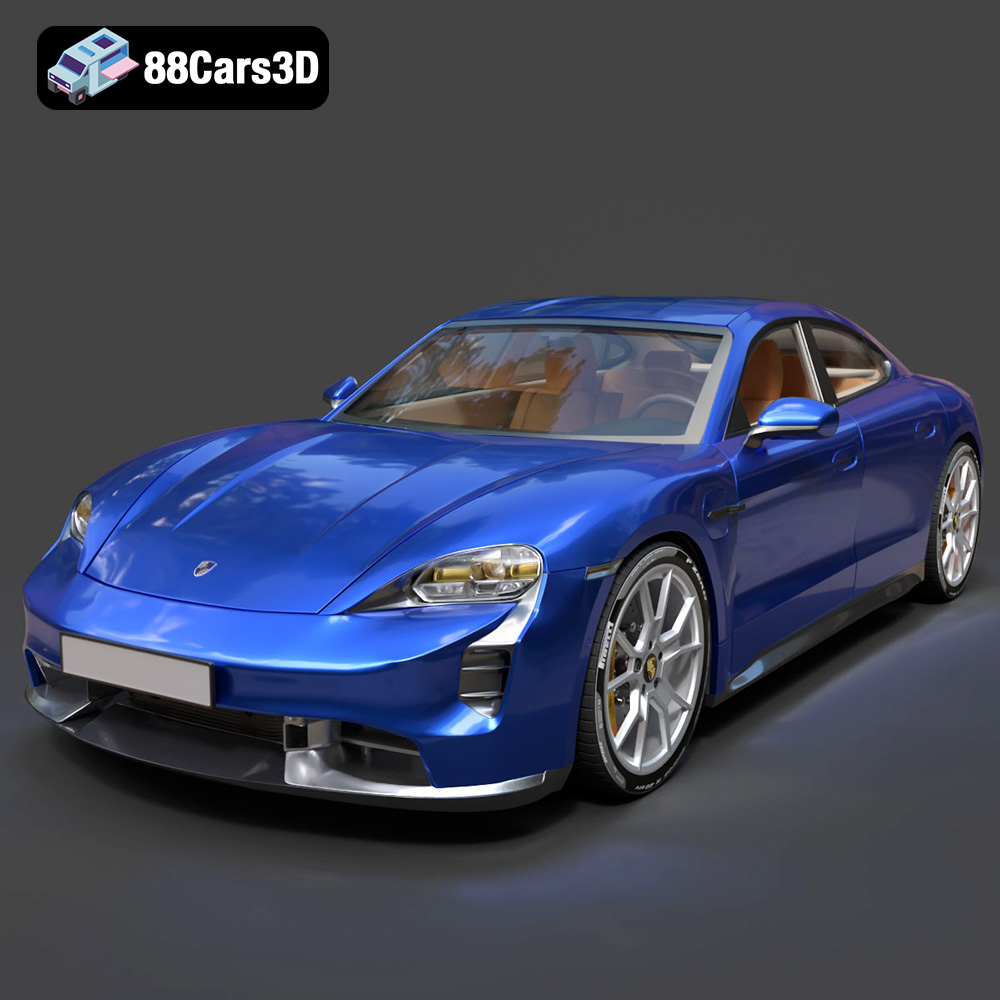
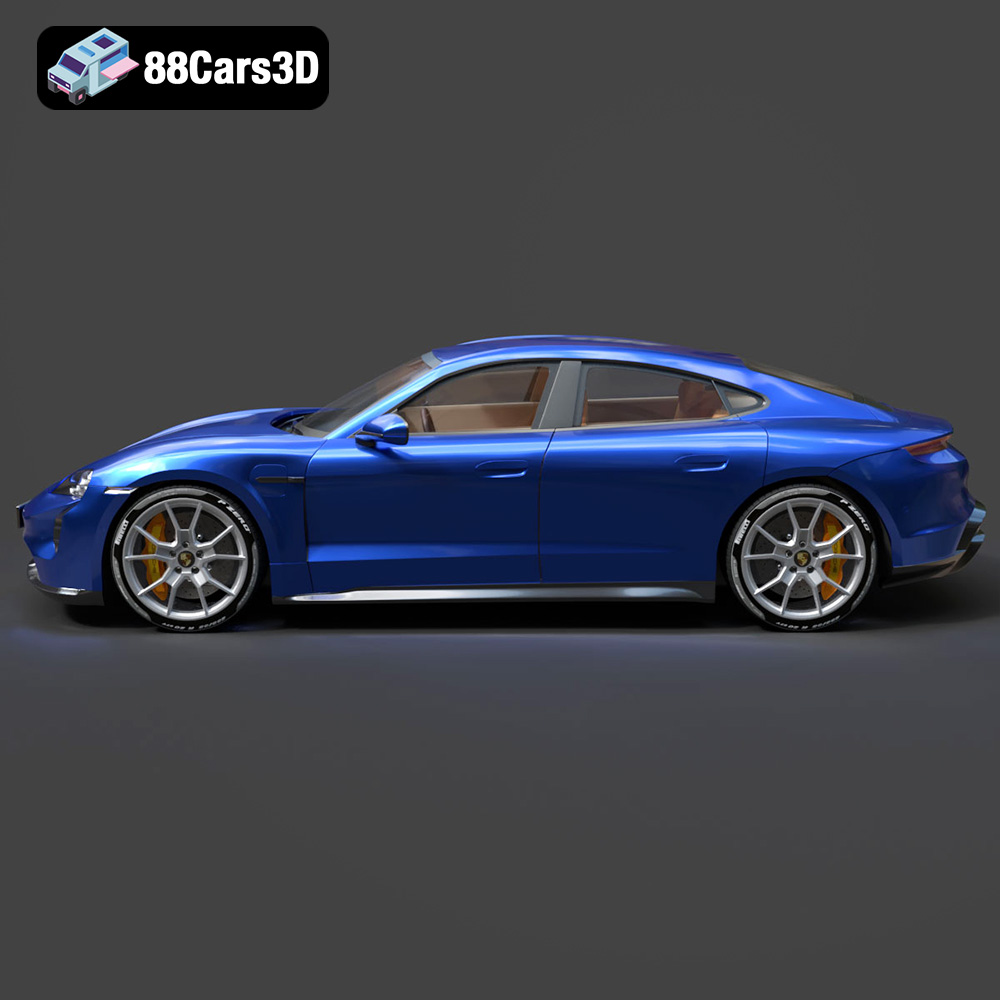
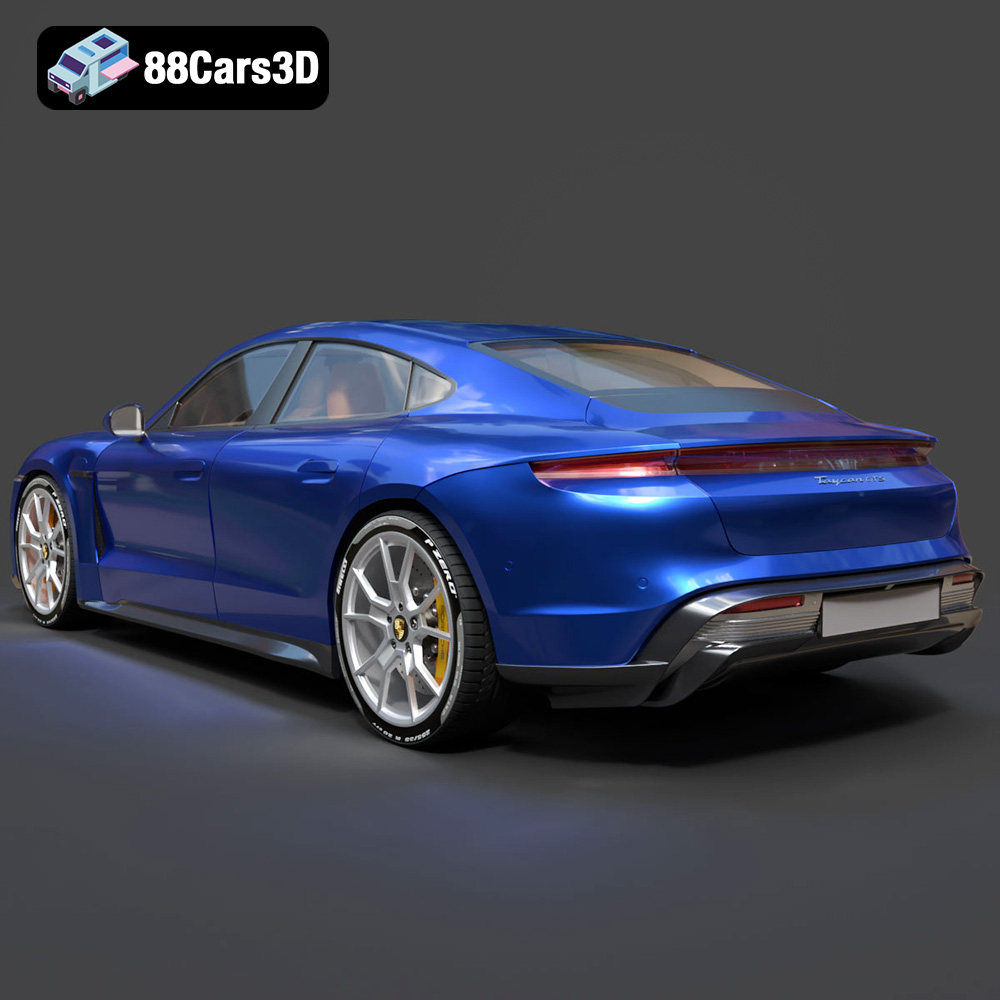
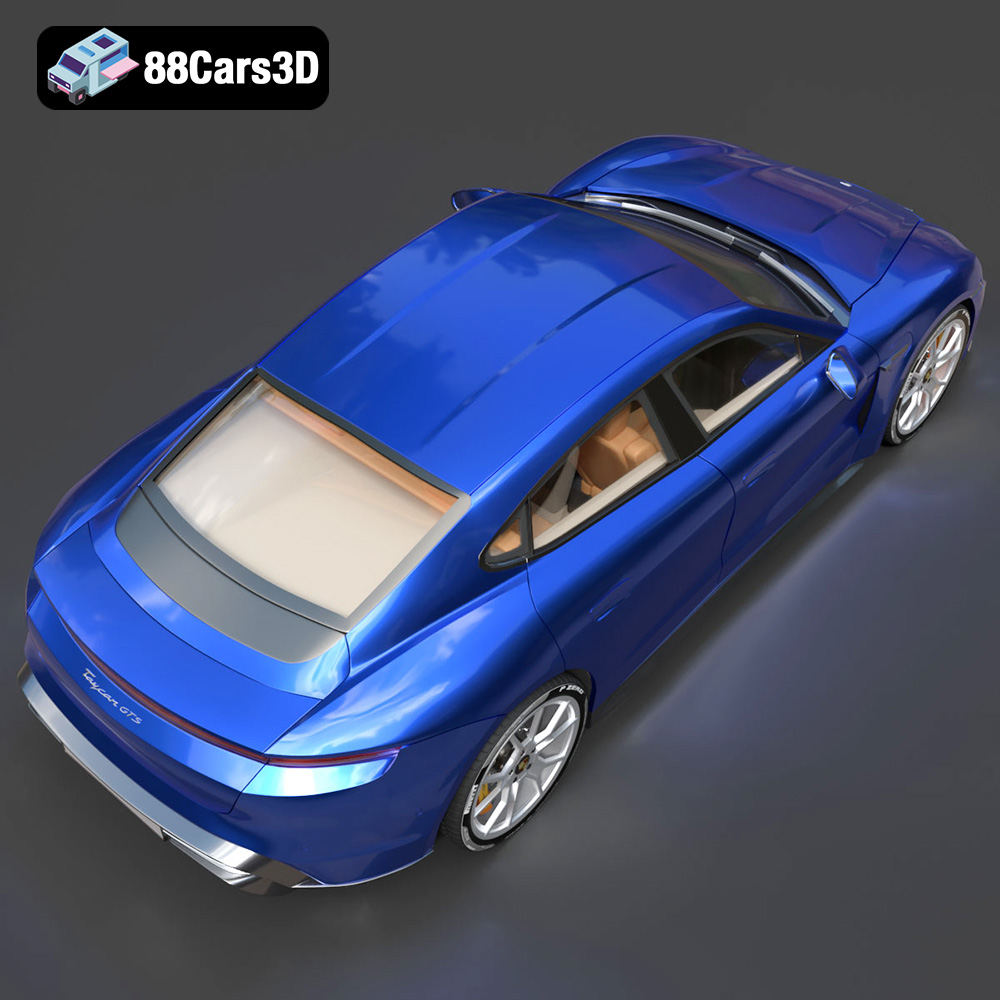
The Porsche Taycan GTS 2022 represents a significant leap in electric vehicle performance, and now, thanks to 88cars3d.com, you can bring this iconic sports sedan to life with 3D printing. This blog post will guide you through the process of 3D printing the Porsche Taycan GTS 2022 3D model, covering everything from pre-print preparation and optimal printer settings to post-processing techniques. Whether you’re a seasoned 3D printing enthusiast or just starting out, this guide will equip you with the knowledge to create a stunning replica of this high-performance EV.
The choice of 3D printer significantly impacts the final quality of your 3D printed Porsche Taycan GTS 2022. Several factors come into play, including printer type, build volume, and resolution.
* **FDM (Fused Deposition Modeling) printers:** These printers are a popular choice due to their affordability and ease of use. They work by extruding a thermoplastic filament, such as PLA or PETG, layer by layer. While FDM printers can produce larger parts relatively quickly, they may not capture the fine details of the Taycan GTS 2022 as accurately as resin printers.
* **Resin (SLA/DLP/MSLA) printers:** Resin printers utilize liquid resin that is cured by UV light. They offer superior resolution and can produce incredibly detailed models with smooth surfaces. This makes them ideal for capturing the intricate design features of the Porsche Taycan GTS 2022. However, resin printers typically have smaller build volumes and require more involved post-processing.
The Porsche Taycan GTS 2022 3D model, like many car models, may require a larger build volume depending on the scale you wish to print. If your printer’s build volume is limited, you might need to split the model into multiple parts and assemble them later. Consider this when choosing your printer or scaling the model in your slicing software.
Selecting the correct file format is crucial for a successful 3D printing experience. The Porsche Taycan GTS 2022 3D model from 88cars3d.com comes with a variety of formats, each suited for different applications. Let’s delve into the most common formats and their implications for 3D printing.
.stl – Industry standard for 3D printing, mesh-only format
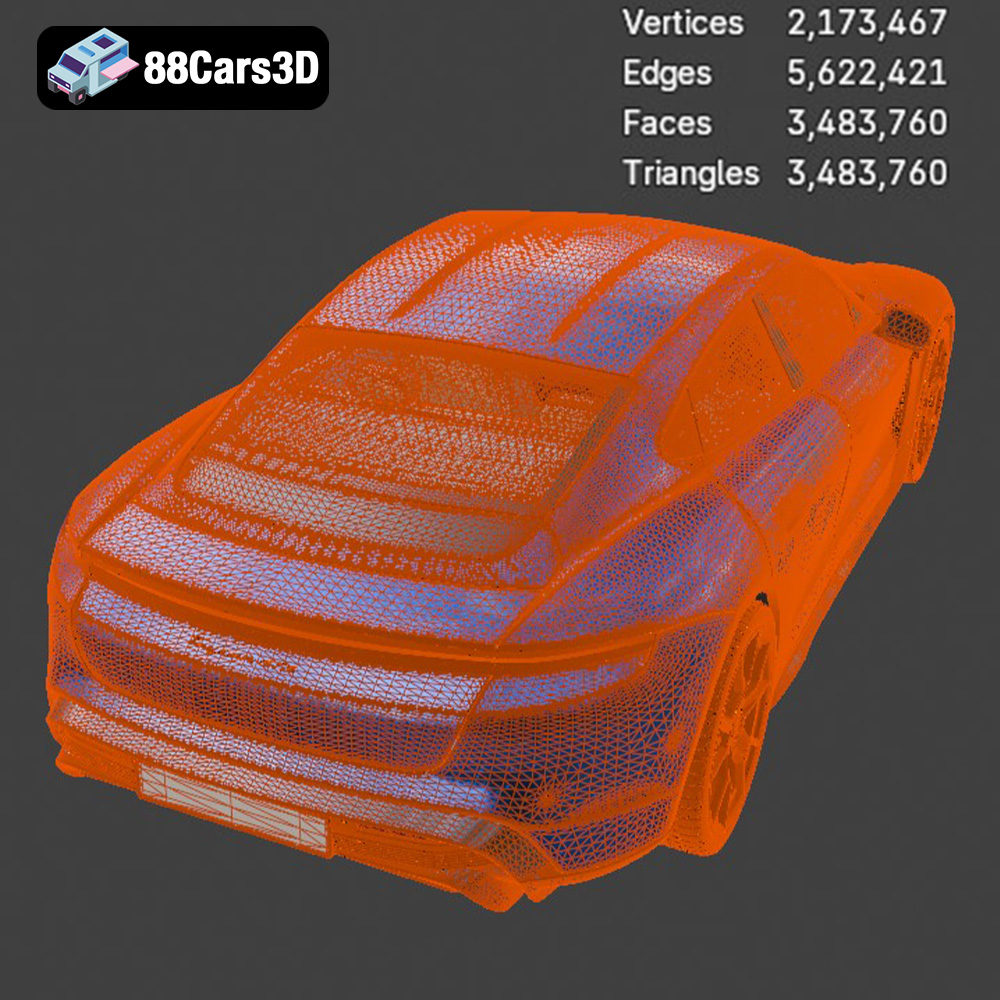
The STL (Stereolithography) file format is the workhorse of 3D printing. It represents the 3D model’s surface geometry as a collection of triangles. This simplicity makes it universally compatible with slicing software, which prepares the model for printing by converting it into a series of instructions for the 3D printer. While STL is great for printing, it’s essential to ensure the model’s mesh quality is high, with a sufficient number of triangles to accurately represent the curves and details of the Porsche Taycan GTS 2022. A low-resolution STL file can result in a blocky, faceted print. During the export process from the original modeling software, you can usually control the resolution, aiming for a balance between file size and detail. As the STL file only contains mesh data, any color or texture information is not included.
.obj – Universal format with texture support for colored prints
OBJ is another widely supported 3D model format. Unlike STL, OBJ can store color and texture information, making it suitable for models intended for rendering or game development. While some advanced 3D printers can print in multiple colors, OBJ files are generally not used when creating single-color prints of models like the Porsche Taycan GTS 2022. The slicer mainly utilizes the mesh data and ignores the associated material properties.
.ply – Precision mesh format for high-detail prints
PLY is a file format designed for storing 3D data acquired from 3D scanners. It’s known for its ability to represent high-detail meshes with associated vertex properties like color and normals. While PLY can store detailed information, its compatibility with slicing software is not as universal as STL. If you are working with highly detailed scanned data or want to explore advanced features, PLY is a good option, but for general 3D printing of models from sites like 88cars3d.com, STL is generally more straightforward.
.blend – Editable Blender scene for customization before export
BLEND files are native to Blender, a free and open-source 3D creation suite. If you have Blender installed, you can directly open and edit the Porsche Taycan GTS 2022 model in the BLEND format. This allows for complete customization before exporting the model in a printable format like STL. You can modify the geometry, add details, or even split the model into parts for easier printing. This is the preferred option if you want maximum control over the final result.
.fbx – For importing into slicing software with materials
FBX (Filmbox) is a proprietary file format developed by Autodesk. It’s commonly used in game development and animation pipelines because it can store complex scene data, including geometry, materials, textures, and animations. While some slicing software may support importing FBX files, the material and animation data are generally ignored during the slicing process. The main use case for the FBX format for the Porsche Taycan GTS 2022 would be if you intended to integrate the model into a game engine environment after printing and needed consistent material properties between the 3D print and the digital asset.
.glb – For previewing models in AR before printing
GLB is a binary file format that represents 3D models in the glTF (GL Transmission Format) standard. It’s designed for efficient transmission and loading of 3D scenes, making it ideal for web-based applications and augmented reality (AR) experiences. GLB files can store geometry, textures, and animations. While not directly used for 3D printing, the GLB format allows you to preview the Porsche Taycan GTS 2022 model in an AR environment before committing to a print.
.max – Editable 3ds Max project for modifications
MAX files are native to 3ds Max, another professional 3D modeling and animation software from Autodesk. Similar to BLEND files, MAX files allow you to fully edit and customize the model before exporting it in a printable format. The main advantage of using MAX files is access to its powerful modeling tools and rendering capabilities.
In summary, for 3D printing the Porsche Taycan GTS 2022 model, the **STL format is the most recommended due to its universal compatibility and ease of use.** If you plan on customizing the model before printing, the BLEND or MAX files offer the most flexibility, followed by exporting to STL. Ensure that the STL file has a sufficient mesh resolution to capture the details of the model.
Before sending the STL file to your 3D printer, you need to prepare it using slicing software. This software converts the 3D model into a series of layers that the printer can understand and execute.
Popular slicing software options include Cura, PrusaSlicer, Simplify3D, and Chitubox (for resin printers). Each software offers a range of settings that affect the print quality, speed, and material usage.
* **Layer Height:** A lower layer height (e.g., 0.1mm) results in smoother surfaces and finer details, ideal for capturing the curves of the Porsche Taycan GTS 2022. However, it also increases the print time. A higher layer height (e.g., 0.2mm) is faster but may sacrifice some detail.
* **Infill Density:** Infill refers to the internal structure of the printed object. A higher infill density (e.g., 20%) makes the model stronger but uses more material. A lower infill density (e.g., 10%) is faster and more economical but may compromise structural integrity. For the Taycan GTS 2022, consider a higher infill for areas that require strength, such as the chassis or axles.
* **Support Structures:** Overhanging features require support structures to prevent them from collapsing during printing. Slicing software automatically generates these supports, which can be removed after printing. Carefully consider the support placement to minimize the impact on the surface finish.
* **Print Speed:** Slower print speeds generally result in better print quality. Experiment with different speeds to find the optimal balance between speed and quality.
The orientation of the model on the print bed can significantly impact the print quality and the amount of support material required. For the Porsche Taycan GTS 2022, consider orienting the model with the flattest surface facing down to maximize adhesion to the print bed. Angling the model slightly can help minimize the need for supports on curved surfaces.
Carefully analyze the model in your slicing software and manually add or adjust supports as needed. Minimize the contact points between the supports and the model surface to make removal easier and reduce the risk of damage.
The material you choose will influence the aesthetic, strength, and durability of your 3D printed Porsche Taycan GTS 2022.
PLA (Polylactic Acid) is a biodegradable thermoplastic known for its ease of use and wide availability. It’s a great option for beginners due to its low printing temperature and minimal warping. PLA is suitable for creating display models of the Taycan GTS 2022. However, it’s not as heat-resistant or durable as other materials.
PETG (Polyethylene Terephthalate Glycol-modified) offers improved strength, flexibility, and heat resistance compared to PLA. It’s a good choice for parts that need to withstand some stress or exposure to higher temperatures. PETG is a versatile material for printing functional parts of the Taycan GTS 2022, such as wheels or axles.
Resin offers the highest level of detail and surface finish. It’s ideal for capturing the intricate design elements of the Porsche Taycan GTS 2022. However, resin prints are typically more brittle than FDM prints and require careful handling. Consider using a high-quality resin specifically formulated for 3D printing.
Post-processing is an essential step in achieving a polished and professional-looking 3D printed Porsche Taycan GTS 2022.
Carefully remove the support structures using pliers or a sharp knife. Be patient and avoid damaging the model surface. Once the supports are removed, use sandpaper to smooth out any imperfections and layer lines. Start with coarse sandpaper (e.g., 220 grit) and gradually move to finer grits (e.g., 400, 600, 800 grit) for a smooth finish. Wet sanding can help minimize dust and improve the sanding process.
Apply a primer coat to the model to create a uniform surface for painting. Choose a primer that is compatible with your chosen material. Once the primer is dry, you can apply paint using spray paint or an airbrush. Consider using automotive-grade paints for a durable and realistic finish. Apply multiple thin coats of paint rather than one thick coat to avoid runs and drips. Allow each coat to dry completely before applying the next.
If you printed the Taycan GTS 2022 in multiple parts, carefully assemble them using glue or screws. Ensure that the parts are properly aligned before bonding them together. Use clamps or tape to hold the parts in place while the adhesive dries.
Even with careful preparation, you may encounter some common 3D printing issues. Here are some tips for troubleshooting:
* **Warping:** This occurs when the printed object lifts off the print bed, especially at the corners. Ensure that your print bed is properly leveled and that you are using the correct bed adhesion settings (e.g., brim or raft).
* **Stringing:** This refers to thin strands of plastic that form between different parts of the model. Increase retraction settings in your slicing software to minimize stringing.
* **Layer Shifting:** This happens when the layers of the print are misaligned. Check the belts and pulleys on your 3D printer to ensure they are properly tightened.
* **Under-Extrusion:** This occurs when the printer doesn’t extrude enough plastic. Check your nozzle for clogs and ensure that your filament is feeding properly.
By following these tips and tricks, you can successfully 3D print a stunning replica of the Porsche Taycan GTS 2022. The detailed model available on 88cars3d.com provides an excellent starting point for creating your own customized version of this iconic electric sports sedan. Remember to experiment with different settings and materials to achieve the desired results.
Experience the pinnacle of electric performance with the meticulously crafted Porsche Taycan GTS 2022 3D Model. This premium digital asset captures the iconic aerodynamic lines, striking silhouette, and refined aesthetics of the renowned sports sedan. Every exterior panel and interior component has been expertly modeled to provide an unparalleled level of realism and accuracy for your creative projects.
$19.99
.arvr
.blend
.car3dmodel
.electriccar
.fbx
.gameasset
.glb
.gts
.max
.obj
.ply
.porsche
.rendering
.sedan
.simulation
.sportssedan
.stl
.taycan
.taycangts
.unreal