Get 50% OFF All Premium 3D & STL Models!

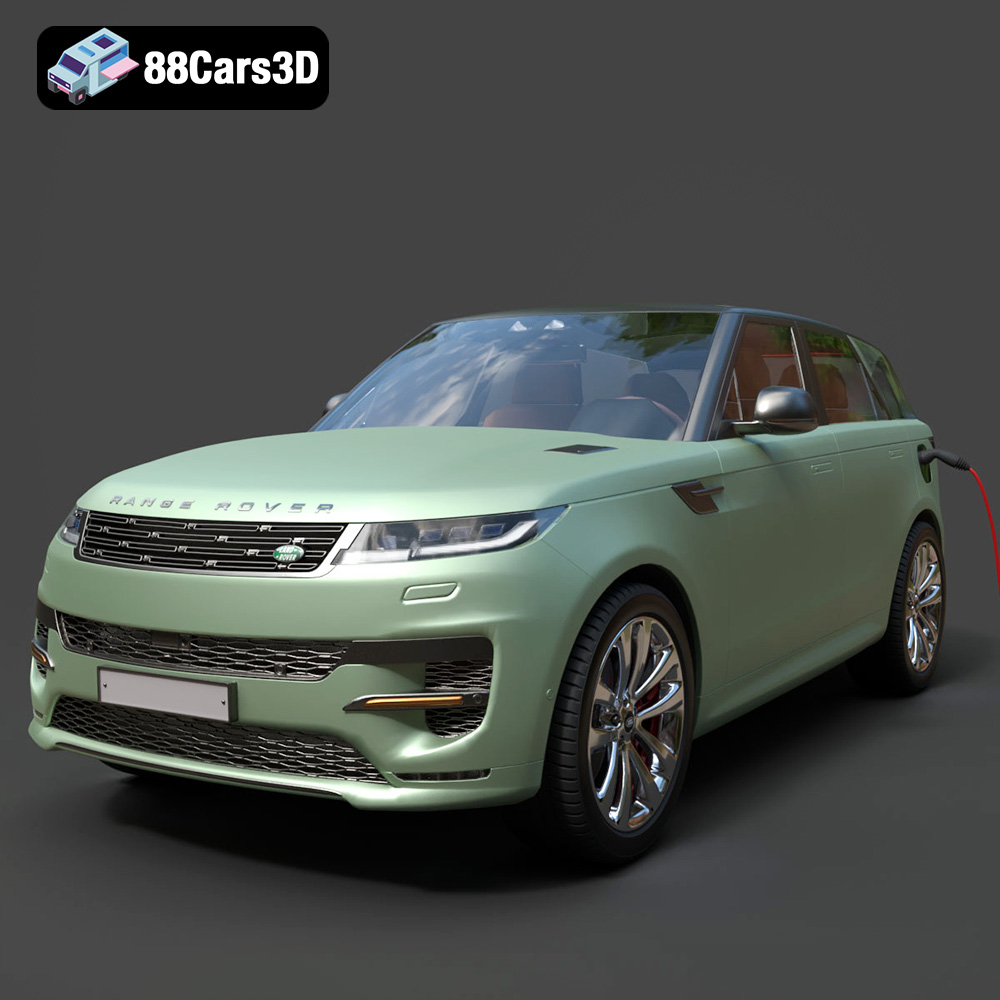
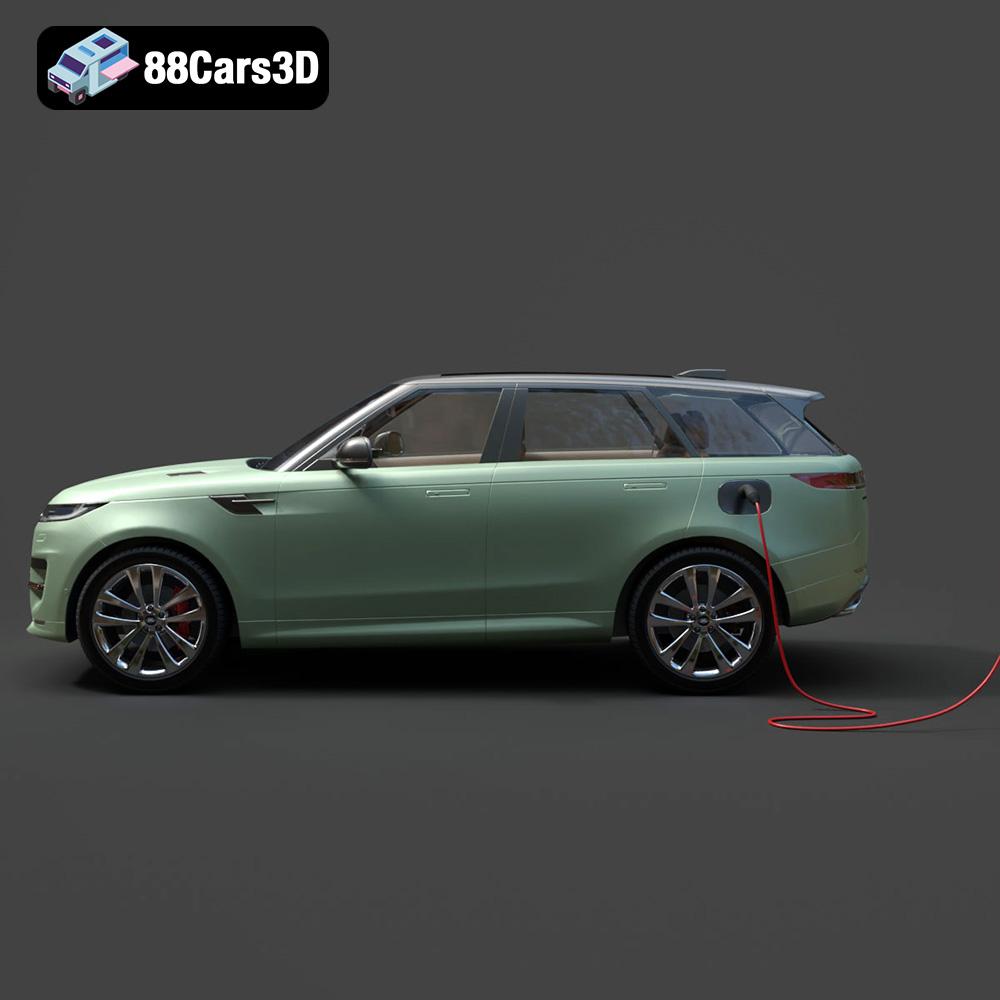
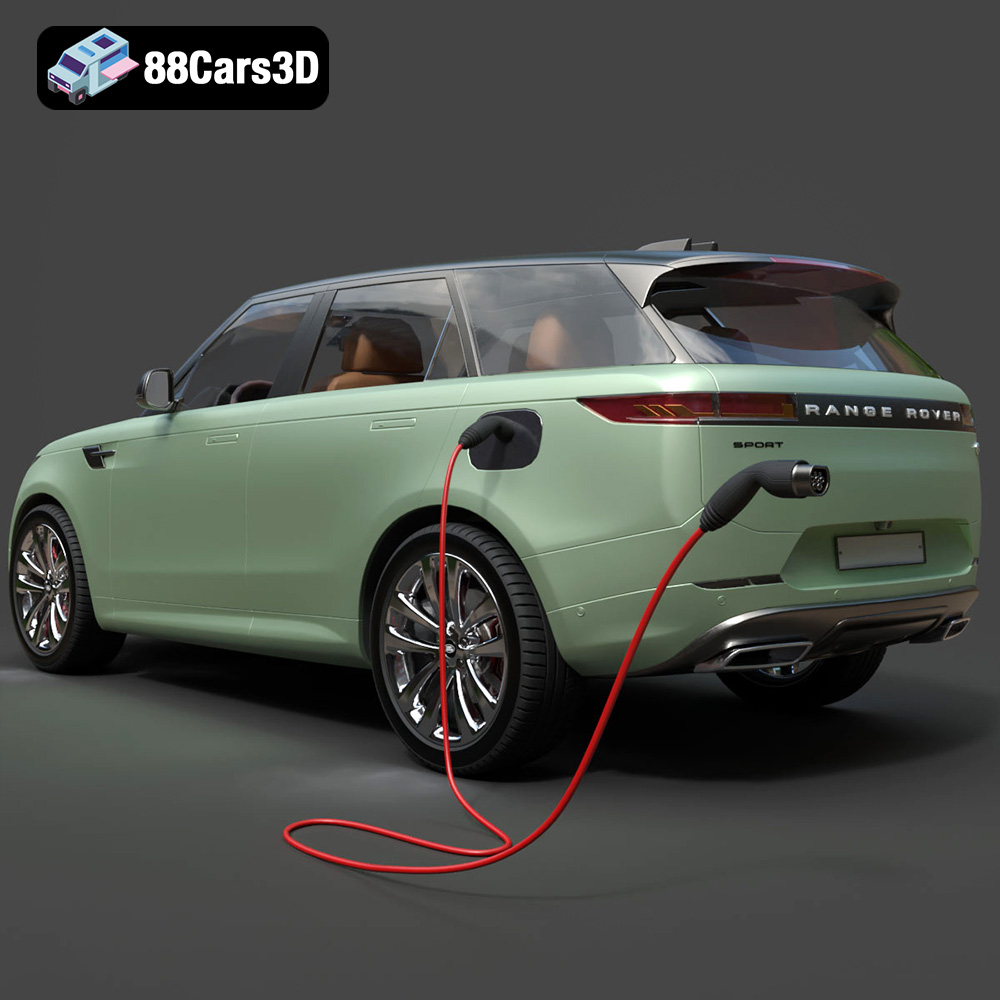
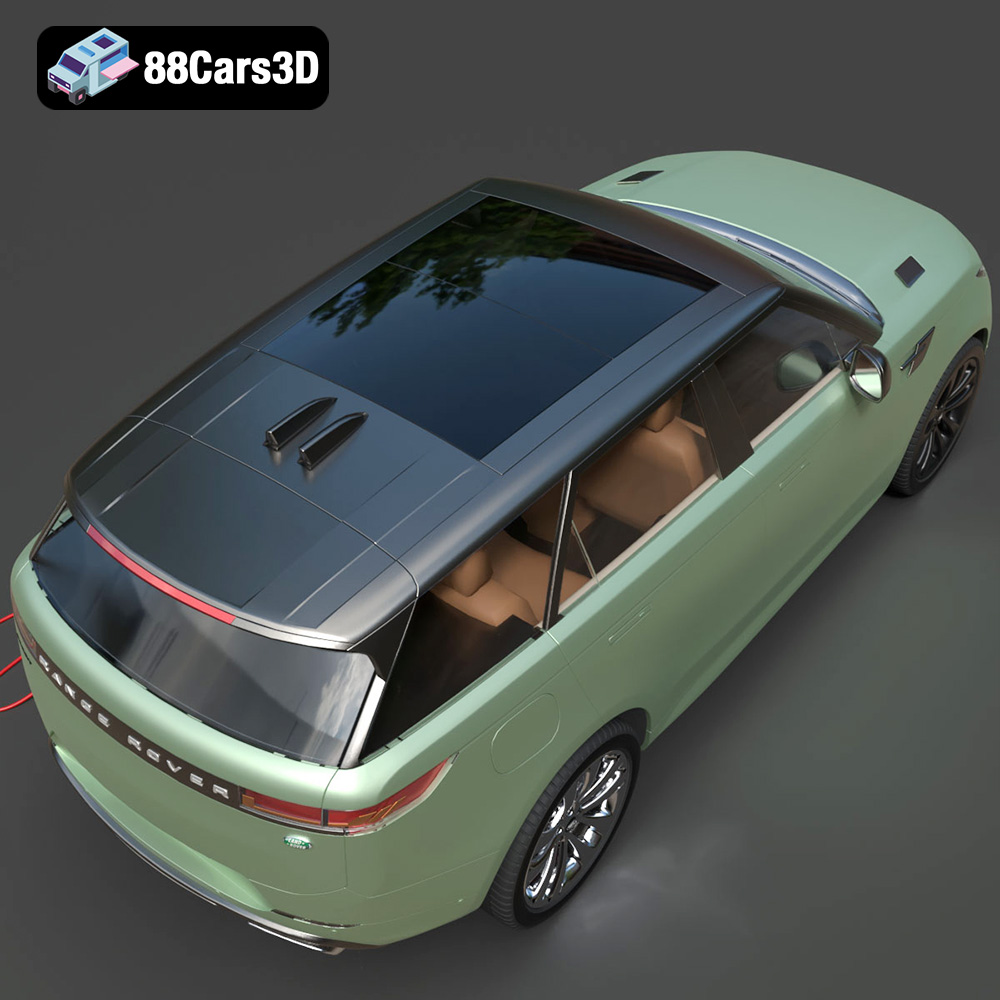
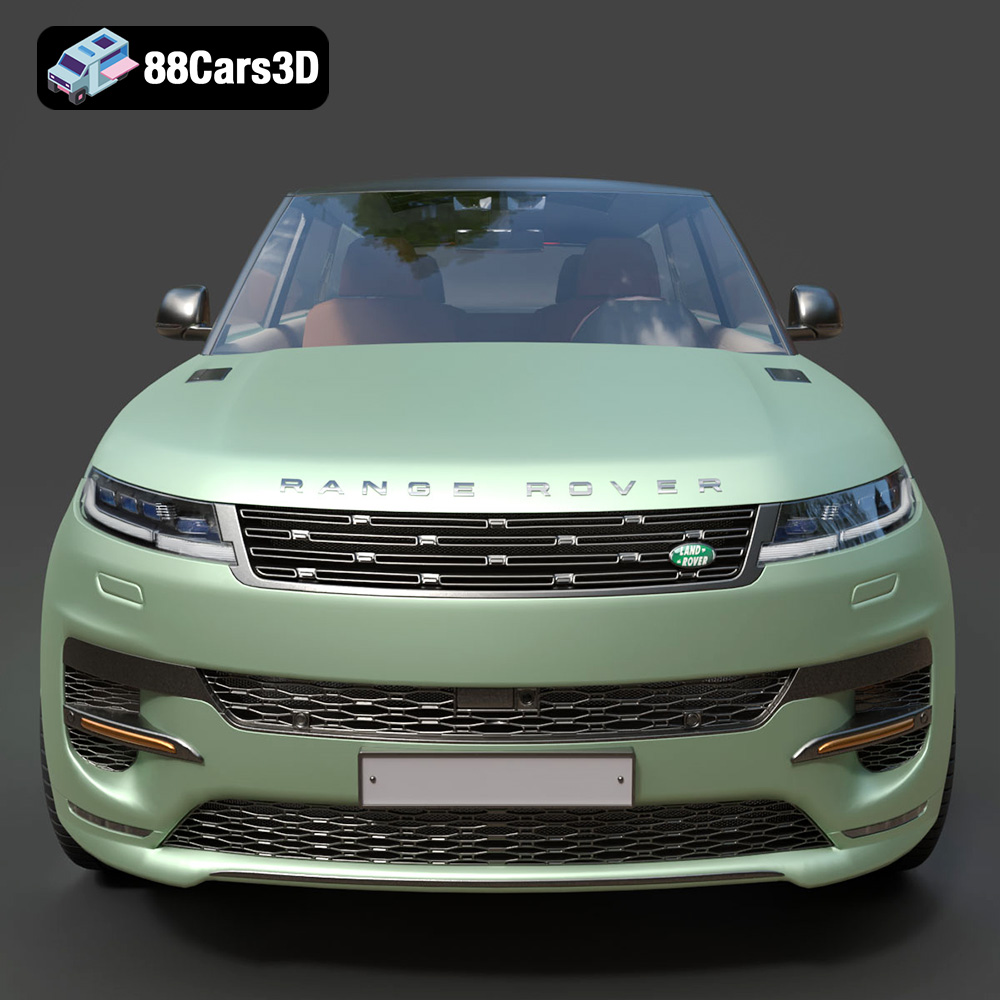
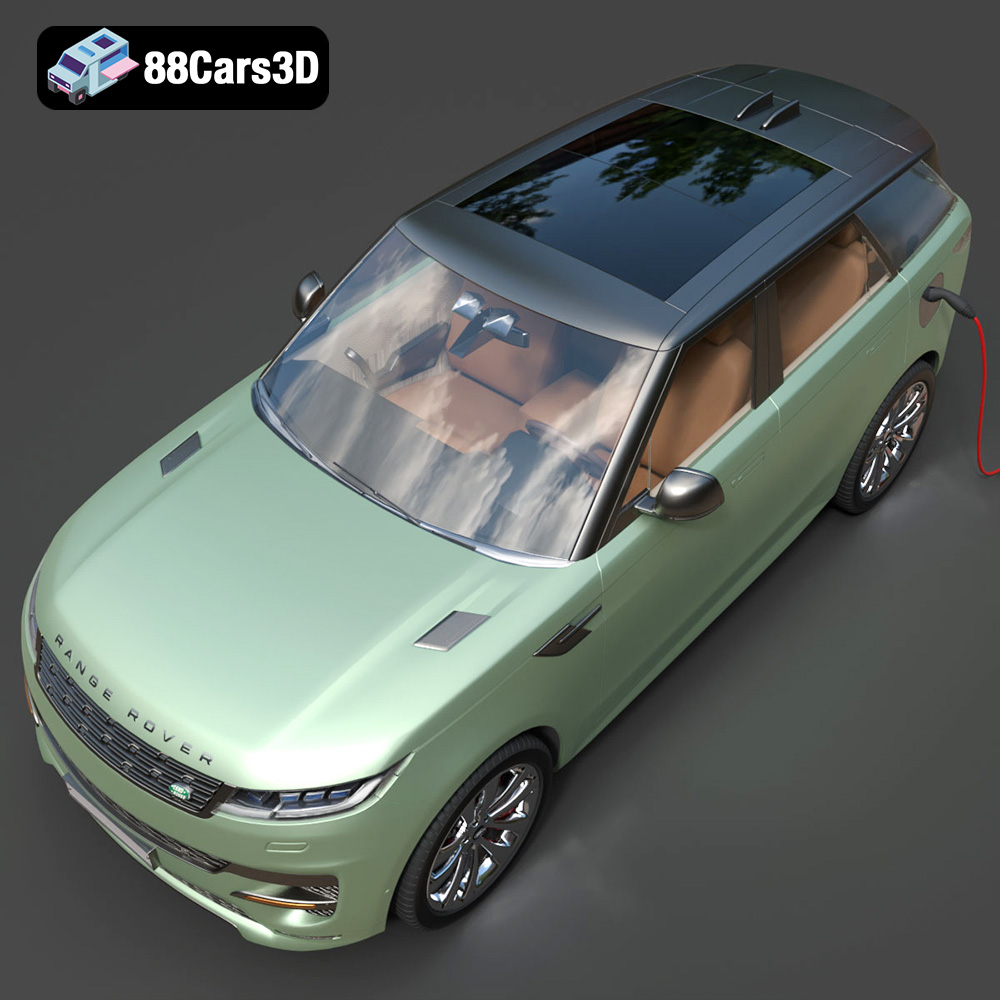
The Range Rover Sport Hybrid PHEV 2023 is a stunning vehicle, and now you can bring a piece of that automotive excellence into your home with a 3D printed model. This guide will walk you through every step of the process, from preparing your STL files to post-processing your finished print. Whether you’re a seasoned 3D printing enthusiast or just starting out, you’ll find valuable tips and techniques to achieve a high-quality, accurate replica. The 3D model available at 88cars3d.com offers exceptional detail, making it a rewarding project for any automotive aficionado.
Selecting the appropriate 3D printer is crucial for a successful project. Several factors come into play, including printer type, build volume, and resolution.
* **FDM (Fused Deposition Modeling):** FDM printers are generally more affordable and easier to use. They extrude melted plastic filament layer by layer. For larger parts of the Range Rover Sport Hybrid PHEV 2023, an FDM printer with a decent build volume would be suitable. However, achieving extremely fine details might be challenging. Consider nozzle sizes; a smaller nozzle (0.25mm or 0.4mm) will improve detail resolution.
* **Resin (SLA/DLP/LCD):** Resin printers offer superior detail and smoother surfaces. They use liquid resin cured by UV light. If you’re aiming for a highly detailed model, especially for smaller components or intricate features like the interior, a resin printer is the better choice. However, resin printers typically have smaller build volumes and require more involved post-processing (washing and curing). The models available on 88cars3d.com are detailed enough that a resin printer would really show off its quality.
The Range Rover Sport is a relatively large vehicle, even in model form. Before purchasing or starting a print, ensure your chosen printer has a build volume large enough to accommodate the largest single piece of the model. You may need to divide the model into smaller parts for printing and then assemble them later. Check the dimensions of the STL files before starting!
Choosing the correct file format is paramount for a seamless 3D printing experience. While many formats exist, some are better suited for additive manufacturing than others.
The .stl (stereolithography) file format is the undisputed industry standard for 3D printing. It represents the surface geometry of a 3D object as a collection of triangles. While simple in its representation, STL files are universally compatible with slicing software and 3D printers.
**Key Considerations for STL Files:**
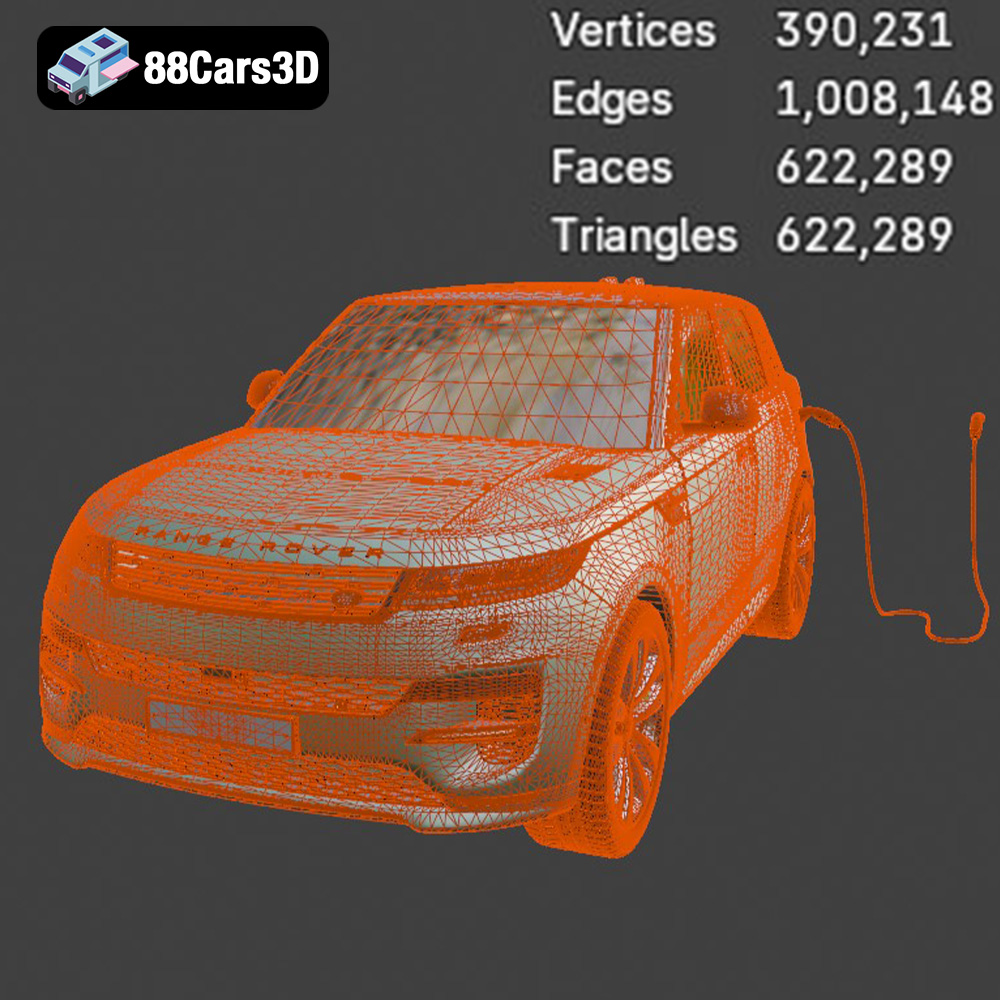
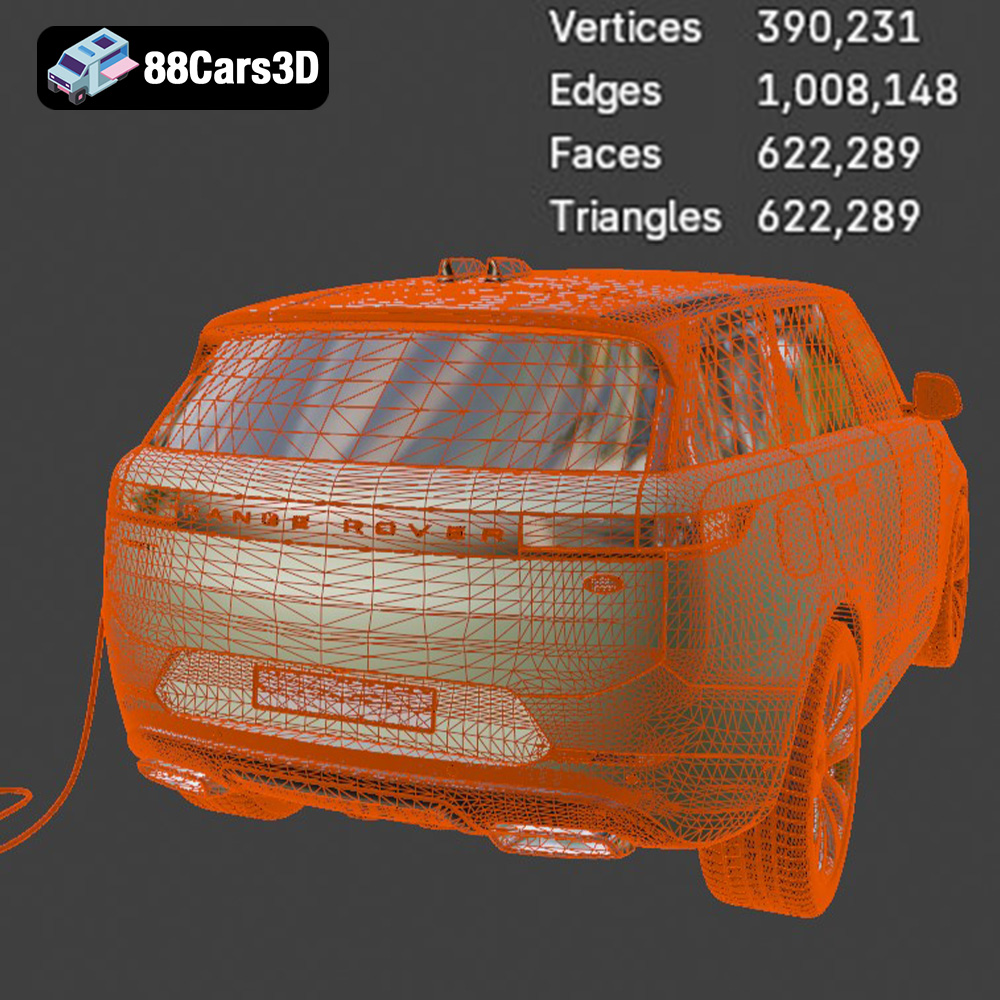
* **Mesh Quality:** The resolution of the triangular mesh directly impacts the print quality. A higher triangle count results in a smoother surface but also increases file size and processing time. Slicing software can sometimes struggle with overly complex meshes, so finding a balance is crucial. The models from 88cars3d.com are optimized to have a good mesh quality.
* **Watertightness:** STL files must be “watertight,” meaning they must represent a closed volume with no gaps or holes in the mesh. Non-watertight models will cause errors during slicing and printing. Most slicing software includes tools for repairing minor mesh issues.
* **Normal Orientation:** Each triangle in the mesh has a “normal” vector that indicates its outward-facing direction. Incorrectly oriented normals can lead to inside-out surfaces and printing errors. Again, slicing software can usually detect and correct normal orientation issues.
**Compatibility and Slicing:**
All slicing software packages (e.g., Cura, Simplify3D, PrusaSlicer) natively support STL files. They will import the mesh data, allow you to scale, rotate, and position the model, and then generate the G-code instructions for your 3D printer.
The .obj (Wavefront Object) format is another common 3D model format. Unlike STL, OBJ files can store color and texture information, making them suitable for printing with multi-material or full-color printers.
The .ply (Polygon File Format) is designed to store 3D data acquired from 3D scanners. It can represent complex geometries with high precision and can also store color and texture data.
The .blend format is the native file format for Blender, a popular open-source 3D modeling software. It stores the entire scene, including the model geometry, materials, textures, lighting, and camera settings. This allows for significant customization before exporting to a printable format.
The .fbx (Filmbox) format is a proprietary file format developed by Autodesk. It’s commonly used for exchanging 3D data between different software applications, especially in game development and animation. While FBX can store materials and textures, these are not always directly transferable to 3D printing.
The .glb (GL Transmission Format Binary) is a binary file format that represents 3D models in a compact and efficient manner. It’s designed for real-time rendering and is often used for displaying 3D models in web browsers and augmented reality (AR) applications.
.max files are native to Autodesk 3ds Max. Like .blend files, they store complete project information.
**Which Format to Use for 3D Printing:**
For the Range Rover Sport Hybrid PHEV 2023 model from 88cars3d.com, the **.stl format is the most suitable** for standard 3D printing. Ensure the STL file is watertight and that the mesh resolution is appropriate for your printer’s capabilities. If you plan to modify the model, use the .blend or .max files in Blender or 3ds Max, then export to STL for printing. The OBJ format may be of interest if you have access to a multi-material printer and wish to experiment with color.
Once you’ve chosen your file format, it’s time to prepare the model for printing using slicing software. This is where you define critical settings that will affect the final outcome.
* **Layer Height:** Lower layer heights (e.g., 0.1mm – 0.2mm) will result in smoother surfaces and finer details, but they’ll also increase print time. A layer height of 0.15mm to 0.2mm is a good starting point for the Range Rover Sport Hybrid PHEV 2023 model.
* **Infill Density:** Infill density determines the internal structure of the print. A higher infill density (e.g., 20% – 30%) will make the model stronger but also increase material consumption and print time. For a display model, 15-20% infill is usually sufficient.
* **Print Speed:** Adjust print speed based on your printer’s capabilities and the complexity of the model. Slower speeds generally result in better quality.
* **Support Structures:** The Range Rover Sport Hybrid PHEV 2023 model likely has overhangs that will require support structures. Slicing software automatically generates these supports, which are later removed. Experiment with different support patterns and densities to find the optimal balance between support strength and ease of removal.
* **Adhesion:** Ensure the print adheres to the build plate properly. Rafts or brims can provide a larger surface area for adhesion and prevent warping, particularly with ABS or other materials prone to warping.
The orientation of the model on the build plate significantly affects print quality and the need for support structures.
* **Minimize Overhangs:** Orient the model to minimize the number and extent of overhangs, reducing the need for supports.
* **Surface Finish:** Consider which surfaces are most visible and orient the model to place those surfaces facing upwards. This will result in a smoother finish on those critical areas.
* **Strength:** If structural integrity is a concern, orient the model so that the layers are aligned with the direction of stress.
The choice of material impacts the appearance, durability, and functionality of your 3D printed model.
PLA is a biodegradable thermoplastic that is easy to print and offers good detail. It’s a great option for display models or prototypes. PLA is not ideal for parts exposed to high temperatures, as it can soften and deform.
PETG offers a good balance of strength, flexibility, and temperature resistance. It’s more durable than PLA and slightly more difficult to print. PETG is a good choice for parts that need to withstand some stress or outdoor conditions.
ABS is a strong and durable thermoplastic that is commonly used in automotive parts. It requires higher printing temperatures and a heated bed to prevent warping. ABS is a good choice for functional parts or models that need to withstand high temperatures.
As mentioned earlier, resin offers exceptional detail but is more brittle than thermoplastics. It’s a good choice for highly detailed display models, but it’s not suitable for functional parts that need to withstand stress.
For the Range Rover Sport Hybrid PHEV 2023 model, PLA or PETG are recommended for FDM printing. PLA is a good starting point due to its ease of use. If you want a more durable model, PETG is a better option. If using a resin printer, standard or tough resins will work well. Consider experimenting with different colors to match the real vehicle!
Post-processing is essential to refine the appearance and finish of your 3D printed model.
* **Removing Support Structures:** Carefully remove support structures using pliers, cutters, or a sharp knife. Be gentle to avoid damaging the model.
* **Sanding:** Start with coarse-grit sandpaper (e.g., 220 grit) to remove any imperfections or layer lines. Gradually move to finer grits (e.g., 400 grit, 600 grit, 800 grit) to achieve a smooth surface. Wet sanding can help reduce dust and improve the surface finish.
* **Priming:** Apply a primer to the model to create a uniform surface for painting and improve adhesion.
* **Painting:** Use spray paint or airbrush to apply the desired colors. Multiple thin coats are better than one thick coat to avoid runs and drips.
* **Clear Coating:** Apply a clear coat to protect the paint and add a glossy or matte finish.
If the model was printed in multiple parts, carefully assemble them using glue or epoxy. Ensure proper alignment and allow the adhesive to cure completely.
Even with careful preparation, you may encounter some issues during the 3D printing process.
Warping occurs when the printed part lifts from the build plate due to uneven cooling. To prevent warping:
* Use a heated bed (if available).
* Increase bed adhesion with a raft or brim.
* Enclose the printer to maintain a more consistent temperature.
Stringing occurs when small strands of filament are left between different parts of the print. To prevent stringing:
* Reduce printing temperature.
* Increase retraction distance and speed.
* Adjust travel speed.
Layer shifting occurs when the layers of the print are misaligned. To prevent layer shifting:
* Ensure the printer is stable and not vibrating.
* Tighten belts and screws.
* Reduce printing speed.
Elephant’s foot is a widening of the first few layers of a print. This can be prevented by adjusting the initial layer settings in your slicer.
Before starting your print, it’s helpful to estimate the print time and material costs. Slicing software provides estimates based on your settings. Consider these factors:
* **Print Time:** Layer height, infill density, and print speed all affect print time.
* **Material Usage:** The volume of the model and the infill density determine material usage.
* **Material Cost:** The price of the filament or resin will vary depending on the type and brand.
A model like the Range Rover Sport Hybrid PHEV 2023 could take anywhere from 8-24 hours to print depending on size and detail level. Material costs will likely range from $5 to $20.
3D printing the Range Rover Sport Hybrid PHEV 2023 3D model is a rewarding project that combines technical skill with automotive passion. By carefully selecting your printer and materials, preparing your model with slicing software, and mastering post-processing techniques, you can create a stunning replica of this iconic vehicle. Remember to experiment with different settings and materials to find what works best for your printer and desired outcome. The high-quality models available at 88cars3d.com provide an excellent starting point for this exciting additive manufacturing journey. Good luck, and happy printing!
The Range Rover Sport Hybrid PHEV 2023 3D Model brings an incredible level of realism to your digital projects. Accurately modeled to reflect the sophisticated design and dynamic stance of the real vehicle, this asset features a meticulously detailed exterior and a fully modeled interior. Designed with clean geometry and professional-grade polygon topology, this model ensures optimal performance across various platforms.
$19.99
.arvr
.blend
.car3dmodel
.fbx
.gameasset
.glb
.hybrid
.landrover
.luxurycar
.max
.obj
.phev
.ply
.rangerover
.rendering
.simulation
.sport
.sporthybrid
.stl
.unreal
SUV