Get 50% OFF All Premium 3D & STL Models!

“`html
The world of 3D printing offers exciting possibilities for automotive enthusiasts, hobbyists, and model makers. Platforms like 88cars3d.com provide a treasure trove of high-quality, printable car models in STL format. But when it comes to bringing these digital designs to life, the choice between Resin and FDM (Fused Deposition Modeling) printing can be a crucial one. This article dives deep into the pros and cons of each technology, exploring their strengths and weaknesses in the context of printing intricate car models. We’ll examine everything from STL file preparation and slicing parameters to post-processing techniques and material selection, providing you with the knowledge to make an informed decision and achieve stunning results. Whether you’re aiming for ultra-detailed miniatures or robust, functional prototypes, understanding the nuances of Resin and FDM printing is essential.
FDM printing, also known as Fused Filament Fabrication (FFF), is the most widely used 3D printing technology. It works by extruding molten thermoplastic filament through a heated nozzle, layer by layer, onto a build platform. This process is well-suited for creating durable and functional parts, but its suitability for highly detailed car models requires careful consideration. The layer-by-layer construction inherent in FDM can lead to visible layer lines, which may detract from the aesthetic appeal of smaller or more intricate car models. However, with the right settings and techniques, FDM can still produce impressive results, especially for larger-scale models.
FDM printers support a wide range of thermoplastic materials, each with its own unique properties. PLA (Polylactic Acid) is a popular choice due to its ease of printing and biodegradability. It’s suitable for creating display models and prototypes but may not be ideal for parts that require high heat resistance or impact strength. PETG (Polyethylene Terephthalate Glycol) offers a good balance of strength, flexibility, and heat resistance, making it a versatile option for car models. ABS (Acrylonitrile Butadiene Styrene) is known for its durability and impact resistance, but it requires higher printing temperatures and a heated bed to prevent warping. For specialized applications, materials like nylon and carbon fiber-reinforced filaments can provide even greater strength and stiffness.
Achieving optimal results with FDM printing requires careful adjustment of various print settings. Layer height is a critical parameter that directly affects print quality and print time. Lower layer heights (e.g., 0.1mm or 0.05mm) result in smoother surfaces and finer details but significantly increase print time. A layer height of 0.2mm to 0.3mm is often a good compromise for larger models where print speed is a priority. Infill density determines the internal structure of the model. For purely aesthetic car models, a lower infill percentage (e.g., 10-15%) may suffice. However, for models that need to withstand stress or be used as prototypes, a higher infill percentage (e.g., 25-50%) is recommended. Print speed also affects print quality. Slower print speeds generally result in smoother surfaces and fewer printing errors. A print speed of 40-60mm/s is a good starting point, but you may need to adjust it based on the specific material and printer.
Resin 3D printing, also known as Stereolithography (SLA) or Digital Light Processing (DLP), offers unparalleled precision and detail. It works by selectively curing liquid resin using a UV light source. This technology excels at producing intricate geometries, smooth surfaces, and fine features, making it an ideal choice for creating highly detailed car models, especially those requiring a high level of aesthetic fidelity. The layer resolution achievable with resin printing is significantly higher than with FDM, resulting in virtually invisible layer lines. This makes resin printing particularly well-suited for producing miniature car models and display pieces.
A variety of resin types are available, each with its own unique properties and applications. Standard resins are suitable for general-purpose printing and offer a good balance of strength and detail. Tough resins are formulated to withstand higher stress and impact, making them ideal for parts that need to be more durable. Flexible resins allow for the creation of parts with some degree of flexibility and elasticity. Castable resins are specifically designed for creating patterns for investment casting, allowing you to produce metal car parts from 3D-printed models. When selecting a resin, consider the intended use of the car model and the desired properties of the final part.
Successful resin printing requires careful attention to print settings. Layer height is even more critical in resin printing than in FDM. Lower layer heights (e.g., 0.05mm or 0.025mm) are essential for capturing fine details and minimizing layer lines. Exposure time determines how long each layer is exposed to the UV light. Insufficient exposure can lead to incomplete curing and weak parts, while overexposure can result in blurred details and excessive resin usage. Support structures are crucial for resin printing, as they hold the model in place during the printing process and prevent it from detaching from the build platform. The placement and density of support structures need to be carefully planned to ensure adequate support without leaving excessive marks on the finished model. Most slicing software, like Chitubox or Lychee Slicer, can automatically generate support structures, but manual adjustments are often necessary to optimize their placement and minimize their impact on the surface finish.
Regardless of whether you choose FDM or resin printing, proper STL file preparation is essential for achieving successful results. STL files represent 3D models as a collection of triangles, and imperfections in the mesh can lead to printing errors. When downloading models from marketplaces such as 88cars3d.com, you can usually rely on the quality, but it’s still good practice to check and repair the files. Mesh repair involves identifying and correcting errors such as non-manifold edges, flipped normals, and holes in the mesh. These errors can cause slicing problems, printing failures, and weak spots in the finished model.
Several software tools are available for mesh repair, including Meshmixer, Netfabb, and Blender. Meshmixer is a free and user-friendly option that offers a range of tools for repairing and modifying STL files. Netfabb is a more advanced software package with powerful mesh repair capabilities. Blender is a versatile open-source 3D modeling software that can also be used for mesh repair. These tools can automatically detect and fix common mesh errors, such as holes and flipped normals. However, manual intervention may be required for more complex issues.
The orientation of the model on the build platform can significantly affect print quality and support requirements. For FDM printing, orienting the model to minimize the number of overhangs can reduce the need for support structures. For resin printing, orienting the model at an angle can improve surface finish and reduce the likelihood of layer separation. Experimenting with different orientations is often necessary to find the optimal configuration for a given model. Consider the location of critical features and the direction of the layer lines when choosing an orientation.
Post-processing is an essential step in the 3D printing workflow, regardless of whether you’re using FDM or resin printing. Post-processing techniques include removing support structures, sanding, painting, and assembly. These techniques are used to refine the surface finish, enhance the aesthetic appeal, and assemble multiple parts into a complete car model.
Removing support structures can be a time-consuming and delicate process. For FDM prints, support structures can often be snapped off or cut away using pliers or a hobby knife. For resin prints, support structures are typically more fragile and require careful removal using flush cutters or a sharp blade. After removing the supports, the surface may need to be sanded to remove any remaining remnants and smooth out imperfections. Start with coarse-grit sandpaper and gradually work your way up to finer grits to achieve a smooth, polished surface. For resin prints, it’s also important to cure the model thoroughly after removing the supports to ensure that the resin is fully hardened.
Painting can dramatically enhance the aesthetic appeal of 3D-printed car models. Start by applying a primer to the surface to create a smooth and uniform base for the paint. Choose paints that are compatible with the material of your model. Acrylic paints are a popular choice for both FDM and resin prints. Apply multiple thin coats of paint, allowing each coat to dry completely before applying the next. After painting, you can apply a clear coat to protect the paint and add a glossy finish. If your car model consists of multiple parts, you will need to assemble them using glue or screws. Use a strong adhesive that is appropriate for the material of your model. Ensure that the parts are properly aligned before bonding them together.
Choosing between FDM and resin printing for car models depends on your specific needs and priorities. FDM printing is a more versatile and cost-effective option for larger models and functional prototypes. It offers a wider range of material options and is generally easier to use. Resin printing, on the other hand, excels at producing highly detailed models with smooth surfaces. It is the preferred choice for miniature car models, display pieces, and parts that require a high level of aesthetic fidelity. When considering the STL files for printable car models available at 88cars3d.com, consider whether your priority is detail (resin) or size and cost (FDM).
Ultimately, the best choice between FDM and resin printing depends on the specific requirements of your project. If you’re printing a large car model that doesn’t require extreme detail, FDM printing is likely the better option. If you’re printing a small, highly detailed car model, resin printing is the way to go. Consider the size of the model, the level of detail required, the material properties needed, and your budget when making your decision.
The decision between resin and FDM printing for car STL files hinges on striking a balance between detail, cost, and practicality. Resin printing offers unmatched precision for intricate models, while FDM provides a robust and affordable solution for larger projects. By understanding the strengths and weaknesses of each technology, and by carefully preparing your STL files, optimizing your print settings, and mastering post-processing techniques, you can achieve stunning results with either method. Whether you’re a hobbyist, a model maker, or an automotive enthusiast, the world of 3D printing offers endless possibilities for bringing your favorite car designs to life. Take the time to experiment with different materials, settings, and techniques to discover what works best for you. And remember, platforms like 88cars3d.com are excellent resources for high-quality car model STL files to fuel your 3D printing endeavors. The next step is to select your model, choose your technology, and begin the rewarding journey of 3D printing your dream car!
“`

Texture: Yes
Material: Yes
Download the Ural Solo sT 3D Model featuring clean geometry, realistic detailing, and a fully modeled interior. Includes .blend, .fbx, .obj, .glb, .stl, .ply, .unreal, and .max formats for rendering, simulation, and game development.
Price: $19.99

Texture: Yes
Material: Yes
Download the Lexus GX460 2014 3D Model featuring clean geometry, realistic detailing, and a fully modeled interior. Includes .blend, .fbx, .obj, .glb, .stl, .ply, .unreal, and .max formats for rendering, simulation, and game development.
Price: $19.99

Texture: Yes
Material: Yes
Download the Land Rover Range Rover Velar 2018 3D Model featuring clean geometry, realistic detailing, and a fully modeled interior. Includes .blend, .fbx, .obj, .glb, .stl, .ply, .unreal, and .max formats for rendering, simulation, and game development.
Price: $19.99

Texture: Yes
Material: Yes
Download the Land Rover Range Rover Sport SVR 2015 3D Model featuring clean geometry, realistic detailing, and a fully modeled interior. Includes .blend, .fbx, .obj, .glb, .stl, .ply, .unreal, and .max formats for rendering, simulation, and game development.
Price: $19.99
Texture: Yes
Material: Yes
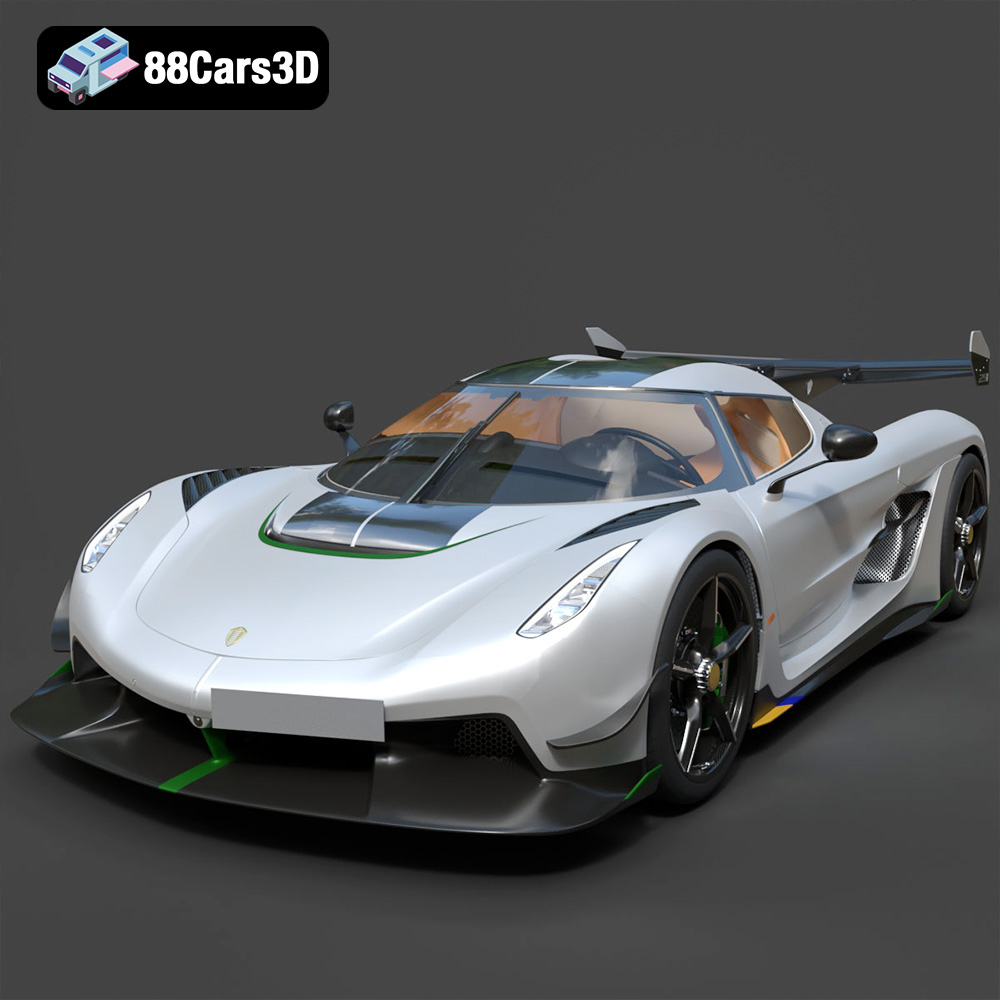
Download the Koenigsegg Jesko 2020 3D Model featuring clean geometry, realistic detailing, and a fully modeled interior. Includes .blend, .fbx, .obj, .glb, .stl, .ply, .unreal, and .max formats for rendering, simulation, and game development.
Price: $19.99

Texture: Yes
Material: Yes
Download the Kia Sportage 2019 3D Model featuring clean geometry, realistic detailing, and a fully modeled interior. Includes .blend, .fbx, .obj, .glb, .stl, .ply, .unreal, and .max formats for rendering, simulation, and game development.
Price: $19.99
Texture: Yes
Material: Yes
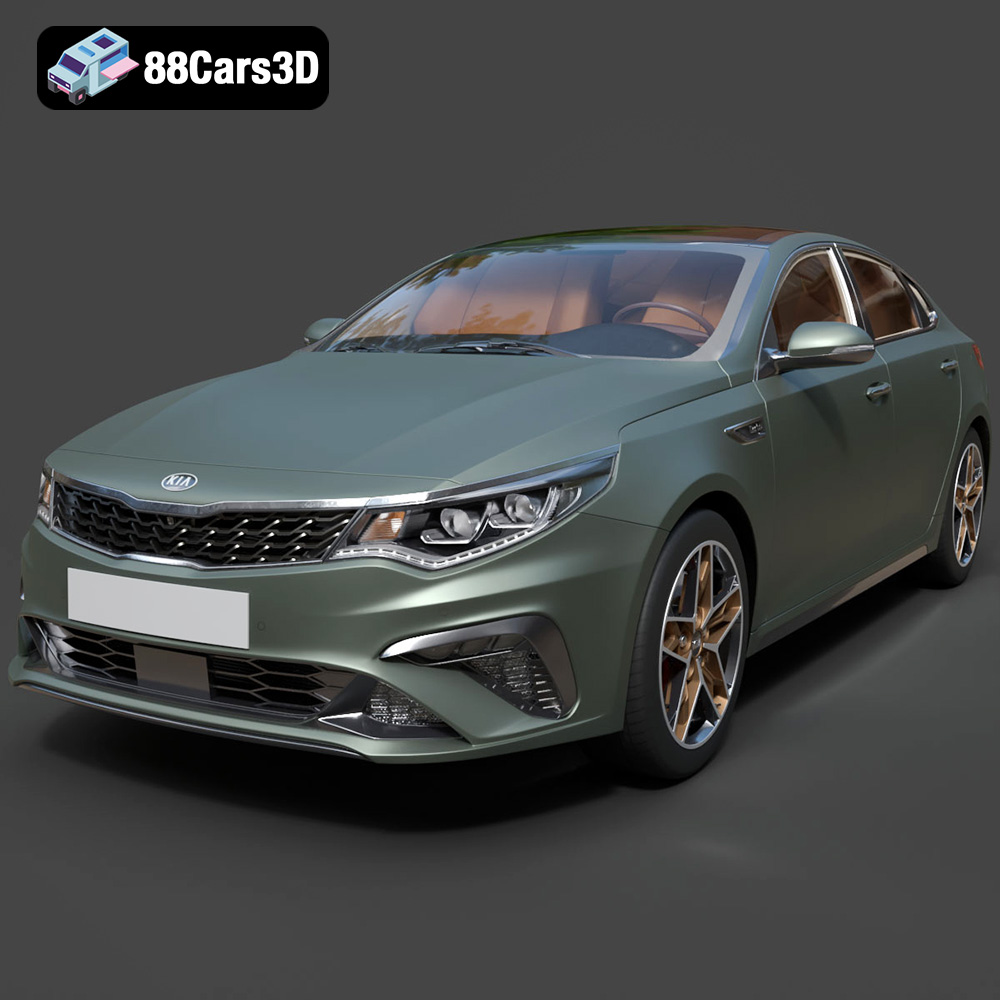
Download the Kia Optima 2019 3D Model featuring clean geometry, realistic detailing, and a fully modeled interior. Includes .blend, .fbx, .obj, .glb, .stl, .ply, .unreal, and .max formats for rendering, simulation, and game development.
Price: $19.99
Texture: Yes
Material: Yes
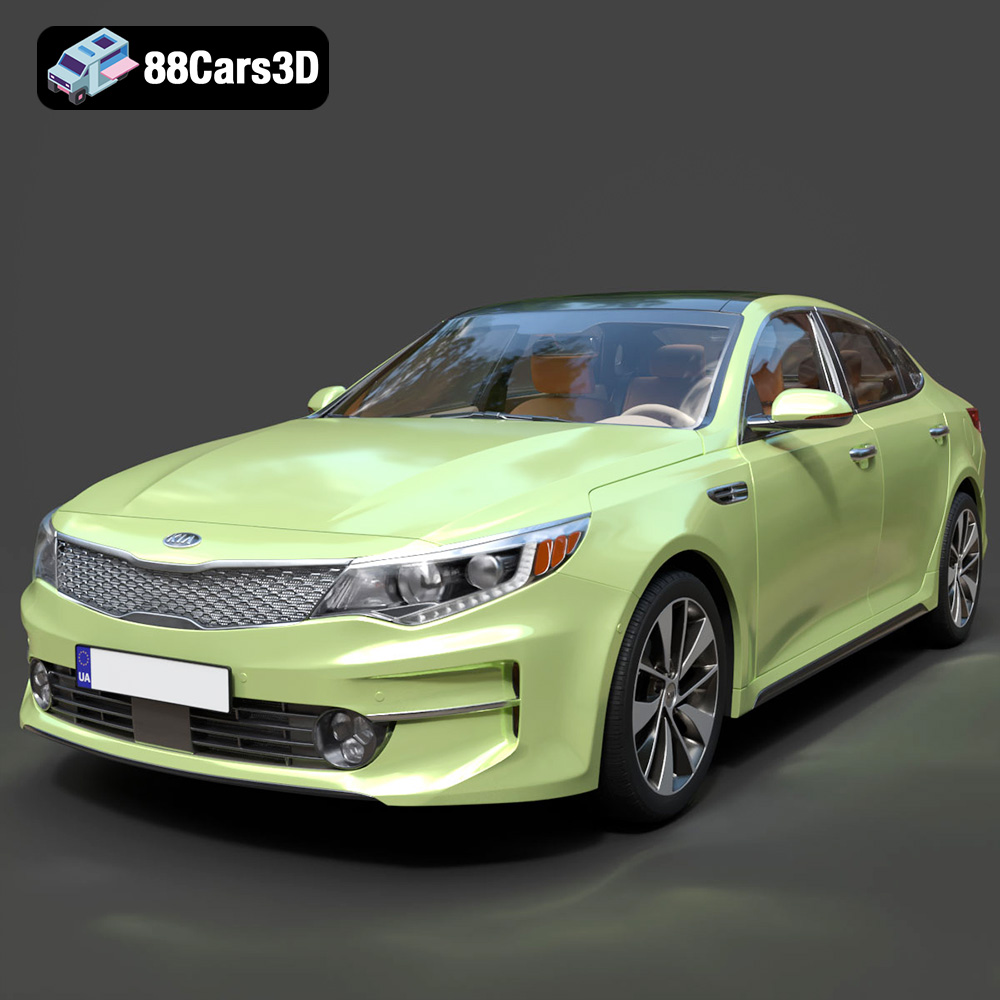
Download the Kia K5 MX 2016 3D Model featuring clean geometry, realistic detailing, and a fully modeled interior. Includes .blend, .fbx, .obj, .glb, .stl, .ply, .unreal, and .max formats for rendering, simulation, and game development.
Price: $19.99
Texture: Yes
Material: Yes
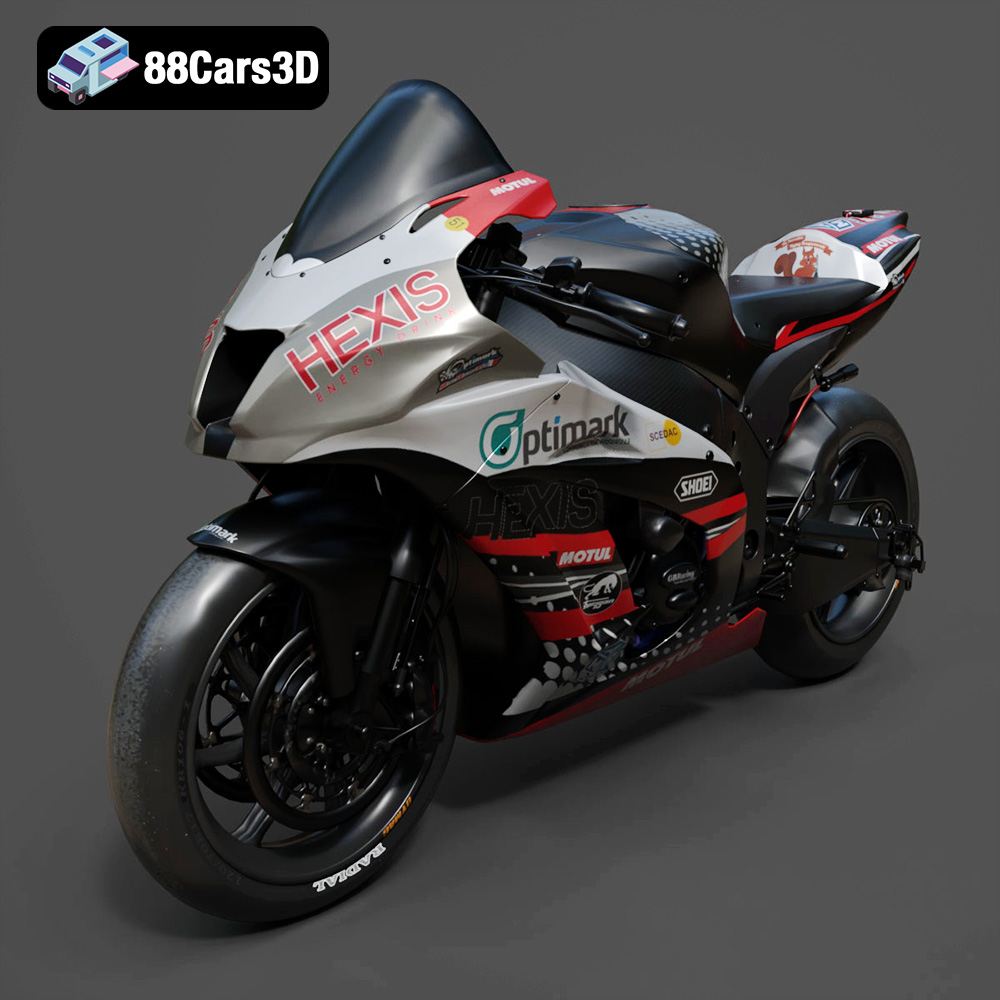
Download the Kawasaki ZX-10R 3D Model featuring clean geometry, realistic detailing, and a fully modeled interior. Includes .blend, .fbx, .obj, .glb, .stl, .ply, .unreal, and .max formats for rendering, simulation, and game development.
Price: $19.99
Texture: Yes
Material: Yes
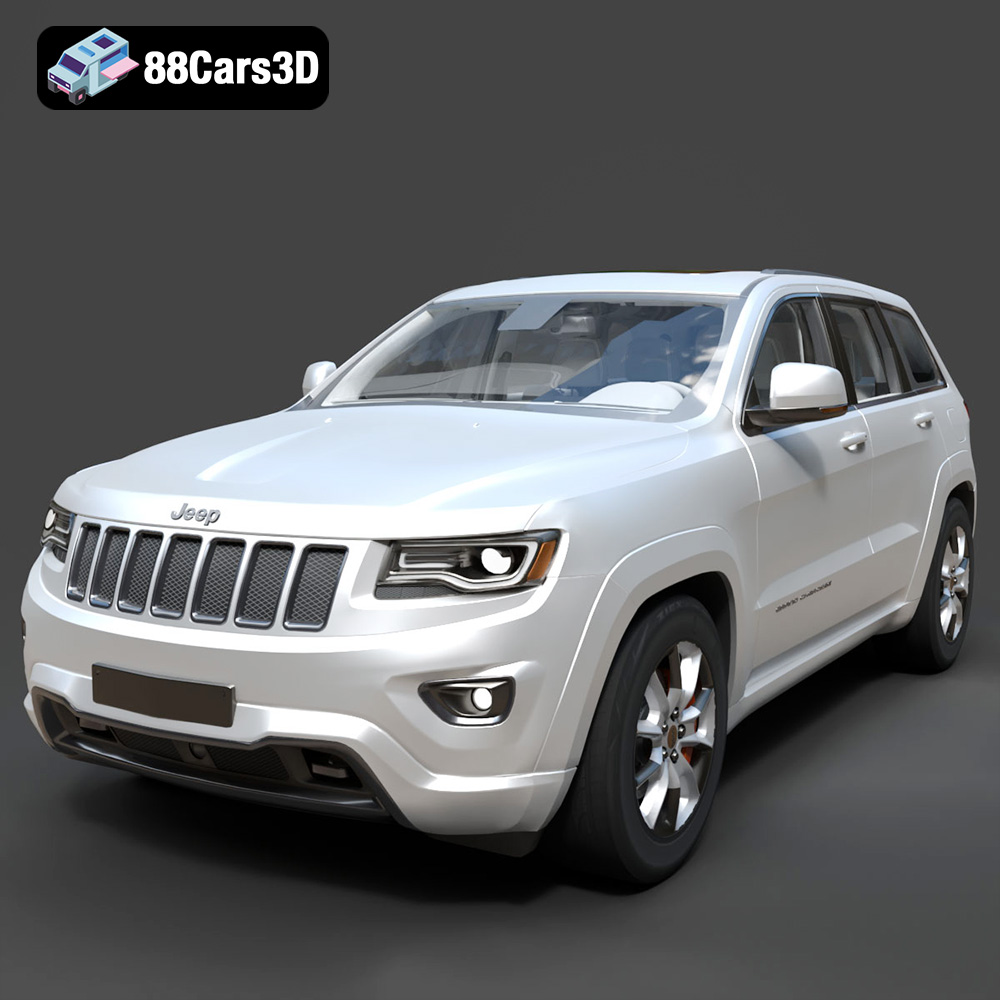
Download the Jeep Grand Cherokee Limited 2017 3D Model featuring clean geometry, realistic detailing, and a fully modeled interior. Includes .blend, .fbx, .obj, .glb, .stl, .ply, .unreal, and .max formats for rendering, simulation, and game development.
Price: $19.99

