Get 50% OFF All Premium 3D & STL Models!

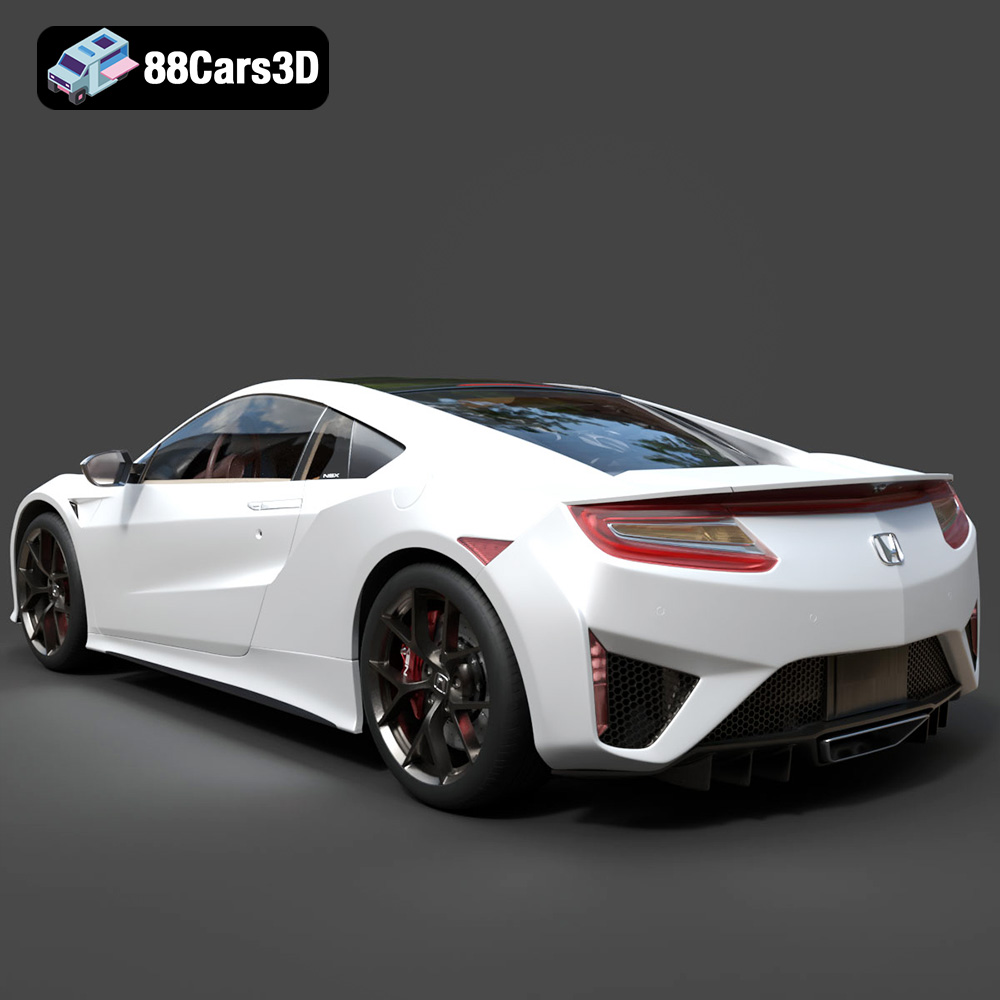
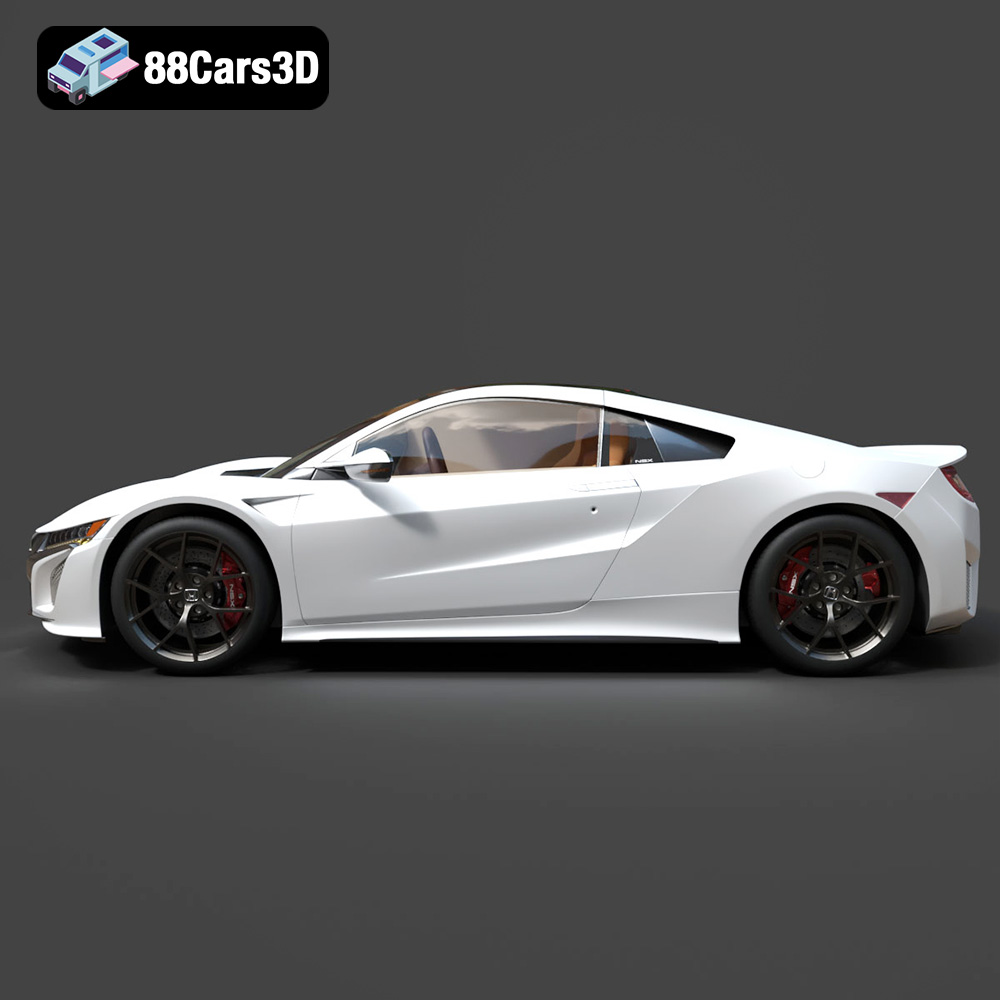
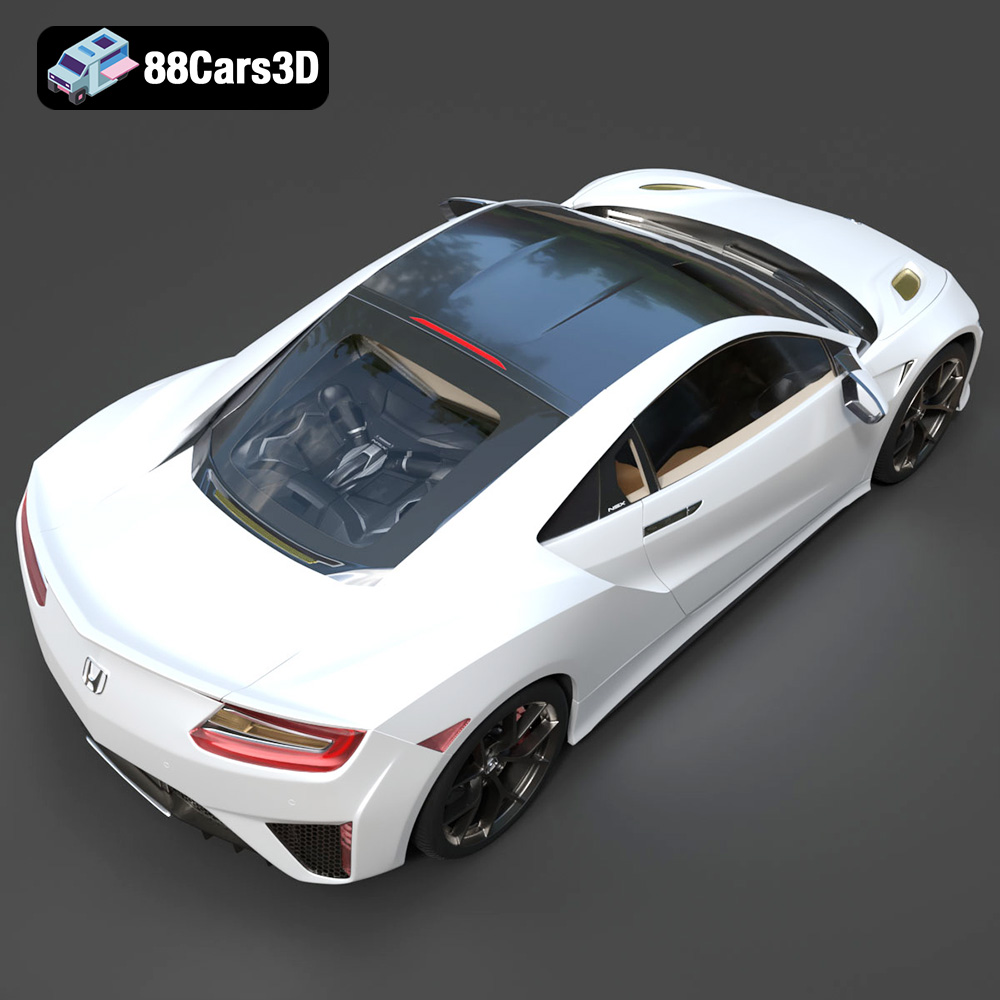
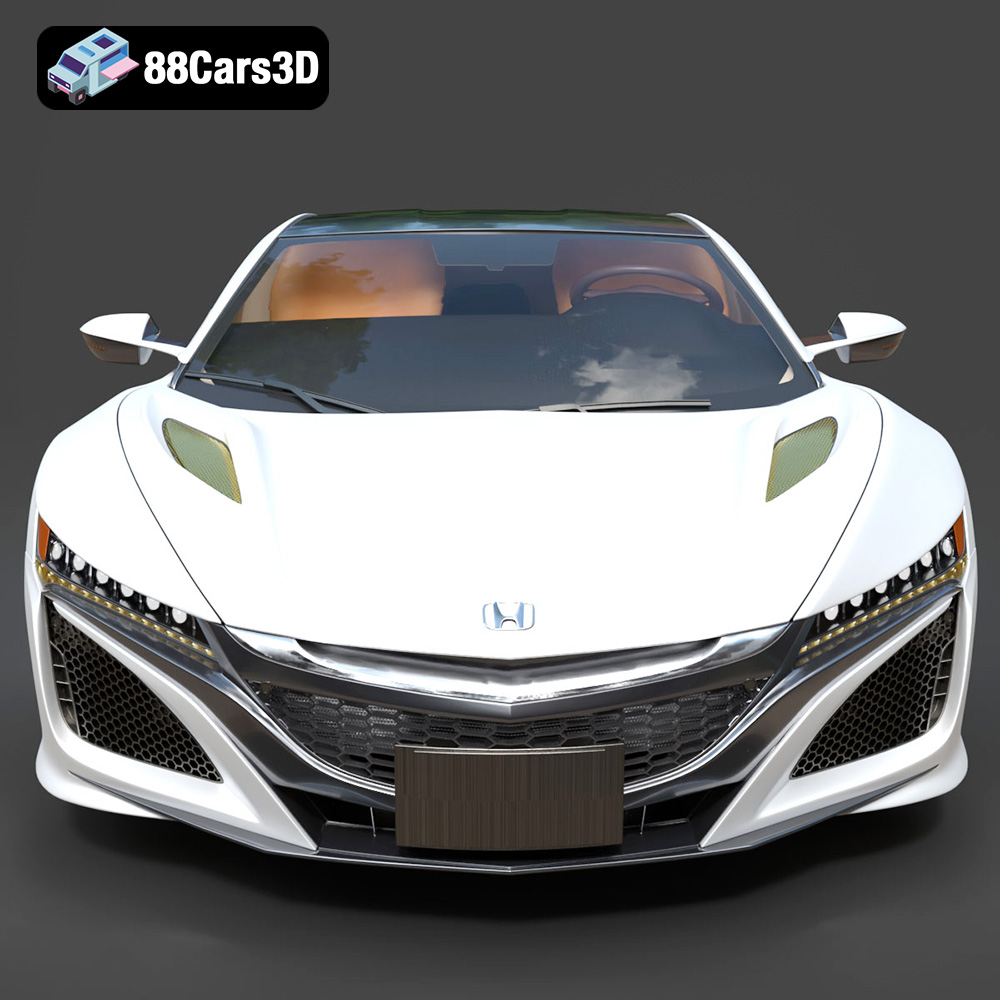
The Honda NSX 2017 is a marvel of engineering and design, a testament to the power of hybrid technology and sleek aerodynamics. Now, thanks to advancements in additive manufacturing, you can bring a piece of that automotive excellence into your own home. This comprehensive guide will walk you through the process of 3D printing a stunning replica of the Honda NSX 2017, from initial file preparation to final post-processing. Whether you’re a seasoned 3D printing enthusiast or a newcomer to the world of additive manufacturing, this article will provide the technical knowledge and practical tips you need to create a truly impressive 3D printed model.
Before diving into the specifics of printing the Honda NSX 2017 model, it’s crucial to understand the different file formats that 3D models come in and how they relate to the 3D printing process. Not all formats are created equal, and selecting the right one can significantly impact the success of your print.
The STL (Stereolithography) file format is the undisputed king of 3D printing. It represents a 3D object as a collection of triangles, forming a mesh that approximates the surface geometry. This simplicity is its strength, making it universally compatible with virtually all 3D printers and slicing software. For the Honda NSX 2017 model, the provided .stl file is your primary resource for 3D printing. It contains all the necessary geometric information for your printer to build the model layer by layer.
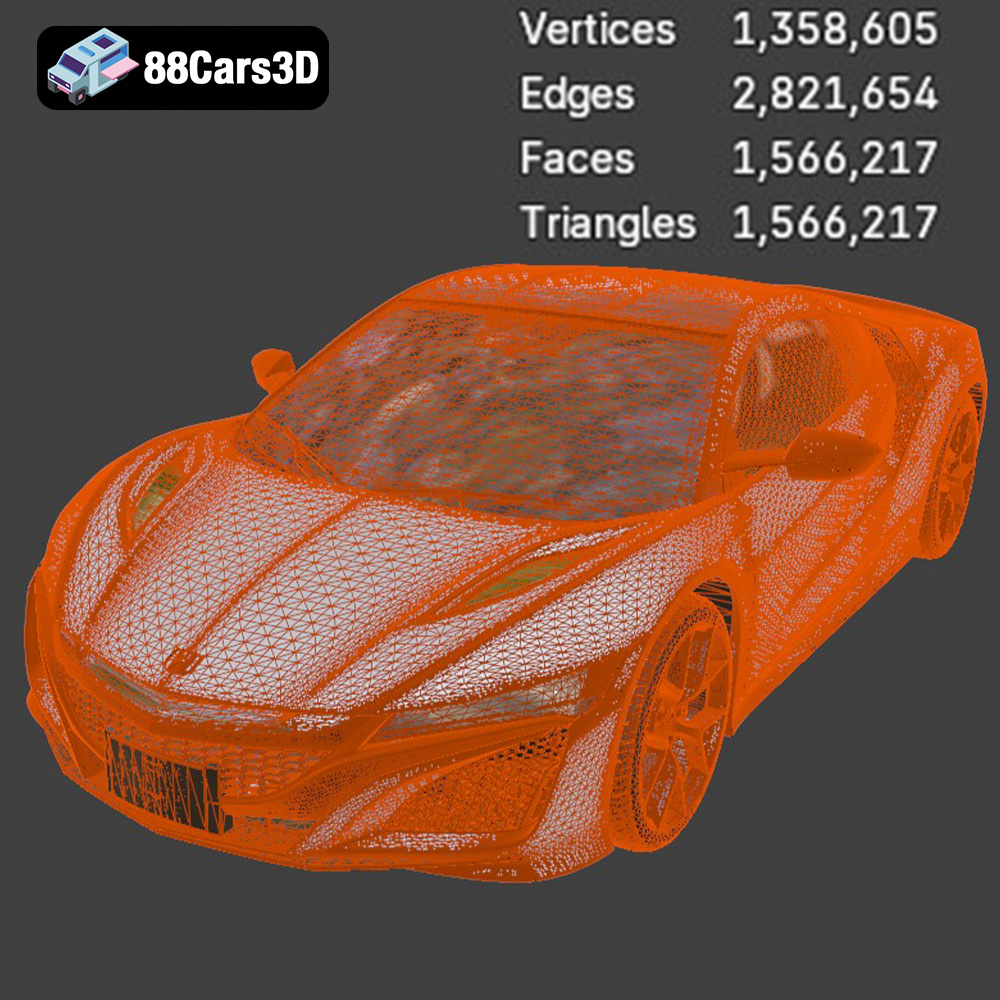
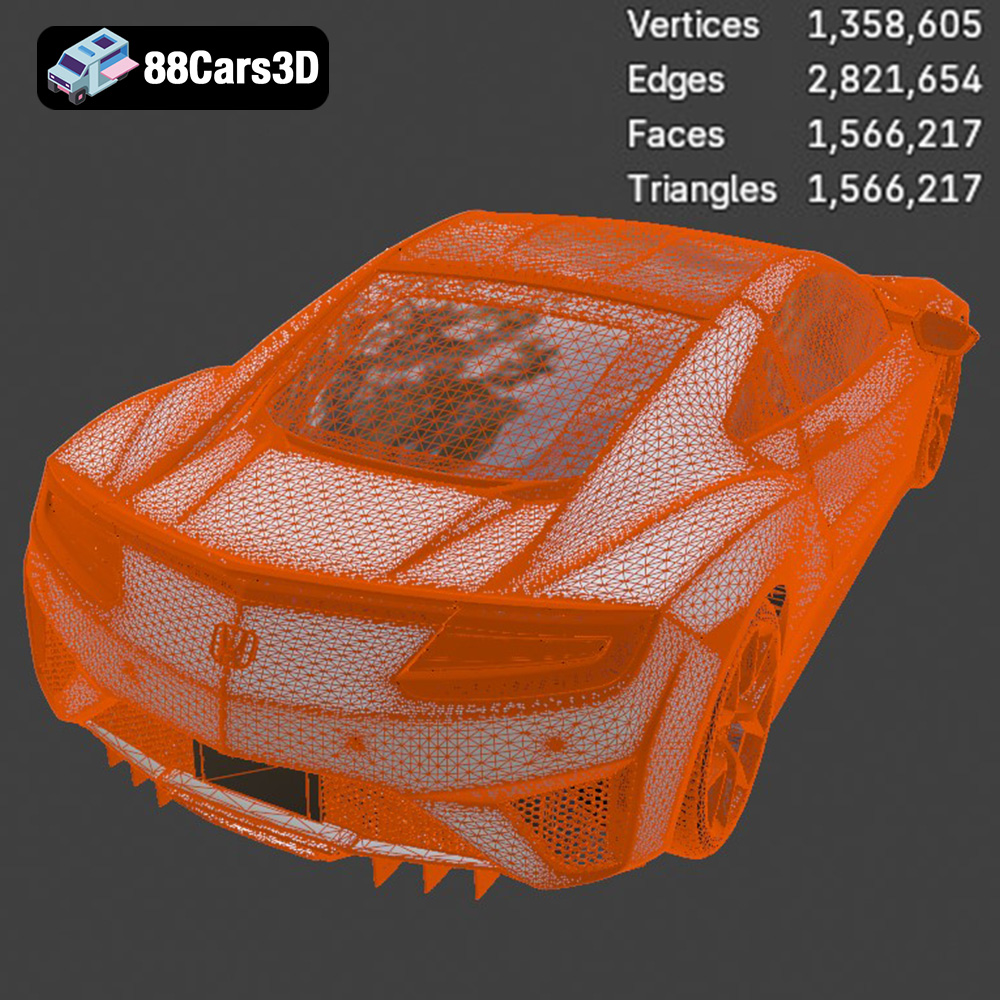
However, STL’s simplicity also has limitations. It only stores geometric data (the mesh) and doesn’t include information about color, texture, or materials. This means that your 3D printed NSX will be a single-color object unless you apply post-processing techniques like painting. Furthermore, the quality of the STL file directly impacts the print quality. A poorly generated STL with large triangles can result in a faceted or blocky appearance on the finished model. Ensure that the STL file you use for the Honda NSX 2017 has a sufficiently high resolution to capture the car’s sleek curves and fine details. This typically involves increasing the number of triangles used to represent the surface.
While STL is the go-to for printing, the other formats provided for the Honda NSX 2017 model offer versatility for other applications:
* **.obj:** A more universal format than STL, OBJ can store color and texture information alongside the geometry. While technically printable, OBJ files are generally better suited for rendering and visualization where color is important.
* **.ply:** Designed for representing 3D data acquired from 3D scanners, PLY files can store color per vertex, offering more nuanced color information than OBJ. Like OBJ, it’s less commonly used for direct 3D printing.
* **.blend:** The native file format for Blender, a popular open-source 3D modeling software. This allows for complete customization of the model before exporting to a printable format like STL. You can use Blender to modify the NSX’s design, add details, or split the model into smaller, more manageable parts for printing.
* **.fbx:** Primarily used for game development, FBX (Filmbox) supports complex animations and materials. While not directly printable, it’s useful for importing the NSX model into game engines like Unity or Unreal Engine.
* **.glb:** Optimized for web-based visualization and AR/VR applications, GLB is a compact format that can embed textures and other assets directly within the file.
* **.max:** The native file format for 3ds Max, a professional 3D modeling and animation software. This allows for advanced editing and customization of the NSX model.
In summary, for 3D printing the Honda NSX 2017, the provided .stl file is your primary tool. However, formats like .blend or .max offer the possibility of customizing the model before exporting it as an STL for printing. Always verify the mesh quality and resolution of the STL file to ensure a smooth and detailed final print.
Proper preparation is paramount for a successful 3D print. This involves inspecting the model, making necessary repairs, and choosing the right orientation and support settings.
Before loading the STL file into your slicing software, it’s crucial to inspect it for potential issues. 3D models, especially those designed for rendering or animation, may contain non-manifold geometry, holes, or intersecting faces that can cause problems during printing.
* **Using Mesh Analysis Tools:** Most slicing software includes mesh analysis tools that can automatically detect and repair these issues. Look for features like “Make Manifold,” “Fill Holes,” or “Remove Duplicate Faces.”
* **Manual Repair with Mesh Editing Software:** For more complex repairs, you might need to use dedicated mesh editing software like MeshMixer or Blender. These tools provide greater control over the mesh editing process.
* **Ensuring Watertight Geometry:** The goal is to create a “watertight” model, meaning that the mesh is closed and doesn’t have any holes or gaps. This is essential for proper slicing and printing.
The size and orientation of the model on the print bed can significantly impact the print quality, support requirements, and overall success of the print.
* **Scaling:** Decide on the desired scale of your Honda NSX 2017 model. Consider the size of your printer’s build volume and the level of detail you want to achieve. Smaller scales will print faster but may sacrifice fine details, while larger scales will take longer but showcase the car’s intricate features more prominently.
* **Orientation:** Carefully choose the orientation of the model on the print bed. This will influence the amount of support material needed and the visibility of layer lines. Generally, orienting the model with the flattest surface facing down is a good starting point. However, for the NSX, consider orienting it at an angle to minimize the need for supports on curved surfaces like the roof and fenders. Experiment with different orientations in your slicing software to find the best balance between support material usage and print quality.
The choice of material is another critical factor that influences the appearance, durability, and functionality of your 3D printed Honda NSX 2017. Different materials have different properties, print settings, and post-processing requirements.
PLA (Polylactic Acid) is a popular choice for 3D printing due to its ease of use, affordability, and biodegradability. It prints at relatively low temperatures, making it suitable for most desktop 3D printers.
* **Advantages:** Easy to print, low warping, wide range of colors, biodegradable.
* **Disadvantages:** Relatively low heat resistance, can be brittle, not ideal for functional parts.
* **Recommended Settings:** Nozzle temperature: 200-220°C, Bed temperature: 60-70°C, Print speed: 40-60 mm/s.
PETG (Polyethylene Terephthalate Glycol-modified) offers a good balance of strength, flexibility, and heat resistance. It’s a great option for parts that need to withstand some wear and tear.
* **Advantages:** Stronger and more durable than PLA, good heat resistance, flexible.
* **Disadvantages:** Can be more difficult to print than PLA, prone to stringing.
* **Recommended Settings:** Nozzle temperature: 230-250°C, Bed temperature: 70-80°C, Print speed: 30-50 mm/s.
For incredibly detailed models, resin printing is the way to go. Resin printers use liquid photopolymer resin that is cured by UV light, resulting in smooth surfaces and high resolution. This method is perfect if you wish to capture all the intricate details of the Honda NSX 2017.
* **Advantages:** Extremely high detail, smooth surfaces, excellent for miniatures and complex geometries.
* **Disadvantages:** Requires post-processing (washing and curing), resin can be expensive and toxic, limited build volume compared to FDM printers.
* **Recommended Settings:** Settings vary greatly depending on the specific resin and printer. Refer to the resin manufacturer’s recommendations.
Slicing software is the bridge between your 3D model and your 3D printer. It converts the STL file into a series of instructions that the printer can understand, controlling parameters like layer height, infill density, and print speed.
Layer height determines the vertical resolution of your print. Lower layer heights result in smoother surfaces and more detail but increase print time.
* **Recommended Layer Height:** For the Honda NSX 2017, a layer height of 0.1-0.2 mm is a good starting point for FDM printing. For resin printing, layer heights can be as low as 0.025 mm for incredible detail.
* **Balancing Quality and Speed:** Experiment with different layer heights to find the optimal balance between print quality and print time.
Infill density controls the amount of material used inside the model. Higher infill densities increase strength and weight but also increase print time and material consumption.
* **Recommended Infill Density:** For a display model of the Honda NSX 2017, an infill density of 15-25% is generally sufficient. Choose an infill pattern like gyroid or cubic for a good balance of strength and print time.
Support structures are necessary for printing overhangs and bridging gaps in the model. However, they can also leave marks on the surface of the print.
* **Automatic vs. Manual Supports:** Most slicing software offers automatic support generation. However, for complex models like the NSX, manual placement of supports can often result in better results.
* **Support Settings:** Optimize support settings like support density, support overhang angle, and support interface layer to minimize the impact of supports on the surface of the print.
Post-processing is the final stage of the 3D printing process, where you clean up the print, remove supports, and apply finishing techniques to achieve the desired appearance.
Carefully remove support structures using pliers, cutters, or a deburring tool. Be gentle to avoid damaging the model.
* **Sanding:** Use sandpaper of varying grits to smooth out any imperfections and layer lines. Start with a coarser grit (e.g., 220) and gradually move to finer grits (e.g., 400, 600, 800) for a smooth finish.
* **Wet Sanding:** Wet sanding can help to reduce dust and improve the smoothness of the surface.
Priming creates a smooth, uniform surface for painting. Apply several thin coats of primer, allowing each coat to dry completely before applying the next.
* **Painting:** Use acrylic paints or model paints to paint the Honda NSX 2017. Apply multiple thin coats for a smooth, even finish.
* **Clear Coat:** Apply a clear coat to protect the paint and add a glossy or matte finish.
If the model is printed in multiple parts, carefully assemble them using glue or epoxy. Ensure proper alignment and allow the glue to dry completely before handling the model.
Even with careful preparation, you may encounter issues during the 3D printing process. Here are some common problems and their solutions:
* **Warping:** Warping occurs when the print detaches from the build plate due to uneven cooling. Ensure that the build plate is properly leveled and heated. Use a brim or raft to increase adhesion.
* **Stringing:** Stringing is caused by excess material oozing from the nozzle during travel moves. Increase retraction distance and speed, and lower the nozzle temperature.
* **Layer Shifting:** Layer shifting occurs when the print head moves out of alignment during the print. Check for loose belts or screws, and ensure that the printer is stable.
* **Elephant’s Foot:** An elephant’s foot is an expansion of the first few layers due to excessive bed adhesion. Increase the distance between the nozzle and the bed for the first layer.
Remember to consult online resources and forums for more specific troubleshooting tips related to your 3D printer and material. By understanding the potential challenges and their solutions, you can increase your chances of a successful 3D print of the Honda NSX 2017 model available on 88cars3d.com.
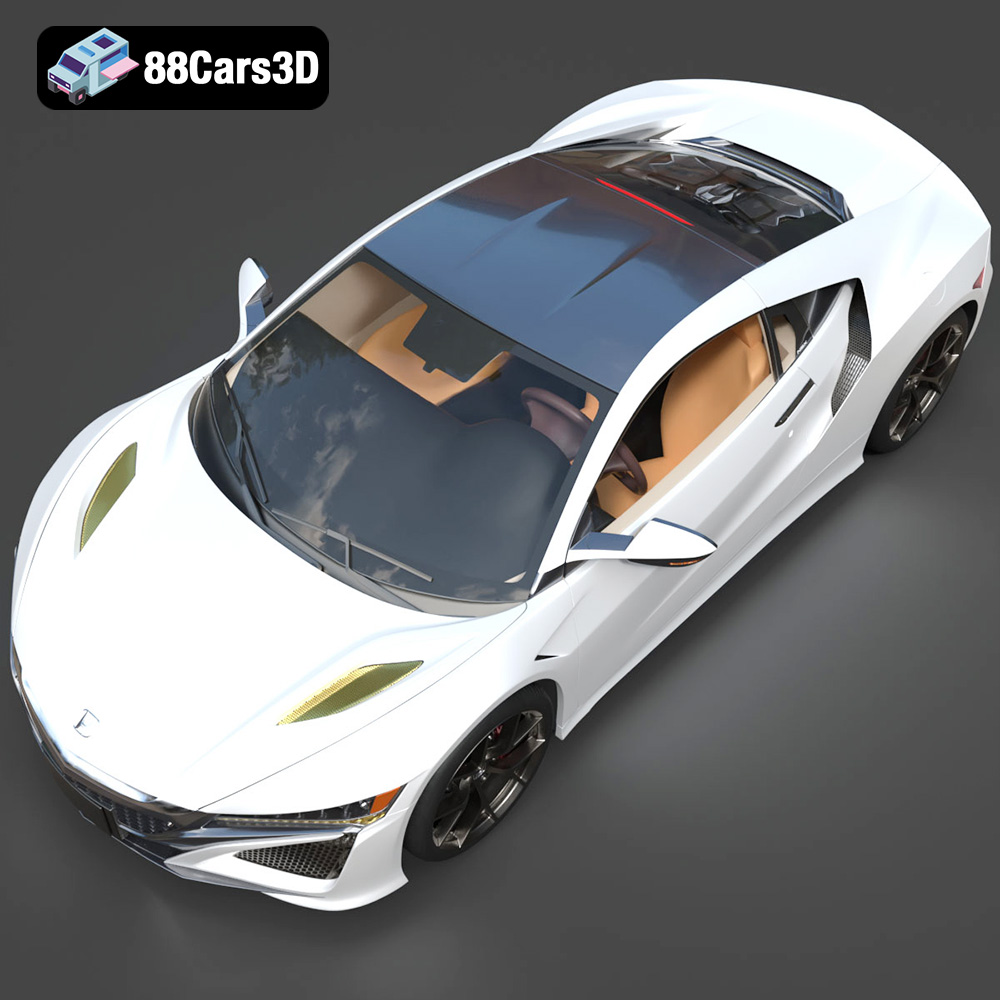
Experience unparalleled realism with the Honda NSX 2017 3D Model. Meticulously crafted to capture the sleek, aerodynamic lines and iconic stance of this legendary hybrid sports car, this model delivers exceptional detail for all your digital projects. Perfect for a wide range of applications, this model excels in game development, architectural visualization, cinematic rendering, and AR/VR experiences.
$19.99
.arvr
.blend
.car3dmodel
.fbx
.gameasset
.glb
.honda
.max
.nsx
.obj
.ply
.rendering
.simulation
.sportsCar
.stl
.supercar
.unreal