Get 50% OFF All Premium 3D & STL Models!

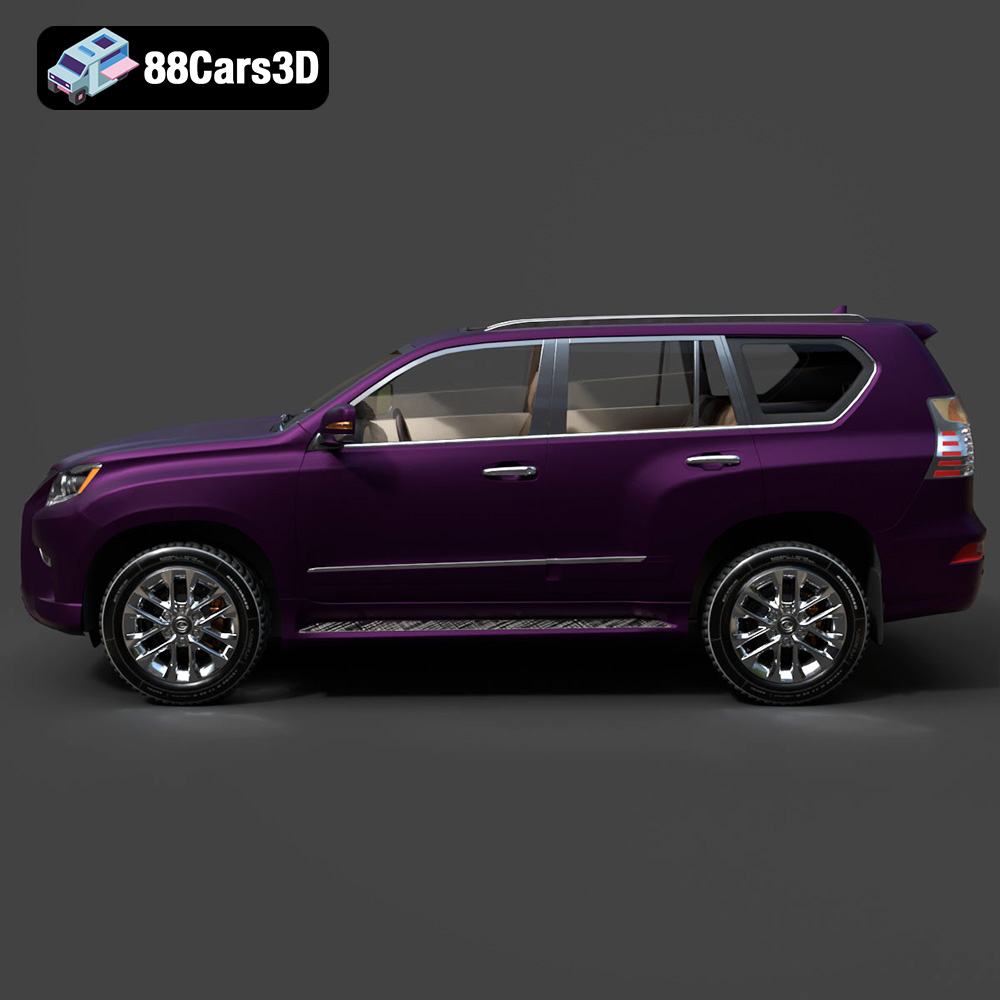
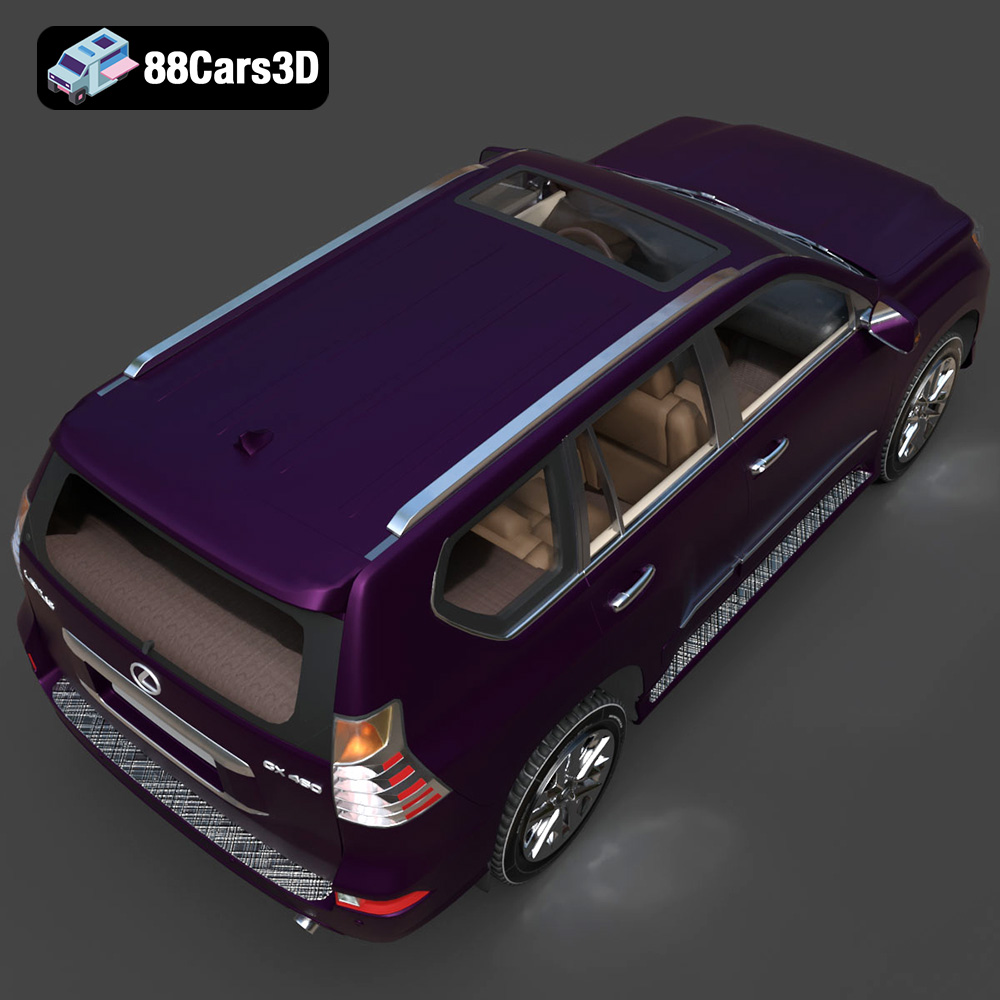
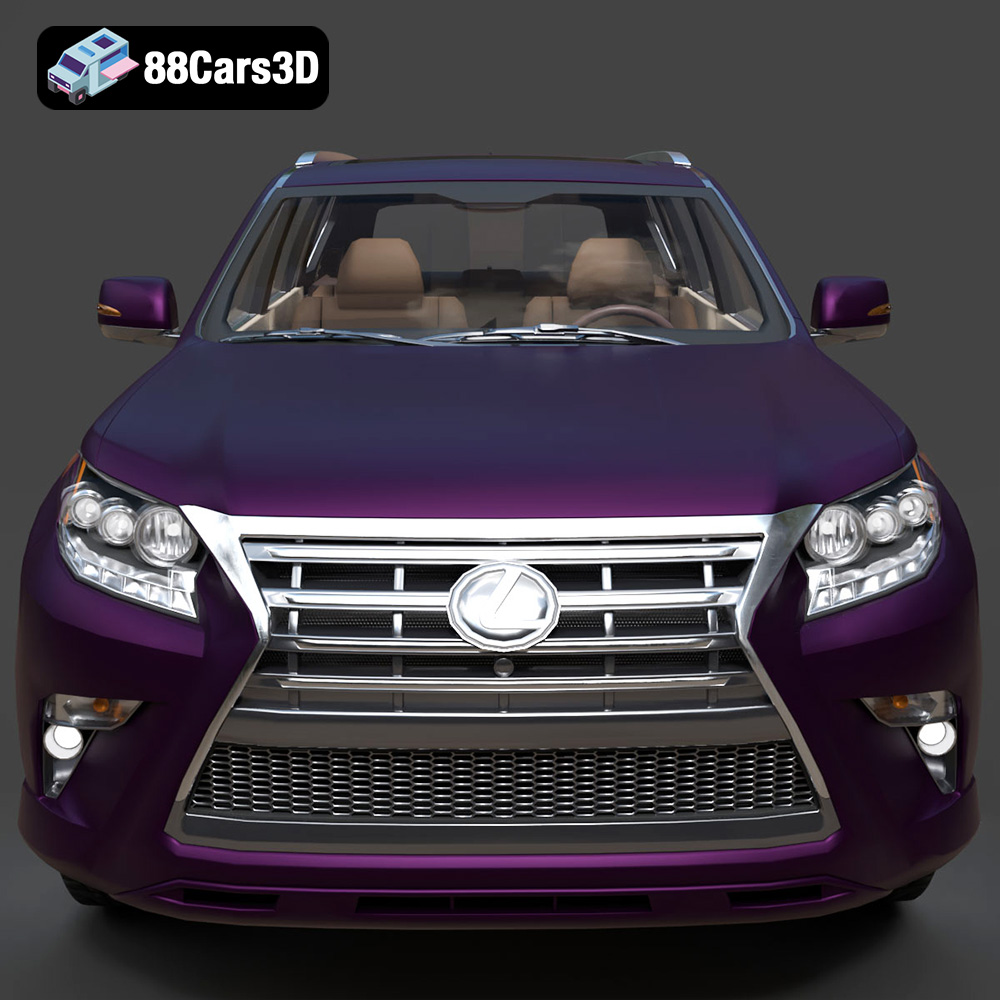
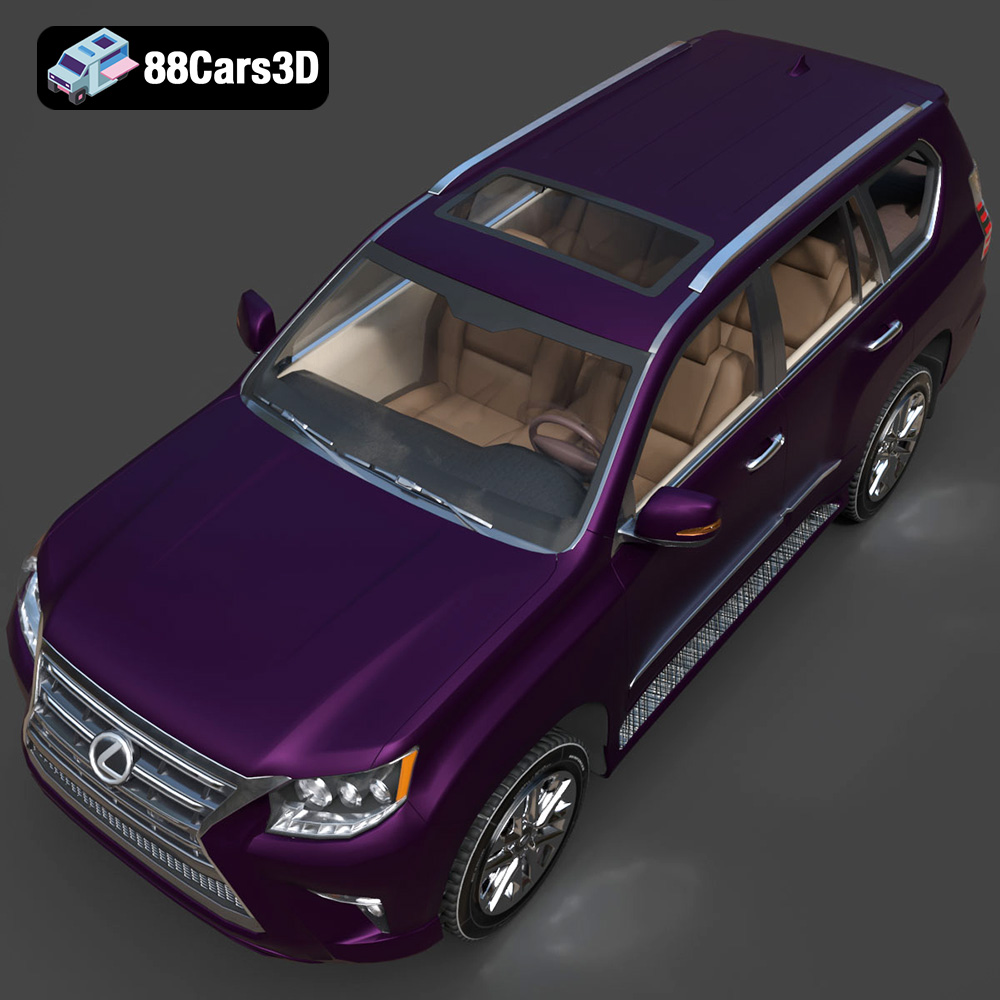
The Lexus GX460 2014, a luxury SUV known for its ruggedness and refined styling, makes for a compelling 3D printing project. Bringing this iconic vehicle to life in miniature form allows enthusiasts and model makers to appreciate its intricate design and explore the capabilities of additive manufacturing. This guide provides a detailed walkthrough on successfully 3D printing the Lexus GX460 2014 3D model, covering everything from pre-print preparation to post-processing techniques. Whether you’re a seasoned 3D printing veteran or a newcomer to the hobby, this article will equip you with the knowledge and techniques to achieve a stunning, high-quality 3D printed replica. Many detailed 3D car models are available on platforms like 88cars3d.com.
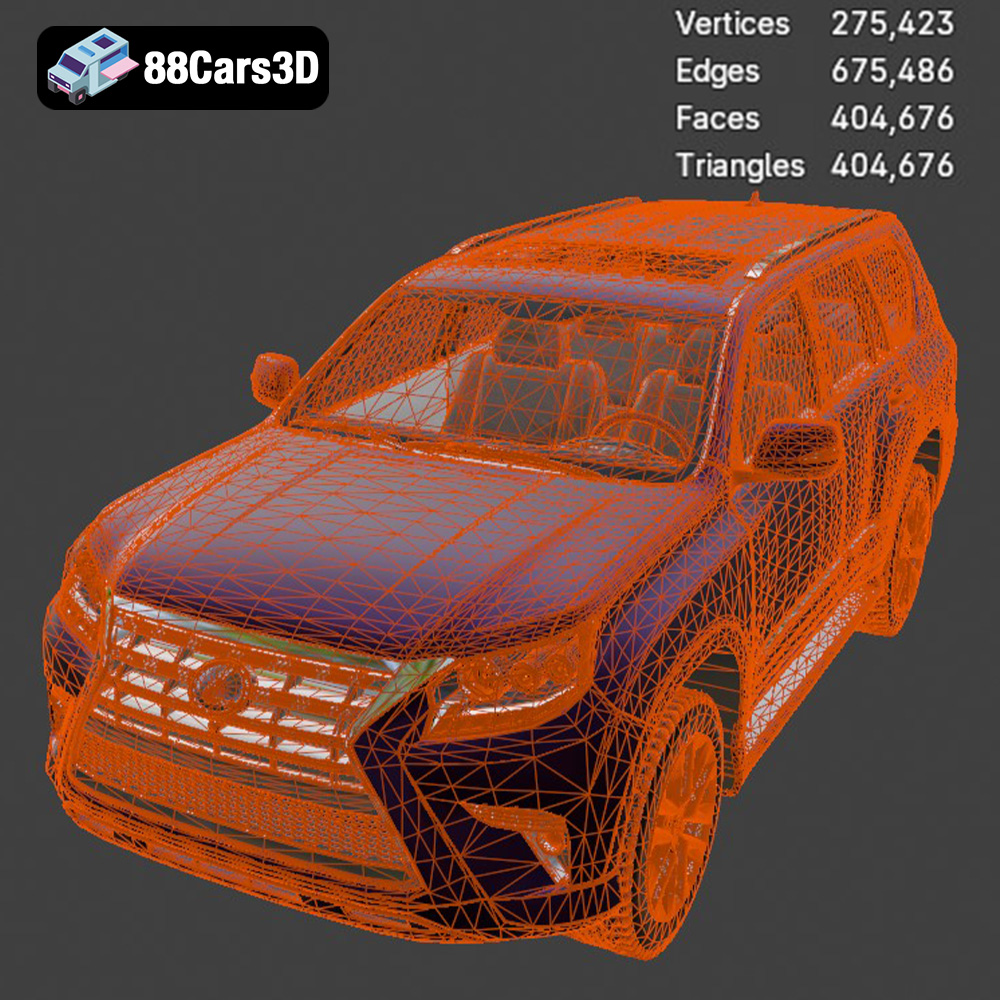
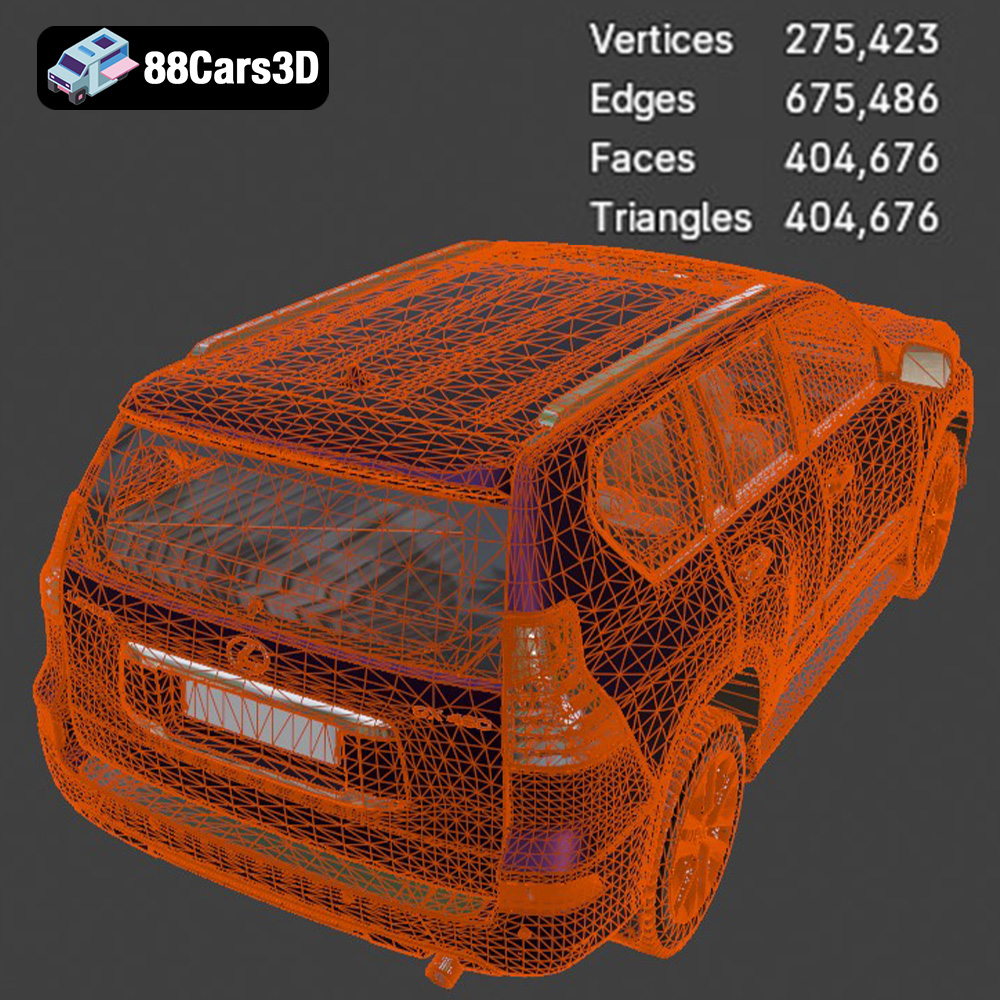
Before diving into the printing process, it’s crucial to understand the intricacies of the 3D model itself. The Lexus GX460 2014 3D model from 88cars3d.com is designed with precision and attention to detail, replicating the vehicle’s characteristic features. It’s important to examine the model’s geometry, identify potential overhangs, and assess the complexity of fine details such as grilles, lights, and trim.
Carefully inspect the 3D model in a viewing software. Look for areas with steep overhangs or intricate details that might require additional support structures during printing. Knowing the model’s intricacies beforehand allows you to plan the printing strategy accordingly.
The Lexus GX460, like most vehicles, has complex curves and details. Common challenges include printing the grille, side mirrors, and wheel wells. These areas often require careful support placement and print orientation to ensure successful results.
The world of 3D models offers a variety of file formats, each with its strengths and weaknesses. Choosing the right format and understanding its implications is crucial for a successful 3D printing experience. This section details the common file formats you might encounter when working with 3D models, especially for printing.
The STL (Stereolithography) file format is the undisputed king of 3D printing. It represents the surface geometry of a 3D object as a collection of triangles. It’s simple, widely supported by slicing software, and universally recognized by 3D printers. However, its simplicity also means it only stores information about the shape, lacking color, texture, or material properties. When working with STL files, be mindful of the mesh resolution. A low-resolution STL can result in a faceted, blocky print, while an excessively high-resolution STL can lead to large file sizes and increased processing time. Most slicing programs offer tools to adjust the STL resolution before printing. For the Lexus GX460 model, the STL file will contain all the necessary geometric data to recreate the vehicle’s form, but without any color information.
OBJ is a more versatile format than STL, as it can store color and texture information in addition to the geometric data. This makes it suitable for creating visually appealing 3D prints, especially when using multi-material or full-color 3D printers. OBJ files typically come with a separate material file (.mtl) that defines the colors and textures applied to the model. While most slicing software can import OBJ files, not all of them fully support the color and texture information. Ensure your slicing software is capable of processing and translating this data to your 3D printer if you intend to print in color.
PLY (Polygon File Format) is another format that supports color and texture, but it’s primarily known for its ability to store high-resolution mesh data. It’s often used in 3D scanning and reverse engineering applications where capturing fine details is paramount. PLY files can be significantly larger than STL files due to the higher mesh density. While PLY is compatible with some slicing software, it’s not as universally supported as STL. Its primary advantage lies in its ability to represent complex geometries with greater accuracy.
BLEND files are the native file format for Blender, a popular open-source 3D modeling software. They contain the entire scene, including the model geometry, materials, textures, lighting, and animations. BLEND files are incredibly versatile as they allow you to fully customize the 3D model before exporting it to a printable format like STL or OBJ. If you need to make modifications to the Lexus GX460 model, such as adding details, changing the scale, or splitting it into multiple parts for easier printing, a BLEND file is invaluable.
FBX (Filmbox) is a proprietary file format developed by Autodesk, widely used in the game development and animation industries. It supports complex scene data, including geometry, materials, textures, animations, and skeletal rigs. While FBX is not primarily designed for 3D printing, some advanced slicing software can import FBX files and extract the geometric data. This can be useful if you have a model that’s already in FBX format and you want to avoid converting it to STL. However, be aware that not all slicing software fully supports the FBX format, and some data loss might occur during the import process.
GLB is a binary file format that represents 3D models in a compact and efficient manner. It’s commonly used for web-based applications, augmented reality (AR), and virtual reality (VR) experiences. GLB files can contain geometry, textures, and animations, all packaged into a single file. While GLB is not directly used for 3D printing, it’s excellent for previewing the Lexus GX460 model in AR before committing to a print. This allows you to visualize the model in the real world and assess its size and appearance.
MAX files are the native file format for 3ds Max, another popular 3D modeling software developed by Autodesk. Similar to BLEND files, MAX files contain the entire scene data, allowing for extensive customization and modification of the 3D model. If you’re familiar with 3ds Max, having the MAX file for the Lexus GX460 model gives you complete control over its design and appearance.
In summary, for 3D printing, STL is generally the most reliable and widely compatible format. However, if you need to print in color or require high-resolution details, OBJ or PLY might be suitable alternatives. BLEND and MAX files are invaluable for customization, while FBX and GLB are useful for importing and previewing models. Always ensure your slicing software supports the chosen file format and that the mesh quality is sufficient for your desired print quality.
Once you have chosen your file format, the next step is to prepare the 3D model for printing. This involves inspecting the model for errors, optimizing the mesh, and orienting it for optimal printing.
3D models, especially those sourced online, may contain errors such as non-manifold geometry, holes, or intersecting faces. These errors can cause problems during slicing and printing. Use a mesh repair tool like MeshMixer, Netfabb, or the built-in repair functions in your slicing software to identify and fix any errors. Optimizing the mesh by reducing the polygon count can also improve slicing performance and reduce file size without sacrificing significant detail.
The orientation of the model on the print bed significantly affects print quality, support requirements, and overall printing time. Experiment with different orientations to minimize overhangs and reduce the need for support structures. For the Lexus GX460, consider printing the body at an angle to minimize the supports needed for the roof and wheel arches. Use your slicing software to carefully place supports on overhangs and intricate details like the grille and side mirrors.
The choice of material plays a crucial role in the final appearance and functionality of your 3D printed Lexus GX460. Different materials offer varying levels of strength, flexibility, and aesthetic appeal.
PLA is a popular choice for 3D printing due to its ease of use, biodegradability, and wide availability. It’s a great option for printing the Lexus GX460, especially for beginners. PLA offers good detail resolution and comes in a wide range of colors. However, PLA is not very heat-resistant and can become brittle over time.
PETG offers a good balance of strength, flexibility, and heat resistance. It’s more durable than PLA and can withstand higher temperatures. PETG is a good option for printing parts that require some flexibility or need to withstand moderate heat, such as the wheels or interior components of the Lexus GX460.
Resin 3D printing, using technologies like SLA (Stereolithography) or DLP (Digital Light Processing), offers exceptional detail resolution and smooth surfaces. If you want to capture the intricate details of the Lexus GX460 with high precision, resin printing is an excellent choice. However, resin prints tend to be more brittle than FDM (Fused Deposition Modeling) prints, and resin printing requires more post-processing, including washing and curing.
Achieving a successful 3D print requires careful adjustment of printer settings. These settings control the layer height, infill density, printing speed, and other parameters that affect the final print quality.
Lower layer heights result in smoother surfaces and finer details but increase printing time. A layer height of 0.1mm to 0.2mm is a good starting point for printing the Lexus GX460 with good detail. For resin printing, layer heights as low as 0.025mm can be used to achieve exceptional detail.
Infill density determines the internal structure of the print. A higher infill density results in a stronger but heavier print. For a display model, an infill density of 15% to 20% is usually sufficient. Choose an infill pattern like gyroid or honeycomb for optimal strength-to-weight ratio.
Printing speed affects the print quality and overall printing time. Slower printing speeds generally result in better detail and fewer errors. Consult the material manufacturer’s recommendations for optimal printing temperature.
After the print is complete, post-processing is essential to achieve a polished and professional finish. This includes removing supports, sanding, painting, and assembly.
Carefully remove the support structures using pliers or a sharp knife. Sand the surface of the print to remove any imperfections and smooth out layer lines. Start with coarse sandpaper and gradually move to finer grits for a smooth finish.
Painting the 3D printed Lexus GX460 can bring it to life and add realism. Use automotive paints and techniques for a professional finish. Consider using masking tape to create clean lines and add details like trim and emblems.
If the model was printed in multiple parts, assemble them using glue or fasteners. Add any finishing touches, such as clear coat or decals, to enhance the appearance of the model.
Even with careful planning, 3D printing can sometimes present challenges. Understanding common issues and their solutions is essential for a successful printing experience.
Warping occurs when the corners of the print lift off the print bed due to uneven cooling. Ensure the print bed is properly leveled and heated, and use a bed adhesion aid like glue stick or hairspray.
Stringing occurs when the printer extrudes material while moving between parts, leaving thin strands of plastic. Blobs are small deposits of excess material on the print surface. Optimize retraction settings and adjust printing temperature to minimize these issues.
Layer shifting occurs when the printer head suddenly shifts position during printing, resulting in misalignment of the layers. Check the belt tension and ensure the printer is stable and free from vibrations.
Discover the exceptional realism and precision of the Lexus GX460 2014 3D Model. Crafted with meticulous attention to detail, this digital asset perfectly replicates the powerful stance and luxurious design of the iconic SUV, making it an outstanding addition to your digital library.
$19.99
3D printing the Lexus GX460 2014 3D model is a rewarding project that allows you to create a stunning replica of this iconic SUV. By carefully preparing the model, choosing the right materials and settings, and mastering post-processing techniques, you can achieve a professional-quality print. Remember to use high-quality STL files, such as those available on 88cars3d.com, for optimal results. Embrace the challenges, experiment with different techniques, and enjoy the satisfaction of bringing your own miniature Lexus GX460 to life through the power of additive manufacturing.
.arvr
.blend
.car3dmodel
.fbx
.gameasset
.glb
.gx460
.lexus
.luxury
.max
.obj
.offroad
.ply
.rendering
.simulation
.stl
.unreal
SUV