Get 50% OFF All Premium 3D & STL Models!

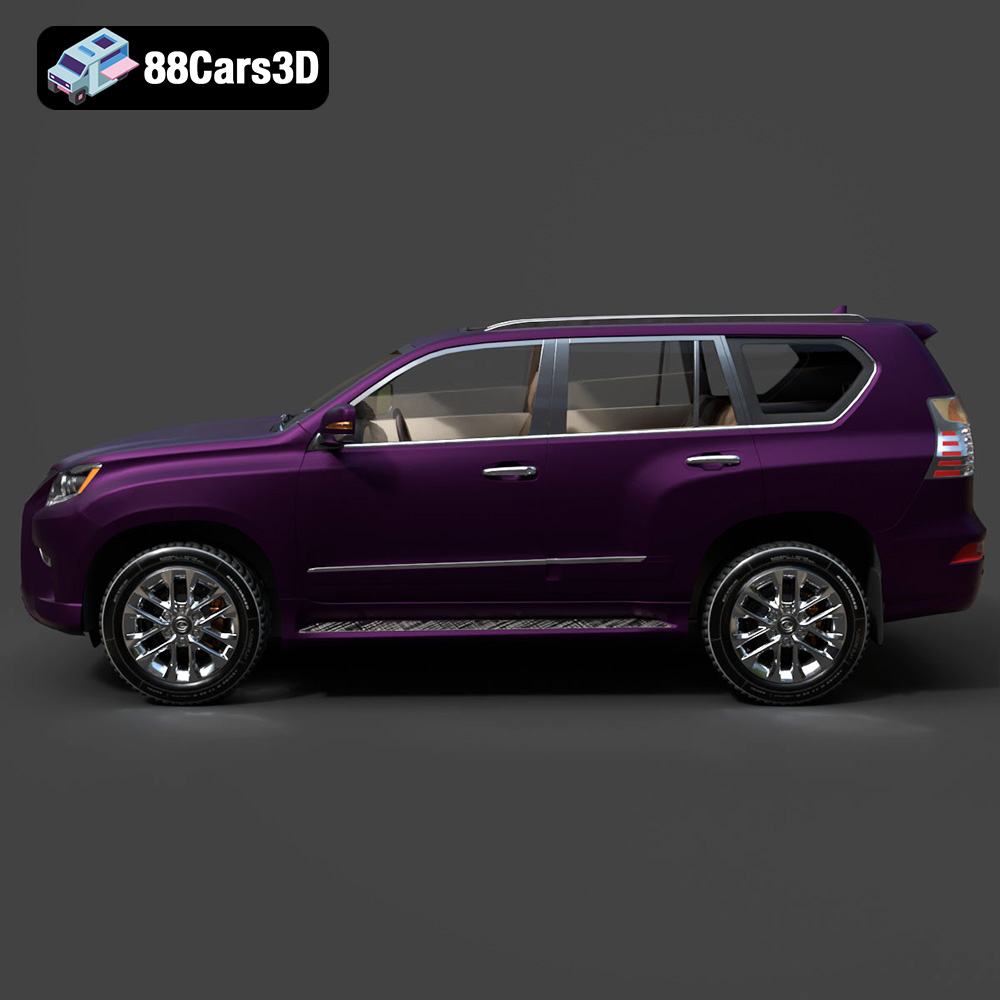
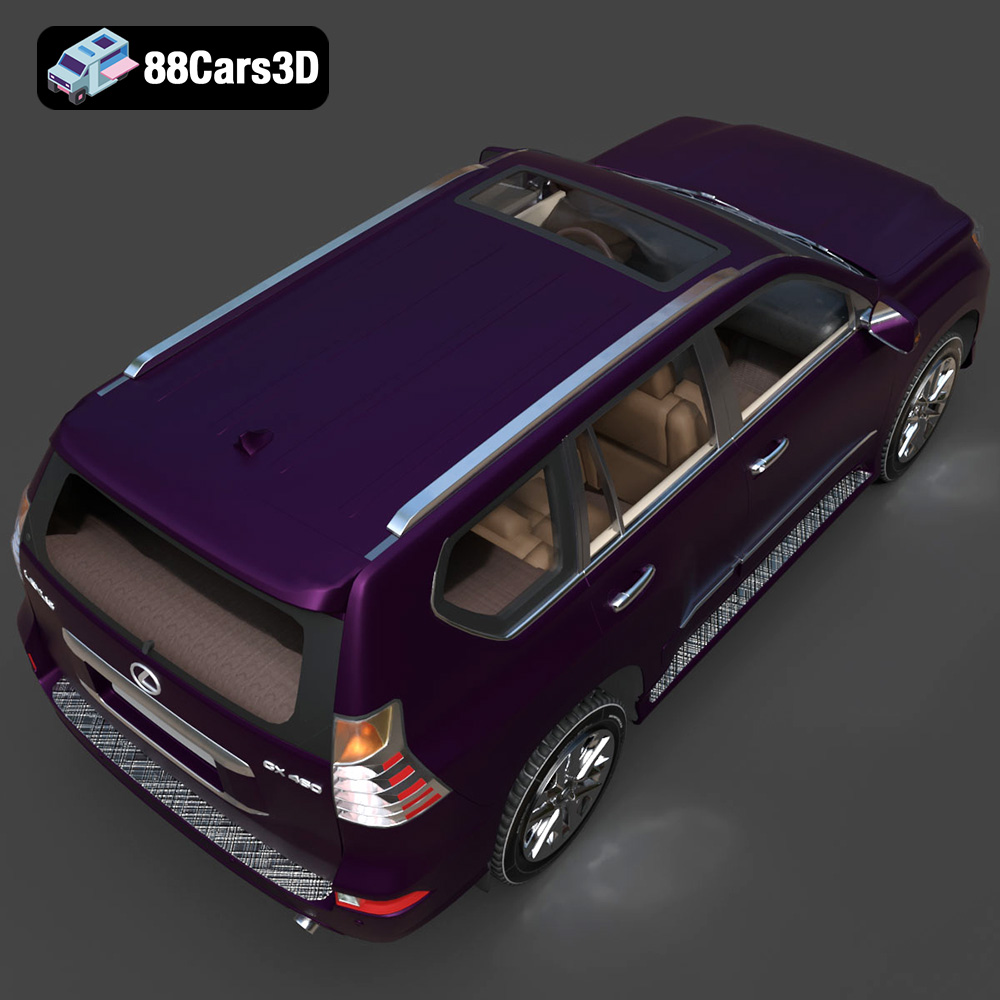
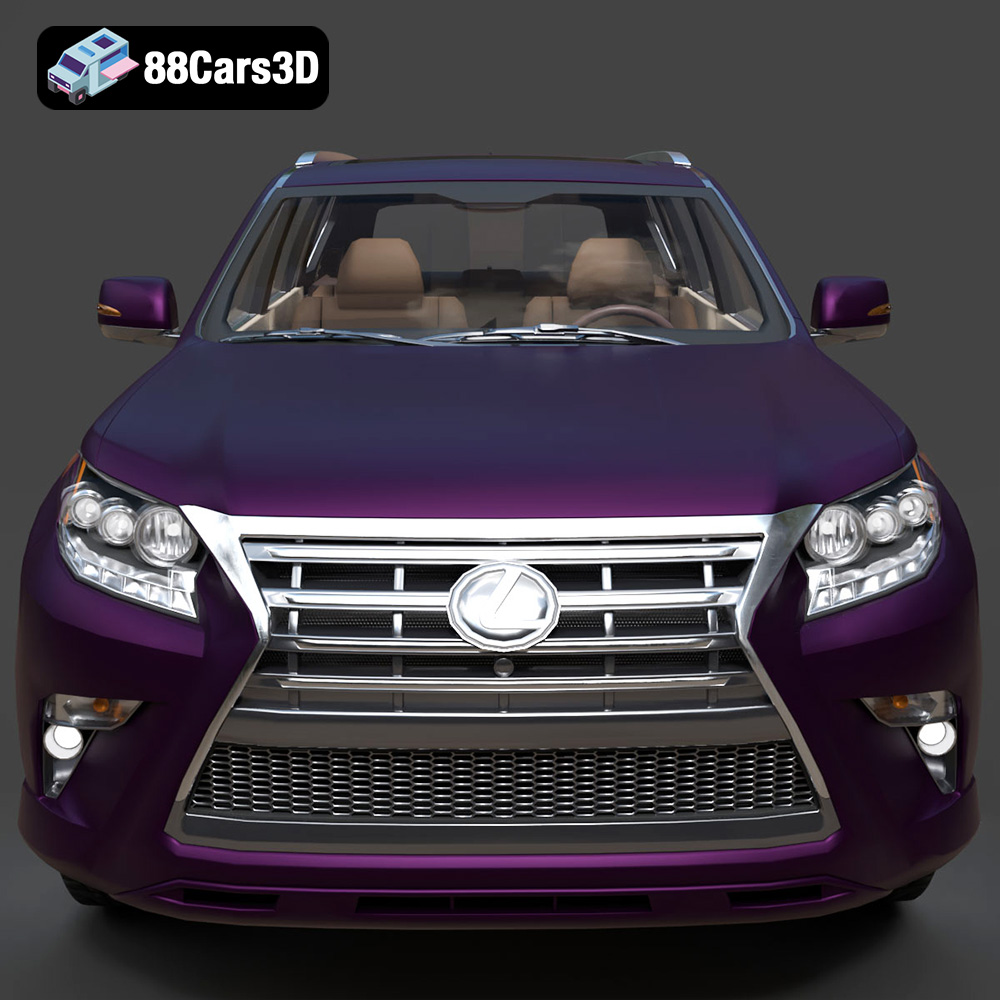
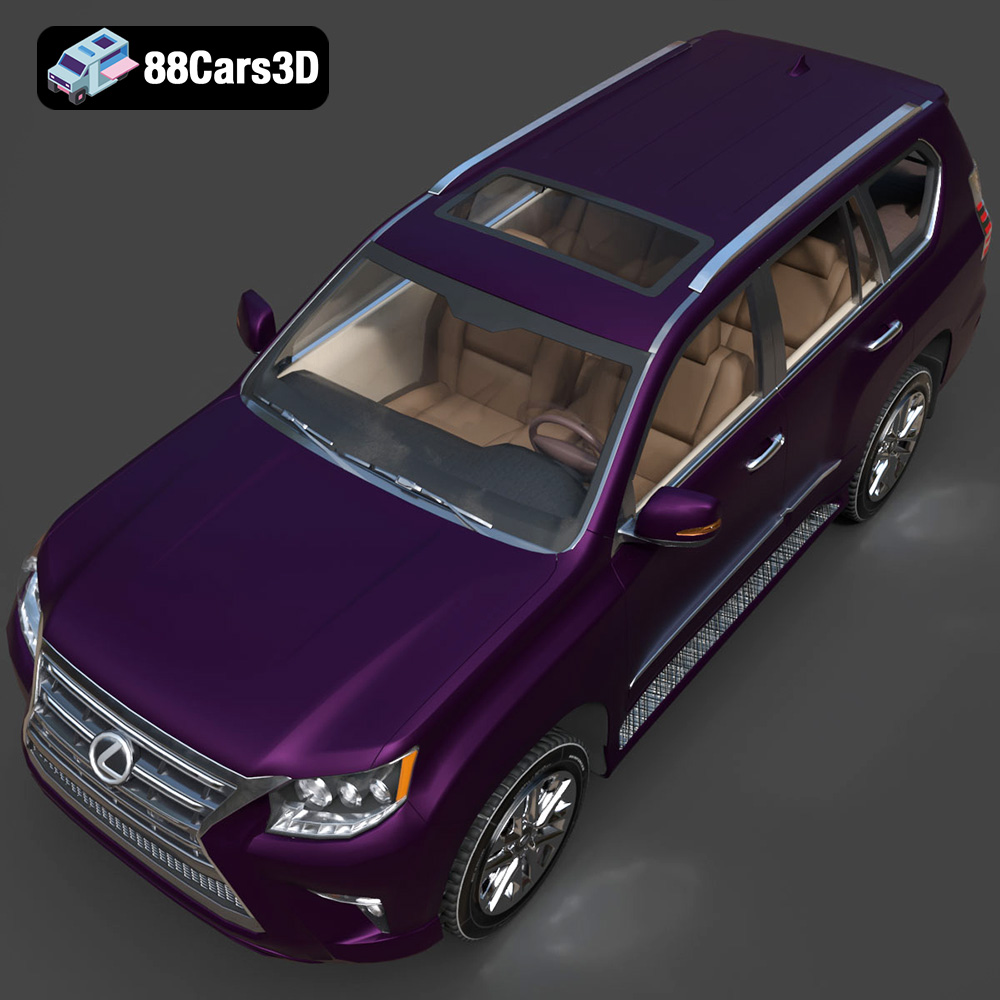
The Lexus GX460 2014 is a luxury SUV known for its blend of off-road capability and refined comfort. Now, thanks to the detailed 3D model available at 88cars3d.com, you can bring this iconic vehicle to life through the magic of 3D printing. This guide will provide you with a comprehensive walkthrough of the 3D printing process, from pre-print preparation to post-processing techniques, ensuring you achieve the best possible results. Whether you’re a seasoned 3D printing enthusiast or a beginner looking for a rewarding project, this guide will equip you with the knowledge you need to successfully 3D print your own Lexus GX460 2014.
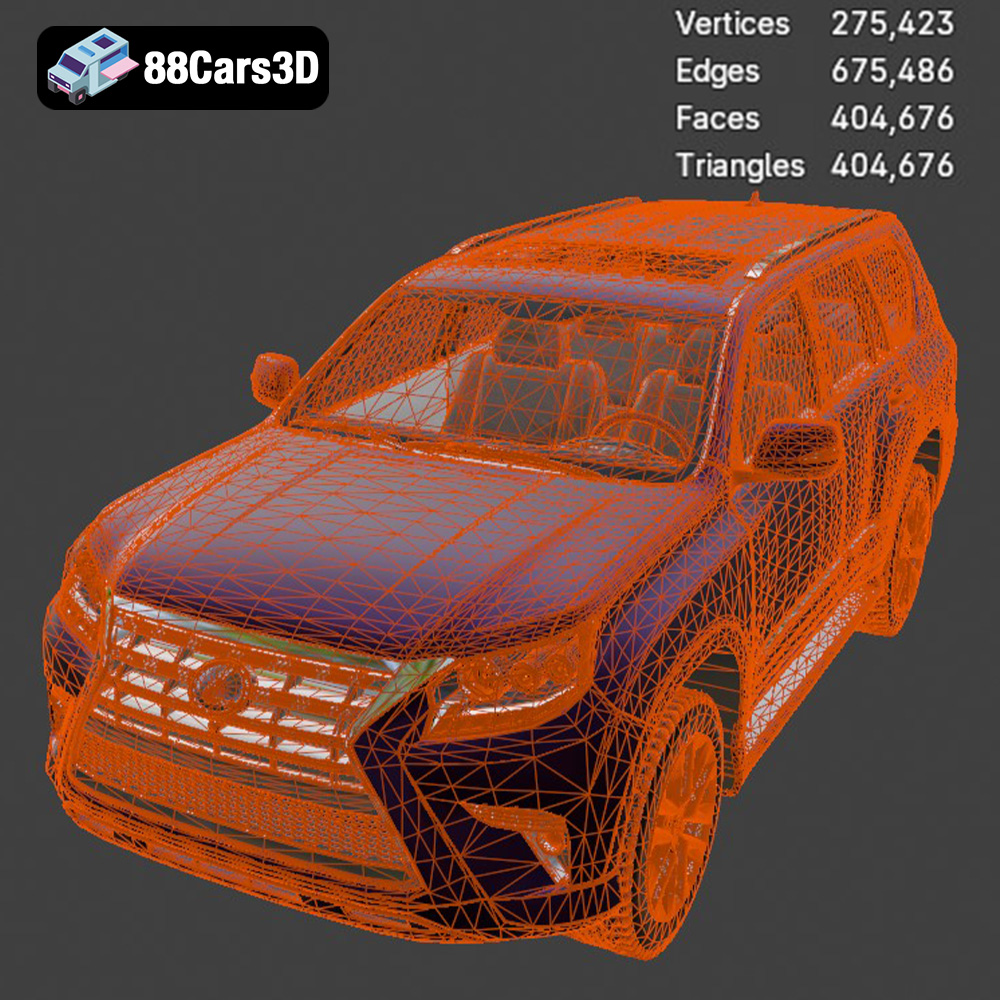
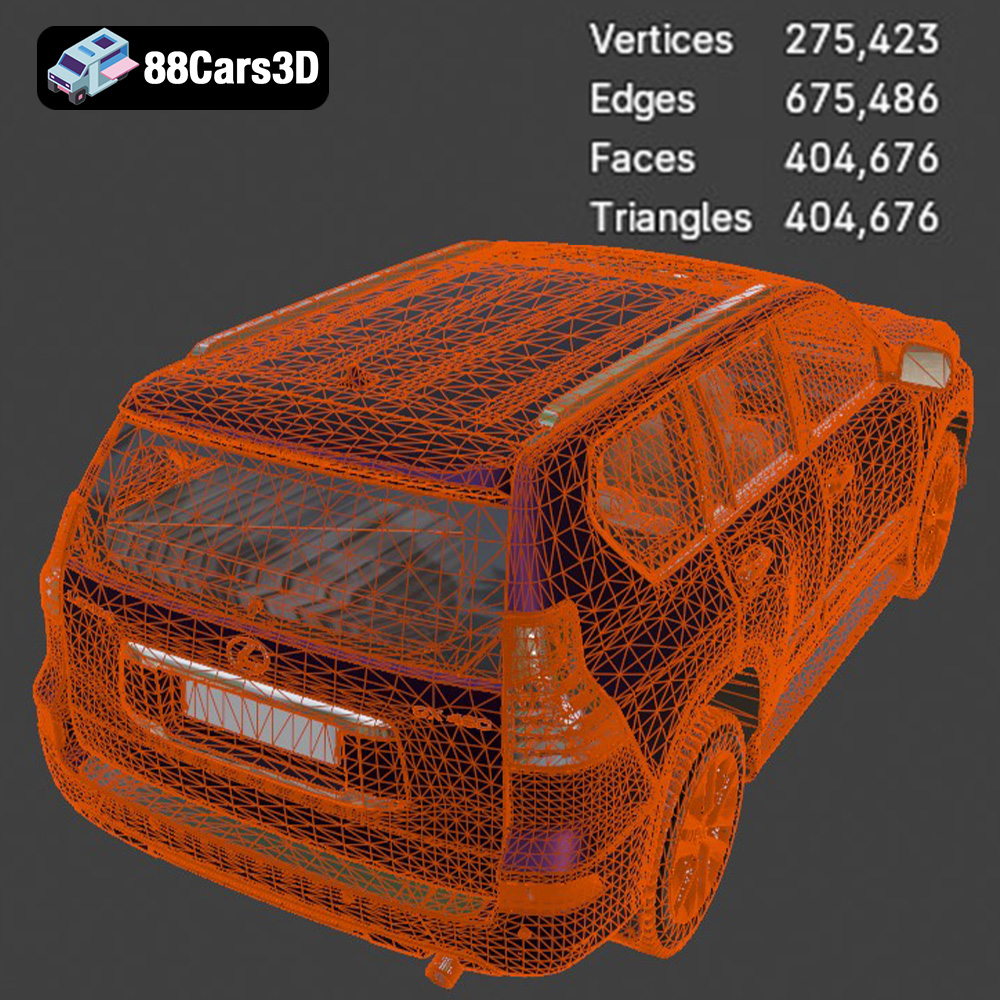
Before diving into the printing process, it’s important to understand the characteristics of the 3D model itself. The Lexus GX460 2014 3D model from 88cars3d.com is designed with meticulous attention to detail, replicating the vehicle’s iconic design and features. The model boasts clean geometry, realistic material representation, and an optimized polygon count to balance visual fidelity with printability.
* **Key Features of the Model:** The model includes both exterior and interior details, providing a comprehensive representation of the GX460. The optimized polygon count ensures the model can be handled smoothly by most 3D printers and slicing software.
* **Intended Use Cases:** The model is versatile and suitable for various purposes, including creating display models, incorporating into dioramas, or even using as a component in larger projects. Consider your intended use before starting the printing process as this will influence your choice of material and printing settings.
Choosing the correct file format is a crucial step in the 3D printing process. While the Lexus GX460 2014 3D model from 88cars3d.com comes in various formats, understanding the nuances of each is essential for optimal results, especially when focusing on 3D printing.
* **.stl – Industry standard for 3D printing, mesh-only format:** The STL (stereolithography) file format is the most common and widely supported format for 3D printing. It represents the surface geometry of a 3D object as a collection of triangles. STL files are simple, efficient, and compatible with virtually all 3D printers and slicing software. However, STL files only store geometric data; they do not contain information about color, texture, or materials. For 3D printing, especially for models like the Lexus GX460 2014, the STL format is the go-to choice for its simplicity and compatibility. Before printing, ensure your STL file is properly oriented and scaled within your slicing software.
* **.obj – Universal format with texture support for colored prints:** OBJ files are another common format that, unlike STL, can store color and texture information in addition to the 3D geometry. This makes it suitable for models that require a more visually rich representation. However, the increased complexity of OBJ files can sometimes lead to larger file sizes and potential compatibility issues with certain slicing software. For single-color 3D prints of the Lexus GX460 2014, STL remains a more practical choice, but OBJ could be considered if multi-material printing is desired to simulate different textures or colors.
* **.ply – Precision mesh format for high-detail prints:** The PLY (Polygon File Format) is designed to store 3D data acquired from 3D scanners. It supports a wide range of properties, including color, normals, and texture coordinates. PLY is often used when high-precision and detailed mesh representation is needed. However, it is less universally supported by 3D printing software compared to STL. If you have a PLY file for the Lexus GX460 2014 and need to print it, ensure your slicing software can handle the format, and consider converting to STL if compatibility issues arise.
* **.blend – Editable Blender scene for customization before export:** The BLEND file is the native file format for Blender, a popular open-source 3D creation suite. It contains the entire Blender scene, including the model’s geometry, materials, textures, lighting, and animation settings. If you want to modify the Lexus GX460 2014 model before printing, using the BLEND file in Blender allows you to make adjustments to the model’s design, scale, or add custom details. After modifications, you will need to export the model as an STL file for 3D printing.
* **.fbx – For importing into slicing software with materials:** FBX (Filmbox) is a proprietary file format developed by Autodesk. It is commonly used for exchanging 3D data between different software applications, particularly in the game development and animation industries. FBX files can store geometry, materials, textures, animations, and other scene elements. While FBX files can be imported into some slicing software, they are not primarily intended for direct 3D printing. Usually, the FBX file would be used to prepare the visual aspects of a model, and the resulting geometry would be exported to an STL for printing.
* **.glb – For previewing models in AR before printing:** GLB is a binary file format that represents 3D models in the glTF (GL Transmission Format) standard. GLB files are designed to be compact and efficient for transmission and rendering on the web and in AR/VR applications. While GLB is excellent for viewing and sharing 3D models, it is typically not directly used for 3D printing. However, previewing the Lexus GX460 2014 model in GLB format using an AR viewer can help you visualize its size and appearance before committing to a print.
* **.max – Editable 3ds Max project for modifications:** MAX is the native file format for 3ds Max, another professional 3D modeling and animation software. Similar to BLEND files, MAX files contain the entire scene setup, including geometry, materials, textures, lighting, and animations. If you have 3ds Max and the MAX file for the Lexus GX460 2014, you can use it to customize the model before exporting it as an STL file for 3D printing.
For 3D printing the Lexus GX460 2014 model, the **STL format** is the most suitable choice. It is universally compatible, simple to use, and provides the necessary geometric data for slicing software to generate the toolpath for your 3D printer. The other formats are more useful for editing and visualization *before* creating the final STL print file.
Once you have the STL file for the Lexus GX460 2014, the next step is to prepare it for printing using slicing software. This software converts the 3D model into a series of layers that the printer can understand. Popular slicing software options include Cura, PrusaSlicer, Simplify3D, and others.
* **Model Repair and Optimization:** Before slicing, it’s crucial to inspect the model for any errors, such as non-manifold edges or holes. These imperfections can cause printing problems. Use software like MeshLab or Netfabb Basic to repair any errors in the STL file. Additionally, optimize the model’s polygon count to ensure smooth slicing and printing without sacrificing detail.
* **Orientation and Support Structures:** The orientation of the model on the print bed significantly impacts the print quality and the amount of support material required. Experiment with different orientations in your slicing software to minimize overhangs and the need for supports. When supports are necessary, choose support settings that balance stability with ease of removal. For the Lexus GX460 2014, orienting the model with the roof facing upwards often works well to minimize supports on the more detailed body panels.
The choice of material significantly impacts the final appearance, strength, and durability of your 3D printed Lexus GX460 2014. Several materials are suitable for this project, each with its own advantages and disadvantages.
* **PLA (Polylactic Acid):** PLA is a biodegradable thermoplastic polymer derived from renewable resources. It is easy to print, has low warping, and produces smooth, detailed prints. PLA is an excellent choice for display models of the Lexus GX460 2014 that don’t require high heat resistance or impact strength. It’s also a relatively inexpensive material, making it a good option for beginners.
* **PETG (Polyethylene Terephthalate Glycol-modified):** PETG is a glycol-modified version of PET that offers improved strength, flexibility, and temperature resistance compared to PLA. It is also less prone to warping and has good layer adhesion. PETG is a good choice if you need a slightly more durable Lexus GX460 2014 model that can withstand some handling and exposure to moderate temperatures.
* **Resin:** For incredibly detailed and smooth prints, resin-based 3D printing is an excellent option. Resin printers use liquid photopolymer resins that are cured by UV light, resulting in high-resolution models with fine details. While resin printing requires more post-processing (washing and curing), the results can be stunning. Resin is especially well-suited for printing small-scale models of the Lexus GX460 2014 where capturing intricate details is paramount.
Achieving a high-quality 3D print of the Lexus GX460 2014 requires careful attention to printer settings. The optimal settings will vary depending on your printer, material, and desired level of detail, but the following guidelines should provide a good starting point.
* **Layer Height:** Layer height determines the resolution of the print. Lower layer heights (e.g., 0.1mm) produce smoother surfaces and finer details but increase print time. Higher layer heights (e.g., 0.2mm) print faster but may result in more visible layer lines. For the Lexus GX460 2014, a layer height of 0.15mm to 0.2mm offers a good balance between print quality and speed.
* **Infill Density:** Infill density affects the strength and weight of the print. Higher infill densities (e.g., 20%) create stronger but heavier models, while lower infill densities (e.g., 10%) result in lighter and faster prints. For a display model of the Lexus GX460 2014, an infill density of 15% is generally sufficient.
* **Print Speed:** Print speed affects both the print time and the quality of the print. Slower print speeds (e.g., 40mm/s) generally produce better results, especially for intricate details and overhangs. Faster print speeds (e.g., 60mm/s) can save time but may compromise print quality. Experiment with different print speeds to find the optimal balance for your printer and material.
* **Support Settings:** As mentioned earlier, proper support settings are crucial for printing models with overhangs. In your slicing software, carefully configure the support type, density, and placement to provide adequate support without being too difficult to remove. Consider using tree supports or adaptive supports to minimize material usage and improve surface finish.
Once the 3D printing process is complete, some post-processing is typically required to achieve the desired final result for your Lexus GX460 2014 model.
* **Support Removal:** Carefully remove the support structures from the printed model. Use tools like pliers, cutters, or a deburring tool to gently detach the supports without damaging the model. Take your time and be patient, especially when removing supports from delicate areas.
* **Sanding and Smoothing:** After support removal, the surface of the 3D printed model may have some imperfections, such as layer lines or support marks. Use sandpaper of varying grits (starting with coarser grits and moving to finer grits) to smooth the surface and remove any blemishes. Wet sanding can help reduce dust and improve the finish.
* **Painting and Detailing:** To enhance the appearance of the Lexus GX460 2014 model, consider painting it with automotive-grade paints. Apply a primer coat first to improve adhesion and coverage. Use masking tape to create clean lines and separate different color areas. Consider adding detailing with fine-tipped brushes or decals to replicate the vehicle’s emblems, lights, and other features.
* **Assembly (if applicable):** If the Lexus GX460 2014 model is printed in multiple parts, carefully assemble them using glue or other fasteners. Ensure proper alignment and secure connections for a professional finish.
Even with careful preparation and optimized settings, you may encounter some challenges during the 3D printing process. Here are some common issues and their solutions:
* **Warping:** Warping occurs when the printed model lifts off the print bed, particularly at the corners. To prevent warping, ensure the print bed is clean and level, use a heated bed, and apply an adhesive like glue stick or hairspray.
* **Layer Adhesion Issues:** Poor layer adhesion can cause the printed model to separate between layers. Increase the printing temperature, reduce the print speed, and ensure proper bed adhesion to improve layer adhesion.
* **Stringing:** Stringing occurs when the printer extrudes filament while moving between different parts of the model, leaving thin strands of plastic. Reduce the printing temperature, increase retraction settings, and ensure the filament is dry to minimize stringing.
* **Overhang Issues:** Overhangs are areas of the model that are not supported by underlying layers. To improve overhang quality, use supports, reduce the layer height, and slow down the print speed.
By following these guidelines and tips, you can successfully 3D print a stunning model of the Lexus GX460 2014. Remember to experiment with different settings and techniques to find what works best for your printer and material. And don’t forget to share your finished product with the 3D printing community! 88cars3d.com offers a wide variety of high-quality 3D car models, perfect for all your additive manufacturing needs.
Discover the exceptional realism and precision of the Lexus GX460 2014 3D Model. Crafted with meticulous attention to detail, this digital asset perfectly replicates the powerful stance and luxurious design of the iconic SUV, making it an outstanding addition to your digital library. Designed for optimal performance, this model features clean geometry, realistic materials, and an optimized polygon count. Every exterior curve and interior element has been modeled to deliver professional quality results. The asset is fully textured and ready for immediate deployment in your chosen software. Whether you are developing an immersive video game, creating photorealistic architectural visualizations, producing interactive AR/VR experiences, or conducting automotive simulations, this versatile 3D model adapts seamlessly to any demanding production environment.
$19.99
.arvr
.blend
.car3dmodel
.fbx
.gameasset
.glb
.gx460
.lexus
.luxury
.max
.obj
.offroad
.ply
.rendering
.simulation
.stl
.unreal
SUV