Get 50% OFF All Premium 3D & STL Models!

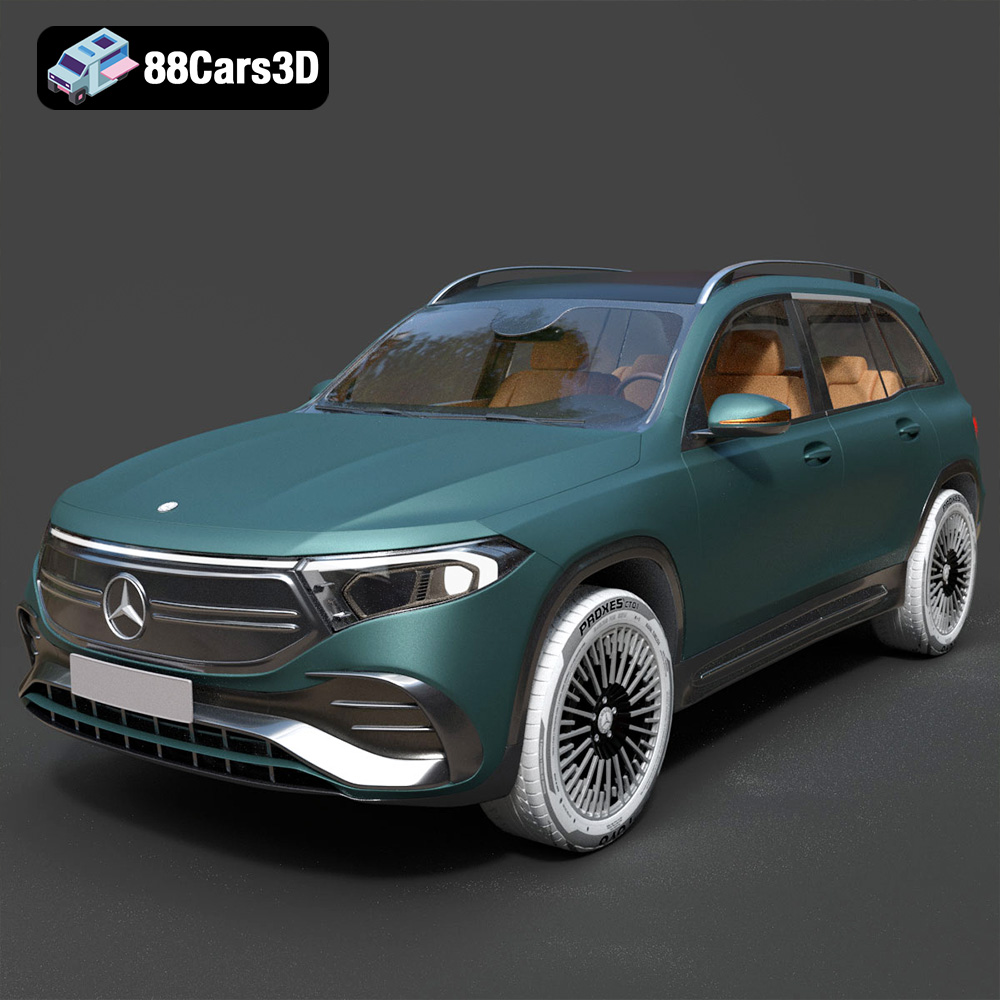
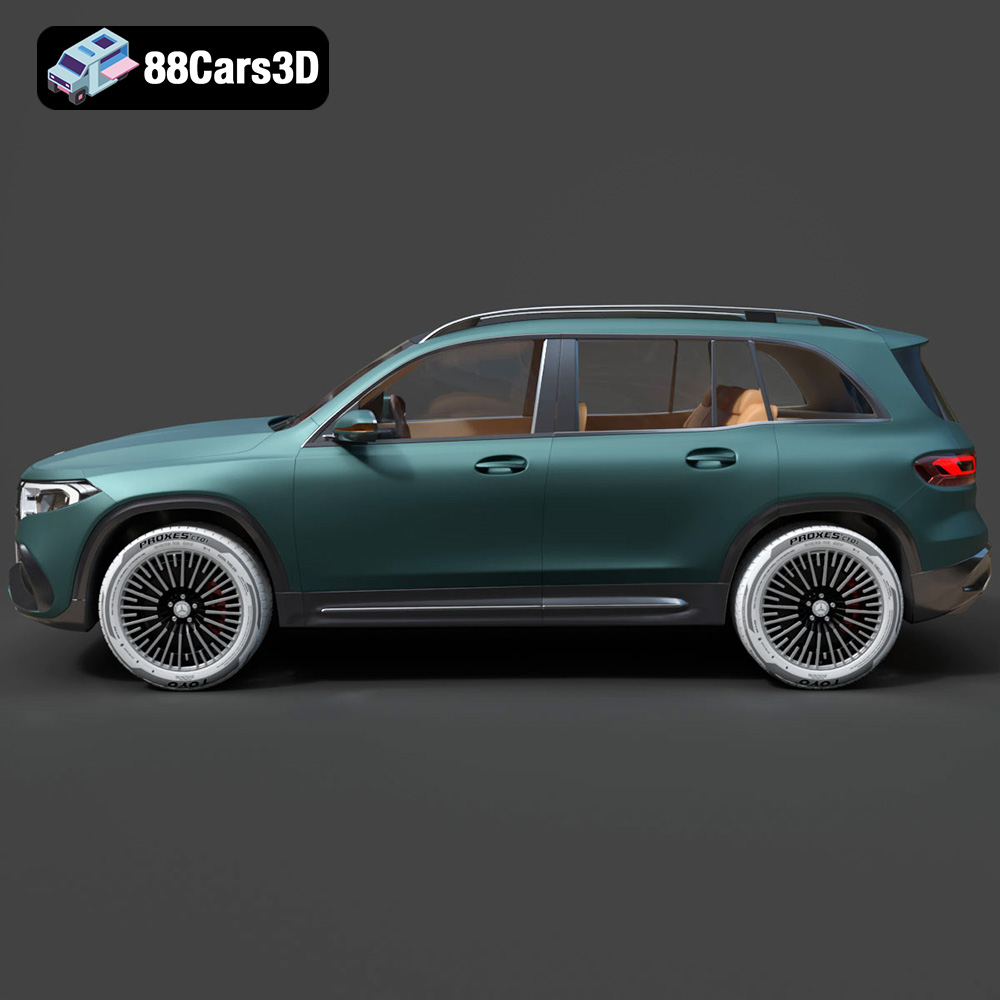
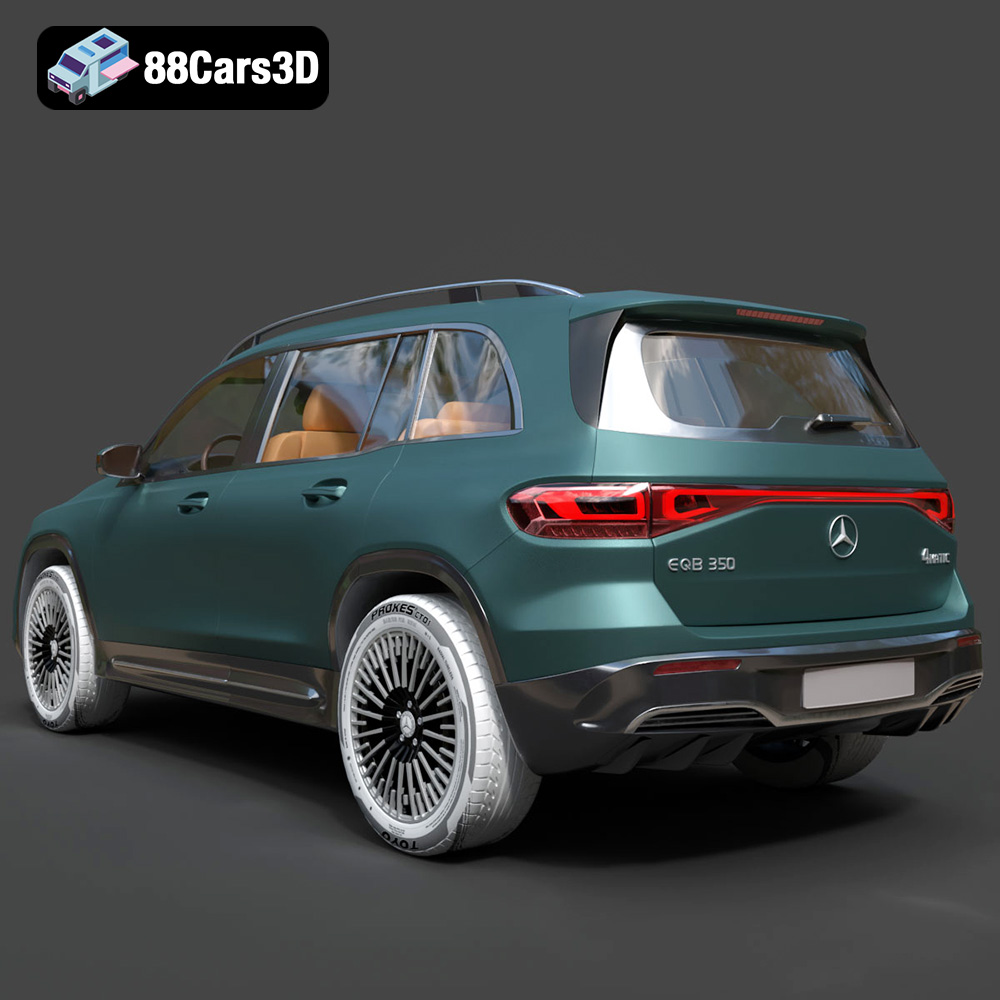
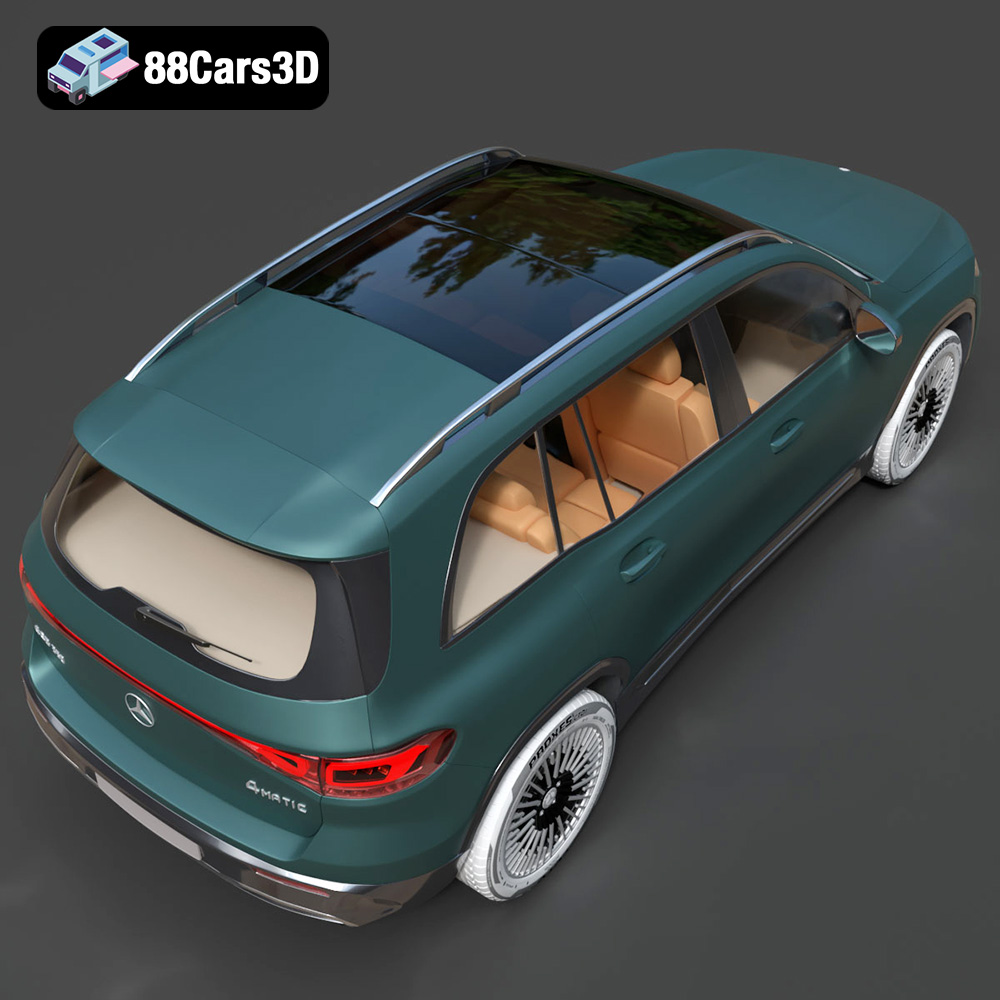
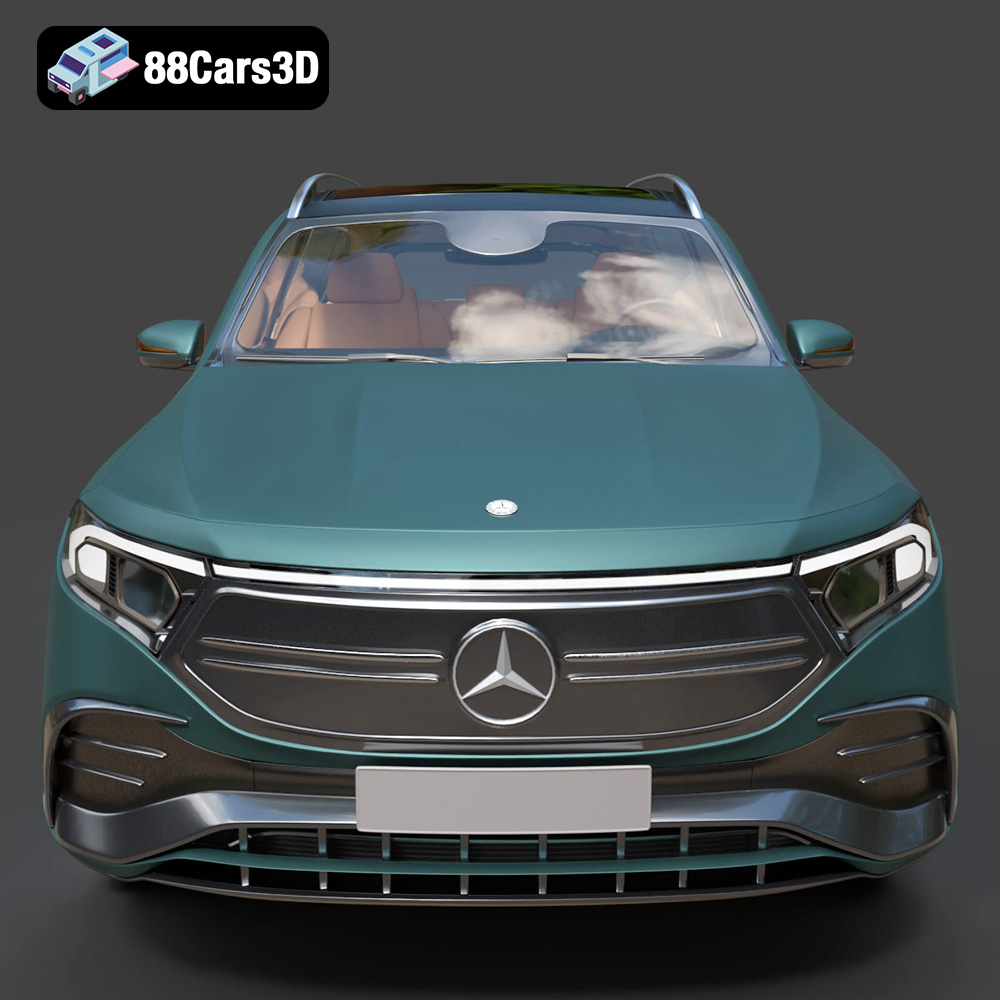
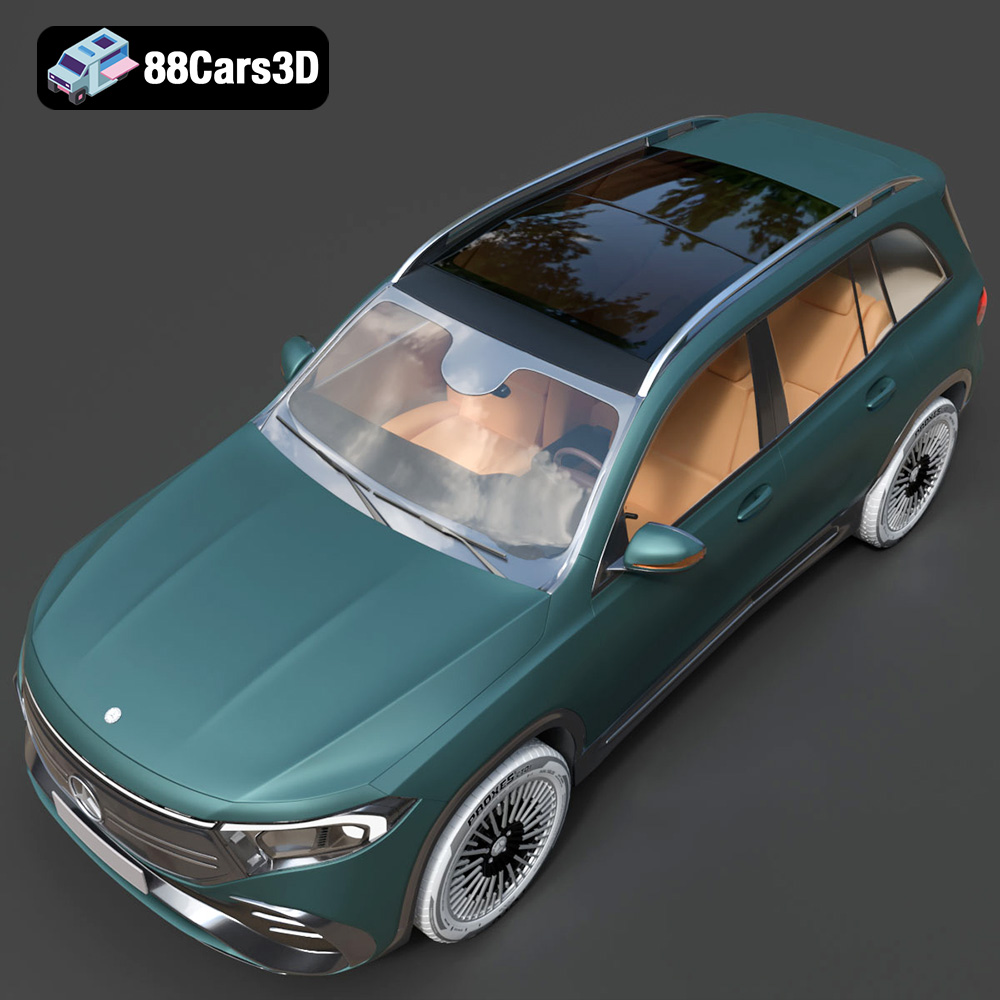
The Mercedes-Benz EQB-001, with its sleek design and modern appeal, is a fantastic subject for 3D printing. Whether you’re a car enthusiast, a model collector, or simply enjoy the additive manufacturing process, this guide will walk you through the steps needed to create a stunning 3D printed replica. From selecting the right materials and printer settings to post-processing techniques that bring your model to life, we’ll cover everything you need to know to achieve optimal results with the STL files available at 88cars3d.com.
The choice of 3D printer significantly impacts the final quality of your Mercedes-Benz EQB-001 model. Two primary technologies dominate the consumer and prosumer space: Fused Deposition Modeling (FDM) and Stereolithography (SLA).
FDM printers are known for their affordability, ease of use, and the wide variety of materials they can handle. For the EQB-001, an FDM printer with a heated bed is highly recommended. This allows you to use materials like ABS, PETG, and even flexible filaments, although PLA is often the easiest starting point.
* Pros: Cost-effective, wide material selection, large build volumes available.
* Cons: Layer lines are visible, may require more post-processing.
SLA printers, which use resin and lasers, offer significantly higher resolution and smoother surface finishes compared to FDM. They are ideal for capturing the intricate details of the EQB-001, such as the body lines and smaller features.
* Pros: High detail, smooth surface finish, ideal for small, intricate parts.
* Cons: More expensive, resin can be messy, smaller build volumes.
Ultimately, the best choice depends on your budget, desired level of detail, and experience with 3D printing. For beginners, an FDM printer with PLA is a great starting point. If you prioritize detail and are comfortable with more complex workflows, an SLA printer might be preferable.
Selecting the correct file format is crucial for successful 3D printing. The Mercedes-Benz EQB-001 3D model is available in various formats, but some are better suited for additive manufacturing than others.
The .stl (Stereolithography) file format is the de facto standard for 3D printing. It represents the surface geometry of a 3D object using a mesh of triangles. This simplicity makes it universally compatible with slicing software and 3D printers. When preparing the EQB-001 model for printing, the .stl format is your best bet.
* Slicing Software Compatibility: All slicing software, such as Cura, Simplify3D, PrusaSlicer, and others, readily accept .stl files. You can easily import the model, adjust print settings, and generate the G-code needed to control your 3D printer.
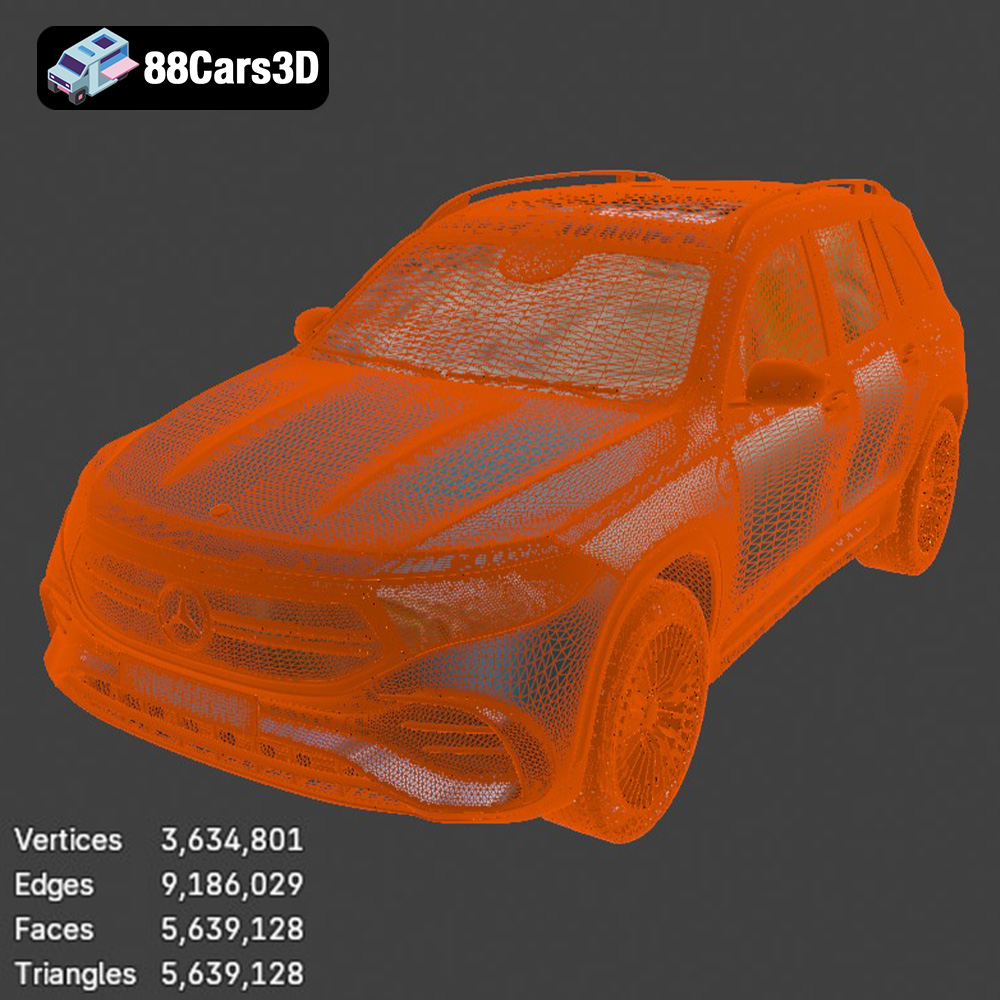
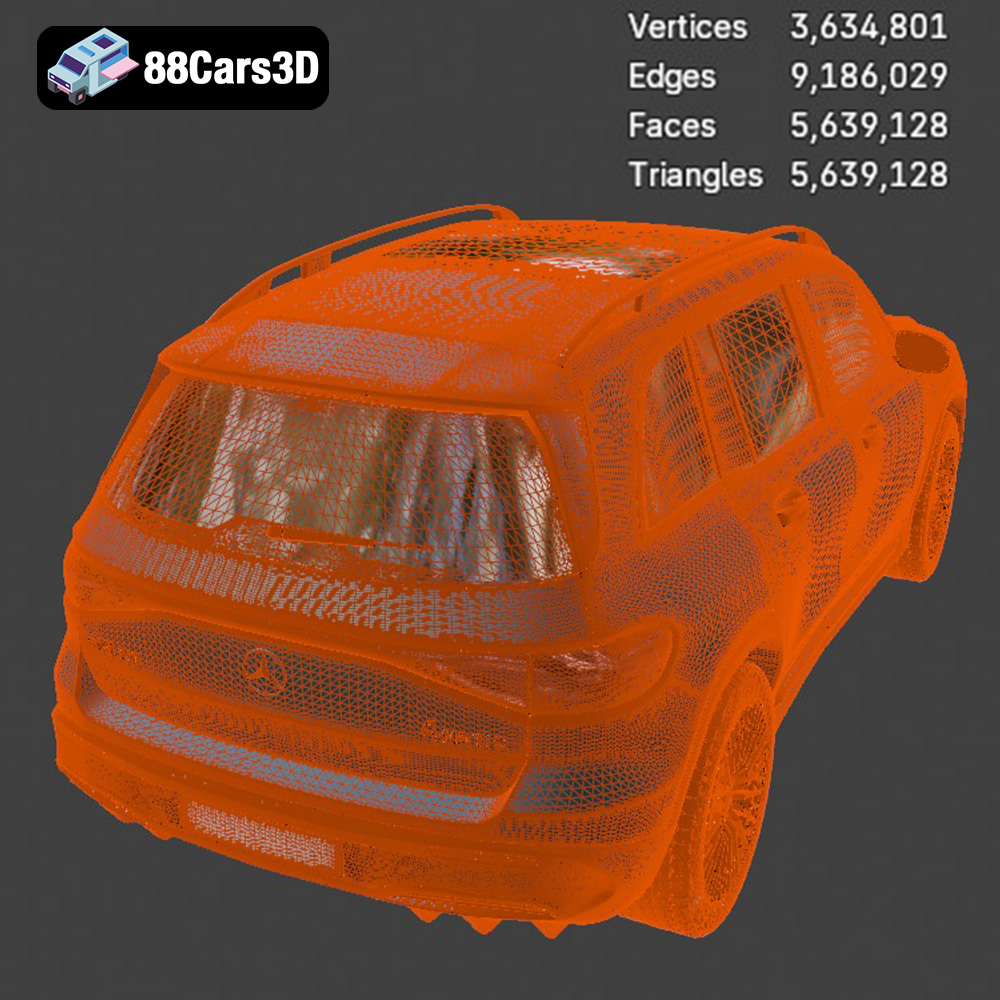
* Mesh Quality: The resolution of the .stl file directly impacts the smoothness of the final print. A low-resolution .stl will result in a faceted appearance, while a high-resolution .stl will capture finer details but may increase file size and processing time. The .stl files available at 88cars3d.com are optimized to strike a balance between detail and file size, ensuring a smooth print without overwhelming your system.
* Limitations: The .stl format only stores geometric data; it does not include information about color, texture, or materials. For simple, single-color prints, this is not an issue. However, if you’re interested in colored 3D printing, you’ll need to consider other formats.
While .stl is the primary format for 3D printing, understanding other formats can be beneficial, especially if you plan to modify or enhance the model before printing.
* .obj (Object): A more universal format than .stl, .obj can store color and texture information, making it suitable for colored prints or rendering applications. However, not all slicing software fully supports .obj files with color data.
* .ply (Polygon File Format): This format is designed for storing 3D data acquired from scanning devices and can handle high-resolution meshes with color information. It’s often used for detailed mesh analysis but is less common in standard 3D printing workflows.
* .blend (Blender File): The native format for Blender, a popular open-source 3D modeling software. This format is ideal if you want to modify the EQB-001 model before printing. You can adjust the geometry, add details, or even split the model into smaller parts for easier printing.
* .fbx (Filmbox): Commonly used in game development, .fbx supports animation, materials, and textures. While not directly used for printing, it can be helpful for importing the model into slicing software that supports material properties for multi-material printing (if your printer supports it).
* .glb (GL Transmission Format Binary): Optimized for web-based visualization and AR/VR applications, .glb files can be used to preview the model before printing, ensuring it meets your expectations.
* .max (3ds Max File): The native format for 3ds Max, another professional 3D modeling software. Similar to .blend, it allows for extensive modification of the model before exporting it as an .stl for printing.
For the Mercedes-Benz EQB-001, the recommended workflow is to use the .stl file directly in your slicing software. If you want to customize the model, you can use the .blend or .max file, make your changes, and then export the modified model as an .stl for printing.
Before sending the Mercedes-Benz EQB-001 to the printer, you need to prepare the .stl file using slicing software. This software converts the 3D model into a series of layers that the printer can understand.
Several excellent slicing programs are available, both free and paid. Popular options include Cura, PrusaSlicer, Simplify3D, and Chitubox (for resin printing). Each offers a range of settings to fine-tune the printing process.
* Cura: Free, user-friendly, and widely supported. Excellent for beginners.
* PrusaSlicer: Based on Slic3r, with advanced features and profiles for Prusa printers.
* Simplify3D: A paid option with advanced control and optimization features.
* Chitubox: Specifically designed for SLA/DLP/LCD resin printers.
The orientation of the EQB-001 on the print bed significantly impacts the print quality, support requirements, and overall success rate.
* Minimizing Supports: Orient the model to minimize the need for support structures. Overhanging features require supports, which can leave blemishes on the final print and consume more material. Experiment with different orientations to find the one that requires the least amount of support.
* Hiding Layer Lines: Consider the orientation of visible surfaces. For example, orienting the car body so that the layer lines run along the length of the car can make them less noticeable.
* Build Plate Adhesion: Ensure that the base of the model has sufficient contact with the build plate to prevent warping or detachment during printing. Adding a raft or brim can improve adhesion.
The choice of material influences the strength, appearance, and durability of your 3D printed Mercedes-Benz EQB-001.
PLA (Polylactic Acid) is a biodegradable thermoplastic derived from renewable resources. It’s easy to print, has low warping, and produces good surface quality. PLA is ideal for beginners and for models that don’t require high heat resistance.
* Pros: Easy to print, low warping, biodegradable, wide range of colors.
* Cons: Low heat resistance, can be brittle.
* Recommended Settings: Nozzle temperature: 200-220°C, Bed temperature: 60°C.
PETG (Polyethylene Terephthalate Glycol-modified) offers a good balance of strength, flexibility, and heat resistance. It’s more durable than PLA and less prone to cracking. PETG is a good choice for parts that might be subjected to some stress or heat.
* Pros: Durable, heat-resistant, good layer adhesion.
* Cons: Can be stringy, requires a higher printing temperature.
* Recommended Settings: Nozzle temperature: 230-250°C, Bed temperature: 70-80°C.
For SLA printers, resin is the material of choice. Different types of resin offer varying properties, such as standard resin, tough resin, and flexible resin. Resin printing allows for extremely high detail and smooth surfaces, perfect for capturing the intricate features of the EQB-001.
* Pros: High detail, smooth surface finish, various resin types available.
* Cons: Requires post-processing (washing and curing), resin can be messy, more expensive than filament.
Fine-tuning your printer settings is essential for achieving the best possible results with the Mercedes-Benz EQB-001.
Layer height determines the vertical resolution of your print. Lower layer heights (e.g., 0.1mm) produce smoother surfaces and finer details but increase print time. Higher layer heights (e.g., 0.2mm) print faster but result in more visible layer lines. For the EQB-001, a layer height of 0.1-0.15mm is a good compromise between detail and speed.
Infill density determines the amount of material used inside the model. Higher infill densities increase strength but also increase print time and material consumption. For a display model like the EQB-001, an infill density of 15-20% is usually sufficient.
Support structures are necessary for printing overhanging features. Use support blockers in your slicing software to prevent supports from generating in areas where they are not needed. Experiment with different support patterns and densities to find the optimal balance between support strength and ease of removal.
Print speed affects both print quality and print time. Printing too fast can lead to poor layer adhesion and dimensional inaccuracies. Printing too slow can increase print time unnecessarily. A print speed of 40-60mm/s is a good starting point for most materials.
Post-processing is the final step in bringing your 3D printed Mercedes-Benz EQB-001 to life.
Sanding removes layer lines and imperfections, resulting in a smoother surface. Start with coarse sandpaper (e.g., 220 grit) and gradually move to finer grits (e.g., 400, 600, 800 grit). Wet sanding can help to reduce dust and improve the surface finish.
Priming provides a smooth surface for paint to adhere to. Apply several thin coats of primer, sanding lightly between each coat. Choose paints that are compatible with your chosen material (e.g., acrylic paints for PLA and PETG). Apply multiple thin coats of paint for the best results. Consider using masking tape to create clean lines and details.
The Mercedes-Benz EQB-001 model may consist of multiple parts that need to be assembled. Use glue or epoxy to attach the parts together. Ensure that the parts are properly aligned before the glue sets.
Even with careful preparation, you may encounter some common 3D printing issues.
* Warping: Warping occurs when the corners of the print lift off the build plate. Ensure that your bed is properly leveled and heated. Use a raft or brim to improve adhesion.
* Stringing: Stringing occurs when the printer extrudes filament while moving between parts. Increase retraction distance and speed. Adjust the nozzle temperature.
* Layer Shifting: Layer shifting occurs when the layers of the print become misaligned. Check your belt tension and ensure that your printer is stable.
* Poor Bed Adhesion: Clean the build plate with isopropyl alcohol. Use a glue stick or hairspray to improve adhesion.
By following these guidelines, you can successfully 3D print a stunning replica of the Mercedes-Benz EQB-001 using the STL files available at 88cars3d.com. Remember to experiment with different settings and materials to find what works best for your printer and your desired level of detail.
Discover the ultimate level of detail and realism with the Mercedes-Benz EQB-001 3D Model. Carefully crafted to replicate the true design of this modern vehicle, this model ensures precision and authenticity for any digital project.
$19.99
.arvr
.blend
.car3dmodel
.electriccar
.eqb
.eqb001
.ev
.fbx
.gameasset
.glb
.max
.mercedes
.mercedesbenz
.obj
.ply
.rendering
.simulation
.stl
.unreal
SUV