Get 50% OFF All Premium 3D & STL Models!

In the rapidly evolving landscape of digital content creation, the demand for exceptionally realistic and technically sound 3D assets has never been higher. From blockbuster video games to cutting-edge augmented reality experiences, and from Hollywood-grade visual effects to intricate architectural visualizations, high-quality 3D models form the bedrock of immersive digital worlds. Among these, 3D car models stand out as particularly challenging to create and incredibly impactful when executed flawlessly. They require a meticulous blend of artistic skill and technical precision to capture the complex curves, reflective surfaces, and intricate details that define a modern vehicle.
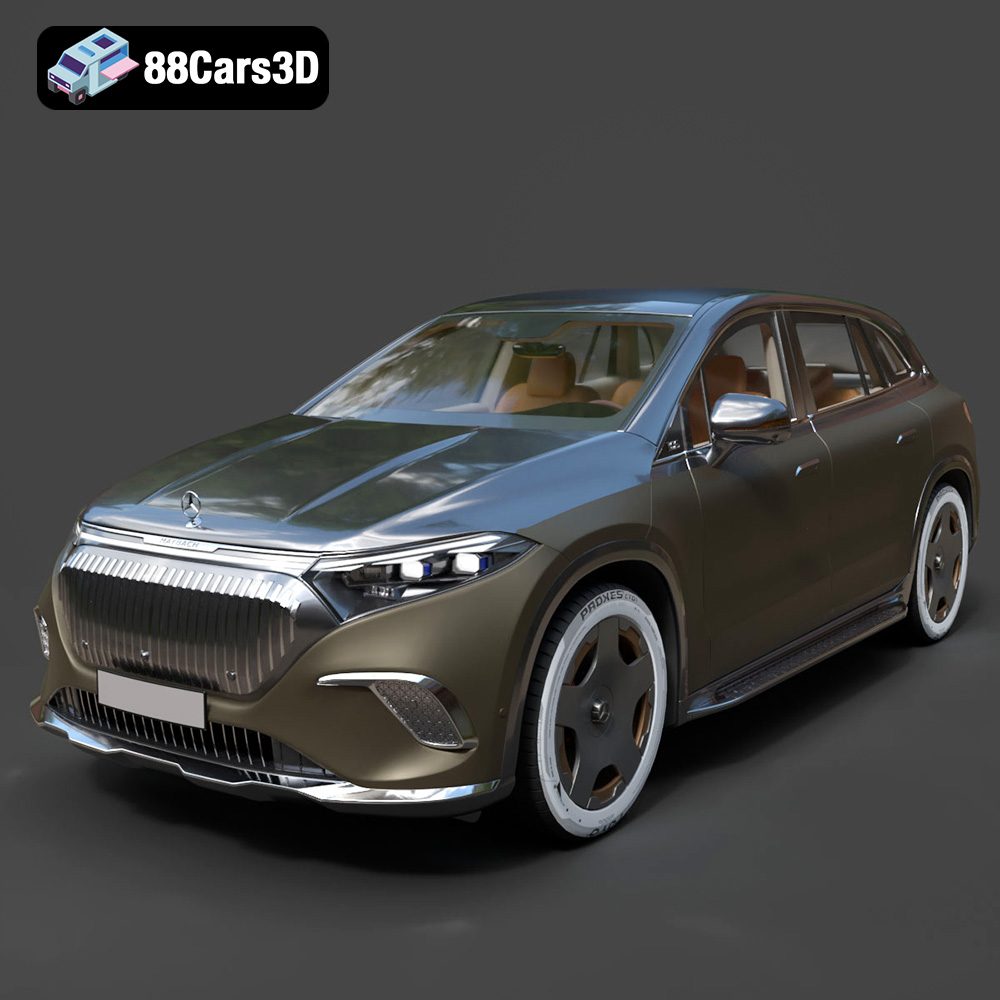
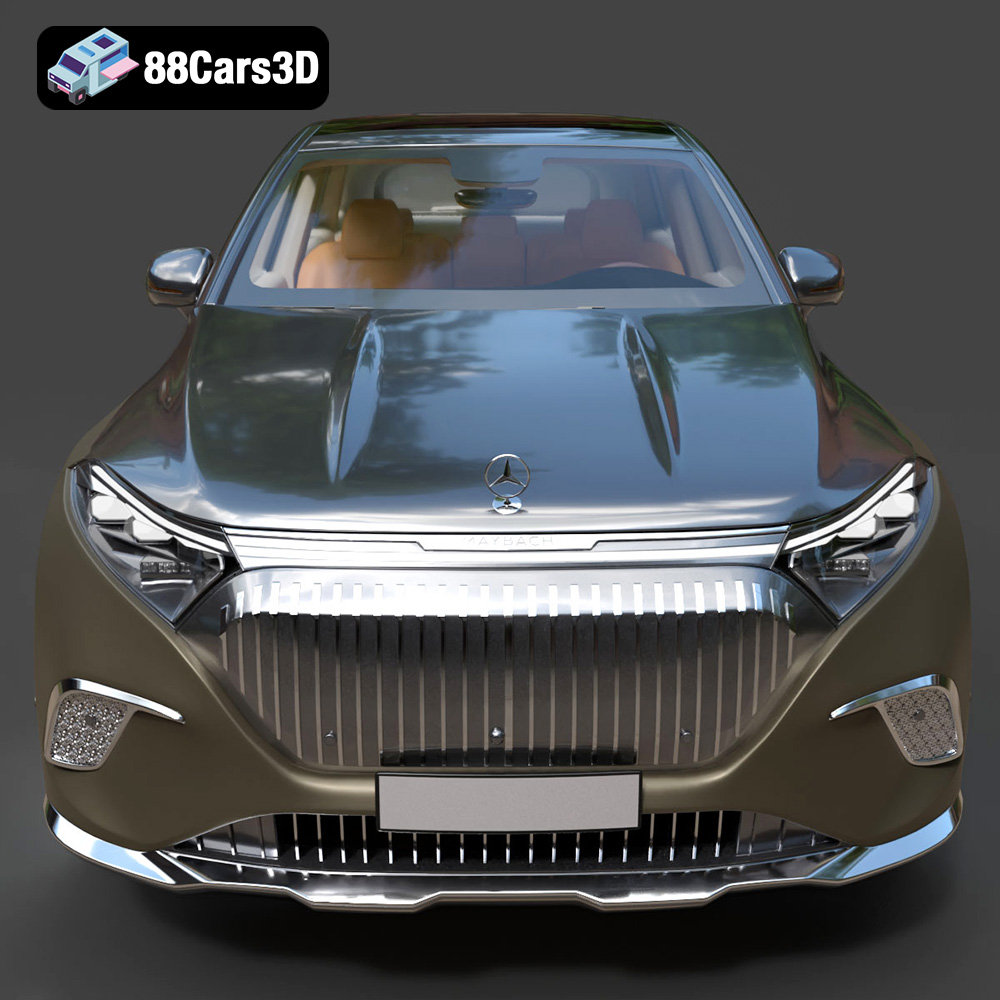
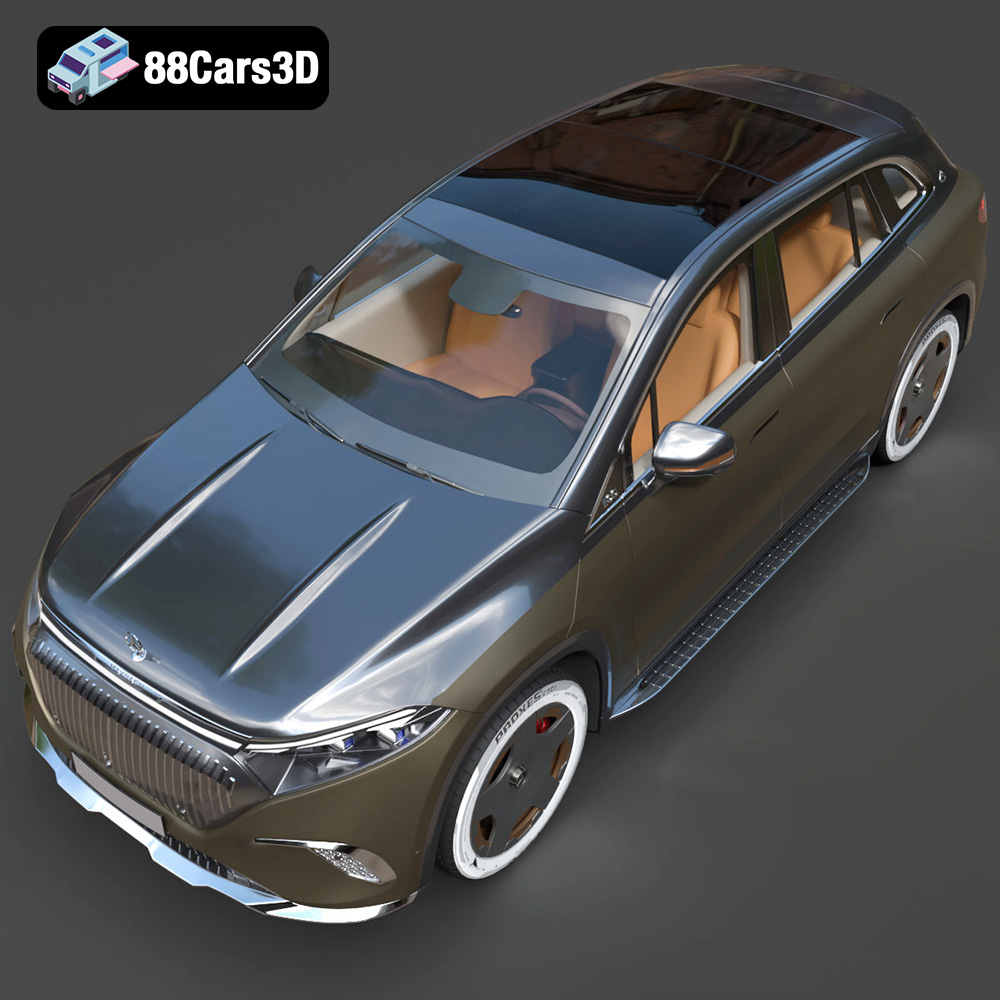
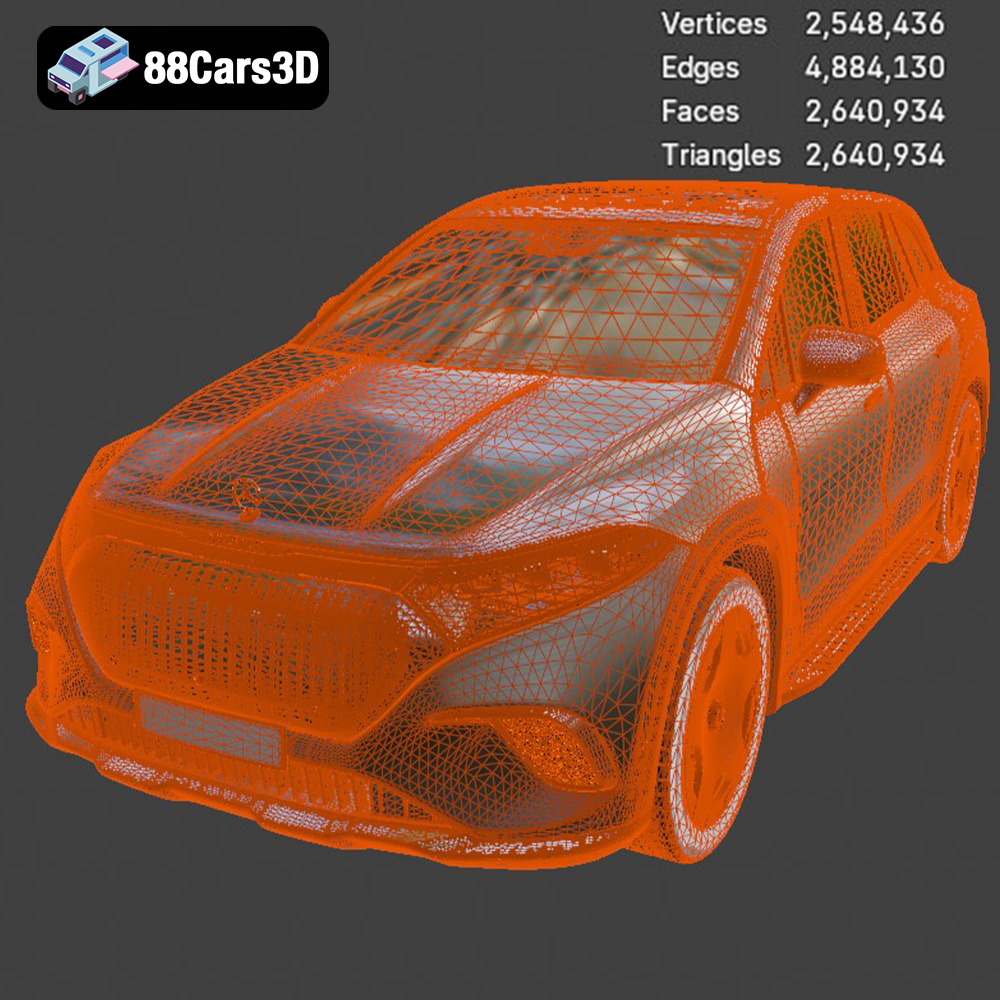
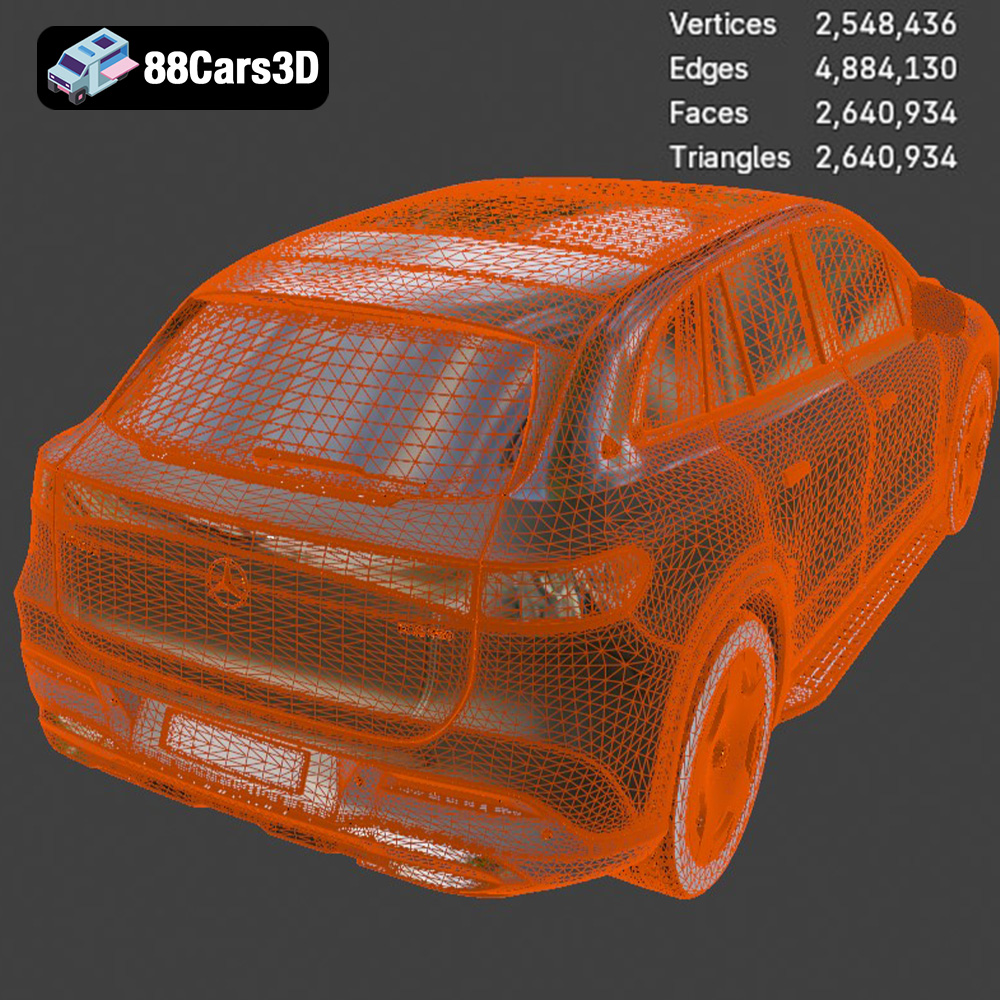
The Mercedes-Benz EQS SUV Maybach 3D Model exemplifies this synthesis of art and engineering. As a digital replica of one of the most luxurious and technologically advanced electric vehicles on the market, it offers creators an unparalleled asset. This model isn’t just a static representation; it’s a meticulously crafted digital blueprint, featuring clean geometry, realistic materials, and professional detailing. With a fully modeled exterior and interior, it is designed for demanding close-up shots and integration into hyper-realistic environments. Whether you’re an automotive designer, a game developer, an AR/VR enthusiast, or a visualization artist, understanding the nuances of such an asset and how it integrates into various professional workflows is key to unlocking its full potential.
The versatility of a premium 3D asset like the Mercedes-Benz EQS SUV Maybach 3D Model is significantly amplified by the range of file formats it supports. Each format is designed with specific use cases and software ecosystems in mind, offering distinct advantages for different stages of a project, from initial modeling and texturing to final rendering, real-time integration, and even physical production. Understanding these formats is crucial for optimizing workflows and ensuring seamless compatibility across diverse digital pipelines.
The .blend format is the native file type for Blender, a popular open-source 3D creation suite. When you receive the Mercedes-Benz EQS SUV Maybach as a .blend file, you gain access to a fully editable Blender scene. This typically includes not just the raw mesh data, but also the material definitions (often PBR setups), lighting configurations, camera setups, and any associated modifiers or animation data. For artists who prefer Blender, this format offers maximum flexibility for further customization, rigging, animation, or integration into existing Blender projects. Its comprehensive nature makes it ideal for iterative design and detailed scene assembly.
.fbx (Filmbox) is arguably the most widely adopted proprietary 3D file format for exchanging 3D data between different software applications. Developed by Autodesk, it excels at storing not only geometric information but also animation, cameras, lights, and materials (though material translation can sometimes be imperfect between software). The .fbx format is particularly ideal for real-time pipelines, making it the go-to choice for importing 3D car models into game engines like Unreal Engine and Unity. Its robust support for skeletal animations and blend shapes also makes it a powerful option for animated sequences involving the vehicle.
The .obj (Wavefront Object) format is a classic, universal 3D model format renowned for its simplicity and wide compatibility. It primarily stores geometric data (vertices, faces, UV coordinates) and can reference external material files (.mtl). While it doesn’t support advanced features like animation or complex scene hierarchies, its universality means almost any 3D software can open and work with an .obj file. For the Mercedes-Benz EQS SUV Maybach, the .obj version is excellent for cross-software compatibility when the primary need is to transfer the static mesh and basic material assignments for rendering in a different application.
.glb (GL Transmission Format Binary) is a modern, compact, and efficient 3D file format optimized for web-based applications, augmented reality (AR), and virtual reality (VR). It encapsulates a 3D model, its PBR materials, textures, and even animations into a single binary file, making it incredibly easy to share and load quickly in browsers and mobile devices. For showcasing the Mercedes-Benz EQS SUV Maybach in an interactive online viewer or integrating it into an AR app where users can place the virtual SUV in their real environment, the .glb format is indispensable due to its performance and streamlined delivery.
The .stl (Stereolithography) format is the de facto standard for 3D printing. It represents a 3D model as a series of connected triangles, defining only the surface geometry without color, texture, or material information. When you need a physical prototype or a scale model of the Mercedes-Benz EQS SUV Maybach, the .stl file is the one you’ll feed into your 3D printer slicing software. Its simplicity ensures direct translation from digital to physical, making it suitable for rapid prototyping and manufacturing.
The .ply (Polygon File Format) is another popular format for storing 3D data, particularly known for its ability to store properties beyond just geometry, such as color, transparency, and even normal vectors per vertex or face. It’s often used for scanned data, CAD applications, and scientific visualization where precise mesh information and additional attributes are critical. For detailed analysis or high-fidelity visualization of the Mercedes-Benz EQS SUV Maybach’s intricate design, the .ply format can offer a level of precision useful for engineering reviews or specialized rendering pipelines.
The .unreal format signifies an asset specifically pre-configured for use within Unreal Engine. This often means the model has already been imported, scaled correctly, had its PBR materials set up, and potentially includes LODs (Levels of Detail), collision meshes, and other optimizations necessary for seamless integration into a real-time environment. For Unreal Engine developers, this format dramatically reduces setup time, allowing for immediate implementation of the Mercedes-Benz EQS SUV Maybach 3D Model into game levels or architectural walkthroughs.
Finally, the .max format is the native file type for Autodesk 3ds Max, another industry-leading 3D modeling, animation, and rendering software. Similar to .blend, a .max file contains the complete scene data, including all geometry, textures, materials, lighting, cameras, animation keyframes, and plugins used. For professionals working in 3ds Max, this format offers the most control and flexibility for further refinement, complex rigging, animation sequences, or high-fidelity renders of the Mercedes-Benz EQS SUV Maybach.
The availability of the Mercedes-Benz EQS SUV Maybach 3D Model in such a wide array of formats from 88cars3d.com ensures that creators across various disciplines can leverage this exquisite asset without compatibility hurdles, streamlining their projects and enhancing their final output.
Automotive rendering is a specialized field that demands an acute understanding of light, materials, and composition to produce imagery indistinguishable from reality. A high-quality 3D car model, such as the Mercedes-Benz EQS SUV Maybach, serves as the perfect canvas for demonstrating advanced rendering techniques, allowing artists to craft stunning visuals for marketing, design reviews, and cinematic sequences.
At the heart of modern photorealistic rendering lies Physically Based Rendering (PBR). PBR workflows simulate how light interacts with surfaces in the real world, producing predictable and consistent results regardless of the lighting environment. For an automotive model like the Mercedes-Benz EQS SUV Maybach, this means meticulous attention to various material properties:
The professional detailing of the Mercedes-Benz EQS SUV Maybach 3D Model ensures that these PBR maps are thoughtfully applied, allowing artists to achieve true-to-life reflections and material responses under any lighting condition.
Just as a photographer carefully selects their studio and lighting, 3D artists employ sophisticated lighting and environment setups to showcase automotive models. High Dynamic Range Images (HDRIs) are commonly used to capture real-world lighting and reflections, providing a comprehensive and accurate environment. These can range from outdoor scenes with dramatic skies to controlled studio setups with softbox reflections. For the Mercedes-Benz EQS SUV Maybach, an artist might utilize:
The clean geometry and realistic materials of models from 88cars3d.com significantly simplify this process, as they are inherently designed to react accurately to diverse lighting conditions.
Beyond static renders, 3D car models are frequently animated to demonstrate features, design elements, or dynamic performance. Common animation sequences include:
The Mercedes-Benz EQS SUV Maybach 3D Model, with its fully modeled exterior and interior, provides an excellent foundation for such animations, allowing for detailed exploration of its luxurious cabin and advanced features.
The gaming industry thrives on realism and performance, making the integration of high-quality 3D car models a critical aspect of creating immersive driving simulations, open-world environments, and interactive experiences. However, game assets require specific optimizations to run efficiently in real-time engines.
Unlike offline rendering, game engines have strict polygon budgets and memory constraints. To ensure smooth performance, 3D car models like the Mercedes-Benz EQS SUV Maybach must undergo optimization processes:
A professionally crafted asset such as this Mercedes-Benz EQS SUV Maybach 3D Model from 88cars3d.com is designed with these optimizations in mind, providing a solid foundation for game developers.
Integrating 3D car models into popular game engines like Unreal Engine and Unity follows a well-defined workflow:
The detailed interior and exterior of the Mercedes-Benz EQS SUV Maybach 3D Model mean that developers can create highly interactive and visually stunning in-game experiences, from driving simulations to virtual car configurators.
Beyond simply putting a car in a game, high-fidelity 3D car models enable the creation of truly immersive driving experiences. The intricate details of the EQS SUV Maybach allow for:
Such assets empower game developers to push the boundaries of realism, delivering unparalleled virtual automotive experiences.
The frontier of digital interaction is rapidly expanding into augmented reality (AR) and virtual reality (VR), along with interactive web-based visualizations. In these domains, high-quality 3D car models are not just viewed; they are experienced, allowing users to interact with virtual objects in real or simulated environments.
AR and VR platforms demand optimized 3D assets that can be rendered in real-time at high frame rates. For applications ranging from virtual showrooms to interactive product demonstrations and even training simulations, a detailed model like the Mercedes-Benz EQS SUV Maybach is invaluable. Imagine potential buyers exploring the vehicle’s interior in VR, or placing a life-sized virtual EQS SUV in their driveway via an AR app. This requires:
The multi-format availability of the Mercedes-Benz EQS SUV Maybach 3D Model, particularly the .glb and .fbx variants, facilitates seamless integration into these cutting-edge platforms.
The advent of WebGL and WebXR technologies has made it possible to display and interact with 3D models directly in web browsers without needing plugins. The .glb format is specifically designed for this purpose. It bundles the model’s geometry, textures, and animation into a single, compact file, ensuring fast loading and efficient rendering on web platforms. For the Mercedes-Benz EQS SUV Maybach 3D Model:
This accessibility democratizes high-fidelity 3D content, bringing the luxury of the Maybach directly to a wider audience.
Advanced interactive applications leverage 3D car models to create dynamic user experiences. Product configurators allow customers to customize their vehicle in real-time, visualizing every option from exterior paint to interior stitching. Virtual test drives, increasingly common in the automotive industry, allow users to experience the feel and features of a car in a simulated environment before it even leaves the factory. The Mercedes-Benz EQS SUV Maybach 3D Model, with its detailed exterior and interior, is perfectly suited for these applications, offering a rich, realistic, and highly customizable experience that can influence purchasing decisions and enhance brand engagement.
While often associated with digital screens, 3D car models also have a tangible presence in the physical world through 3D printing and rapid prototyping. This bridge between the digital and physical realms is invaluable for designers, engineers, and enthusiasts alike.
The digital fidelity of a model like the Mercedes-Benz EQS SUV Maybach is transferable to physical objects using specific file formats:
These formats enable a rapid iteration process, allowing designers to quickly evaluate physical forms without incurring the cost and time of traditional manufacturing methods.
In automotive design, rapid prototyping is a critical step. Designers can create numerous variations of a component or an entire vehicle concept in 3D software and then quickly print scale models to assess ergonomics, aesthetics, and structural integrity. A high-detail model such as the Mercedes-Benz EQS SUV Maybach 3D Model can be scaled down and 3D printed to provide tangible representations of complex design elements, allowing for hands-on evaluation long before physical production begins. This accelerates the design cycle, identifies potential issues early, and refines the final product.
Beyond professional prototyping, 3D printed car models serve various educational and display purposes. Museums can create intricate scale models of iconic vehicles, engineering schools can use them for hands-on learning about automotive structures, and collectors can acquire high-fidelity desktop replicas of their favorite cars. The ability to translate the Mercedes-Benz EQS SUV Maybach’s digital elegance into a physical object opens up new avenues for appreciation and study of its sophisticated design.
The journey through the diverse applications and technical considerations surrounding advanced 3D car models reveals their indispensable role in modern digital creation. From generating stunning marketing renders and powering immersive game worlds to enabling cutting-edge AR/VR experiences and facilitating physical prototyping, a truly professional 3D asset forms the backbone of innovation across countless industries.
The Mercedes-Benz EQS SUV Maybach 3D Model stands as a prime example of such an asset. Its meticulous detail, clean geometry, realistic materials, and wide array of supported file formats — including .blend, .fbx, .obj, .glb, .stl, .ply, .unreal, and .max — make it exceptionally versatile. Whether you’re aiming for photorealistic automotive rendering, building engaging game assets, crafting interactive AR/VR visualizations, or preparing for 3D printing, this model provides the technical foundation for success. The accessibility of such a comprehensive package significantly streamlines workflows, allowing creators to focus on their artistic vision rather than wrestling with technical limitations.
For professionals seeking top-tier 3D car models that meet the rigorous demands of today’s digital landscape, resources like 88cars3d.com offer a curated selection of assets engineered for performance and realism. Investing in a high-quality model like the Mercedes-Benz EQS SUV Maybach 3D Model isn’t just acquiring a digital file; it’s empowering your projects with a robust, versatile, and future-proof tool for creative excellence.
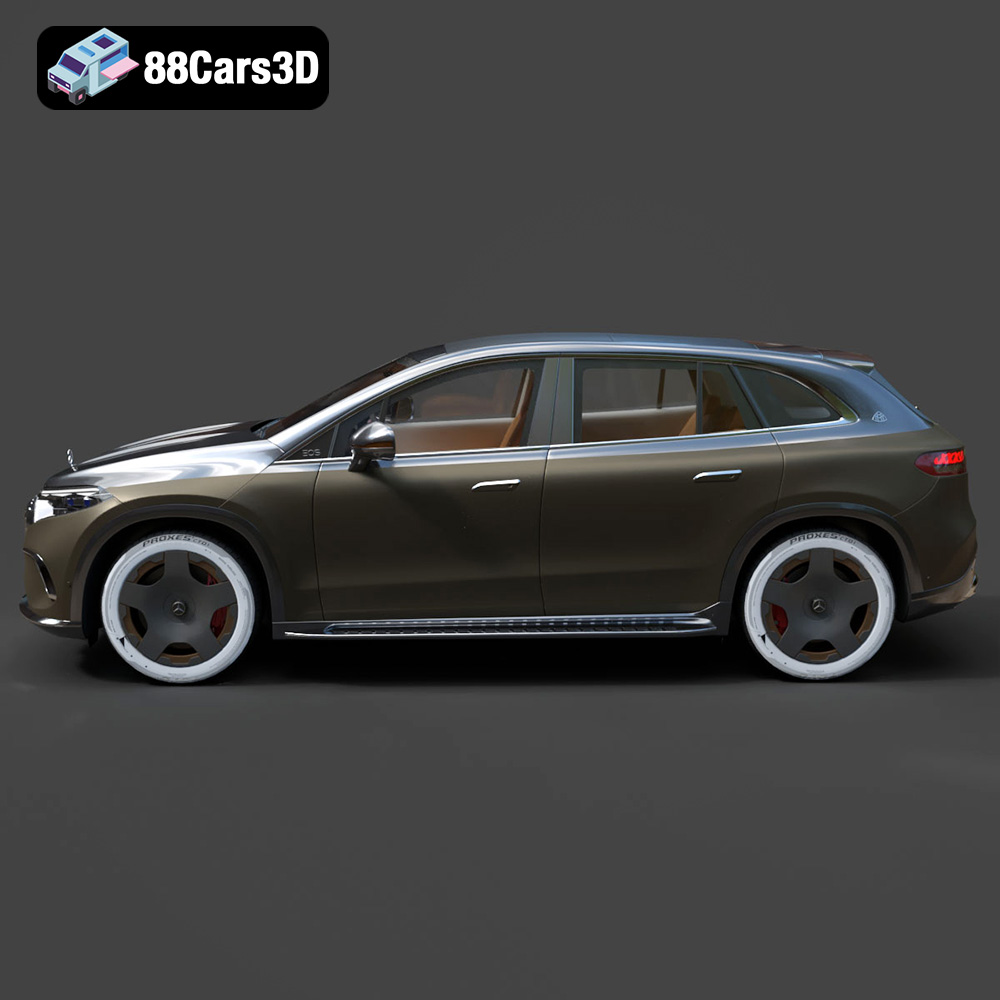
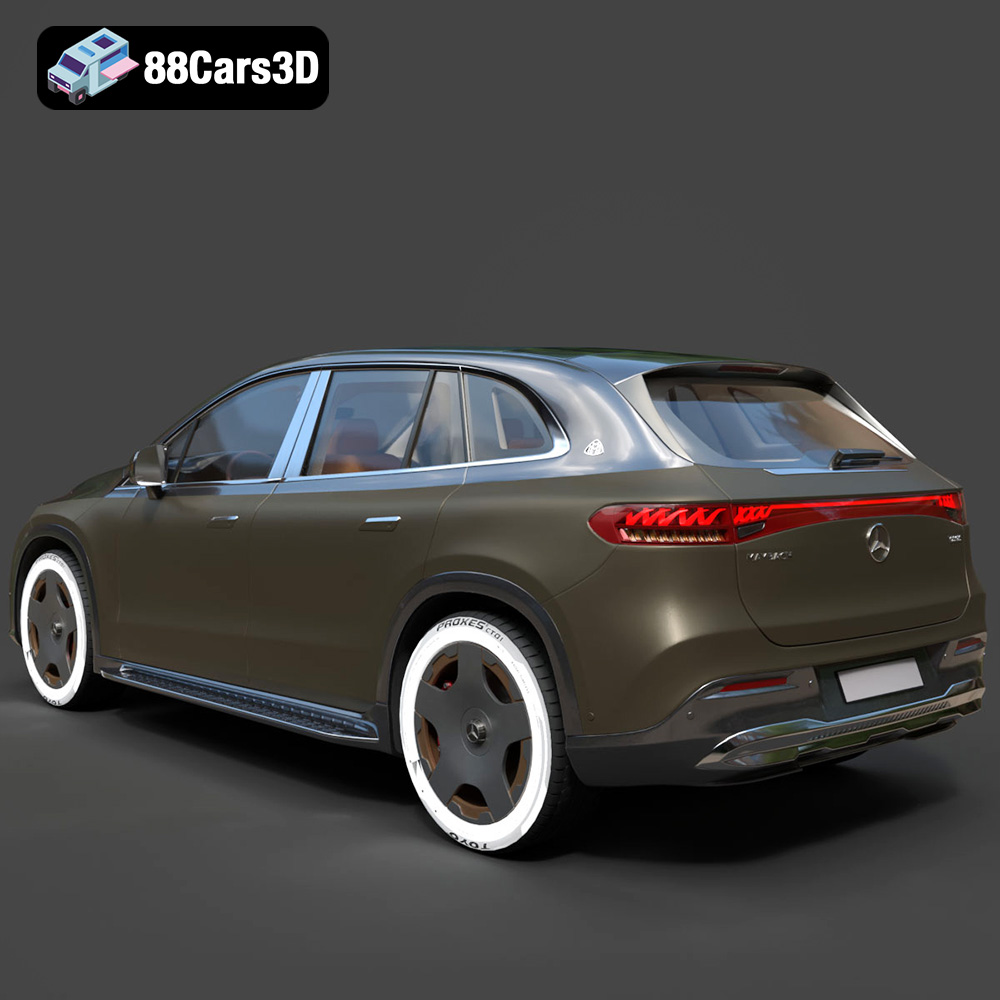
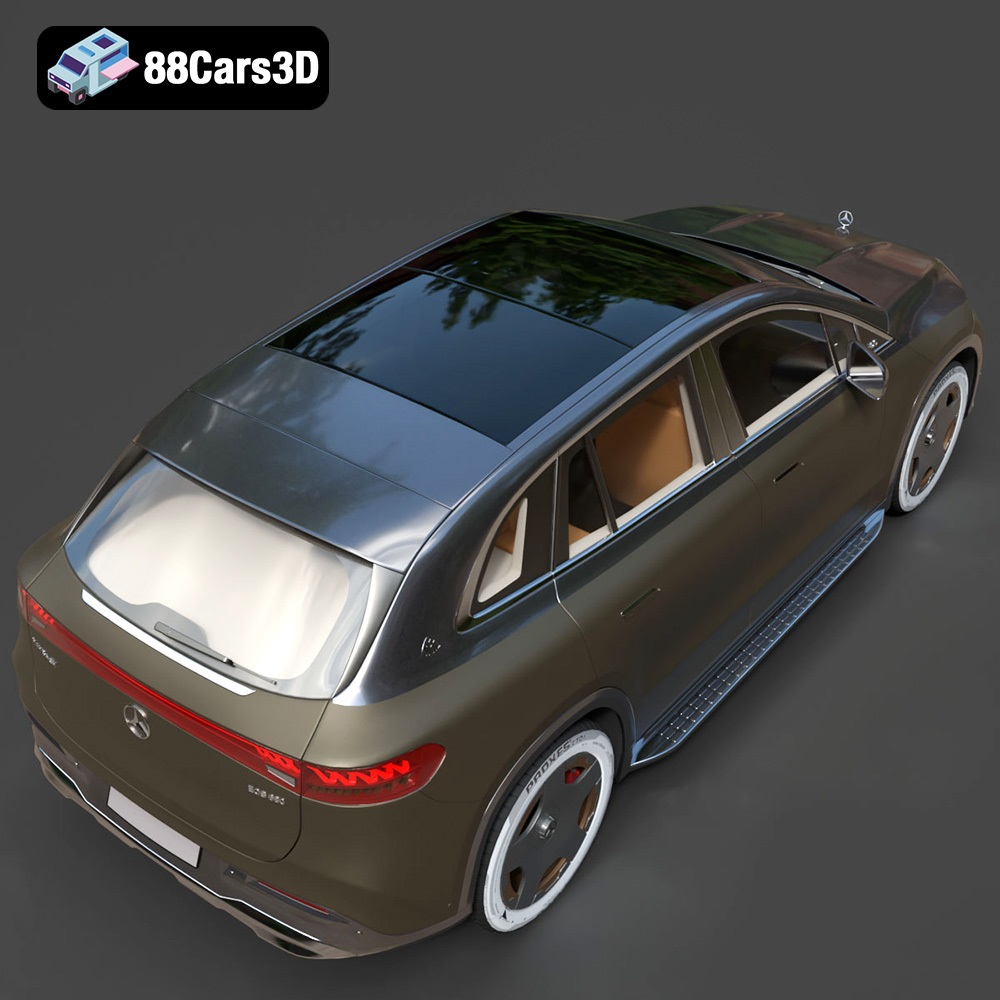
Discover the Mercedes-Benz EQS SUV Maybach 3D Model, a realistic and detailed digital replica of the premium electric vehicle. This model captures the distinct design elements, elegant curves, and prominent stance of the luxury SUV. The asset features clean geometry, realistic materials, and professional detailing. With a meticulously crafted exterior and a fully modeled interior, it ensures a true-to-life representation suitable for close-up shots and immersive environments. Ideal for various digital projects, this 3D model is excellent for game development, automotive rendering, AR/VR experiences, and architectural visualization.
$19.99
.arvr
.blend
.car3dmodel
.electricvehicle
.eqs
.ev
.fbx
.gameasset
.glb
.luxurysuv
.max
.maybach
.mercedesbenz
.obj
.ply
.rendering
.simulation
.stl
.unreal
SUV