Get 20% OFF All Premium 3D & STL Models!

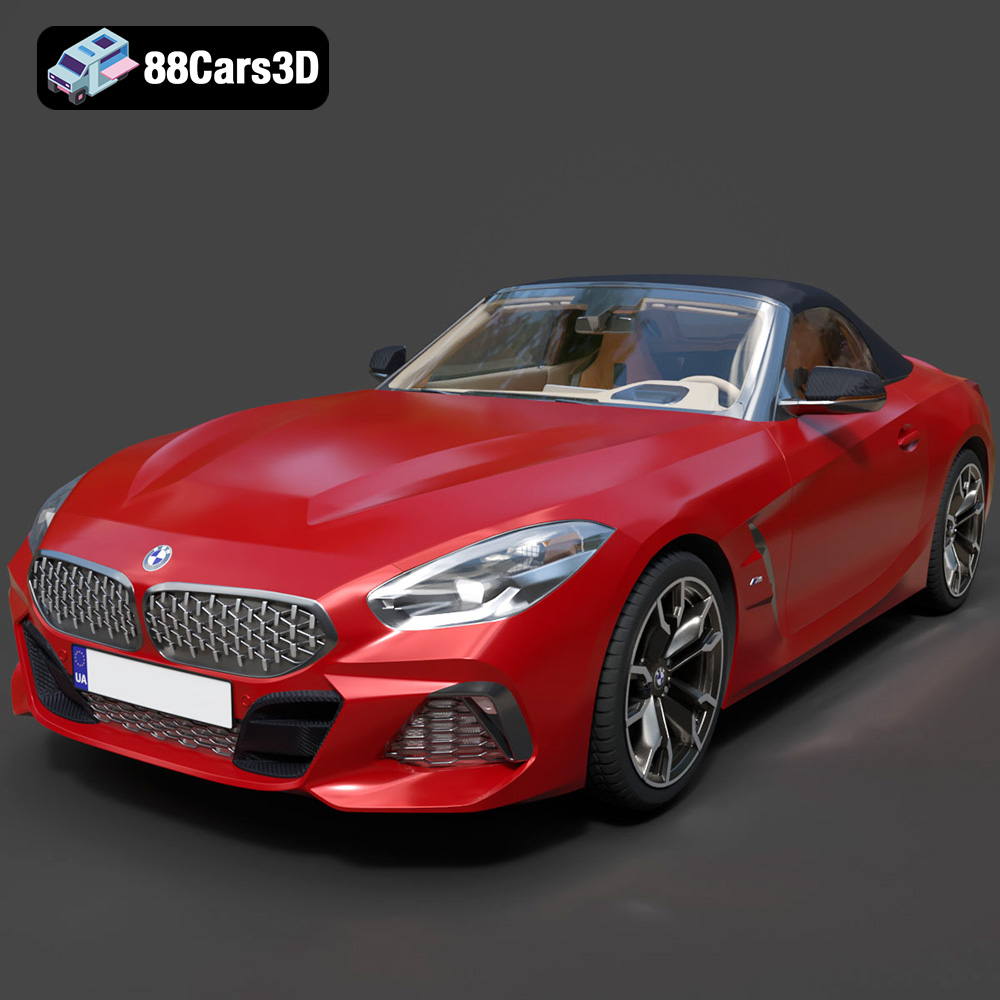
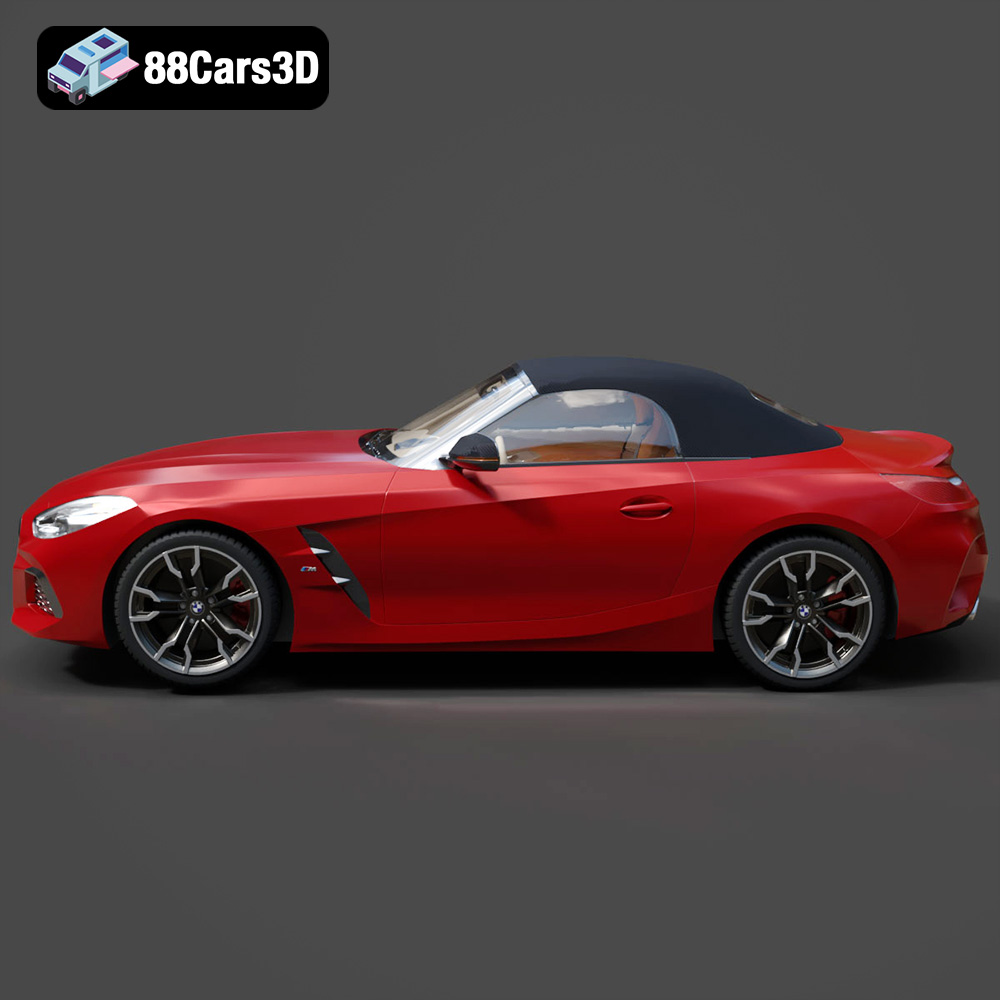
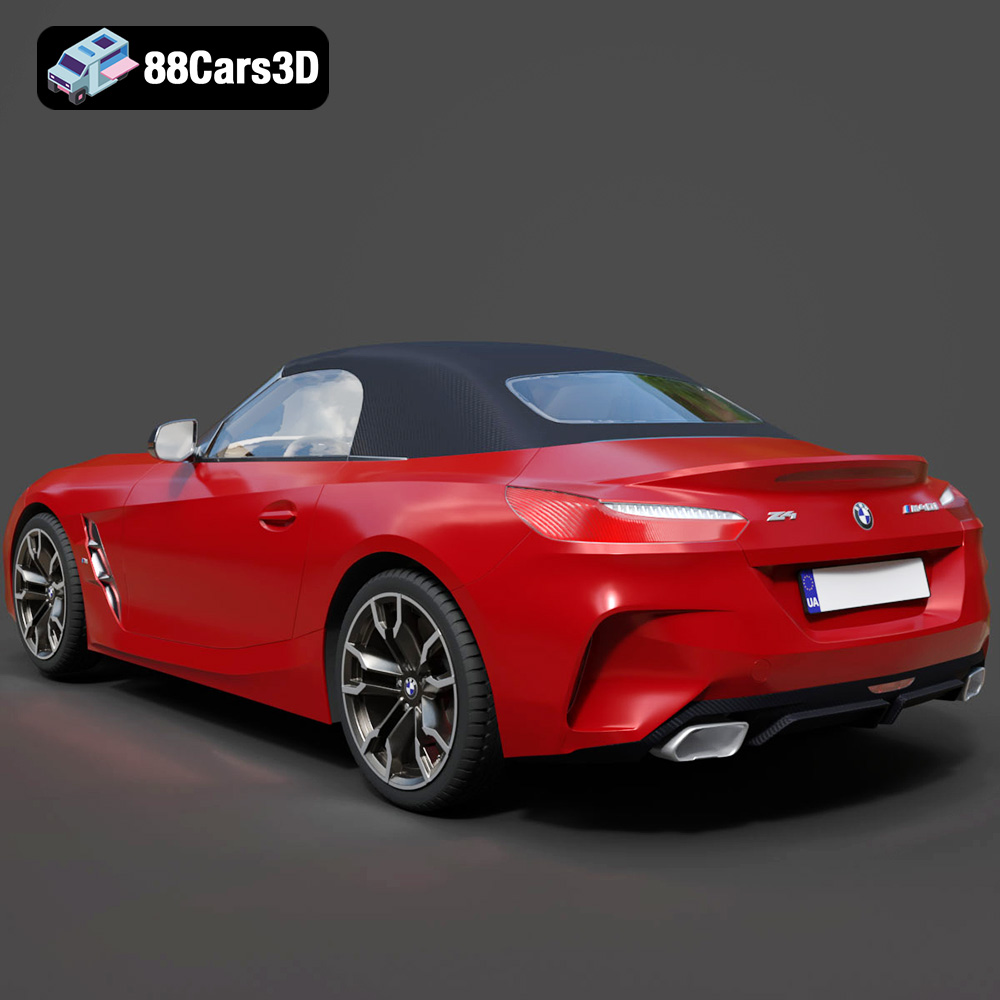
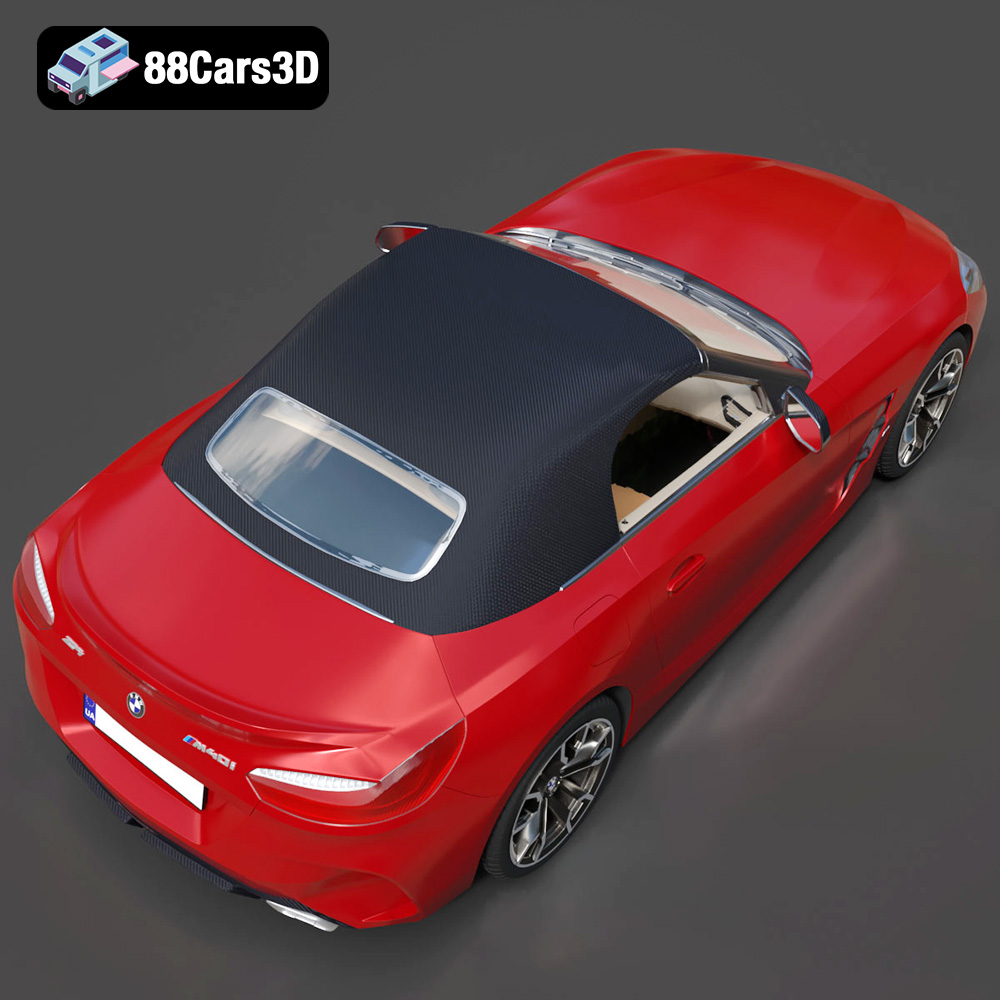
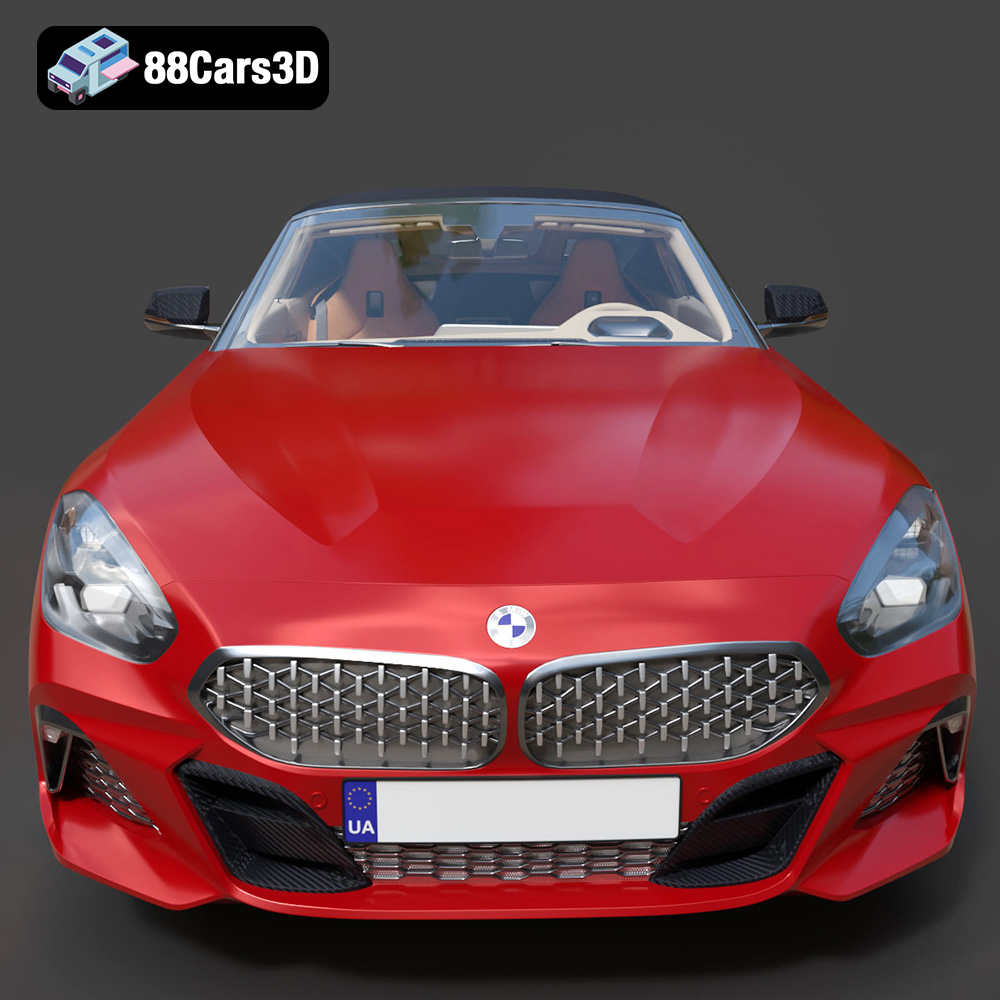
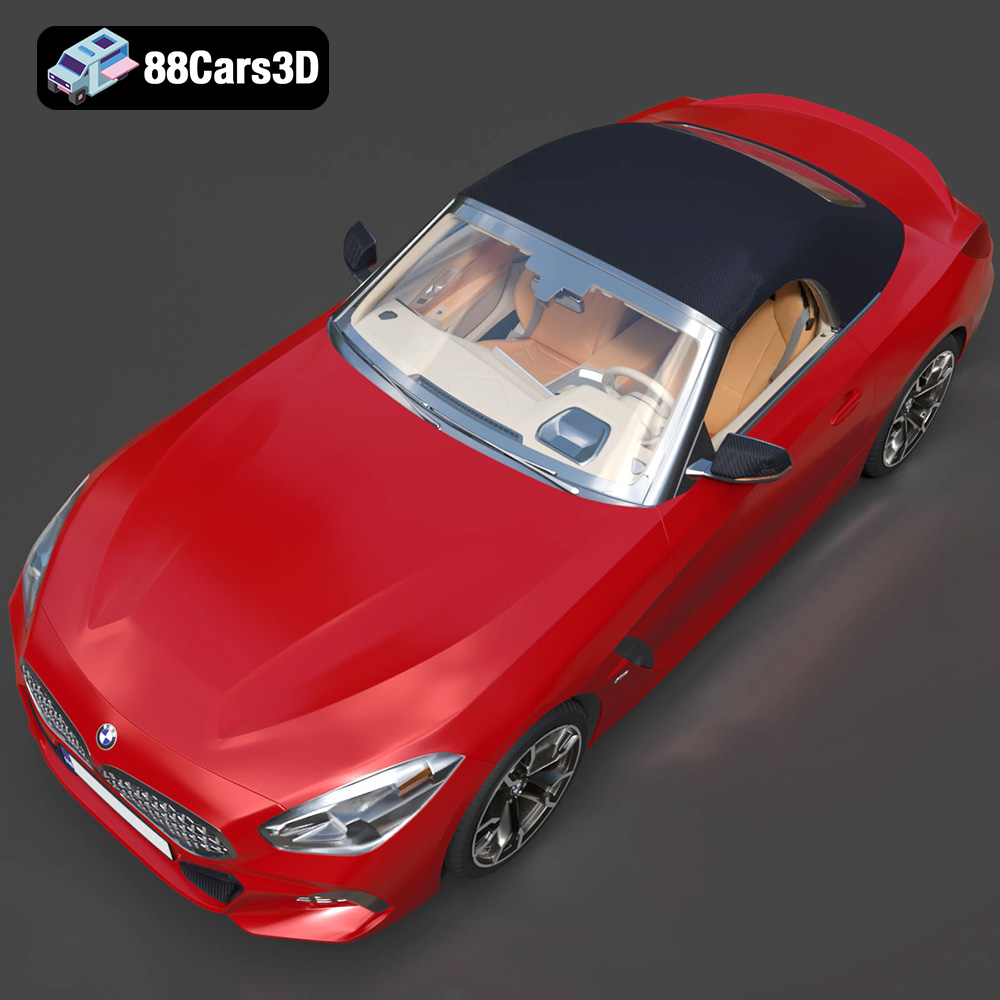
The BMW Z4 Mk3 G29 Roadster M40i 2019 is a stunning vehicle, a blend of performance and elegance that captures the essence of a true roadster. Now, thanks to the detailed 3D model available at 88cars3d.com, you can bring this iconic car to life in miniature form through the magic of 3D printing. This blog post serves as your comprehensive guide to successfully 3D printing this impressive model, covering everything from pre-print preparation to post-processing techniques. Whether you’re a seasoned 3D printing enthusiast or just starting your journey, this guide will equip you with the knowledge to create a breathtaking replica of the BMW Z4.
Selecting the appropriate 3D printing technology is crucial for achieving the desired level of detail and accuracy with the BMW Z4 Mk3 G29 Roadster M40i 2019 model. Two primary options stand out: Fused Deposition Modeling (FDM) and Stereolithography (SLA) printing.
FDM printing, also known as Fused Filament Fabrication (FFF), is a widely accessible technology that melts and extrudes thermoplastic filament layer by layer to build the object. FDM printers are known for their affordability and ease of use, making them ideal for beginners. For the BMW Z4 model, FDM printing can produce a decent result, especially for larger scales.
* **Material Considerations:** PLA is a popular choice for FDM printing due to its biodegradability and ease of printing. ABS offers higher strength and heat resistance but requires a heated bed and enclosed chamber to prevent warping. PETG combines the best of both worlds, offering good strength, flexibility, and ease of printing.
* **Print Settings:** Layer height is a critical parameter. A lower layer height (e.g., 0.1mm) will produce smoother surfaces and finer details, but will increase print time. Infill density affects the model’s strength and weight. A density of 15-20% is generally sufficient for aesthetic models. Support structures are almost always necessary, especially for overhanging features like the car’s body and spoilers.
SLA printing utilizes a laser to cure liquid resin layer by layer, resulting in significantly higher resolution and smoother surfaces compared to FDM. SLA printers are perfect for capturing the intricate details of the BMW Z4, such as the intricate grilles, headlights, and interior components.
* **Resin Selection:** Standard resin is suitable for general-purpose printing, while tough resin offers increased impact resistance. Flexible resin can be used for tires or other components requiring elasticity.
* **Print Settings:** Layer height is even more critical in SLA printing. A layer height of 0.05mm or even 0.025mm will yield exceptional detail. Support structures are essential in SLA printing, and their placement requires careful consideration to minimize surface damage during removal.
* **Post-Processing:** SLA prints require washing in isopropyl alcohol (IPA) to remove uncured resin. They also need to be post-cured under UV light to fully harden the resin.
Choosing the correct file format is crucial for a successful 3D printing experience. The BMW Z4 Mk3 G29 Roadster M40i 2019 3D model is available in multiple formats, each with its own strengths and weaknesses. Understanding these formats will help you select the best option for your needs.
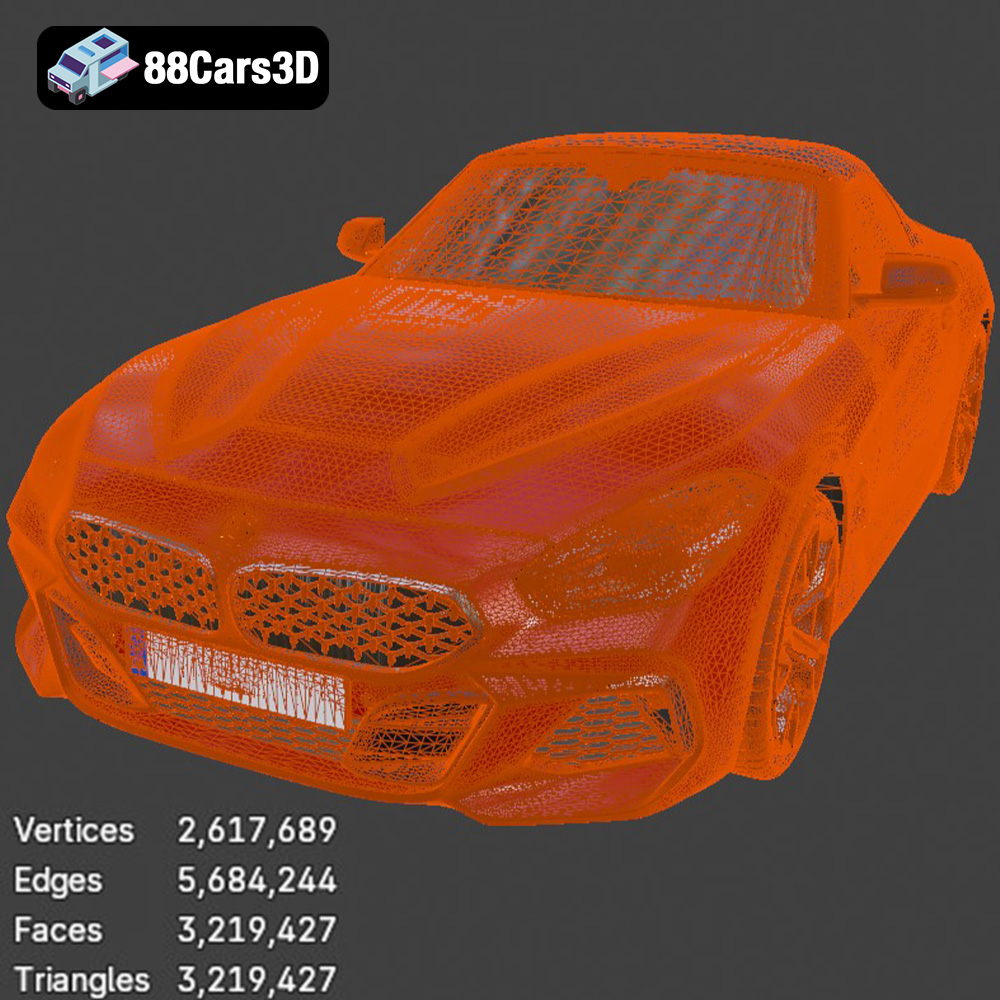
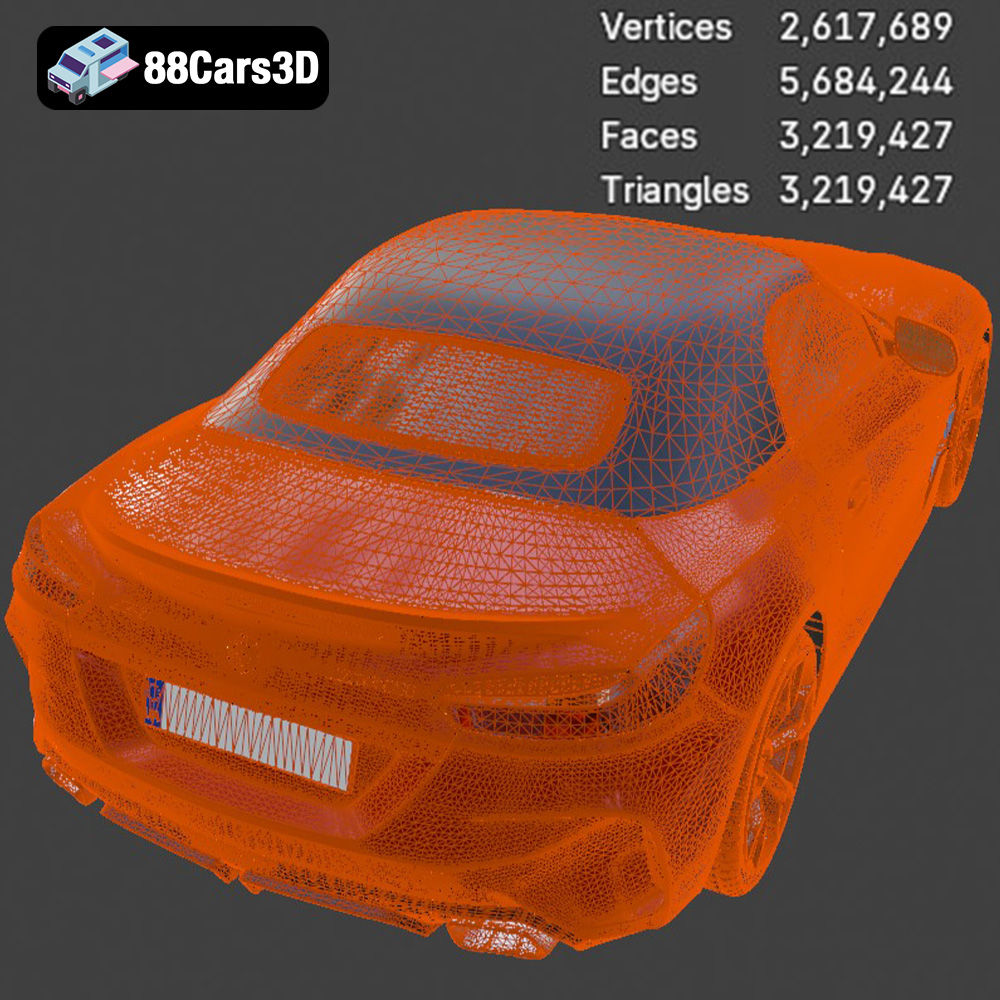
* **.stl – Industry standard for 3D printing, mesh-only format:** STL (Stereolithography) is the most widely used file format for 3D printing. It represents the surface geometry of a 3D object as a collection of triangles. While simple and universally compatible with slicing software, STL files only contain information about the object’s shape and not its color or texture. Mesh quality is paramount in STL files; a poorly generated mesh with gaps or self-intersections can lead to print failures. When exporting to STL, ensure that the mesh resolution is high enough to capture fine details without creating an excessively large file. Most slicing software can repair minor mesh errors, but complex issues may require manual repair using specialized software like MeshMixer or Netfabb. Because the STL file format is so ubiquitous, it’s often the best place to start your 3D printing journey with the BMW Z4.
* **.obj – Universal format with texture support for colored prints:** OBJ is another popular 3D model format that, unlike STL, can store color and texture information. This makes it suitable for printing multi-colored objects, provided you have a printer capable of handling multiple filaments or materials. However, OBJ files can be larger than STL files, and not all slicing software fully supports OBJ’s color and texture capabilities.
* **.ply – Precision mesh format for high-detail prints:** PLY is a format designed to store 3D data acquired from 3D scanners. It can represent complex geometries with high precision and can also store color and texture information. PLY files are particularly useful for applications that require accurate reproduction of scanned objects, but they may not be as widely supported by slicing software as STL or OBJ.
* **.blend – Editable Blender scene for customization before export:** BLEND files are native to Blender, a free and open-source 3D creation suite. If you are familiar with Blender, using the BLEND file allows you to modify the BMW Z4 model before exporting it to a 3D printable format like STL. This gives you complete control over the model’s geometry, allowing you to add details, simplify complex areas, or even create customized versions of the car.
* **.fbx – For importing into slicing software with materials:** FBX is a proprietary format developed by Autodesk. It’s primarily used for exchanging data between different 3D software packages, particularly in game development and animation. While FBX supports materials, animations, and other complex data, it is not directly printable. You would need to open the FBX file in a 3D modeling program and export it to a printable format like STL.
* **.glb – For previewing models in AR before printing:** GLB is a binary file format that represents 3D models in a compact and efficient manner. It is commonly used for displaying 3D models on the web and in augmented reality (AR) applications. While GLB is not directly printable, it’s a useful format for previewing the BMW Z4 model on your mobile device or computer before committing to a print.
* **.max – Editable 3ds Max project for modifications:** Similar to BLEND files, MAX files are native to 3ds Max, another popular 3D modeling and animation software. If you have access to 3ds Max, you can use the MAX file to modify the BMW Z4 model before exporting it to a printable format.
For 3D printing the BMW Z4 Mk3 G29 Roadster M40i 2019, the STL format is generally the most suitable option. Its widespread compatibility with slicing software and focus on geometric data make it the ideal choice for producing high-quality 3D printed models. Ensure the STL file has a well-defined mesh with sufficient resolution to capture the car’s details.
Before sending the STL file to your 3D printer, you need to process it using slicing software. Slicing software converts the 3D model into a series of layers that the printer can understand. Popular slicing software options include Cura, PrusaSlicer, Simplify3D, and Chitubox (for resin printing).
The orientation of the BMW Z4 model on the build plate significantly impacts print quality, support requirements, and overall aesthetics. Consider these factors:
* **Minimize Support:** Orient the model to minimize the amount of support material needed. Overhanging features like the roof and rear spoiler will require support. Experiment with different orientations to find the optimal balance between print time and support usage.
* **Surface Quality:** Consider which surfaces are most visible. Orient the model so that the most important surfaces face upwards, as these will typically have the smoothest finish.
* **Layer Lines:** The orientation affects the direction of the layer lines. Align the model so that the layer lines follow the natural contours of the car for a more aesthetically pleasing result.
Support placement is crucial for successful printing. Automatically generated supports can sometimes be insufficient or leave unsightly marks on the model’s surface. Manually adding supports in strategic locations can improve print quality and reduce post-processing effort.
The scale of the model determines the level of detail that can be captured. Larger scales allow for finer details but increase print time and material consumption. Choose a scale that balances detail, print time, and the size of your printer’s build volume.
Infill density affects the model’s strength and weight. A higher infill density increases the model’s strength but also increases print time and material usage. For purely aesthetic models, a low infill density (10-15%) is sufficient. If you plan to handle the model frequently or subject it to stress, increase the infill density to 20-30%.
The choice of material depends on the desired properties of the finished model. For FDM printing, PLA, ABS, and PETG are common choices. For SLA printing, standard resin, tough resin, and flexible resin are available.
PLA is a biodegradable thermoplastic derived from renewable resources. It is easy to print, requires no heated bed (though a heated bed improves adhesion), and produces minimal warping. PLA is ideal for beginners and for printing models with intricate details. However, PLA has lower heat resistance and strength compared to ABS or PETG.
PETG combines the best properties of PLA and ABS. It is stronger and more heat-resistant than PLA, and it is easier to print than ABS. PETG also offers good flexibility and impact resistance, making it a good choice for models that will be handled frequently.
Resin printing offers unmatched detail and surface finish. Standard resin is suitable for general-purpose printing, while tough resin provides increased impact resistance. Flexible resin can be used for creating tires or other flexible components. Resin prints require post-processing, including washing in IPA and curing under UV light.
Achieving a high-quality 3D print of the BMW Z4 Mk3 G29 Roadster M40i 2019 requires fine-tuning your printer settings. These settings will vary depending on your printer, material, and desired outcome.
A lower layer height (e.g., 0.1mm for FDM, 0.05mm or lower for SLA) produces smoother surfaces and finer details. However, it also increases print time. Experiment with different layer heights to find the optimal balance between quality and speed. Slower print speeds generally improve print quality, especially for complex geometries and small details.
For FDM printing, set the nozzle temperature and bed temperature according to the filament manufacturer’s recommendations. Adequate cooling is essential to prevent warping and ensure proper layer adhesion. Use a cooling fan to cool the printed layers as quickly as possible.
For SLA printing, follow the resin manufacturer’s recommendations for exposure time and lift speed. Proper calibration of these settings is crucial for achieving accurate and consistent prints.
Post-processing is essential for achieving a professional-looking finish on your 3D printed BMW Z4. This may involve removing support structures, sanding, filling gaps, priming, and painting.
Carefully remove support structures using pliers or a sharp knife. Be patient and avoid damaging the model’s surface. Sand the model to smooth out any imperfections and remove support marks. Start with coarse sandpaper (e.g., 220 grit) and gradually move to finer grits (e.g., 400, 600, 800 grit) to achieve a smooth surface.
Apply a primer to the model to create a smooth surface for painting. Primer also helps the paint adhere better to the plastic. Choose a primer that is compatible with your chosen paint. Apply thin, even coats of paint using an airbrush or spray can. Allow each coat to dry completely before applying the next. Consider using automotive paints and clear coats for a durable and realistic finish.
Even with careful preparation, you may encounter printing issues. Here are some common problems and their solutions:
* **Warping:** This is a common issue with FDM printing, especially with ABS. Ensure your printer has a heated bed, and use an enclosure to maintain a consistent temperature. Applying an adhesive like glue stick or hairspray to the build plate can improve adhesion.
* **Stringing:** This occurs when filament oozes from the nozzle during travel moves. Reduce the nozzle temperature, increase retraction settings, and ensure the filament is dry.
* **Layer Separation:** This happens when layers do not adhere properly to each other. Increase the nozzle temperature, reduce print speed, and ensure the bed is properly leveled.
* **Support Failure:** If supports are failing, increase their density and thickness. Also, ensure that the supports are properly attached to the model and the build plate.
By carefully following these guidelines and troubleshooting any issues that arise, you can successfully 3D print a stunning replica of the BMW Z4 Mk3 G29 Roadster M40i 2019. This model, available at 88cars3d.com, is a fantastic project for both beginners and experienced 3D printing enthusiasts.
Experience true realism with the BMW Z4 Mk3 G29 Roadster M40i 2019 3D Model. Crafted with precision, this model perfectly captures the dynamic lines, aggressive stance, and elegant curves of the iconic roadster. This premium 3D model features clean geometry, realistic materials, and professional-grade detailing. The exterior and interior are meticulously built to ensure an accurate representation from every angle, providing a reliable asset for any professional digital workspace. Ideal for a wide range of applications, this vehicle is perfectly suited for game development, detailed rendering, AR/VR experiences, simulation environments, and commercial visualizations.
$19.99
.arvr
.blend
.bmw
.car3dmodel
.convertible
.fbx
.g29
.gameasset
.glb
.m40i
.max
.mk3
.obj
.ply
.rendering
.roadster
.simulation
.sportsCar
.stl
.unreal
.z4