Get 50% OFF All Premium 3D & STL Models!

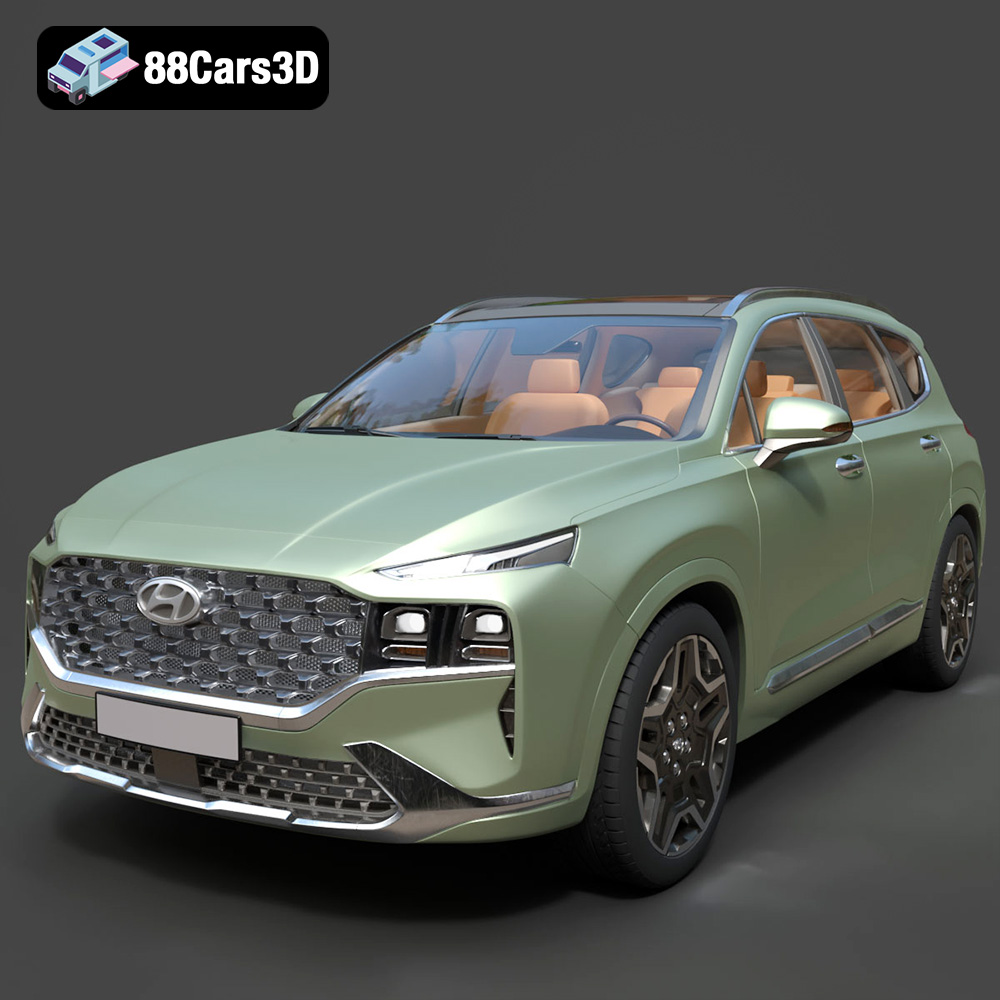
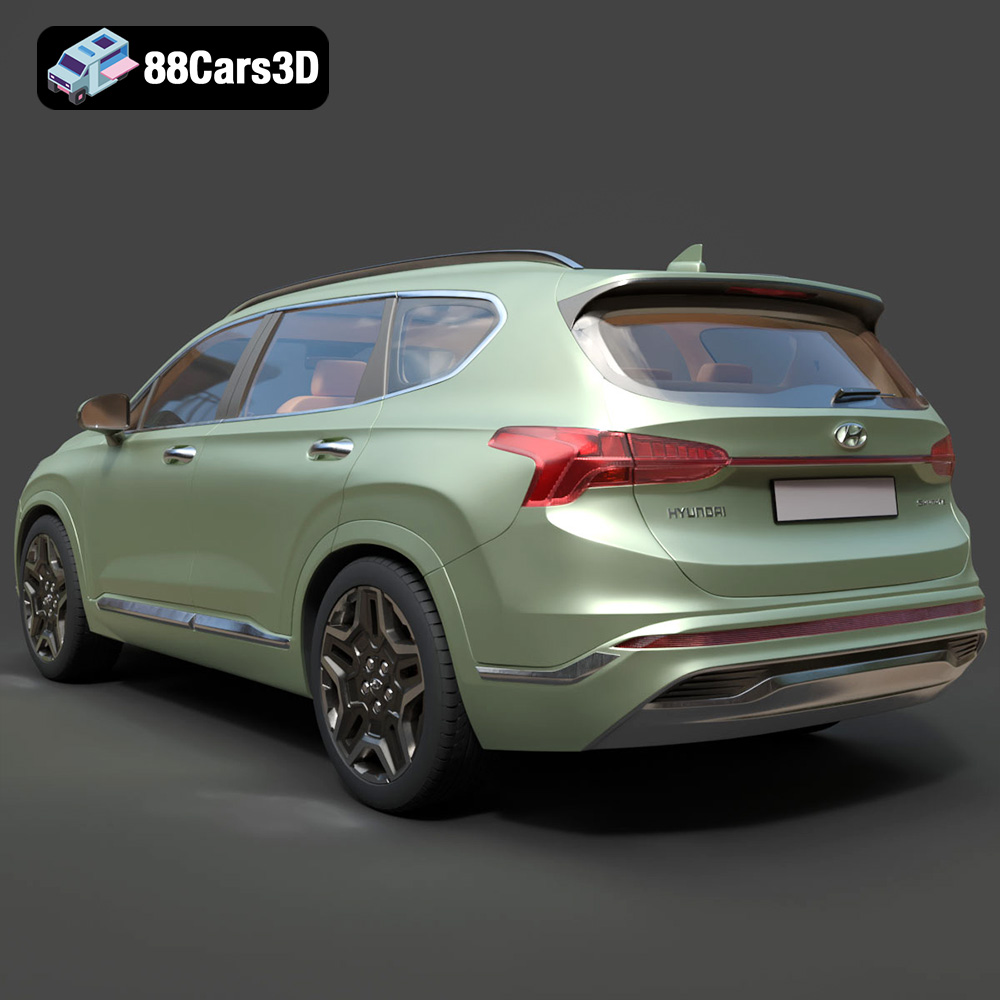
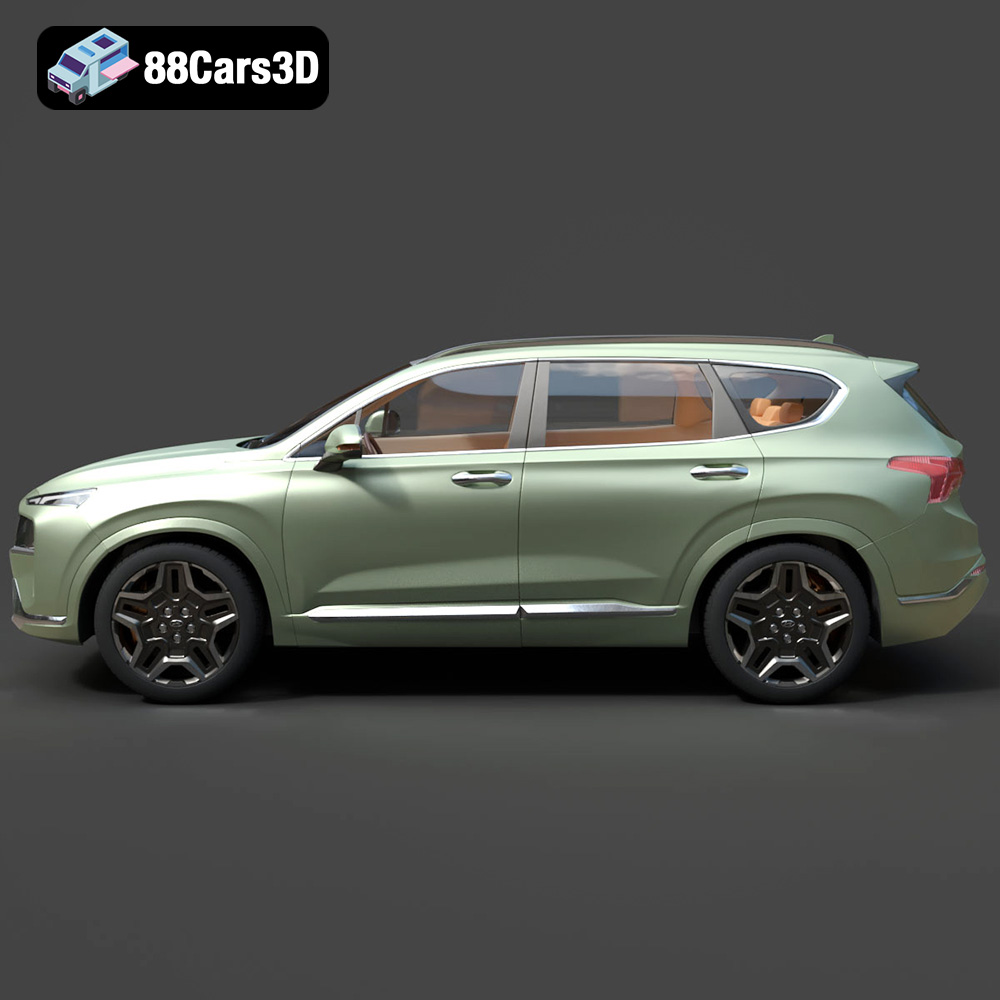
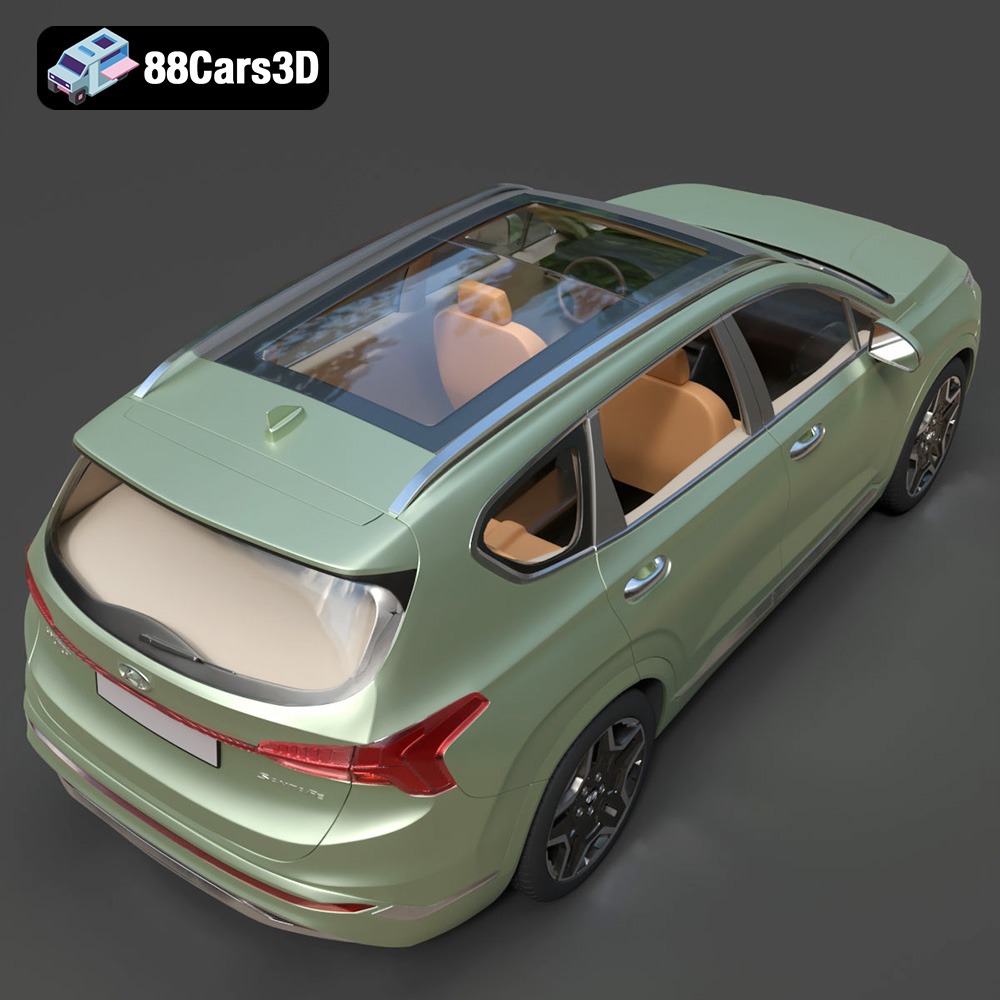
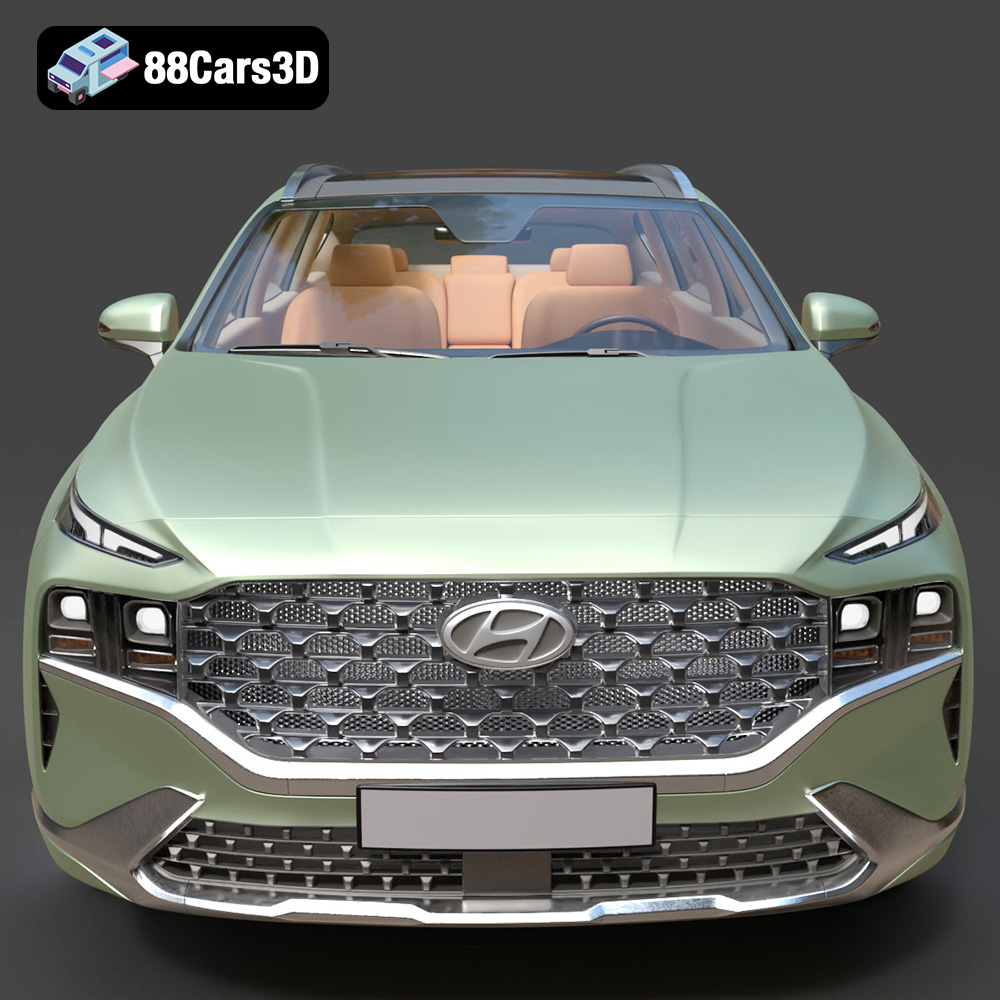
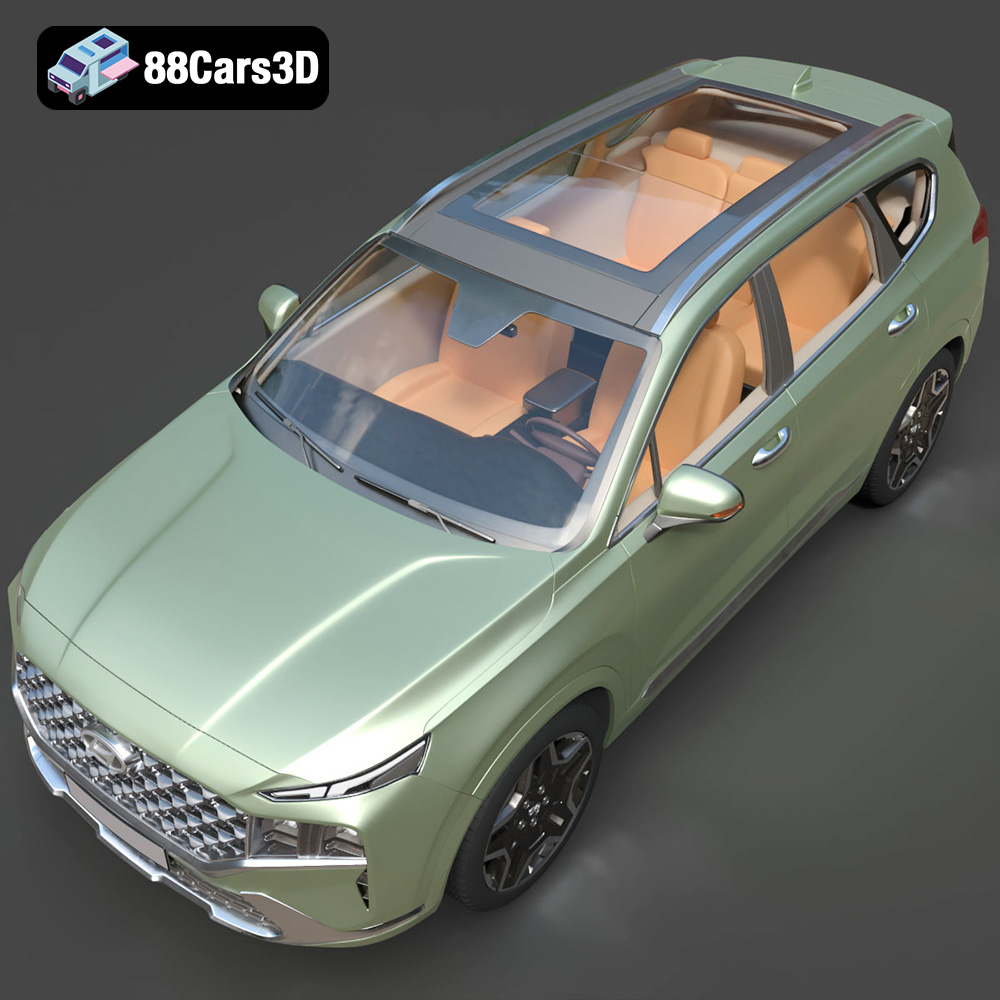
The Hyundai Santa Fe 2021 3D Model, available from 88cars3d.com, offers a fantastic opportunity to bring a detailed and accurate representation of this popular SUV to life through the magic of 3D printing. Whether you’re a car enthusiast, a model collector, or simply looking for a challenging and rewarding 3D printing project, this guide will walk you through the entire process, from pre-print preparation to post-processing finishing touches. We’ll cover everything from choosing the right materials and printer settings to troubleshooting common issues and achieving a stunning final product.
Before diving into the specifics of 3D printing the Hyundai Santa Fe 2021 model, it’s crucial to understand the different file formats and their suitability for additive manufacturing. While the model from 88cars3d.com is available in multiple formats, the .stl file is generally the go-to choice for 3D printing. Let’s examine the various formats provided:
* **.stl (Stereolithography):** This is the industry standard for 3D printing. It represents the model’s surface geometry using a mesh of triangles. The .stl format is simple, widely supported by slicing software, and generally reliable. However, it only stores the surface geometry; it doesn’t contain information about color, texture, or materials.
* **.obj (Object):** A more universal format than .stl, .obj can store color and texture information alongside the geometry. This is particularly useful if you intend to print the model in full color (if your printer supports it). However, .obj files can be larger than .stl files, and not all slicing software handles them equally well.
* **.ply (Polygon File Format):** The .ply format is designed for storing 3D data acquired from 3D scanners. It can store color, texture, transparency, and other properties on a per-vertex basis. It’s less common in 3D printing than .stl or .obj, but it can be useful for high-detail models where preserving all scanned information is critical.
* **.blend (Blender):** This is the native file format for Blender, a popular open-source 3D modeling software. While not directly used for 3D printing, having the .blend file allows you to modify the model, add details, or repair any geometry issues before exporting it to a printable format like .stl.
* **.fbx (Filmbox):** Primarily used for game development and animation, .fbx files can contain information about meshes, materials, textures, and animations. While some slicing software can import .fbx files, it’s generally better to convert the mesh to .stl for 3D printing, ensuring compatibility and avoiding potential issues with material interpretations.
* **.glb (GL Transmission Format Binary):** .glb is designed for efficient transmission and loading of 3D models, particularly in web and AR/VR applications. It’s a binary format that includes all necessary data (geometry, textures, animations) in a single file. Like .fbx, it’s primarily for visualization, and converting to .stl is recommended for 3D printing.
* **.max (3ds Max):** Similar to .blend, .max is the native file format for Autodesk 3ds Max, a professional 3D modeling and rendering software. Having the .max file allows for advanced editing and customization before exporting to a printable format.
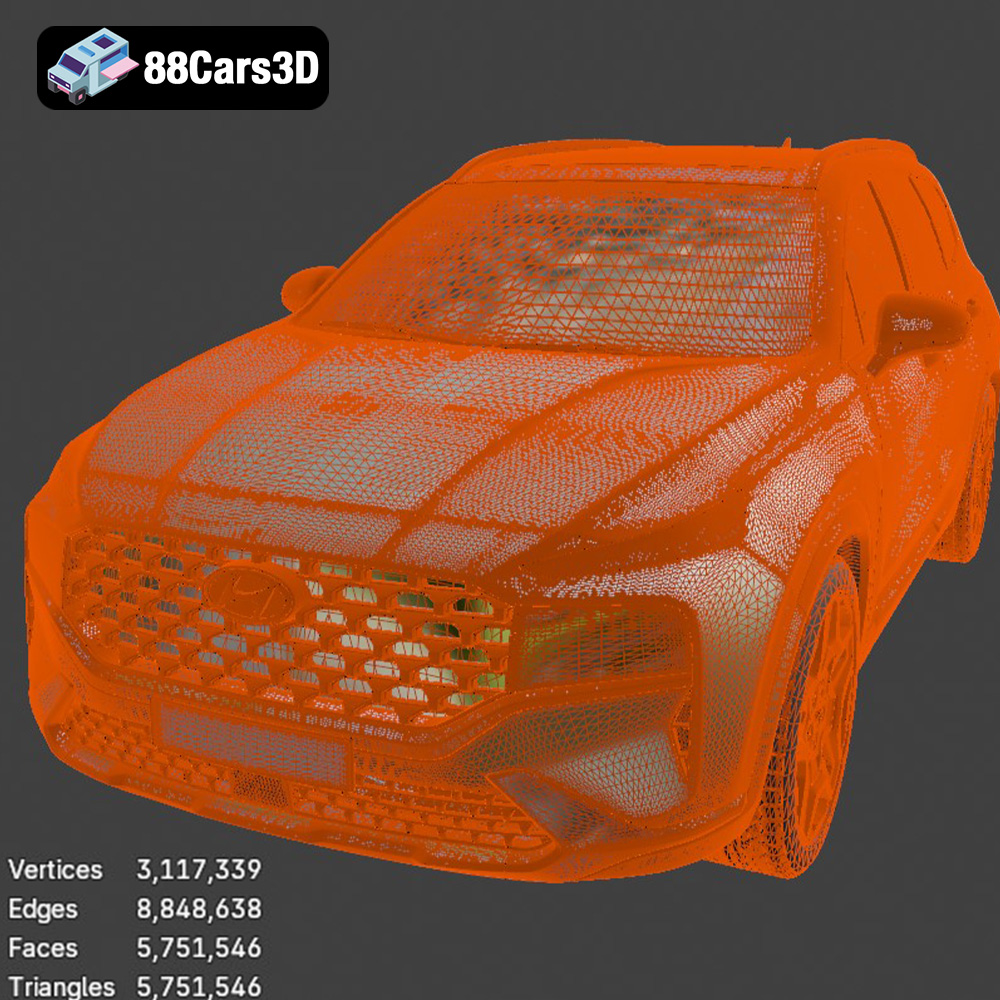
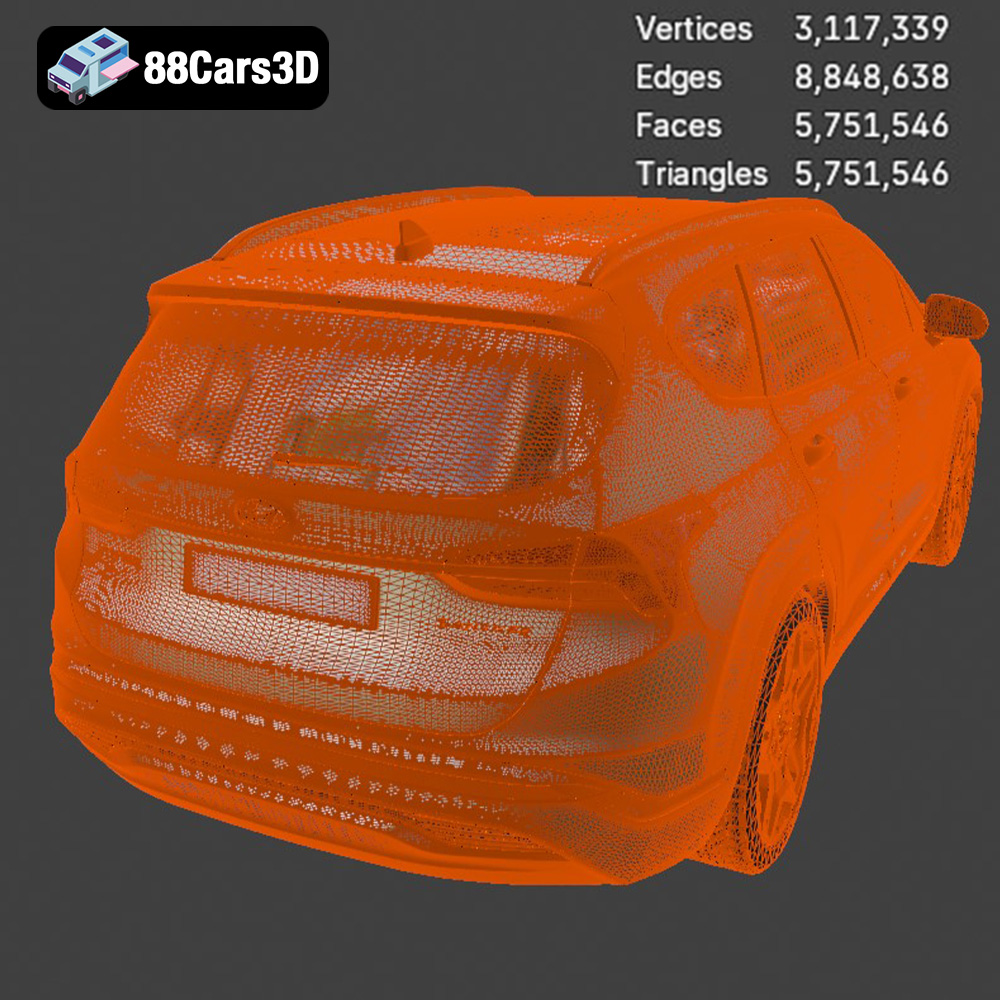
For 3D printing the Hyundai Santa Fe 2021 model, the **.stl format will be your primary file type**. It’s the most widely supported and optimized for slicing. When working with the .stl file, pay close attention to mesh quality. A higher number of triangles in the mesh will result in a smoother, more detailed print, but it will also increase the file size and processing time. The Hyundai Santa Fe 2021 model from 88cars3d.com is designed with clean and optimized geometry, which should translate to a good balance between detail and printability.
Slicing software compatibility is essential. Programs like Cura, PrusaSlicer, Simplify3D, and others are all capable of importing and processing .stl files. Before printing, use your slicing software to inspect the model for any errors, such as non-manifold edges or holes in the mesh. Many slicing programs have built-in repair tools to fix these issues automatically. Alternatively, you can use dedicated mesh repair software like MeshMixer or Netfabb.
The choice of material significantly impacts the final look, feel, and durability of your 3D printed Hyundai Santa Fe 2021. Here’s a breakdown of common materials and their suitability for this project:
* Pros: PLA is a biodegradable thermoplastic polymer derived from renewable resources. It’s easy to print with, doesn’t require a heated bed (though it’s recommended), and produces minimal warping. PLA is ideal for creating aesthetically pleasing models with fine details. It’s a good choice for the Hyundai Santa Fe 2021 if you prioritize visual appeal and ease of printing.
* Cons: PLA is not very heat-resistant or durable. It can warp or deform in high-temperature environments, and it’s more brittle than other materials. Therefore, it’s not suitable for parts that will be exposed to direct sunlight or high stress.
* Recommended Settings:
* Nozzle Temperature: 190-220°C
* Bed Temperature: 60°C (optional)
* Print Speed: 40-60 mm/s
* Layer Height: 0.1-0.2 mm
* Pros: PETG combines the ease of printing of PLA with the durability and heat resistance of ABS. It’s stronger and more flexible than PLA, making it a good choice for parts that need to withstand some stress. PETG also has good chemical resistance.
* Cons: PETG can be more prone to stringing than PLA, requiring careful adjustment of retraction settings. It also requires a heated bed and may need slightly higher printing temperatures.
* Recommended Settings:
* Nozzle Temperature: 220-250°C
* Bed Temperature: 70-80°C
* Print Speed: 40-50 mm/s
* Layer Height: 0.1-0.2 mm
* Pros: ABS is a strong, durable, and heat-resistant plastic commonly used in automotive parts and other demanding applications. It’s a good choice if you need a model that can withstand high temperatures and impacts.
* Cons: ABS is more challenging to print with than PLA or PETG. It requires a heated bed, an enclosure to maintain a consistent temperature, and careful control of printing parameters to prevent warping and cracking. ABS also emits fumes during printing, so good ventilation is essential.
* Recommended Settings:
* Nozzle Temperature: 230-260°C
* Bed Temperature: 90-110°C
* Print Speed: 40-50 mm/s
* Layer Height: 0.1-0.2 mm
* Pros: Resin 3D printing offers unparalleled detail and smooth surface finishes. This is ideal for creating a highly detailed Hyundai Santa Fe 2021 model.
* Cons: Resin printers are more expensive than FDM printers. Resin itself is more expensive and requires careful handling, as it can be toxic. Post-processing is also more involved, requiring washing and curing. The build volume is generally smaller than FDM printers.
* Recommended Settings: Settings vary greatly depending on the specific resin and printer used. Consult the resin manufacturer’s recommendations for layer height, exposure time, and lift speed.
For the Hyundai Santa Fe 2021 3D model, PETG offers a good balance of ease of printing, durability, and heat resistance, making it an excellent all-around choice. If you’re prioritizing ease of use and aesthetics, PLA is a viable option. If you need maximum durability and heat resistance, ABS is the way to go, but be prepared for a more challenging printing process. Finally, for the highest level of detail, resin printing is the best option.
Proper slicing and orientation are crucial for a successful 3D print. These steps determine the print’s strength, surface finish, and the amount of support material needed.
* Minimize Support: The orientation of the model on the build plate significantly impacts the amount of support material required. Orient the Hyundai Santa Fe 2021 to minimize overhangs, which require support. Experiment with different rotations to find the orientation that requires the least support.
* Strength and Layer Lines: Consider the direction of stress on the finished model. Orient the model so that the layers are aligned along the direction of the greatest stress, improving its strength. Also, think about the visibility of layer lines. Orienting the model to minimize visible layer lines on important surfaces can improve the aesthetic appeal. For the Santa Fe, you might want to minimize layer lines on the roof and hood.
* Flat Surfaces: Placing large, flat surfaces directly on the build plate can improve adhesion and reduce warping. However, this might not be feasible if it increases the need for support material on other areas of the model.
* Layer Height: A smaller layer height (e.g., 0.1 mm) results in a smoother surface finish and greater detail but increases print time. A larger layer height (e.g., 0.2 mm) prints faster but sacrifices some surface quality. For the Hyundai Santa Fe 2021, a layer height of 0.15 mm is a good compromise between detail and print speed.
* Infill Density: Infill density determines the internal solidity of the model. A higher infill density increases strength and weight but also increases print time and material consumption. For a display model like the Hyundai Santa Fe 2021, an infill density of 15-20% is usually sufficient. Use a rectilinear or gyroid infill pattern for a good balance of strength and speed.
* Support Structures: Use support structures to support overhangs and bridges. Choose a support pattern that is easy to remove, such as tree supports or zig-zag supports. Adjust the support density and interface layer settings to optimize support removal and surface quality.
* Brim or Raft: Use a brim or raft to improve adhesion to the build plate, especially if you’re printing with ABS or if you’re experiencing warping. A brim is a single-layer outline around the base of the model, while a raft is a multi-layer platform that the model is printed on.
Once the 3D printing process is complete, you’ll need to remove the support structures and perform some post-processing to achieve a smooth, polished finish.
* Manual Removal: Use pliers, cutters, or a sharp knife to carefully remove the support structures. Be patient and avoid applying too much force, which can damage the model. For difficult-to-reach areas, consider using specialized support removal tools.
* Dissolvable Supports: If your printer has dual extrusion capabilities, you can use dissolvable support materials like PVA (Polyvinyl Alcohol) or HIPS (High Impact Polystyrene). PVA dissolves in water, while HIPS dissolves in limonene. This eliminates the need for manual support removal and reduces the risk of damaging the model.
* Sanding: Start with coarse-grit sandpaper (e.g., 220 grit) to remove any remaining support marks or imperfections. Gradually move to finer grits (e.g., 400, 600, 800 grit) to smooth the surface. Wet sanding can help to reduce dust and improve the surface finish.
* Priming: Apply a thin coat of primer to the model to fill in any remaining imperfections and provide a smooth base for painting. Use a primer specifically designed for plastics.
* Painting: Use acrylic paints or model paints to paint the Hyundai Santa Fe 2021. Apply multiple thin coats rather than one thick coat to avoid drips and runs. Consider using masking tape to create clean lines and separate different colors.
* Clear Coating: Apply a clear coat to protect the paint and give the model a glossy or matte finish.
* Polishing: For a high-gloss finish, you can polish the model with a polishing compound and a soft cloth. This will remove any remaining scratches and create a mirror-like shine.
Even with careful preparation, you may encounter some issues during the 3D printing process. Here are some common problems and their solutions:
* Cause: Warping occurs when the first layer of the print doesn’t adhere properly to the build plate and the corners lift up.
* Solution:
* Ensure the build plate is clean and level.
* Use a brim or raft to improve adhesion.
* Increase the bed temperature.
* Reduce the printing speed of the first layer.
* Use an enclosure to maintain a consistent temperature.
* Cause: Stringing occurs when small strands of filament are left between different parts of the print.
* Solution:
* Increase the retraction distance and speed.
* Decrease the printing temperature.
* Increase the travel speed.
* Ensure the filament is dry.
* Cause: Layer shifting occurs when the print head or build plate suddenly shifts position during printing.
* Solution:
* Tighten the belts and pulleys on the printer.
* Reduce the printing speed.
* Ensure the printer is stable and not vibrating.
* Check the stepper motor drivers for overheating.
* Cause: Elephant’s foot is a widening of the first layer due to excessive pressure from the weight of the upper layers.
* Solution:
* Reduce the bed temperature.
* Reduce the flow rate of the first layer.
* Increase the Z offset slightly.
By understanding these common issues and their solutions, you can troubleshoot problems and ensure a successful 3D print of the Hyundai Santa Fe 2021 model.
Estimating print time and material cost is crucial for planning your 3D printing project. Several factors influence these estimates, including:
* **Model Size:** Larger models naturally require more material and time to print. Scaling the Hyundai Santa Fe 2021 model up or down will directly impact these figures.
* **Layer Height:** Smaller layer heights increase print time but improve detail.
* **Infill Density:** Higher infill densities increase both material usage and print time.
* **Print Speed:** Faster print speeds reduce print time but can compromise print quality.
* **Support Material:** The amount of support material needed significantly impacts both material usage and print time.
* **Material Type:** Different materials have different densities and printing parameters, affecting both material consumption and print speed.
Using typical settings (0.15mm layer height, 20% infill, PLA or PETG), a model of the Hyundai Santa Fe 2021 at approximately 1/24 scale (around 18cm in length) might take between 15-25 hours to print. Material usage could range from 200-300 grams. At typical filament prices ($20-$30 per kg), the material cost would be around $4-$9. These are, of course, estimates. Accurate predictions are best obtained by slicing the model in your chosen software with your specific printer settings.
Remember to factor in electricity costs and potential costs for failed prints when budgeting for your project.
Experience the realism of the Hyundai Santa Fe 2021 3D Model, meticulously crafted for exceptional detail and accuracy. This model offers clean geometry, realistic materials, and a professional-grade design, making it ideal for a wide range of applications.
$19.99
3D printing the Hyundai Santa Fe 2021 model is a rewarding project that allows you to create a detailed and tangible representation of this popular SUV. By carefully selecting the right material, optimizing your slicing settings, and mastering post-processing techniques, you can achieve a stunning final result. Remember to pay attention to mesh quality, support removal, and surface finishing to bring out the best in this 3D printed model. The Hyundai Santa Fe 2021 3D model, available at 88cars3d.com, offers a great starting point for your 3D printing journey. Happy printing!
.arvr
.blend
.car3dmodel
.fbx
.gameasset
.glb
.hyundai
.hyundaisantafe
.max
.obj
.ply
.rendering
.santafe
.simulation
.stl
.unreal
SUV