Get 50% OFF All Premium 3D & STL Models!

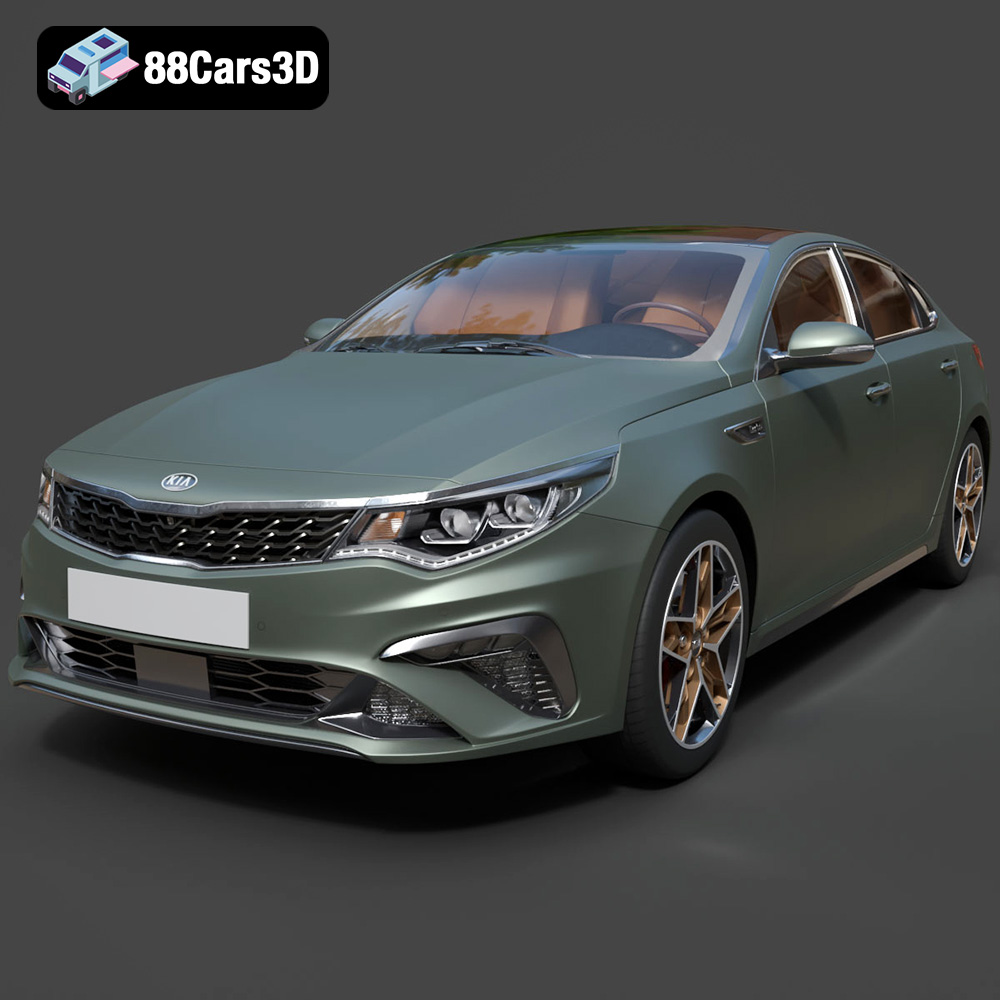
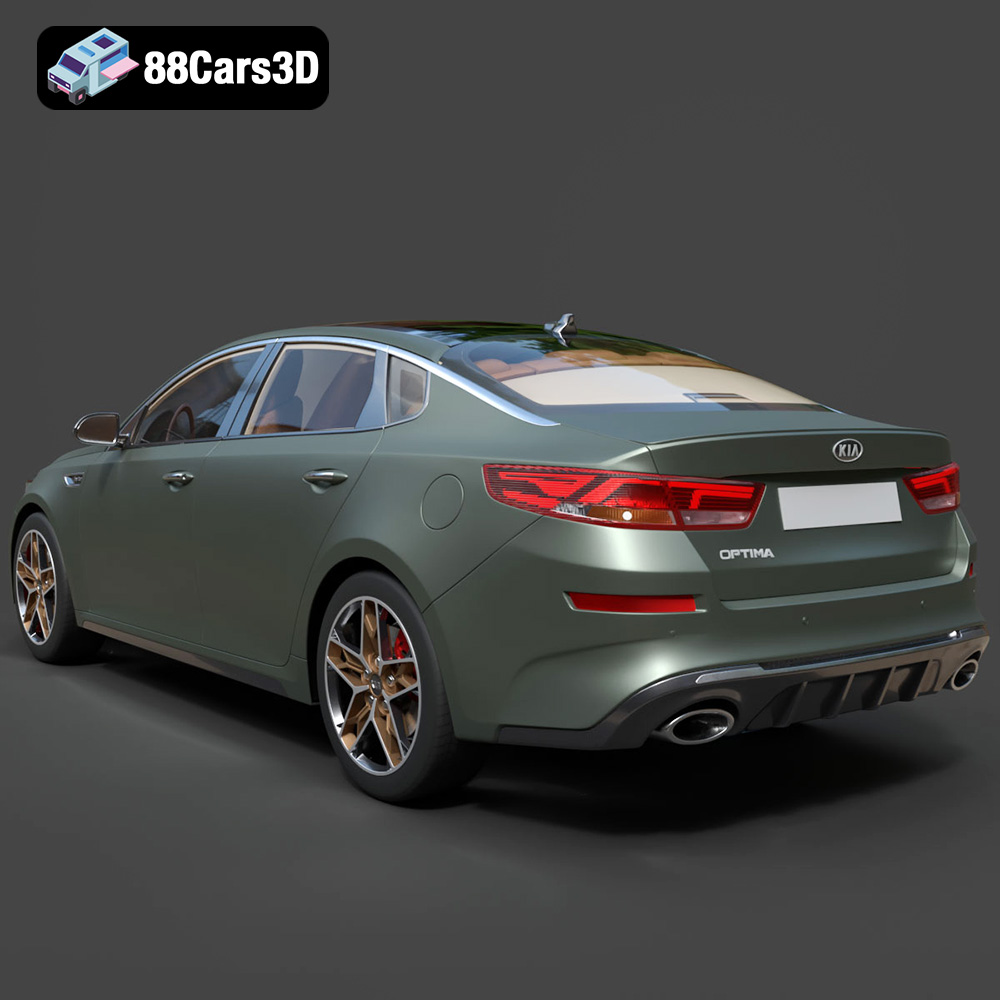
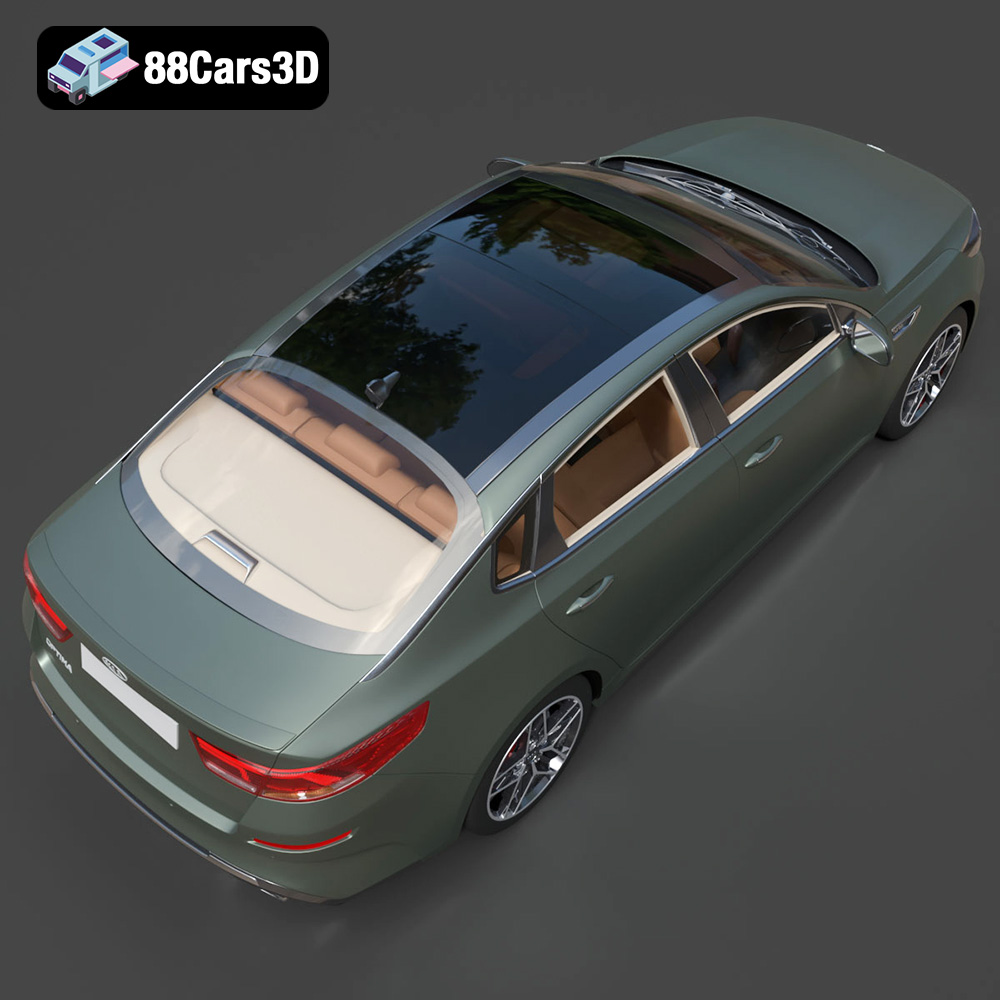
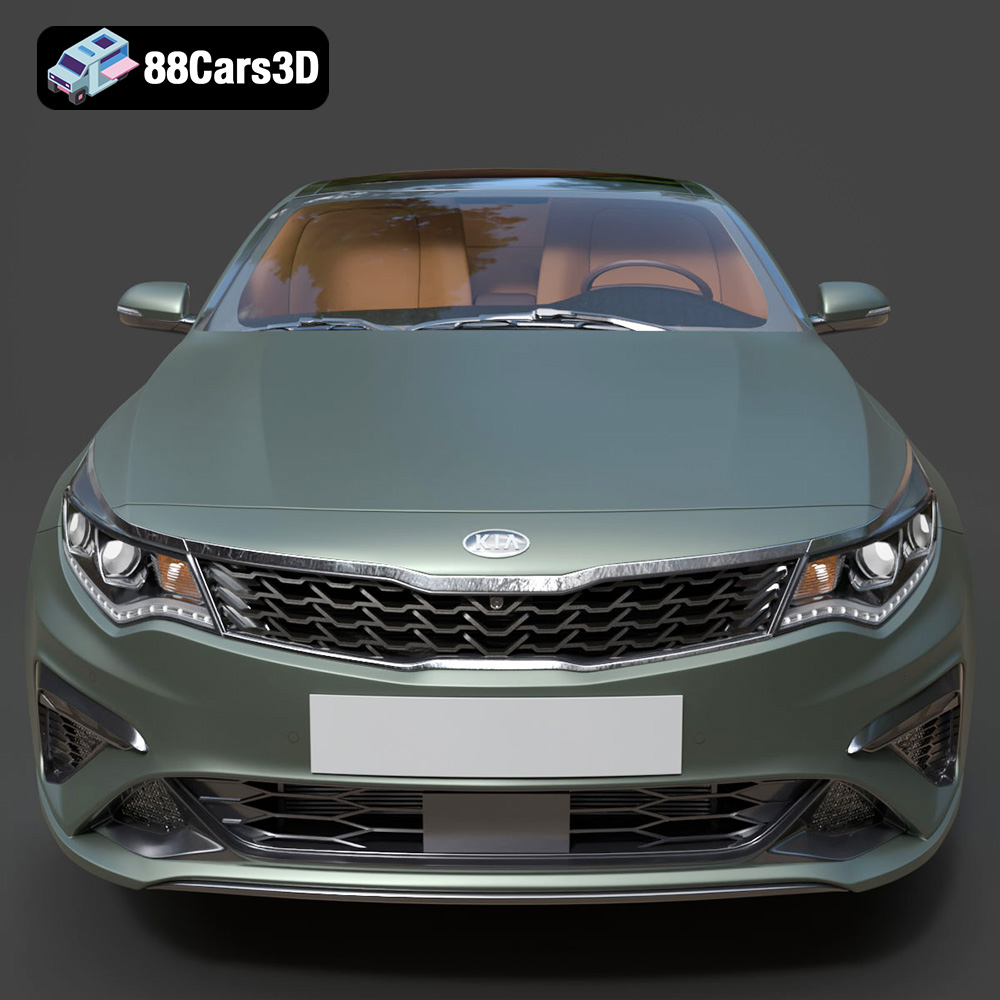
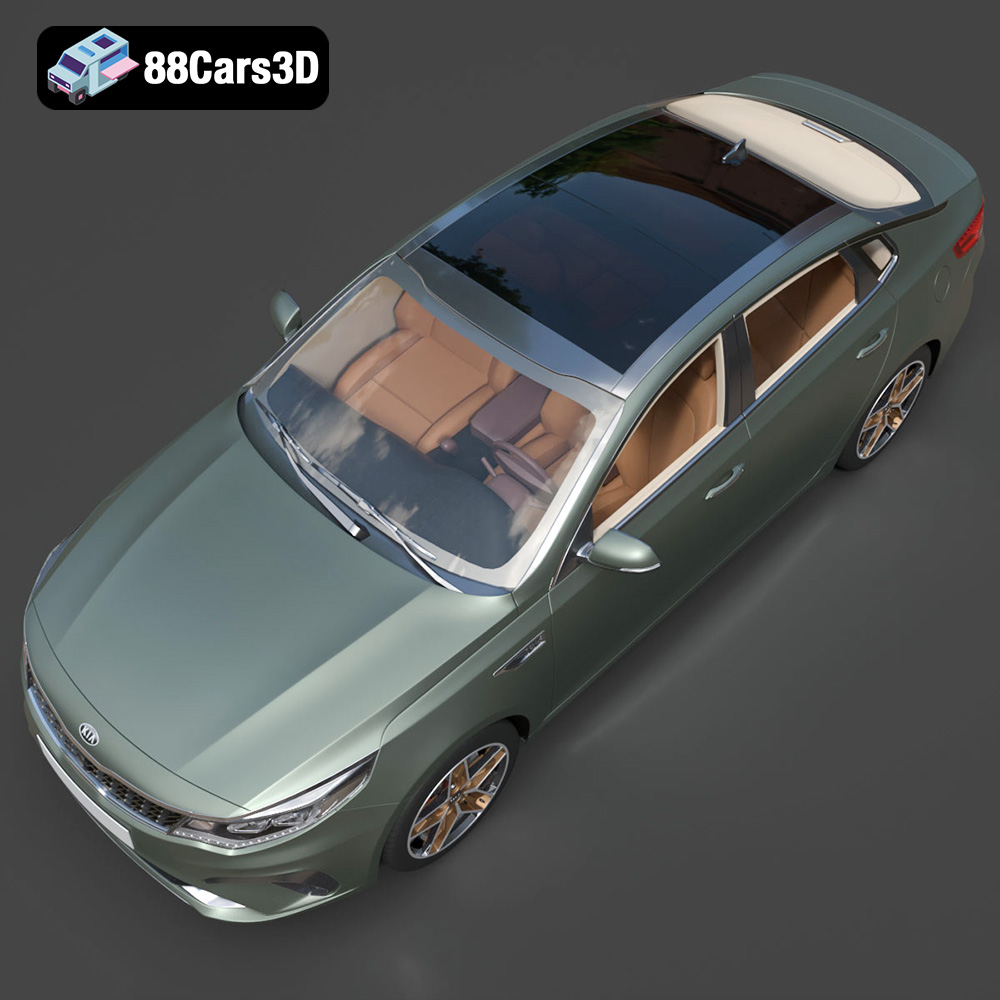
The Kia Optima 2019, a vehicle known for its sleek design and reliable performance, can now grace your desk or enhance your projects in miniature form through the magic of 3D printing. The availability of a high-quality 3D model, like the one offered at 88cars3d.com, opens up a world of possibilities for enthusiasts, designers, and hobbyists alike. This guide delves deep into the process of 3D printing the Kia Optima 2019 model, covering everything from selecting the right materials and settings to perfecting the final finish. Whether you’re aiming for a display piece, a component for a larger project, or simply want to explore the capabilities of additive manufacturing, this comprehensive guide will provide the knowledge and techniques needed to achieve outstanding results.
Before even thinking about printer settings, preparing your 3D model is paramount to a successful print. This involves scaling, orientation, and, critically, ensuring the model is watertight and free of errors.
The Kia Optima 2019 model might be designed at a 1:1 scale or a different scale suitable for rendering. Decide on your desired final size. Consider the limitations of your 3D printer’s build volume. Scaling is typically done within your slicing software. For smaller, detailed prints, resin printers often excel. Larger prints are generally better suited for FDM (Fused Deposition Modeling) printers.
The orientation of your Kia Optima 2019 model on the print bed drastically affects the need for supports and the final surface finish. Consider:
* **Minimizing overhangs:** Orient the model to reduce the amount of unsupported material, thus minimizing the need for support structures. This can result in cleaner surfaces.
* **Hiding layer lines:** Strategically orient the model to place layer lines in less visible areas. For example, tilting the car body slightly can minimize the visibility of layer lines on the roof.
* **Support placement:** If supports are unavoidable, orient the model to place them on less critical surfaces, such as the underside of the chassis.
STL files, while industry standard, can sometimes contain errors such as non-manifold edges or holes in the mesh. These errors will prevent successful slicing and printing. Use mesh repair software like MeshMixer, Netfabb, or even online repair services to identify and fix these issues. Ensure the model is “watertight,” meaning it has no openings or gaps that would allow it to hold water (metaphorically speaking).
Choosing the right file format is crucial for successful 3D printing. While many formats exist, some are better suited for additive manufacturing than others. Let’s explore the common formats and their implications for printing the Kia Optima 2019 model.
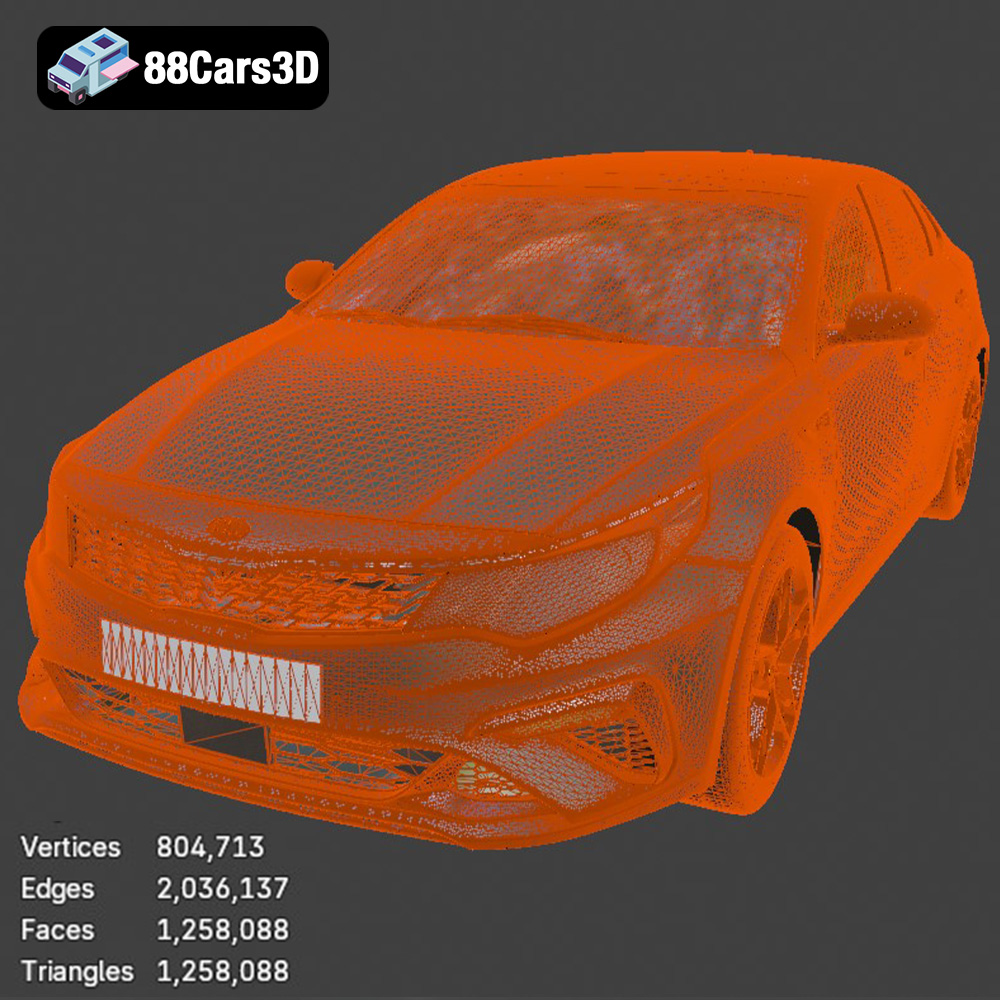
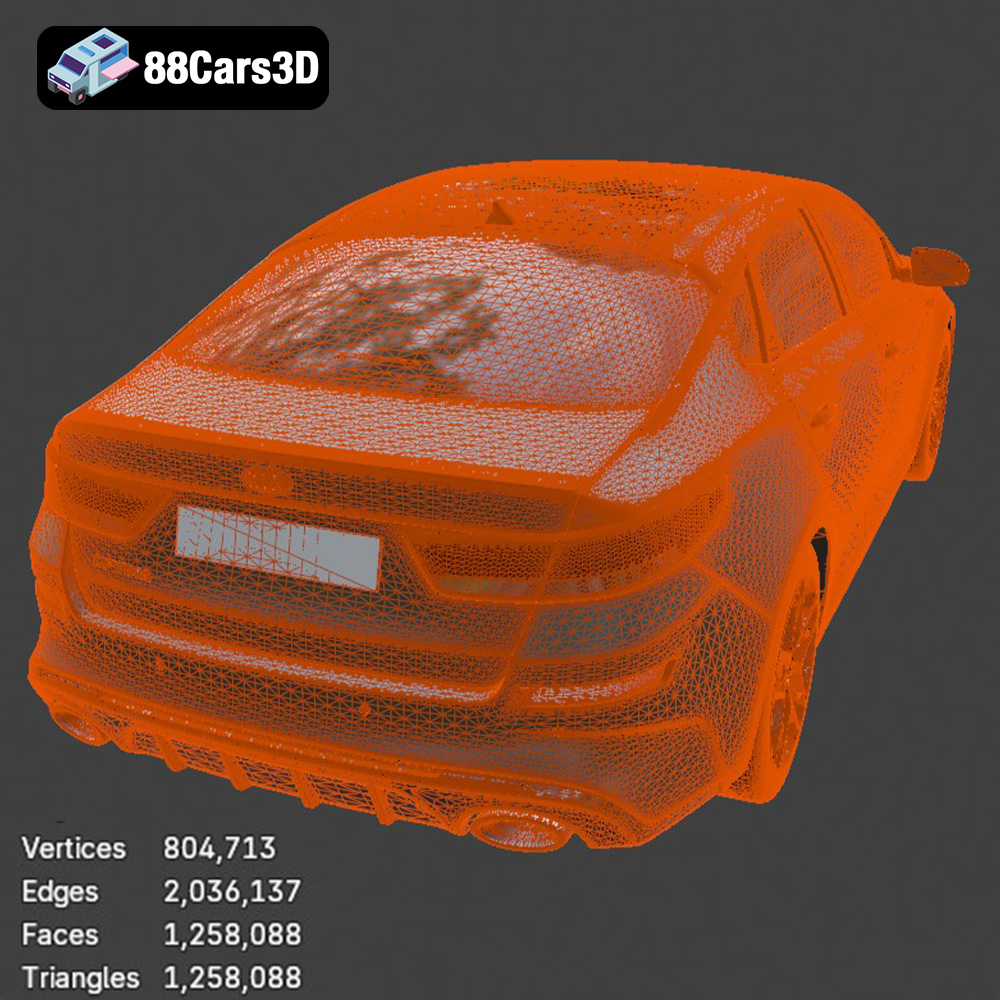
The STL (Stereolithography) file format is the workhorse of 3D printing. It represents a 3D model as a collection of triangles, forming a mesh that approximates the surface of the object. This simplicity makes it universally compatible with slicing software and 3D printers. For the Kia Optima 2019 model, the STL format is the primary choice for printing. Its widespread adoption means you’re less likely to encounter compatibility issues. However, STL files only contain geometric data; they don’t include information about color, textures, or materials. The density of the triangle mesh directly impacts the model’s detail. A higher triangle count results in a smoother, more accurate representation but also increases file size and processing time. Slicing software interprets the STL file and generates the instructions for the 3D printer.
The OBJ (Object) file format is another popular choice, offering support for color and texture information, unlike STL. This is beneficial if you intend to paint or apply textures to your 3D printed Kia Optima 2019 model after printing. OBJ files can store multiple meshes, allowing for more complex models. While compatible with many slicing programs, STL remains the preferred format for its simplicity and direct focus on geometry.
The PLY (Polygon File Format) is designed to store 3D data acquired from 3D scanners. It supports a wider range of data types compared to STL, including color, normals, and texture coordinates. If the Kia Optima 2019 model was created through 3D scanning, the PLY format might be available. It’s known for its ability to represent high-detail meshes accurately.
The .blend format is the native file format for Blender, a popular open-source 3D modeling software. Having the Kia Optima 2019 model in .blend format allows for extensive customization before exporting to a printable format like STL. You can modify the geometry, add details, or even create variations of the design.
The FBX (Filmbox) format is primarily used for exchanging 3D data between different software applications, particularly in game development and animation. While it supports materials and animations, these features are not typically relevant for 3D printing. However, some advanced slicing software might be able to interpret basic material information from an FBX file to assist with multi-material printing, if the Kia Optima 2019 model was designed to support this.
The GLB (GL Transmission Format Binary) format is designed for efficient delivery and loading of 3D models on the web and in AR/VR applications. It’s a binary format, making it smaller and faster to load compared to other text-based formats. While not directly used for 3D printing, the GLB format allows you to preview the Kia Optima 2019 model in augmented reality before committing to a print. This helps to visualize the scale and appearance of the model in a real-world context.
The .max format is the native file format for 3ds Max, a professional 3D modeling, rendering, and animation software package. Similar to .blend, having the Kia Optima 2019 model in .max format provides the most flexibility for advanced modifications and customizations before exporting for 3D printing.
Ultimately, for 3D printing the Kia Optima 2019 model, the STL format is the most practical and widely supported option. Ensure the STL file is free of errors and optimized for your desired print quality.
The choice of material greatly influences the final appearance, strength, and functionality of your 3D printed Kia Optima 2019 model.
PLA (Polylactic Acid) is a biodegradable thermoplastic derived from renewable resources. It’s easy to print, produces minimal warping, and is available in a wide range of colors. PLA is an excellent choice for beginners and for creating visually appealing models that don’t require high strength or heat resistance. The Kia Optima 2019 model printed in PLA would be ideal for display purposes.
PETG (Polyethylene Terephthalate Glycol-modified) offers a good balance of strength, flexibility, and ease of printing. It’s more durable and heat-resistant than PLA, making it suitable for parts that might experience some stress or outdoor exposure. PETG is a solid choice if you want a slightly more robust Kia Optima 2019 model.
Resin 3D printing (SLA/DLP) uses liquid photopolymer resins that are cured by UV light. Resin printing excels at producing highly detailed models with smooth surfaces. This is ideal for smaller scale Kia Optima 2019 models where intricate details like panel lines and emblems are crucial. However, resin prints tend to be more brittle than FDM prints and require post-processing steps like washing and curing.
Achieving a successful 3D print depends heavily on fine-tuning your printer settings within your chosen slicing software.
Layer height determines the vertical resolution of your print. Lower layer heights (e.g., 0.1mm) result in smoother surfaces and finer details, but also increase print time. Higher layer heights (e.g., 0.2mm) print faster but produce more visible layer lines. For the Kia Optima 2019 model, a layer height of 0.15mm to 0.2mm offers a good compromise between detail and print time for FDM printing. For resin printing, layer heights can go even lower, down to 0.025mm for incredibly fine detail.
Infill refers to the internal structure of the 3D print. A higher infill density (e.g., 50%) makes the model stronger and heavier but also increases material consumption. Lower infill densities (e.g., 15%) reduce material usage but may compromise structural integrity. For the Kia Optima 2019 model, an infill density of 20-25% with a rectilinear or gyroid pattern is usually sufficient for display models.
Support structures are necessary to support overhangs during printing. However, they can leave blemishes on the surface of the model. Optimize support placement to minimize their impact on visible areas. Use support blockers in your slicing software to prevent supports from generating in specific areas. Experiment with different support types, such as tree supports, which are often easier to remove and leave fewer marks.
Print speed affects both print time and print quality. Printing too fast can lead to poor layer adhesion and surface defects. Follow the recommended print speed and temperature settings for your chosen material. PLA typically prints at 200-220°C, while PETG prints at 230-250°C. Bed adhesion is also critical; ensure your print bed is properly leveled and consider using a bed adhesive like glue stick or hairspray to improve adhesion.
Post-processing is the finishing touch that elevates your 3D printed Kia Optima 2019 model from a raw print to a polished masterpiece.
Carefully remove support structures using pliers or a sharp knife. Be patient and avoid damaging the model’s surface. Sand down any remaining support marks or imperfections with progressively finer grits of sandpaper, starting with a coarse grit (e.g., 220) and working your way up to a fine grit (e.g., 400 or higher).
Apply a primer to the model to create a smooth, uniform surface for painting. This will also help the paint adhere better. Use spray paint or airbrush to apply multiple thin coats of paint, allowing each coat to dry completely before applying the next. Consider using automotive paints for a realistic finish. Clear coat can add gloss and protection.
If the Kia Optima 2019 model consists of multiple parts, assemble them carefully using glue or fasteners. Add details such as decals, badges, and window tint to enhance the realism of the model.
Even with careful preparation, 3D printing can present challenges. Here are some common issues and their solutions:
* **Warping:** This occurs when the corners of the print lift off the print bed. Improve bed adhesion, increase bed temperature, and use a brim or raft.
* **Stringing:** This is the formation of thin strands of filament between different parts of the print. Reduce print temperature, increase retraction distance, and decrease travel speed.
* **Layer shifting:** This happens when the printer head shifts position during printing. Check the belt tension, ensure the printer is stable, and reduce print speed.
* **Elephant’s foot:** This is the bulging of the first layer of the print. Reduce the initial layer height, decrease bed temperature, and ensure proper bed leveling.
Printing the Kia Optima 2019 model from 88cars3d.com requires patience, experimentation, and a willingness to learn. By following these guidelines and adapting them to your specific printer and materials, you can achieve stunning results and create a miniature replica that you can be proud of. Remember, continuous learning and refining your techniques are key to mastering the art of 3D printing!
Experience precision and realism with the Kia Optima 2019 3D model. Designed to replicate the authentic proportions and dynamic styling of the actual vehicle, this model provides exceptional accuracy for various professional projects.
$19.99
.arvr
.blend
.car3dmodel
.familycar
.fbx
.gameasset
.glb
.kia
.max
.obj
.optima
.ply
.rendering
.sedan
.simulation
.stl
.unreal