Get 50% OFF All Premium 3D & STL Models!

“`html
The world of 3D printing offers incredible possibilities for automotive enthusiasts and model makers. Whether you’re creating a scale replica of a classic car, prototyping a new design, or simply enjoying a rewarding hobby, the key to success lies in choosing the right 3D printing technology and mastering the intricacies of STL file preparation. Two dominant technologies, Fused Deposition Modeling (FDM) and Stereolithography (SLA), commonly known as resin printing, each offer unique advantages and disadvantages. This article will delve deep into the technical aspects of both methods, providing you with the knowledge needed to make an informed decision when printing car STL files, especially those found on platforms like 88cars3d.com.
We will explore the differences in printer mechanics, material properties, post-processing requirements, and overall suitability for creating high-quality, detailed car models. By the end of this guide, you’ll understand the optimal settings, best practices, and potential pitfalls associated with each printing method, enabling you to achieve stunning results with your 3D printed automotive creations.
Fused Deposition Modeling (FDM) is perhaps the most widely recognized form of 3D printing. It works by extruding molten plastic filament through a heated nozzle, layer by layer, onto a build platform. This process builds a 3D object from the bottom up, according to the digital instructions contained within the STL file. FDM printers are relatively affordable and user-friendly, making them a popular choice for hobbyists and makers. However, their limitations in terms of resolution and surface finish can be a concern when printing detailed car models.
Layer height is a critical parameter in FDM printing. It directly affects the print resolution and the smoothness of curved surfaces. A smaller layer height (e.g., 0.1mm or 0.05mm) produces finer details and smoother surfaces but significantly increases print time. Conversely, a larger layer height (e.g., 0.2mm or 0.3mm) prints faster but results in more visible layer lines. For car models, especially those with intricate body panels and aerodynamic features, a layer height between 0.1mm and 0.15mm is generally recommended for a good balance of detail and print speed. Keep in mind that the nozzle size also plays a crucial role. A smaller nozzle (e.g., 0.25mm) allows for finer details but may require slower print speeds to avoid clogging. A larger nozzle (e.g., 0.4mm) is more robust but limits the level of detail achievable.
FDM printing often requires support structures to hold up overhanging features during the printing process. These supports are typically made of the same material as the model and need to be manually removed after printing. The design and placement of support structures are crucial. Too few supports can lead to print failures, while too many can be difficult to remove and leave behind unsightly marks. Software like Cura and PrusaSlicer offer advanced support generation features, allowing you to customize support density, pattern, and interface layer settings. For intricate car models, consider using tree-like supports, which provide good support with minimal contact area, making them easier to remove. When downloading models from marketplaces such as 88cars3d.com, pay attention to whether the files are pre-supported, as this can save significant time and effort.
Resin 3D printing, or Stereolithography (SLA), uses a different approach. It employs a light source (laser or projector) to cure liquid resin, layer by layer, according to the cross-sectional data in the STL file. This process produces parts with significantly higher resolution and smoother surfaces compared to FDM. Resin printers are particularly well-suited for printing highly detailed car models, miniatures, and intricate parts where surface finish is paramount.
The choice of resin significantly impacts the final product’s properties. Standard resins are suitable for general-purpose printing but may be brittle. Tough resins offer improved impact resistance and durability, making them a better choice for functional parts or models that will be handled frequently. Flexible resins are ideal for tires or other parts requiring elasticity. ABS-like resins mimic the properties of ABS plastic, providing a good balance of strength and stiffness. When selecting a resin, consider the intended use of the car model and its exposure to UV light, as some resins can degrade over time if not properly coated or stored. Remember to always use appropriate personal protective equipment (PPE) when handling resin, including gloves and eye protection.
Resin prints require post-processing to remove uncured resin and fully harden the material. This typically involves washing the print in isopropyl alcohol (IPA) to remove excess resin, followed by curing under UV light. Washing can be done manually or using an ultrasonic cleaner for more effective removal. Curing strengthens the print and improves its mechanical properties. The curing time and intensity depend on the resin type and the curing device. Over-curing can make the print brittle, while under-curing can leave it sticky and weak. Some resins may require a specific curing wavelength for optimal results. Proper ventilation is essential during both washing and curing, as the fumes can be harmful.
Regardless of whether you choose FDM or resin printing, proper STL file preparation is essential for achieving successful prints. The STL file contains the 3D geometry data of the car model, and any errors or imperfections in the file can lead to printing problems. This includes non-manifold geometry, inverted normals, and gaps in the mesh. Platforms like 88cars3d.com often provide pre-verified and optimized STL files, but it’s still a good practice to inspect and repair them before printing.
Mesh repair involves fixing any errors in the STL file’s geometry. Non-manifold geometry refers to areas where the mesh is not properly connected, creating holes or overlaps. Inverted normals occur when the faces of the mesh are pointing in the wrong direction, causing slicing errors. Software like Meshmixer and Netfabb can automatically detect and repair these issues. Netfabb offers more advanced repair tools and is often used by professionals. When repairing a mesh, pay close attention to the level of detail and avoid over-simplifying the geometry, as this can reduce the accuracy of the car model. Ensure the mesh is “watertight,” meaning it has no holes and forms a closed volume.
The orientation of the car model on the build platform significantly affects print quality and support requirements. For FDM printing, orienting the model with the flattest surface facing down improves bed adhesion and reduces the need for supports. For resin printing, angling the model at 45 degrees can minimize suction forces during printing and improve detail resolution. Bed adhesion is crucial for preventing warping or detachment during printing. FDM printers often require a heated bed and the application of adhesive materials like glue stick or hairspray. Resin printers rely on proper bed leveling and a clean build plate. Consider adding a raft or brim to the print to further enhance bed adhesion, especially for large or complex car models.
Slicing software converts the STL file into a series of instructions that the 3D printer can understand. The slicer settings determine the print speed, layer height, infill density, support structure, and other parameters that affect print quality and efficiency. Popular slicing software includes Cura, PrusaSlicer, Simplify3D, and Chitubox (for resin printers). Each software offers a wide range of customization options, allowing you to fine-tune the settings for optimal results.
Infill density refers to the amount of material used to fill the interior of the car model. A higher infill density increases the strength and weight of the print but also increases print time and material consumption. For purely aesthetic car models, a lower infill density (e.g., 10-20%) is sufficient. For functional parts or models that will be subjected to stress, a higher infill density (e.g., 50-75%) is recommended. The infill pattern also affects the strength and weight of the print. Common infill patterns include rectilinear, grid, triangle, and gyroid. Gyroid infill offers excellent strength-to-weight ratio but can be more time-consuming to print.
Print speed and temperature are critical parameters that affect print quality and adhesion. A slower print speed allows for better layer adhesion and reduces the risk of warping or stringing. However, it also increases print time. The optimal print speed depends on the material, layer height, and printer capabilities. The printing temperature should be set according to the manufacturer’s recommendations for the specific filament or resin being used. Too low of a temperature can cause poor layer adhesion and clogging, while too high of a temperature can lead to stringing and warping. For FDM printing, experiment with different temperature settings in 5-degree increments to find the optimal balance between adhesion and surface finish. For resin printing, consult the resin datasheet for recommended exposure times and lifting speeds.
Even with optimized printing settings, some post-processing is typically required to achieve a professional-looking finish on 3D printed car models. This can involve sanding, filling, priming, painting, and applying clear coats.
Sanding is used to remove layer lines and smooth the surface of the print. Start with a coarse grit sandpaper (e.g., 120 grit) and gradually work your way up to finer grits (e.g., 400, 600, 800 grit). Wet sanding can help to reduce dust and improve the surface finish. For deeper imperfections or gaps, use a filler primer or spot putty. Apply the filler in thin layers and allow it to dry completely before sanding. Repeat the process as needed until the surface is smooth and uniform. For resin prints, avoid using excessive force when sanding, as the material can be brittle.
Painting is used to add color and detail to the car model. Start with a primer to create a smooth and uniform base for the paint. Apply the paint in thin, even coats using an airbrush or spray can. Allow each coat to dry completely before applying the next. For intricate details, use masking tape to protect areas that should not be painted. After the paint has dried, apply a clear coat to protect the paint and add a glossy or matte finish. Multiple coats of clear coat may be required for optimal results. Consider using automotive-grade paints and clear coats for superior durability and finish.
In conclusion, both FDM and resin 3D printing offer viable options for printing car STL files. FDM is a more affordable and accessible option for larger models and functional prototypes, while resin printing excels at producing highly detailed and intricate models with superior surface finish. The best choice depends on your specific needs, budget, and desired level of detail. Carefully consider the material properties, printing parameters, and post-processing requirements of each method before making a decision. By understanding the technical nuances of both FDM and resin printing, you can unlock the full potential of 3D printing and create stunning automotive models that will impress even the most discerning enthusiast.
Remember to always prioritize safety and follow the manufacturer’s instructions for both printers and materials. Platforms like 88cars3d.com provide a valuable resource for high-quality, print-ready STL files, but mastering the art of 3D printing requires experimentation, patience, and a willingness to learn from both successes and failures. With the right tools and knowledge, you can transform digital designs into tangible automotive masterpieces.
“`
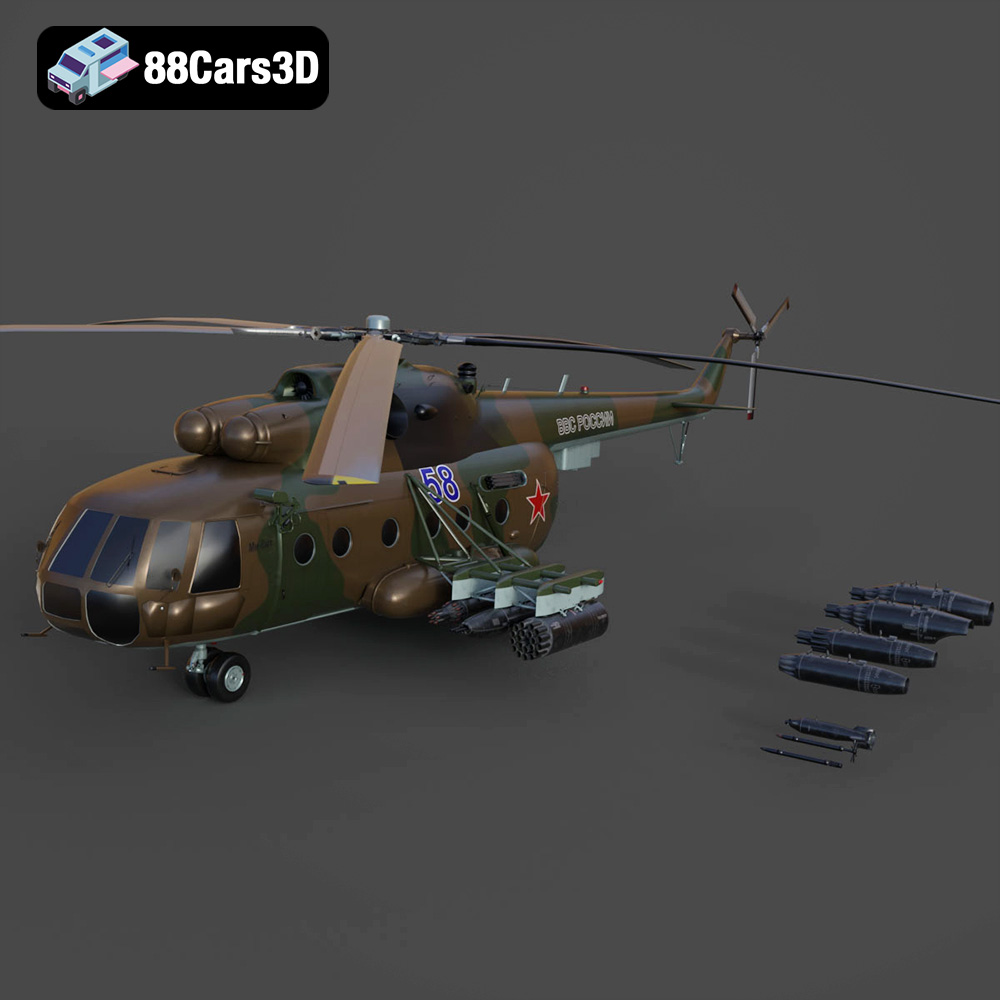
Texture: Yes | Material: Yes
Download the highly detailed, game-ready Mil Mi-8MT Helicopter 3D Model. Features twin-turbine engine housings, a detailed 5-blade main rotor, and authentic cockpit instrumentation. Includes .blend, .fbx, .obj, .glb, .stl, .ply, .unreal, and .max formats for game development, AR/VR, and rendering.
Price: $19.99

Texture: Yes | Material: Yes
Download the highly detailed, game-ready Mercedes-Maybach Vision 6 2018 3D Model. Features an elongated aero coupe design, iconic gullwing doors, and striking 24-inch aerodynamic wheels. Includes .blend, .fbx, .obj, .glb, .stl, .ply, .unreal, and .max formats for game development, AR/VR, and rendering.
Price: $19.99
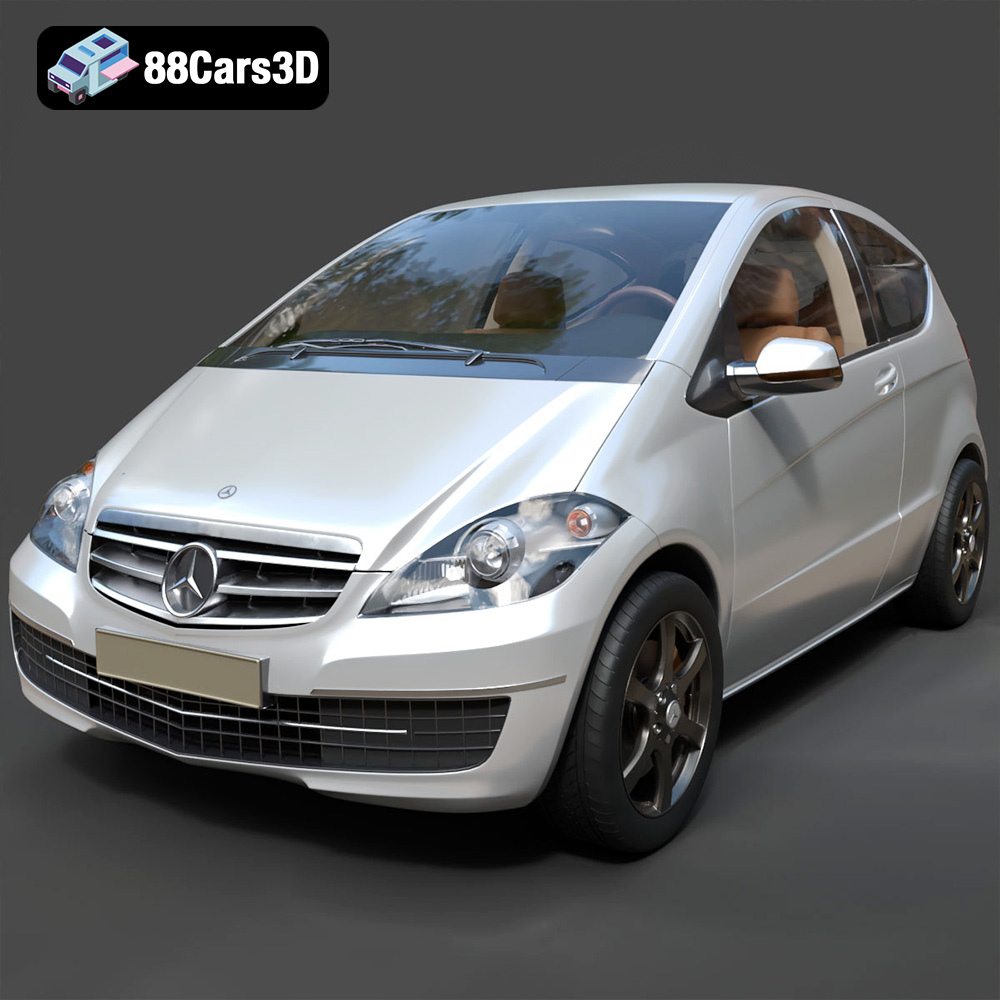
Texture: Yes | Material: Yes
Download the highly detailed, game-ready Mercedes-Benz A-Class 3-Door 2010 3D Model. Features an accurate compact luxury exterior, detailed interior, and optimized topology. Includes .blend, .fbx, .obj, .glb, .stl, .ply, .unreal, and .max formats for game development, AR/VR, and rendering.
Price: $19.99
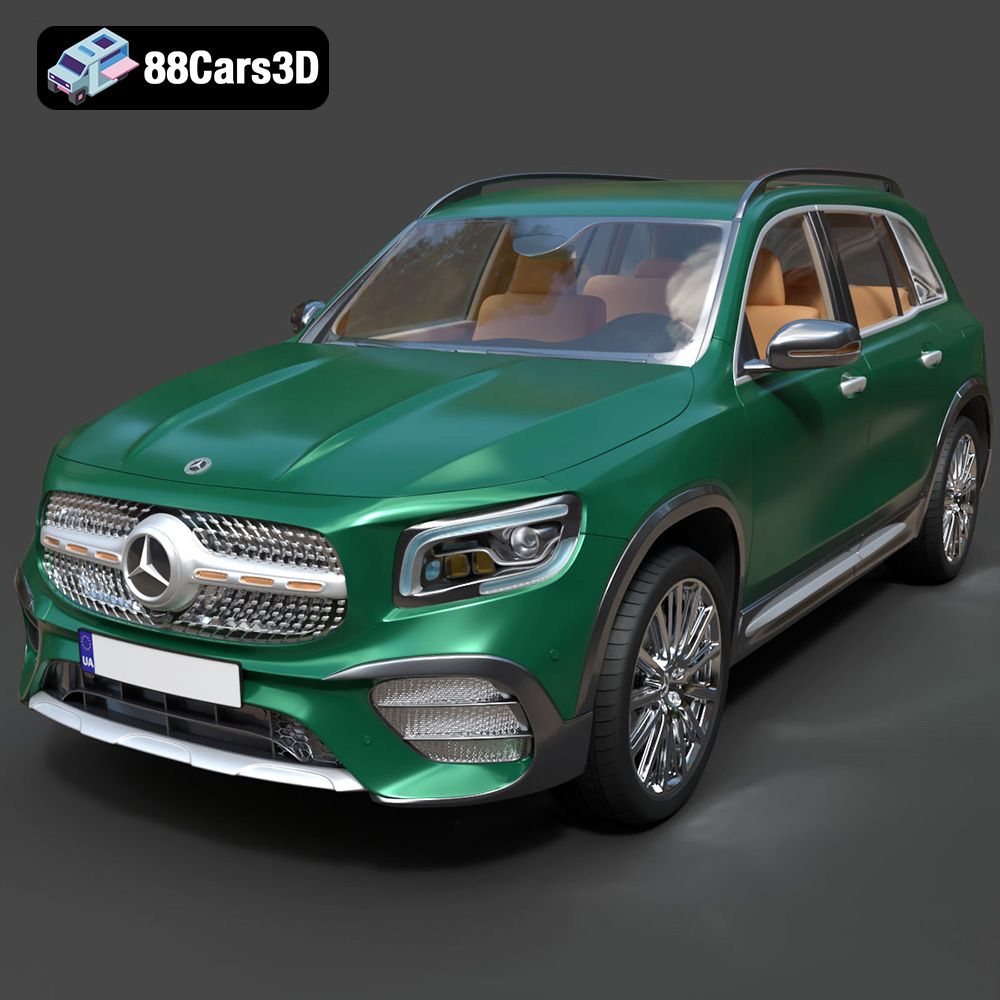
Texture: Yes | Material: Yes
Download the highly detailed, game-ready Mercedes-Benz GLB-Class (Mk1) AMG Line 2019 3D Model. Features sporty AMG Line exterior styling, accurate LED lighting, and premium interior details. Includes .blend, .fbx, .obj, .glb, .stl, .ply, .unreal, and .max formats for game development, AR/VR, and rendering.
Price: $19.99
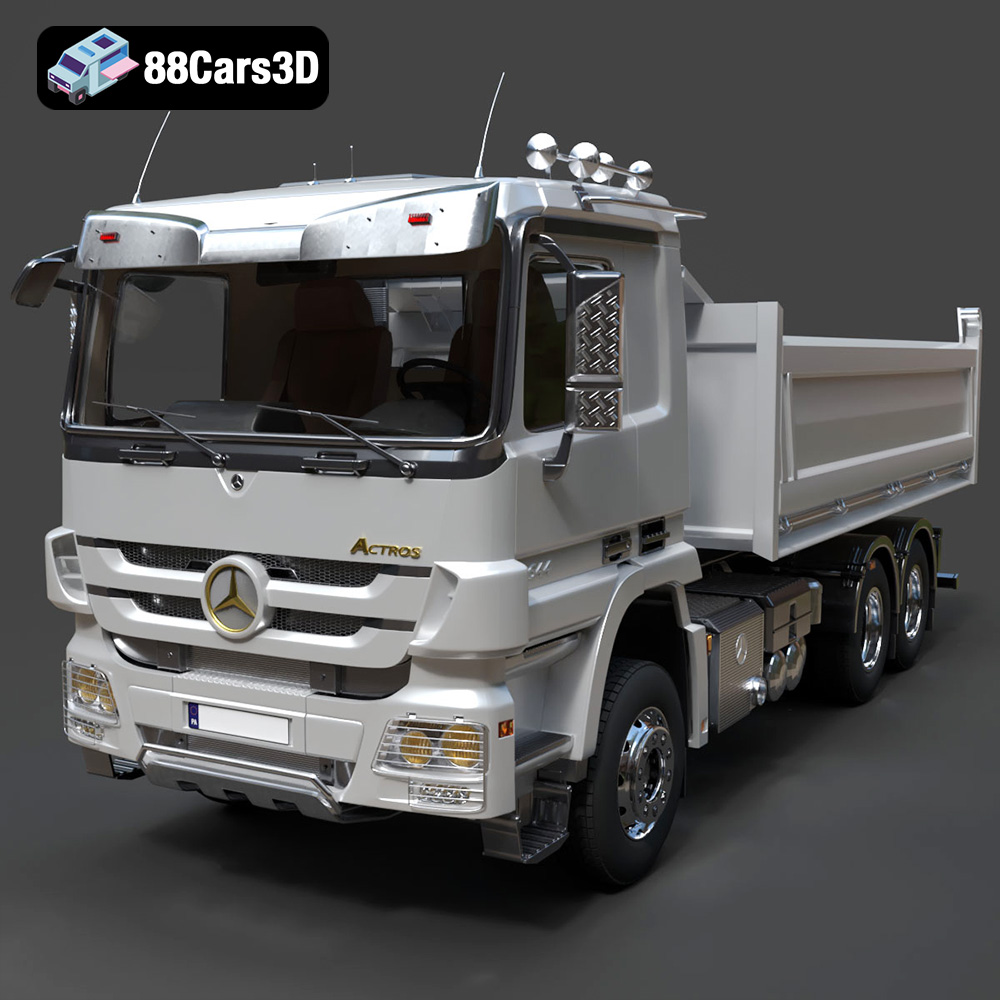
Texture: Yes | Material: Yes
Download the highly detailed, game-ready Mercedes-Benz Actros Tipper 3-Axle 2011 3D Model. Features a functional hydraulic tipper bed, detailed multi-axle chassis, and an accurate commercial cab. Includes .blend, .fbx, .obj, .glb, .stl, .ply, .unreal, and .max formats for game development, AR/VR, and rendering.
Price: $19.99

Texture: Yes | Material: Yes
Download the highly detailed, game-ready Lexus LX Mk3f J200 2016 3D Model. Features the iconic spindle grille, sharp L-shaped LED lighting, and a premium luxury interior. Includes .blend, .fbx, .obj, .glb, .stl, .ply, .unreal, and .max formats for game development, AR/VR, and rendering.
Price: $19.99

Texture: Yes | Material: Yes
Download the highly detailed, game-ready Lexus RX350 2010 3D Model. Features sleek crossover styling, distinctive L-finesse design cues, and an accurate interior layout. Includes .blend, .fbx, .obj, .glb, .stl, .ply, .unreal, and .max formats for game development, AR/VR, and rendering.
Price: $19.99

Texture: Yes | Material: Yes
Download the highly detailed, game-ready Lexus LS 500 2018 3D Model. Features the signature spindle grille, elegant flowing silhouette, and intricate Z-shaped LED lighting. Includes .blend, .fbx, .obj, .glb, .stl, .ply, .unreal, and .max formats for game development, AR/VR, and rendering.
Price: $19.99

Texture: Yes | Material: Yes
Download the highly detailed, game-ready Kawasaki Ninja 3D Model. Features an aggressive aerodynamic fairing, detailed inline-four engine, and racing-inspired ergonomics. Includes .blend, .fbx, .obj, .glb, .stl, .ply, .unreal, and .max formats for game development, AR/VR, and rendering.
Price: $19.99
Texture: Yes
Material: Yes
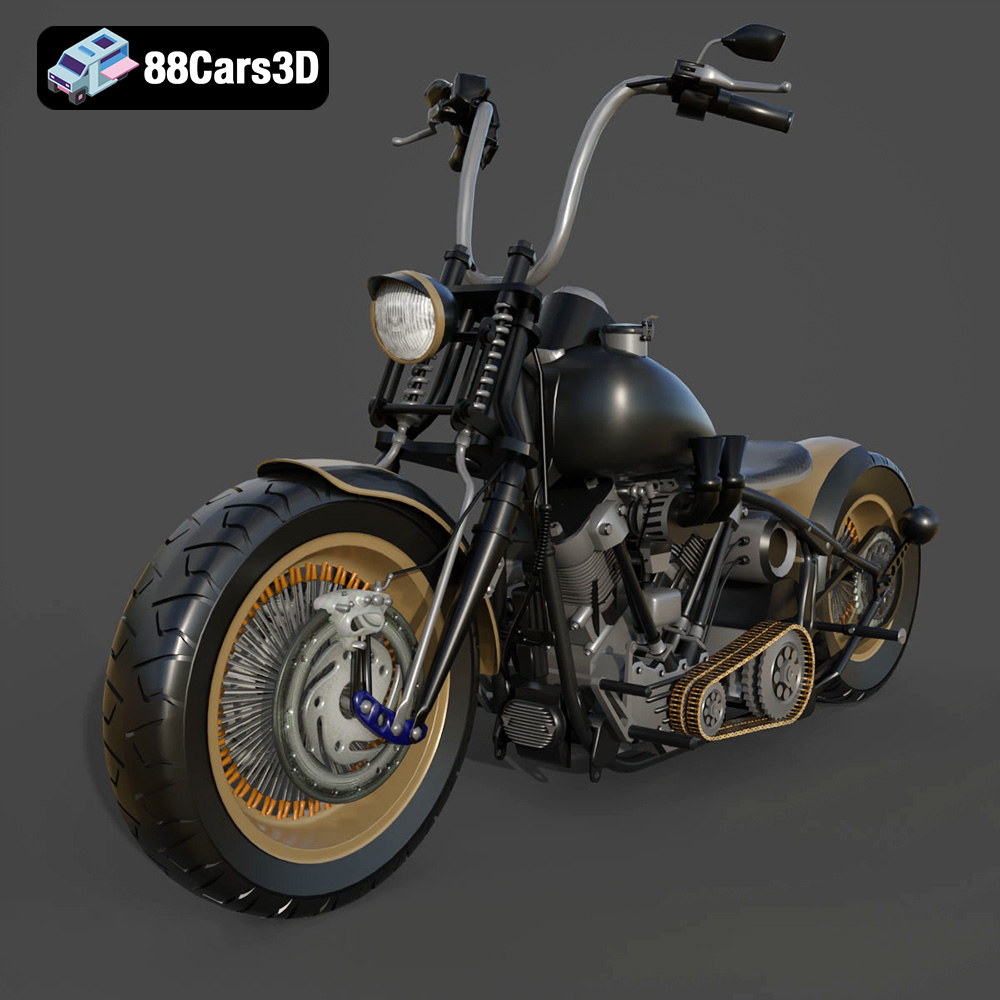
Download the Harley Davidson Knucklehead 3D Model featuring clean geometry, realistic detailing, and a fully modeled interior. Includes .blend, .fbx, .obj, .glb, .stl, .ply, .unreal, and .max formats for rendering, simulation, and game development.
Price: $19.99

