Get 50% OFF All Premium 3D & STL Models!

“`html
3D printing has revolutionized the automotive modeling world, allowing enthusiasts and professionals alike to create intricate wheels, detailed tires, and accurate car parts with unprecedented precision. The key to a successful print lies in understanding the nuances of STL files, optimizing your 3D printer settings, and mastering slicing techniques. Whether you’re building a collection of scale models, prototyping new designs, or replacing damaged components, this guide will provide you with the knowledge and skills to achieve exceptional results. We’ll delve into everything from preparing your STL files to selecting the right materials and post-processing techniques. Platforms like 88cars3d.com offer print-ready STL files designed specifically for automotive models, making the process even easier. Get ready to transform your digital designs into tangible masterpieces!
In this comprehensive guide, we will cover:
The STL (Stereolithography) file format is the cornerstone of 3D printing. It represents a 3D object as a collection of triangles, approximating its surface. For detailed automotive parts like wheels and tires, the quality and complexity of the STL mesh directly impact the final print. A poorly constructed STL can lead to visible facets, surface imperfections, and even printing failures. Understanding the intricacies of STL file structure and mesh topology is crucial for achieving high-quality prints.
The triangle count within an STL file determines the level of detail and smoothness of the printed object. A higher triangle count results in a smoother surface but also increases file size and processing time. For intricate parts like wheels with complex spoke designs, a higher resolution is generally preferred. However, there’s a point of diminishing returns. A triangle count that’s unnecessarily high can bog down your slicing software and even cause performance issues on your 3D printer. A good rule of thumb is to find a balance between detail and practicality. For example, a wheel with a diameter of 50mm might benefit from an STL with 500,000 to 1,000,000 triangles, while a larger body panel could require significantly more.
Before printing, it’s essential to ensure that your STL file is “manifold,” meaning it represents a closed, watertight surface. Non-manifold geometry, such as holes, gaps, or self-intersecting triangles, can cause serious problems during slicing and printing. Fortunately, several software tools can automatically detect and repair these issues. Meshmixer, Netfabb, and even some slicer programs (like PrusaSlicer) have built-in mesh repair capabilities. These tools analyze the STL file and attempt to close gaps, remove duplicate triangles, and ensure that all faces are properly oriented. Using these tools before slicing can save you time and frustration by preventing printing failures. For instance, in Meshmixer, you can use the “Make Solid” function to automatically repair common mesh errors.
The choice between FDM (Fused Deposition Modeling) and resin printing depends on your desired level of detail, surface finish, and mechanical properties. FDM printing is generally more affordable and suitable for larger parts, while resin printing excels at producing highly detailed, smooth surfaces, ideal for intricate wheels and tires. However, both technologies require careful optimization of printer settings to achieve optimal results.
When printing automotive parts with an FDM printer, several key parameters need careful consideration: Layer height, print speed, temperature, and infill density. Layer height determines the resolution of the print in the Z-axis. Lower layer heights (e.g., 0.1mm or 0.15mm) produce smoother surfaces but increase print time. Print speed affects both print quality and time. Slower speeds (e.g., 30-50mm/s) generally result in better adhesion and detail, especially for small features. Temperature settings depend on the material you’re using. PLA typically prints at 200-220°C, while ABS requires higher temperatures (230-250°C) and a heated bed (80-110°C) to prevent warping. Infill density determines the internal structure of the part. Higher infill densities (e.g., 50-100%) increase strength but also increase material usage and print time. For decorative car parts, a lower infill density (15-25%) is often sufficient. For functional parts that need to withstand stress, a higher infill density is recommended.
Resin printing offers exceptional detail and surface finish, making it ideal for printing intricate wheels and tires. Key parameters include layer height, exposure time, and lift speed. Layer height determines the Z-axis resolution, with lower layer heights (e.g., 0.025mm or 0.05mm) producing incredibly smooth surfaces. Exposure time controls how long each layer is exposed to UV light. Longer exposure times result in stronger adhesion but can also lead to over-curing and loss of detail. Lift speed affects the speed at which the build plate moves up after each layer is cured. Slower lift speeds reduce the risk of layer separation, especially for large or complex parts. Support structures are crucial for resin printing, as they provide support for overhanging features. Experiment with different support settings (density, thickness, and placement) to find the optimal balance between support strength and ease of removal. For example, using a lower bottom layer exposure time can make supports easier to remove.
Slicing is the process of converting a 3D model into a series of instructions that your 3D printer can understand. The slicing software divides the model into thin layers and generates toolpaths that dictate how the printer will deposit material. Proper slicing techniques are essential for achieving superior print quality, especially when printing complex automotive parts. Popular slicing software includes Cura, PrusaSlicer, Simplify3D, and Chitubox.
Support structures are temporary scaffolding that supports overhanging features during printing. Without supports, these features would collapse under their own weight. Slicing software automatically generates support structures based on the model’s geometry. The placement and density of supports are crucial for achieving a successful print. Too few supports can lead to sagging and deformation, while too many supports can be difficult to remove and leave behind unsightly marks. Experiment with different support settings to find the optimal balance. For example, in Cura, you can adjust the support density, support overhang angle, and support placement settings. For intricate wheels with complex spoke designs, consider using tree supports, which are more efficient and easier to remove than traditional linear supports. When printing wheels, orienting the wheel vertically can often reduce the need for supports on the outer rim.
Print orientation plays a significant role in print quality, strength, and material usage. The optimal orientation depends on the geometry of the part and the printing technology. For FDM printing, orienting parts to minimize overhangs can reduce the need for supports. However, this may compromise the strength of the part in certain directions. For resin printing, orienting parts at an angle can improve surface finish and reduce the risk of layer separation. Bed adhesion is crucial for preventing warping and ensuring that the part stays firmly attached to the build plate during printing. For FDM printing, use a heated bed and apply a bed adhesion aid, such as blue painter’s tape, glue stick, or hairspray. For resin printing, ensure that the build plate is properly leveled and that the resin is properly mixed. Using a raft can also improve bed adhesion, especially for large or complex parts. For example, adding a 5mm brim to a wheel’s base can significantly improve adhesion during FDM printing.
The choice of material is crucial for determining the final properties of your 3D printed automotive parts. Different materials offer different strengths, flexibilities, temperature resistances, and aesthetic qualities. For FDM printing, common materials include PLA, ABS, PETG, and nylon. For resin printing, various types of resins are available, each with its own unique properties.
PLA (Polylactic Acid) is a biodegradable thermoplastic that is easy to print and produces good surface finish. It’s a popular choice for decorative car parts and prototypes. However, PLA has a low glass transition temperature, meaning it can soften at relatively low temperatures. ABS (Acrylonitrile Butadiene Styrene) is a stronger and more heat-resistant thermoplastic than PLA. It’s suitable for functional car parts that need to withstand higher temperatures. However, ABS is more difficult to print than PLA and requires a heated bed to prevent warping. PETG (Polyethylene Terephthalate Glycol-modified) is a blend of PLA and PET that combines the best of both worlds. It’s easy to print like PLA but is stronger and more heat-resistant. PETG is a good all-around choice for automotive parts. When choosing a filament, consider the specific requirements of your project. For example, if you’re printing a dashboard component that will be exposed to sunlight, choose a material with good UV resistance, such as ASA or PETG.
Resin printing offers a wider range of material options than FDM printing, each with its own unique properties. Standard resin is a good all-around choice for general-purpose printing. It produces high-resolution parts with smooth surfaces. Tough resin is designed to be more durable and impact-resistant than standard resin. It’s suitable for functional car parts that need to withstand stress. Flexible resin is designed to be flexible and elastic. It’s ideal for printing tires and other rubber-like components. When choosing a resin, consider the specific requirements of your project. For example, if you’re printing a tire, choose a flexible resin with good tear resistance. If you’re printing a suspension component, choose a tough resin with high tensile strength. When downloading models from marketplaces such as 88cars3d.com, check the recommended materials in the product description for best results.
Post-processing is the set of techniques used to refine and enhance the appearance and functionality of 3D printed parts after they are removed from the printer. Common post-processing techniques include support removal, sanding, filling, priming, and painting. These steps are essential for achieving a professional finish, especially for automotive models that require a high level of detail and realism.
The first step in post-processing is to remove any support structures that were used during printing. For FDM prints, supports can be removed with pliers, cutters, or a sharp knife. Be careful not to damage the part during removal. For resin prints, supports can be removed by soaking the part in warm water or using a specialized support removal tool. After removing the supports, sand the part to remove any remaining support marks and smooth out the surface. Start with a coarse grit sandpaper (e.g., 220 grit) and gradually move to finer grits (e.g., 400 grit, 600 grit, 800 grit). For larger imperfections, use a filler, such as Bondo or spot putty, to fill in the gaps. Sand the filler smooth after it dries. Applying several thin layers of filler is often more effective than applying one thick layer.
Priming is the process of applying a base coat to the part to prepare it for painting. Primer helps to fill in any remaining imperfections and provides a smooth, uniform surface for the paint to adhere to. Choose a primer that is compatible with the material you’re printing. For example, use a plastic primer for PLA and ABS. Apply several thin coats of primer, allowing each coat to dry completely before applying the next. After the primer dries, sand it lightly with a fine-grit sandpaper (e.g., 800 grit) to remove any imperfections. Painting is the final step in post-processing. Choose a paint that is compatible with the primer and the material you’re printing. Apply several thin coats of paint, allowing each coat to dry completely before applying the next. Use masking tape to create clean lines and prevent overspray. After the paint dries, apply a clear coat to protect the paint and add a glossy finish. Multiple clear coats enhance durability and gloss. For realistic automotive finishes, consider using automotive-grade paints and clear coats, which offer excellent durability and color matching.
Even with careful preparation and optimized settings, 3D printing can sometimes present challenges. Understanding common printing issues and how to troubleshoot them is essential for achieving consistent, high-quality results. Issues like warping, layer adhesion problems, stringing, and elephant’s foot can all be addressed with the right knowledge and adjustments.
Warping is a common issue in FDM printing, especially with materials like ABS. It occurs when the corners of the part lift off the build plate due to uneven cooling. To prevent warping, ensure that your build plate is properly heated and leveled. Use a bed adhesion aid, such as blue painter’s tape, glue stick, or hairspray. Enclosing the printer can also help to maintain a consistent temperature and prevent drafts. If warping persists, try increasing the bed temperature or adding a raft to the print. For resin printing, poor bed adhesion can lead to parts detaching from the build plate during printing. Ensure that the build plate is properly leveled and that the resin is properly mixed. Scuffing the build plate slightly with sandpaper can also improve adhesion. Increasing the bottom layer exposure time can also help to improve adhesion.
Layer adhesion problems occur when the layers of the print don’t properly bond together, resulting in weak or brittle parts. To improve layer adhesion, increase the printing temperature, reduce the printing speed, and ensure that the filament is properly dried. Clogged nozzles can also contribute to poor layer adhesion, so ensure that your nozzle is clean and free of obstructions. Stringing occurs when the printer extrudes filament while moving between different parts of the print, leaving behind thin strands of plastic. To prevent stringing, reduce the printing temperature, increase the retraction distance, and reduce the travel speed. Experiment with different retraction settings in your slicing software to find the optimal balance between stringing and print quality.
Mastering the art of 3D printing wheels, tires, and car parts in STL format requires a blend of technical knowledge, practical experience, and attention to detail. By understanding the nuances of STL files, optimizing your printer settings, mastering slicing techniques, selecting the right materials, and perfecting post-processing methods, you can achieve exceptional results and bring your automotive modeling visions to life. Remember to experiment with different settings and techniques to find what works best for your specific printer, materials, and projects. With dedication and practice, you’ll be able to create stunning 3D printed automotive parts that rival the quality of professionally manufactured components. And remember to explore online marketplaces like 88cars3d.com for high-quality, print-ready STL files to jumpstart your projects.
Your next steps:
“`
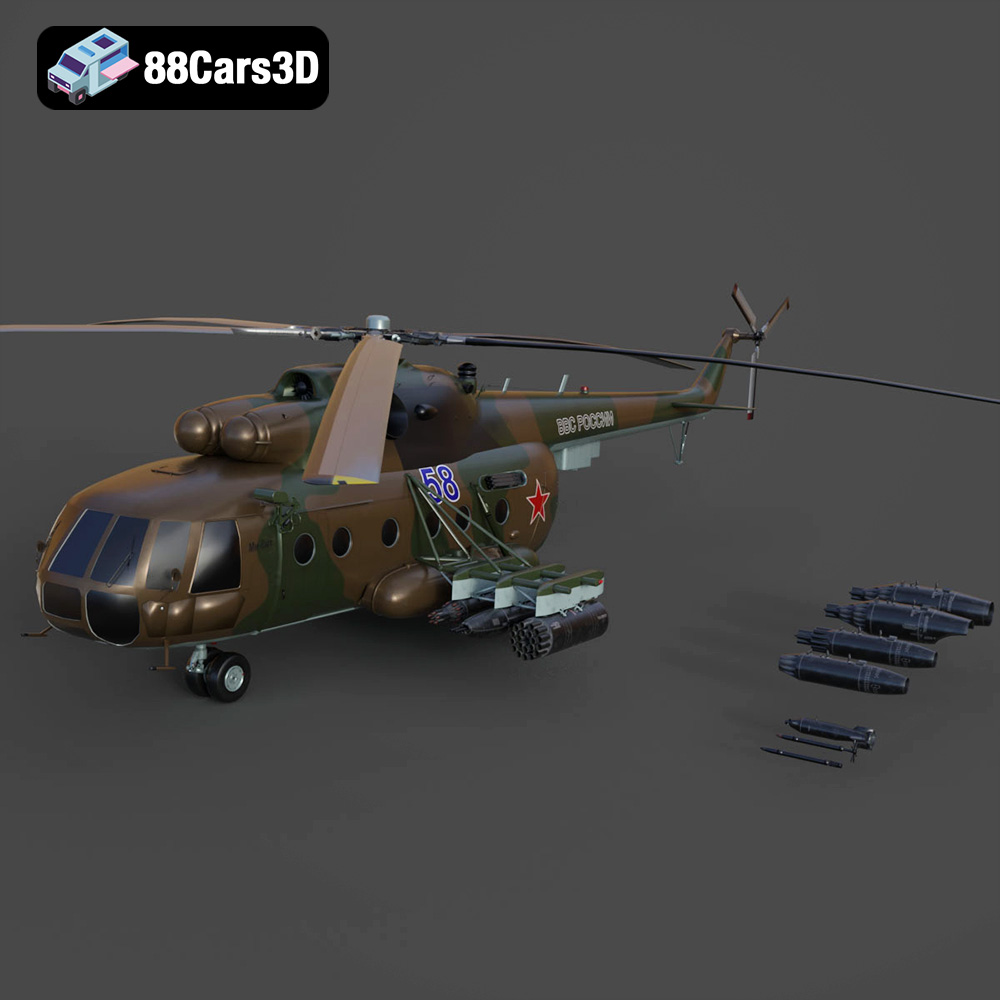
Texture: Yes | Material: Yes
Download the highly detailed, game-ready Mil Mi-8MT Helicopter 3D Model. Features twin-turbine engine housings, a detailed 5-blade main rotor, and authentic cockpit instrumentation. Includes .blend, .fbx, .obj, .glb, .stl, .ply, .unreal, and .max formats for game development, AR/VR, and rendering.
Price: $19.99

Texture: Yes | Material: Yes
Download the highly detailed, game-ready Mercedes-Maybach Vision 6 2018 3D Model. Features an elongated aero coupe design, iconic gullwing doors, and striking 24-inch aerodynamic wheels. Includes .blend, .fbx, .obj, .glb, .stl, .ply, .unreal, and .max formats for game development, AR/VR, and rendering.
Price: $19.99
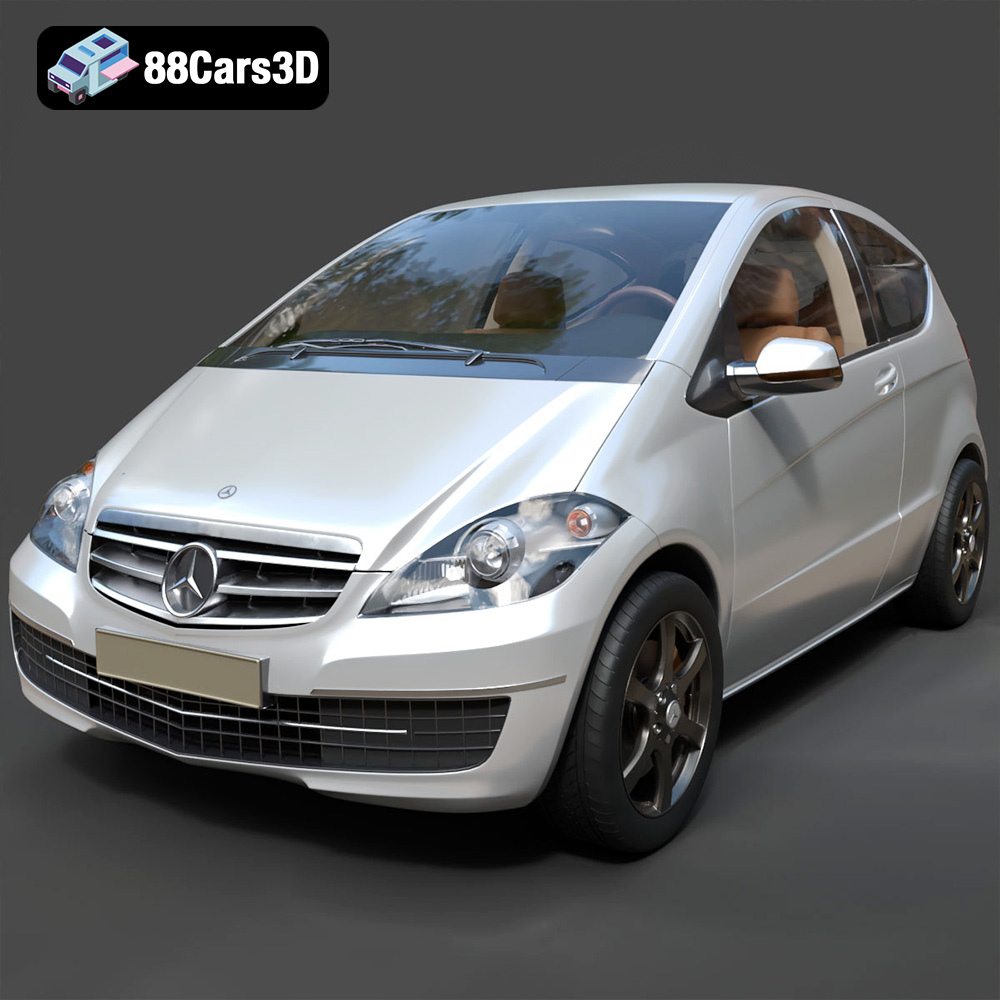
Texture: Yes | Material: Yes
Download the highly detailed, game-ready Mercedes-Benz A-Class 3-Door 2010 3D Model. Features an accurate compact luxury exterior, detailed interior, and optimized topology. Includes .blend, .fbx, .obj, .glb, .stl, .ply, .unreal, and .max formats for game development, AR/VR, and rendering.
Price: $19.99

Texture: Yes | Material: Yes
Download the highly detailed, game-ready Mercedes-Benz GLB-Class (Mk1) AMG Line 2019 3D Model. Features sporty AMG Line exterior styling, accurate LED lighting, and premium interior details. Includes .blend, .fbx, .obj, .glb, .stl, .ply, .unreal, and .max formats for game development, AR/VR, and rendering.
Price: $19.99
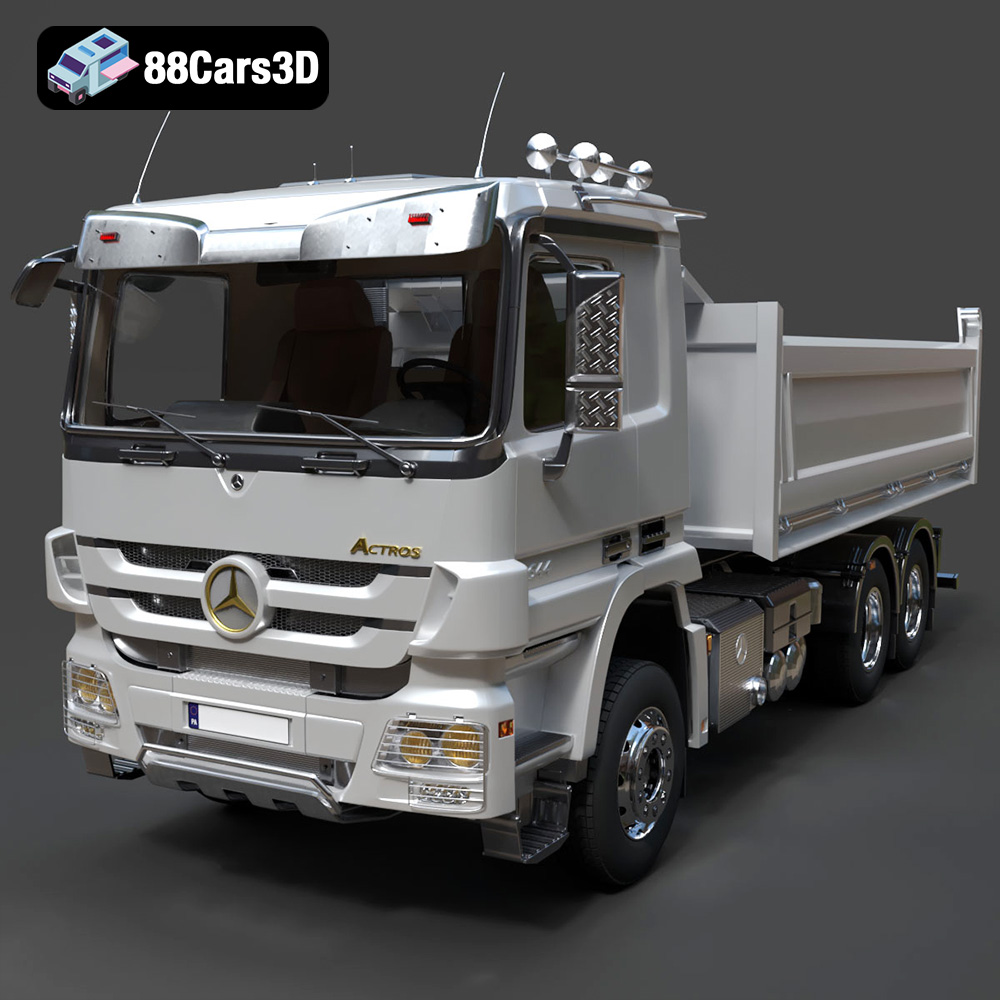
Texture: Yes | Material: Yes
Download the highly detailed, game-ready Mercedes-Benz Actros Tipper 3-Axle 2011 3D Model. Features a functional hydraulic tipper bed, detailed multi-axle chassis, and an accurate commercial cab. Includes .blend, .fbx, .obj, .glb, .stl, .ply, .unreal, and .max formats for game development, AR/VR, and rendering.
Price: $19.99

Texture: Yes | Material: Yes
Download the highly detailed, game-ready Lexus LX Mk3f J200 2016 3D Model. Features the iconic spindle grille, sharp L-shaped LED lighting, and a premium luxury interior. Includes .blend, .fbx, .obj, .glb, .stl, .ply, .unreal, and .max formats for game development, AR/VR, and rendering.
Price: $19.99

Texture: Yes | Material: Yes
Download the highly detailed, game-ready Lexus RX350 2010 3D Model. Features sleek crossover styling, distinctive L-finesse design cues, and an accurate interior layout. Includes .blend, .fbx, .obj, .glb, .stl, .ply, .unreal, and .max formats for game development, AR/VR, and rendering.
Price: $19.99

Texture: Yes | Material: Yes
Download the highly detailed, game-ready Lexus LS 500 2018 3D Model. Features the signature spindle grille, elegant flowing silhouette, and intricate Z-shaped LED lighting. Includes .blend, .fbx, .obj, .glb, .stl, .ply, .unreal, and .max formats for game development, AR/VR, and rendering.
Price: $19.99

Texture: Yes | Material: Yes
Download the highly detailed, game-ready Kawasaki Ninja 3D Model. Features an aggressive aerodynamic fairing, detailed inline-four engine, and racing-inspired ergonomics. Includes .blend, .fbx, .obj, .glb, .stl, .ply, .unreal, and .max formats for game development, AR/VR, and rendering.
Price: $19.99
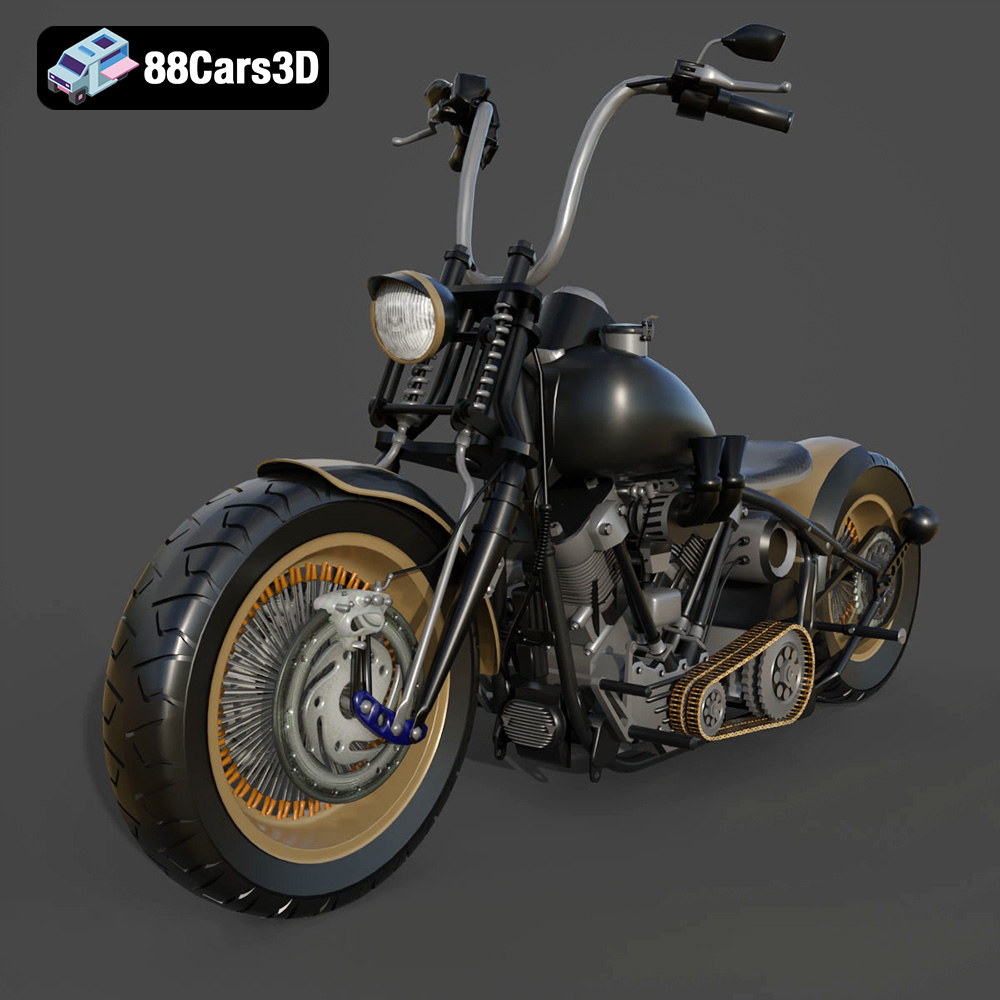
Texture: Yes
Material: Yes
Download the Harley Davidson Knucklehead 3D Model featuring clean geometry, realistic detailing, and a fully modeled interior. Includes .blend, .fbx, .obj, .glb, .stl, .ply, .unreal, and .max formats for rendering, simulation, and game development.
Price: $19.99

