Get 20% OFF All Premium 3D & STL Models!

“`html
The allure of a perfectly replicated miniature car, fresh from the 3D printer, is undeniable. But the reality often falls short: layer lines, imperfections, and a lack of that smooth, showroom finish can be disheartening. Whether you’re a seasoned 3D printing enthusiast or just starting your journey, this comprehensive guide will equip you with the knowledge and techniques to achieve stunningly smooth surfaces on your 3D printed car models, transforming them from prototypes to polished collectibles. We’ll delve into everything from STL file preparation and optimal printer settings to post-processing methods that will elevate your prints to the next level. Learn how to master the art of surface finishing and create car models that truly capture the essence of automotive beauty. Let’s dive in!
The journey to a smooth 3D printed car model begins long before the print bed heats up. A well-prepared STL file is the bedrock of a successful project. This involves understanding the intricacies of the STL format, ensuring correct mesh topology, and addressing potential errors before they manifest as imperfections on your final print. Platforms like 88cars3d.com offer print-ready STL files, but even with professionally designed models, a little preparation can go a long way.
STL (Stereolithography) files represent 3D models as a collection of interconnected triangles. The density of these triangles dictates the resolution and smoothness of the final print. A higher triangle count results in a smoother surface but also increases file size and processing time. Examining the mesh topology is crucial. Look for areas with overly stretched or distorted triangles, which can lead to artifacts during printing. Software like Meshmixer or Blender allows you to visualize and analyze the mesh structure.
Non-manifold geometry, such as edges shared by more than two faces or holes in the mesh, are common issues in STL files and can cause significant printing problems. Slicing software often attempts to automatically repair these errors, but manual intervention may be necessary for complex models. Netfabb Basic is an excellent tool for identifying and repairing non-manifold edges, flipped normals, and holes. Correcting these issues ensures a watertight, printable model. Failing to repair these issues can lead to missing sections, unexpected gaps, and ultimately, a rough and incomplete print.
Slicing is the process of converting your STL file into a series of instructions for your 3D printer. It’s where layer height, print speed, support generation, and other critical parameters are defined. These settings directly impact the surface finish of your printed car model. Understanding how each setting affects the final outcome is crucial for achieving smooth, detailed prints. The right settings can drastically reduce the need for extensive post-processing.
Layer height is arguably the most significant factor influencing surface smoothness. Smaller layer heights result in smoother, less visible layer lines. However, they also increase print time. A typical layer height for FDM printing ranges from 0.1mm to 0.3mm. For resin printing, layer heights can be even smaller, often down to 0.025mm. Finding the sweet spot between print time and surface quality is key. For car models where surface finish is paramount, consider experimenting with layer heights of 0.1mm or even 0.05mm on an FDM printer, or 0.025mm on a resin printer. Consider using adaptive layer height features in slicers like PrusaSlicer, which can automatically adjust the layer height based on the geometry of the model, prioritizing finer layers for curved surfaces.
Print speed, nozzle temperature, and cooling fan settings all work together to influence the quality of each layer. Printing too fast can lead to poor layer adhesion and visible ridges. Insufficient cooling can cause warping and drooping, especially on overhanging sections. A good starting point for PLA is a print speed of 40-60mm/s, a nozzle temperature of 200-220°C, and 100% fan speed after the first few layers. For ABS, a slower print speed (30-50mm/s), a higher nozzle temperature (230-250°C), and reduced or no fan cooling are generally recommended. Proper bed adhesion is also vital, as warping will ruin the surface finish. Consider using a brim or raft for larger models or those with intricate bases.
Support structures are essential for printing overhanging sections of your car model. However, they can leave unsightly marks on the surface if not generated and removed carefully. Optimizing support placement, density, and interface settings is crucial for minimizing their impact on the final print. Selecting the correct support material can also make a significant difference.
Strategic placement of supports is key to minimizing their impact on visible surfaces. In your slicing software, manually position supports to avoid contact with the exterior of the car model whenever possible. If supports are unavoidable on visible surfaces, try to place them in less conspicuous areas. Consider using tree supports, which are more efficient and leave fewer marks than traditional linear supports. Adjust the support overhang angle to minimize the support area. For example, increasing the angle from 45 degrees to 60 degrees can significantly reduce the number of supports required.
The interface between the support structure and the model directly impacts the ease of removal and the surface finish. Increase the support interface density to create a stronger bond, but be prepared for more difficult removal. Experiment with different support interface patterns, such as zig-zag or concentric, to find one that provides adequate support while minimizing adhesion to the model. After printing, carefully remove supports using specialized tools like flush cutters or a deburring tool. Heat the supports slightly with a heat gun or hairdryer to soften them before removal. This can help to minimize damage to the model surface. Patience is key! Rushing the process can lead to breakage and unsightly marks.
The choice of material significantly influences the surface finish and overall quality of your 3D printed car model. PLA, PETG, ABS, and various resins each have their own strengths and weaknesses. Understanding these characteristics will help you choose the best material for your specific project and desired outcome. Factors such as ease of printing, strength, flexibility, and post-processing compatibility should all be considered.
PLA (Polylactic Acid) is a popular choice for beginners due to its ease of printing and relatively low temperature requirements. However, it can be brittle and prone to warping. PETG (Polyethylene Terephthalate Glycol) offers a good balance of strength, flexibility, and ease of printing. It has better layer adhesion than PLA and is less prone to warping than ABS. ABS (Acrylonitrile Butadiene Styrene) is known for its high strength and heat resistance, making it suitable for functional parts. However, it requires higher printing temperatures and is more prone to warping and fumes. For car models requiring high detail and a smooth surface, PETG is often a good compromise. If you’re comfortable with more advanced printing techniques, ABS can provide excellent results, especially when enclosed printers are used to manage temperature.
Resin printing (SLA/DLP/LCD) offers superior surface finish and detail compared to FDM printing. The use of liquid resin and UV light allows for much smaller layer heights, resulting in incredibly smooth surfaces with minimal layer lines. Resin printers are ideal for producing highly detailed car models with intricate features. However, resin printing requires more post-processing, including washing and curing the printed parts. Resins can also be more expensive and require careful handling due to their toxicity. When downloading models from marketplaces such as 88cars3d.com, consider whether the model is optimized for resin or FDM printing, as this can affect the final result.
Even with optimized printer settings and careful material selection, some level of post-processing is usually necessary to achieve a truly smooth and professional-looking finish on your 3D printed car model. Sanding, priming, and painting are essential steps for removing layer lines, filling imperfections, and creating a vibrant, durable surface. Mastering these techniques will transform your prints from raw prototypes into polished masterpieces.
Sanding is the process of removing layer lines and imperfections using abrasive materials. Start with a coarse grit sandpaper (e.g., 220 grit) to remove significant imperfections, then gradually move to finer grits (e.g., 400, 600, 800, 1000 grit) to refine the surface. Wet sanding (using sandpaper with water) is recommended for PLA and PETG to prevent the sandpaper from clogging and to reduce dust. For ABS, dry sanding is generally preferred. Be careful not to over-sand, especially on delicate features. Use a sanding block to ensure even pressure and avoid creating flat spots. Sand in a circular motion to blend the layer lines. Clean the model thoroughly between each grit to remove any debris.
Priming creates a smooth, uniform surface for paint to adhere to. Apply several thin coats of primer, allowing each coat to dry completely before applying the next. Sand lightly with fine-grit sandpaper (e.g., 600 grit) between coats to remove any imperfections. Choose a primer that is compatible with your chosen paint. For painting, use aerosol spray paints or an airbrush. Apply thin, even coats to avoid runs and drips. Allow each coat to dry completely before applying the next. Multiple thin coats are always better than one thick coat. Consider using clear coat for added protection and shine. After painting, allow the model to dry and cure completely before handling.
Even with careful preparation and optimized settings, 3D printing is not without its challenges. Warping, delamination, stringing, and elephant’s foot are common issues that can affect the surface finish of your car model. Understanding the causes of these problems and how to troubleshoot them is essential for achieving consistently high-quality prints.
Warping occurs when the corners of the print lift off the build plate due to uneven cooling and thermal contraction. Delamination is the separation of layers during printing. To prevent warping, ensure proper bed adhesion by using a heated bed, applying adhesive (e.g., glue stick or hairspray), and using a brim or raft. Enclosing the printer can also help to maintain a consistent temperature and reduce warping, especially for ABS. To prevent delamination, increase the nozzle temperature slightly, reduce the print speed, and ensure adequate cooling fan settings. For large models, consider using a draft shield to protect the print from drafts and temperature fluctuations.
Stringing is the formation of thin strands of filament between different parts of the print. Elephant’s foot is the widening of the bottom layers of the print due to excessive bed adhesion or incorrect Z-offset. To prevent stringing, reduce the nozzle temperature, increase retraction settings, and ensure that the filament is dry. To prevent elephant’s foot, adjust the Z-offset, reduce the initial layer height, and ensure that the bed is properly leveled. Also, verify that your slicer isn’t over-extruding on the first layer.
For those seeking the ultimate in surface smoothness, vapor smoothing and epoxy coating are advanced post-processing techniques that can take your 3D printed car models to the next level. While these methods require more specialized equipment and expertise, the results can be truly stunning.
Vapor smoothing involves exposing the 3D printed part to acetone vapor, which melts the surface layer and creates a glossy, smooth finish. This technique is only suitable for ABS plastic, as acetone does not affect other materials like PLA or PETG. A controlled environment is crucial for vapor smoothing. Use a sealed container with a small amount of acetone at the bottom. Suspend the 3D printed part above the acetone and allow the vapor to work its magic. Be extremely cautious when working with acetone, as it is highly flammable and can be harmful if inhaled. Proper ventilation and safety precautions are essential.
Epoxy coating involves applying a layer of epoxy resin to the 3D printed part, which cures to form a hard, glossy, and transparent finish. This technique is suitable for a variety of materials, including PLA, PETG, ABS, and resin prints. Thoroughly sand the 3D printed part before applying the epoxy to remove any imperfections. Mix the epoxy resin and hardener according to the manufacturer’s instructions. Apply a thin, even coat of epoxy using a brush or applicator. Rotate the part slowly to ensure that the epoxy covers all surfaces evenly. Allow the epoxy to cure completely according to the manufacturer’s instructions. Sand and polish the cured epoxy for an even smoother finish.
Achieving smooth surfaces on 3D printed car models is a journey that combines art, science, and meticulous attention to detail. From preparing your STL files and optimizing printer settings to mastering post-processing techniques, each step plays a crucial role in the final outcome. By understanding the principles outlined in this guide and experimenting with different materials and techniques, you can transform your 3D prints from rough prototypes into stunning replicas that capture the beauty and precision of automotive design. Whether you’re using FDM or resin printing, the key is to be patient, persistent, and willing to learn from your mistakes. Remember that resources like 88cars3d.com can provide high-quality, print-ready models to start with, and this guide provides the knowledge to take those prints to the next level. Now, go forth and create car models that will impress even the most discerning enthusiasts! Happy printing!
“`
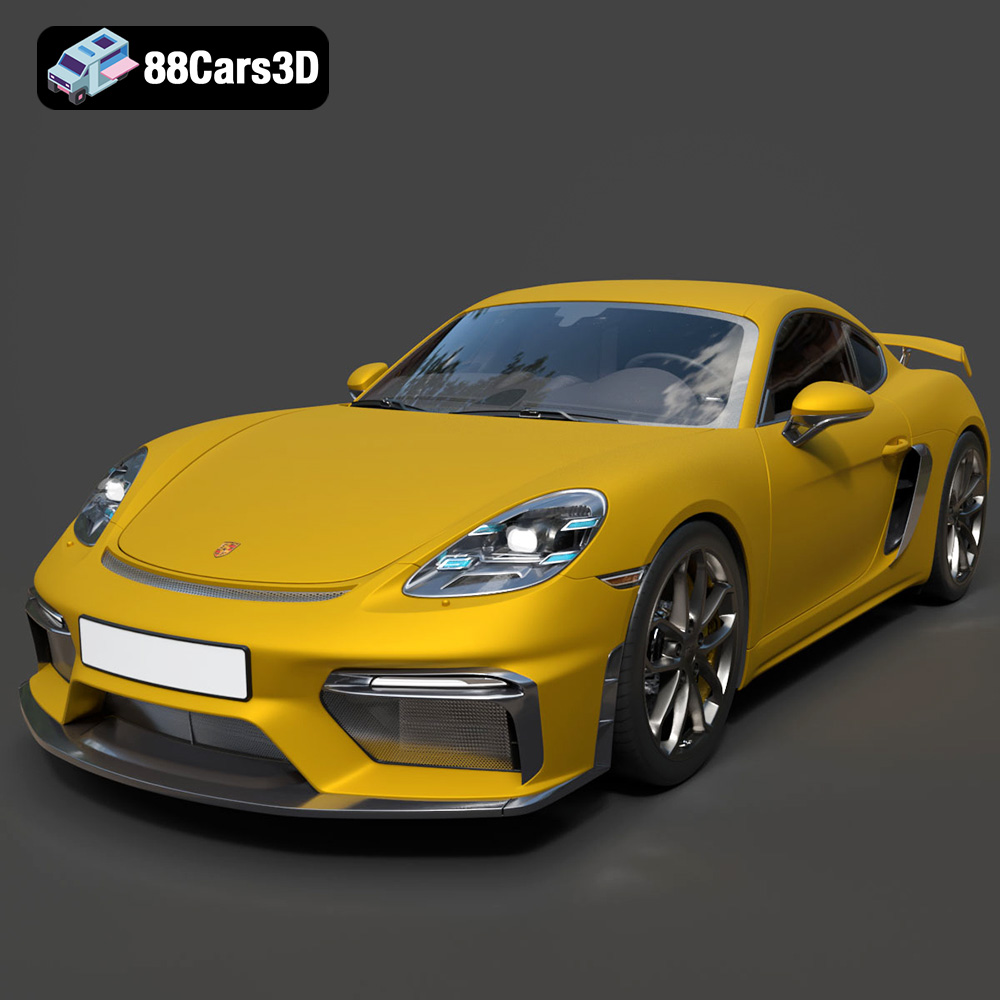
Texture: Yes | Material: Yes
Download the highly detailed, game-ready Porsche 718 Cayman GT4 2020 3D Model. Features an aggressive fixed rear wing, distinctive side air intakes, and a track-focused stance. Includes .blend, .fbx, .obj, .glb, .stl, .ply, .unreal, and .max formats for game development, AR/VR, and rendering.
Price: $19.99

Texture: Yes | Material: Yes
Download the highly detailed, game-ready Polestar 2 2020 3D Model. Features minimalist Scandinavian fastback styling, pixel LED lighting, and an accurate electric vehicle profile. Includes .blend, .fbx, .obj, .glb, .stl, .ply, .unreal, and .max formats for game development, AR/VR, and rendering.
Price: $19.99
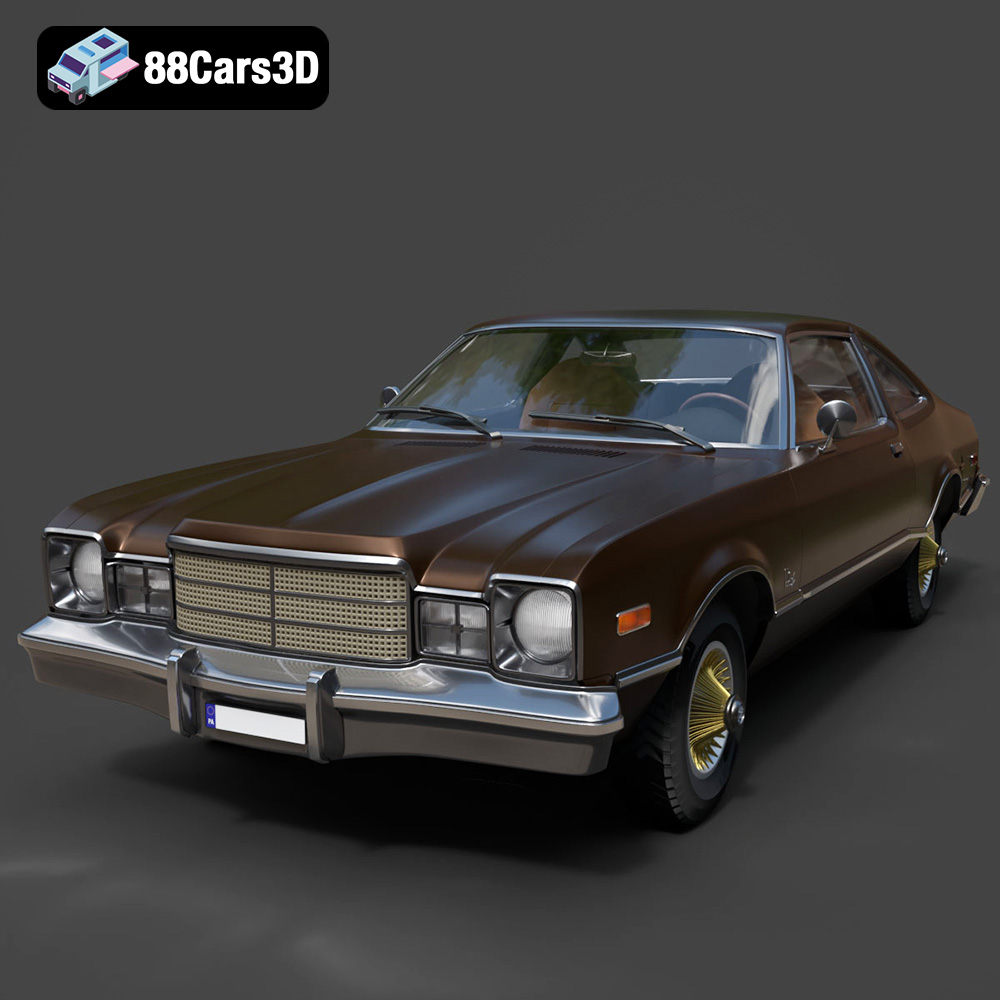
Texture: Yes | Material: Yes
Download the highly detailed, game-ready Plymouth Volare Coupe 1977 3D Model. Features classic F-body styling, detailed chrome trim, and an accurate vintage interior. Includes .blend, .fbx, .obj, .glb, .stl, .ply, .unreal, and .max formats for game development, AR/VR, and rendering.
Price: $19.99

Texture: Yes | Material: Yes
Download the highly detailed, game-ready Peugeot 208 2020 3D Model. Features aggressive ‘fang’ LED DRLs, sporty hatchback proportions, and aerodynamic alloy wheels. Includes .blend, .fbx, .obj, .glb, .stl, .ply, .unreal, and .max formats for game development, AR/VR, and rendering.
Price: $19.99

Texture: Yes | Material: Yes
Download the highly detailed, game-ready MV Agusta Brutale 1090 R 3D Model. Features an exposed trellis frame, distinctive teardrop headlight, and muscular naked bike styling. Includes .blend, .fbx, .obj, .glb, .stl, .ply, .unreal, and .max formats for game development, AR/VR, and rendering.
Price: $19.99

Texture: Yes | Material: Yes
Download the highly detailed, game-ready Custom Off-Road BMW R1150GS Adventure Sidecar 3D Model. Features rugged all-terrain suspension, an attached passenger sidecar, and off-road knobby tires. Includes .blend, .fbx, .obj, .glb, .stl, .ply, .unreal, and .max formats for game development, AR/VR, and rendering.
Price: $19.99

Texture: Yes | Material: Yes
Download the highly detailed, game-ready Mitsubishi Outlander GT 2010 3D Model. Features the aggressive Lancer-inspired front grille, accurate exterior styling, and high-fidelity alloy wheels. Includes .blend, .fbx, .obj, .glb, .stl, .ply, .unreal, and .max formats for game development, AR/VR, and rendering.
Price: $19.99
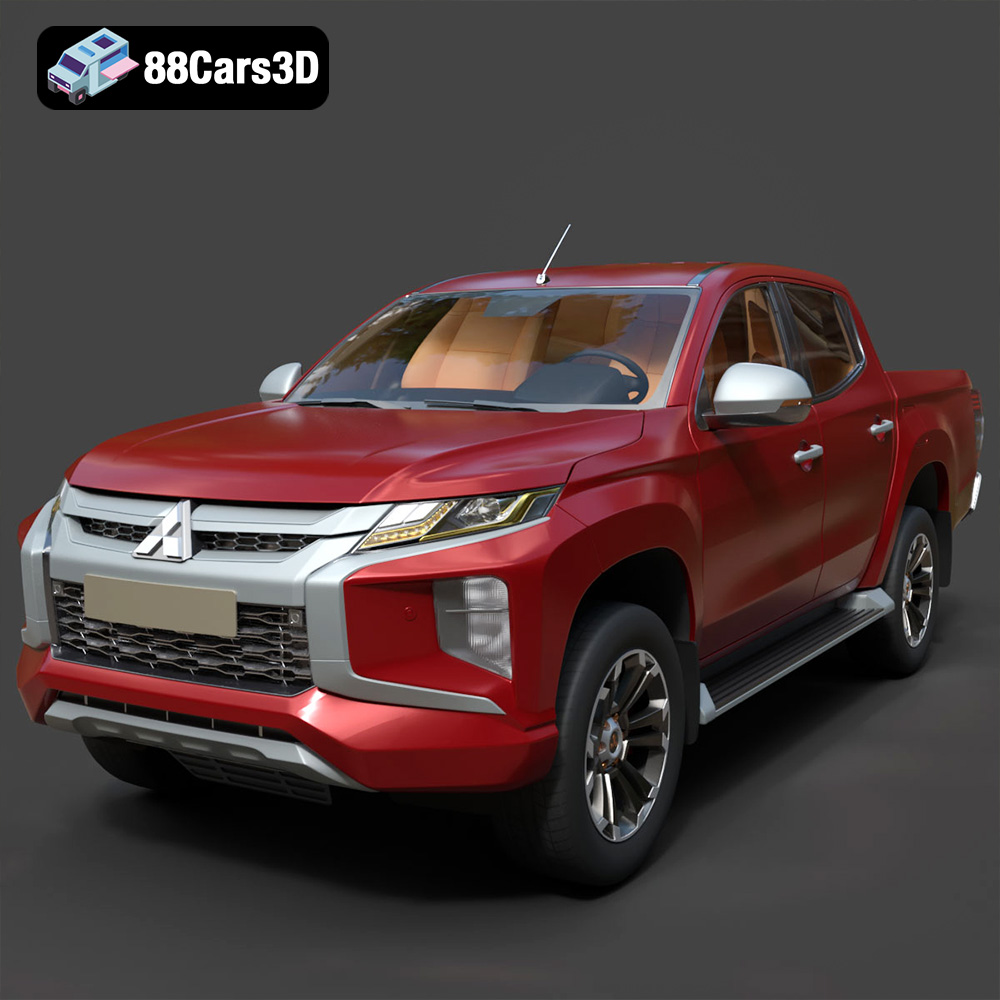
Texture: Yes | Material: Yes
Download the highly detailed, game-ready Mitsubishi L200 Crew Cab 2019 3D Model. Features the iconic Dynamic Shield front fascia, rugged cargo bed, and a spacious crew cab interior. Includes .blend, .fbx, .obj, .glb, .stl, .ply, .unreal, and .max formats for game development, AR/VR, and rendering.
Price: $19.99
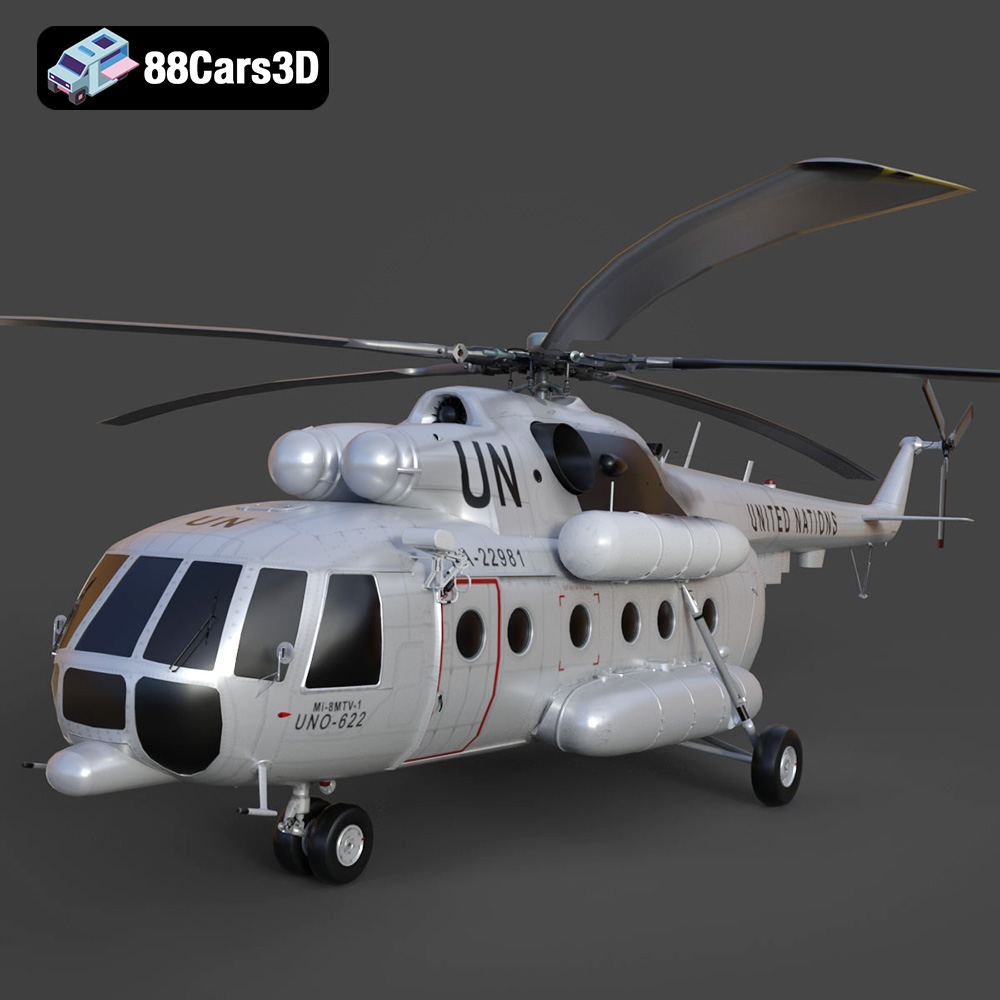
Texture: Yes | Material: Yes
Download the highly detailed, game-ready Mil Mi-8MTV-UN 3D Model. Features the iconic United Nations white livery, detailed twin turboshaft engines, and fully articulated rotor assemblies. Includes .blend, .fbx, .obj, .glb, .stl, .ply, .unreal, and .max formats for game development, AR/VR, and rendering.
Price: $19.99
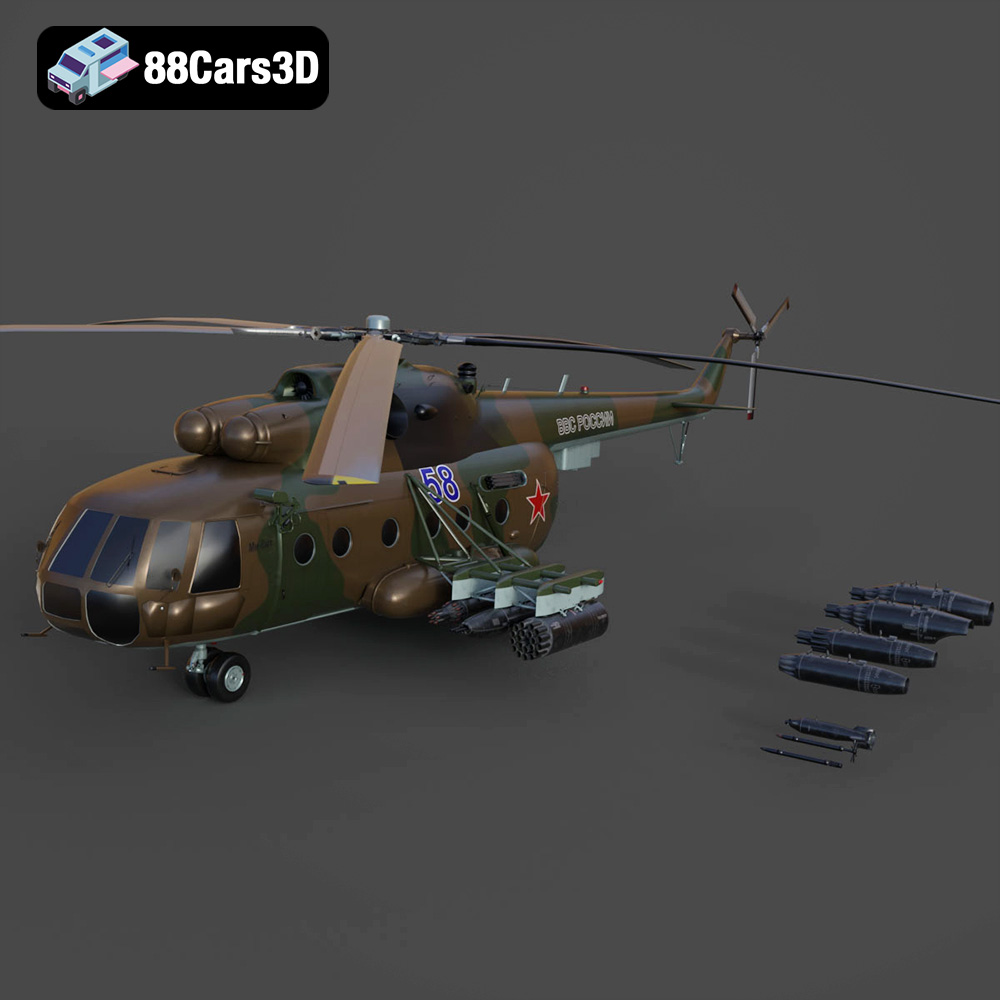
Texture: Yes | Material: Yes
Download the highly detailed, game-ready Mil Mi-8MT Helicopter 3D Model. Features twin-turbine engine housings, a detailed 5-blade main rotor, and authentic cockpit instrumentation. Includes .blend, .fbx, .obj, .glb, .stl, .ply, .unreal, and .max formats for game development, AR/VR, and rendering.
Price: $19.99

