Get 20% OFF All Premium 3D & STL Models!

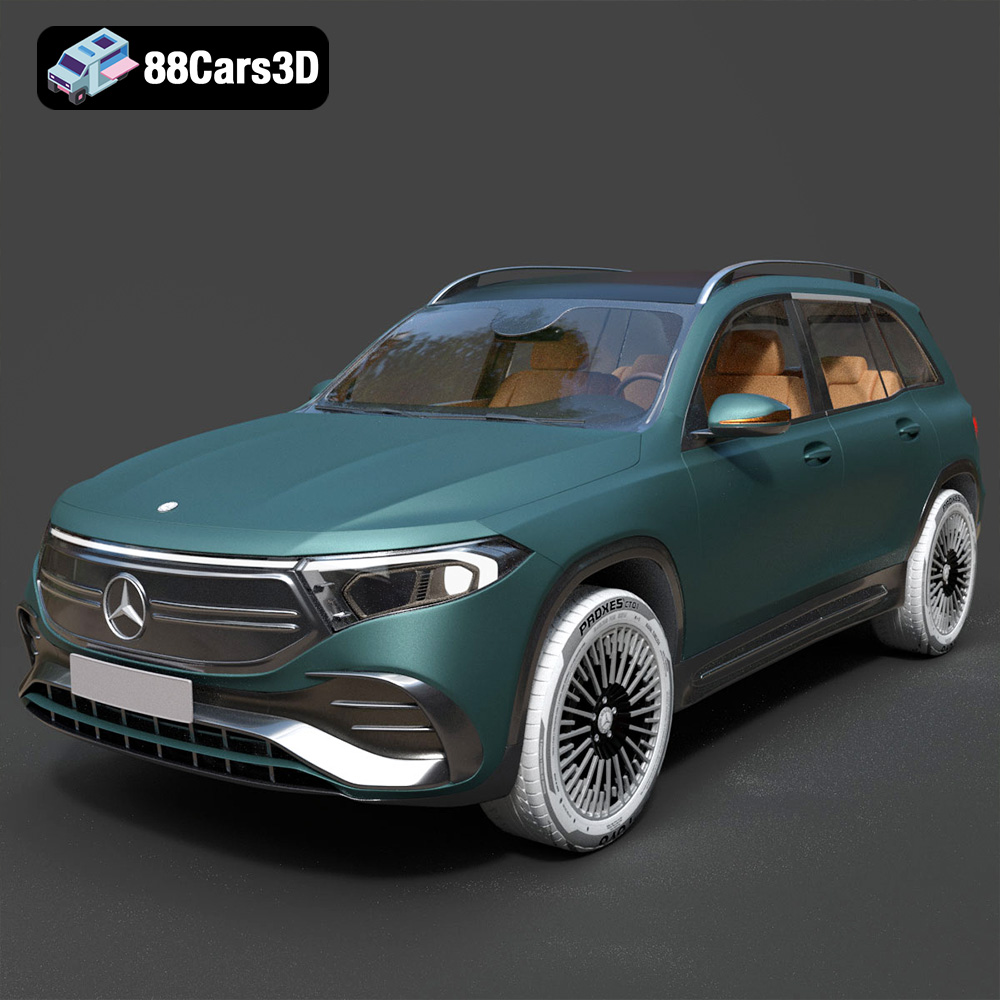
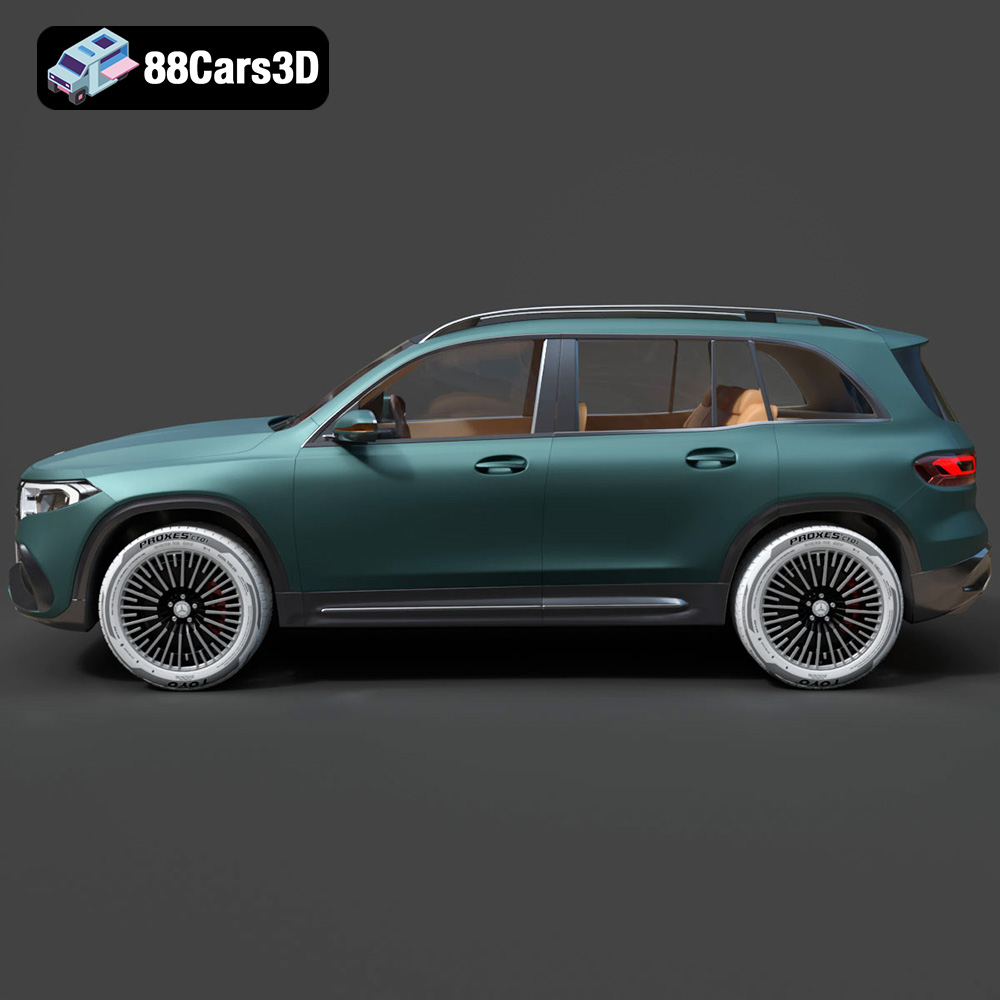
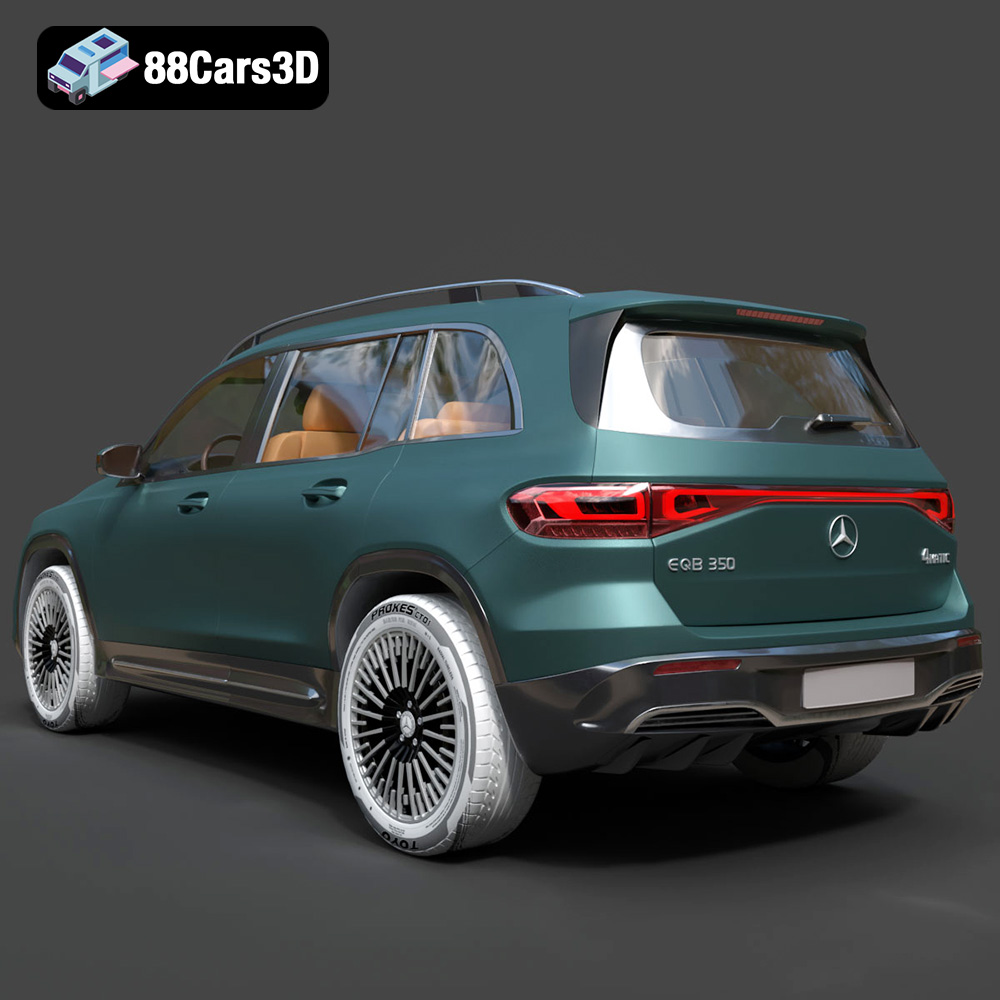
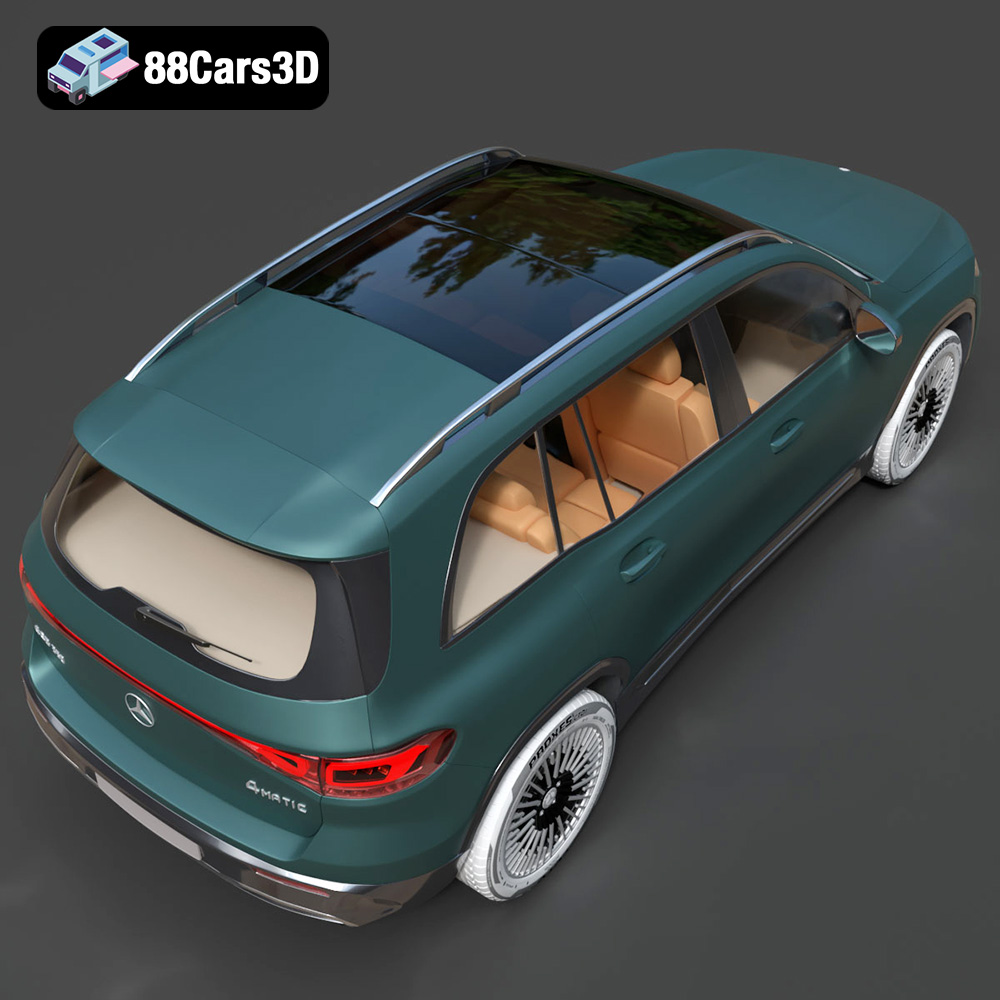
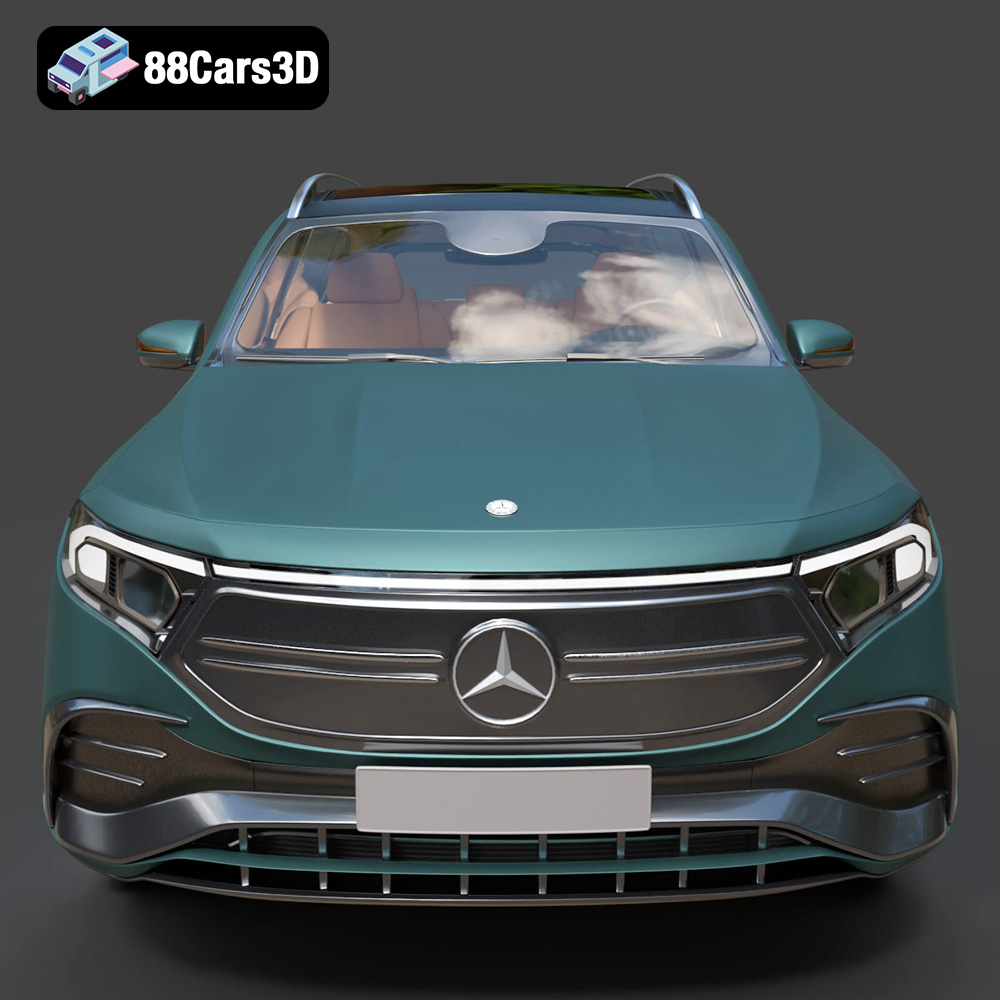
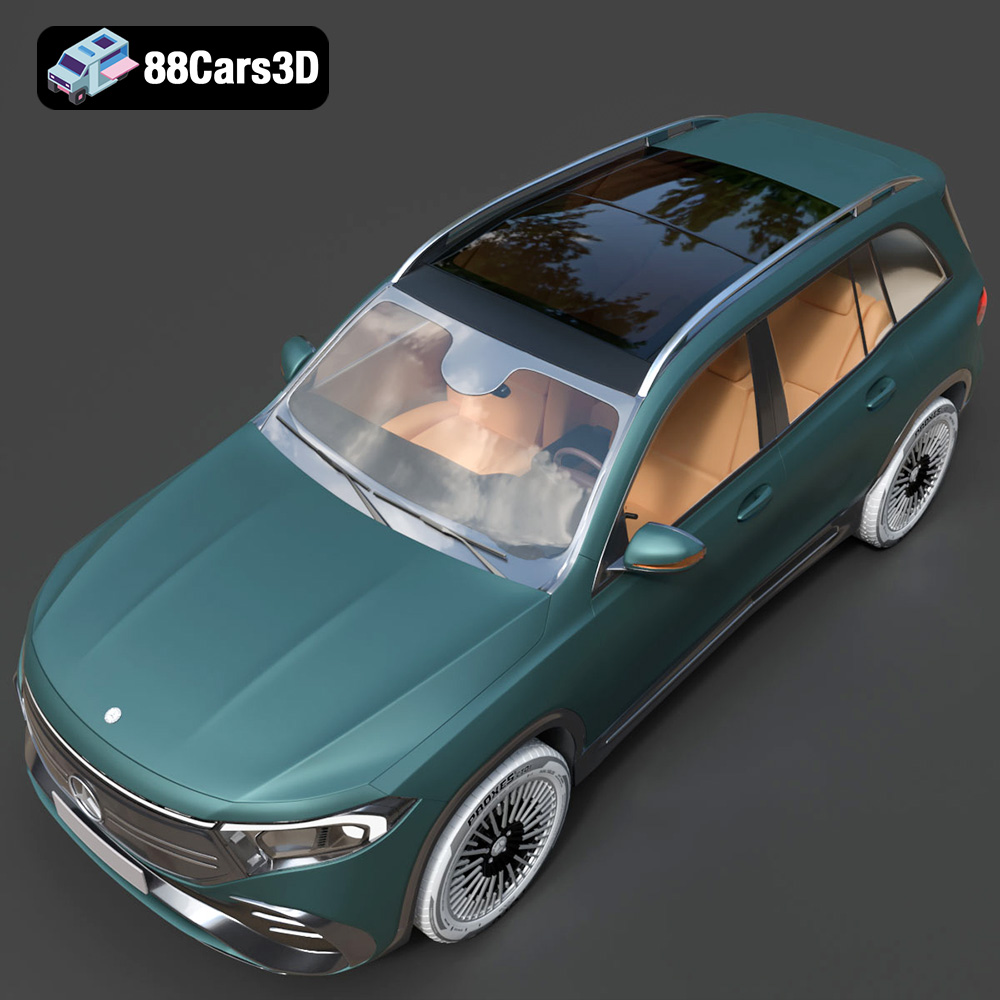
The Mercedes-Benz EQB-001, a stylish and modern electric SUV, is a fantastic subject for 3D printing. Whether you’re a seasoned enthusiast or just starting your additive manufacturing journey, this guide will provide you with the knowledge and techniques to successfully bring this 3D model to life. The high-quality 3D model available at 88cars3d.com offers incredible detail, and with the right preparation and printing process, you can achieve stunning results. Let’s dive into the world of 3D printing this exciting vehicle.
Before even thinking about firing up your 3D printer, proper pre-print preparation is crucial. This involves inspecting the STL files, choosing the right slicing software, and making any necessary adjustments to ensure a smooth and successful print.
* **Mesh Analysis:** The STL file contains the surface geometry of the Mercedes-Benz EQB-001. Before printing, load the file into a mesh analysis tool (many slicing software packages offer this functionality). Look for potential issues like non-manifold edges (where the mesh isn’t properly closed), holes, or flipped normals (where the surface orientation is incorrect). These issues can lead to printing errors.
* **Repairing the Mesh:** If you identify any issues, use a mesh repair tool (such as MeshMixer, Netfabb, or the repair function in your slicer) to automatically correct them. These tools can often fix minor problems, ensuring a watertight and printable model. Even a high-quality model from 88cars3d.com might benefit from a quick check and repair, especially if you plan to heavily scale the model.
* **Choosing Your Slicer:** Several excellent slicing software options are available, including Cura, PrusaSlicer, Simplify3D, and others. Each offers different features and capabilities, so choose one that suits your experience level and printer capabilities.
* **Orientation Optimization:** Model orientation plays a pivotal role in print quality, support generation, and print time. Consider these factors when orienting the Mercedes-Benz EQB-001:
* **Minimize Support Structures:** Orient the model to reduce the amount of support material needed, especially on intricate areas like the wheels, bumpers, and side mirrors.
* **Hide Layer Lines:** Strategically orient the model to conceal layer lines on the most visible surfaces. Tilting the body slightly can improve the appearance of the top surfaces.
* **Stability:** Ensure the model has a stable base during printing to prevent it from detaching from the print bed.
* **Scaling the Model:** Decide on the desired size of your 3D printed Mercedes-Benz EQB-001. Scaling the model up allows for greater detail, but it also increases print time and material consumption. Scaling down can make printing faster and cheaper, but fine details may be lost. Be mindful of minimum feature sizes your printer can reliably reproduce.
Choosing the right file format is paramount for successful 3D printing. While many formats exist, some are better suited for additive manufacturing than others. Understanding the nuances of each format ensures compatibility, optimal mesh quality, and efficient slicing.
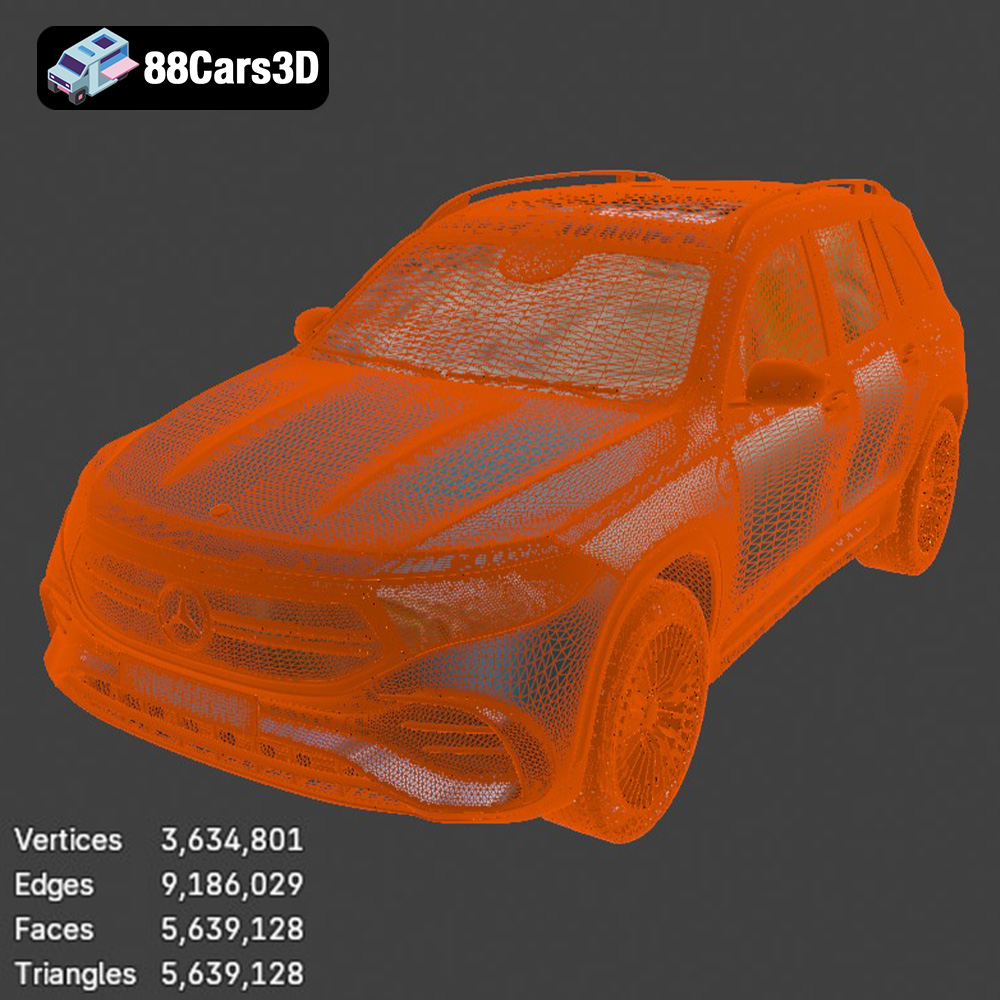
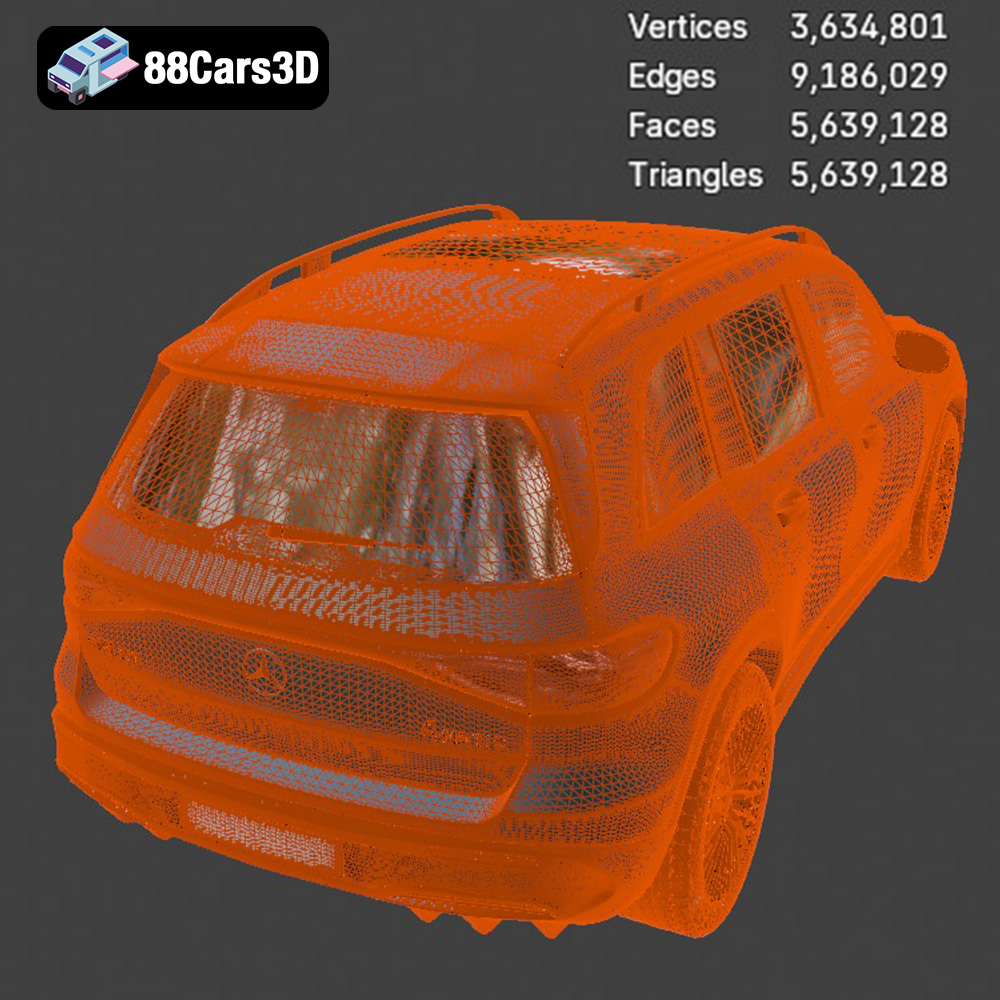
The STL (stereolithography) format has become the de facto standard for 3D printing. It represents the surface geometry of a 3D model as a collection of triangles. This simplicity makes it universally compatible with virtually all 3D printers and slicing software. However, STL files only store the shape of the model, lacking information about color, texture, or materials. For the Mercedes-Benz EQB-001, the STL file from 88cars3d.com will provide the precise geometry needed for printing. The quality of the print heavily relies on the resolution of the STL mesh. A higher resolution (more triangles) captures finer details, but it also increases file size and processing time. When exporting an STL file, you’ll typically have options to control the mesh density. Find a balance between detail and file size for optimal results. Always preview the STL in your slicing software to verify the mesh quality before printing.
OBJ (Wavefront Object) is a more versatile format than STL. While it also represents geometry using polygons, it can additionally store color and texture information. This makes it suitable for applications where the printed model needs to be visually appealing, such as decorative items or figurines. For the Mercedes-Benz EQB-001, the OBJ format could be used if you plan to paint or apply textures to the 3D printed model after printing.
PLY (Polygon File Format) is another mesh-based format often used for storing 3D scan data. It can store more complex data than STL, including color, normals, and texture coordinates. PLY is particularly useful for preserving high-detail meshes, making it suitable for complex models or 3D scans.
.blend files are native to Blender, a popular open-source 3D modeling software. These files contain the entire Blender scene, including the model geometry, materials, textures, lighting, and animations. The .blend file for the Mercedes-Benz EQB-001 provided by 88cars3d.com allows for extensive customization before exporting to a printable format like STL. You can modify the model’s shape, add details, or adjust the materials and textures.
FBX (Filmbox) is a proprietary format developed by Autodesk for interoperability between 3D software packages. It supports a wide range of data, including geometry, materials, textures, animations, and skeletal rigs. While FBX is primarily used for game development and animation, some advanced slicing software can import FBX files to preserve material information for multi-material 3D printing.
GLB (GL Transmission Format Binary) is a binary file format designed for efficient transmission and loading of 3D models, particularly in web-based applications and augmented reality (AR) experiences. It’s a compact format that bundles the 3D model, textures, and animations into a single file. The .glb file of the Mercedes-Benz EQB-001 enables you to preview the model in AR before printing to assess its size and appearance in a real-world context.
Similar to .blend, .max files are native to Autodesk 3ds Max, another professional 3D modeling software. These files contain the complete 3ds Max project, allowing for extensive editing and customization of the 3D model.
For 3D printing, the **STL format remains the most reliable and universally supported option.** Its simplicity and widespread compatibility make it the go-to choice for most users. However, if you require color or texture information, consider using OBJ or experimenting with advanced slicing software that supports FBX or other formats with material data. Before printing, always ensure that the file you choose is properly scaled and oriented in your slicing software.
The material you choose for 3D printing your Mercedes-Benz EQB-001 will significantly impact the final appearance, durability, and functionality of the model.
* **Pros:** PLA is a biodegradable thermoplastic known for its ease of use, low printing temperature, and wide availability. It produces parts with good detail and a smooth surface finish.
* **Cons:** PLA is not very heat-resistant or impact-resistant. It’s best suited for aesthetic models that won’t be subjected to high temperatures or stress.
* **Recommendation:** PLA is a good choice for a display model of the Mercedes-Benz EQB-001 that won’t be handled frequently.
* **Pros:** PETG combines the ease of printing of PLA with improved strength, flexibility, and temperature resistance. It’s more durable and less brittle than PLA.
* **Cons:** PETG can be slightly more challenging to print than PLA, requiring higher temperatures and careful adhesion management.
* **Recommendation:** PETG is a great option for a more durable Mercedes-Benz EQB-001 model that can withstand some handling.
* **Pros:** ABS is a strong, heat-resistant, and impact-resistant thermoplastic commonly used in automotive and consumer products.
* **Cons:** ABS requires a higher printing temperature and a heated bed, and it’s prone to warping if not printed in a well-ventilated enclosure. It also emits fumes during printing.
* **Recommendation:** ABS is suitable if you need a highly durable and heat-resistant model of the Mercedes-Benz EQB-001, but it’s best left to experienced 3D printer users.
* **Pros:** Resin printing (SLA/DLP) offers exceptional detail and smooth surface finish, making it ideal for small, intricate models.
* **Cons:** Resin printing is more expensive than FDM (filament-based) printing, and it requires careful post-processing, including washing and curing the printed parts. Resins can also be brittle.
* **Recommendation:** Resin printing is an excellent choice if you want to capture the finest details of the Mercedes-Benz EQB-001, especially for smaller-scale models.
Fine-tuning your printer settings is essential for achieving the desired level of detail, strength, and surface finish on your 3D printed Mercedes-Benz EQB-001.
* **Impact:** Layer height directly affects print resolution and print time. Lower layer heights (e.g., 0.1mm) produce smoother surfaces and finer details but increase print time. Higher layer heights (e.g., 0.2mm) print faster but result in more visible layer lines.
* **Recommendation:** For the Mercedes-Benz EQB-001, a layer height of 0.1mm to 0.15mm strikes a good balance between detail and print time.
* **Impact:** Infill density determines the internal structure of the print. Higher infill densities increase strength and weight but also consume more material and extend print time.
* **Recommendation:** For a display model, an infill density of 15-20% with a gyroid or honeycomb pattern should provide sufficient strength. If you need a more durable model, increase the infill density to 30-50%.
* **Impact:** Print speed affects both print quality and print time. Slower speeds generally result in better surface finish and fewer errors, while faster speeds reduce print time.
* **Recommendation:** Start with a print speed of 40-60mm/s and adjust based on your printer’s capabilities and the complexity of the model. Reduce speed for intricate details.
* **Impact:** Support structures are necessary to support overhanging features during printing. The type and density of support structures can affect print quality and post-processing effort.
* **Recommendation:** Use tree supports or lightweight linear supports to minimize material usage and improve surface finish. Carefully consider support placement to avoid damaging delicate areas of the Mercedes-Benz EQB-001 during removal.
* **Impact:** Proper bed adhesion is crucial to prevent warping or detachment during printing.
* **Recommendation:** Use a heated bed (if available), apply a bed adhesive (e.g., glue stick or hairspray), and ensure the bed is properly leveled. A brim or raft can also improve bed adhesion.
Post-processing is the final step in bringing your 3D printed Mercedes-Benz EQB-001 to life. It involves removing support structures, sanding, painting, and assembling any separate parts.
* **Technique:** Carefully remove support structures using pliers, cutters, or a deburring tool. Be gentle to avoid damaging the model’s surface.
* **Tips:** Soaking the model in warm water can soften the support material, making it easier to remove. Use a sharp knife or scraper to clean up any remaining support residue.
* **Technique:** Start with coarse sandpaper (e.g., 220 grit) to remove layer lines and imperfections. Gradually move to finer grits (e.g., 400, 600, 800, 1000 grit) to achieve a smooth surface.
* **Tips:** Wet sanding can help to reduce dust and improve surface finish. Use a primer to fill in any remaining imperfections before painting.
* **Technique:** Apply multiple thin coats of paint using an airbrush or spray paint. Use masking tape to create clean lines and separate color areas.
* **Tips:** Consider using automotive paints and clear coats for a realistic finish. Add details like headlights, taillights, and emblems using paint pens or decals.
* **Technique:** If the Mercedes-Benz EQB-001 model consists of multiple parts, assemble them using glue, screws, or friction fits.
* **Tips:** Test the fit of the parts before applying glue. Use clamps or tape to hold the parts together while the glue dries.
Even with careful preparation, you may encounter some common 3D printing issues. Here are some tips for troubleshooting:
* **Warping:** Ensure proper bed adhesion and use a heated bed (if available). Consider printing with a brim or raft.
* **Stringing:** Reduce printing temperature and retraction settings. Ensure the filament is dry.
* **Layer Shifting:** Check belt tension, tighten loose screws, and reduce printing speed.
* **Under-Extrusion:** Increase printing temperature, check nozzle for clogs, and adjust extrusion multiplier.
* **Over-Extrusion:** Reduce printing temperature and extrusion multiplier.
By following these guidelines and tips, you can successfully 3D print a stunning replica of the Mercedes-Benz EQB-001. Remember to experiment with different settings and techniques to find what works best for your printer and desired outcome. With the detailed model available from 88cars3d.com, your journey into 3D printing this iconic vehicle will be both rewarding and enjoyable.
Discover the ultimate level of detail and realism with the Mercedes-Benz EQB-001 3D Model. Carefully crafted to replicate the true design of this modern vehicle, this model ensures precision and authenticity for any digital project. Engineered with professional quality in mind, the 3D model features impeccably clean geometry, seamless mesh flow, and highly realistic materials. Every exterior contour and interior element is precisely detailed to provide an exceptionally immersive visual experience.
$19.99
.arvr
.blend
.car3dmodel
.electriccar
.eqb
.eqb001
.ev
.fbx
.gameasset
.glb
.max
.mercedes
.mercedesbenz
.obj
.ply
.rendering
.simulation
.stl
.unreal
SUV