Get 20% OFF All Premium 3D & STL Models!

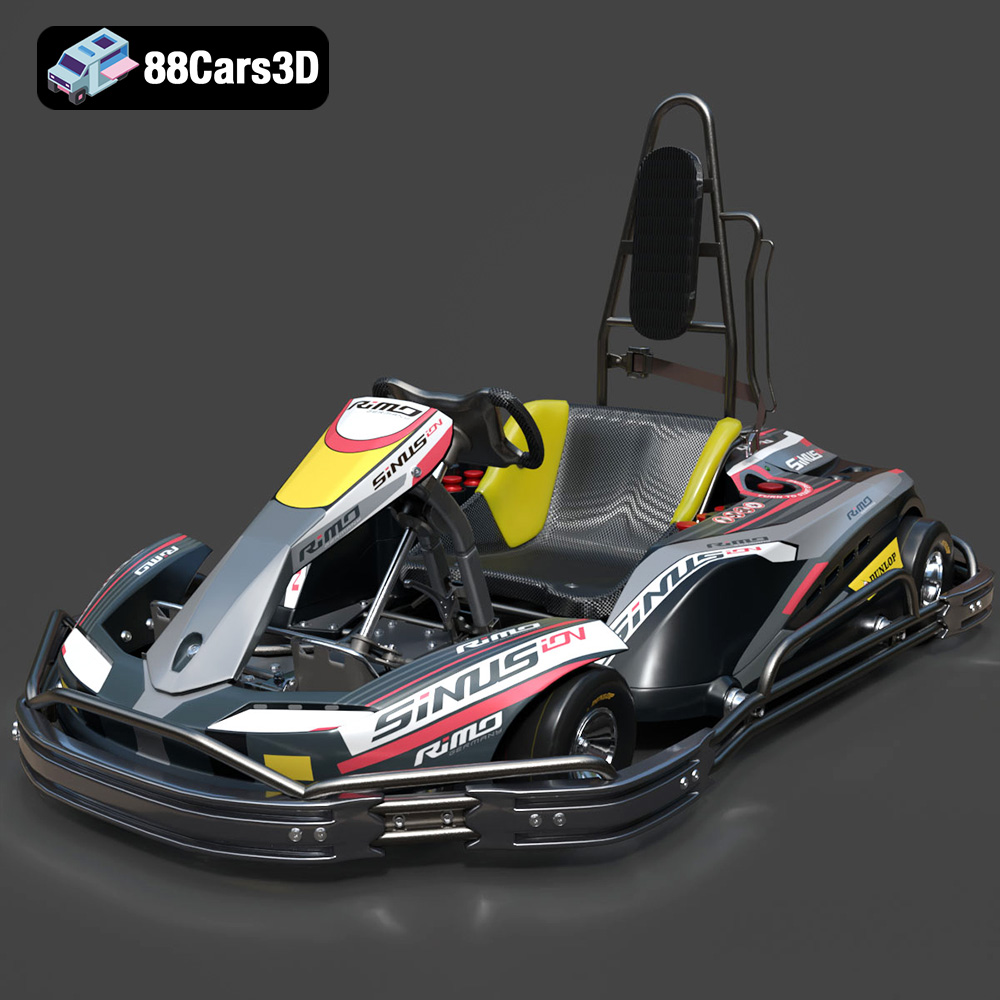
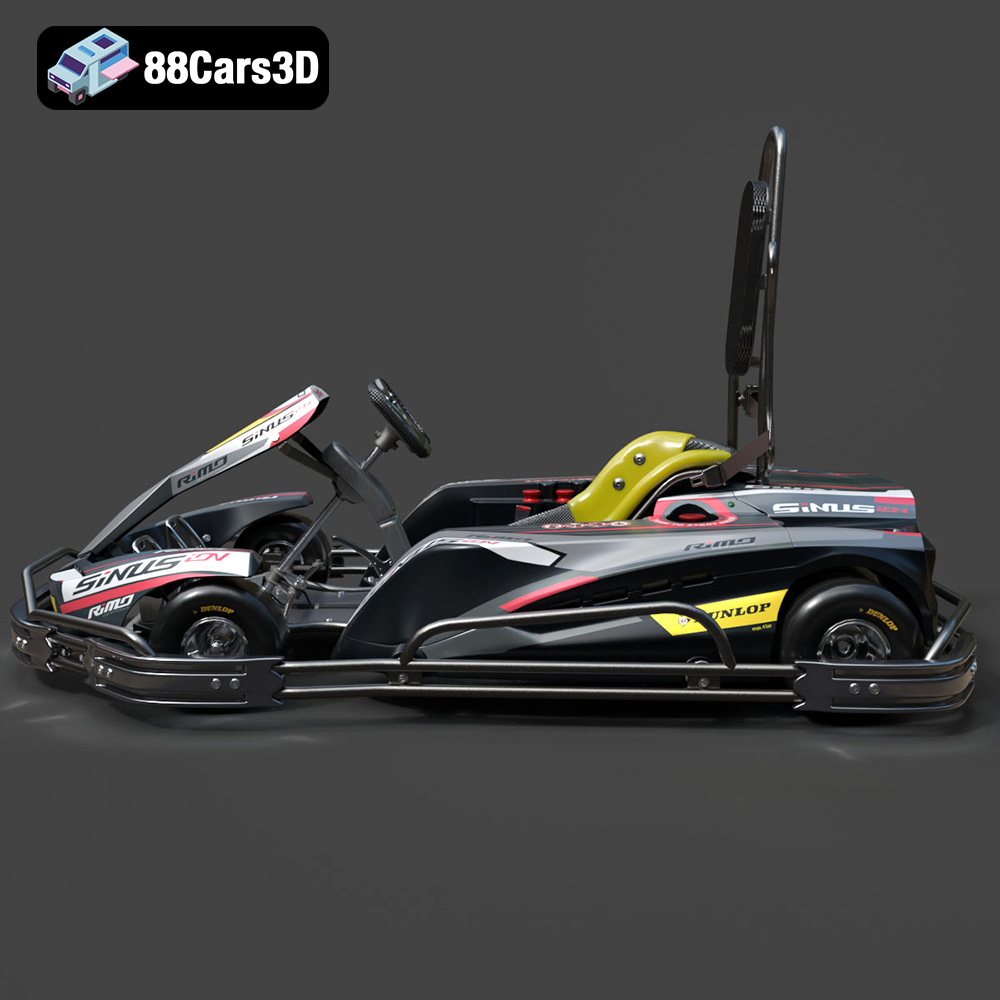
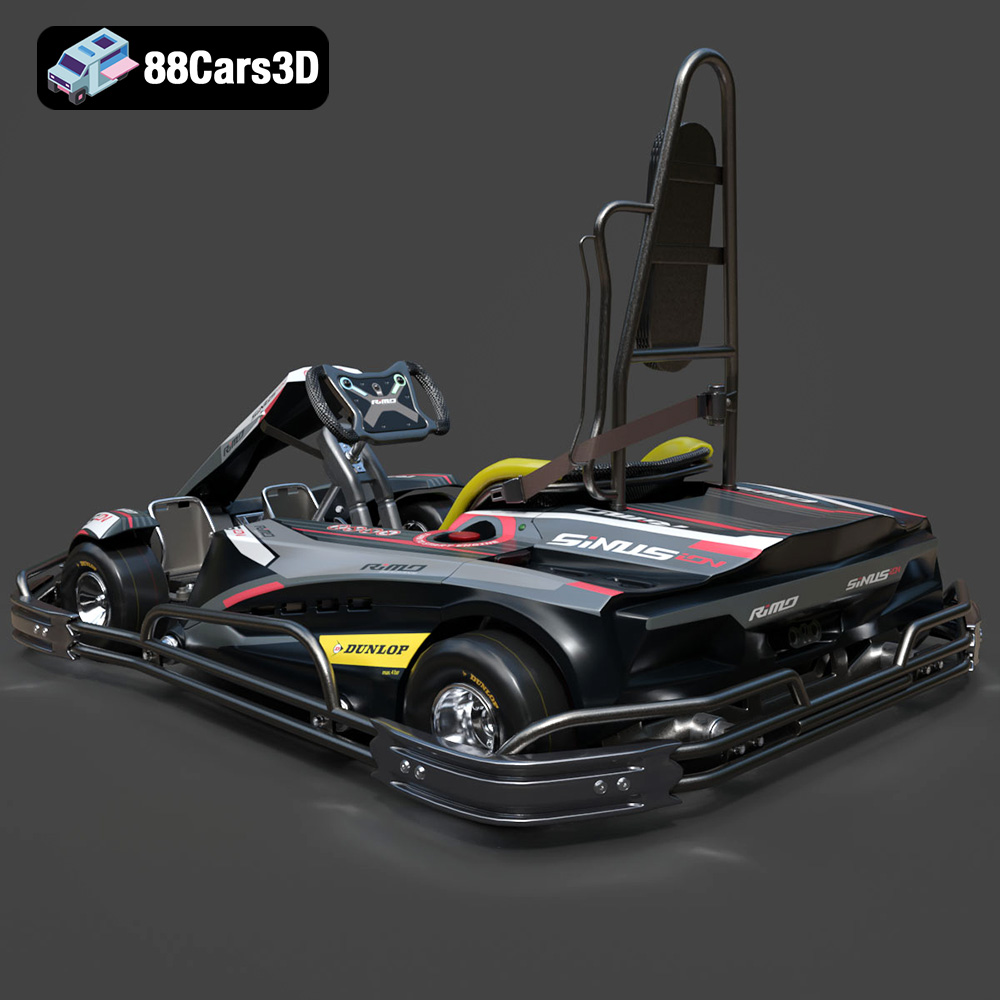
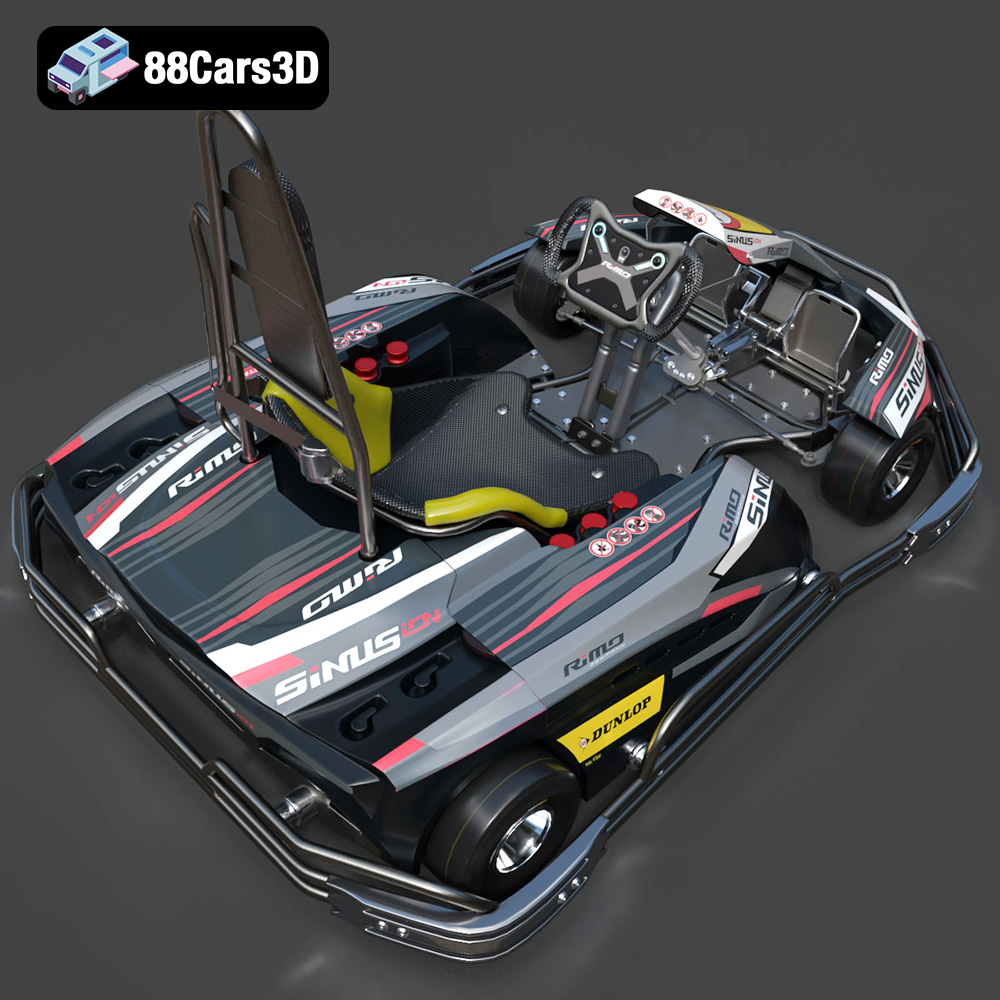
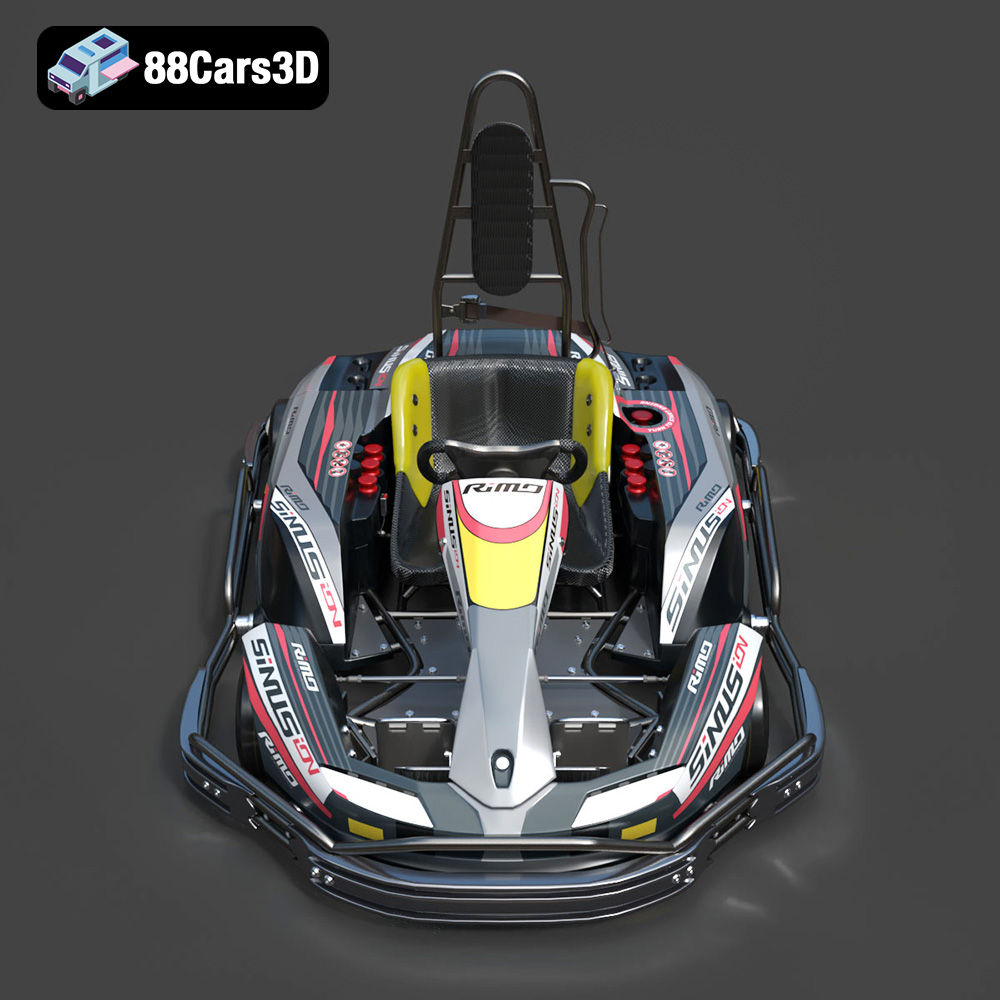
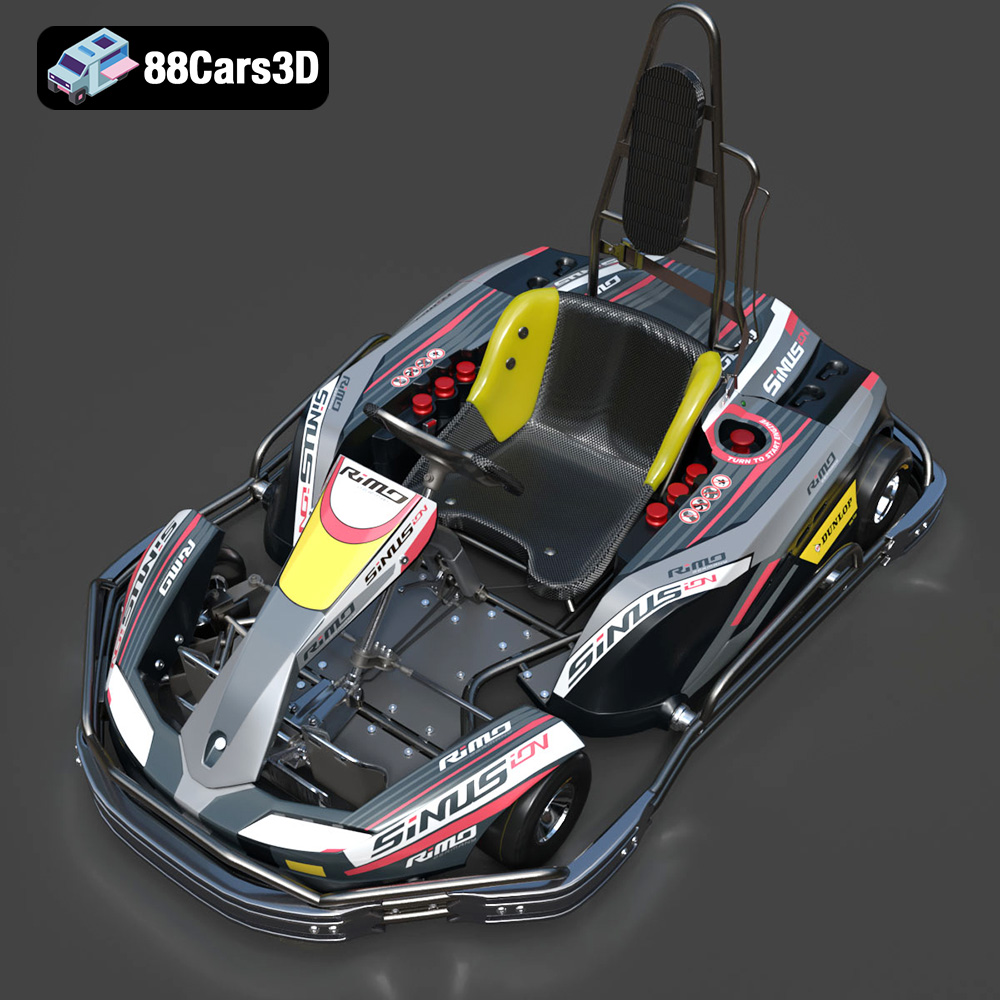
The roar of the engine, the thrill of the race – capture it all in miniature with a 3D printed RiMO SiNUS iON-001 Kart! This isn’t just about creating a static model; it’s about bringing a dynamic symbol of speed and competition to life. Thanks to detailed 3D models available at 88cars3d.com, you can now 3D print your own RiMO SiNUS iON-001 Kart. This blog post will guide you through the entire 3D printing process, from preparing the STL files to post-processing your finished kart. We’ll cover everything from selecting the right materials and printer settings to troubleshooting common problems, ensuring you get the best possible result. Get ready to transform digital data into a tangible testament to racing excellence!
Choosing the right file format is crucial for a successful 3D printing experience. While numerous formats exist, some are better suited for additive manufacturing than others. The availability of multiple formats like .blend, .fbx, .obj, .glb, .stl, .ply, .unreal, and .max for the RiMO SiNUS iON-001 Kart model offers flexibility, but understanding their strengths and weaknesses is key to optimizing your workflow.
The .stl (Stereolithography) format is the undisputed industry standard for 3D printing. It represents a 3D object’s surface as a collection of triangles, creating a mesh approximation of the original geometry. Its simplicity and widespread compatibility make it the most commonly used format for slicing software. While .stl files only store the surface geometry (no color or texture information), this is perfectly adequate for most FDM and resin-based 3D printing applications where the color is determined by the filament or resin used. The RiMO SiNUS iON-001 Kart model, provided in .stl format by 88cars3d.com, ensures compatibility with virtually any 3D printer and slicing software. For a great print, verify that the file is watertight and doesn’t have inverted normals.
While .stl is king for basic printing, other formats offer advantages in specific scenarios:
* **.obj (Object):** Unlike .stl, .obj files can store color and texture information, making them suitable for full-color 3D printing (though this requires specialized printers). They are also commonly used in rendering and animation workflows.
* **.ply (Polygon File Format):** .ply files are designed to store data from 3D scanners, preserving high-resolution mesh data and color information. They can handle more complex geometries than .stl, but their larger file size can be a drawback.
* **.blend (Blender File):** This is the native file format for Blender, a powerful and free 3D modeling software. It contains the entire scene, including geometry, materials, lighting, and animation. You can use it to modify the RiMO SiNUS iON-001 Kart before exporting it to a printable format like .stl.
* **.fbx (Filmbox):** Primarily used in game development, .fbx supports animations, skeletons, and other scene data. While not directly used for 3D printing, it’s valuable if you plan to incorporate the model into a game engine before creating a printable version.
* **.glb (GL Transmission Format):** This format is designed for efficient transmission and loading of 3D models in web and AR/VR applications. It’s not typically used for 3D printing itself but allows for easy previewing before printing.
* **.max (3ds Max):** The native file format for 3ds Max.
Your chosen slicing software is the bridge between the 3D model and your printer. Programs like Cura, PrusaSlicer, Simplify3D, and others take the .stl file and convert it into a series of instructions (G-code) that the printer can understand. The slicing process involves setting parameters like layer height, infill density, support structures, and printing speed.
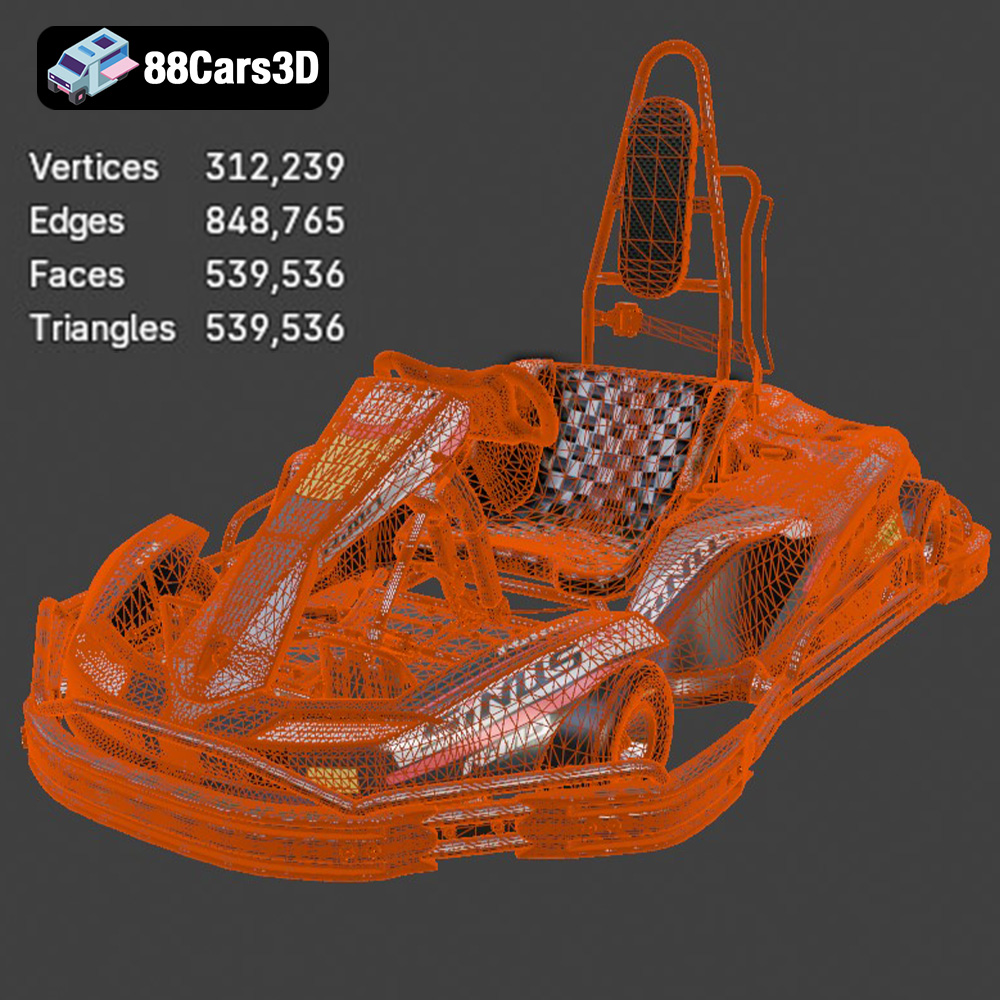
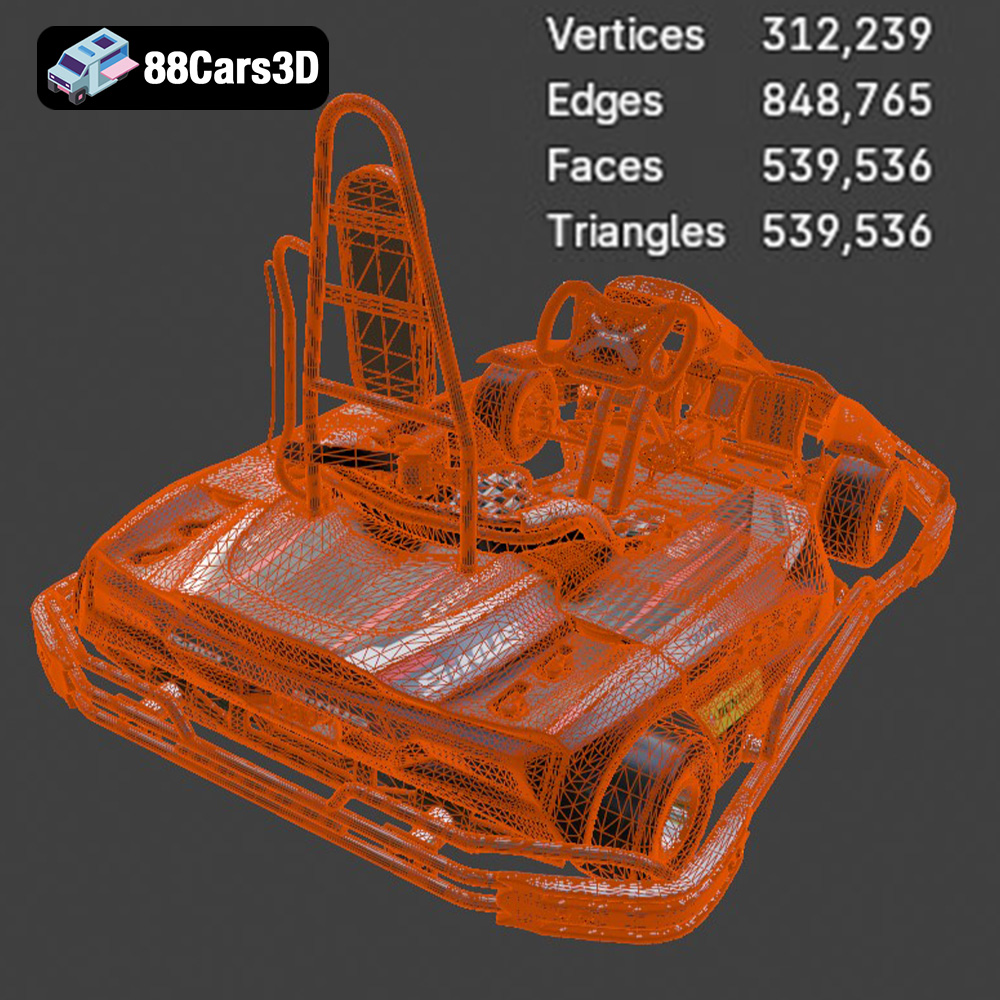
The quality of the .stl mesh directly affects the final print. A low-resolution mesh will result in a faceted appearance, while a high-resolution mesh will capture more detail but require more processing power and potentially longer print times. Before slicing, it’s good practice to inspect the .stl file for errors like non-manifold edges or holes, which can cause printing problems. Software like MeshMixer or Netfabb can be used to repair these issues. With the RiMO SiNUS iON-001 Kart model from 88cars3d.com, the mesh is prepared and optimized for printing. Still, it’s always wise to double-check before sending it to the printer to be sure.
The choice of 3D printing technology and materials significantly impacts the final result. For the RiMO SiNUS iON-001 Kart model, both Fused Deposition Modeling (FDM) and Stereolithography (SLA) offer viable options, each with its own strengths and weaknesses.
FDM printers extrude melted plastic filament layer by layer. They are generally more affordable and easier to use than SLA printers, making them a popular choice for hobbyists and beginners.
* **Material Recommendations:** PLA (Polylactic Acid) is a biodegradable and easy-to-print material that’s ideal for initial prototypes and non-functional models. PETG (Polyethylene Terephthalate Glycol-modified) offers improved strength and temperature resistance compared to PLA, making it suitable for parts that require more durability. ABS (Acrylonitrile Butadiene Styrene) provides excellent strength and heat resistance but can be more challenging to print due to its tendency to warp. For the RiMO SiNUS iON-001 Kart, PETG is a good balance of ease of printing and durability.
* **Printer Settings:** Layer height should be between 0.1mm and 0.2mm for good detail. Infill density can be adjusted depending on the desired strength; 15-20% is usually sufficient for display models. Support structures are often necessary for overhanging features.
SLA printers use a laser or projector to cure liquid resin layer by layer. This technology offers higher resolution and smoother surface finishes than FDM, making it ideal for intricate details and complex geometries.
* **Material Recommendations:** Standard resin is a good all-around choice for general-purpose printing. Tough resin offers increased impact resistance, making it suitable for parts that need to withstand some stress. For the RiMO SiNUS iON-001 Kart, standard or tough resin will bring out the finer details.
* **Printer Settings:** Layer height typically ranges from 0.025mm to 0.05mm for optimal detail. Support structures are essential for SLA printing, and careful placement is crucial to avoid damaging the model during removal.
Proper preparation is key to a successful 3D print. This involves slicing the model, choosing the right orientation, and adding necessary support structures.
* **Software Options:** Popular slicing software includes Cura, PrusaSlicer, Simplify3D, and Chitubox (for resin printing).
* **Parameter Settings:** Layer height affects print resolution and time; lower layer heights produce finer details but increase print time. Infill density determines the internal strength of the model; higher densities provide more strength but consume more material. Print speed impacts print quality and time; slower speeds generally result in better quality but increase print time. Experiment with different settings to find the optimal balance for your printer and material.
* **Model Orientation:** How you orient the RiMO SiNUS iON-001 Kart on the print bed can significantly affect print quality, support requirements, and overall success. Consider orienting the model to minimize overhangs and support material.
* **Types of Supports:** FDM printing typically uses tree-like or linear supports. SLA printing often employs finer, needle-like supports.
* **Support Placement:** Strategically place supports to minimize their impact on the model’s surface finish. Focus on areas with significant overhangs or bridges.
* **Support Removal:** Carefully remove supports after printing, using tools like pliers, cutters, or sandpaper. For SLA prints, consider using warm water to soften the supports before removal.
Now that you’ve prepared the model, it’s time to start printing!
* **FDM Printers:** Ensure your print bed is level and properly calibrated. Apply an adhesive like glue stick or hairspray to improve bed adhesion. Preheat the nozzle and bed to the recommended temperatures for your chosen filament.
* **SLA Printers:** Ensure your resin tank is clean and filled with resin. Calibrate the build plate and set the appropriate exposure times.
* **Initial Layers:** Pay close attention to the first few layers to ensure proper adhesion. If the filament isn’t sticking to the bed, adjust the bed level or increase the bed temperature.
* **Mid-Print Checks:** Periodically check the print to ensure there are no errors or issues. If you notice any problems, pause the print and address them before continuing.
* **Common Issues and Solutions:** Warping (FDM) can be caused by poor bed adhesion or drafts. Try increasing the bed temperature or using an enclosure. Layer separation can be caused by insufficient extrusion or low temperatures. Increase the nozzle temperature or reduce the print speed.
Post-processing is the final step in transforming your 3D print into a polished masterpiece.
* **Support Removal Techniques:** Use pliers, cutters, or sandpaper to carefully remove support structures. Be patient and avoid damaging the model.
* **Sanding and Filing:** Use sandpaper or files to smooth out any imperfections or rough edges. Start with coarse grit sandpaper and gradually move to finer grits for a smoother finish.
* **Priming:** Apply a primer to the model to create a smooth surface for painting.
* **Painting Techniques:** Use spray paint, acrylic paints, or airbrushes to paint the model. Apply multiple thin coats for best results.
* **Finishing Touches:** Add decals, varnish, or other finishing touches to enhance the model’s appearance. Consider adding racing stripes or sponsor logos to the RiMO SiNUS iON-001 Kart for added realism.
Planning your project involves estimating the time and materials required.
* **Model Size and Complexity:** Larger and more complex models will naturally take longer to print.
* **Layer Height and Infill:** Lower layer heights and higher infill densities increase print time.
* **Print Speed:** Slower print speeds increase print time but can improve quality.
* **Slicing Software Estimates:** Most slicing software provides estimates of material usage based on your chosen settings.
* **Filament/Resin Costs:** Calculate the cost of the filament or resin based on its price per kilogram or liter.
* **Total Project Cost:** Factor in the cost of materials, electricity, and any post-processing supplies. The RiMO SiNUS iON-001 Kart, due to its size, won’t require excessive material and should be relatively inexpensive to print.
By following these guidelines, you can successfully 3D print and finish your own RiMO SiNUS iON-001 Kart model, bringing a piece of the racing world into your home. Visit 88cars3d.com to find high-quality 3D models optimized for printing and more!
Experience the thrill of the race with this highly detailed 3D model of the RiMO SiNUS iON-001 Kart. Crafted with precision, this model captures the essence of speed and agility, making it perfect for a variety of applications. This 3D model features clean geometry and realistic materials, ensuring a visually stunning representation. Every detail has been meticulously recreated to provide a professional-quality asset that stands out. Ideal for game development, rendering projects, AR/VR experiences, and visualization, this RiMO SiNUS iON-001 Kart 3D model is versatile and ready to enhance your projects. Whether you’re creating a racing game, a simulation, or a presentation, this model delivers exceptional quality and realism.
$19.99
.arvr
.blend
.car3dmodel
.fbx
.gameasset
.glb
.kart
.max
.obj
.ply
.rendering
.rimo
.simulation
.sinusion001kart
.stl
.unreal