Get 20% OFF All Premium 3D & STL Models!

The Smart 1 Brabus 3D model offers a fantastic opportunity to explore the world of 3D printing. This meticulously designed digital asset, available at 88cars3d.com, allows enthusiasts and professionals alike to create a tangible replica of this stylish electric crossover. This blog post dives deep into the intricacies of 3D printing the Smart 1 Brabus, covering everything from pre-print preparation to post-processing techniques, ensuring a successful and rewarding additive manufacturing experience. Let’s get started turning this digital dream into a 3D printed reality!
Choosing the right file format is crucial for a successful 3D printing endeavor. While the Smart 1 Brabus model comes with various formats suited for rendering and game development, the .stl format reigns supreme for 3D printing due to its simplicity and widespread compatibility with slicing software.
The .stl (Stereolithography) file format has become the de facto standard for 3D printing. It represents the surface geometry of a 3D object as a collection of triangles. This simplicity makes it highly efficient for transferring 3D model data to slicing software. However, .stl files only store the mesh data, meaning they don’t contain information about color, texture, or materials. This is generally not an issue for 3D printing, as these attributes are typically defined within the slicing software itself. When working with the Smart 1 Brabus model, the .stl file will provide the blueprint for your physical print. Ensure that the .stl file is free of errors (non-manifold edges, holes, etc.) before importing it into your slicing software.
While .stl is preferred, understanding other formats included with the Smart 1 Brabus model can be beneficial:
* **.obj:** This is a more universal format that, unlike .stl, can store color and texture information. While some advanced 3D printers can utilize this data, .obj files are more commonly used for rendering and visualization.
* **.ply:** The Polygon File Format (PLY) is designed to store 3D data acquired from 3D scanners. It supports color and other properties but is less common for 3D printing consumer models.
* **.blend:** This is the native file format for Blender, a popular open-source 3D modeling software. You can use the .blend file to modify the Smart 1 Brabus model before exporting it as an .stl file for printing.
* **.fbx:** Primarily used for game development, FBX (Filmbox) can contain complex scene information, including meshes, textures, and animations. While not directly used for 3D printing, you might use FBX if you plan to modify the model in a game engine and then export a simplified .stl for printing.
* **.glb:** GL Transmission Format (GLTF) is an open-source format designed for efficient transmission and loading of 3D scenes. This is most often used for Augmented Reality applications to preview 3D models in the real world before moving forward with printing.
* **.max:** Native file format for 3ds Max.
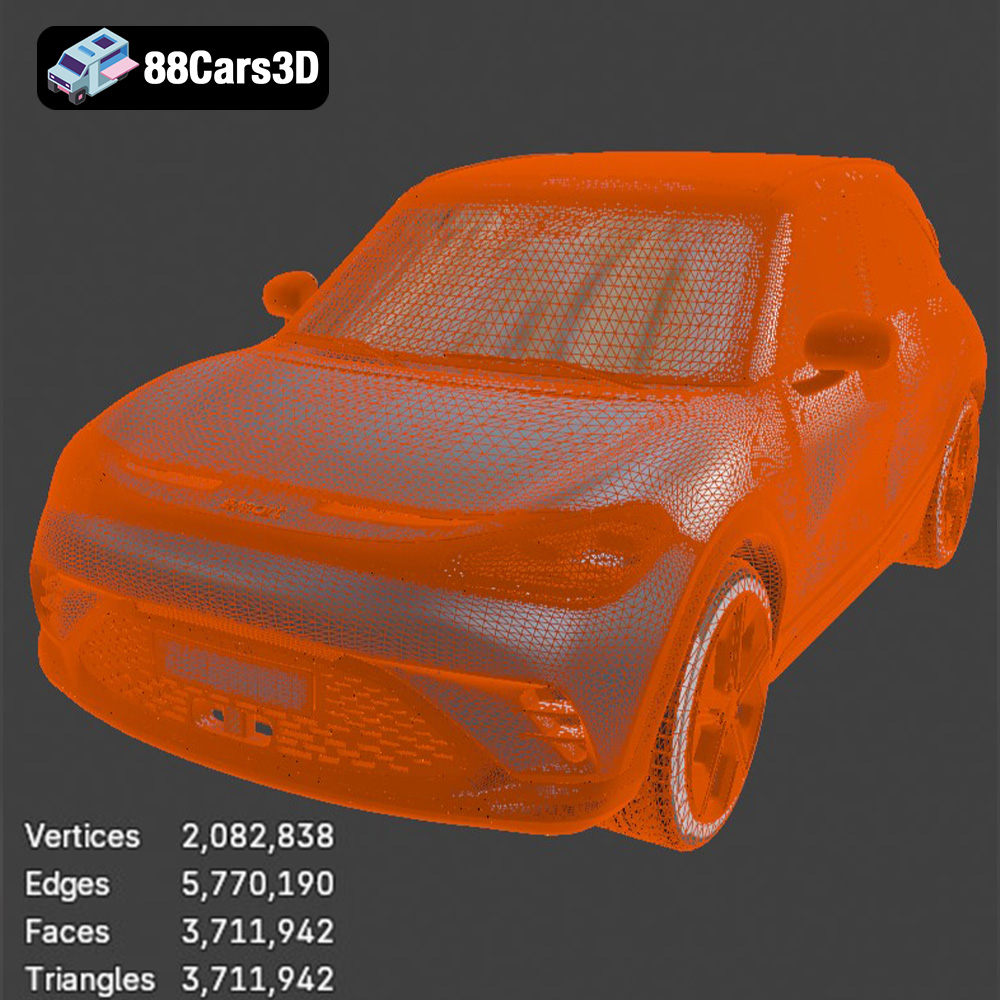
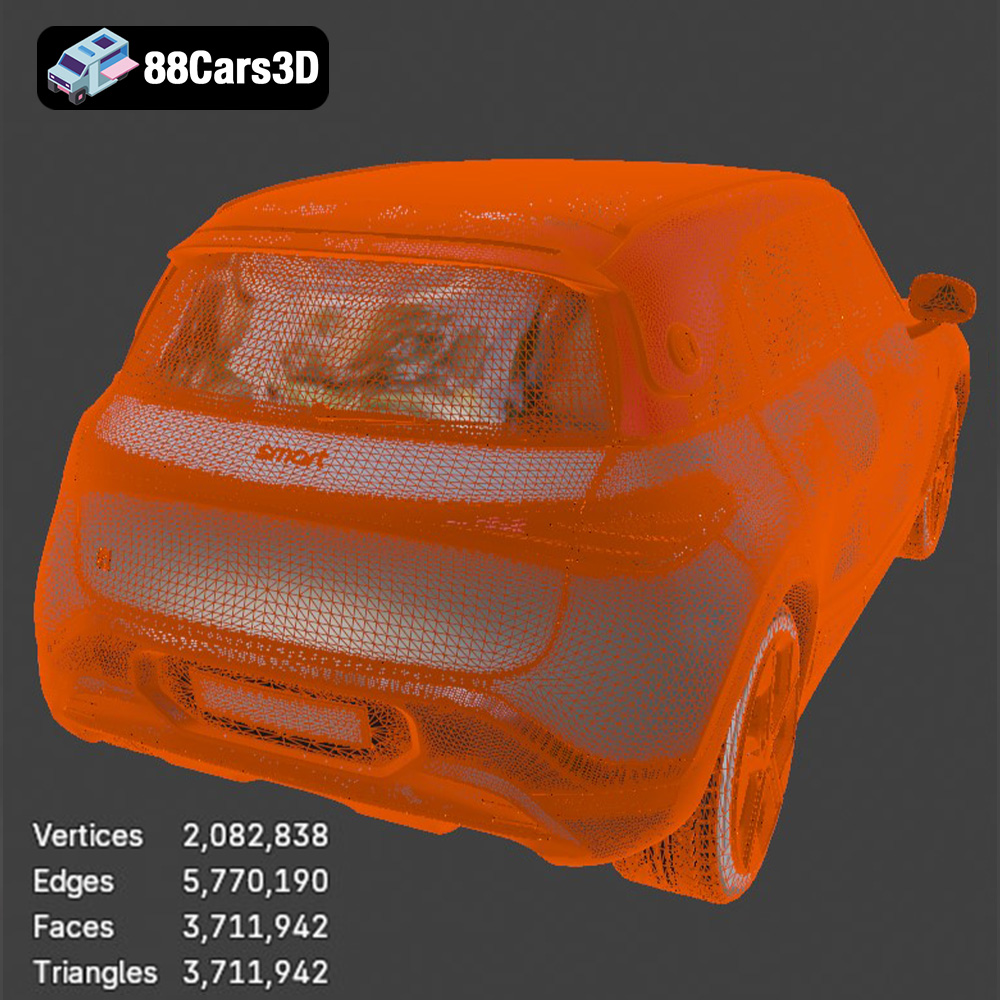
Slicing software takes your .stl file and converts it into a set of instructions (G-code) that your 3D printer can understand. The software slices the model into thin layers and calculates the toolpaths for the printer to follow. The quality of the final print is directly related to the quality of the mesh in the .stl file and the settings you use in your slicing software. A high-resolution mesh will result in a smoother surface finish but will also increase print time and file size. Ensure that the .stl file for the Smart 1 Brabus model has sufficient polygon density to capture its intricate details. Repairing mesh errors within the slicing software (or using dedicated mesh repair tools) is crucial for avoiding print failures.
The choice of 3D printing technology significantly impacts the final outcome. Fused Deposition Modeling (FDM) and Stereolithography (SLA) are the most common technologies for hobbyists and professionals, each offering unique advantages.
FDM involves extruding a thermoplastic filament through a heated nozzle and depositing it layer by layer onto a build platform. This method is popular due to its affordability, ease of use, and wide range of available materials. For the Smart 1 Brabus model, FDM is an excellent starting point.
* **Material Recommendations:** PLA (Polylactic Acid) is a biodegradable and easy-to-print material suitable for beginners. It offers good detail and rigidity. PETG (Polyethylene Terephthalate Glycol-modified) provides increased strength, flexibility, and heat resistance compared to PLA. ABS (Acrylonitrile Butadiene Styrene) is another option, known for its durability and impact resistance, but it requires a heated bed and good ventilation due to fumes.
* **Printer Settings:** Layer height is a critical parameter. A lower layer height (0.1-0.15mm) will result in a smoother surface finish, capturing the fine details of the Smart 1 Brabus. Infill density determines the internal strength of the model. A density of 15-20% is usually sufficient for aesthetic models. Support structures are necessary for overhanging parts, such as the roof or side mirrors.
SLA uses a laser or projector to cure liquid resin layer by layer. This technology offers significantly higher resolution and accuracy compared to FDM, making it ideal for intricate details and smooth surfaces.
* **Resin Recommendations:** Standard resin is suitable for general-purpose printing. ABS-like resin offers increased strength and impact resistance. Flexible resin can be used for parts requiring elasticity, such as tires.
* **Printer Settings:** Layer height in SLA is typically much lower than in FDM, ranging from 0.025-0.05mm. Support structures are essential for SLA printing, and their placement requires careful consideration to minimize scarring on the final print.
Before sending the Smart 1 Brabus .stl file to your 3D printer, meticulous pre-print preparation is essential. This involves using slicing software to generate the G-code and optimizing the model for successful printing.
Popular slicing software options include Cura, PrusaSlicer, Simplify3D, and Chitubox (for resin printing). Each offers a range of settings that affect print quality, speed, and material usage.
* **Orientation:** Choosing the correct orientation is crucial for minimizing support material and maximizing print quality. For the Smart 1 Brabus model, orienting it with the roof facing upwards can reduce the need for supports on the body. Experiment with different orientations to find the optimal balance.
* **Support Structures:** Carefully place support structures to prevent sagging or warping during printing. Consider using tree supports, which are more efficient and easier to remove than linear supports. For FDM printing, ensure adequate bed adhesion to prevent warping.
* **Scaling:** You can scale the Smart 1 Brabus model to your desired size. However, be mindful of the printer’s build volume and the level of detail you want to preserve.
Before slicing, it’s vital to ensure the .stl file is free of errors. Mesh repair tools like Meshmixer or Netfabb can automatically fix common issues such as non-manifold edges, holes, and flipped normals. Consider simplifying the model if it’s excessively complex, as this can reduce print time and improve print quality.
Choosing the right material and fine-tuning print parameters are critical for achieving the desired results. This section focuses on specific recommendations for the Smart 1 Brabus model.
* **PLA:** Bed temperature: 60°C, Nozzle temperature: 200-220°C, Print speed: 50-60mm/s.
* **PETG:** Bed temperature: 70-80°C, Nozzle temperature: 230-250°C, Print speed: 40-50mm/s.
* **ABS:** Bed temperature: 100-110°C, Nozzle temperature: 230-250°C, Print speed: 40-50mm/s (Enclosed printer recommended).
Adjust these settings based on your specific printer and filament brand. It’s always a good idea to print a test cube or calibration model to fine-tune the parameters.
Follow the resin manufacturer’s recommendations for exposure time, lift speed, and other parameters. Different resins require different settings, and experimentation is often necessary to achieve optimal results.
Post-processing enhances the appearance and functionality of the 3D printed Smart 1 Brabus model. This section covers common techniques.
Sanding removes layer lines and imperfections, creating a smooth surface. Start with coarse-grit sandpaper (200-300) and gradually move to finer grits (400-600-800) for a polished finish. Wet sanding can help prevent clogging and reduce dust. For SLA prints, isopropyl alcohol (IPA) is used to remove uncured resin.
Painting brings the Smart 1 Brabus model to life. Apply a primer coat for better paint adhesion. Use acrylic paints or spray paints designed for plastics. Consider using masking tape to create clean lines and separate colors. Detailing can be enhanced with fine-tipped brushes and weathering techniques.
If the model is printed in multiple parts, careful assembly is required. Use adhesive appropriate for the material (cyanoacrylate for PLA/PETG, resin glue for SLA). Ensure proper alignment and secure bonding.
Even with careful preparation, 3D printing can present challenges. This section addresses common issues and their solutions.
Warping occurs when the first layer of the print detaches from the bed. Ensure the bed is properly leveled and heated. Use a bed adhesive such as hairspray, glue stick, or specialized bed adhesion solutions. Rafts or brims can also improve bed adhesion.
Stringing occurs when the nozzle oozes material during travel moves. Reduce nozzle temperature, increase retraction distance, and optimize travel speed. Blobs are caused by inconsistent extrusion. Calibrate the extruder and ensure the filament is dry.
Supports can sometimes be difficult to remove, leaving scars on the model. Use support interface layers for easier removal. Experiment with different support patterns and densities. Consider using dissolvable support materials for complex geometries.
This Smart 1 Brabus 3D model is perfect for additive manufacturing, allowing you to create a detailed replica of this stylish vehicle. Remember that purchasing high-quality STL files from sources like 88cars3d.com can significantly improve your chances of a successful print.
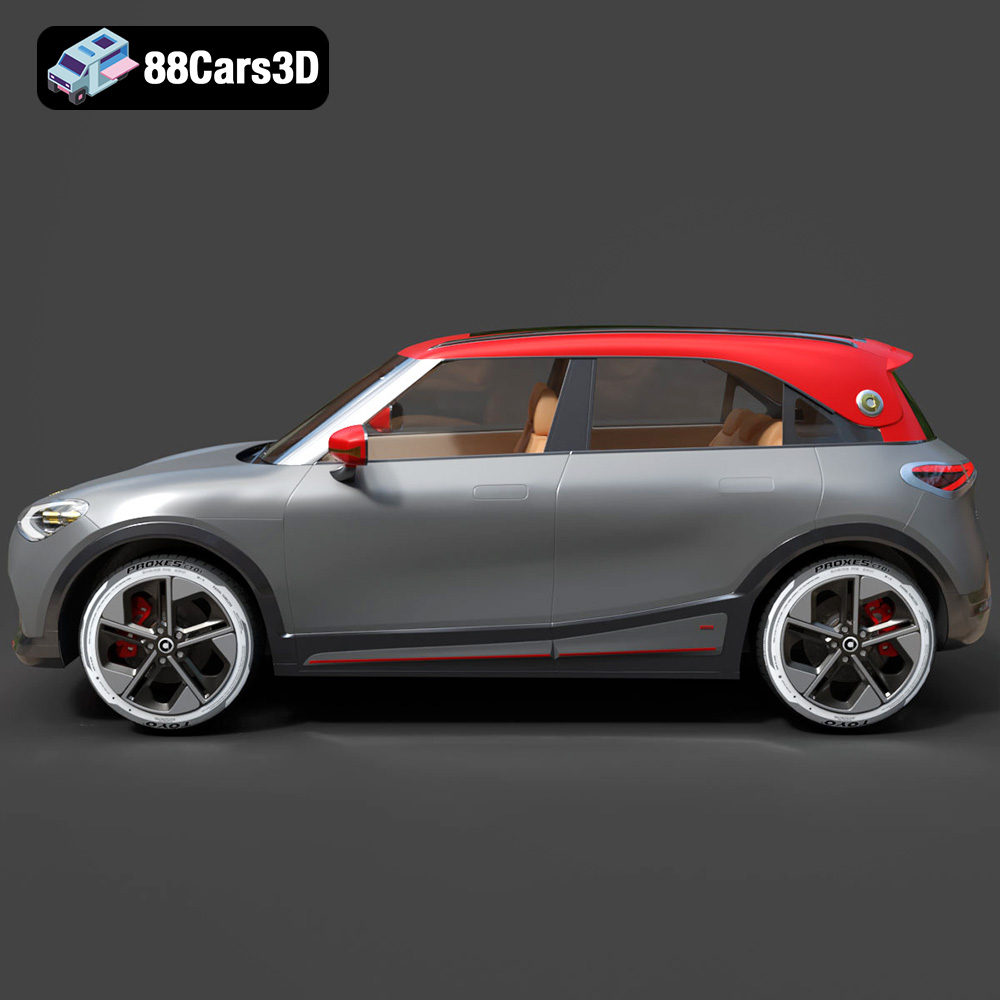
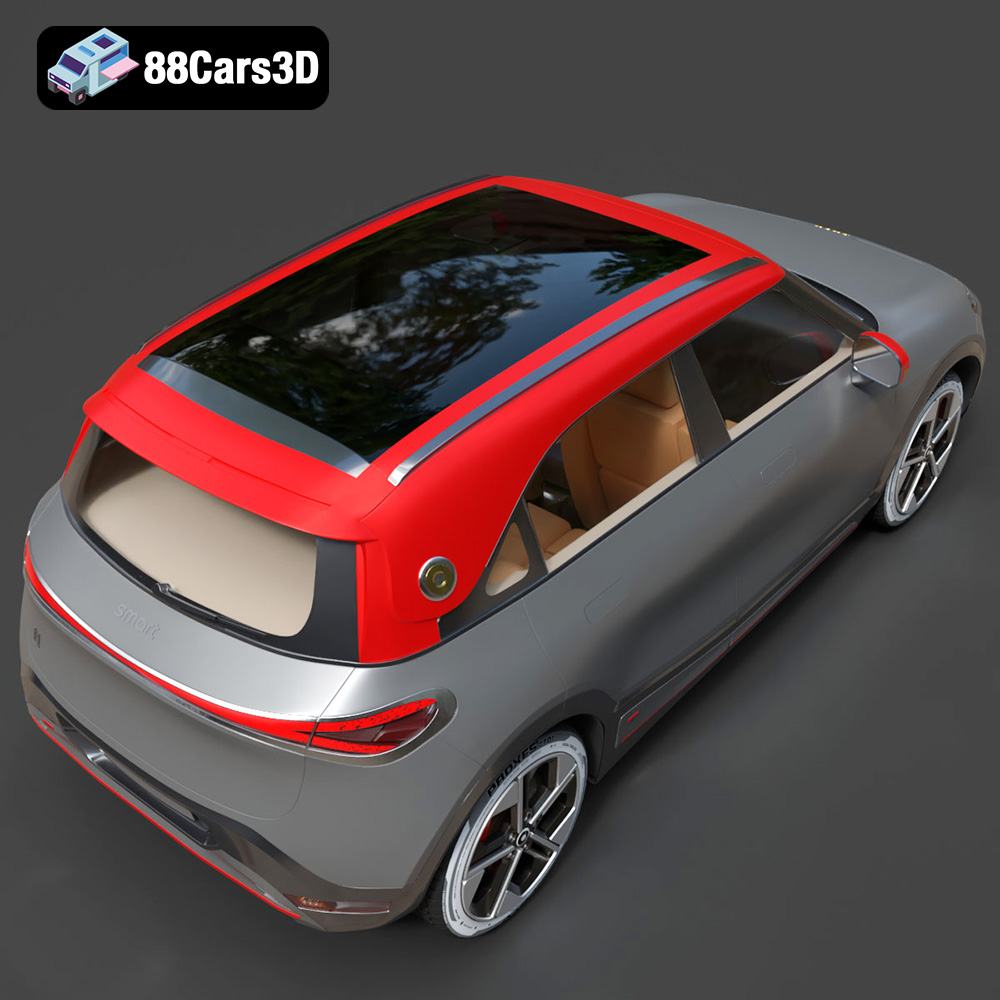
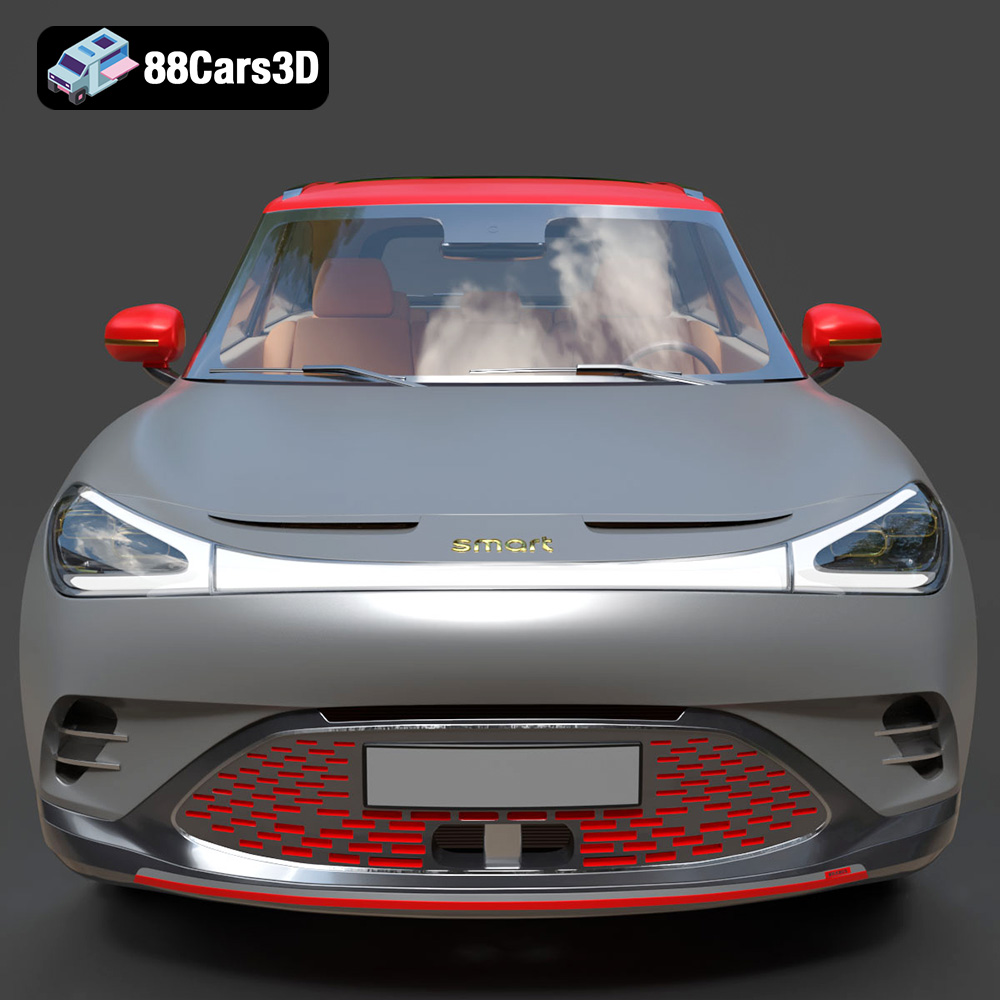
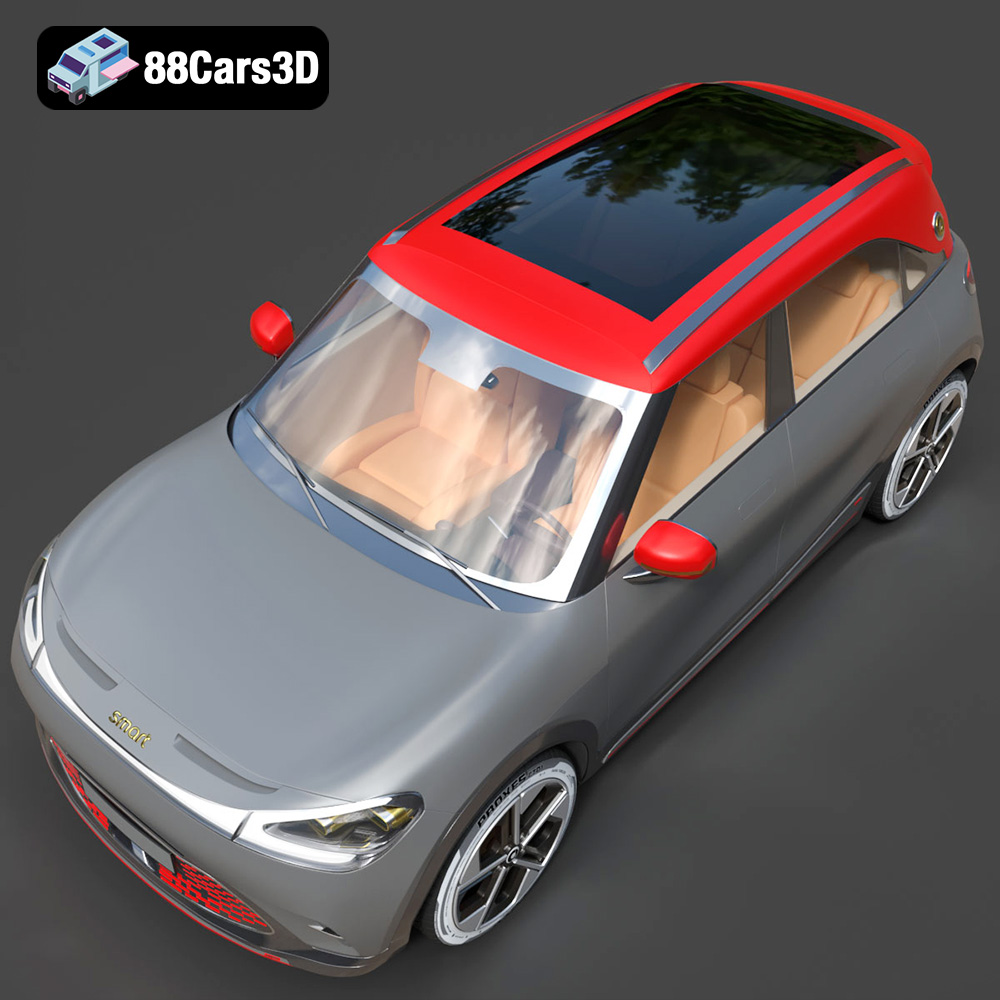
Experience the impressive realism of the Smart 1 Brabus 3D Model. Carefully crafted with precision, this model captures the dynamic stance, signature design elements, and detailed interior of the original vehicle. Built to meet professional standards, it serves as an exceptional digital twin for any demanding project.
$19.99
.1brabus
.arvr
.blend
.car3dmodel
.crossover
.electricvehicle
.fbx
.gameasset
.glb
.max
.obj
.ply
.rendering
.simulation
.smart
.stl
.unreal
SUV