Get 20% OFF All Premium 3D & STL Models!

“`html
In the dynamic world of 3D printing, where innovation drives constant evolution, one file format has consistently reigned supreme: STL (Stereolithography). For enthusiasts, hobbyists, and professionals alike, STL has become synonymous with 3D printing. But why, in a landscape filled with newer and seemingly more advanced file formats, does STL maintain its dominance? This comprehensive guide will delve into the technical intricacies of the STL format, exploring its strengths, limitations, and the reasons behind its enduring popularity. We’ll cover everything from its fundamental structure to advanced slicing techniques, ensuring you have a solid understanding of why STL remains the cornerstone of 3D printing, especially when working with detailed models like the printable car models offered at platforms like 88cars3d.com. You’ll learn about mesh topology, file preparation workflows, support structure optimization, and how to overcome common STL-related printing challenges.
At its core, the STL format is remarkably simple. It represents the surface geometry of a 3D object using a collection of triangles. Each triangle is defined by its three vertices (points in 3D space) and a normal vector (indicating the triangle’s orientation). This simplicity is both a strength and a limitation, as we’ll explore later. Understanding this fundamental structure is crucial for troubleshooting print issues and optimizing your workflow.
STL files represent 3D models as a collection of connected triangles, forming a mesh. Each triangle is referred to as a “facet.” The accuracy of the model depends on the number of triangles used; more triangles result in a smoother, more detailed representation, but also a larger file size and potentially longer processing times. A key concept is “manifold” geometry, meaning the mesh is closed and watertight – essential for successful 3D printing. Non-manifold geometry, where edges are shared by more than two triangles, can lead to errors during slicing and printing.
STL files come in two flavors: ASCII and binary. ASCII STL files are human-readable, storing triangle data as text. This makes them easy to inspect and edit manually, but they are significantly larger than their binary counterparts. Binary STL files, on the other hand, store triangle data in a more compact binary format, resulting in smaller file sizes and faster processing. While ASCII STLs are useful for debugging, binary STLs are generally preferred for 3D printing due to their efficiency. Most slicing software automatically detects the file type and handles it accordingly.
Despite its age, STL continues to be the most widely supported file format in 3D printing. This ubiquity is a major advantage, ensuring compatibility across a vast range of 3D printers, slicing software, and CAD programs. The format’s simplicity also contributes to its robustness and ease of implementation. Furthermore, the vast majority of 3D models available online, especially printable car models and other intricate designs, are available in STL format. This widespread adoption creates a rich ecosystem of resources, tutorials, and tools.
The sheer number of 3D printers and slicing software packages that support STL is unparalleled. Whether you’re using a budget-friendly FDM printer or a high-end resin printer, you can be almost certain that it will accept STL files. This universal compatibility simplifies the workflow and reduces the risk of encountering compatibility issues, a common concern when working with more niche file formats.
The simplicity of the STL format makes it relatively easy to understand and work with. While more advanced formats offer greater capabilities, STL’s straightforward structure makes it easier to implement and support. This simplicity also translates to faster processing times, especially for simpler models. For beginners, the readily available tools and resources for STL file handling make it an ideal starting point in the world of 3D printing.
While STL offers many advantages, it also has limitations. One significant drawback is its lack of color or texture information. STL files only store geometric data, so any color or texture must be applied during post-processing. Another limitation is its inefficiency in representing curved surfaces, which are approximated using flat triangles. This can result in faceted appearances, especially on models with complex curves. Addressing these limitations requires careful file preparation and slicing techniques.
The faceted nature of STL models can be minimized by increasing the number of triangles used to represent the surface. However, this increases file size and processing time. A more efficient approach is to use “adaptive tessellation,” where the density of triangles is varied based on the curvature of the surface. Software like Meshmixer and Blender offer tools for refining the mesh and smoothing out faceted appearances. When downloading models from marketplaces such as 88cars3d.com, ensure the models have a sufficient triangle count for a smooth finish.
Since STL files don’t store color or texture information, these attributes must be added during post-processing. Techniques like painting, airbrushing, and applying decals are commonly used to enhance the visual appearance of 3D printed models. Alternatively, you can use multi-material 3D printers that can print different colors or materials in a single print job, but this requires specialized hardware and software.
The quality of your 3D print depends heavily on the preparation of the STL file. This involves several steps, including checking for errors, repairing mesh defects, and optimizing the model for the specific 3D printer and material being used. Software tools like Netfabb, Meshmixer, and online STL repair services can be invaluable in this process. Ignoring these steps can lead to printing failures, poor surface finish, and dimensional inaccuracies.
Ensuring that your STL file is “manifold” is crucial for successful 3D printing. Manifold geometry means that the mesh is closed, watertight, and has no self-intersections or holes. Non-manifold geometry can cause slicing errors and lead to incomplete or distorted prints. Software like Netfabb and Meshmixer can automatically detect and repair these types of errors, ensuring that your STL file is print-ready. Specific repair tasks include closing holes, removing duplicate triangles, and fixing flipped normals. Always inspect your model in a mesh editing software before sending it to the slicer.
The orientation of your model on the print bed significantly affects print quality, support structure requirements, and printing time. Choosing the optimal orientation can minimize the need for support structures, improve surface finish, and reduce the risk of warping or other defects. Support structures are temporary structures that provide support for overhanging features. Optimizing their placement and density is crucial for minimizing material usage and ensuring easy removal. Software like Cura and PrusaSlicer offer advanced support generation algorithms that allow you to customize support placement, density, and interface layers. For models from 88cars3d.com featuring intricate details, careful consideration of support structures is paramount.
Slicing is the process of converting an STL file into a set of instructions that the 3D printer can understand. This involves dividing the model into thin layers and generating toolpaths that define the movement of the print head or laser. The slicing software allows you to control a wide range of parameters that affect print quality, including layer height, infill density, print speed, and temperature. Understanding these parameters and how they interact is essential for achieving optimal results.
Layer height is one of the most critical slicing parameters. It determines the thickness of each layer and directly affects the resolution and surface finish of the print. Smaller layer heights result in smoother surfaces and finer details, but also increase printing time. Typical layer heights range from 0.1mm to 0.3mm for FDM printing and can be even smaller for resin printing (e.g., 0.025mm to 0.05mm). Experiment with different layer heights to find the optimal balance between print quality and speed for your specific model and printer.
Infill refers to the internal structure of the 3D printed object. It provides strength and support while minimizing material usage. Infill density is the percentage of the object’s interior that is filled with material. Higher infill densities result in stronger prints but also increase printing time and material consumption. Slicing software offers a variety of infill patterns, such as rectilinear, grid, honeycomb, and gyroid. The choice of infill pattern depends on the desired strength and weight characteristics of the print. For example, a gyroid infill offers excellent strength-to-weight ratio and is often used for functional parts.
The choice of material and the specific settings used for your 3D printer are crucial for achieving successful prints. Different materials have different properties, such as strength, flexibility, and temperature resistance. Furthermore, each 3D printer has its own unique characteristics and requires careful calibration to achieve optimal results. Understanding these factors is essential for maximizing the potential of your 3D printing setup.
FDM (Fused Deposition Modeling) and resin printing are the two most common 3D printing technologies. FDM printing uses a filament of thermoplastic material that is melted and extruded through a nozzle to create the object layer by layer. Resin printing, on the other hand, uses a liquid resin that is cured by a UV light source. FDM printing is generally more affordable and suitable for larger parts, while resin printing offers higher resolution and is ideal for intricate details. When preparing STL files for FDM printing, consider factors like bed adhesion, nozzle temperature, and cooling fan settings. For resin printing, focus on layer exposure time, lift speed, and support structure optimization.
Each 3D printing material requires specific settings to achieve optimal results. PLA (Polylactic Acid) is a biodegradable thermoplastic that is easy to print and requires relatively low temperatures. PETG (Polyethylene Terephthalate Glycol) is a stronger and more durable thermoplastic that is also relatively easy to print. ABS (Acrylonitrile Butadiene Styrene) is a more durable and heat-resistant thermoplastic, but it requires higher printing temperatures and a heated bed. Resin materials come in a wide variety of formulations, each with its own unique properties and curing requirements. Always consult the manufacturer’s recommendations for specific settings for each material.
The STL file format, despite its simplicity and age, remains the cornerstone of 3D printing. Its universal compatibility, ease of use, and widespread adoption make it an indispensable tool for enthusiasts, hobbyists, and professionals alike. While it has limitations, such as the lack of color information and its faceted representation of curved surfaces, these can be effectively addressed through careful file preparation, slicing techniques, and post-processing methods. By understanding the intricacies of the STL format and mastering the tools and techniques described in this guide, you can unlock the full potential of 3D printing and create high-quality, accurate, and visually appealing models, including the detailed printable car models available at 88cars3d.com. Take the time to experiment with different settings, materials, and software tools to find what works best for your specific needs and printer. Remember, continuous learning and experimentation are key to becoming a successful 3D printing enthusiast.
“`
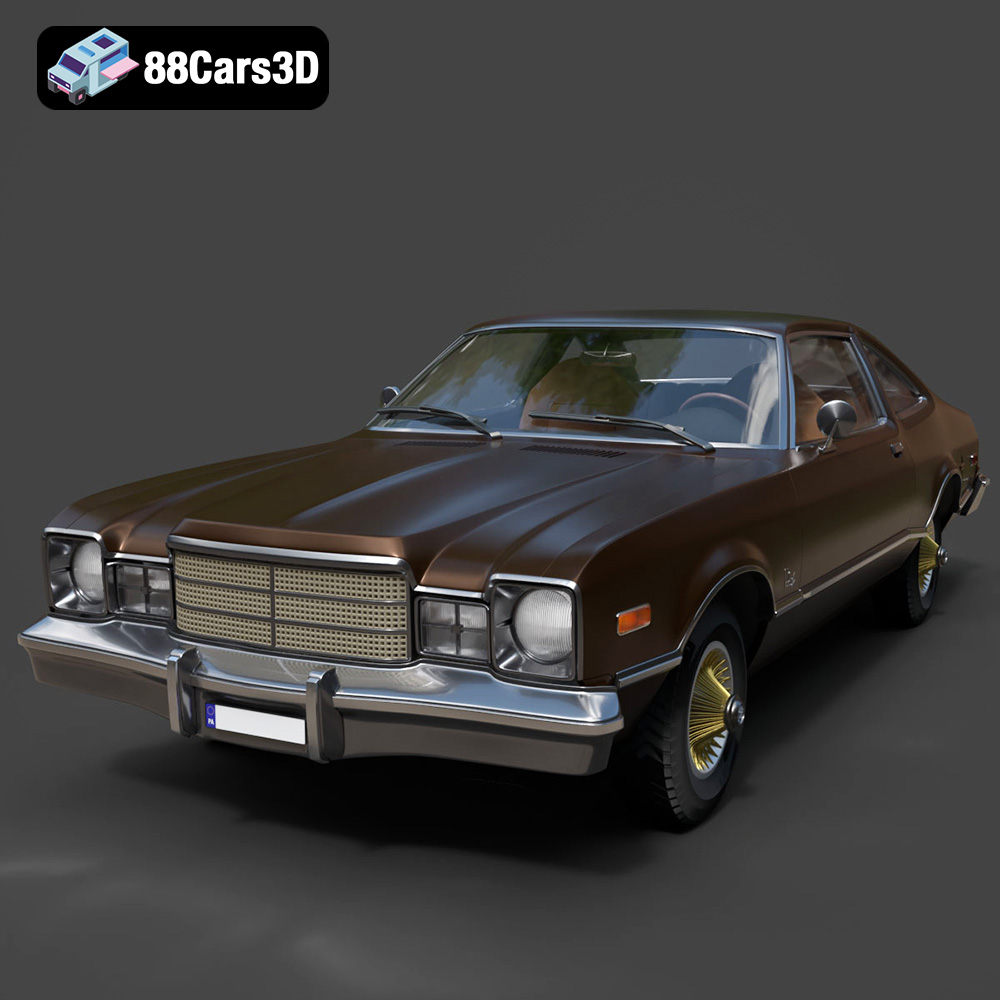
Texture: Yes | Material: Yes
Download the highly detailed, game-ready Plymouth Volare Coupe 1977 3D Model. Features classic F-body styling, detailed chrome trim, and an accurate vintage interior. Includes .blend, .fbx, .obj, .glb, .stl, .ply, .unreal, and .max formats for game development, AR/VR, and rendering.
Price: $19.99

Texture: Yes | Material: Yes
Download the highly detailed, game-ready Peugeot 208 2020 3D Model. Features aggressive ‘fang’ LED DRLs, sporty hatchback proportions, and aerodynamic alloy wheels. Includes .blend, .fbx, .obj, .glb, .stl, .ply, .unreal, and .max formats for game development, AR/VR, and rendering.
Price: $19.99

Texture: Yes | Material: Yes
Download the highly detailed, game-ready MV Agusta Brutale 1090 R 3D Model. Features an exposed trellis frame, distinctive teardrop headlight, and muscular naked bike styling. Includes .blend, .fbx, .obj, .glb, .stl, .ply, .unreal, and .max formats for game development, AR/VR, and rendering.
Price: $19.99

Texture: Yes | Material: Yes
Download the highly detailed, game-ready Custom Off-Road BMW R1150GS Adventure Sidecar 3D Model. Features rugged all-terrain suspension, an attached passenger sidecar, and off-road knobby tires. Includes .blend, .fbx, .obj, .glb, .stl, .ply, .unreal, and .max formats for game development, AR/VR, and rendering.
Price: $19.99

Texture: Yes | Material: Yes
Download the highly detailed, game-ready Mitsubishi Outlander GT 2010 3D Model. Features the aggressive Lancer-inspired front grille, accurate exterior styling, and high-fidelity alloy wheels. Includes .blend, .fbx, .obj, .glb, .stl, .ply, .unreal, and .max formats for game development, AR/VR, and rendering.
Price: $19.99
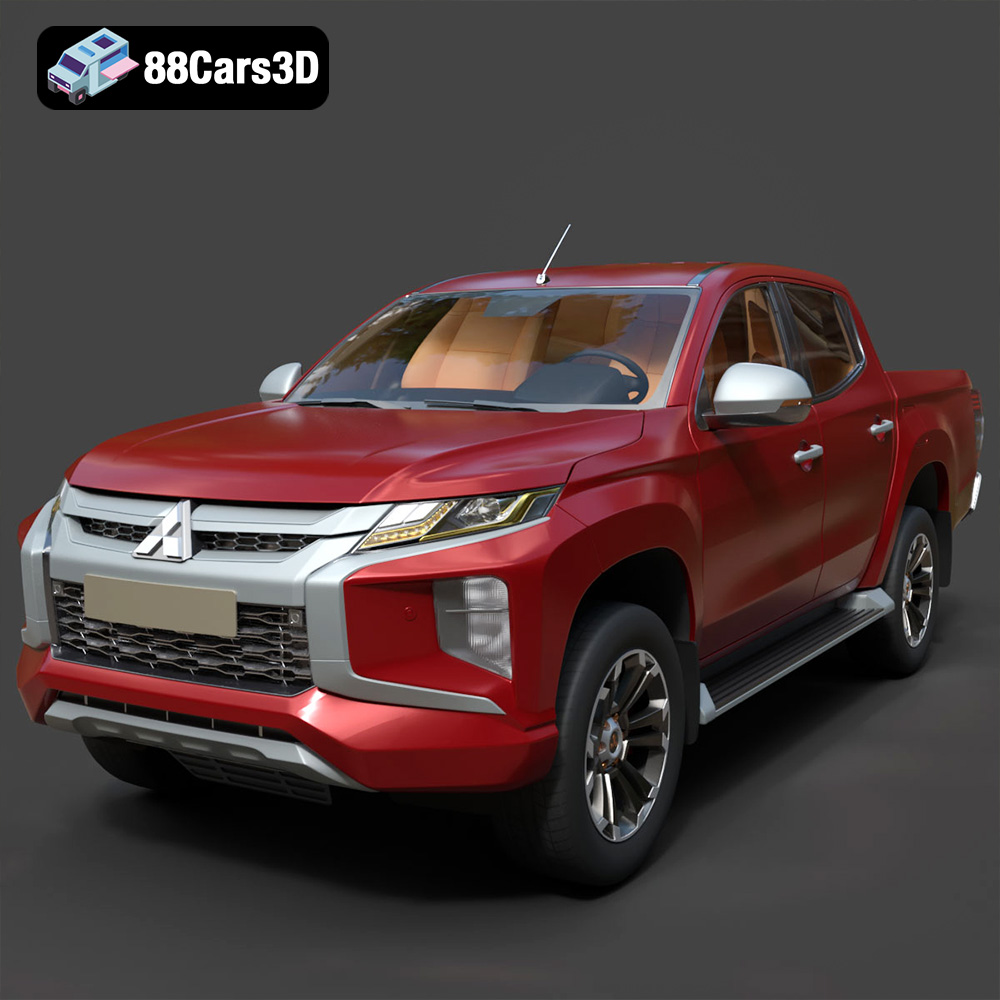
Texture: Yes | Material: Yes
Download the highly detailed, game-ready Mitsubishi L200 Crew Cab 2019 3D Model. Features the iconic Dynamic Shield front fascia, rugged cargo bed, and a spacious crew cab interior. Includes .blend, .fbx, .obj, .glb, .stl, .ply, .unreal, and .max formats for game development, AR/VR, and rendering.
Price: $19.99
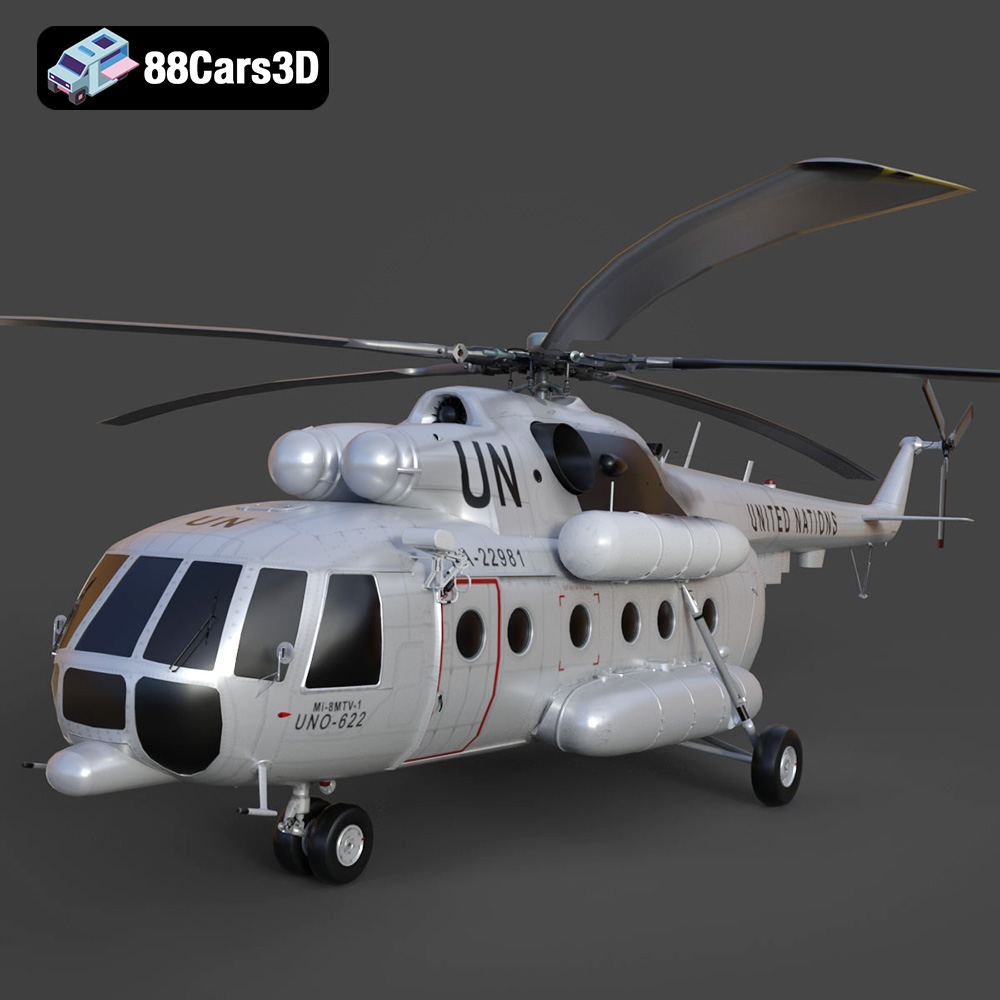
Texture: Yes | Material: Yes
Download the highly detailed, game-ready Mil Mi-8MTV-UN 3D Model. Features the iconic United Nations white livery, detailed twin turboshaft engines, and fully articulated rotor assemblies. Includes .blend, .fbx, .obj, .glb, .stl, .ply, .unreal, and .max formats for game development, AR/VR, and rendering.
Price: $19.99
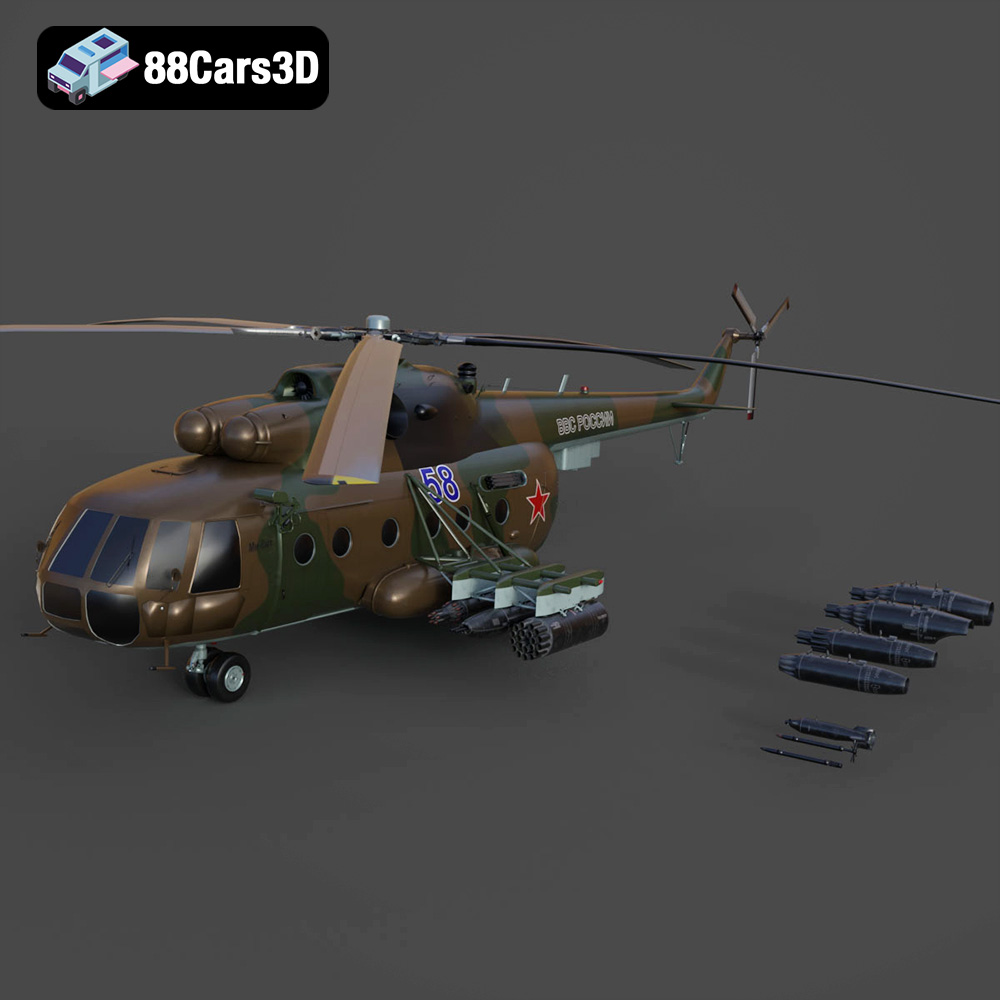
Texture: Yes | Material: Yes
Download the highly detailed, game-ready Mil Mi-8MT Helicopter 3D Model. Features twin-turbine engine housings, a detailed 5-blade main rotor, and authentic cockpit instrumentation. Includes .blend, .fbx, .obj, .glb, .stl, .ply, .unreal, and .max formats for game development, AR/VR, and rendering.
Price: $19.99

Texture: Yes | Material: Yes
Download the highly detailed, game-ready Mercedes-Maybach Vision 6 2018 3D Model. Features an elongated aero coupe design, iconic gullwing doors, and striking 24-inch aerodynamic wheels. Includes .blend, .fbx, .obj, .glb, .stl, .ply, .unreal, and .max formats for game development, AR/VR, and rendering.
Price: $19.99
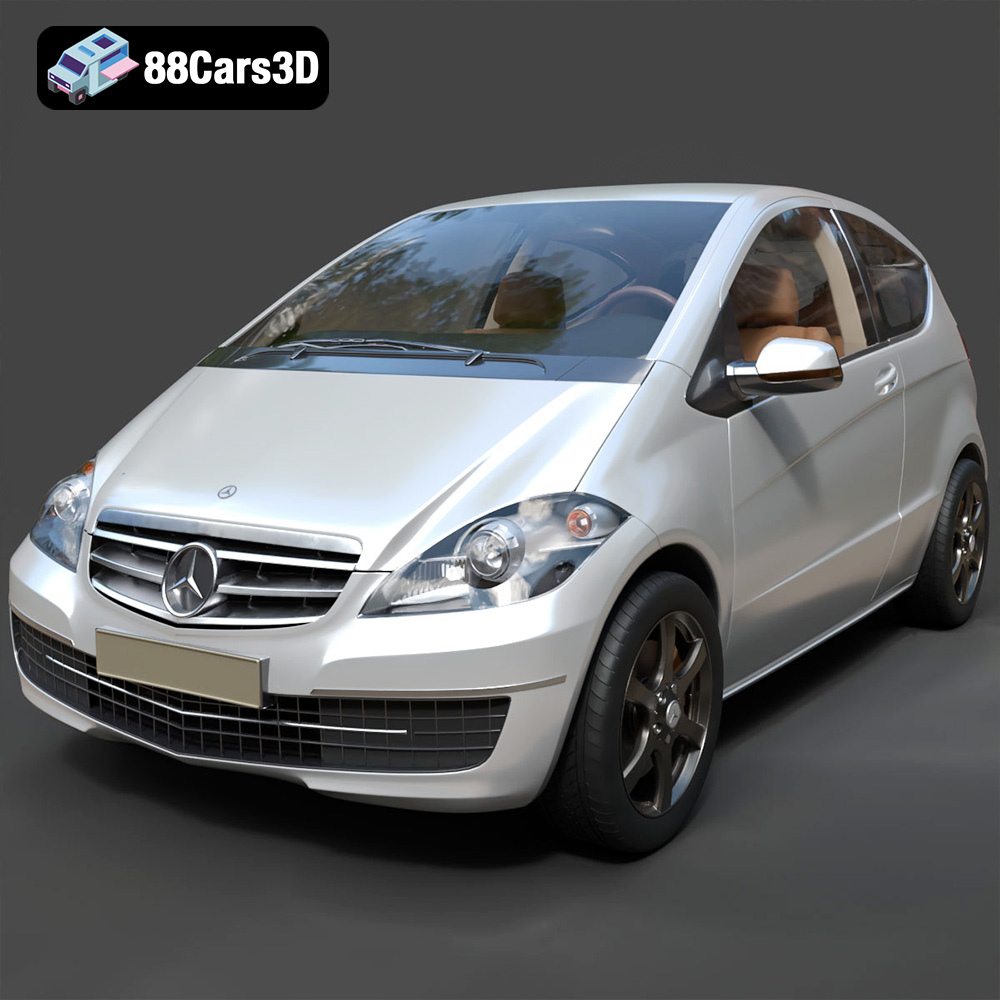
Texture: Yes | Material: Yes
Download the highly detailed, game-ready Mercedes-Benz A-Class 3-Door 2010 3D Model. Features an accurate compact luxury exterior, detailed interior, and optimized topology. Includes .blend, .fbx, .obj, .glb, .stl, .ply, .unreal, and .max formats for game development, AR/VR, and rendering.
Price: $19.99

