Get 20% OFF All Premium 3D & STL Models!

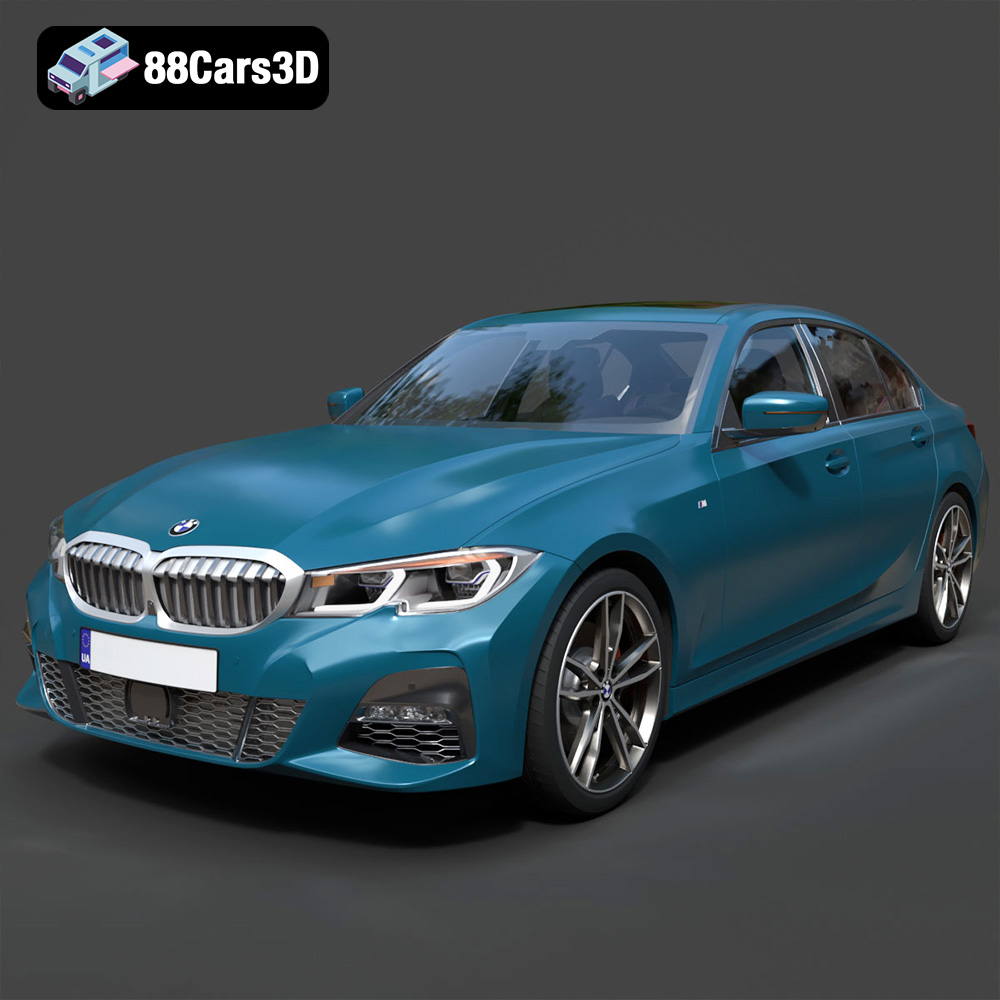
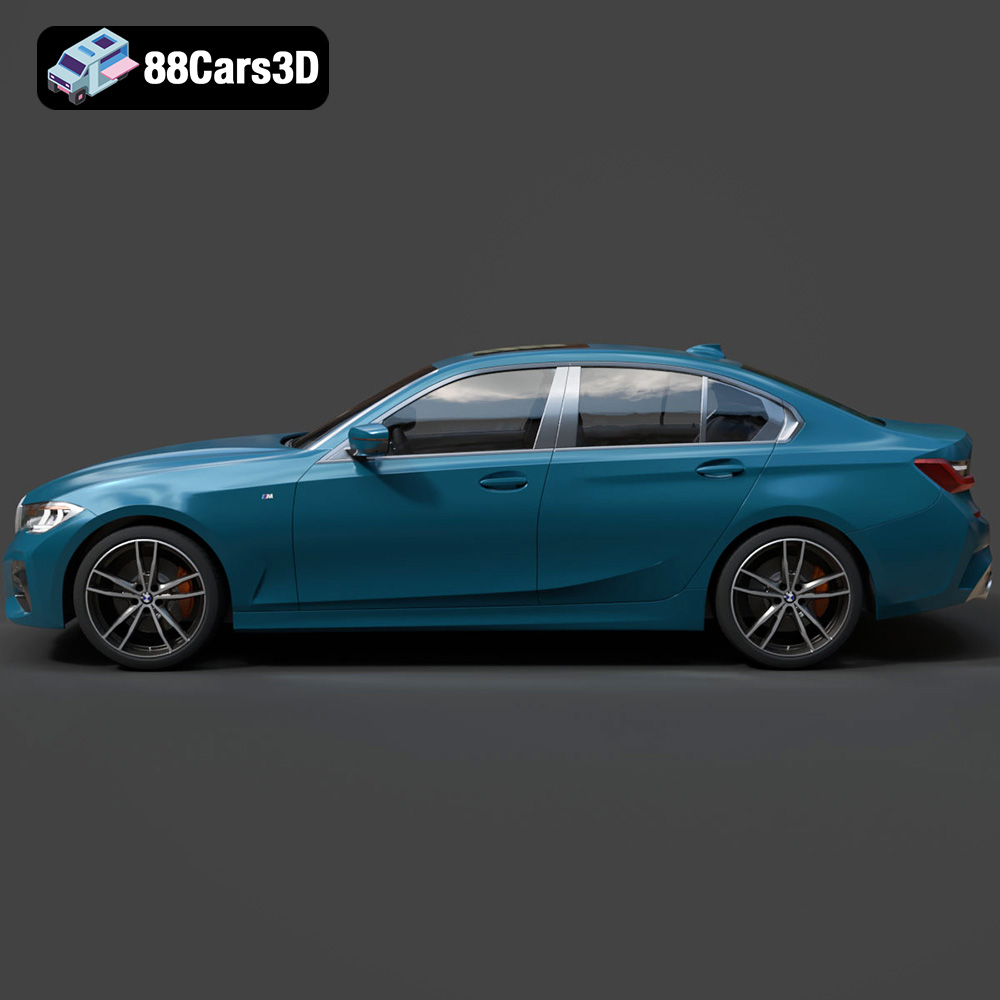
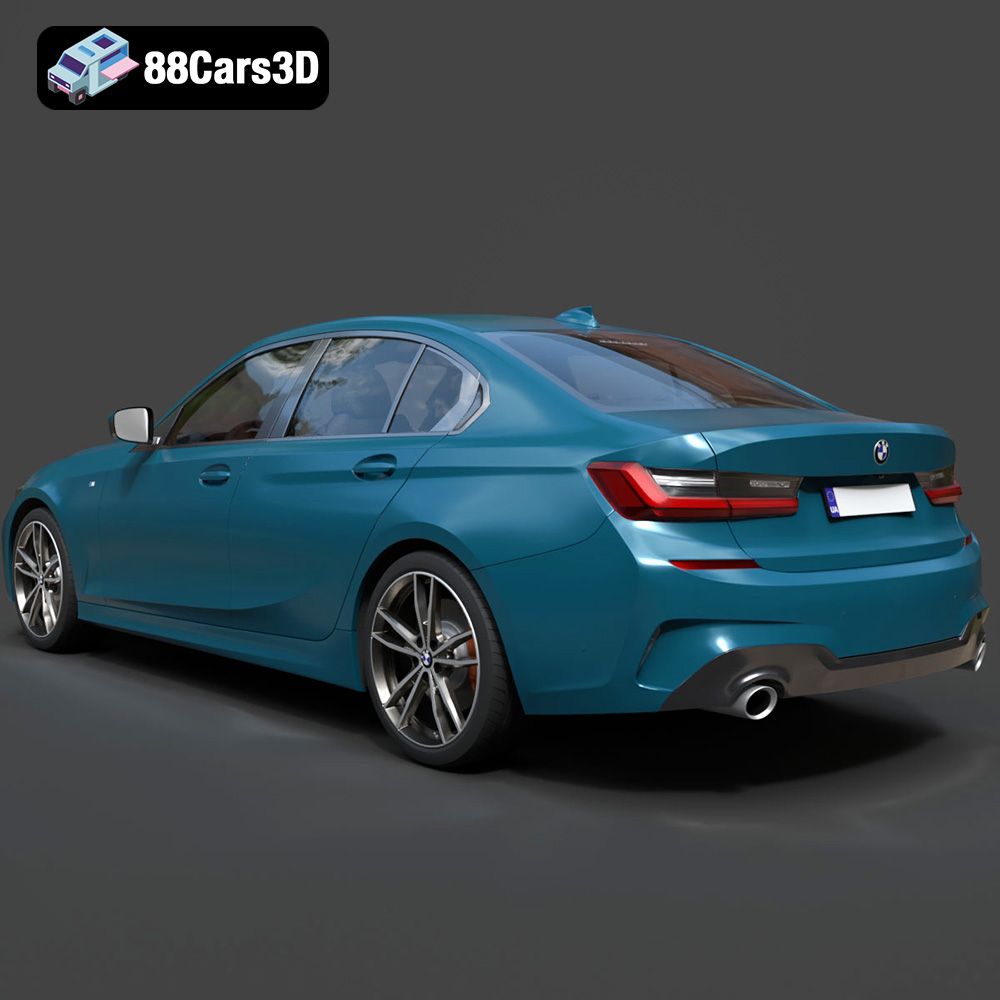
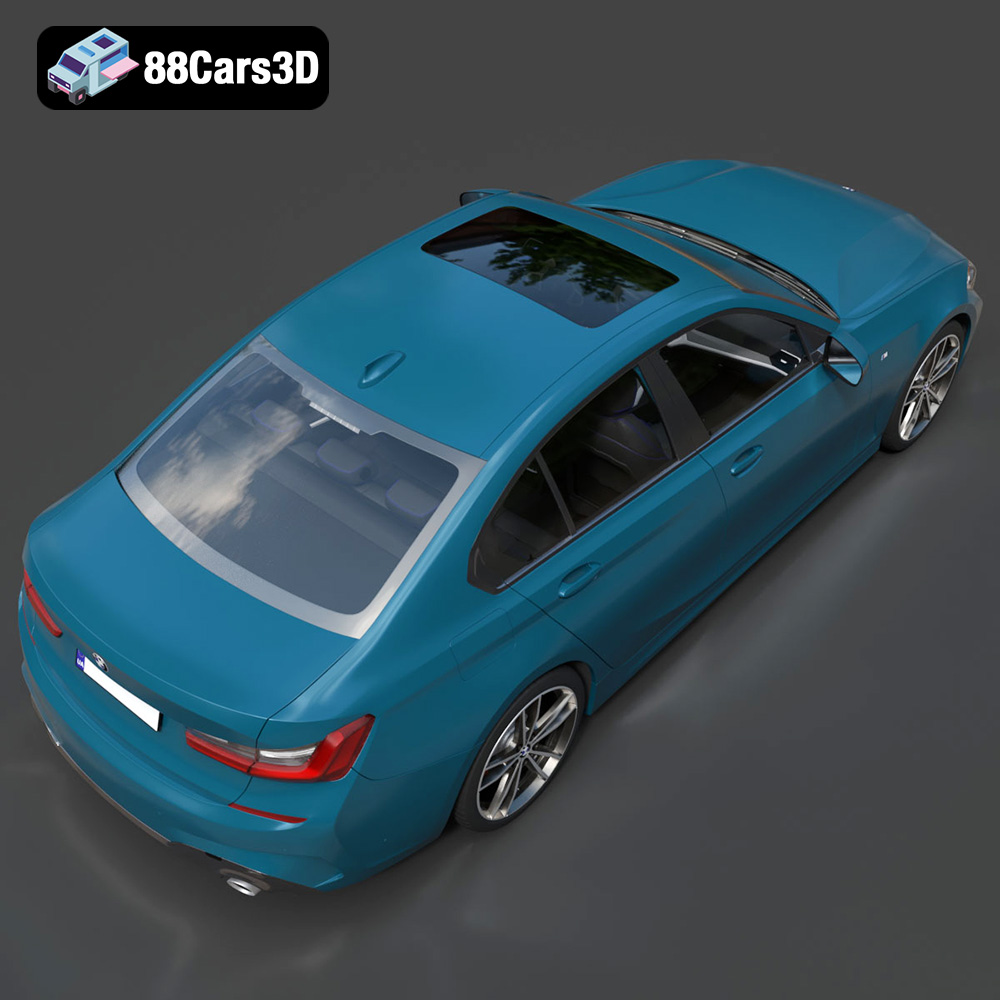
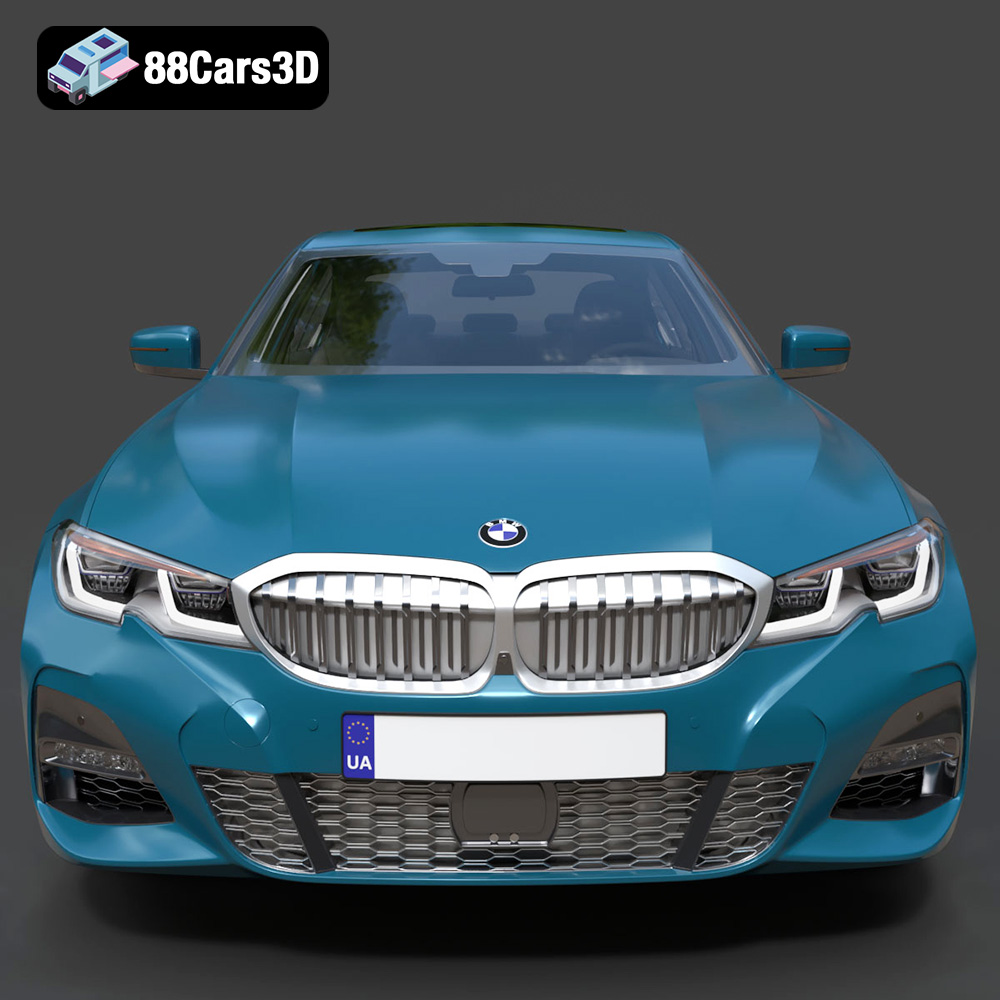
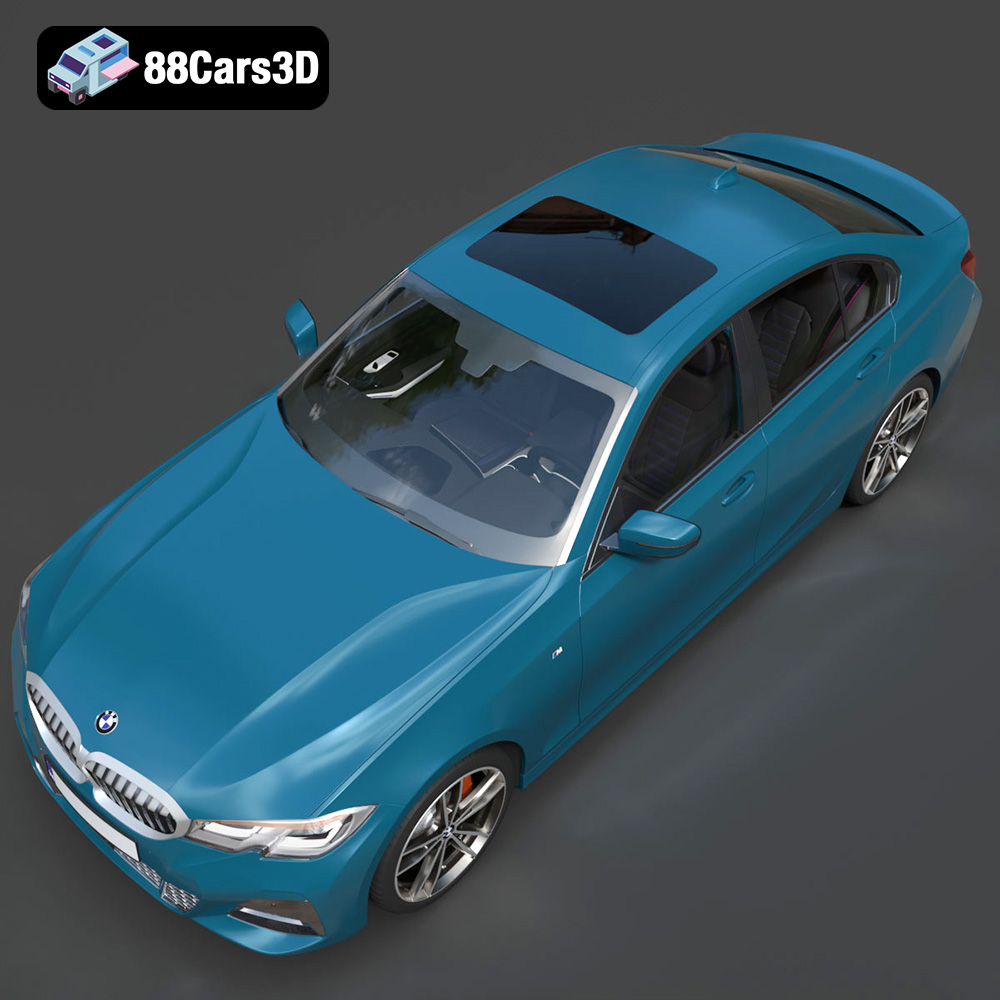
The BMW 3 Series M-Sport Sedan 2019 is a stunning vehicle, and owning a detailed replica, even in 3D printed form, is an exciting prospect for automotive enthusiasts. This guide provides a comprehensive walkthrough of 3D printing the BMW 3 Series M-Sport Sedan 2019 3D model, covering everything from pre-print preparation to post-processing finishing touches. Whether you’re a seasoned 3D printing expert or just starting, this article will equip you with the knowledge to create a high-quality 3D printed model of this iconic car. 88cars3d.com offers an excellent model of this vehicle, optimized for various applications, including 3D printing.
Selecting the appropriate 3D printing technology is the first crucial step. The two most common technologies for hobbyists and enthusiasts are Fused Deposition Modeling (FDM) and Stereolithography (SLA), also known as resin printing.
FDM printing uses a filament of thermoplastic material that is heated and extruded through a nozzle, building the model layer by layer. This method is generally more affordable and offers a wider range of materials, including PLA, PETG, ABS, and more exotic filaments. For the BMW 3 Series model, PLA and PETG are excellent choices. PLA is easy to print with and provides a decent level of detail, while PETG offers greater durability and heat resistance. However, FDM prints typically require more post-processing to achieve a smooth surface finish due to the visible layer lines.
SLA printing uses a liquid resin that is cured by a UV light source, creating highly detailed parts with smooth surfaces. This technology excels at producing intricate details and is perfect for smaller, more complex components of the BMW 3 Series model, such as the wheels, grilles, or interior parts. While SLA printers can be more expensive than FDM printers, the results can be significantly better in terms of surface finish and detail. However, resin prints can be more brittle and require careful handling.
Before diving into the specifics of printing the BMW 3 Series, it’s essential to understand the different file formats available and which ones are best suited for 3D printing. The product description on 88cars3d.com mentions various file formats like .blend, .fbx, .obj, .glb, .stl, .ply, .unreal, and .max. While many of these formats are valuable for rendering, game development, and AR/VR applications, the **.stl** format is the workhorse for 3D printing.
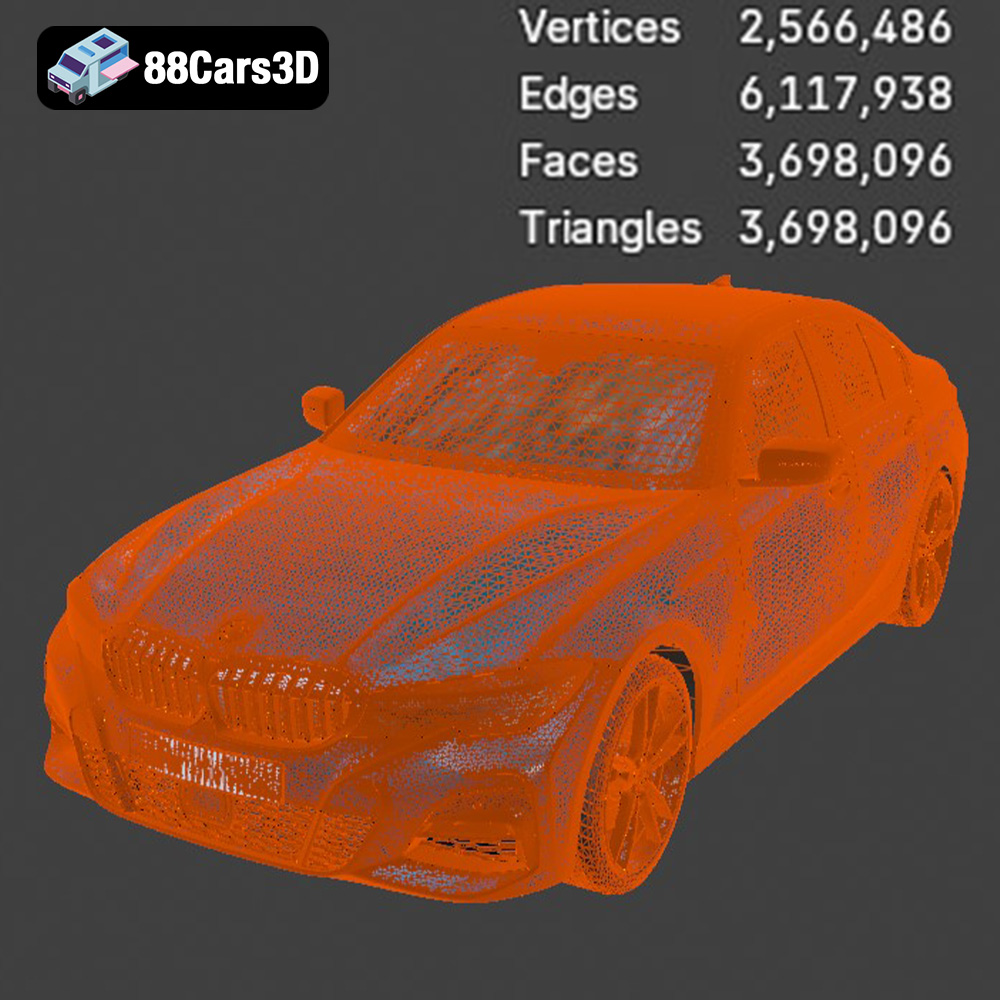
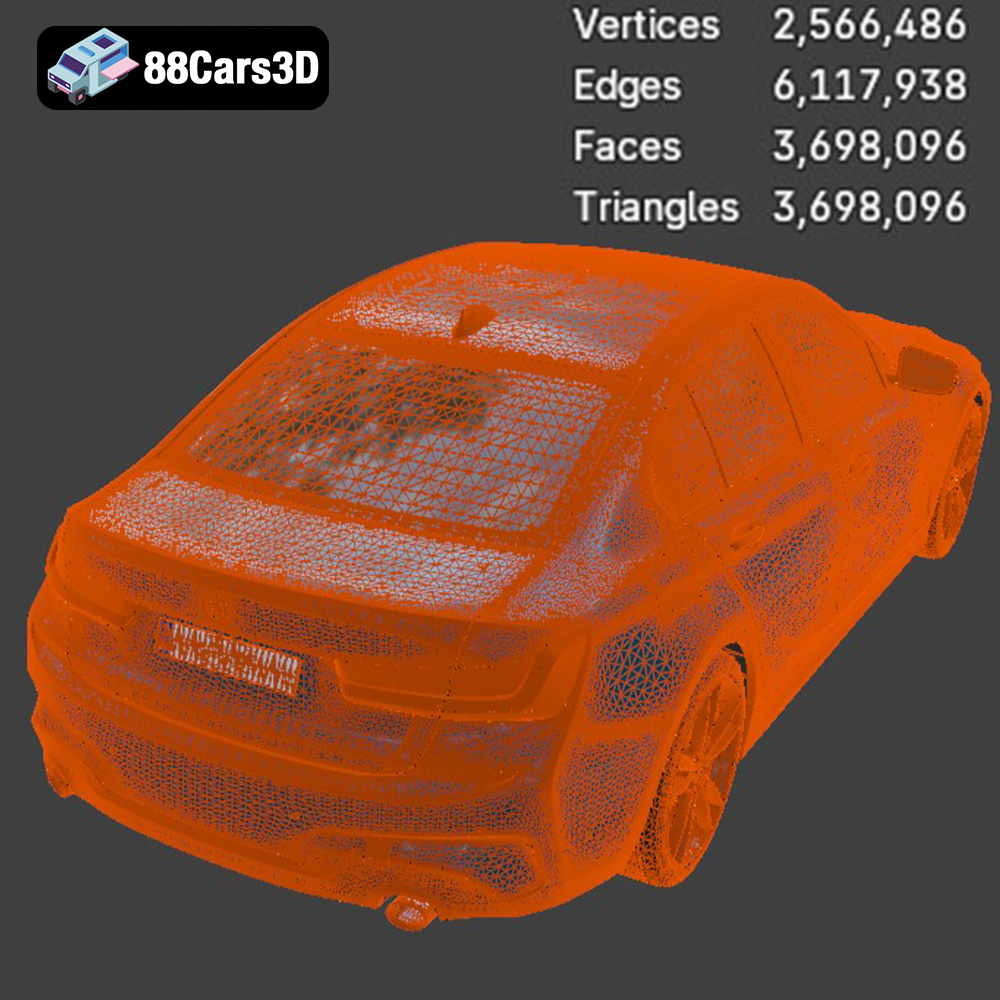
The STL (Stereolithography) file format is the industry standard for 3D printing. It represents the surface geometry of a 3D object as a collection of triangles. This simplicity makes it universally compatible with virtually all slicing software and 3D printers. However, STL files only store the shape of the object; they do not contain information about color, texture, or materials. When you download the BMW 3 Series model from 88cars3d.com, prioritize using the .stl files for printing. They are specifically prepared for this purpose. Slicing software takes the .stl file and converts it into a series of instructions (G-code) that the 3D printer can understand and execute.
OBJ files are another common 3D model format. Unlike STL, OBJ files can store color and texture information, making them suitable for colored 3D prints (if your printer supports it). However, for basic 3D printing without color, the STL format is generally preferred due to its simplicity and compatibility. OBJ files can be imported into most slicing software, but ensure that your software is configured to handle them correctly.
PLY files are designed for storing high-detail 3D data, often captured from 3D scanners. They can represent both the geometry and the color of an object. While PLY files can be used for 3D printing, they are less common than STL files. If you are working with a particularly detailed model of the BMW 3 Series and require extremely precise reproduction, you might consider using the PLY format, but be prepared for potentially larger file sizes and increased processing time in your slicing software.
The .blend file is the native format for Blender, a popular open-source 3D modeling software. This format contains the entire Blender scene, including the model, materials, textures, lighting, and animations. While you cannot directly 3D print a .blend file, it allows you to open and modify the model before exporting it as an STL file for printing. This is incredibly useful if you want to customize the BMW 3 Series model, such as adding details or splitting it into separate parts for easier printing.
FBX is a proprietary file format developed by Autodesk. It’s commonly used for exchanging 3D data between different software applications, particularly in the game development industry. FBX files can contain geometry, textures, materials, and animations. While slicing software can sometimes import FBX files, the material and texture information are typically ignored during the slicing process.
GLB is a binary file format representing 3D models. GLB is often used for AR and VR previews.
Similar to .blend files, .max files are specific to Autodesk 3ds Max, another professional 3D modeling software. These files contain the entire 3ds Max project, allowing you to fully edit the BMW 3 Series model before exporting it for 3D printing.
When preparing the BMW 3 Series model for 3D printing, always prioritize the .stl file format. Ensure that the mesh is closed (watertight) and free of errors. You can use software like MeshMixer or Netfabb to repair any issues before importing the model into your slicing software. The quality of the STL file directly impacts the final print result, so take the time to verify and repair the mesh as needed.
Once you have the .stl file, the next step is to prepare it for printing using slicing software such as Cura, PrusaSlicer, or Simplify3D. This software will convert the 3D model into a series of layers that the printer can understand.
Print orientation significantly impacts the print quality, strength, and support requirements. For the BMW 3 Series model, consider printing the body at an angle (approximately 45 degrees) to minimize the need for supports on the curved surfaces. This orientation often yields a smoother surface finish. Smaller parts, like the wheels or mirrors, may be printed vertically for better detail. Experiment with different orientations to find the one that best balances print quality and support material usage.
* **Layer Height:** A layer height of 0.1mm to 0.2mm is recommended for FDM printing to achieve a good balance between detail and print time. For SLA printing, you can go even lower, down to 0.05mm or even 0.025mm, for exceptional detail.
* **Infill Density:** The infill density determines the internal strength of the printed part. For a display model, an infill density of 15-20% is usually sufficient. For parts that require more strength, such as wheels or axles, increase the infill to 50% or higher.
* **Support Structures:** Support structures are necessary to support overhanging features. Use a support density of 10-15% and a support overhang angle of 60-70 degrees. Consider using tree supports for easier removal and less scarring on the model’s surface.
* **Print Speed:** A print speed of 40-60mm/s is generally recommended for FDM printing. For SLA printing, follow the resin manufacturer’s recommendations for exposure time and lifting speed.
The choice of material and the corresponding printer settings are crucial for achieving a successful print. As mentioned earlier, PLA and PETG are excellent choices for FDM printing, while various resins are available for SLA printing.
* **Nozzle Temperature:** 200-220°C
* **Bed Temperature:** 60-70°C
* **Print Speed:** 40-60mm/s
* **Cooling:** Enable cooling fan at 100%
* **Nozzle Temperature:** 230-250°C
* **Bed Temperature:** 70-80°C
* **Print Speed:** 40-50mm/s
* **Cooling:** Enable cooling fan at 50-75%
Resin settings vary greatly depending on the specific resin used. Always follow the manufacturer’s recommendations for exposure time, lifting speed, and other parameters. Generally, a layer height of 0.05mm and a bottom layer exposure time of 60-80 seconds are good starting points.
Post-processing is essential to achieve a professional-looking finish on your 3D printed BMW 3 Series model. This typically involves removing support structures, sanding, filling, and painting.
Carefully remove the support structures using pliers or a hobby knife. Be gentle to avoid damaging the model’s surface. Sand the model with progressively finer grits of sandpaper (e.g., 220, 400, 600, 800) to smooth out any imperfections and layer lines. For larger gaps or imperfections, use a filler primer or spot putty.
Apply a primer coat to the model to provide a smooth surface for painting. Use automotive paints to match the original colors of the BMW 3 Series. Apply multiple thin coats for the best results. Consider using masking tape to create clean lines and separate different color areas. Add details such as the BMW logo, headlights, and taillights using fine-tipped paintbrushes or decals.
If the model was printed in multiple parts, carefully assemble them using glue or adhesive. Ensure that all parts are aligned correctly. Add any final details, such as clear coating for a glossy finish or applying weathering effects for a more realistic look.
Even with careful preparation, 3D printing can sometimes present challenges. Here are some common issues and their solutions:
Warping occurs when the printed part lifts off the build plate, especially with ABS. To prevent warping, ensure that the build plate is properly leveled and heated. Use a brim or raft to increase adhesion.
Stringing is when thin strands of filament are left between different parts of the model. This can be caused by excessive nozzle temperature or retraction settings. Adjust these settings in your slicing software to reduce stringing.
Layer shifting occurs when the layers of the print are misaligned. This can be caused by loose belts, stepper motor issues, or vibrations. Check and tighten the belts, and ensure that the printer is placed on a stable surface.
Poor bed adhesion can cause the print to fail early on. Clean the build plate with isopropyl alcohol and ensure that the nozzle is properly calibrated to the bed.
The print time and material cost for the BMW 3 Series model will vary depending on the size of the model, the chosen material, and the printer settings. A typical FDM print of the body may take 20-30 hours and use 200-300 grams of filament. SLA prints may take longer due to the slower printing speed, but they often use less resin. The material cost for PLA or PETG is typically around $20-$30 per kilogram, while resin can cost $30-$50 per liter. Therefore, a full print of the BMW 3 Series M-Sport Sedan 2019 model might cost anywhere from $10 to $30 in materials, depending on your choices.
3D printing the BMW 3 Series M-Sport Sedan 2019 model is a rewarding project that allows you to own a detailed replica of this iconic car. By carefully preparing the model, choosing the right materials and settings, and employing effective post-processing techniques, you can create a stunning 3D printed masterpiece. Don’t be afraid to experiment with different settings and materials to find what works best for your printer and your desired outcome. Remember to check out 88cars3d.com for more high-quality 3D car models and other exciting designs! With patience and dedication, you can transform a digital file into a tangible representation of automotive excellence.
Experience true realism with the BMW 3 Series M-Sport Sedan 2019 3D Model. Crafted to exact specifications, this digital vehicle replica captures the sophisticated contours, aggressive styling, and dynamic presence of the iconic luxury sports sedan. Designed for versatility, this model delivers precise proportions and authentic detailing suitable for demanding digital environments.
$19.99
.3series
.arvr
.blend
.bmw
.car3dmodel
.fbx
.gameasset
.glb
.luxurycar
.max
.msport
.obj
.ply
.rendering
.sedan
.simulation
.sportssedan
.stl
.unreal