Get 20% OFF All Premium 3D & STL Models!

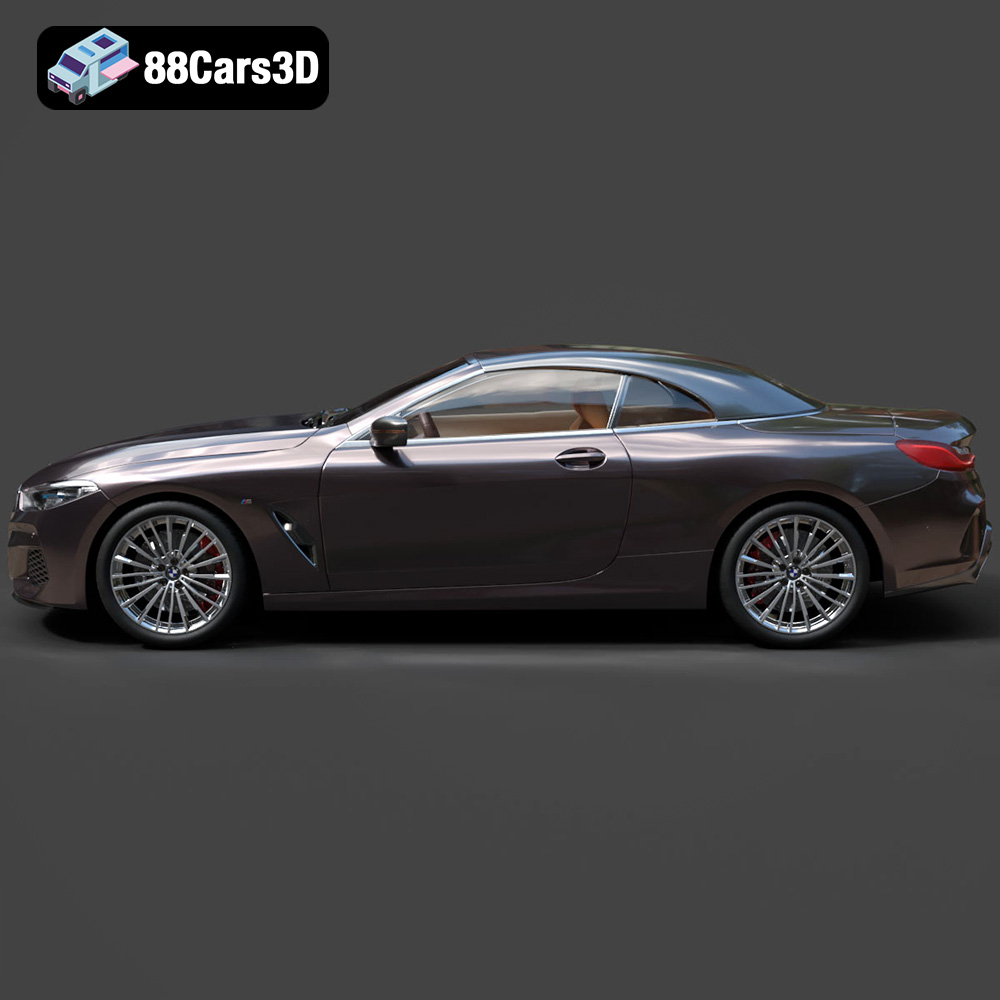
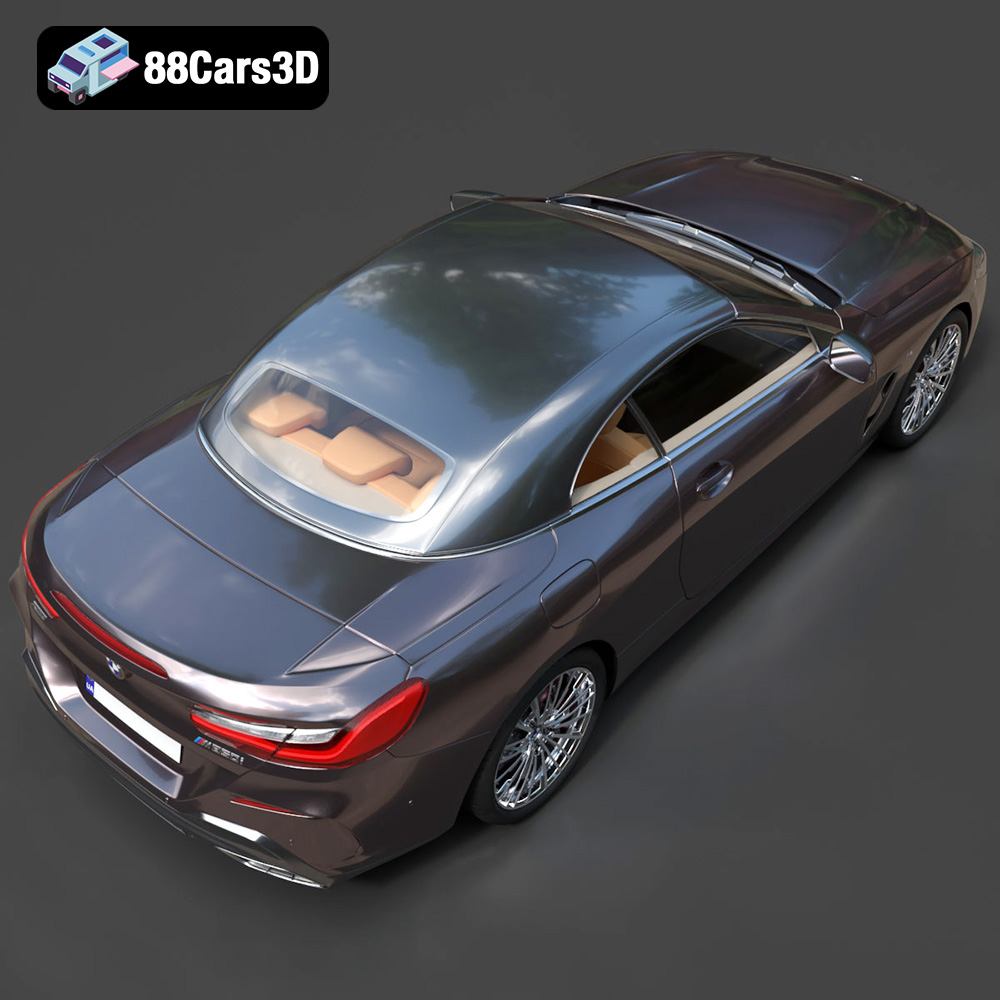
The BMW 8-Series G14 Convertible M850i 2019 is a stunning vehicle, and now, thanks to 3D printing, you can own a detailed replica. The 3D model available at 88cars3d.com offers an exceptional level of detail, making it a fantastic project for both seasoned 3D printing enthusiasts and those looking to expand their skills. This guide will walk you through the process of successfully 3D printing this beautiful car model, from initial preparation to final finishing touches. We’ll cover everything from choosing the right materials and printer settings to addressing common printing challenges.
Choosing the correct file format is the first step in ensuring a successful 3D print. While the BMW 8-Series G14 Convertible M850i 2019 3D Model from 88cars3d.com is available in multiple formats, some are more suitable for 3D printing than others. Understanding the nuances of each format will empower you to make informed decisions and optimize your printing workflow.
The STL (Stereolithography) file format is the undisputed industry standard for 3D printing. It represents the surface geometry of a 3D object as a collection of triangles. This simplicity makes it universally compatible with virtually all slicing software and 3D printers. When you download the STL file of the BMW 8-Series G14 Convertible M850i 2019, you’re essentially receiving a blueprint that your printer can interpret and build layer by layer.
However, the STL format has its limitations. It only stores the mesh data, lacking information about color, texture, or materials. This means your printed model will be a single-color representation of the car. The quality of the STL file is crucial. A poorly generated STL with jagged edges or holes in the mesh will translate to a flawed 3D print. Always inspect the STL file in your slicing software before printing to ensure it’s watertight and free of errors. You can use mesh repair tools within your slicing software, or dedicated software like MeshLab or Netfabb, to fix any issues. Higher resolution STL files will result in smoother prints, but also larger file sizes and potentially longer processing times in your slicing software.
While STL is the primary format for 3D printing, other formats can be useful depending on your workflow:
* **.obj:** This is a more versatile format than STL as it can store color and texture information. This makes it potentially useful if you want to attempt multi-color printing, although that’s a much more advanced technique. However, it’s still primarily a mesh-based format, so the same considerations regarding mesh quality apply as with STL.
* **ply:** The PLY format excels at storing high-detail 3D data, often used for scanning applications. While not as common for everyday 3D printing, it can be beneficial if you have a very high-resolution model of the BMW 8-Series G14 Convertible M850i 2019 and want to preserve as much detail as possible.
* **blend:** This is the native file format for Blender, a popular open-source 3D modeling software. Having the .blend file allows you to customize the model before exporting it as an STL for printing. This is ideal if you want to make modifications to the design, such as adding custom features or splitting the model into multiple parts for easier printing.
* **fbx:** Primarily used for game development, FBX files can contain materials and animations. While not directly used for 3D printing, you might use this format to extract specific components or reference the model’s dimensions for creating additional parts.
* **glb:** GLB files are optimized for AR/VR and web-based viewing. You can use this format to preview the model in augmented reality before committing to printing, helping you visualize the size and scale of the final product.
* **max:** Similar to .blend, the .max format is the native file format for 3ds Max. It is useful for making modifications to the model before exporting as an STL.
Ultimately, for 3D printing the BMW 8-Series G14 Convertible M850i 2019 3D Model, the STL format is the most practical choice. Ensure the STL file is clean, watertight, and has sufficient resolution to capture the details of the car.
The material you choose will significantly impact the final appearance, strength, and durability of your 3D printed BMW 8-Series G14 Convertible M850i 2019. Here’s a breakdown of common materials and their suitability for this project:
* **Pros:** PLA is a biodegradable thermoplastic polymer derived from renewable resources, making it an environmentally friendly option. It’s also relatively easy to print with, requiring lower temperatures and minimal warping. PLA produces detailed prints with a smooth surface finish, ideal for showcasing the car’s sleek design.
* **Cons:** PLA is not as strong or heat-resistant as other materials. It can become brittle over time and is susceptible to melting in direct sunlight or high-temperature environments.
* **Recommendation:** PLA is a good choice for aesthetic models that won’t be subjected to significant stress or heat. It’s perfect for displaying the BMW 8-Series G14 Convertible M850i 2019 on a shelf or desk.
* **Pros:** PETG combines the ease of printing of PLA with improved strength and durability. It’s also more heat-resistant than PLA, making it a better option for models that might be exposed to higher temperatures. PETG is also known for its good layer adhesion, resulting in stronger, more robust prints.
* **Cons:** PETG can be slightly more prone to stringing than PLA, requiring careful adjustment of retraction settings. It also may require a heated bed for optimal adhesion.
* **Recommendation:** PETG is a great all-around choice for the BMW 8-Series G14 Convertible M850i 2019. It offers a good balance of printability, strength, and heat resistance, making it suitable for models that you want to handle and display regularly.
* **Pros:** Resin 3D printing (SLA/DLP) produces incredibly detailed prints with smooth surfaces and fine features. This is ideal for capturing the intricate details of the BMW 8-Series G14 Convertible M850i 2019, such as the grill, headlights, and interior details.
* **Cons:** Resin printing requires specialized equipment and post-processing steps, including washing and curing the print. Resins can also be more expensive than filament-based materials. The printed models may be brittle.
* **Recommendation:** If you prioritize detail and surface finish above all else, resin printing is an excellent option. However, be prepared for the additional investment and effort required.
* PLA: ~$20-30 per kg
* PETG: ~$25-40 per kg
* Resin: ~$30-60 per liter
When selecting a material, consider the intended use of the model, your budget, and your experience level with 3D printing. For beginners, PLA is often the easiest and most forgiving option.
Fine-tuning your printer settings is crucial for achieving a high-quality 3D print of the BMW 8-Series G14 Convertible M850i 2019. Here’s a breakdown of key settings and recommended values:
* **PLA/PETG:** 0.1mm – 0.2mm. A smaller layer height results in a smoother surface finish and finer details, but increases print time.
* **Resin:** 0.025mm – 0.05mm. Resin printing allows for much finer layer heights, resulting in exceptional detail.
* **Explanation:** Layer height determines the thickness of each printed layer. Lower layer heights capture more detail but increase print time.
* **PLA/PETG:** 10-20%. For a primarily aesthetic model, a low infill density is sufficient. Increase to 20-30% if you require more strength.
* **Resin:** 10-20% infill with a honeycomb pattern to save on resin.
* **Explanation:** Infill density determines the amount of material used inside the model. A higher density provides more strength but increases print time and material usage.
* **PLA:** 50-60 mm/s
* **PETG:** 40-50 mm/s
* **Resin:** Varies depending on the resin and printer, consult the manufacturer’s recommendations.
* **Explanation:** Print speed affects the quality of the print. Slower speeds generally result in better detail and layer adhesion.
* **Recommendation:** The BMW 8-Series G14 Convertible M850i 2019 model will likely require supports, especially for overhanging areas like the rear spoiler, side mirrors, and potentially the roof (depending on the model orientation).
* **PLA/PETG:** Use tree supports or linear supports with a support density of 15-20%. Experiment with support placement to minimize their impact on the surface finish.
* **Resin:** Use light supports with minimal contact points to avoid damaging the model during removal.
* **Explanation:** Supports provide a foundation for overhanging features during printing. They need to be carefully placed and removed after printing.
* **Recommendation:** Experiment with different orientations in your slicing software. Printing the car at a 45-degree angle can often reduce the need for supports and improve surface finish. However, consider the impact on layer lines and the visibility of supports.
* **Explanation:** The orientation of the model on the print bed affects the strength, surface finish, and the amount of support needed.
Before you hit the print button, you need to prepare the 3D model using slicing software. This software converts the 3D model into a series of instructions that your printer can understand.
Popular slicing software options include:
* **Cura:** Free and open-source, with a user-friendly interface and extensive customization options.
* **PrusaSlicer:** Another excellent free option, known for its advanced features and precise settings.
* **Simplify3D:** A paid software with a more streamlined workflow and advanced support generation capabilities.
* **Lychee Slicer/Chitubox:** Industry standard for resin printing with advanced support generation and hollowing options
Before slicing, it’s essential to check the 3D model for errors, such as holes, non-manifold edges, or flipped normals. These errors can lead to print failures or poor surface finish. Most slicing software includes basic repair tools, but dedicated software like MeshLab or Netfabb offers more advanced repair capabilities. Look for the options within your software to “make solid” or “repair mesh” to ensure your model is printable.
You can scale the BMW 8-Series G14 Convertible M850i 2019 to your desired size in the slicing software. However, keep in mind that scaling too small can make intricate details difficult to print, while scaling too large may exceed the build volume of your printer. A common scale for car models is 1:24 or 1:18.
Once you’ve repaired and scaled the model, you can proceed with slicing. Import the STL file into your chosen slicing software and configure the printer settings as discussed in the previous section. Pay close attention to support placement, ensuring that all overhanging areas are adequately supported. Experiment with different support types and densities to optimize support removal and minimize surface damage.
After the printing is complete, you’ll need to perform some post-processing steps to remove supports, smooth the surface, and add finishing touches to your BMW 8-Series G14 Convertible M850i 2019.
Carefully remove the support structures using pliers, cutters, or a sharp knife. Take your time and avoid applying excessive force, as this can damage the model. For resin prints, soaking the model in warm water can soften the supports and make them easier to remove.
Sanding is crucial for smoothing the surface and removing any imperfections left by the printing process. Start with a coarse grit sandpaper (e.g., 220 grit) to remove large imperfections, then gradually move to finer grits (e.g., 400, 600, 800 grit) to achieve a smooth finish. Wet sanding can help to minimize dust and improve the sanding results.
Apply a primer to the model to create a uniform surface for painting. Choose a primer that is compatible with your chosen material. Once the primer is dry, you can paint the model using acrylic paints, enamel paints, or automotive paints. Apply multiple thin coats for best results. Consider using an airbrush for a more professional finish.
If you printed the model in multiple parts, carefully assemble them using glue or adhesive. Ensure that the parts fit together properly and that the seams are as seamless as possible.
Even with careful preparation, you may encounter some common 3D printing issues. Here are some troubleshooting tips:
* **Warping:** This occurs when the first layer of the print doesn’t adhere properly to the print bed. Ensure that your print bed is level and clean, and use a bed adhesive like hairspray or glue stick.
* **Stringing:** This is caused by excess material oozing from the nozzle during travel moves. Adjust your retraction settings in the slicing software.
* **Layer Shifting:** This occurs when the print head or bed shifts during printing. Check that your belts are tight and that the printer is stable.
* **Print Bed Adhesion:** If prints aren’t sticking use a raft or brim in your slicer settings. This creates a larger surface area for your part to adhere to.
* **Clogged Nozzle:** Ensure that your hot end is the correct temperature and clean the nozzle.
By carefully following these steps and troubleshooting any issues that arise, you can successfully 3D print a stunning replica of the BMW 8-Series G14 Convertible M850i 2019.
Experience unmatched realism and precision with the BMW 8-Series G14 Convertible M850i 2019 3D Model. Designed for professionals and enthusiasts, this exceptionally detailed vehicle replica captures the sleek, aggressive lines and luxurious open-top profile of the iconic sports car. From its meticulously crafted exterior to a fully modeled interior, every element reflects the sophisticated engineering of the original design.
$19.99