Get 20% OFF All Premium 3D & STL Models!

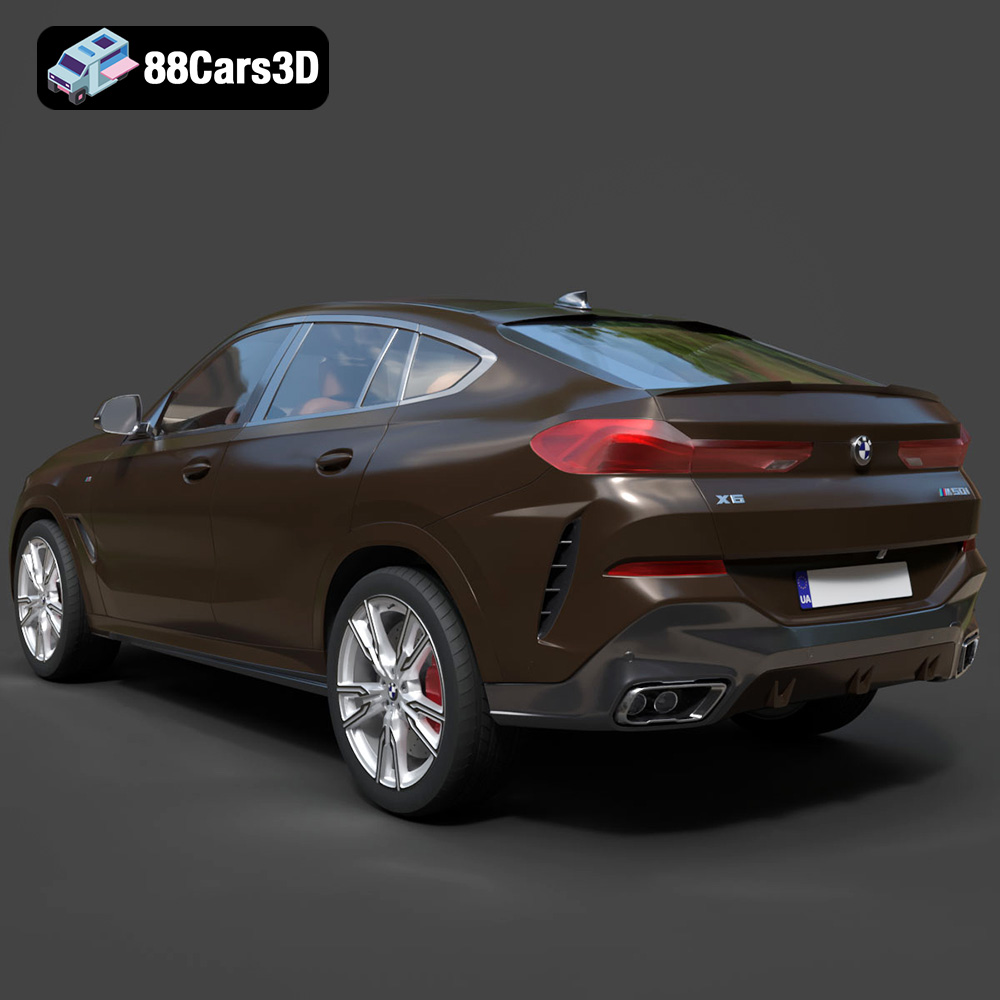
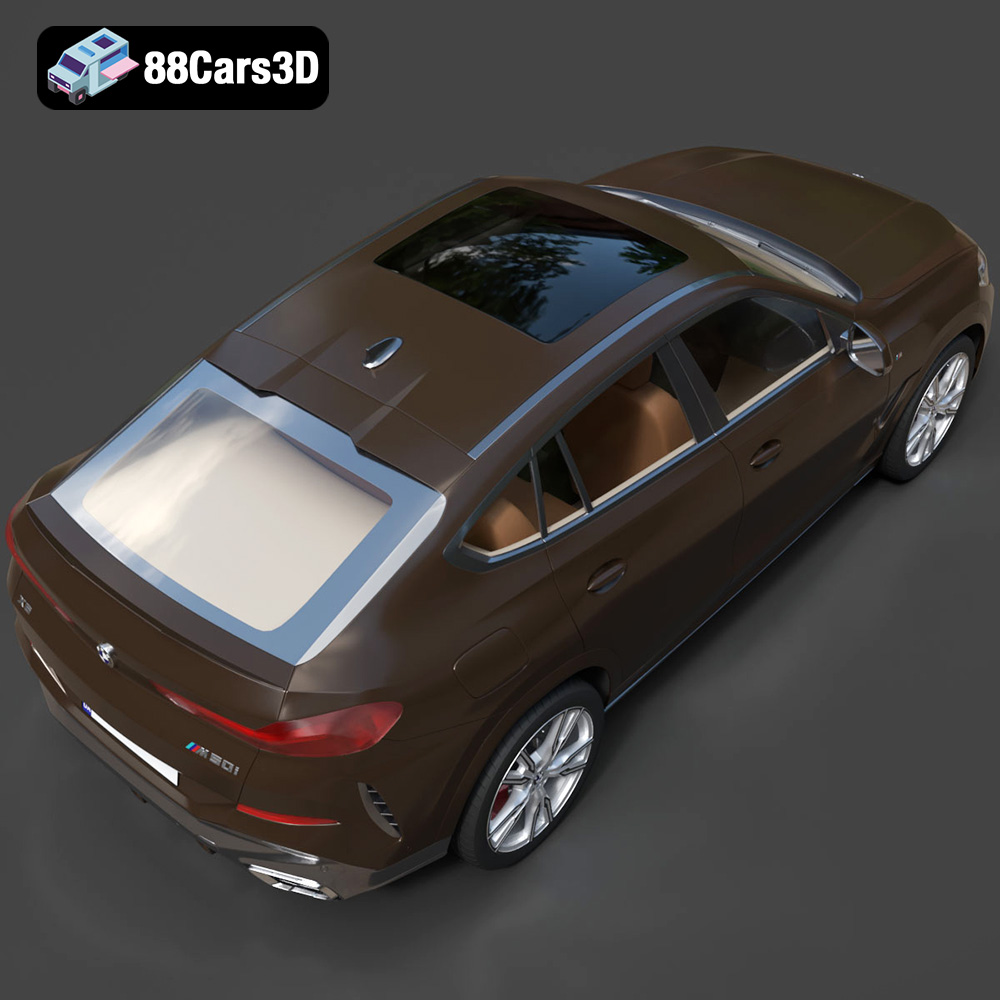
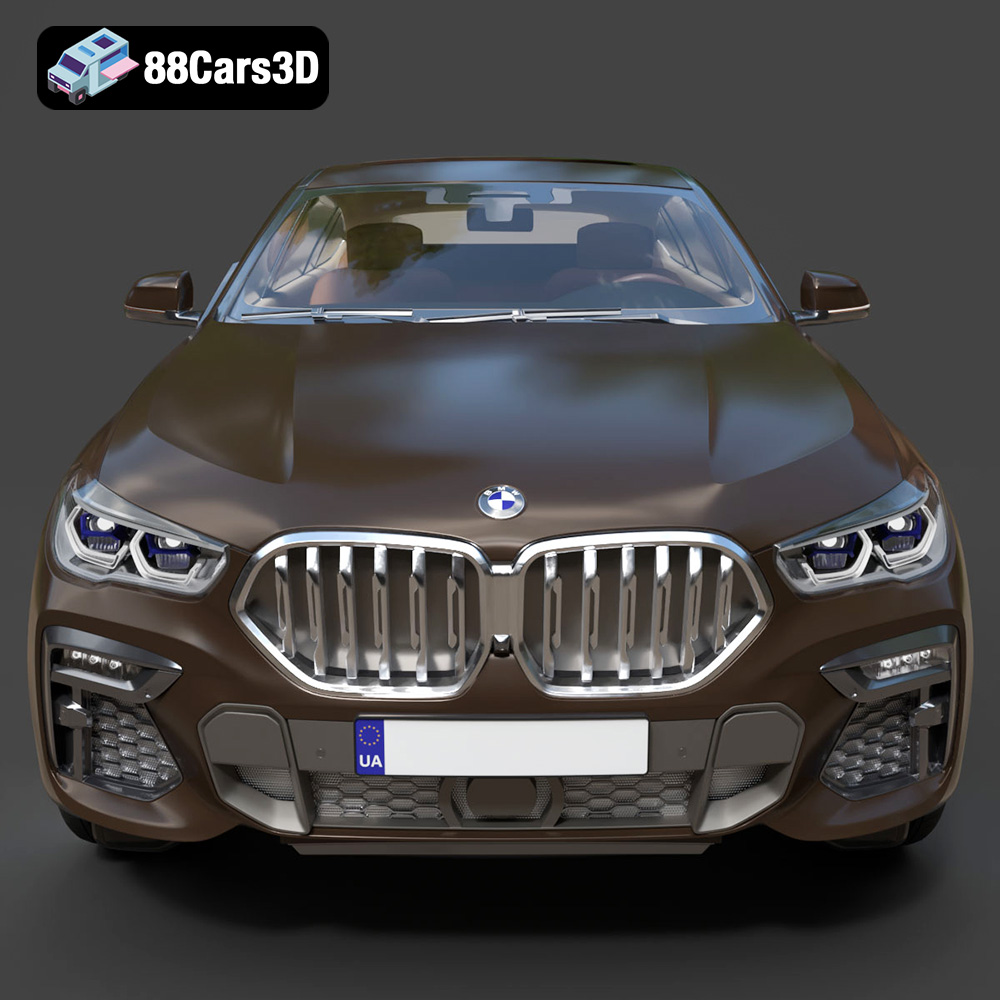
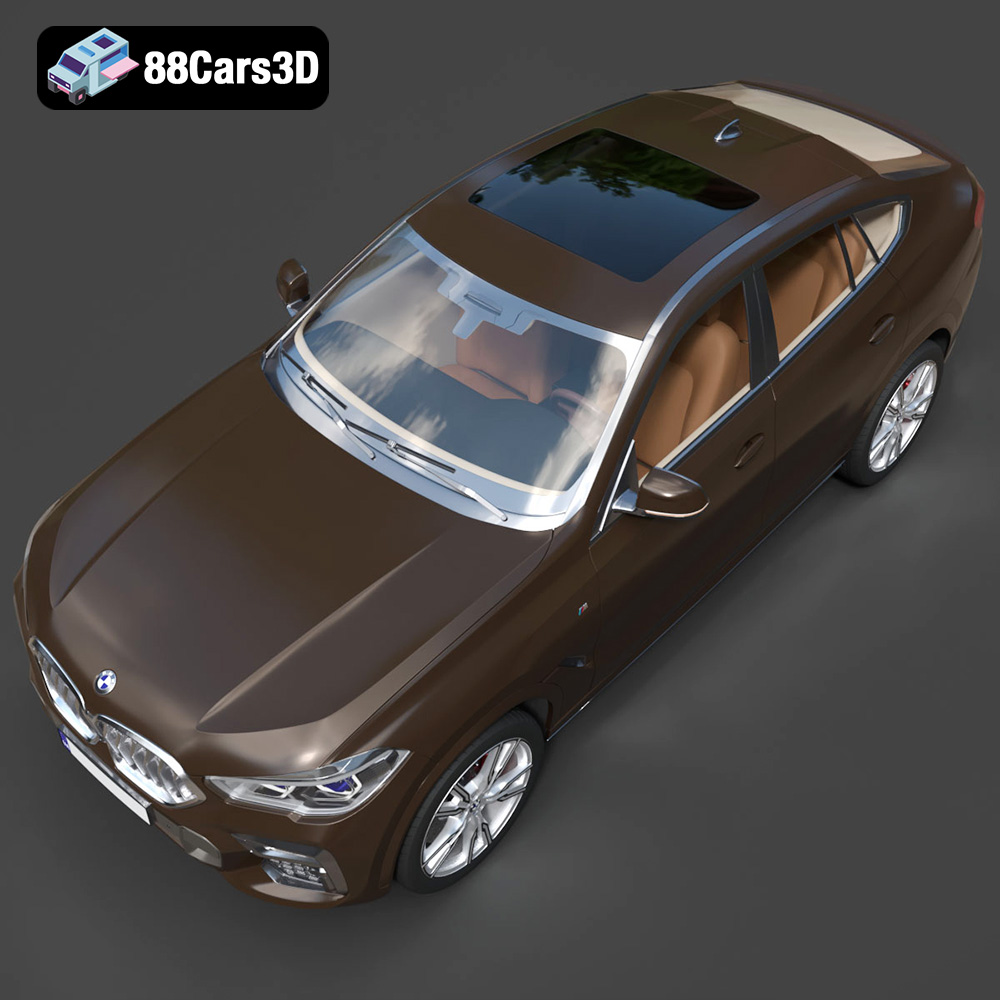
The BMW X6 (Mk3) (G06) M Sport 2020, a symbol of luxury and performance, can now grace your desk, shelf, or even become a unique gift, thanks to the power of 3D printing. This blog post will guide you through the process of bringing this stunning sports activity coupe to life, covering everything from file preparation to post-processing. We’ll delve into recommended printer settings, materials, and techniques to ensure a successful and satisfying 3D printing experience. Whether you are a seasoned 3D printing enthusiast or a curious beginner, this guide will provide the knowledge needed to transform the digital model available at 88cars3d.com into a tangible masterpiece.
Before diving into the printing process, it’s crucial to understand the different file formats associated with 3D models. The BMW X6 (Mk3) (G06) M Sport 2020 model on 88cars3d.com comes with a comprehensive selection of formats designed for various applications. However, when it comes to 3D printing, some formats are significantly more suitable than others.
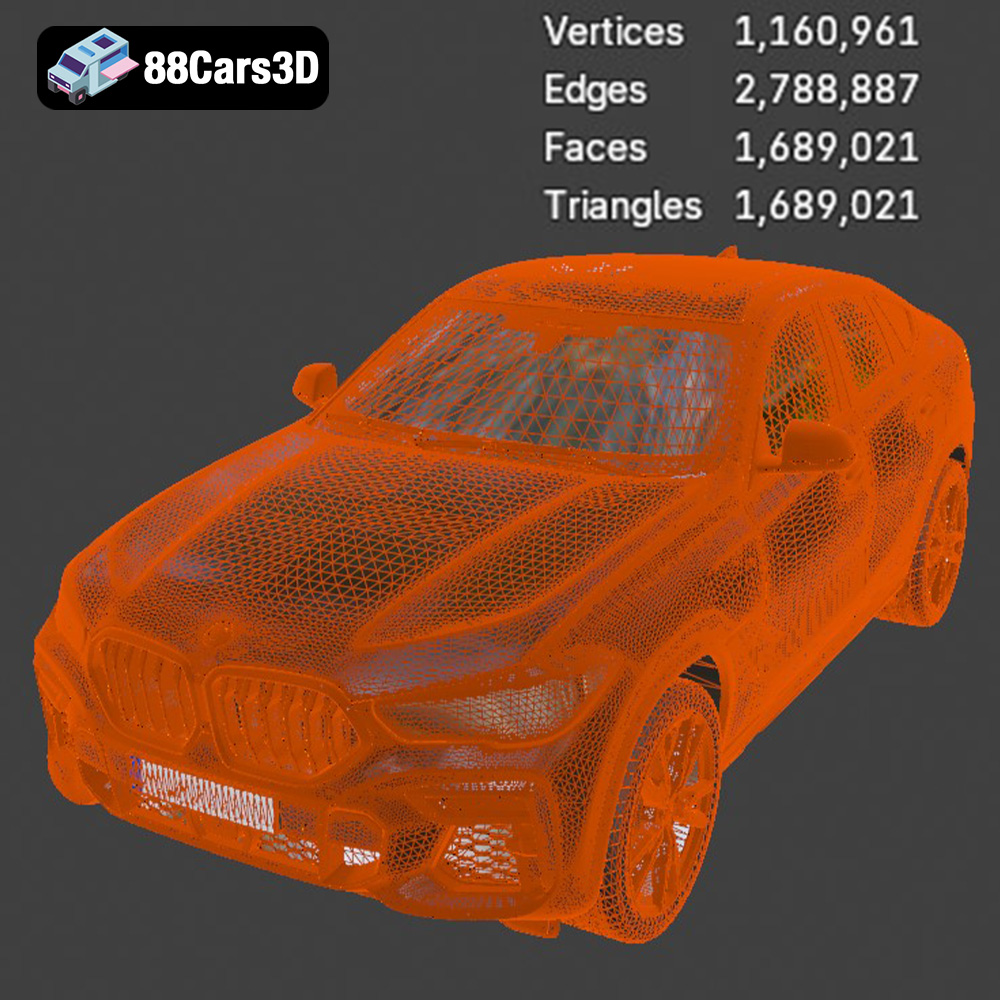
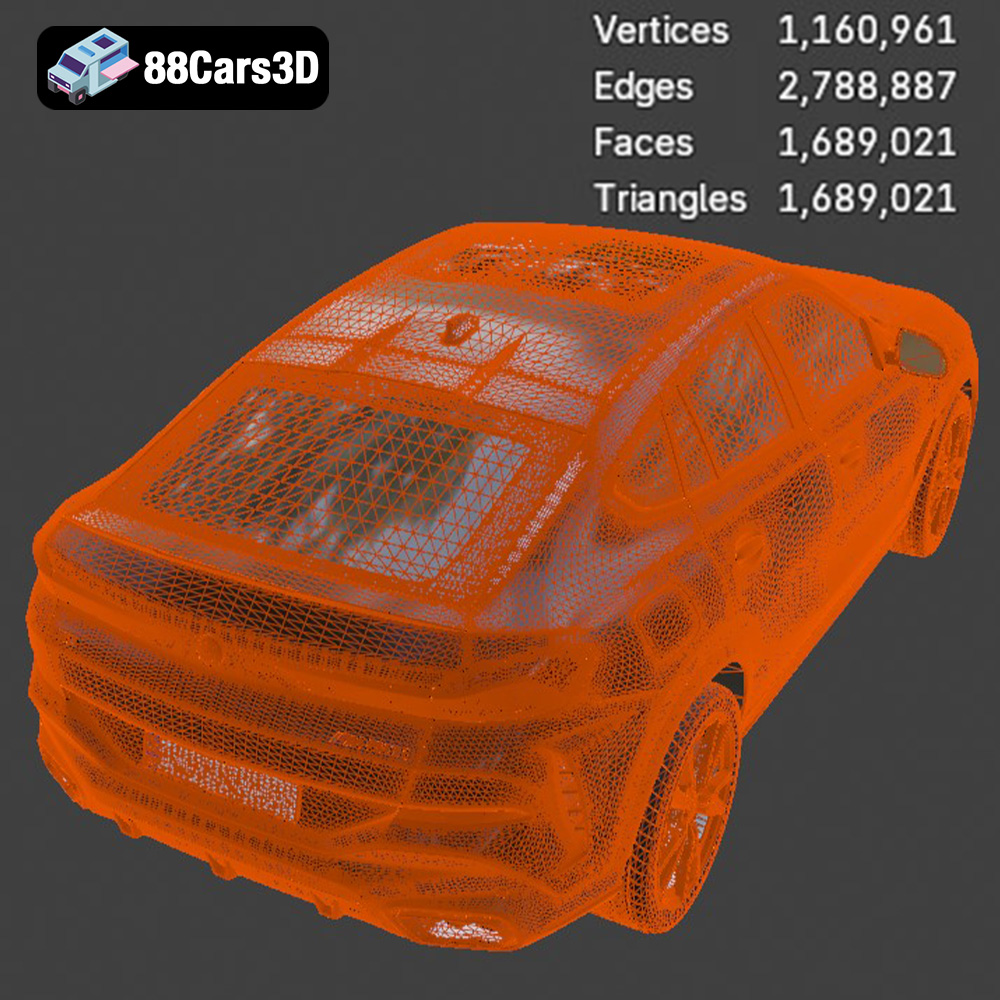
The STL (Stereolithography) file format is the industry standard for 3D printing. It represents the surface geometry of a 3D object as a collection of triangles. This simplicity makes it universally compatible with slicing software, which translates the 3D model into instructions for your 3D printer. The quality of an STL file directly impacts the final print; a higher number of triangles results in a smoother surface but also a larger file size. When dealing with intricate models like the BMW X6, a well-optimized STL is critical to balance detail and printability. For the best results, ensure the STL file you download from 88cars3d.com is exported with a sufficiently high resolution to capture the car’s curves and details without creating an excessively large and unwieldy file.
The OBJ (Object) file format is another widely supported format. Unlike STL, OBJ can store color and texture information, opening possibilities for multi-color 3D printing if you have the hardware and desire. However, most desktop 3D printers are single-color, so the texture information is often irrelevant for printing purposes. While OBJ is generally compatible with slicing software, it’s primarily used when you intend to render the model or use it in applications where color is important, rather than for direct 3D printing.
The PLY (Polygon File Format) is designed to store 3D scanner data, including color and surface normals. It is known for its ability to represent high-detail meshes accurately. While PLY files can be used for 3D printing, they are less common than STL, and not all slicing software fully supports them. If you choose to use PLY, ensure your slicer can handle the format and that the mesh is properly optimized for printing, especially concerning overhangs and potential support structures.
Formats like .blend (Blender), .fbx (Filmbox), .glb (GL Transmission Format), and .max (3ds Max) are primarily intended for editing and visualization rather than direct 3D printing.
You’ll need to export these into a printable format like STL before sending them to your printer.
In summary, for the BMW X6 (Mk3) (G06) M Sport 2020, the STL file is your best bet for a straightforward and successful 3D printing experience. Ensure it’s properly optimized with a sufficient polygon count, and you’re ready to move on to slicing.
Once you have the STL file, the next crucial step is preparing the model for printing using slicing software. This software converts the 3D model into a series of instructions (G-code) that your printer can understand. This section covers vital aspects of pre-print preparation, including orientation, support generation, and settings optimization.
The orientation of the model on the print bed is paramount. For the BMW X6, consider the following:
* **Minimize Support Material:** Position the model to reduce the need for support structures. For instance, orienting the car with the roof facing upwards will minimize supports needed for the complex curves of the body. However, this might require more supports for the wheels and undercarriage.
* **Surface Finish:** Consider which surfaces are most visible. Orient the model to minimize the impact of layer lines on these surfaces. Angling the car slightly can improve the surface finish on the hood and roof, for instance.
* **Structural Integrity:** Ensure that critical structural elements, such as the axles or suspension components (if printing a single-piece model), are strong enough to withstand printing stresses.
Support structures are often necessary to print overhangs and intricate details. Modern slicing software offers various support types, including:
* **Tree Supports:** These supports are efficient and minimize material usage. They are ideal for complex geometries like the car’s body.
* **Linear Supports:** These are standard supports that provide strong support but can be more difficult to remove and leave more noticeable marks.
* **Custom Supports:** Advanced users can manually add or modify supports to optimize for specific areas.
Adjust support settings like density, overhang angle, and interface layer to balance support strength with ease of removal. A denser support structure provides better stability but can be harder to remove and leave more residue.
Optimizing slicer settings is key to achieving a high-quality 3D print. Here are some recommended settings for the BMW X6:
* **Layer Height:** A layer height of 0.1mm to 0.2mm is a good starting point. Lower layer heights (e.g., 0.1mm) produce smoother surfaces but increase print time. For faster prototyping, a layer height of 0.25mm to 0.3mm can be used, but the layer lines will be more visible.
* **Infill Density:** The infill density determines the internal solidity of the print. For a display model, an infill density of 15-20% is sufficient. Increase the infill to 30-40% for a more durable model, especially if it will be handled frequently. Consider using an adaptive infill pattern that increases density in areas requiring more strength.
* **Print Speed:** A print speed of 40-60 mm/s is a good balance between speed and quality. Reduce the speed for the first layer to ensure good adhesion. You may also need to reduce speed for intricate details and overhangs.
* **Temperature:** Adjust the temperature based on the filament you’re using. Refer to the filament manufacturer’s recommendations.
* **Retraction:** Proper retraction settings are vital to prevent stringing and blobs. Adjust the retraction distance and speed to optimize for your printer and filament.
Remember to save your slicing profile so you can easily reuse the settings for future prints.
The choice of material significantly impacts the appearance, durability, and overall success of your 3D printed BMW X6. Several materials are suitable for this project, each with its own strengths and weaknesses.
PLA (Polylactic Acid) is a popular and easy-to-use filament, making it an excellent choice for beginners. It is biodegradable, emits minimal fumes during printing, and produces good surface details. PLA is available in a wide range of colors, allowing you to match the BMW X6’s original paint job or experiment with custom color schemes.
However, PLA is not as heat-resistant or durable as other materials. It can soften or warp in high temperatures, making it unsuitable for parts exposed to direct sunlight for extended periods.
* **Pros:** Easy to print, wide color availability, biodegradable
* **Cons:** Low heat resistance, moderate durability
* **Recommended Settings:** Printing temperature: 200-220°C, Bed temperature: 50-60°C
PETG (Polyethylene Terephthalate Glycol-modified) offers a good balance of strength, durability, and ease of printing. It is more heat-resistant than PLA and provides better impact resistance, making it a great option for a model that will be handled frequently. PETG also has good layer adhesion, resulting in stronger prints.
PETG can be slightly more challenging to print than PLA, requiring careful adjustment of temperature and retraction settings to avoid stringing.
* **Pros:** Good strength and durability, higher heat resistance than PLA, good layer adhesion
* **Cons:** Can be prone to stringing, requires more precise temperature control
* **Recommended Settings:** Printing temperature: 230-250°C, Bed temperature: 70-80°C
For ultimate detail and surface finish, consider using resin printing. Resin printers use liquid resin that is cured by UV light, resulting in incredibly smooth surfaces and the ability to capture fine details that are impossible to achieve with FDM printers.
However, resin printing is more complex and requires more post-processing. Resin is also more expensive than filament and can be toxic, requiring proper ventilation and handling. The printed parts are often more brittle compared to filament prints.
* **Pros:** Exceptional detail, smooth surface finish
* **Cons:** More complex process, requires post-processing, resin can be toxic, parts can be brittle, higher material cost
* **Recommended Settings:** Refer to the resin manufacturer’s recommendations. Settings vary greatly depending on the resin and printer used.
For 3D printing the BMW X6 (Mk3) (G06) M Sport 2020, PETG is a great choice for most users due to its balance of properties. If detail is paramount and you have experience with resin printing, that is a great option as well.
Once the 3D printing is complete, post-processing is essential to refine the model and achieve a professional finish. This section covers techniques for removing supports, sanding, painting, and assembling multi-part models.
The first step is removing the support structures. Carefully detach the supports using pliers or a sharp knife. Take your time to avoid damaging the model’s surface.
After removing the supports, sanding is crucial to smooth out any imperfections and layer lines. Start with coarse-grit sandpaper (e.g., 220 grit) to remove larger bumps and imperfections, then gradually move to finer grits (e.g., 400, 600, 800 grit) to achieve a smooth surface. Wet sanding can help reduce dust and produce an even smoother finish.
For hard-to-reach areas, consider using small files or rotary tools with sanding attachments.
Painting can significantly enhance the appearance of your 3D printed BMW X6.
* **Priming:** Apply a primer coat to create a smooth and uniform surface for the paint. This will also improve paint adhesion.
* **Painting:** Use spray paint or an airbrush for even coverage. Apply multiple thin coats rather than one thick coat to avoid runs and drips. Consider using automotive-grade paint for a durable and realistic finish.
* **Detailing:** Use fine brushes to add details such as window trims, lights, and badges.
* **Clear Coat:** Apply a clear coat to protect the paint and add a glossy or matte finish.
Consider using masking tape to create clean lines and protect areas that you don’t want to paint.
If the BMW X6 model is printed in multiple parts, assembly is required. Use a strong adhesive, such as super glue or epoxy, to join the parts together. Ensure the parts are properly aligned before the adhesive sets.
For added strength, consider using pins or screws to reinforce the joints, especially for larger or load-bearing parts.
Even with careful preparation, you may encounter some common 3D printing issues. This section provides troubleshooting tips for some of the most frequent problems.
Warping occurs when the corners of the print lift off the print bed. This is often caused by poor bed adhesion or uneven cooling.
* **Solution:** Ensure the print bed is properly leveled and clean. Use a bed adhesive, such as glue stick or hairspray. Increase the bed temperature or enclose the printer to create a more consistent temperature environment.
Stringing is the formation of thin strands of filament between different parts of the print. This is usually caused by excessive retraction distance or high printing temperature.
* **Solution:** Adjust the retraction distance and speed in your slicer settings. Lower the printing temperature. Ensure the filament is dry.
Layer shifting occurs when the print layers are misaligned. This can be caused by loose belts, high print speed, or mechanical issues with the printer.
* **Solution:** Tighten the belts and check for any loose screws or components. Reduce the print speed. Ensure the printer is stable and not vibrating excessively.
Under-extrusion occurs when the printer doesn’t extrude enough filament, resulting in weak and porous prints. Over-extrusion is the opposite, where the printer extrudes too much filament, resulting in blobs and rough surfaces.
* **Solution:** Calibrate the extruder steps/mm. Check for clogs in the nozzle. Adjust the printing temperature and flow rate.
By understanding these common issues and their solutions, you can effectively troubleshoot problems and achieve successful 3D prints.
The BMW X6 (Mk3) (G06) M Sport 2020 model from 88cars3d.com is designed for various applications, including 3D printing. However, some specific optimizations can further enhance its printability.
* **Watertightness:** Ensure the model is watertight (i.e., has no holes or gaps in the mesh). Slicing software requires a watertight model to generate proper toolpaths. Use mesh repair tools in your slicer or 3D modeling software to fix any holes or gaps.
* **Non-Manifold Geometry:** Non-manifold geometry refers to edges or faces that are shared by more than two polygons, which is invalid for 3D printing. Mesh repair tools can also fix these issues.
* **Wall Thickness:** Ensure that the model has sufficient wall thickness, especially for thin features like the mirrors or spoilers. A wall thickness of at least 1mm is generally recommended.
* **Simplify Complex Geometries:** Consider simplifying extremely complex geometries, such as intricate grilles or vents, to improve printability and reduce print time. You can use decimation tools in your 3D modeling software to reduce the polygon count while preserving the overall shape.
* **Separate Complex Parts:** Consider separating complex parts (e.g., wheels, windows, interior) into individual STL files. This allows you to print them separately and optimize the orientation and settings for each part. This also makes post-processing, like painting, easier.
By taking these optimization steps, you can significantly improve the printability of the BMW X6 model and achieve a higher quality result.
Experience unparalleled realism with the BMW X6 (Mk3) (G06) M Sport 2020 3D Model. This meticulously crafted digital asset accurately replicates the distinct proportions, aggressive styling, and luxurious detailing of the renowned sports activity coupe. Engineered with precision, this model provides an exceptional level of accuracy, making it an indispensable resource for creators seeking top-tier automotive models.
$19.99
.arvr
.blend
.bmw
.car3dmodel
.fbx
.g06
.gameasset
.glb
.luxurycar
.max
.mk3
.msport
.obj
.ply
.rendering
.simulation
.sportSUV
.stl
.unreal
.x6
SUV