Get 20% OFF All Premium 3D & STL Models!

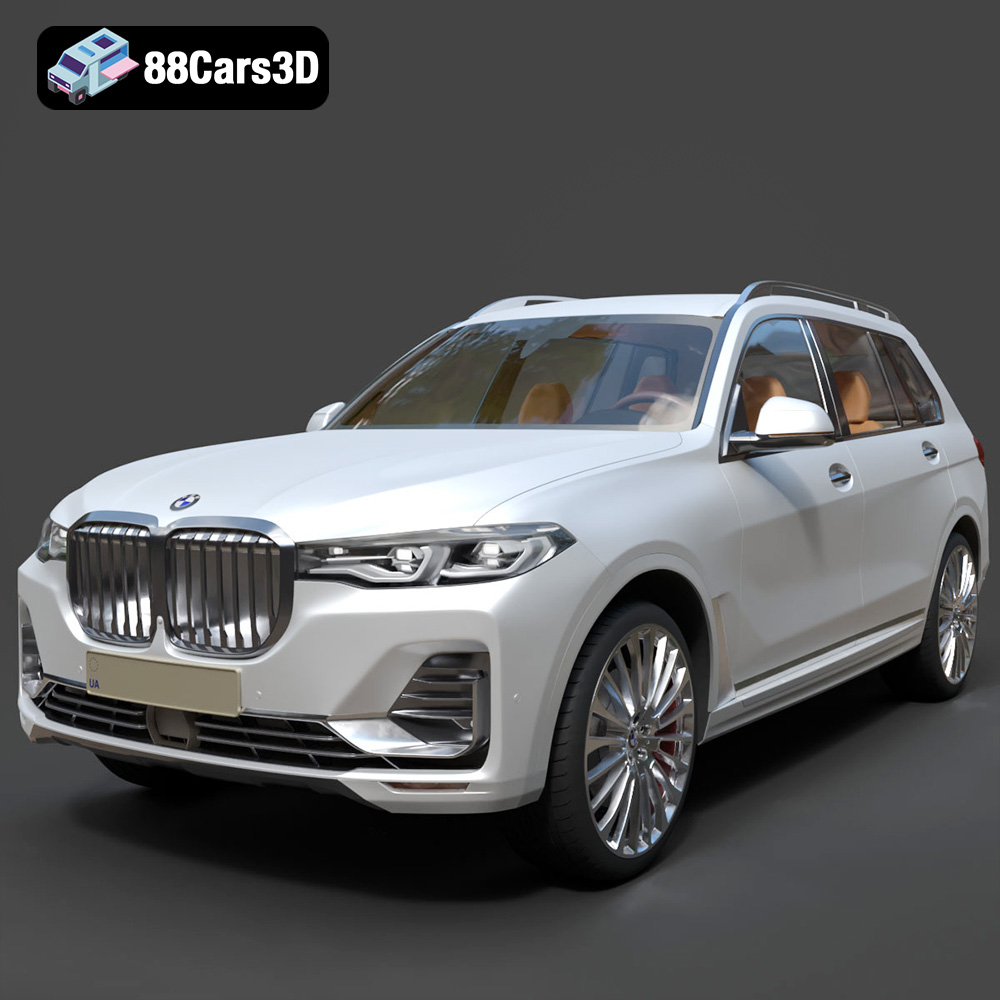
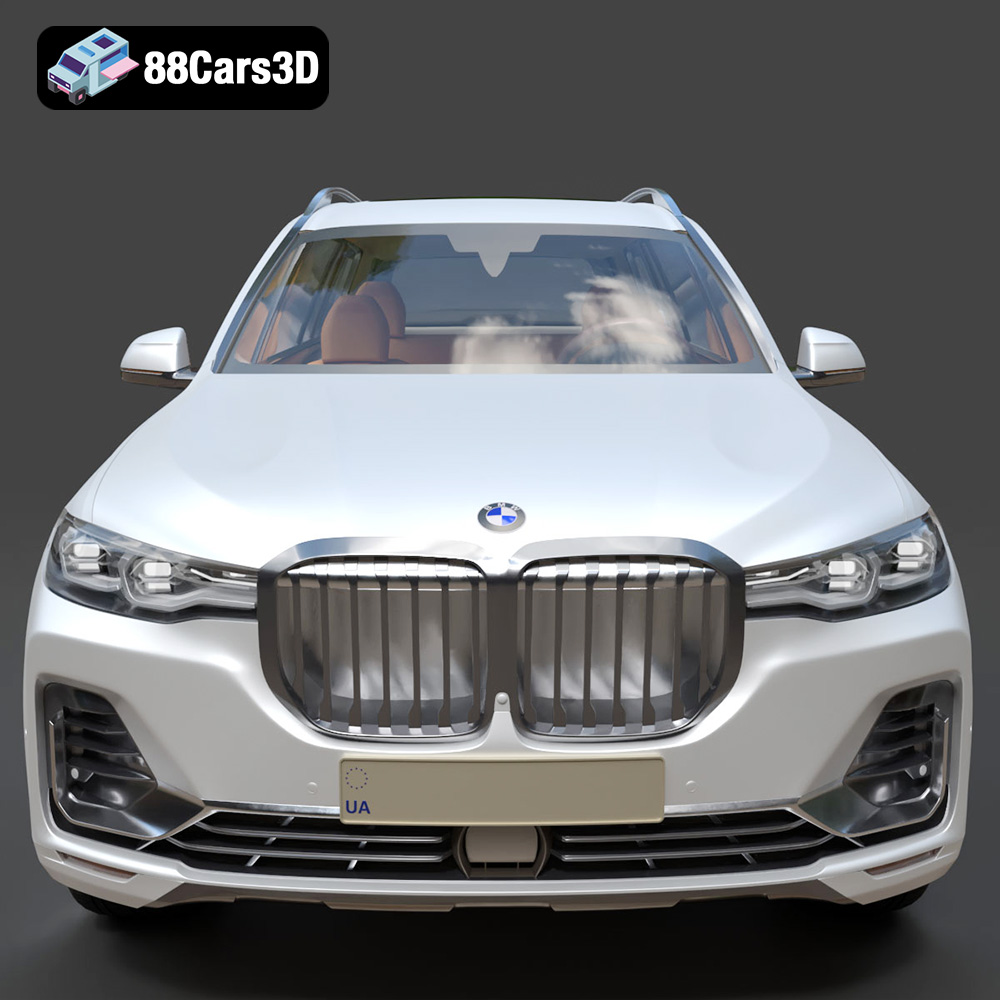
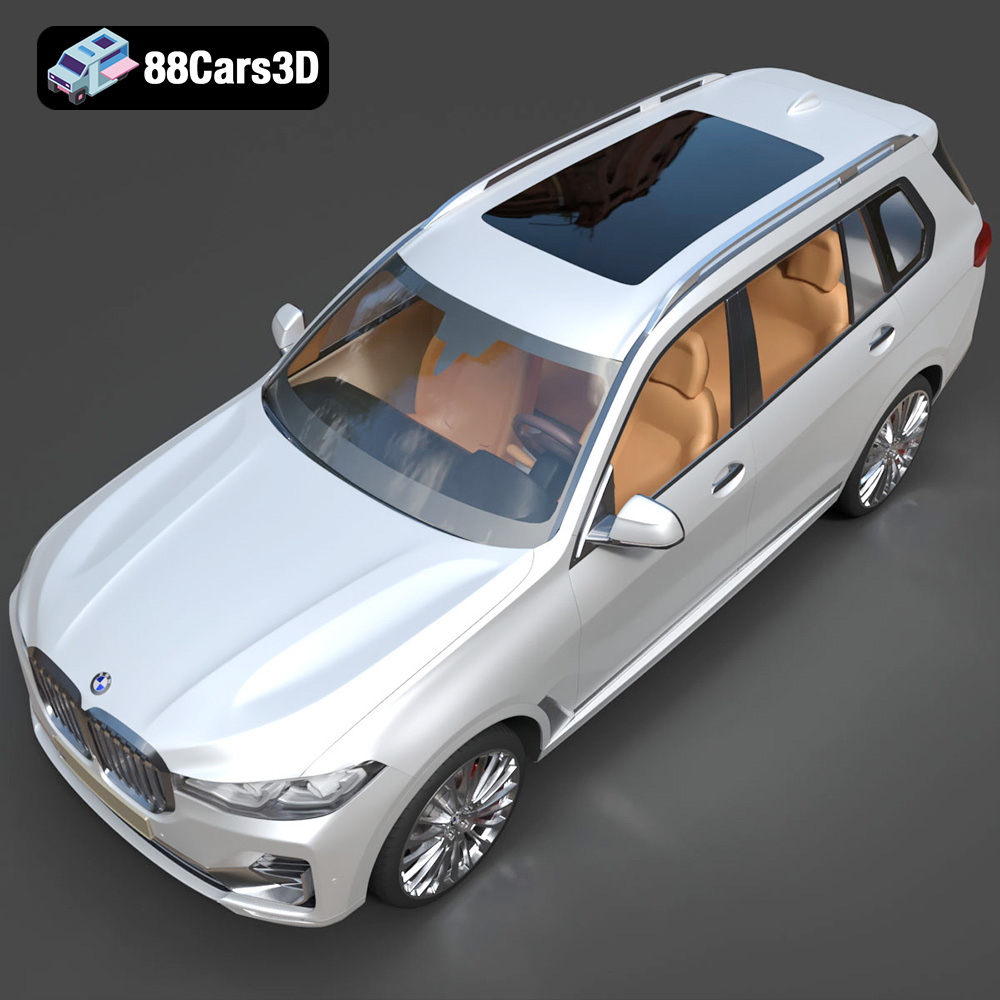
The BMW X7 G07 2019 is a statement of luxury and performance, and now you can bring that statement to your desk with a meticulously crafted 3D printed model. This guide will walk you through the entire process, from preparing the STL files to post-processing your finished masterpiece. We’ll cover material choices, printer settings, and troubleshooting tips to ensure your 3D printed BMW X7 is something you can be proud of. Whether you are a seasoned 3D printing enthusiast or just starting out, this guide will provide the knowledge you need to successfully create a stunning 3D printed replica of this iconic SUV.
Choosing the right file format is a critical first step in the 3D printing process. While several formats exist, some are better suited for additive manufacturing than others. For 3D printing the BMW X7 G07 2019 model, understanding the nuances of each format will allow you to optimize your workflow and achieve the best possible results.
The STL (Stereolithography) format is the undisputed champion of 3D printing. It represents the surface geometry of a 3D object as a collection of triangles. This simplicity makes it universally compatible with virtually all slicing software and 3D printers. The STL file available from 88cars3d.com is the ideal starting point for 3D printing your BMW X7. Because it only contains mesh data, it keeps file sizes manageable. Remember that STL files don’t store color or texture information. Therefore, the final product will require painting if you desire a colored model.
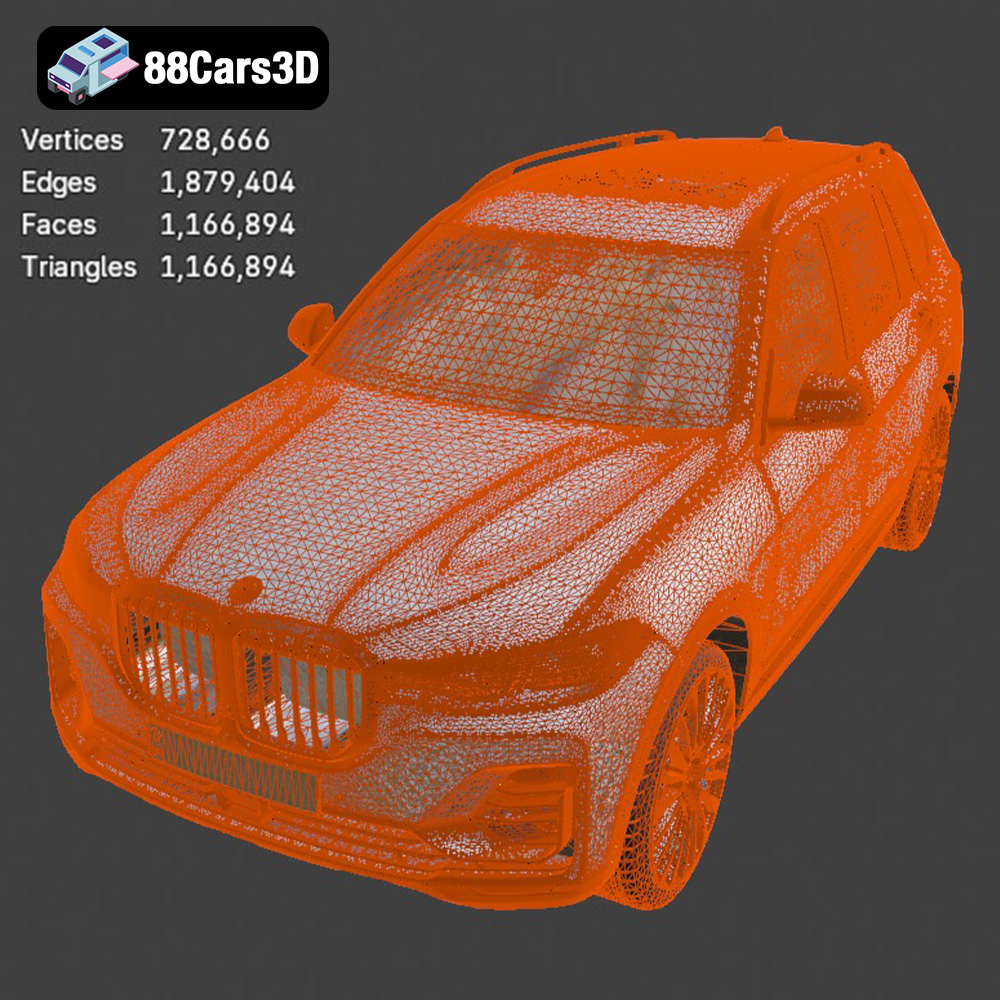
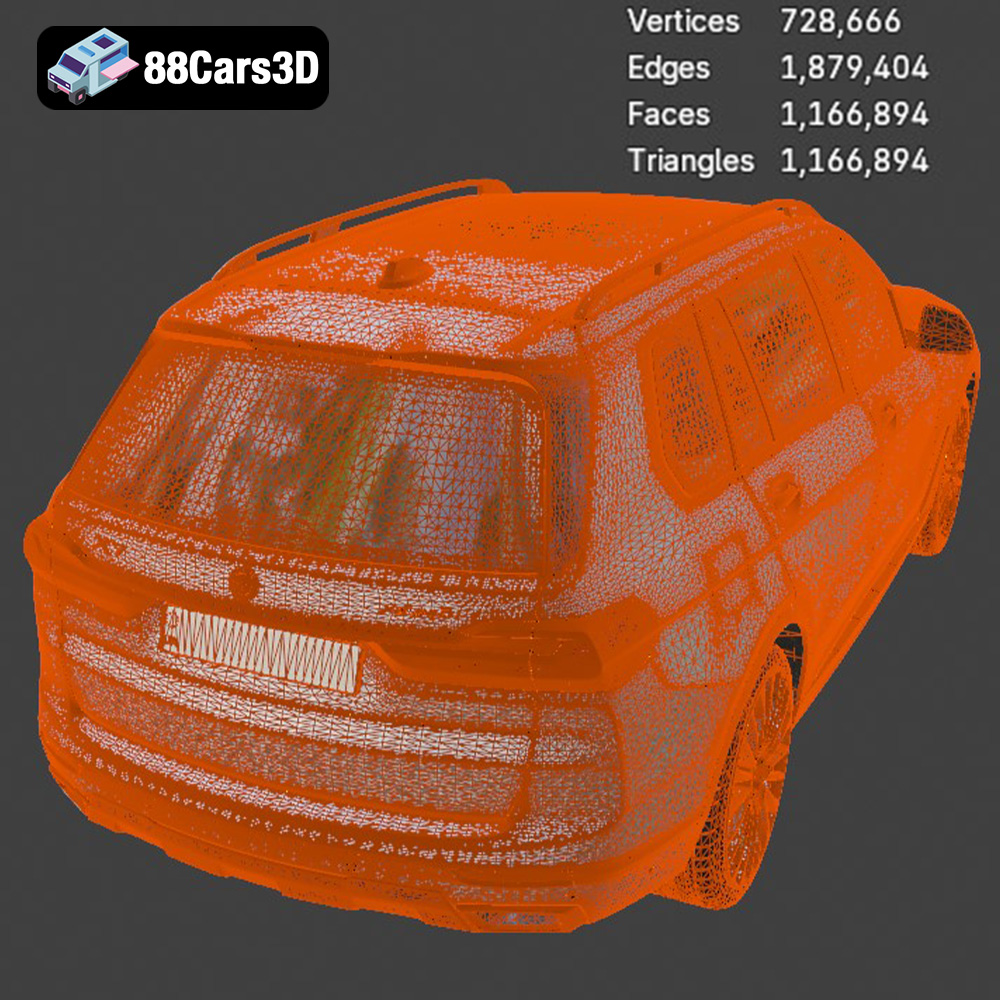
When working with STL files, pay close attention to the mesh quality. A highly detailed model like the BMW X7 needs a sufficiently dense mesh to accurately represent its curves and complex surfaces. However, an excessively dense mesh can lead to very large file sizes and increased processing times in your slicing software. Finding the right balance is key. You can adjust the mesh density during the model preparation phase, often within your 3D modeling software or even in some advanced slicing tools. Aim for a mesh that looks smooth without being unnecessarily detailed.
The OBJ format is another widely supported file type for 3D models. Unlike STL, OBJ files can store color and texture information. This is an advantage if you intend to create a multi-colored print (using a printer capable of this) or if you plan to use the model in rendering software after printing. However, for straightforward 3D printing, the added complexity of textures is often unnecessary and can increase file size. For the BMW X7, the STL file from 88cars3d.com is typically the more efficient choice for printing purposes.
PLY (Polygon File Format) is designed for storing 3D data acquired from 3D scanning. It can represent color, normals, and other properties in addition to the mesh geometry. While it’s great for high-detail models, the additional data increases file size and may not be fully utilized by all slicing programs. For the BMW X7, STL will likely be preferable for most users.
The .blend file is the native format for Blender, a popular open-source 3D modeling software. This format contains the entire scene, including the model, materials, lighting, and camera setups. If you are a Blender user, this is a valuable asset, allowing you to modify the model before exporting it for 3D printing. You could, for example, separate the wheels from the body for easier printing or add custom details. However, you will need Blender installed to open and use this file. You will ultimately need to export the model to an STL file for printing.
FBX (Filmbox) is a proprietary format developed by Autodesk. It’s widely used in game development and animation due to its ability to store complex scene data, including animations, textures, and materials. While some slicing software can import FBX files, they often strip out the extra information, leaving only the mesh data similar to an STL. For the purpose of 3D printing the BMW X7, the direct STL file from 88cars3d.com remains the simplest and most reliable option.
GLB is a binary file format that is excellent for displaying 3D models in augmented reality (AR) applications. It’s efficient and designed for real-time rendering. You likely won’t use it directly for printing, but it’s very helpful to get an idea of the model’s appearance on a mobile device before you commit to printing it.
.max is the native file format for Autodesk 3ds Max, another industry-standard 3D modeling and rendering software. Similar to .blend, this file allows users with 3ds Max to fully customize the BMW X7 model. However, printing requires exporting to STL after any modifications.
Once you’ve downloaded the STL file from 88cars3d.com, you’ll need to prepare it for printing using slicing software. This involves several crucial steps that will affect the final outcome.
Before slicing, it’s essential to inspect the STL file for any errors, such as non-manifold geometry, holes, or inverted normals. These imperfections can cause printing problems. Most slicing software includes basic repair tools. Programs like Meshmixer or Netfabb offer more advanced repair capabilities. Load the STL file into your chosen software and use its diagnostic tools to identify and automatically fix any issues. Ensure the model is a closed, solid volume before proceeding.
The orientation of the model on the print bed significantly impacts print quality, support requirements, and print time. For the BMW X7, consider orienting the model with the roof facing upwards. This minimizes the need for supports on the more visible exterior surfaces, particularly the front and sides. However, this orientation will require supports inside the cabin and underneath the chassis.
Carefully consider where support structures will be placed. Dense supports improve stability but are harder to remove and can leave blemishes on the surface. Sparse supports are easier to remove but may not provide adequate support for overhanging features. Experiment with different support settings in your slicing software to find the optimal balance.
The BMW X7 G07 2019 3D model from 88cars3d.com can be scaled to your desired size. However, keep your printer’s build volume and the level of detail in mind. Scaling the model too small can result in a loss of fine details, while scaling it too large may exceed your printer’s capabilities or increase print time dramatically.
Determine the appropriate scale based on your intended use and the capabilities of your printer. Measure the dimensions of your print bed and calculate the maximum size you can print. Consider printing a small test piece at the desired scale to evaluate the level of detail before committing to the entire model.
The choice of material affects the appearance, strength, and durability of your 3D printed BMW X7. Here are some popular options:
PLA is a biodegradable thermoplastic derived from renewable resources, making it an eco-friendly choice. It’s easy to print with, has low warping, and produces good surface detail. PLA is a great general-purpose material for the BMW X7, particularly for display models. However, it’s not very heat-resistant and can become brittle over time.
For PLA, typical print settings are:
* Nozzle temperature: 200-220°C
* Bed temperature: 60-70°C
* Print speed: 40-60 mm/s
PETG offers a good balance of strength, flexibility, and heat resistance. It’s more durable than PLA and less prone to warping than ABS. PETG is a good choice if you want a more robust model that can withstand higher temperatures.
For PETG, typical print settings are:
* Nozzle temperature: 230-250°C
* Bed temperature: 70-80°C
* Print speed: 40-60 mm/s
Resin printing (SLA or DLP) offers the highest level of detail and surface finish. It’s ideal for creating highly accurate and intricate models of the BMW X7. However, resin prints are typically more brittle than FDM prints and require careful post-processing. Resin printers also tend to have smaller build volumes than FDM printers.
For standard resin, typical print settings are:
* Layer height: 0.025-0.05 mm
* Exposure time: Varies depending on the resin and printer, consult the manufacturer’s recommendations
Other materials like ABS, nylon, or carbon fiber-filled filaments can be used for more specialized applications. ABS offers high strength and heat resistance but is more difficult to print with due to warping. Nylon is flexible and durable but requires a high printing temperature and a heated enclosure. Carbon fiber-filled filaments add strength and stiffness but can be abrasive to the nozzle.
The right printer settings are crucial for achieving a high-quality 3D printed BMW X7.
Layer height determines the vertical resolution of the print. A lower layer height (e.g., 0.1 mm) results in smoother surfaces and finer details but increases print time. A higher layer height (e.g., 0.2 mm) prints faster but sacrifices some surface quality. For the BMW X7, a layer height of 0.1-0.15 mm strikes a good balance between detail and print time.
Infill density affects the internal strength and weight of the print. A higher infill density (e.g., 20%) makes the model stronger and heavier but consumes more material and increases print time. A lower infill density (e.g., 10%) saves material and time but reduces the model’s strength. For a display model of the BMW X7, an infill density of 10-15% is usually sufficient.
Print speed affects the overall print time and the quality of the print. A slower print speed generally results in better surface quality and fewer errors. A faster print speed can save time but may lead to imperfections, such as ringing or ghosting. For the BMW X7, a print speed of 40-60 mm/s is a good starting point. Adjust as needed based on your printer and material.
As mentioned earlier, support structures are necessary for printing overhanging features. Experiment with different support patterns (e.g., linear, grid, zigzag) and densities to find the optimal settings for the BMW X7. Consider using support blockers to prevent supports from being generated in areas where they are not needed. Adjust the support overhang angle to fine-tune where supports are created.
Post-processing is essential for removing support structures and refining the surface finish of your 3D printed BMW X7.
Carefully remove the support structures using pliers, a hobby knife, or a deburring tool. Take your time and avoid damaging the model. For soluble support materials, simply dissolve them in water or a suitable solvent.
Sanding smooths out the surface and removes any blemishes left by the support structures. Start with a coarse grit sandpaper (e.g., 220 grit) and gradually move to finer grits (e.g., 400, 600, 800 grit). Wet sanding can help to reduce dust and improve the surface finish.
Apply a primer to the model to create a smooth, uniform surface for painting. Use spray paint or an airbrush to apply multiple thin coats of paint. Allow each coat to dry completely before applying the next. Consider using automotive paints for a realistic finish. You can find color codes for the BMW X7 G07 2019 online.
If the model was printed in multiple parts, assemble them using glue or epoxy. Ensure the parts are properly aligned before bonding them together. Consider using clamps or weights to hold the parts in place while the adhesive cures.
Even with careful preparation, you may encounter some common 3D printing issues. Here are a few troubleshooting tips:
* **Warping:** This occurs when the print detaches from the print bed due to uneven cooling. Ensure the bed is properly leveled and heated. Use a brim or raft to improve adhesion.
* **Stringing:** This happens when filament oozes from the nozzle during travel moves. Reduce the nozzle temperature, increase retraction, or adjust the travel speed.
* **Layer Shifting:** This occurs when the print head or bed shifts during printing. Check the belts, pulleys, and lead screws for any looseness or obstructions.
* **Under-extrusion:** This happens when the printer doesn’t extrude enough material. Increase the nozzle temperature, reduce the print speed, or check the extruder for clogs or other issues.
* **Over-extrusion:** The opposite of under-extrusion – too much material is extruded. Reduce the nozzle temperature, increase the print speed, or calibrate the extruder.
By understanding these potential issues and their solutions, you can overcome challenges and achieve successful prints.
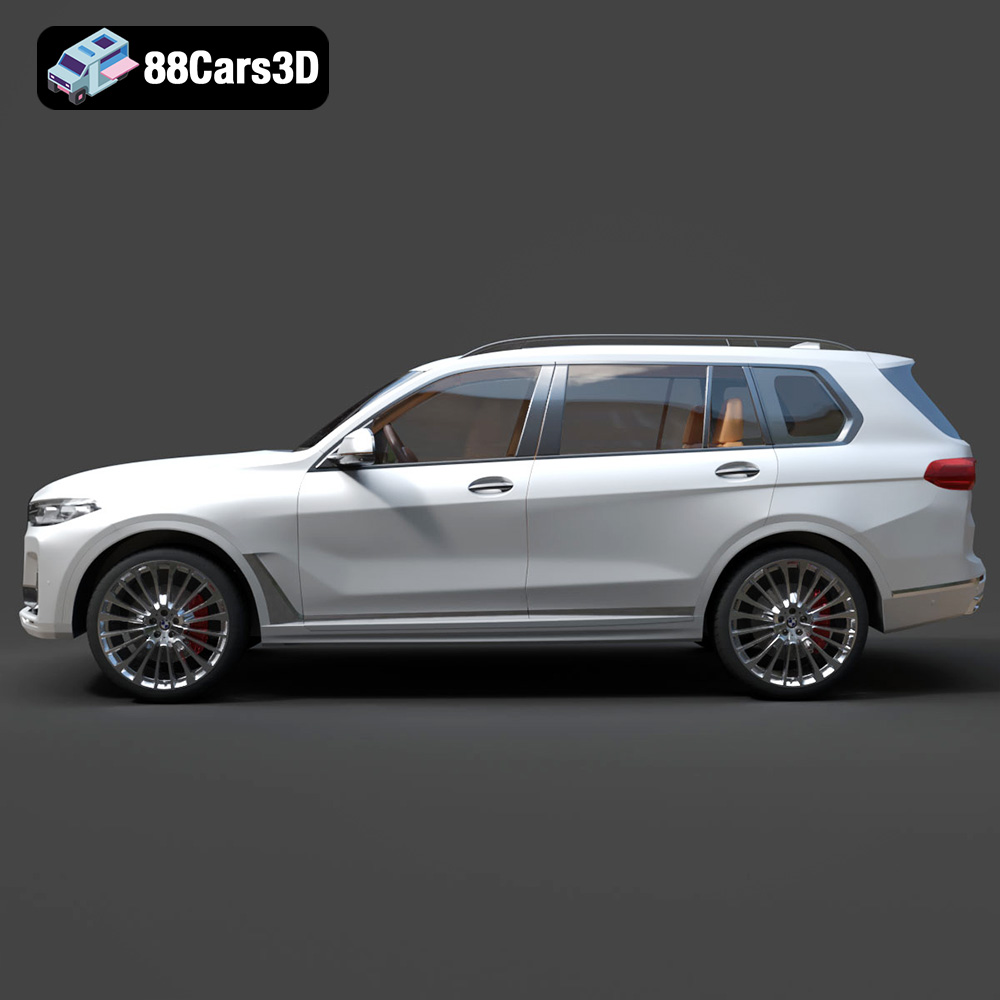
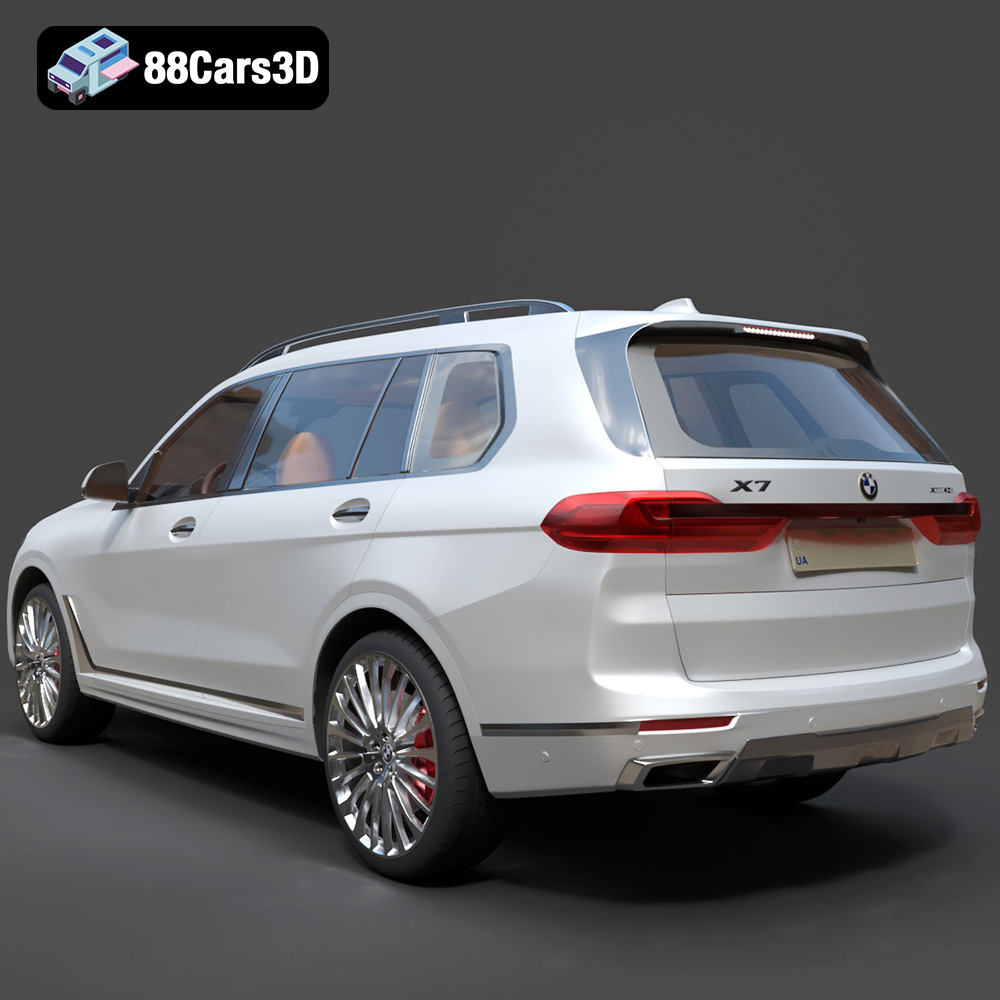
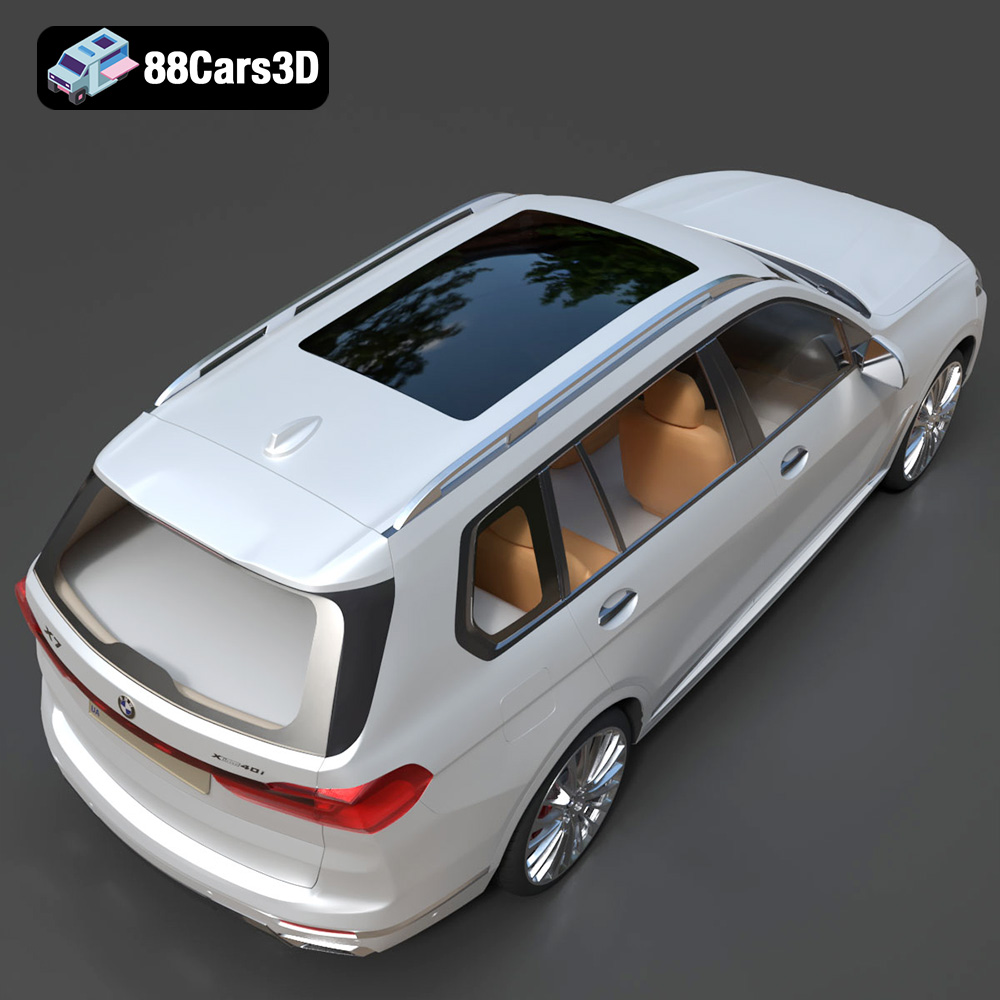
The BMW X7 G07 2019 3D model is a meticulously crafted digital replica capturing the luxurious and commanding presence of the flagship SUV. This highly realistic model is designed for professionals seeking exceptional accuracy and visual fidelity in their digital projects. Built with clean geometry and realistic materials, this professional-grade asset ensures exceptional detailing across all surfaces. Its optimized mesh topology allows for seamless integration into various digital environments without compromising performance. This versatile 3D vehicle is designed for a wide range of applications, including game development, automotive rendering, AR/VR experiences, architectural visualization, and dynamic simulations.
$19.99
.arvr
.blend
.bmw
.car3dmodel
.fbx
.g07
.gameasset
.glb
.luxurycar
.max
.obj
.ply
.rendering
.simulation
.stl
.unreal
.x7
SUV