Get 20% OFF All Premium 3D & STL Models!

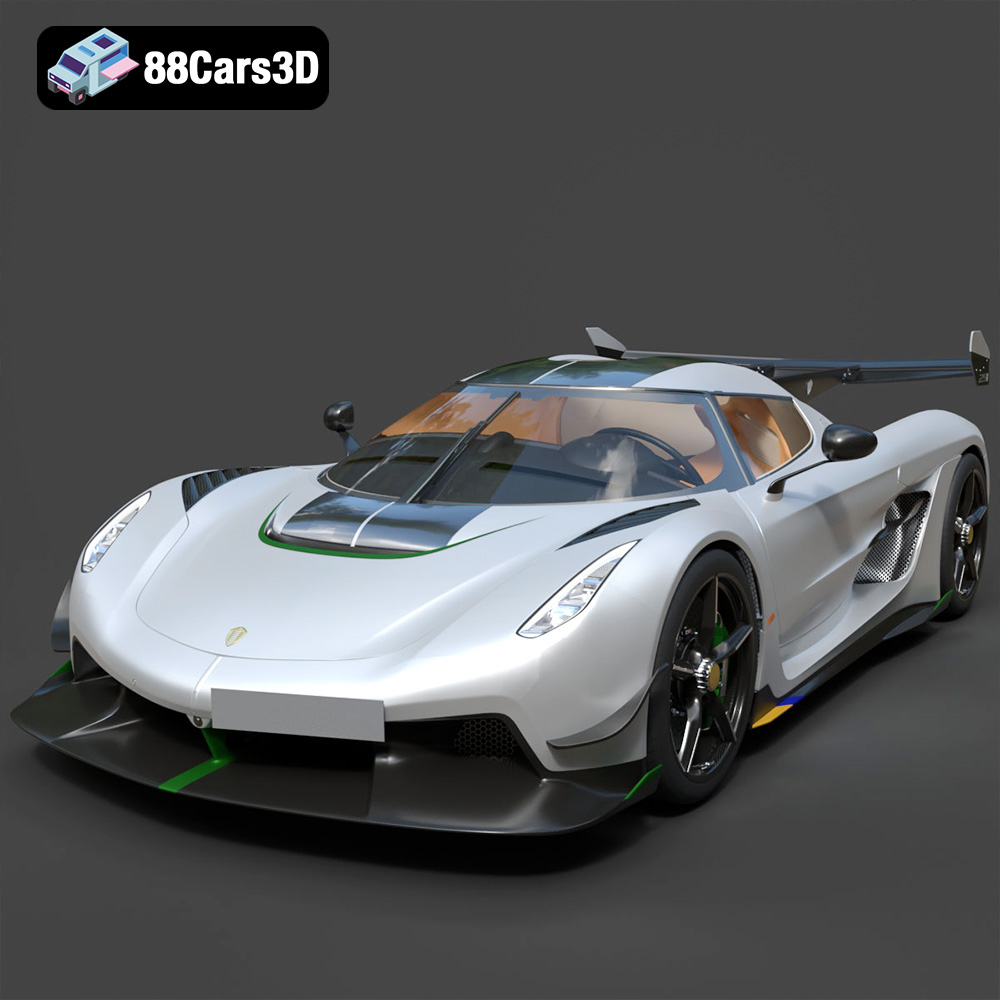
The Koenigsegg Jesko is a marvel of automotive engineering, a hypercar that pushes the boundaries of performance and design. Now, thanks to 88cars3d.com, you can bring this incredible machine to life in your own home through the magic of 3D printing. This comprehensive guide will walk you through every step of the process, from selecting the right materials and preparing your STL files, to fine-tuning your printer settings and achieving a flawless final product. Prepare to embark on a rewarding journey as we explore the world of 3D printing and recreate the iconic Koenigsegg Jesko.
Before diving into the specifics of printing the Koenigsegg Jesko, it’s crucial to understand the different 3D model file formats available and which ones are best suited for additive manufacturing. The file format dictates how the 3D model’s data is stored, including its geometry, texture, color, and other properties. Choosing the right format ensures compatibility with your slicing software and printer, leading to a successful and high-quality print.
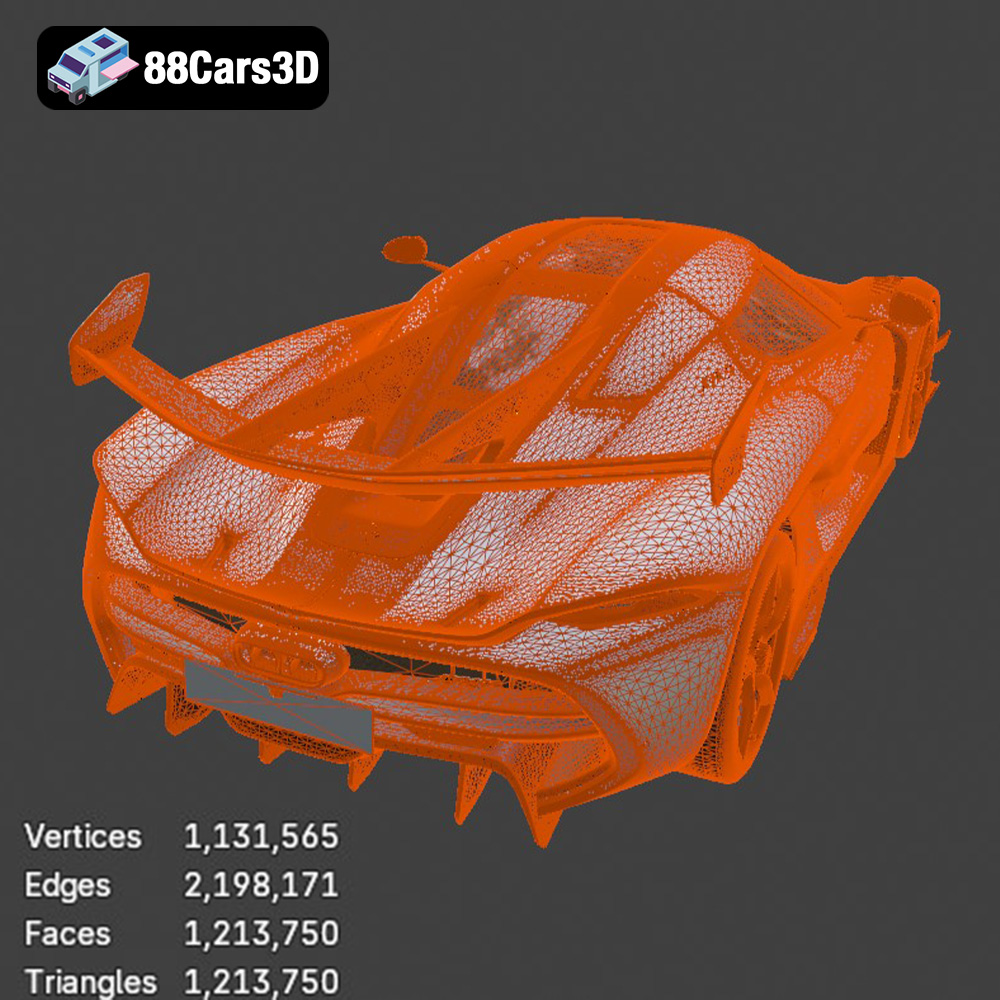
The STL (Stereolithography) file format is the undisputed standard in the 3D printing world. It represents the 3D model’s surface geometry as a collection of triangles, creating a mesh. This simplicity makes it universally compatible with virtually all 3D printing software and hardware. However, STL files only store the surface geometry, meaning they don’t contain any color, texture, or material information. For the Koenigsegg Jesko model from 88cars3d.com, the STL file is your go-to option for 3D printing. It provides a reliable and straightforward way to translate the digital model into a physical object. Ensure your STL file has sufficient resolution (triangle count) to capture the intricate details of the Jesko, especially its aerodynamic features. A low-resolution STL can result in a faceted, less-detailed print.
OBJ files are more versatile than STL files, as they can store color and texture information in addition to the geometry. This makes them suitable for colored 3D prints, although this often requires specialized 3D printers capable of multi-material or full-color printing. While OBJ files can be used for 3D printing, they are more commonly used in rendering and animation. For printing the Koenigsegg Jesko, if you intend to paint the model after printing, the STL format will be a better starting point.
PLY (Polygon File Format) is designed to store data from 3D scanners. It’s capable of capturing detailed mesh data with high precision, making it suitable for complex models. Like OBJ, it can also store color information. However, PLY files are not as widely supported by 3D printing software as STL files.
BLEND files are native to Blender, a popular open-source 3D modeling software. This format contains the entire Blender scene, including the model, materials, textures, lighting, and camera settings. While you can’t directly 3D print a BLEND file, it’s extremely valuable for customizing the Koenigsegg Jesko model before exporting it to a printable format like STL. You can modify the model’s geometry, add details, or split it into separate parts for easier printing and assembly.
FBX (Filmbox) is a proprietary file format developed by Autodesk, commonly used in game development and animation. It supports a wide range of data, including geometry, textures, materials, animations, and skeletal rigs. While FBX files can sometimes be imported into slicing software, their primary use is for transferring 3D models between different applications.
GLB is a binary file format that represents 3D models in the glTF (GL Transmission Format) format. It is designed for efficient transmission and loading of 3D scenes and models, particularly in web-based applications and augmented reality (AR) experiences. The GLB format is excellent for previewing the Koenigsegg Jesko in AR before printing to get a sense of its size and appearance in the real world.
MAX files are the native project files for 3ds Max, another industry-leading 3D modeling and animation software. Similar to BLEND files, MAX files contain the entire scene setup, including the model, materials, lighting, and animation data. This format is excellent for making advanced modifications to the Jesko model within 3ds Max before exporting it for 3D printing.
In conclusion, for 3D printing the Koenigsegg Jesko model from 88cars3d.com, the STL format is the most reliable and widely compatible option. Ensure that the STL file has a high enough resolution to capture the intricate details of the hypercar. If you need to modify the model before printing, use the BLEND or MAX files in their respective software and then export the modified model as an STL file.
Once you’ve chosen your file format (ideally STL), the next step is preparing the model for 3D printing. This involves several crucial steps, including model inspection, scaling, orientation, and support generation.
Before slicing, it’s essential to inspect the STL file for any potential issues that could compromise the print quality. Common problems include non-manifold geometry (holes or gaps in the mesh), inverted normals (surfaces facing the wrong direction), and overlapping faces. These issues can lead to printing errors or a weakened final product. Use software like Meshmixer, Netfabb, or even online repair services to automatically detect and fix these problems. Ensure that the Koenigsegg Jesko model is watertight and has a clean, error-free mesh before proceeding.
Consider the desired size of your 3D printed Koenigsegg Jesko and scale the model accordingly in your slicing software. Keep in mind the limitations of your 3D printer’s build volume. Next, carefully consider the model’s orientation on the print bed. This significantly impacts print time, support material usage, and the final surface finish. For the Jesko, orienting the model with the roof facing upwards can minimize the need for supports on the body, resulting in a smoother top surface. However, this orientation might require more supports for the wheels and other protruding parts. Experiment with different orientations in your slicing software to find the optimal balance.
Supports are temporary structures that provide stability and prevent overhangs from collapsing during printing. For the Koenigsegg Jesko, supports are likely needed under the front and rear bumpers, the side mirrors, and potentially the rear wing. Choose a support structure that is easy to remove after printing, such as tree supports or lightweight linear supports. Adjust the support density and overhang angle in your slicing software to optimize support generation while minimizing material usage.
The choice of material significantly impacts the strength, appearance, and functionality of your 3D printed Koenigsegg Jesko. Here are some popular options and their pros and cons:
PLA is a biodegradable thermoplastic known for its ease of printing and relatively low printing temperature. It’s a great choice for beginners and for models where high strength and heat resistance are not critical. PLA is available in a wide range of colors and finishes, making it ideal for creating visually appealing models of the Koenigsegg Jesko. However, PLA is not as strong or heat-resistant as other materials, and it can become brittle over time.
PETG combines the ease of printing of PLA with improved strength, flexibility, and heat resistance. It’s a good all-around material for functional parts and for models that need to withstand some stress. PETG is also more resistant to moisture and chemicals than PLA. This makes it a solid choice for a more durable Koenigsegg Jesko model.
ABS is a strong and heat-resistant thermoplastic commonly used in injection molding. It’s a good choice for functional parts that need to withstand high temperatures or mechanical stress. However, ABS is more challenging to print than PLA or PETG, as it requires a higher printing temperature and is prone to warping. It also emits fumes during printing, so proper ventilation is essential.
Resin 3D printing offers exceptional detail and smooth surfaces, making it ideal for creating highly accurate and visually stunning models of the Koenigsegg Jesko. Resin printers use liquid photopolymer resins that are cured by UV light. This technology allows for much finer layer heights and intricate details compared to FDM printing. However, resin printing can be more expensive than FDM printing, and it requires more post-processing, including washing and curing the printed parts.
Fine-tuning your 3D printer settings is crucial for achieving a high-quality print of the Koenigsegg Jesko. Here are some key settings to consider:
Layer height determines the resolution of your print. Lower layer heights result in smoother surfaces and more detail, but they also increase print time. For the Koenigsegg Jesko, a layer height of 0.1mm to 0.2mm is a good balance between detail and print speed. If you’re using a resin printer, you can go even lower, down to 0.025mm or even lower for exceptional detail.
Infill density determines the internal structure of your print. Higher infill densities result in stronger parts, but they also increase material usage and print time. For a display model of the Koenigsegg Jesko, an infill density of 15% to 20% is usually sufficient. For parts that need to withstand some stress, such as the wheels or axles, you might want to increase the infill density to 50% or higher.
Print speed affects both the quality and the duration of your print. Slower print speeds generally result in better quality, but they also increase print time. Start with a moderate print speed of 40mm/s to 60mm/s and adjust it based on the results.
The optimal printing temperature depends on the material you’re using. Refer to the manufacturer’s recommendations for the specific filament or resin you’ve chosen.
Once the printing is complete, some post-processing is usually required to achieve the desired final result.
Carefully remove the supports from the printed model using pliers, a hobby knife, or other suitable tools. Be gentle to avoid damaging the model.
Sanding is essential for smoothing out layer lines and imperfections on the surface of the printed model. Start with a coarse grit sandpaper (e.g., 220 grit) and gradually move to finer grits (e.g., 400 grit, 600 grit, 800 grit) for a smooth finish. Consider using filler primer to fill in any remaining imperfections before sanding.
Painting can significantly enhance the appearance of your 3D printed Koenigsegg Jesko. Apply a primer coat to the sanded model to create a smooth and even surface for the paint to adhere to. Use high-quality automotive paints to achieve a realistic finish. Consider using masking tape to create sharp lines and details. Finally, apply a clear coat to protect the paint and add a glossy shine.
Even with careful preparation and optimized settings, 3D printing can sometimes present challenges. Here are some common issues and their solutions:
Warping occurs when the printed part lifts from the print bed due to uneven cooling. To prevent warping, ensure that the print bed is properly leveled and heated. Use a build plate adhesive, such as glue stick or hairspray, to improve adhesion. Enclosing the printer in an enclosure can also help to maintain a consistent temperature and prevent warping.
Stringing occurs when thin strands of filament are left between different parts of the print. To prevent stringing, reduce the printing temperature, increase retraction distance, and decrease retraction speed.
Layer shifting occurs when the printer’s axis shifts during printing, resulting in misaligned layers. Check the belts and pulleys for proper tension and tightness. Also, make sure the printer is placed on a stable surface and is not subject to vibrations.
By following these guidelines, you can successfully 3D print a stunning replica of the Koenigsegg Jesko and showcase your passion for automotive excellence. Remember that 88cars3d.com offers high-quality 3D models optimized for printing, giving you a head start in your 3D printing journey.
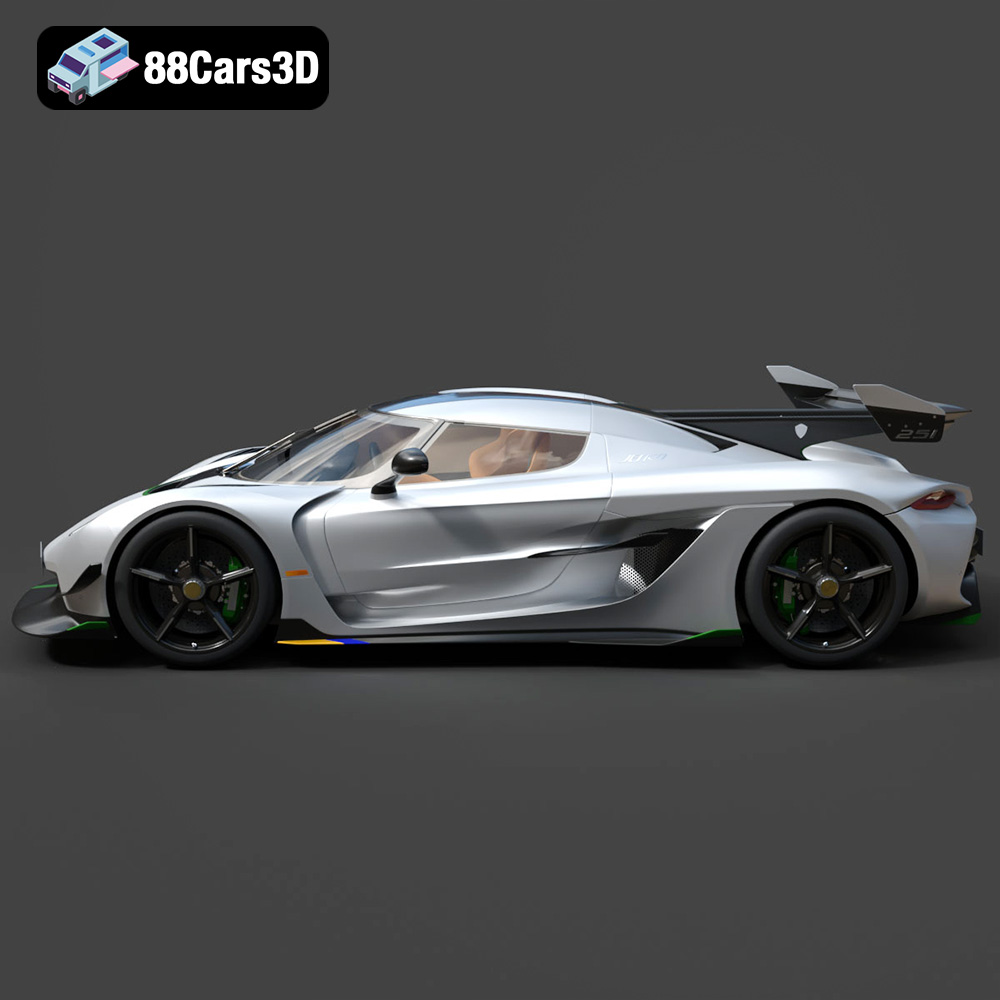
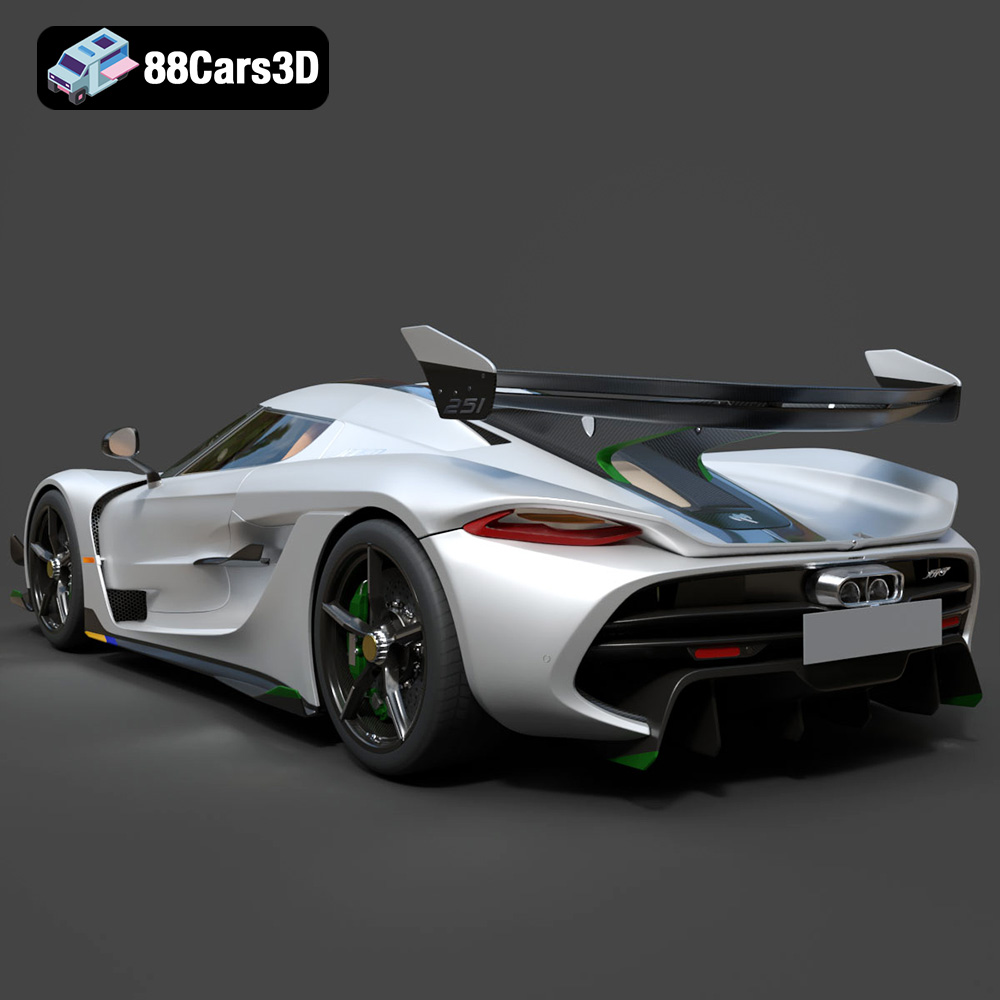
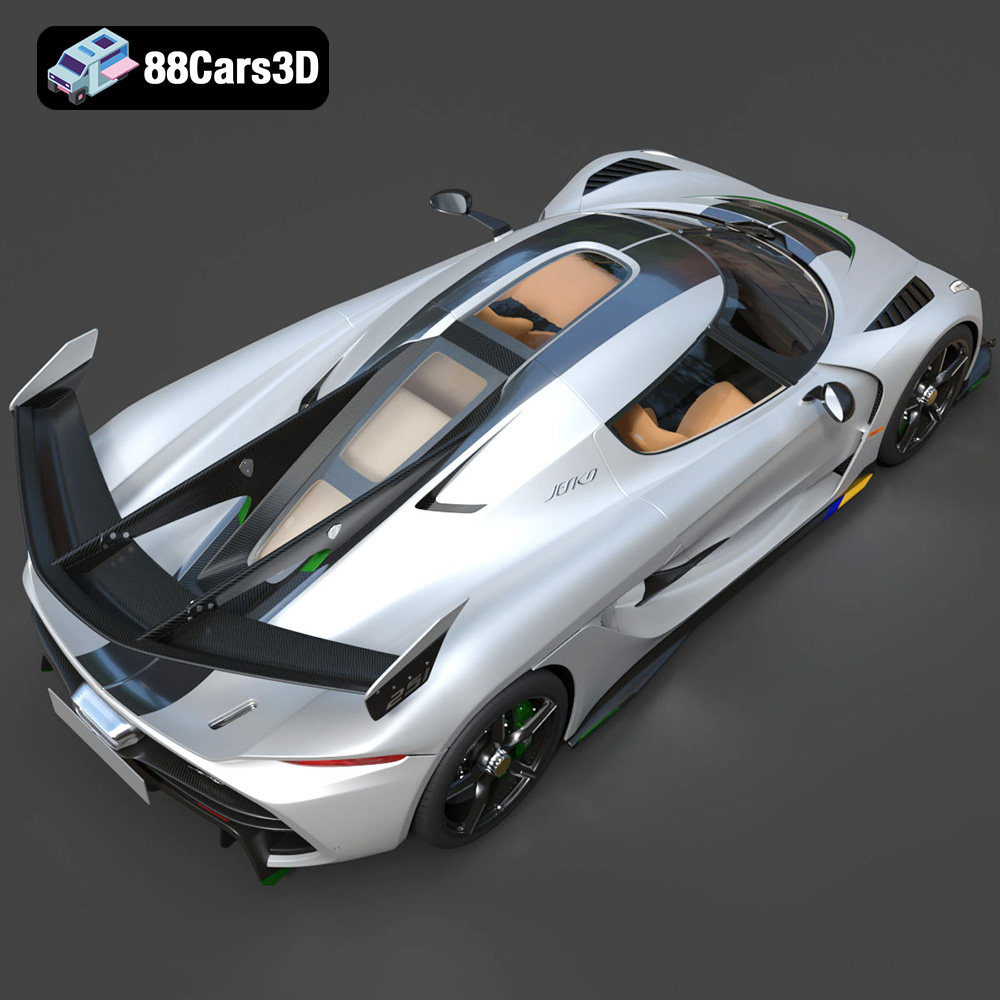
Experience unparalleled realism with the Koenigsegg Jesko 2020 3D Model. This meticulously crafted asset captures every intricate detail of the iconic hypercar, providing a professional-grade solution for advanced digital projects. Perfect for a wide range of applications, this 3D model excels in game development, architectural rendering, automotive visualization, and immersive AR/VR experiences.
$19.99
.arvr
.blend
.car3dmodel
.fbx
.gameasset
.glb
.hypercar
.jesko
.koenigsegg
.max
.obj
.ply
.rendering
.simulation
.sportsCar
.stl
.unreal