Get 20% OFF All Premium 3D & STL Models!

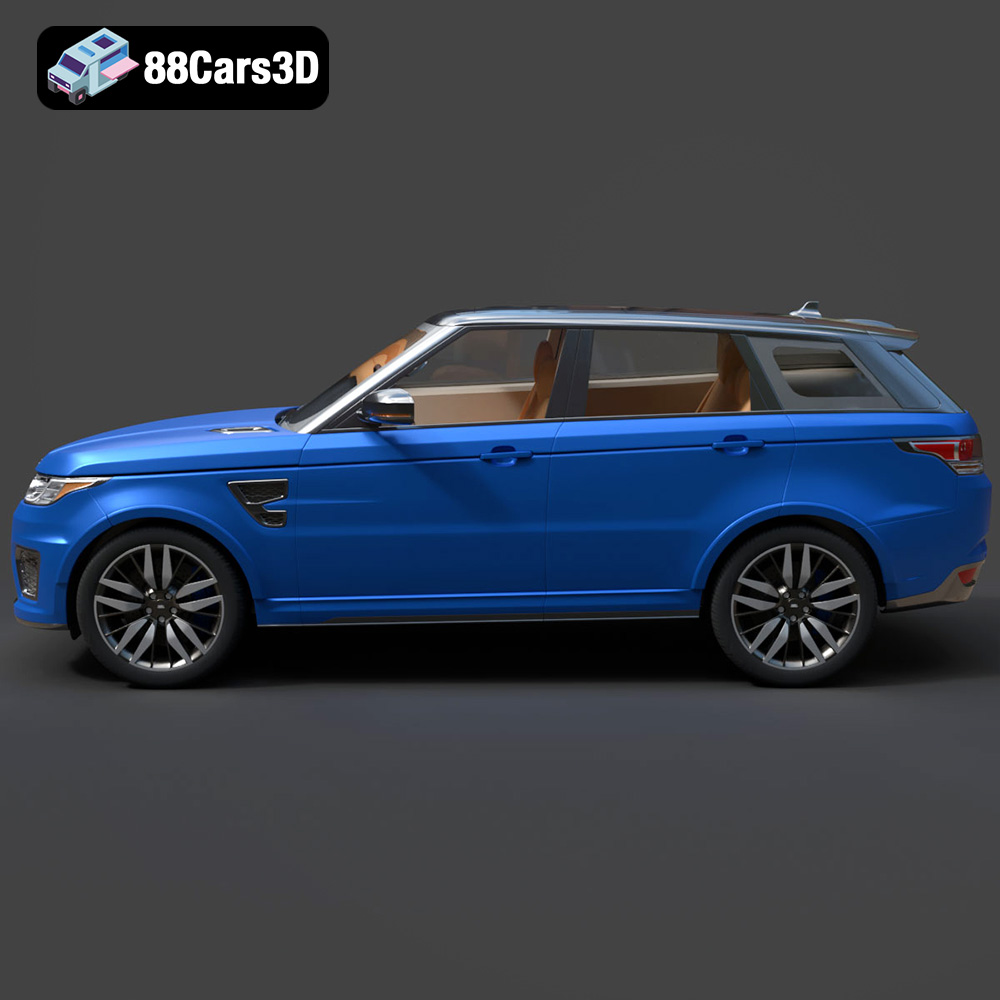
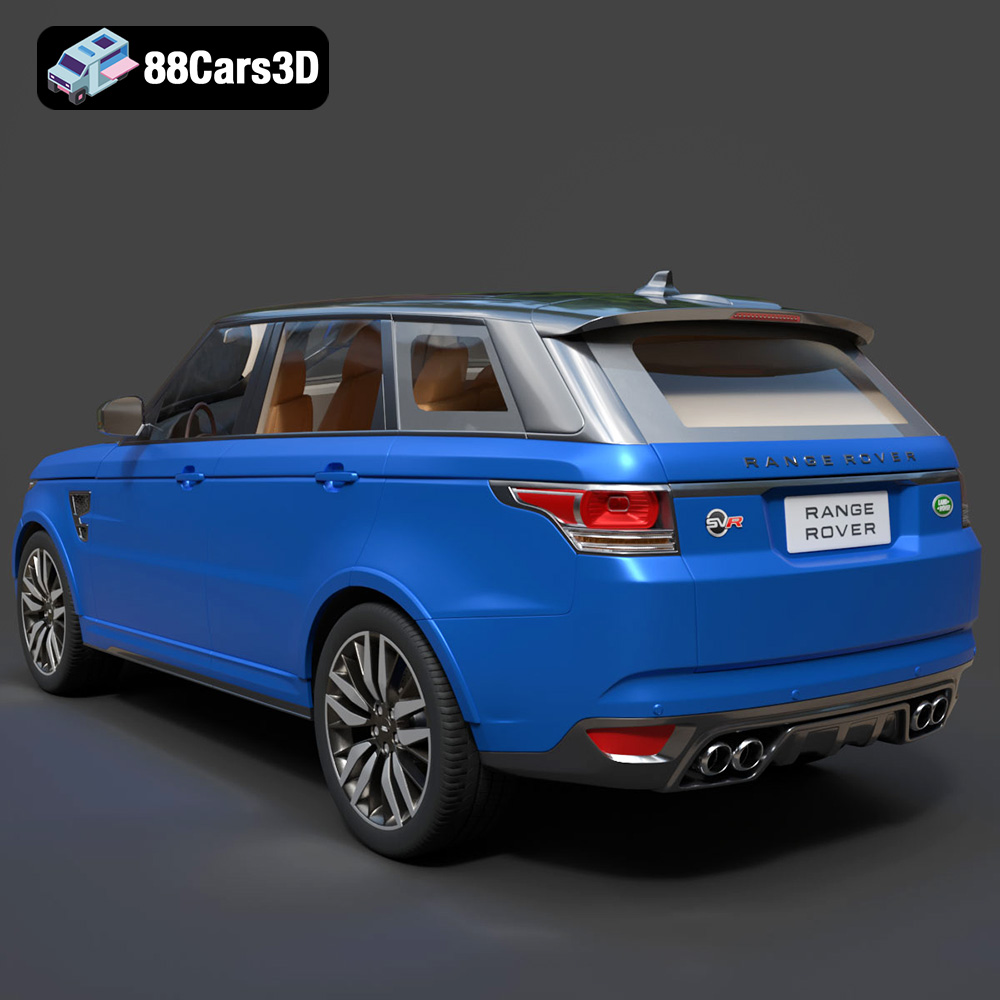
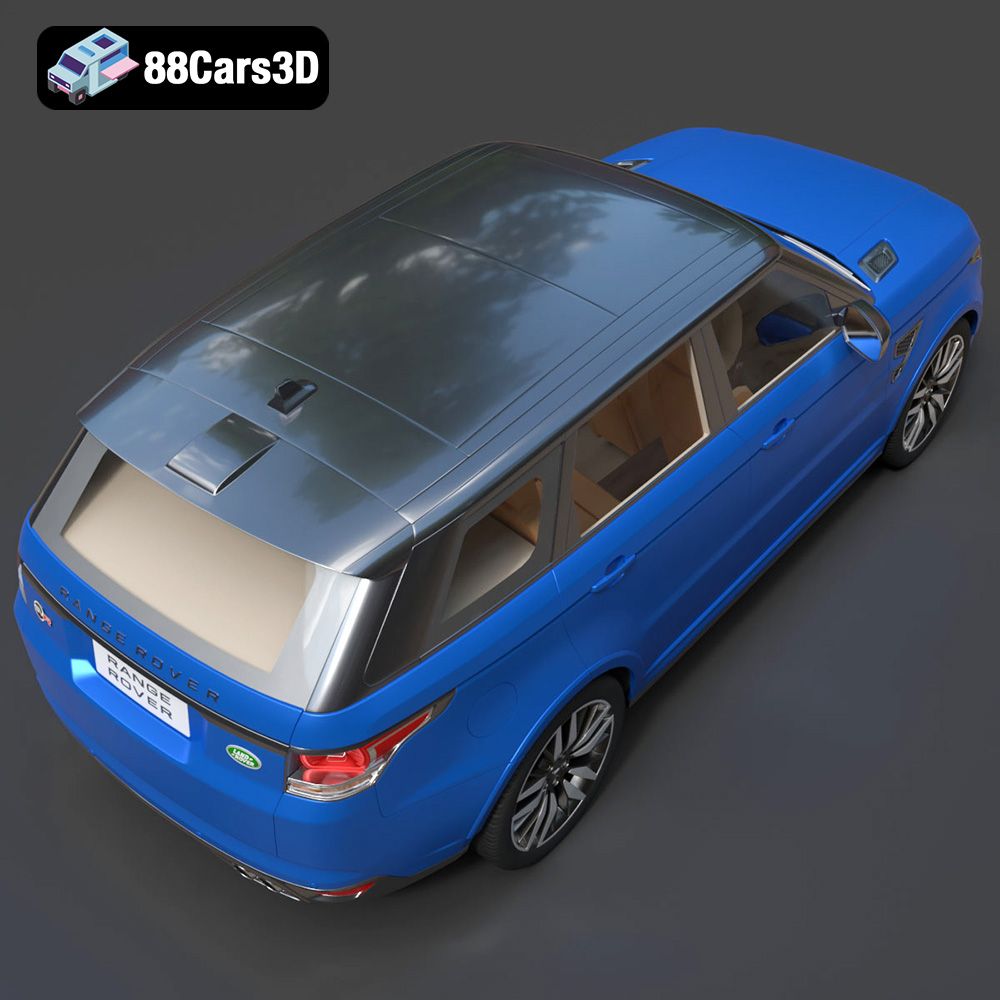
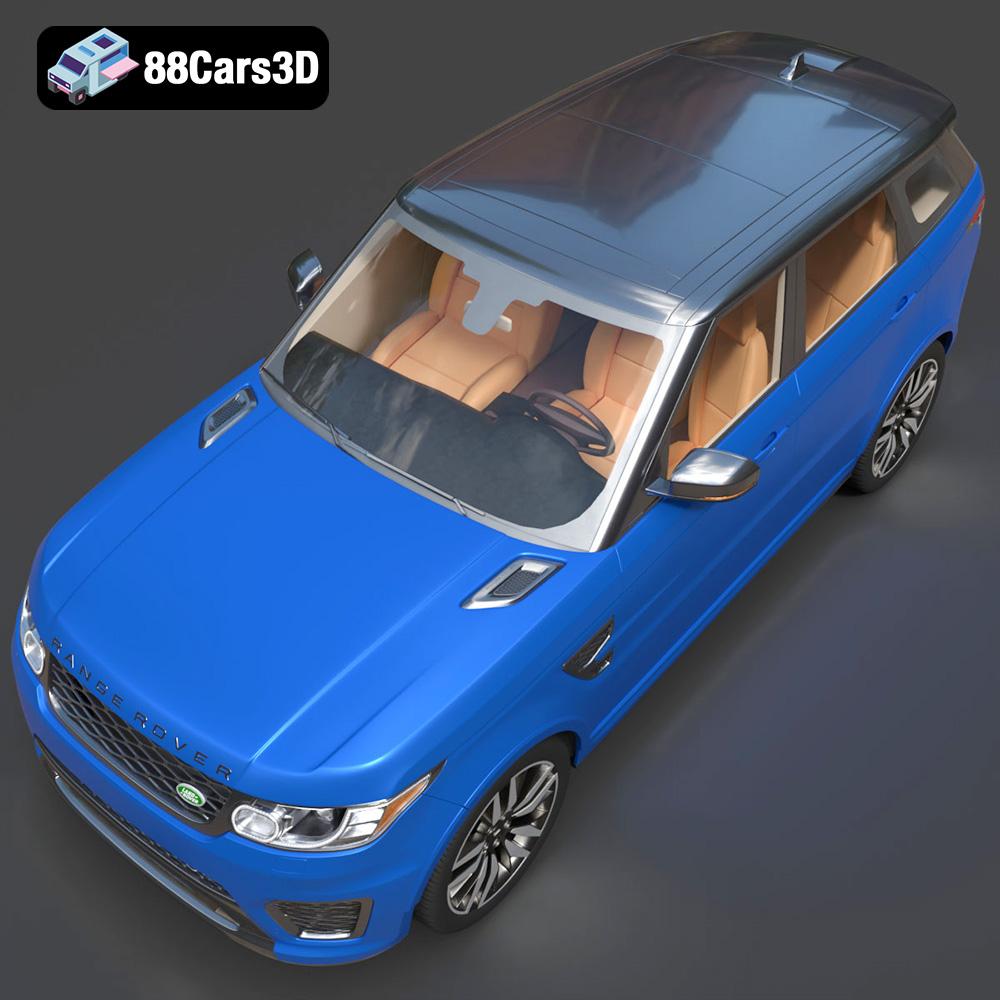
The Land Rover Range Rover Sport SVR 2015 is a stunning vehicle, representing the pinnacle of performance SUVs. Now, thanks to advancements in 3D printing and resources like 88cars3d.com, you can bring a scaled-down version of this iconic car to life right in your own home. This article will guide you through the entire process of 3D printing the Land Rover Range Rover Sport SVR 2015 3D model, from selecting the right materials and settings to post-processing and assembly. We’ll explore best practices to ensure a successful and satisfying 3D printing experience, resulting in a detailed and impressive replica.
Before diving into the specifics of 3D printing the Range Rover Sport SVR model, it’s crucial to understand the different file formats available and their implications for additive manufacturing. 88cars3d.com offers the model in several formats, each suited for different applications. Let’s break down the most common ones:
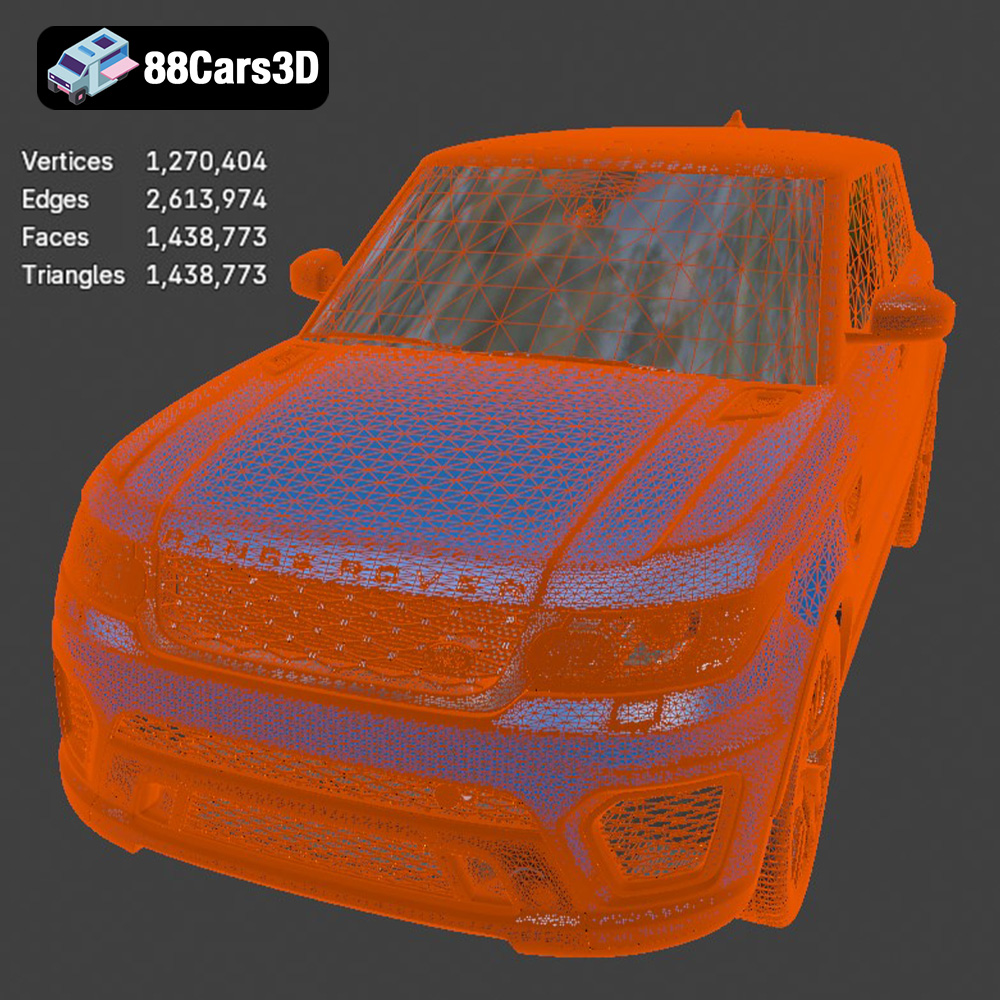
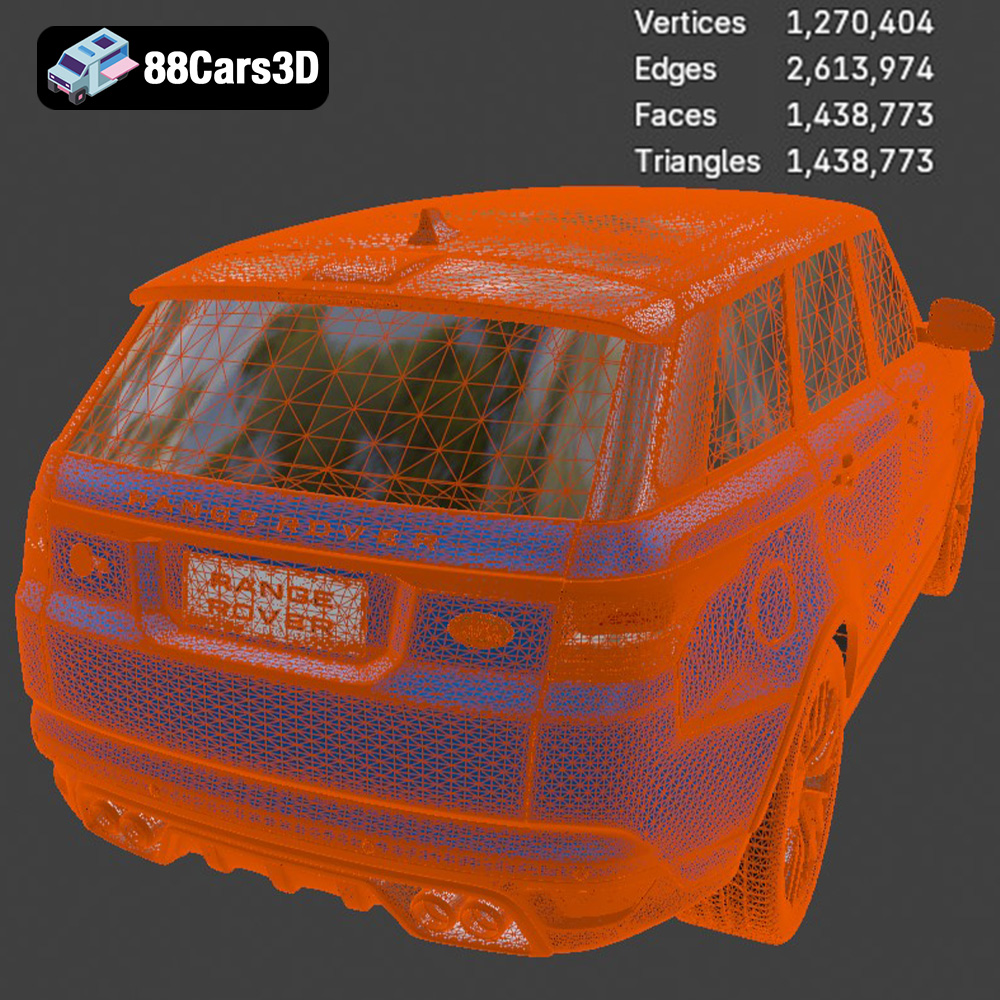
The STL (stereolithography) file format is the workhorse of 3D printing. It represents the surface geometry of a 3D object using a mesh of triangles. This simplicity makes it universally compatible with virtually all slicing software and 3D printers. When downloading the Land Rover Range Rover Sport SVR 2015 3D model for printing, the STL format is your go-to option. Ensure the STL file you use is well-defined and doesn’t contain errors like holes or self-intersecting faces. These errors can lead to printing issues. The quality of the STL file directly impacts the final print’s appearance. A high-resolution STL file will have smaller triangles, resulting in a smoother surface finish on the printed model.
The OBJ file format is another common format for 3D models. Unlike STL, OBJ can store color and texture information alongside the geometric data. While this makes it suitable for colored 3D printing (using specialized multi-material printers), it’s not as widely supported as STL, and the texture data may not always translate seamlessly across different software platforms. If you plan to paint your 3D printed Range Rover Sport SVR model after printing, the texture information in the OBJ file isn’t critical.
The PLY (Polygon File Format) is designed to store 3D data acquired from 3D scanners. It can handle complex mesh data and is often used for applications requiring high precision, such as reverse engineering and digital archiving. While PLY files can be used for 3D printing, they often require more processing power and may not be as readily supported by all slicing software as STL files.
The BLEND file is the native file format for Blender, a popular open-source 3D modeling software. This format is incredibly useful if you want to modify the Land Rover Range Rover Sport SVR 2015 model before printing. You can adjust the model’s scale, add details, split it into smaller parts for easier printing, or even create custom modifications. Before printing, you’ll need to export the modified model as an STL file from Blender.
FBX (Filmbox) is a proprietary file format developed by Autodesk, often used in game development and animation. While FBX can store material and animation data, it’s primarily used for transferring 3D models between different software packages. For 3D printing, the STL format is generally preferred because it’s simpler and more universally compatible with slicing software.
GLB is a binary file format that represents 3D models in the GL Transmission Format (glTF). It is particularly useful for displaying 3D models in web browsers and AR (Augmented Reality) applications. While not directly used for 3D printing, the GLB format allows you to preview the Land Rover Range Rover Sport SVR 2015 model in a real-world context before committing to printing it.
Like the .blend format, .max is a native file format, in this case for 3ds Max, another professional-grade 3D modeling software. This format provides the same advantages as .blend, allowing for advanced editing and customization before exporting to the .stl format for 3D printing.
For 3D printing the Land Rover Range Rover Sport SVR 2015, the STL format is the most practical choice. It ensures compatibility with your slicing software and 3D printer. Before printing, always inspect the STL file for errors and repair them if necessary.
Proper preparation is key to a successful 3D print. Before sending the Land Rover Range Rover Sport SVR 2015 model to your printer, you’ll need to slice it and optimize it for additive manufacturing.
Slicing software is essential for converting the 3D model into a set of instructions (G-code) that your 3D printer can understand. Popular slicing software options include Cura, PrusaSlicer, Simplify3D, and others. The choice depends on your printer model and personal preferences.
Key slicing settings to consider for the Range Rover Sport SVR model include:
* **Layer Height:** A lower layer height (e.g., 0.1mm – 0.15mm) will result in a smoother surface finish and finer details, but it will also increase print time. A higher layer height (e.g., 0.2mm – 0.25mm) will print faster but with less detail. Experiment to find the optimal balance for your desired quality and time constraints.
* **Infill Density:** Infill is the internal structure of the 3D printed object. A higher infill density (e.g., 20-30%) will make the model stronger but will use more material and increase print time. For a display model, a lower infill density (e.g., 10-15%) may suffice.
* **Supports:** The Land Rover Range Rover Sport SVR 2015 model likely has overhangs that require support structures to prevent the material from collapsing during printing. Carefully consider where to place supports and choose a support material that is easy to remove.
* **Print Speed:** Adjusting the print speed can impact the quality of the print. A slower speed generally leads to better adhesion and more accurate details, while a faster speed reduces print time but may compromise quality. Start with a moderate speed and adjust as needed.
* **Bed Adhesion:** Ensure proper bed adhesion to prevent warping or detachment during printing. Use a brim or raft if necessary, especially for larger parts of the model.
The orientation of the model on the print bed significantly impacts print quality, support requirements, and overall success. Experiment with different orientations to minimize the need for supports and achieve the best surface finish on visible areas.
Carefully consider where to place supports. Ideally, supports should be placed on less visible areas of the model to minimize their impact on the final appearance. Use support blockers in your slicing software to prevent supports from being generated in areas where they are not needed.
Depending on the size of your 3D printer, you may need to scale the Land Rover Range Rover Sport SVR 2015 model down. Keep in mind that scaling the model down will also reduce the level of detail that can be achieved.
For larger printers, consider splitting the model into multiple parts that can be printed separately and then assembled. This can improve print quality, reduce support requirements, and allow for more efficient use of your printer’s build volume. You can use software like Blender to split the model.
The choice of material is another critical factor in 3D printing the Land Rover Range Rover Sport SVR 2015 model. Different materials offer different properties in terms of strength, flexibility, temperature resistance, and surface finish.
PLA (polylactic acid) is a popular, biodegradable thermoplastic that is easy to print and offers good detail. It’s a great choice for beginners and for models that don’t require high strength or temperature resistance. PLA is available in a wide range of colors, making it easy to achieve the desired look for your Range Rover Sport SVR model. However, PLA is not very heat-resistant and can warp in hot environments.
PETG (polyethylene terephthalate glycol-modified) is a stronger and more durable alternative to PLA. It offers better temperature resistance and is less prone to warping. PETG is also slightly more flexible than PLA, making it more resistant to impacts. While PETG can be a bit more challenging to print than PLA, it’s a good choice for parts that require more strength and durability.
ABS (acrylonitrile butadiene styrene) is a strong and heat-resistant thermoplastic commonly used in automotive and industrial applications. ABS is more difficult to print than PLA or PETG and requires a heated bed and an enclosed printer to prevent warping. However, ABS offers excellent strength, temperature resistance, and impact resistance, making it a good choice for functional parts or models that will be exposed to high temperatures.
While FDM (Fused Deposition Modeling) printers use filament, resin printers use liquid resin that is cured by UV light. Resin printing can achieve incredibly high levels of detail and a smooth surface finish, making it ideal for small, intricate models. If you want to capture every detail of the Land Rover Range Rover Sport SVR 2015, resin printing is an excellent option. However, resin printers are generally more expensive than FDM printers, and resin can be messy and require proper ventilation.
Once you’ve chosen your material, you need to fine-tune your printer settings to achieve the best results. The specific settings will vary depending on your printer model and the material you’re using, but here are some general guidelines:
* **PLA:** Nozzle temperature: 200-220°C, Bed temperature: 60-70°C
* **PETG:** Nozzle temperature: 230-250°C, Bed temperature: 70-80°C
* **ABS:** Nozzle temperature: 230-260°C, Bed temperature: 80-110°C
* **Resin:** Follow the resin manufacturer’s recommended settings for exposure time and layer height.
* **PLA:** Print speed: 40-60 mm/s
* **PETG:** Print speed: 30-50 mm/s
* **ABS:** Print speed: 40-60 mm/s
* **Resin:** Exposure time will determine the printing speed.
* Experiment with different support structures (e.g., tree supports, linear supports) to find the best balance between support strength and ease of removal.
* Adjust the support density and overhang angle to optimize support performance.
* Use a support interface layer to improve adhesion between the supports and the model.
After the print is complete, you’ll need to remove any supports and perform post-processing to achieve the desired finish.
Carefully remove the support structures using pliers or a sharp knife. Be patient and avoid damaging the model. Start with larger supports and gradually work your way down to smaller ones.
Once the supports are removed, sand the model to smooth out any imperfections and remove any remaining support marks. Start with a coarse grit sandpaper (e.g., 220 grit) and gradually move to finer grits (e.g., 400 grit, 600 grit, 800 grit) to achieve a smooth surface. Wet sanding can help to reduce dust and improve the finish.
Apply a primer to the model to create a smooth and uniform surface for painting. Use a spray primer that is compatible with the material you used for printing.
Once the primer is dry, paint the model using acrylic paints or enamel paints. Apply multiple thin coats of paint rather than one thick coat to avoid drips and runs. Consider using masking tape to create clean lines and sharp edges.
If you split the Land Rover Range Rover Sport SVR 2015 model into multiple parts, you’ll need to assemble them after printing and painting. Use a strong adhesive, such as super glue or epoxy, to join the parts together. Clamp the parts together while the adhesive dries to ensure a strong bond.
Even with careful preparation, you may encounter some challenges during the 3D printing process. Here are some common issues and how to address them:
Warping occurs when the corners of the model lift off the print bed. This is more common with ABS and larger prints. To prevent warping, ensure proper bed adhesion, use a heated bed, and consider using an enclosure to maintain a consistent temperature.
Stringing occurs when the printer extrudes filament while moving between different parts of the model. To reduce stringing, adjust the retraction settings in your slicing software, reduce the printing temperature, and increase the travel speed.
Layer shifting occurs when the printer head shifts position during printing. This can be caused by loose belts, a wobbly print bed, or a malfunctioning stepper motor. To fix layer shifting, tighten the belts, stabilize the print bed, and check the stepper motors.
Elephant’s foot is when the bottom layers of the print expand outwards. This is often caused by the bed temperature being too high, causing the initial layers to soften and spread. Reduce the bed temperature for the first few layers to fix this.
By carefully following these guidelines and tips, you can successfully 3D print the Land Rover Range Rover Sport SVR 2015 model and create a stunning replica of this iconic vehicle. Remember to experiment with different settings and materials to find what works best for your printer and your desired results. Resources like 88cars3d.com provide high-quality 3D models and support to help you on your 3D printing journey.
Experience unparalleled realism with the Land Rover Range Rover Sport SVR 2015 3D model. Designed to meet the demanding requirements of modern digital environments, this asset delivers an exceptionally accurate representation of the iconic performance SUV, capturing its aggressive styling, aerodynamic contours, and detailed interior.
$19.99
.arvr
.blend
.car3dmodel
.fbx
.gameasset
.glb
.landrover
.luxurysuv
.max
.obj
.ply
.rangerover
.rendering
.simulation
.sport
.sportSUV
.stl
.svr
.unreal
SUV