Get 20% OFF All Premium 3D & STL Models!

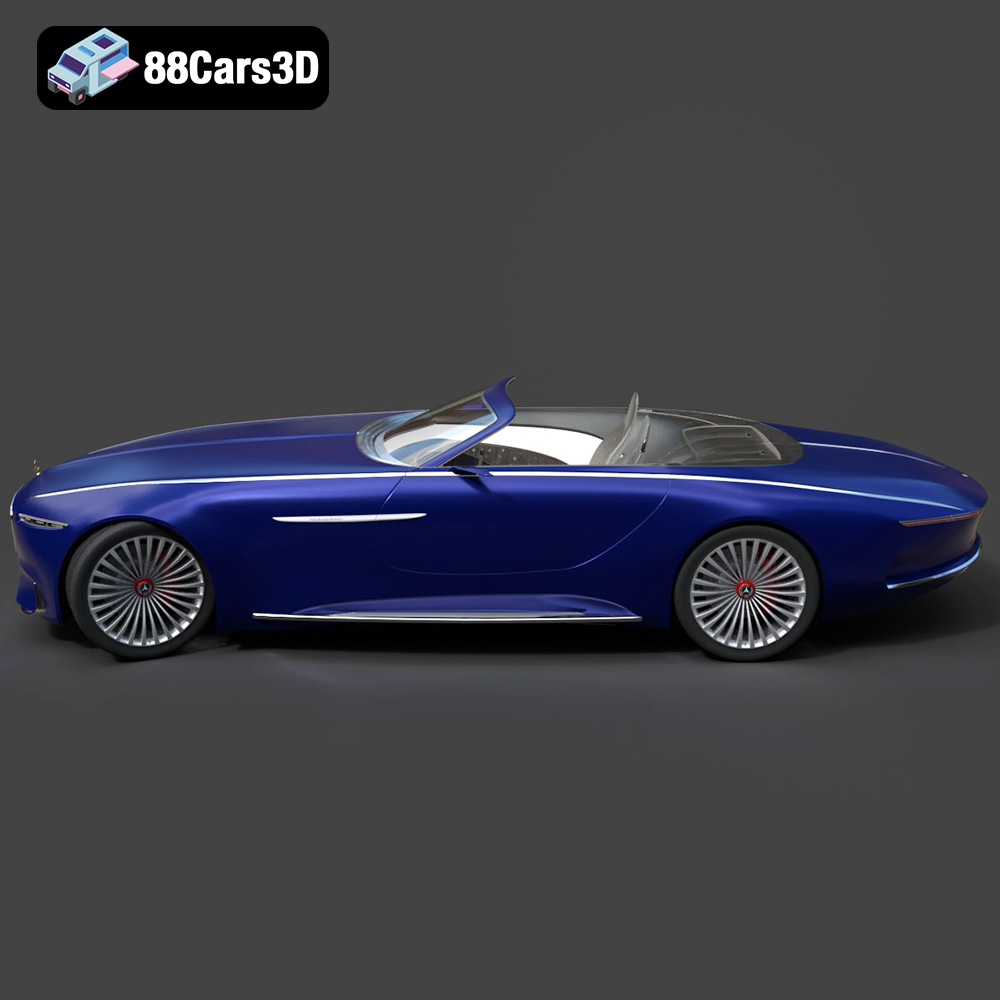
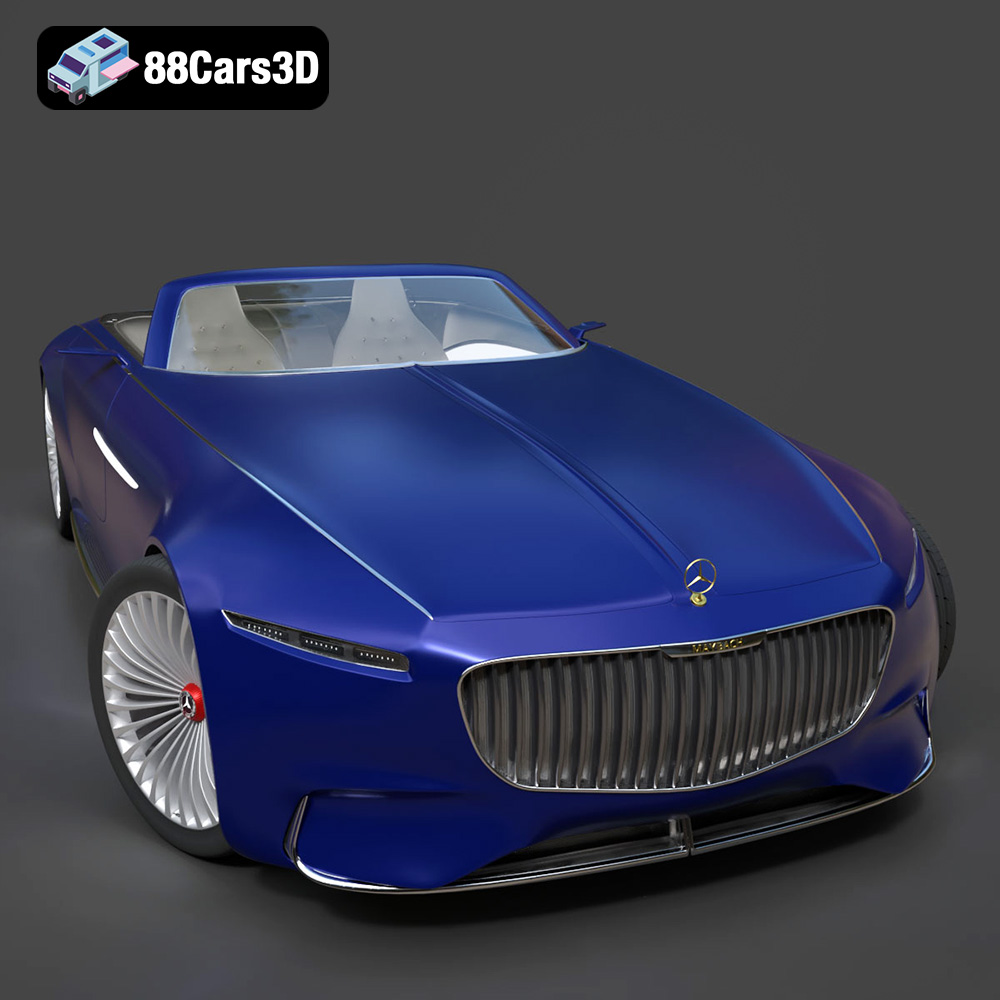
The Mercedes-Maybach Vision 6 2018 is a stunning concept car, and bringing it to life through 3D printing is an exciting project. This guide provides a comprehensive overview of how to successfully 3D print this model, covering everything from pre-print preparation to post-processing techniques. Whether you’re a seasoned 3D printing enthusiast or a beginner, this guide will help you achieve impressive results with the Mercedes-Maybach Vision 6 2018 3D model available on 88cars3d.com.
Before diving into the printing process, proper preparation of the 3D model is crucial. This involves inspecting the model, making necessary repairs, and selecting the appropriate scale.
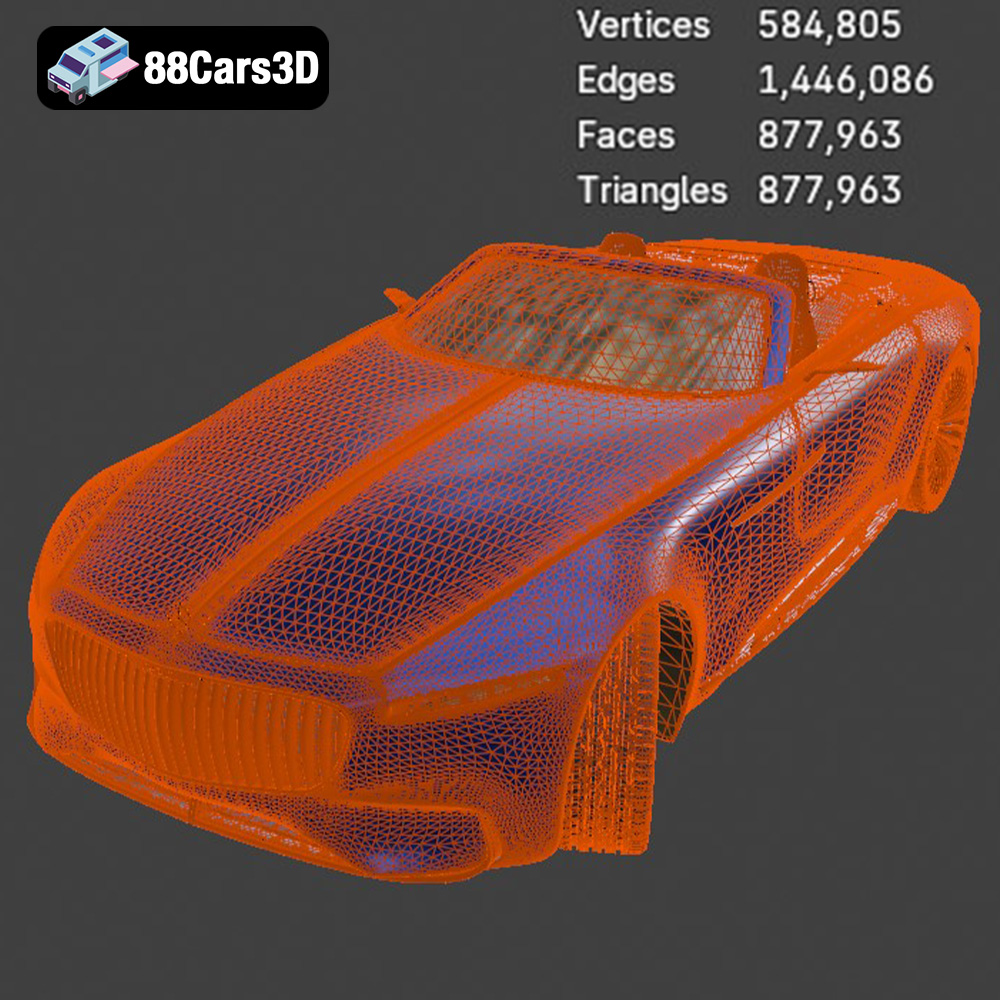
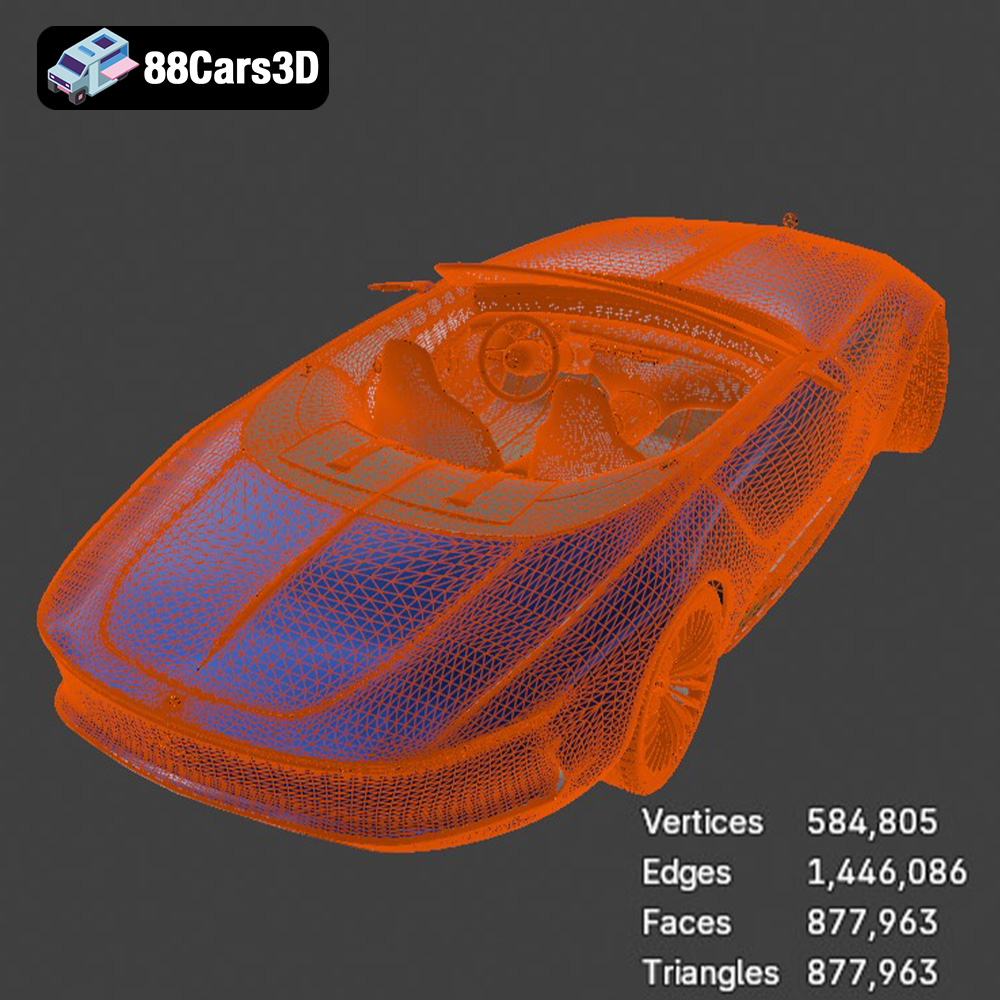
* **Mesh Integrity:** Start by opening the STL file in a mesh editing software like MeshMixer or Blender. Carefully examine the model for any errors, such as non-manifold edges, holes, or intersecting faces. These defects can cause printing failures.
* **Repair Tools:** Use the software’s repair tools to automatically fix common issues. MeshMixer, for example, has a robust “Make Solid” function that can resolve many mesh problems. For more complex issues, manual editing might be necessary.
* **Orientation Check:** Ensure the model’s orientation is correct for printing. The flattest, most stable surface should ideally be placed on the print bed to minimize the need for supports. However, for the Vision 6, consider aesthetics and detail preservation alongside stability.
* **Detail vs. Size:** The recommended scales for this model are 1:12, 1:18, and 1:24. Smaller scales (1:24) are easier and faster to print but might sacrifice some finer details. Larger scales (1:12) showcase intricate features but require more material and printing time.
* **Printer Volume:** Ensure your 3D printer’s build volume can accommodate the chosen scale. Measure the model’s dimensions in your slicing software after scaling to confirm it fits within your printer’s limits.
* **Intended Use:** Consider the purpose of the 3D printed model. If it’s for display, a larger scale might be preferable. If it’s for a diorama or smaller collection, a smaller scale might be more suitable.
Selecting the correct file format is a critical step in the 3D printing workflow. While numerous formats exist, some are better suited for additive manufacturing than others. Here’s a detailed overview of common 3D model file formats and their suitability for printing the Mercedes-Maybach Vision 6 2018 model.
* **.stl – Industry standard for 3D printing, mesh-only format:** STL (Stereolithography) is the most widely supported file format in the 3D printing world. It represents the 3D model’s surface geometry as a collection of triangles. This simplicity makes it highly compatible with various slicing software and 3D printers. However, STL files only store the surface geometry, meaning they don’t contain color, texture, or material information. For the Mercedes-Maybach Vision 6, the STL format is ideal for creating a physical representation of the car’s shape, which can then be post-processed with painting and detailing. Given the Vision 6’s intricate design and reliance on surface finish, a high-resolution STL export is recommended.
* **.obj – Universal format with texture support for colored prints:** OBJ is a more versatile format that can store color and texture information alongside the geometry. This makes it suitable for printing models with multiple colors or intricate surface details. While some 3D printers can handle OBJ files directly, it’s more common to convert the OBJ file to STL for slicing and printing. This conversion may require additional software to preserve the color information, and the resulting print might not perfectly match the original OBJ file’s appearance. For the Vision 6, OBJ could be useful if you aim to replicate the car’s specific paint job and interior textures, but it requires a printer capable of multi-material or full-color printing.
* **.ply – Precision mesh format for high-detail prints:** PLY (Polygon File Format) is designed to store 3D data acquired from 3D scanners. It supports color, texture, and other properties like normals and transparency. PLY files are known for their ability to capture high levels of detail, making them suitable for complex models. While not as universally supported as STL, many slicing software programs can import PLY files. For the Mercedes-Maybach Vision 6, using a PLY file would be beneficial if the original model was created using 3D scanning or if you want to retain extremely fine details in the print.
* **.blend – Editable Blender scene for customization before export:** BLEND files are the native format for Blender, a popular open-source 3D modeling software. These files contain the entire Blender scene, including the model’s geometry, materials, textures, and lighting. BLEND files are not directly printable but are invaluable for making modifications to the model before exporting it to a printable format like STL. If you want to customize the Mercedes-Maybach Vision 6 model, such as adding custom features or modifying the design, starting with the BLEND file is the best approach.
* **.fbx – For importing into slicing software with materials:** FBX (Filmbox) is a proprietary file format developed by Autodesk. It’s commonly used for exchanging 3D data between different software applications, especially in the game development and animation industries. FBX files can store geometry, textures, materials, and animation data. While some slicing software programs can import FBX files, their primary use is for transferring the model’s visual properties to other applications. For the Vision 6, FBX could be used to retain material definitions during import into a slicing software that supports it, potentially simplifying the process of assigning different print settings to various parts of the model.
* **.glb – For previewing models in AR before printing:** GLB is a binary file format that represents 3D models in the glTF (GL Transmission Format) standard. It’s designed to be compact and efficient for transmitting and displaying 3D models on the web and in augmented reality (AR) applications. GLB files can store geometry, textures, materials, and animations. While not directly printable, GLB files are useful for previewing the Mercedes-Maybach Vision 6 model in AR before committing to a print. This allows you to visualize the model in real-world settings and assess its size and appearance.
* **.max – Editable 3ds Max project for modifications:** MAX files are the native format for 3ds Max, another popular 3D modeling software. Similar to BLEND files, MAX files contain the entire scene and are used for making modifications to the model. If you have access to 3ds Max, the MAX file for the Mercedes-Maybach Vision 6 allows for extensive customization before exporting it to a printable format.
For 3D printing the Mercedes-Maybach Vision 6, the **STL** format is generally the most practical and widely compatible option. Ensure that the STL file is exported with sufficient resolution to capture the model’s details. While other formats like OBJ, PLY, and FBX can offer advantages in specific scenarios, STL provides the best balance of compatibility and ease of use for most 3D printing applications. When using the STL format, pay close attention to the mesh quality during the export process. A finer mesh will capture more detail but also result in a larger file size and potentially longer slicing times. Experiment to find the optimal balance between detail and performance for your specific printer and software.
Selecting the right slicing software and configuring optimal print settings are paramount for a successful 3D print of the Mercedes-Maybach Vision 6.
* **Popular Options:** Cura, Simplify3D, and PrusaSlicer are excellent choices. Cura is free and user-friendly, while Simplify3D offers more advanced customization options. PrusaSlicer is known for its excellent support generation algorithms.
* **Software Compatibility:** Ensure the slicing software you choose is compatible with your 3D printer and the file format of the 3D model (STL, OBJ, etc.).
* **Features:** Look for features like automatic support generation, manual support editing, variable layer height, and advanced infill patterns.
* **Layer Height:** A layer height of 0.04–0.12 mm is recommended for this model. Lower layer heights produce smoother surfaces and finer details, but they also increase printing time.
* **Infill Density:** An infill density of 20–30% is sufficient for most parts. Use a denser infill for parts that require more strength, such as the chassis or wheels. Consider using adaptive infill patterns for optimal strength-to-weight ratio.
* **Wall Thickness:** A wall thickness of 1.2–2.0 mm provides adequate strength and rigidity. Increasing the wall thickness can improve the model’s durability.
* **Support Structures:** This model requires supports, especially for overhanging features like the mirrors, steering wheel, and aero elements. Use automatic support generation with manual adjustments to optimize support placement and minimize material usage.
* **Print Orientation:** The frame should be printed at an angle to improve structural integrity and surface finish. The wheels and smaller parts can be printed separately with optimized orientations for detail and support minimization.
The choice of material significantly impacts the final appearance, strength, and durability of your 3D printed Mercedes-Maybach Vision 6.
* **PLA (Polylactic Acid):** PLA is a biodegradable thermoplastic polymer derived from renewable resources. It is one of the most popular materials for 3D printing due to its ease of use, low printing temperature, and minimal warping. PLA is ideal for creating visually appealing models with fine details, making it a good choice for the Mercedes-Maybach Vision 6. However, PLA is not as strong or heat-resistant as other materials, so it may not be suitable for functional parts or models that will be exposed to high temperatures.
* **PETG (Polyethylene Terephthalate Glycol-modified):** PETG is a modified version of PET (the plastic used in water bottles) that is more flexible and easier to print. It offers a good balance of strength, durability, and ease of use. PETG is more heat-resistant than PLA and has better impact resistance, making it a suitable choice for parts that need to withstand some stress or outdoor conditions. It also adheres well to the print bed and produces parts with a smooth, glossy finish.
* **ABS (Acrylonitrile Butadiene Styrene):** ABS is a strong, heat-resistant thermoplastic that is commonly used in automotive and consumer products. It is more difficult to print than PLA and PETG, as it requires higher printing temperatures and is prone to warping and cracking. However, ABS offers excellent strength, impact resistance, and heat resistance, making it suitable for functional parts or models that will be exposed to high temperatures or stress.
* **Nylon:** Nylon is a strong, flexible, and wear-resistant thermoplastic that is commonly used in engineering applications. It is more difficult to print than PLA and PETG, as it requires high printing temperatures and is prone to moisture absorption. However, Nylon offers excellent strength, flexibility, and wear resistance, making it suitable for functional parts or models that need to withstand repeated stress or friction.
* **Standard Resin:** Standard resin is a cost-effective option for creating highly detailed models with smooth surfaces. It is available in a wide range of colors and is easy to work with. Standard resin is ideal for creating display models of the Mercedes-Maybach Vision 6 that require fine details and smooth surfaces. However, standard resin is not as strong or durable as other resins, so it may not be suitable for functional parts or models that will be subjected to stress.
* **Tough Resin:** Tough resin is designed to be more durable and impact-resistant than standard resin. It is ideal for creating parts that need to withstand some stress or handling. Tough resin is a good choice for parts of the Mercedes-Maybach Vision 6 that may be prone to breakage, such as the wheels or mirrors.
* **High-Temperature Resin:** High-temperature resin is designed to withstand high temperatures without deforming or melting. It is ideal for creating parts that will be exposed to heat, such as engine components or exhaust systems.
Considering the Vision 6 is a display model, PLA or a standard resin would likely be the best choice for most users. However, if you plan to handle the model frequently, PETG or a tough resin might be more suitable.
Post-processing is essential for achieving a professional-looking finish on your 3D printed Mercedes-Maybach Vision 6.
* **Start with Coarse Grit:** Begin with a coarse grit sandpaper (e.g., 220 grit) to remove support marks and layer lines.
* **Progress to Finer Grits:** Gradually move to finer grits (e.g., 400, 600, 800 grit) to smooth the surface and prepare it for painting.
* **Wet Sanding:** Wet sanding can help to reduce dust and create a smoother finish.
* **Primer:** Apply a primer coat to create a uniform surface for painting.
* **Color Coats:** Use high-quality acrylic paints to match the authentic factory colors of the Mercedes-Maybach Vision 6. Consider using an airbrush for a smoother, more even finish.
* **Clear Coat:** Apply a clear coat to protect the paint and add a glossy finish.
* **Metallic Finishes:** Achieve metallic finishes by using metallic paints or applying a metallic powder with a clear coat.
* **Adhesive:** Use super glue or epoxy to assemble the different parts of the model.
* **Alignment:** Ensure proper alignment of all parts during assembly for a seamless look.
* **Gullwing Doors:** Pay special attention to the gullwing doors, ensuring they can open and close smoothly.
Even with careful preparation, 3D printing can present challenges. Here are some common issues and their solutions:
* **Cause:** Warping occurs when the first layer of the print doesn’t adhere properly to the build plate.
* **Solution:** Ensure the build plate is clean and level. Use a heated build plate and apply an adhesive like glue stick or hairspray.
* **Cause:** Stringing happens when the extruder oozes filament while moving between parts.
* **Solution:** Adjust retraction settings in your slicing software. Reduce printing temperature and increase travel speed.
* **Cause:** Layer shifting occurs when the printer’s axes move unexpectedly during printing.
* **Solution:** Check the belt tension and motor drivers. Ensure the printer is stable and free from vibrations.
* **Challenge:** Removing supports can be difficult and may damage the model.
* **Solution:** Use a sharp blade or pliers to carefully remove supports. Consider using dissolvable support materials for complex geometries.
* **Print Time:** Print time depends on the model’s size, layer height, infill density, and printing speed. A 1:18 scale model can take anywhere from 10 to 30 hours to print.
* **Material Cost:** Material cost depends on the type of filament or resin used and the amount of material consumed. A 1:18 scale model may require $5 to $15 worth of material.
* **Slicing Software Estimates:** Your slicing software will provide estimates for both print time and material usage. Use these estimates to plan your printing project and budget accordingly.
By following this comprehensive guide, you can successfully 3D print a stunning replica of the Mercedes-Maybach Vision 6 2018. Remember to be patient, experiment with different settings, and enjoy the process of bringing this iconic concept car to life. And be sure to check out 88cars3d.com for even more incredible 3D models optimized for printing and other applications!
The Mercedes-Maybach Vision 6 2018 is a breathtaking electric concept car that pays a stunning homage to the glorious age of the aero coupes. It features dramatic, extreme proportions with a massively elongated hood, a sweeping low roofline, and an iconic vertical strut grille inspired by a pinstriped suit.
$19.99
.2018
.blend
.fbx
.glb
.max
.obj
.ply
.rendering
.stl
.unreal
car-3d-model
concept-car
game asset
game-ready
low-poly
luxury car
mercedes-maybach
optimized
vision-6
VR/AR