Get 20% OFF All Premium 3D & STL Models!

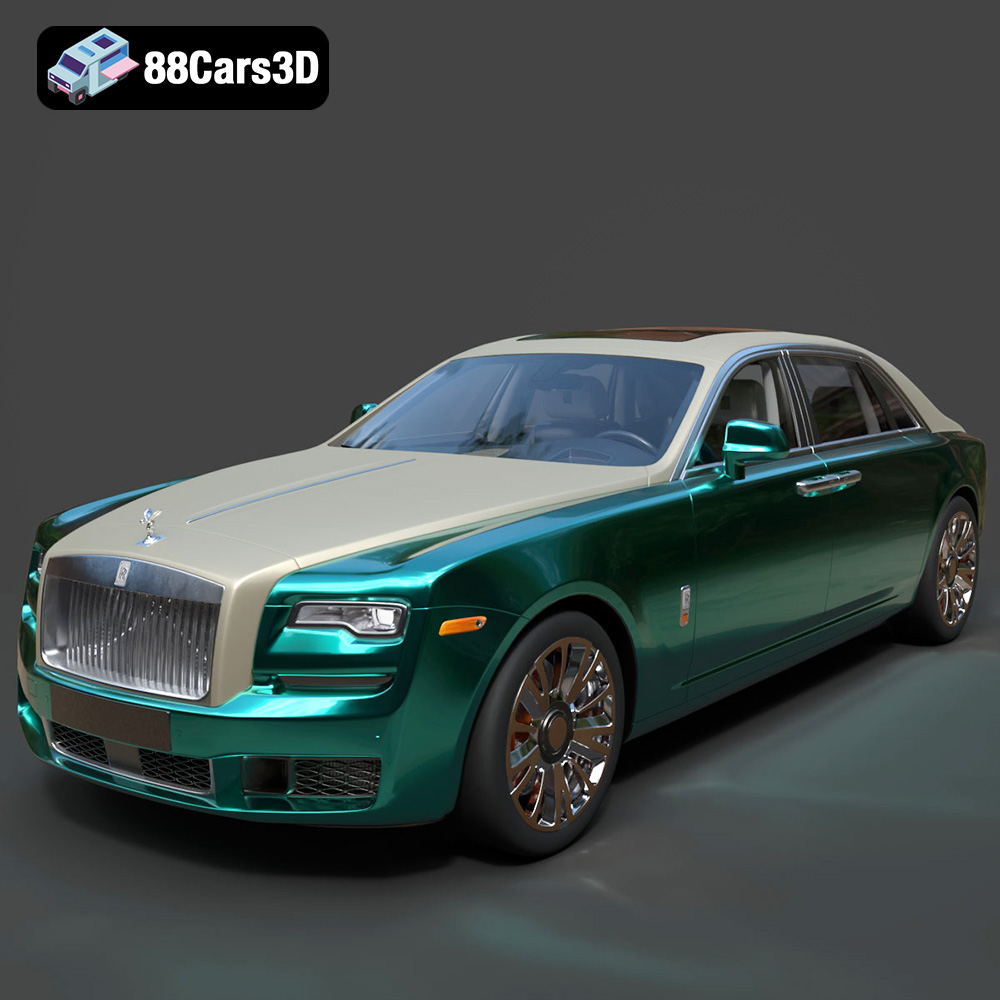
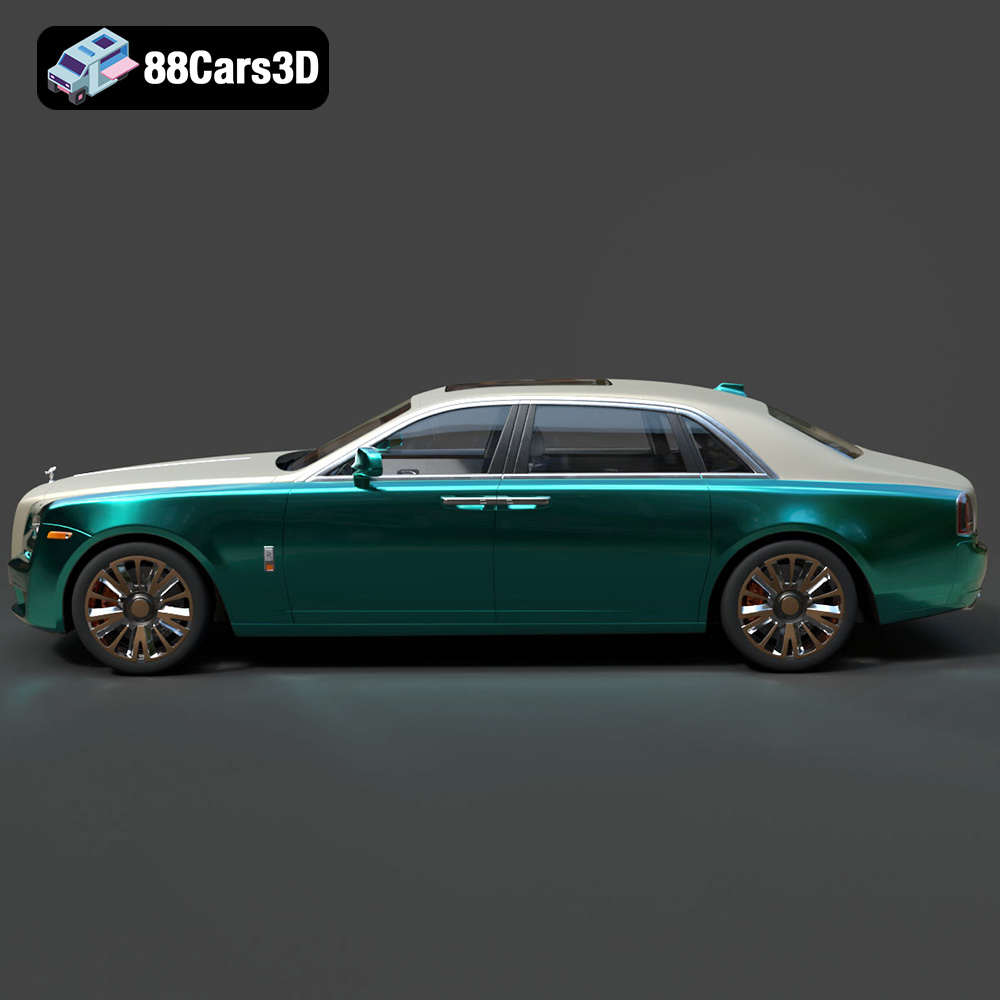
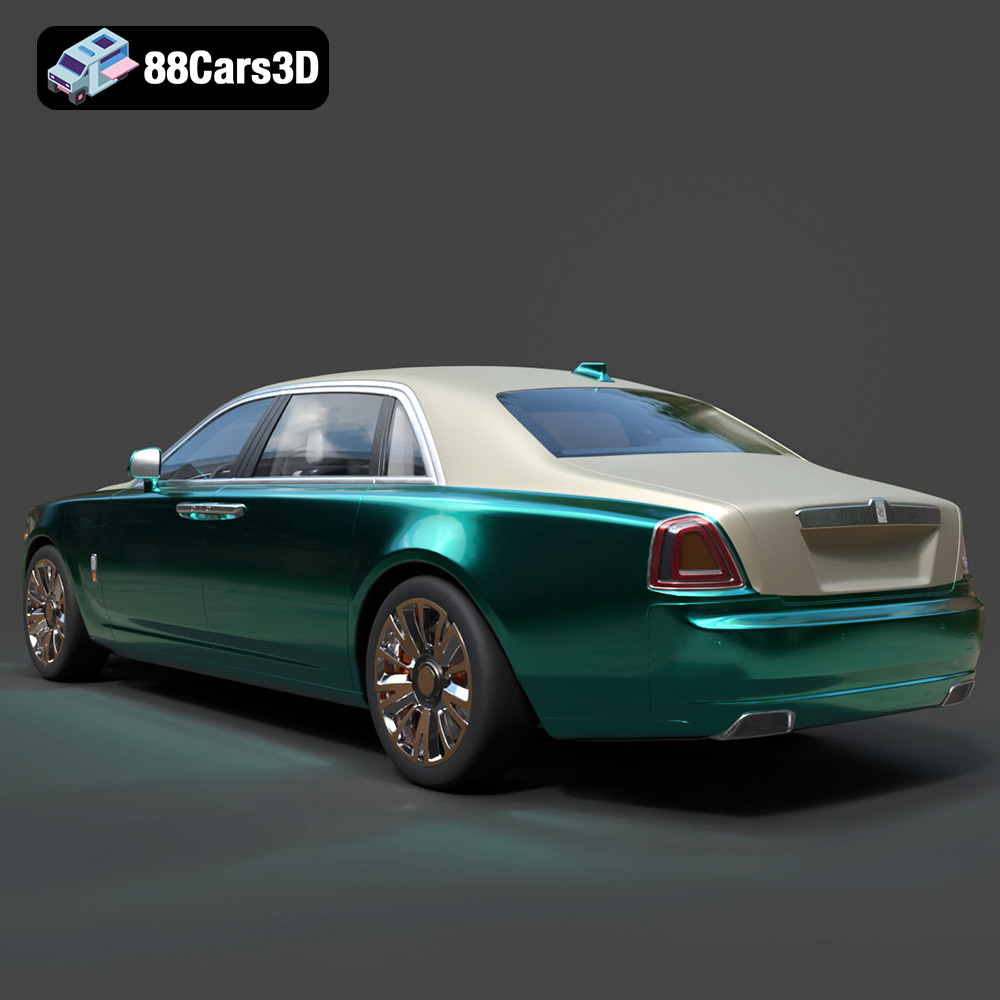
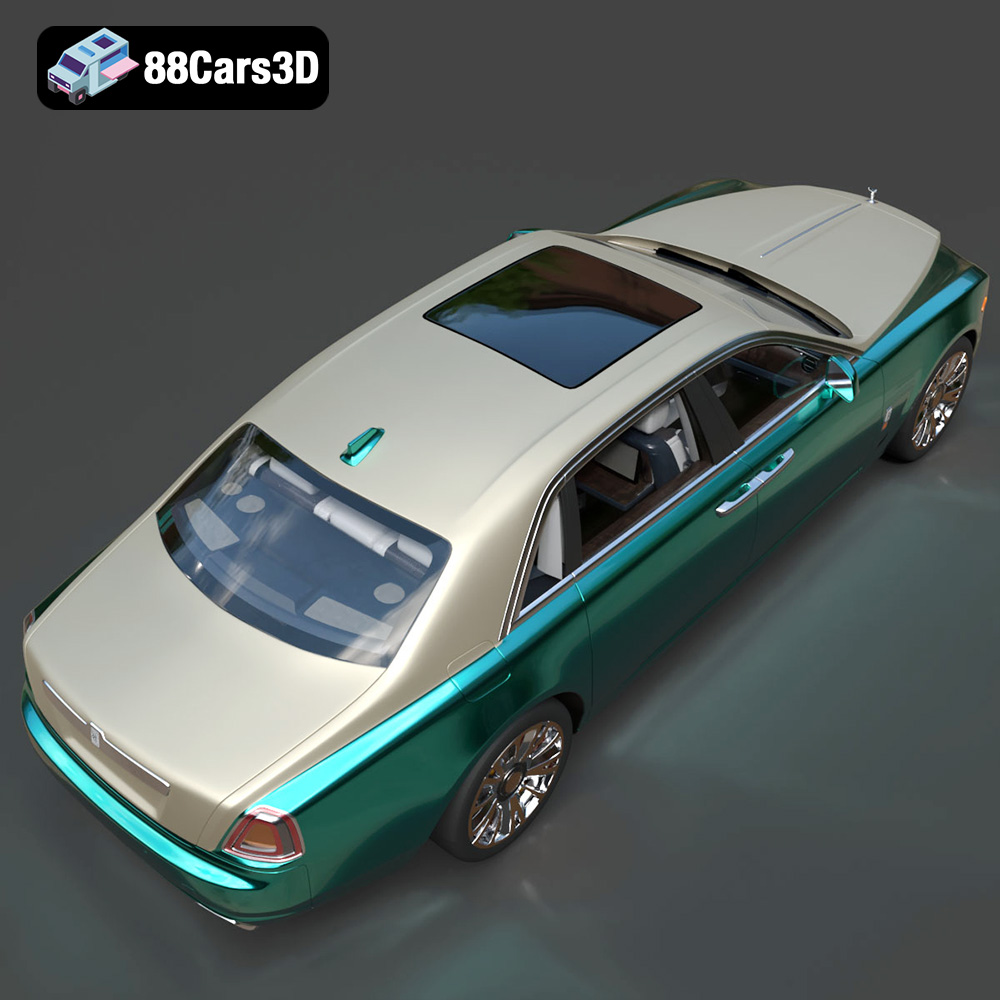
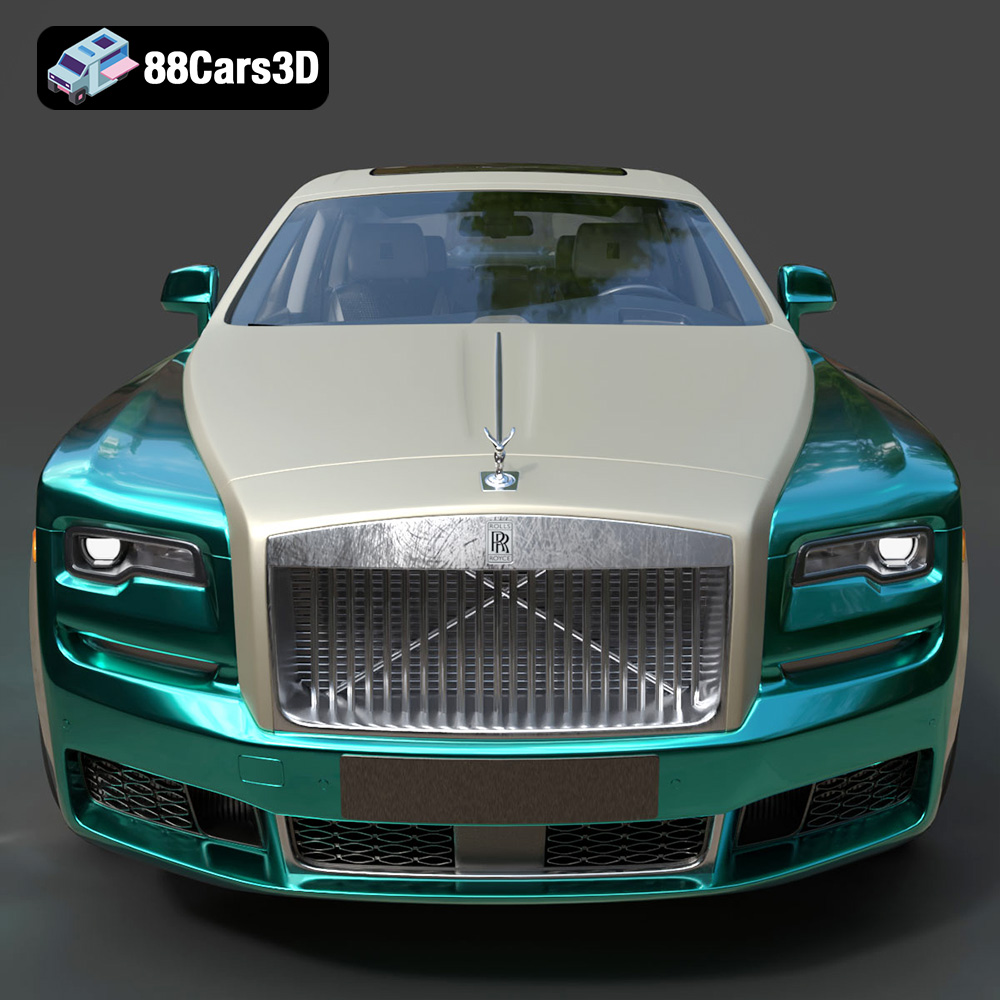
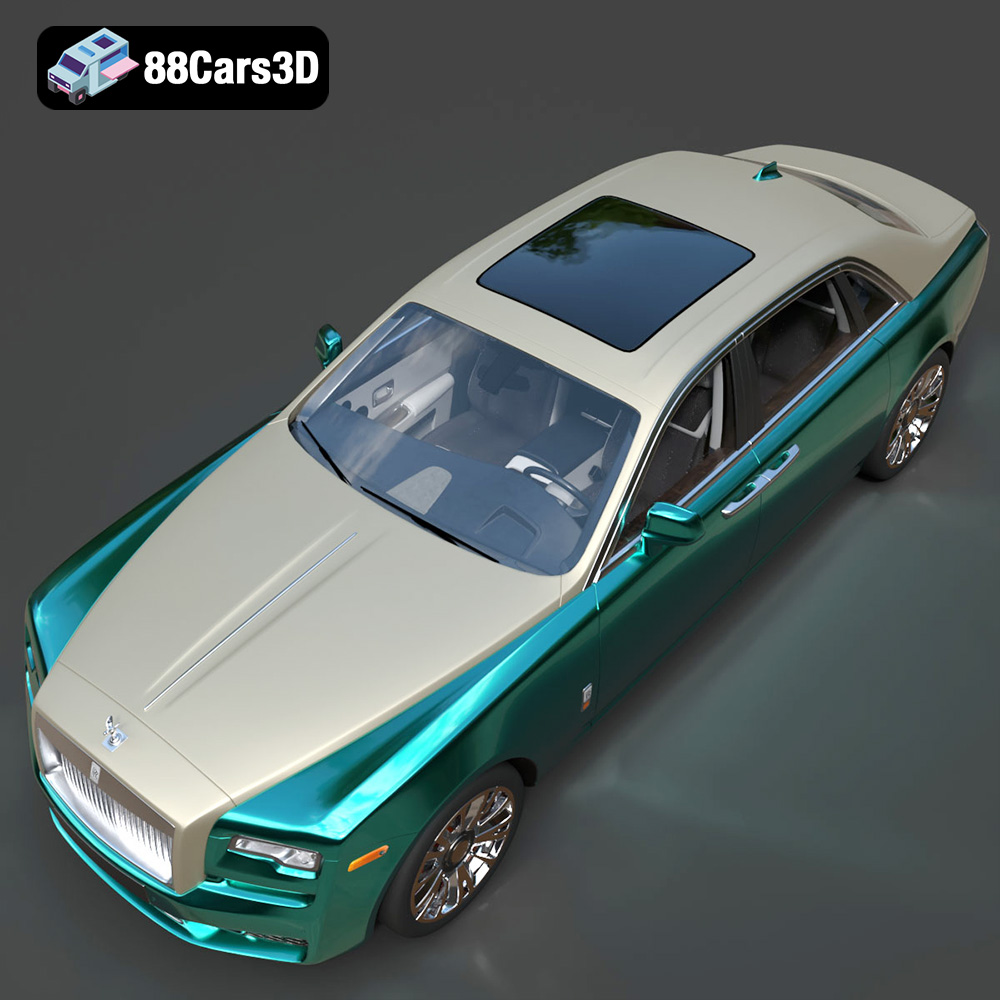
The Rolls-Royce Ghost EWB is a symbol of luxury and sophisticated engineering. Now, thanks to 88cars3d.com, you can bring a piece of that elegance into the physical world through the power of 3D printing. This detailed 3D model, meticulously crafted for realism, offers a unique opportunity to create your own miniature version of this iconic vehicle. This article will guide you through the process of 3D printing the Rolls-Royce Ghost EWB model, from preparing the STL files to post-processing for a flawless finish. Whether you’re a seasoned 3D printing enthusiast or a beginner, this comprehensive guide will provide you with the knowledge and techniques to successfully 3D print this stunning model.
Before diving into the specifics of printing the Rolls-Royce Ghost EWB, it’s crucial to understand the different file formats available and their suitability for 3D printing. The model from 88cars3d.com comes with a variety of formats, each designed for different applications, but only some are truly optimized for additive manufacturing.
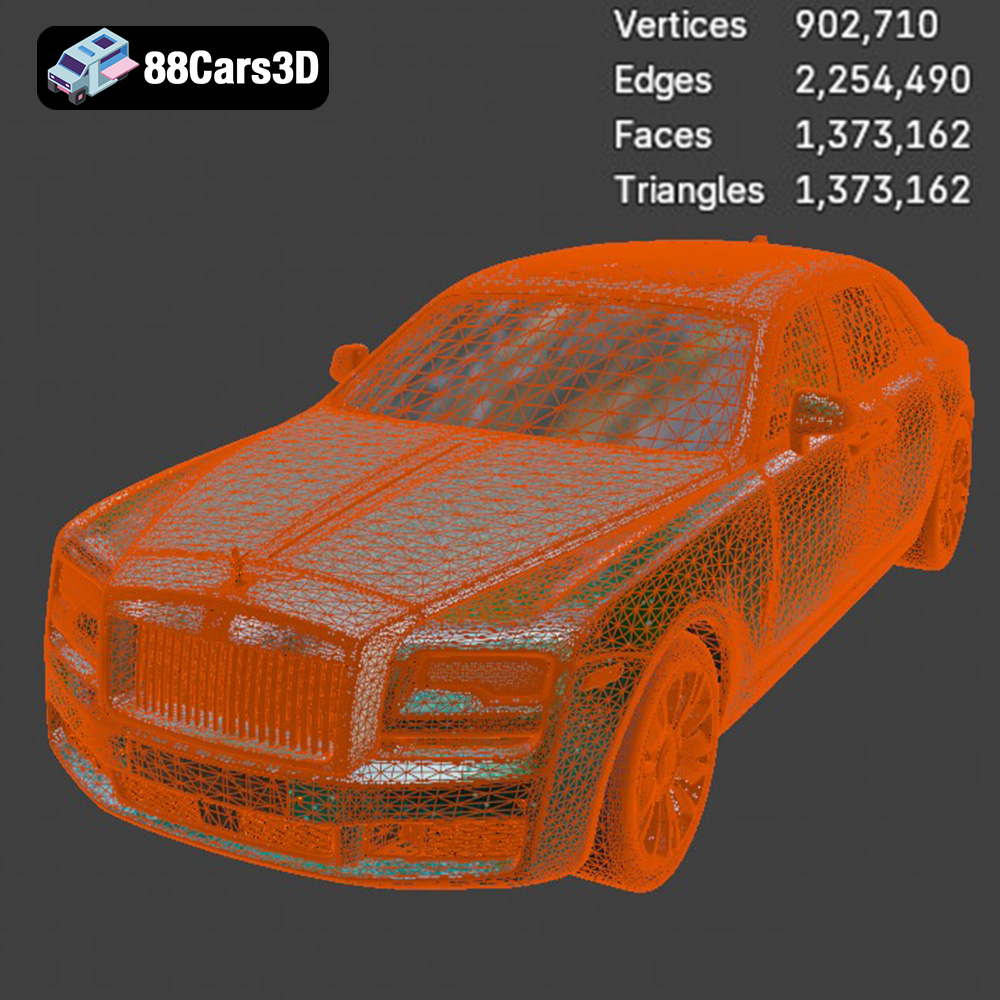
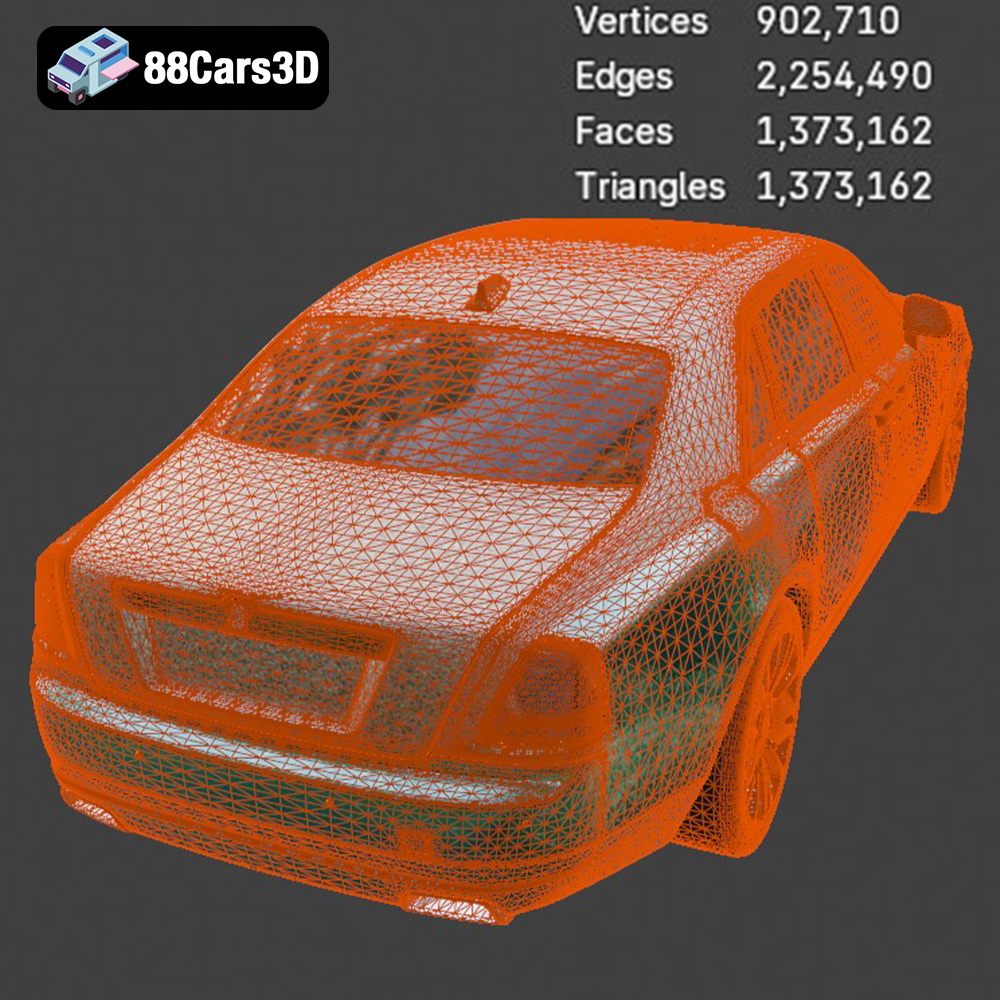
The STL (stereolithography) format is the industry standard for 3D printing. It represents the surface geometry of a 3D object as a collection of triangles. This simplicity makes it universally compatible with virtually all slicing software and 3D printers. However, it’s important to understand that STL files only contain information about the shape of the object; they do not include color, texture, or material properties. For 3D printing, this is generally sufficient, as material and color are typically determined by the printer and filament being used. When working with STL files, the mesh quality is paramount. A poorly optimized STL file with a low triangle count can result in a faceted, low-resolution print. Conversely, an excessively dense mesh can lead to large file sizes and increased processing time. The ideal STL file strikes a balance between detail and efficiency. For the Rolls-Royce Ghost EWB model, ensuring the STL file has sufficient resolution to capture the car’s intricate details is essential for a satisfying final result.
The OBJ format is a more versatile format than STL, as it can store color and texture information in addition to the geometry. While this sounds appealing for creating a more realistic 3D printed model, it’s important to note that most common 3D printing technologies, particularly FDM (Fused Deposition Modeling), are not capable of printing in multiple colors simultaneously. Therefore, the color information in an OBJ file is primarily useful for visualization purposes during the design and slicing stages. If you intend to paint your 3D printed Rolls-Royce Ghost EWB, the OBJ file can serve as a helpful reference for color schemes and detailing.
The PLY (Polygon File Format) is another format that can store color and texture information, and it’s often used for high-resolution 3D scans. It’s generally more precise than STL, but might not be supported by all slicing software. You may need to convert the PLY file to STL for optimal compatibility.
Formats like .blend (Blender), .fbx (Filmbox), .glb (GL Transmission Format), and .max (3ds Max) are primarily intended for use in 3D modeling, animation, game development, and AR/VR applications. While you can potentially export an STL file from these programs, these formats themselves are not directly compatible with 3D printers. These files are useful if you want to modify the model before printing, such as adding custom details or splitting it into smaller, more printable parts. The .fbx and .glb formats are useful for previewing the model and ensuring all its parts are correctly represented before exporting as an STL.
The primary file format to focus on for 3D printing the Rolls-Royce Ghost EWB is the STL format. Ensure that your chosen slicing software (e.g., Cura, PrusaSlicer, Simplify3D) supports STL files and that you understand how to adjust the slicing settings to achieve the desired print quality. Most slicers work seamlessly with STL files. These settings include layer height, infill density, support structures, and printing speed, all of which will be covered in detail later in this article.
Proper preparation is key to a successful 3D print. This involves inspecting the STL file, making any necessary repairs, and orienting the model for optimal printing.
Before you even load the STL file into your slicing software, it’s a good idea to inspect it for any potential issues. Common problems include non-manifold geometry (where the model has holes or edges that don’t properly connect), flipped normals (where the surface of the model is facing the wrong direction), and self-intersections (where parts of the model intersect with each other). Many free online tools and software packages like MeshLab or Netfabb Basic can help you identify and repair these issues. Ensuring a clean, error-free model is crucial for a smooth and accurate 3D print. For the Rolls-Royce Ghost EWB, pay close attention to areas with fine details like the grille, headlights, and trim, as these are more susceptible to errors.
The orientation of the model on the print bed significantly impacts print quality, support requirements, and print time. For the Rolls-Royce Ghost EWB, consider printing the body with the roof facing upwards. This minimizes the need for support structures on the car’s exterior surfaces, resulting in a cleaner finish. However, this orientation will require supports inside the body to support the roof and any overhanging features. Experiment with different orientations in your slicing software to find the best balance between print quality and support material usage. When generating supports, use a fine support resolution and a small air gap between the supports and the model to make them easier to remove after printing.
You can scale the model to your desired size in your slicing software. Keep in mind that scaling down the model too much may result in the loss of fine details. Conversely, scaling it up significantly may increase print time and material costs. You might consider hollowing the model (if your slicer has that function) to reduce material usage and printing time. This is particularly useful for larger prints. If you hollow the model, make sure to add drainage holes to allow any trapped resin (if resin printing) or unmelted filament to escape.
The choice of 3D printing technology and material will influence the final appearance, strength, and durability of your 3D printed Rolls-Royce Ghost EWB.
FDM is the most common and affordable 3D printing technology. It works by extruding melted plastic filament layer by layer to build the model. Common FDM materials include PLA (Polylactic Acid), PETG (Polyethylene Terephthalate Glycol), and ABS (Acrylonitrile Butadiene Styrene).
* **PLA:** PLA is a biodegradable thermoplastic that is easy to print and produces good results. It’s a great choice for beginners and for models where aesthetics are more important than strength.
* **PETG:** PETG is a stronger and more durable material than PLA, with better heat resistance and flexibility. It’s a good option if you want a more robust 3D printed Rolls-Royce Ghost EWB.
* **ABS:** ABS is a strong and heat-resistant plastic that is commonly used in automotive applications. However, it’s more difficult to print than PLA and PETG, as it requires a heated bed and an enclosed printer to prevent warping.
Resin printing uses liquid resin that is cured by UV light to create the model. Resin printing offers higher resolution and finer details than FDM, making it ideal for intricate models like the Rolls-Royce Ghost EWB. However, resin printers are generally more expensive than FDM printers, and resin materials can be more brittle.
* **Standard Resin:** Standard resin is a good all-around option for resin printing. It offers good detail and strength.
* **Tough Resin:** Tough resin is more impact resistant and less brittle than standard resin, making it a better choice for models that will be handled frequently.
* **Flexible Resin:** Flexible resin can be used to create parts with some flexibility. While probably not needed for the Ghost EWB, it’s worth exploring.
Fine-tuning your printer settings is crucial for achieving a high-quality 3D print. These settings will vary depending on the printing technology and material you choose.
* **Layer Height:** A lower layer height (e.g., 0.1mm – 0.2mm) will result in smoother surfaces and finer details, but it will also increase print time.
* **Infill Density:** The infill density determines how solid the interior of the model will be. A higher infill density (e.g., 20% – 30%) will result in a stronger model, but it will also increase print time and material usage.
* **Print Speed:** A slower print speed (e.g., 40mm/s – 60mm/s) will improve print quality and reduce the risk of errors, but it will also increase print time.
* **Temperature:** Follow the manufacturer’s recommendations for the optimal printing temperature for your chosen filament.
* **Supports:** Generate support structures to support overhanging features. Use a support density of 10-20% and a small air gap between the supports and the model.
* **Layer Height:** Resin printing allows for very fine layer heights (e.g., 0.025mm – 0.05mm), resulting in extremely detailed prints.
* **Exposure Time:** The exposure time determines how long each layer is exposed to UV light. Adjust the exposure time according to the resin manufacturer’s recommendations.
* **Lift Speed:** The lift speed determines how quickly the build plate moves up between layers. A slower lift speed will reduce the risk of the model detaching from the build plate.
* **Supports:** Generate support structures to support overhanging features. Resin supports are typically thinner and more delicate than FDM supports.
Once the 3D print is complete, post-processing is necessary to remove support structures, smooth the surfaces, and add any finishing touches.
Carefully remove the support structures using pliers, cutters, or a sharp knife. Be patient and avoid damaging the model. For resin prints, you may need to cure the model again after removing the supports to fully harden the resin.
Sanding is essential for removing layer lines and achieving a smooth surface finish. Start with a coarse grit sandpaper (e.g., 220 grit) and gradually move to finer grits (e.g., 400 grit, 600 grit, 800 grit) to achieve the desired smoothness. For resin prints, wet sanding is recommended to prevent dust from clogging the sandpaper.
Priming the model with a plastic primer will create a smooth, uniform surface for painting. Apply several thin coats of primer, allowing each coat to dry completely before applying the next. Once the primer is dry, you can paint the model using acrylic paints, enamel paints, or automotive paints. Consider using an airbrush for a smoother, more professional finish. Replicating the sophisticated paint job of the Rolls-Royce Ghost EWB will be a challenge but well worth the effort.
If you printed the model in multiple parts, carefully assemble them using glue or epoxy. Ensure that the parts align correctly and that the joints are strong and seamless.
Even with careful preparation and optimized settings, 3D printing can sometimes present challenges. Here are some common issues and their solutions:
* **Warping:** Warping occurs when the corners of the model lift off the build plate. This is more common with ABS. To prevent warping, use a heated bed, an enclosed printer, and apply an adhesive (e.g., glue stick or hairspray) to the build plate.
* **Stringing:** Stringing occurs when thin strands of filament are left between different parts of the model. This is more common with PLA and PETG. To prevent stringing, reduce the printing temperature, increase retraction settings, and ensure the filament is dry.
* **Layer Shifting:** Layer shifting occurs when one or more layers of the model are misaligned. This can be caused by loose belts, a wobbly printer frame, or excessive print speed.
* **Poor Bed Adhesion:** Ensure your bed is level, clean, and heated to the correct temperature for your chosen filament. Use a brim to increase the contact area between the model and the build plate.
Printing the Rolls-Royce Ghost EWB model requires patience, attention to detail, and a willingness to experiment. By following the steps outlined in this guide, you can successfully 3D print this stunning model and create a tangible representation of automotive luxury. Remember to source your high-quality 3D models from reputable marketplaces like 88cars3d.com to ensure the best possible printing experience.
Experience unparalleled digital luxury with the Rolls-Royce Ghost EWB 3D Model. This exceptionally detailed replica captures the imposing presence and refined aesthetics of the renowned extended wheelbase vehicle. Designed with meticulous attention to detail, this asset delivers remarkable realism, making it a perfect addition to any digital collection or professional pipeline.
$19.99
.arvr
.blend
.car3dmodel
.ewb
.fbx
.gameasset
.ghost
.glb
.luxurycar
.max
.obj
.ply
.rendering
.rollsroyce
.sedan
.simulation
.stl
.unreal