Get 20% OFF All Premium 3D & STL Models!

“`html
For automotive enthusiasts and 3D printing hobbyists alike, the allure of creating intricate, scaled-down vehicle models is undeniable. However, achieving that level of detail requires the right equipment. Selecting the best 3D printer for your needs hinges on several factors, including the desired level of detail, material preferences, budget constraints, and the complexity of the models you intend to print. This comprehensive guide will delve into the nuances of 3D printing detailed vehicle models, exploring the best printer technologies, essential settings, and crucial post-processing techniques to bring your automotive dreams to life. Whether you’re a beginner or an experienced maker, this article will equip you with the knowledge to produce stunning, high-quality replicas. We’ll explore both FDM and resin printing options, covering everything from file preparation to final finishing techniques, ensuring you get the most out of your 3D printing journey.
Before diving into specific printer recommendations, it’s crucial to understand what makes a 3D printer suitable for detailed vehicle models. These models often feature intricate geometries, fine details, and complex curves, demanding a printer capable of high resolution and accuracy. The choice between FDM (Fused Deposition Modeling) and resin printing is the first major decision.
FDM printers use a heated nozzle to extrude thermoplastic filament layer by layer, while resin printers use a light source to cure liquid resin. Each technology has its advantages and disadvantages.
For highly detailed vehicle models, resin printing often provides superior results. However, advancements in FDM technology and techniques can still yield impressive results, especially with careful calibration and post-processing.
While resin printers often take the spotlight for detail, FDM printers can still deliver impressive results with the right settings and filaments. The key is to choose a printer with precise control over extrusion and temperature, coupled with a stable build platform. Here are some top FDM contenders:
The Prusa i3 MK3S+ is renowned for its reliability, accuracy, and ease of use. Its direct drive extruder allows for printing with a wide range of materials, including PLA, PETG, and even flexible filaments. This is especially useful when creating components with varying degrees of stiffness. Using a 0.25mm nozzle instead of a standard 0.4mm can further enhance the detail resolution, printing smaller features with ease.
The Creality Ender 3 S1 Pro offers a blend of affordability and performance. It features a direct drive extruder and automatic bed leveling, making it a solid option for beginners and experienced users. A good tip is to upgrade the bed springs to a silicone version as the stock ones can cause bed leveling issues over time.
For those seeking a premium FDM experience, the Ultimaker S3 is a top-tier choice. It offers dual extrusion capabilities, allowing for printing with multiple materials or support structures. This is a huge advantage for complex vehicle models that require intricate supports.
Resin printers are the go-to choice for incredibly detailed vehicle models. Their ability to produce smooth surfaces and capture intricate features is unmatched. Here are some of the best resin printers for achieving stunning results:
The Elegoo Mars 4 Ultra offers a combination of high resolution and a user-friendly interface. It features a monochrome LCD screen, which significantly reduces print times and improves the lifespan of the screen. The large build volume is also very useful for printing larger vehicle models, or multiple smaller ones in a single print.
The Anycubic Photon Mono X 6K delivers exceptional detail and accuracy. Its 6K resolution LCD screen allows for printing with even finer details, making it ideal for complex vehicle models. The increased print volume is also perfect for large models, or batches of smaller models. Always ensure that the room is well ventilated when resin printing as the fumes can be harmful. Also ensure that you use the correct PPE when handling the resin.
The Phrozen Sonic Mini 8K S pushes the boundaries of resolution with its 8K LCD screen. This printer is capable of capturing the most intricate details, making it the top choice for discerning modelers. However, the high resolution also means that the settings need to be dialed in perfectly to avoid print failures.
No matter how good your printer is, the quality of your STL files plays a crucial role in the final result. Proper file preparation is essential for ensuring successful prints. Platforms like 88cars3d.com offer print-ready STL files, but understanding how to optimize them yourself can further enhance your results.
STL files can sometimes contain errors, such as non-manifold edges, holes, or intersecting faces. These errors can cause printing issues. Software like Meshmixer and Netfabb can be used to repair these errors, ensuring a clean and printable mesh.
The orientation of the model on the build plate significantly impacts print quality and the amount of support structures needed. Experiment with different orientations to minimize overhangs and maximize detail resolution. Proper support structure generation is also crucial for supporting overhanging features.
For example, if printing a car body, orienting it at a 45-degree angle can reduce the need for supports on the roof and hood. Support placement and density are critical. Too few supports can lead to print failures, while too many can be difficult to remove and leave blemishes.
Slicing software converts your STL files into instructions for the 3D printer. Selecting the right slicing parameters is essential for achieving optimal print quality. Here’s a breakdown of key settings:
Layer height determines the resolution of the print. Lower layer heights result in smoother surfaces and finer details, but also increase print time. For FDM printing, a layer height of 0.1mm – 0.15mm is a good starting point for detailed vehicle models. Resin printing can achieve even finer details with layer heights of 0.02mm – 0.05mm.
Infill density determines the internal strength of the model. For vehicle models, a moderate infill density (15-25%) is usually sufficient. The infill pattern also affects strength and print time. Gyroid and Cubic infill patterns provide a good balance of strength and speed.
Print speed and temperature need to be carefully calibrated for the chosen material. Too high a print speed can lead to poor layer adhesion and reduced detail. The optimal temperature depends on the material being used. Refer to the material manufacturer’s recommendations for the best results.
It’s important to note that these are just starting points. Experimentation and fine-tuning are often necessary to achieve the best results with your specific printer and material.
Post-processing is the final step in bringing your 3D printed vehicle models to life. Even with the best printers and settings, some post-processing is usually necessary to achieve a professional finish. When downloading models from marketplaces such as 88cars3d.com, you can expect a high-quality starting point that simplifies the post-processing phase.
Carefully remove support structures using appropriate tools, such as flush cutters or pliers. Sanding is essential for smoothing out imperfections and layer lines. Start with a coarse grit sandpaper and gradually move to finer grits for a smooth finish. For resin prints, cleaning and curing are also crucial steps.
Pay close attention to areas where supports were attached, as these often require the most sanding.
Painting can significantly enhance the appearance of your vehicle models. Use automotive-grade paints and primers for the best results. Apply multiple thin coats for a smooth and even finish. Clear coating can add a protective layer and enhance the glossiness of the paint.
Many vehicle models consist of multiple parts that need to be assembled. Use appropriate adhesives, such as super glue or epoxy, to join the parts together. Adding fine details, such as decals, lights, and interior components, can further enhance the realism of your models.
Even with the best equipment and settings, 3D printing can sometimes present challenges. Here are some common issues and how to troubleshoot them:
Poor bed adhesion can cause prints to warp or detach from the build plate. Ensure that the build plate is clean and level. Use a bed adhesion aid, such as hairspray or a glue stick, to improve adhesion. For FDM printing, increasing the initial layer temperature and flow rate can also help. For resin printing, increase the bottom layer exposure time.
Warping occurs when the corners of the print lift off the build plate. This is often caused by temperature variations or poor bed adhesion. Enclosing the printer can help maintain a consistent temperature. Increasing the bed temperature and using a brim or raft can also improve adhesion and prevent warping.
Layer separation occurs when layers fail to properly adhere to each other. This can be caused by low temperature, insufficient extrusion, or a clogged nozzle. Increase the nozzle temperature, increase the flow rate, and check for nozzle clogs.
Printing detailed vehicle models is a rewarding but challenging endeavor. By selecting the right 3D printer, preparing your STL files carefully, optimizing your slicing parameters, and mastering post-processing techniques, you can create stunning, high-quality replicas. Whether you choose FDM or resin printing depends on your desired level of detail, budget, and experience. Remember to experiment with different settings and materials to find what works best for your specific printer and models. Explore resources like 88cars3d.com for a wide selection of printable car models to fuel your passion. Start with simple models and gradually increase the complexity as you gain experience. With patience and practice, you’ll be able to bring your automotive dreams to life through the power of 3D printing. The key is to not be afraid to experiment and learn from your mistakes. Happy printing!
“`
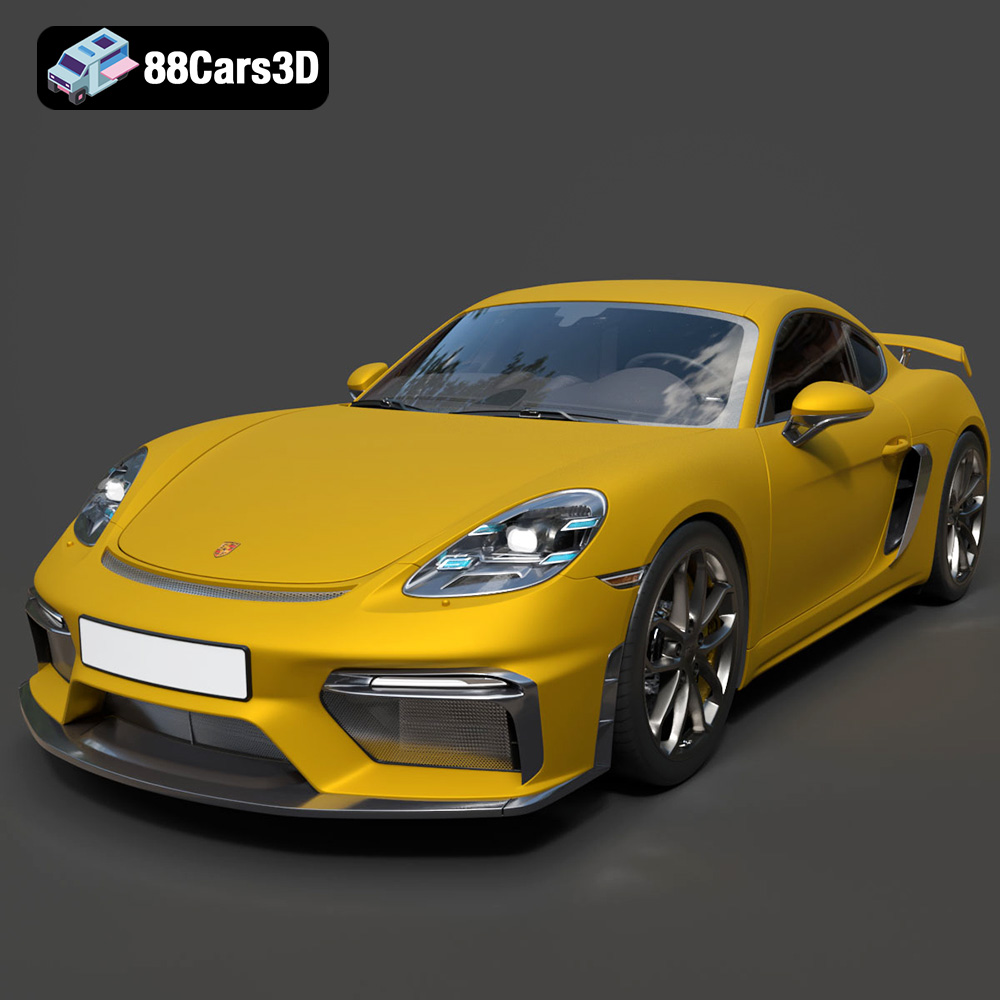
Texture: Yes | Material: Yes
Download the highly detailed, game-ready Porsche 718 Cayman GT4 2020 3D Model. Features an aggressive fixed rear wing, distinctive side air intakes, and a track-focused stance. Includes .blend, .fbx, .obj, .glb, .stl, .ply, .unreal, and .max formats for game development, AR/VR, and rendering.
Price: $19.99

Texture: Yes | Material: Yes
Download the highly detailed, game-ready Polestar 2 2020 3D Model. Features minimalist Scandinavian fastback styling, pixel LED lighting, and an accurate electric vehicle profile. Includes .blend, .fbx, .obj, .glb, .stl, .ply, .unreal, and .max formats for game development, AR/VR, and rendering.
Price: $19.99
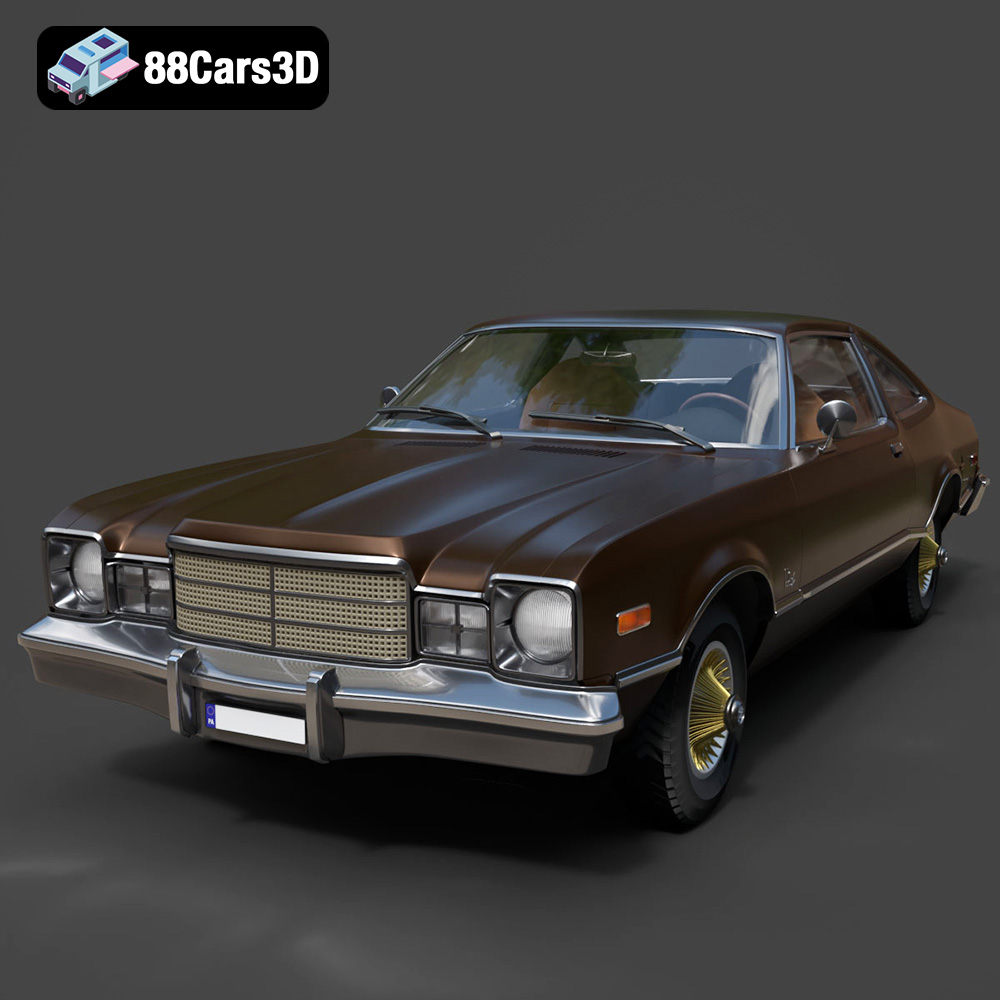
Texture: Yes | Material: Yes
Download the highly detailed, game-ready Plymouth Volare Coupe 1977 3D Model. Features classic F-body styling, detailed chrome trim, and an accurate vintage interior. Includes .blend, .fbx, .obj, .glb, .stl, .ply, .unreal, and .max formats for game development, AR/VR, and rendering.
Price: $19.99

Texture: Yes | Material: Yes
Download the highly detailed, game-ready Peugeot 208 2020 3D Model. Features aggressive ‘fang’ LED DRLs, sporty hatchback proportions, and aerodynamic alloy wheels. Includes .blend, .fbx, .obj, .glb, .stl, .ply, .unreal, and .max formats for game development, AR/VR, and rendering.
Price: $19.99

Texture: Yes | Material: Yes
Download the highly detailed, game-ready MV Agusta Brutale 1090 R 3D Model. Features an exposed trellis frame, distinctive teardrop headlight, and muscular naked bike styling. Includes .blend, .fbx, .obj, .glb, .stl, .ply, .unreal, and .max formats for game development, AR/VR, and rendering.
Price: $19.99

Texture: Yes | Material: Yes
Download the highly detailed, game-ready Custom Off-Road BMW R1150GS Adventure Sidecar 3D Model. Features rugged all-terrain suspension, an attached passenger sidecar, and off-road knobby tires. Includes .blend, .fbx, .obj, .glb, .stl, .ply, .unreal, and .max formats for game development, AR/VR, and rendering.
Price: $19.99

Texture: Yes | Material: Yes
Download the highly detailed, game-ready Mitsubishi Outlander GT 2010 3D Model. Features the aggressive Lancer-inspired front grille, accurate exterior styling, and high-fidelity alloy wheels. Includes .blend, .fbx, .obj, .glb, .stl, .ply, .unreal, and .max formats for game development, AR/VR, and rendering.
Price: $19.99
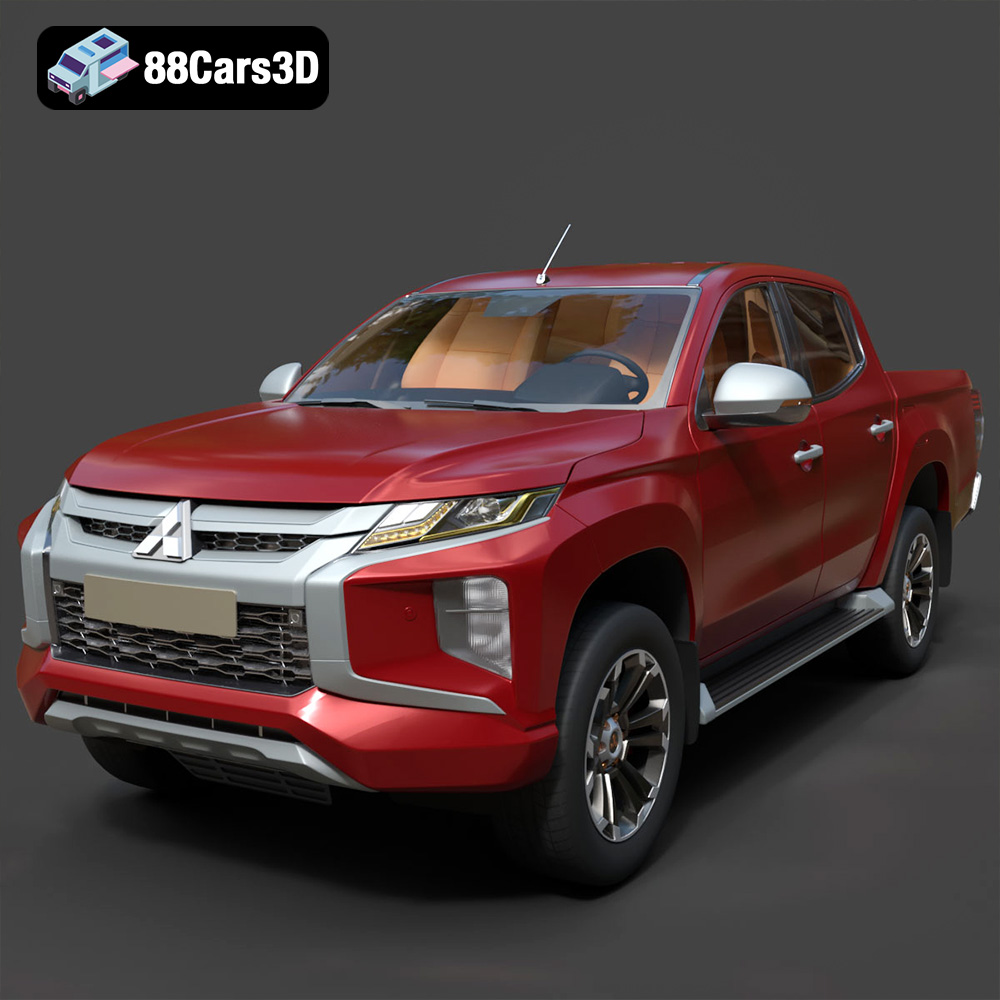
Texture: Yes | Material: Yes
Download the highly detailed, game-ready Mitsubishi L200 Crew Cab 2019 3D Model. Features the iconic Dynamic Shield front fascia, rugged cargo bed, and a spacious crew cab interior. Includes .blend, .fbx, .obj, .glb, .stl, .ply, .unreal, and .max formats for game development, AR/VR, and rendering.
Price: $19.99
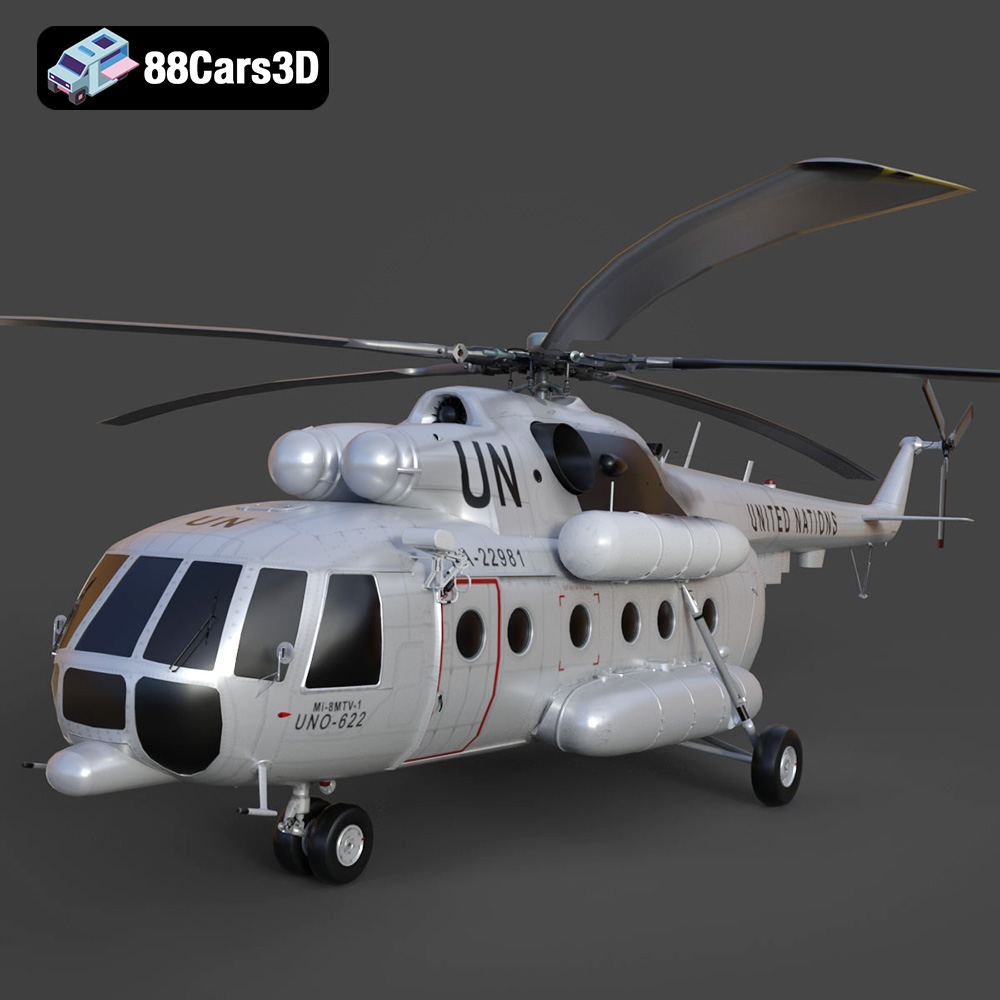
Texture: Yes | Material: Yes
Download the highly detailed, game-ready Mil Mi-8MTV-UN 3D Model. Features the iconic United Nations white livery, detailed twin turboshaft engines, and fully articulated rotor assemblies. Includes .blend, .fbx, .obj, .glb, .stl, .ply, .unreal, and .max formats for game development, AR/VR, and rendering.
Price: $19.99
Texture: Yes | Material: Yes
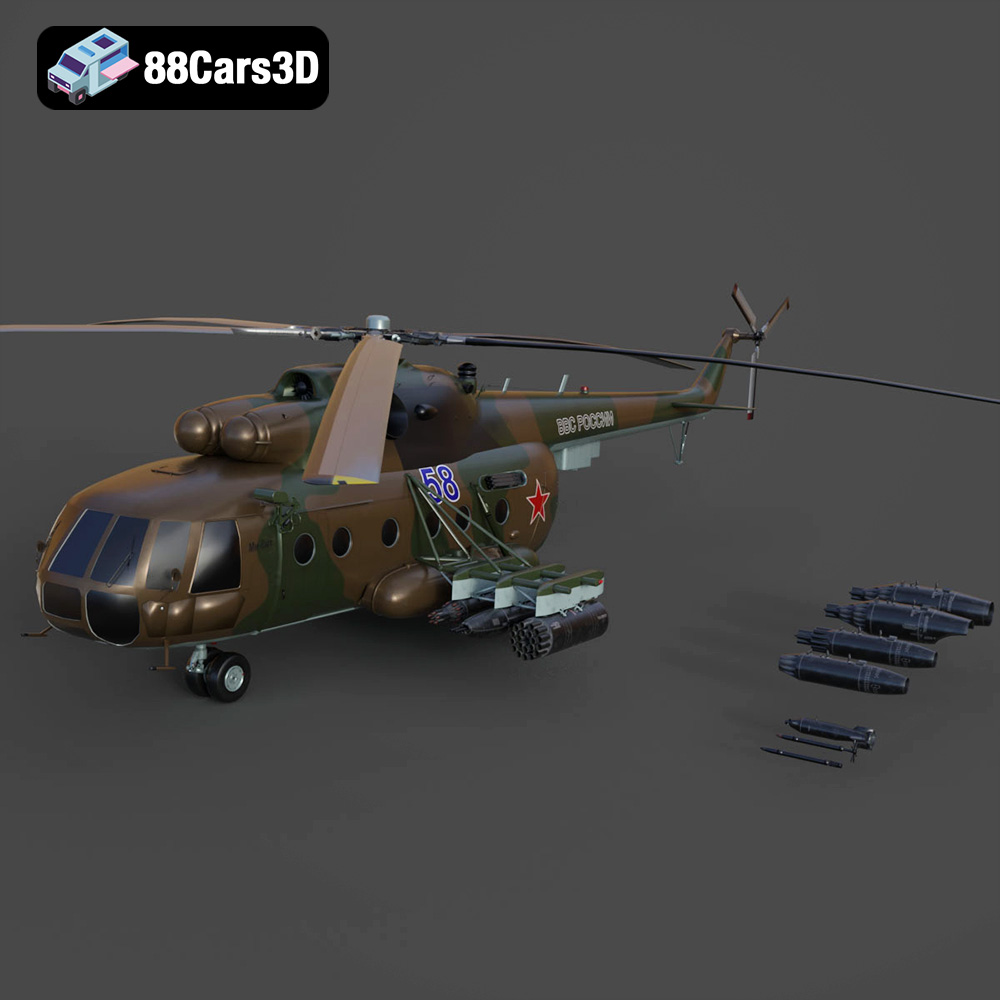
Download the highly detailed, game-ready Mil Mi-8MT Helicopter 3D Model. Features twin-turbine engine housings, a detailed 5-blade main rotor, and authentic cockpit instrumentation. Includes .blend, .fbx, .obj, .glb, .stl, .ply, .unreal, and .max formats for game development, AR/VR, and rendering.
Price: $19.99

