Get 20% OFF All Premium 3D & STL Models!

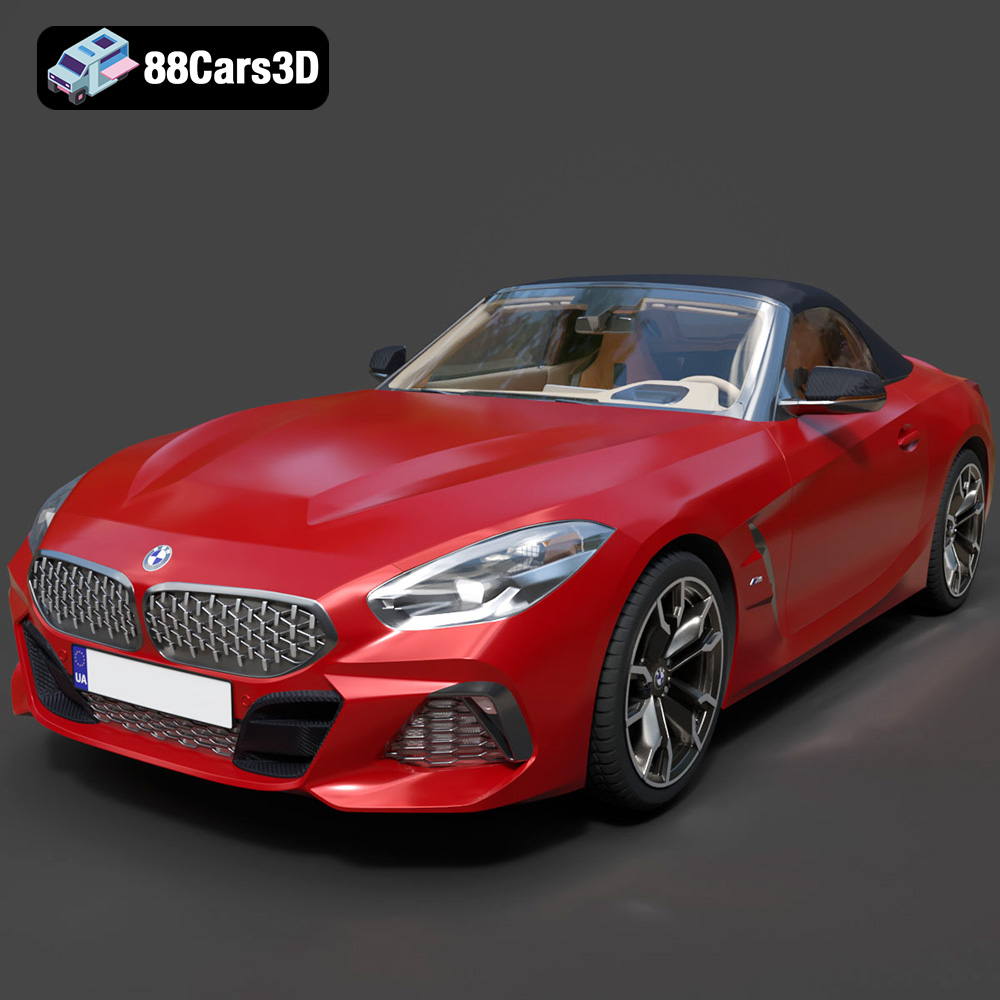
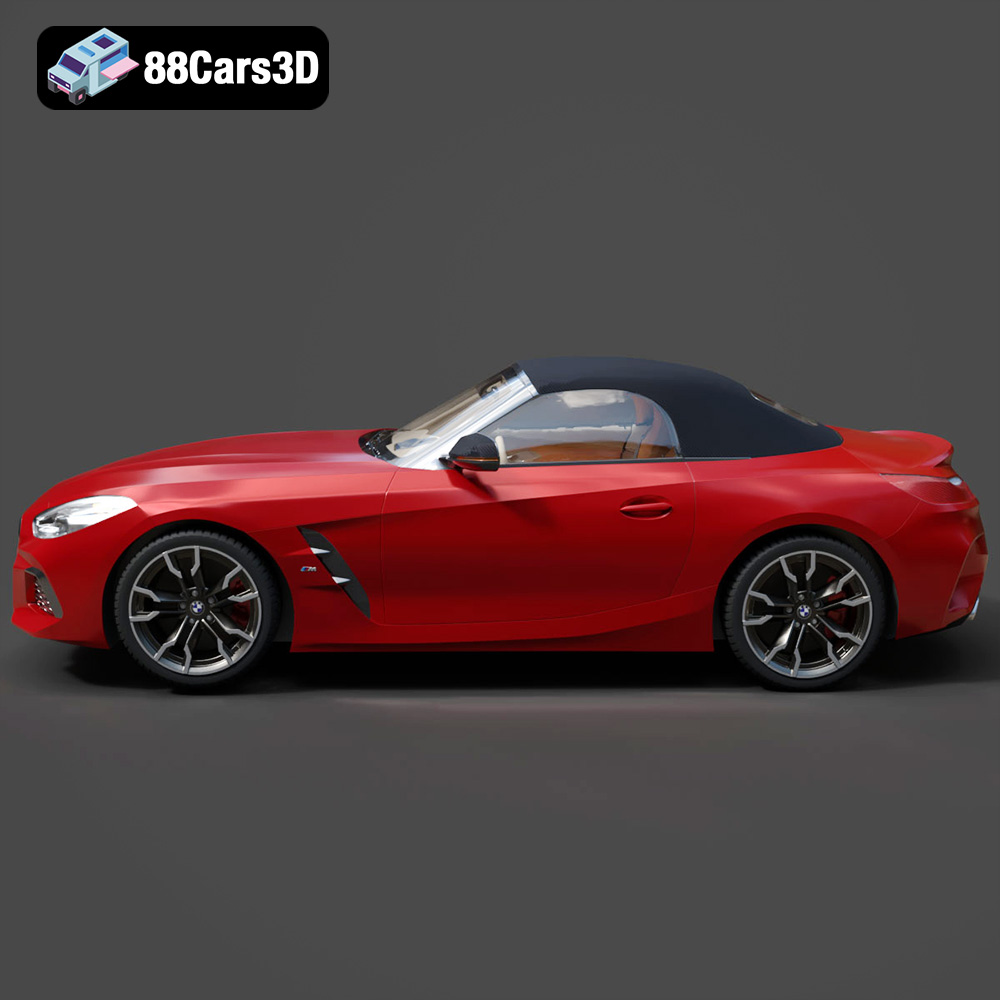
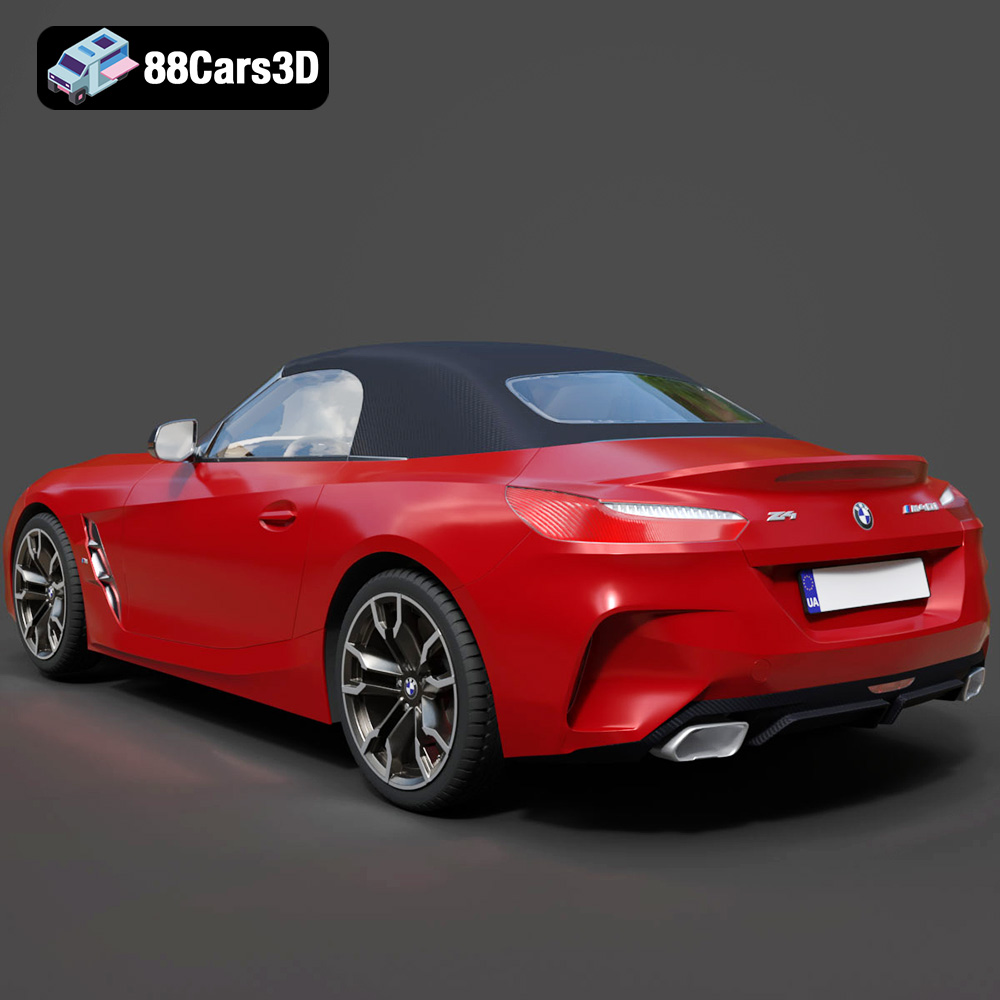
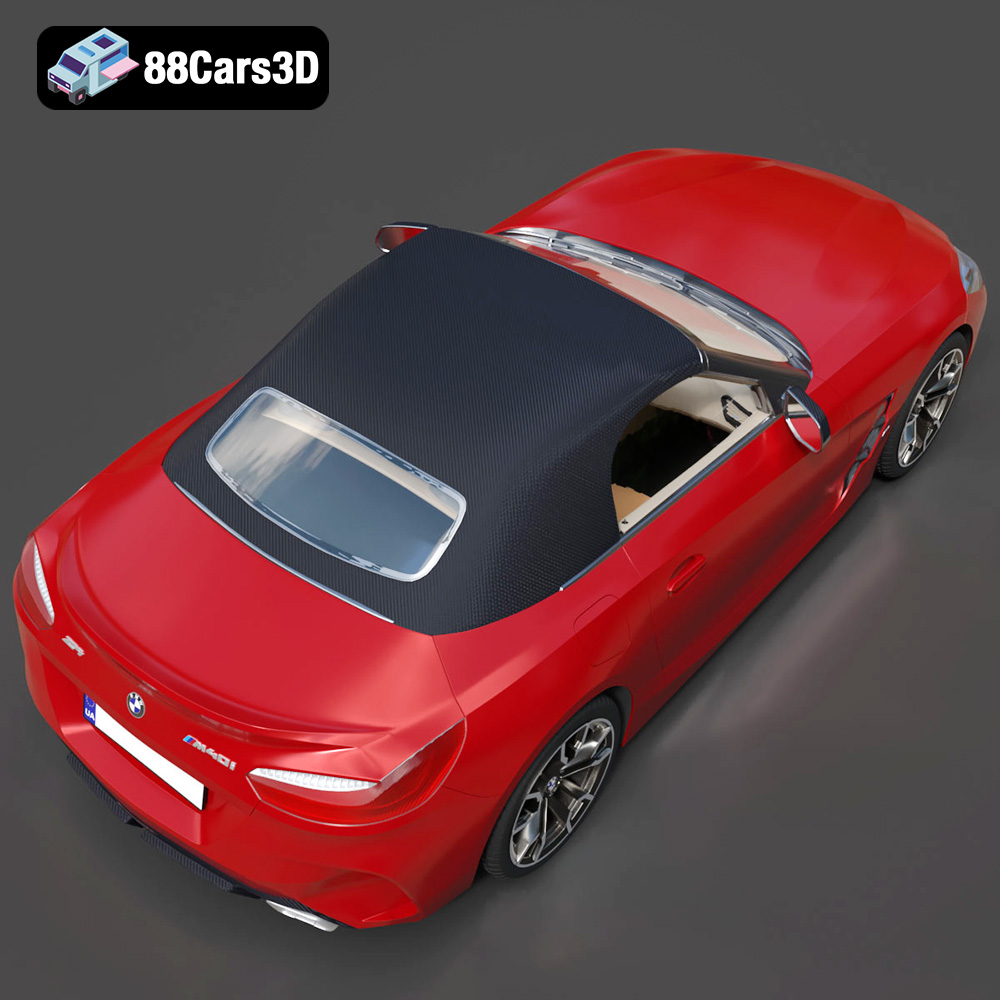
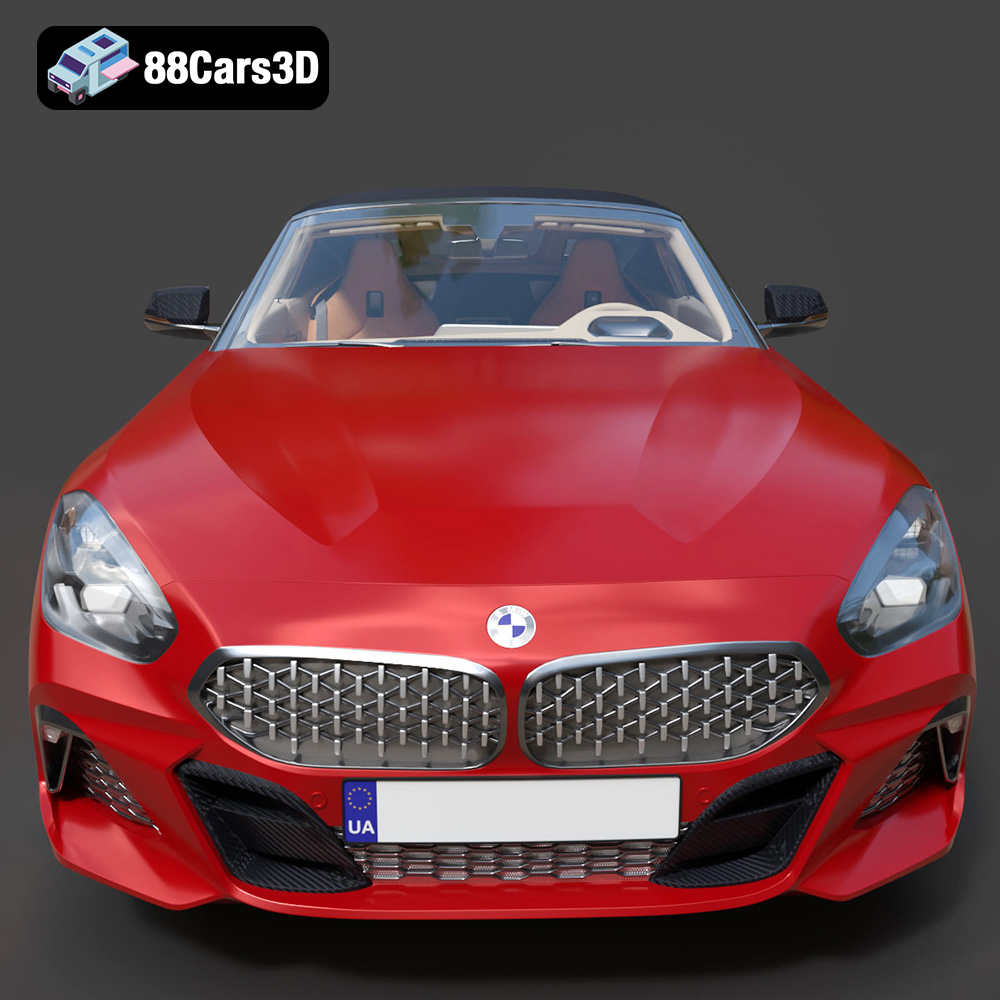
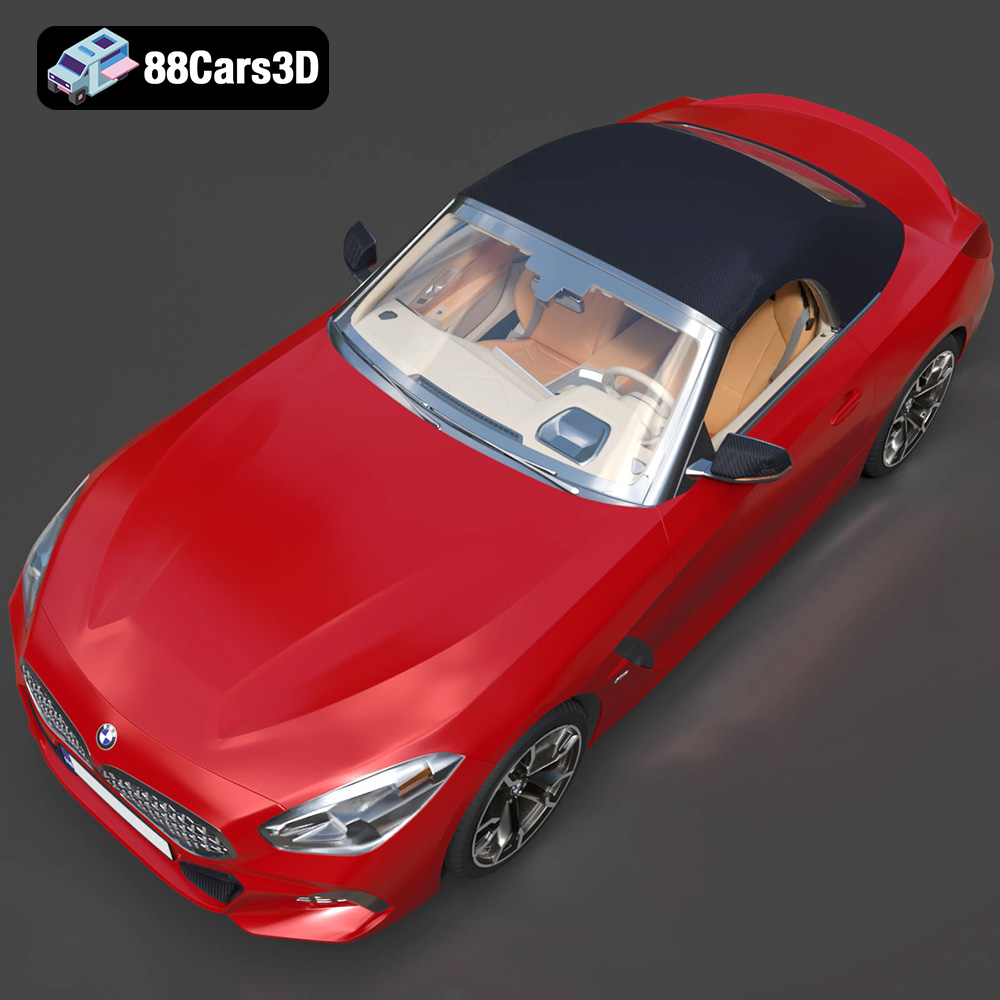
The thrill of owning a BMW Z4 Mk3 G29 Roadster M40i 2019 is undeniable. Its sleek lines and powerful presence make it a true icon. But what if you could hold a piece of that automotive excellence in your hands, created with your own 3D printer? Thanks to the high-quality 3D model available at 88cars3d.com, that dream is now a reality. This comprehensive guide will walk you through the process of 3D printing this stunning vehicle, from pre-print preparation to post-processing perfection. We’ll cover everything you need to know to create a show-stopping replica.
The BMW Z4 Mk3 G29 Roadster M40i 2019 3D model can be brought to life using various additive manufacturing technologies. The most common are Fused Deposition Modeling (FDM) and Stereolithography (SLA) printing.
FDM printing, which uses materials like PLA, PETG, and ABS, is a great option for larger parts of the car body. PLA is beginner-friendly, offering ease of use and a wide range of colors. PETG provides enhanced durability and temperature resistance, making it suitable for parts that might be exposed to heat. ABS offers even greater strength but requires a heated bed and enclosure for optimal results. Consider using different filaments based on the desired properties for different parts of the model.
SLA printing, which uses resin, is ideal for smaller, intricate parts like the interior details, wheels, and emblems. SLA offers superior resolution and surface finish, allowing you to capture the fine details of the BMW Z4 Mk3 G29 Roadster M40i 2019 with exceptional clarity. While resin printing requires more post-processing, the results are well worth the effort, especially when striving for a museum-quality replica.
Choosing the right file format is crucial for a successful 3D printing experience. The BMW Z4 Mk3 G29 Roadster M40i 2019 3D model from 88cars3d.com includes multiple formats, but not all are equally suited for printing. Let’s break down the key differences:
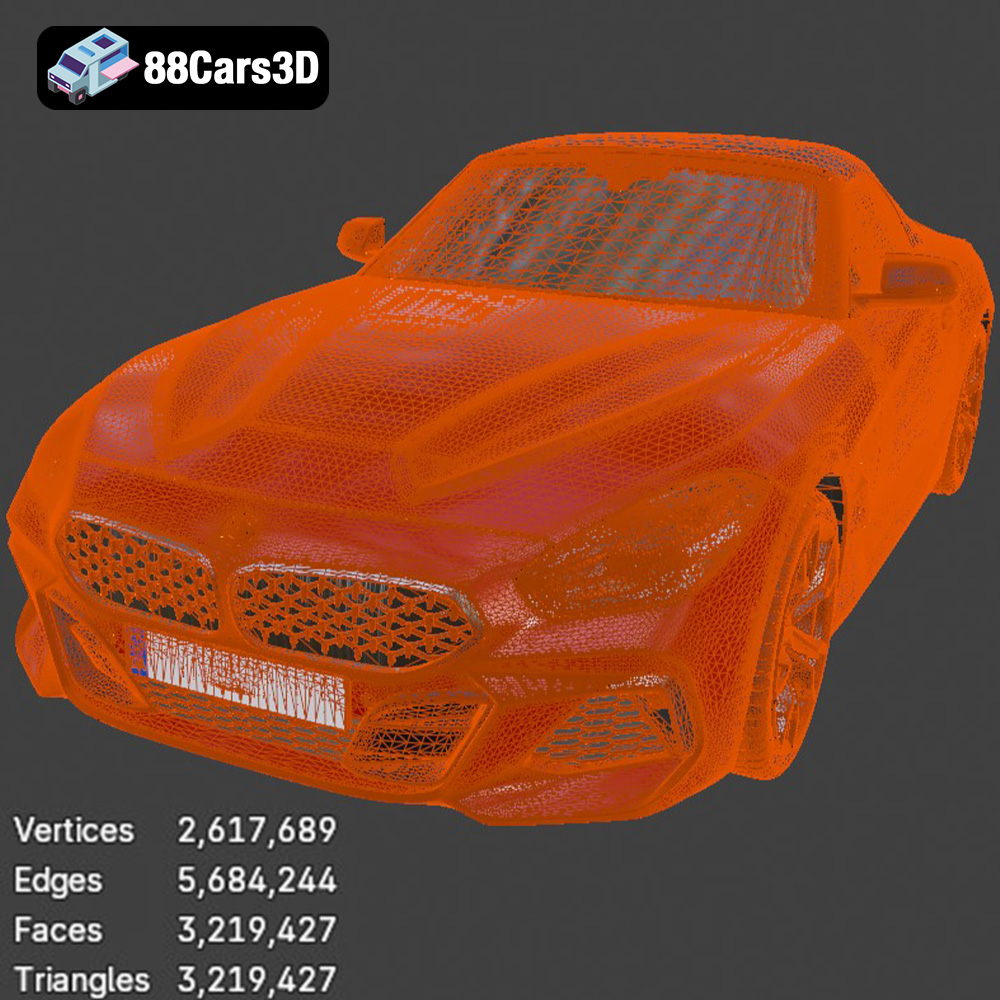
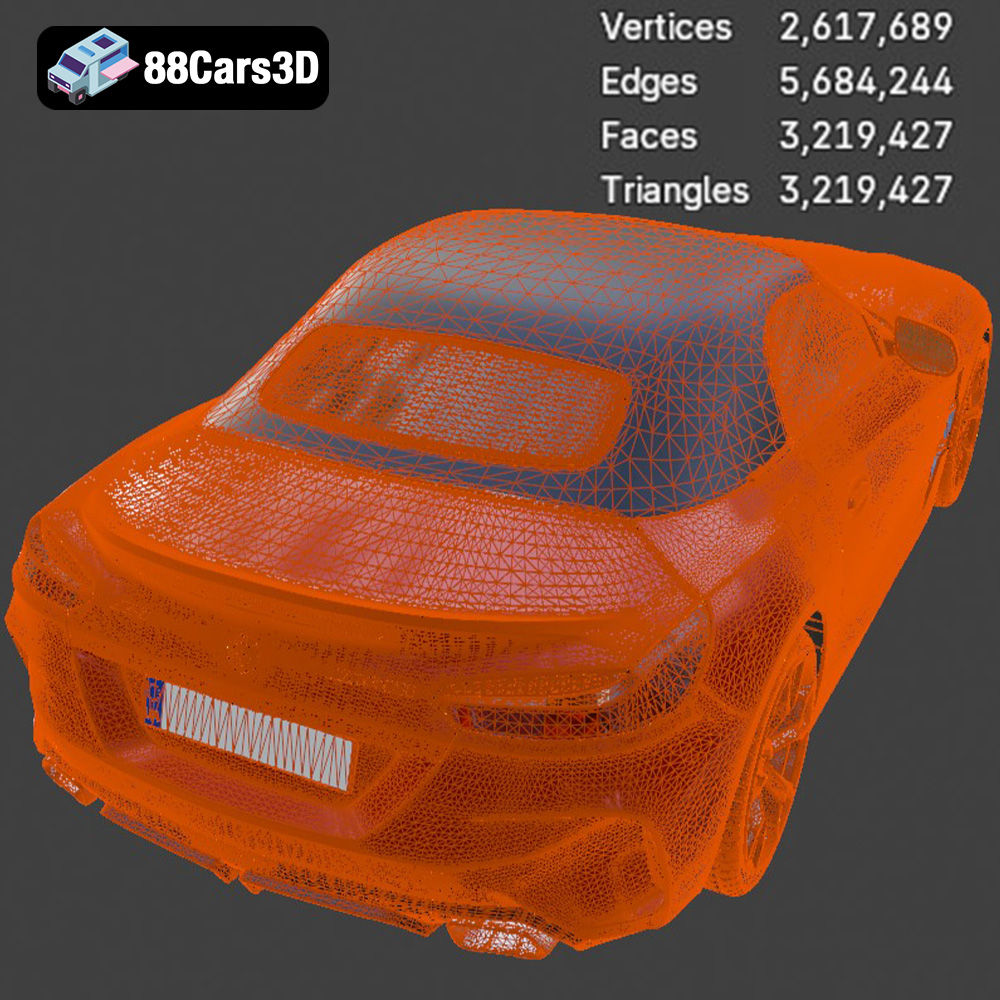
STL (Stereolithography) is the most widely used file format for 3D printing. It represents the surface geometry of a 3D object as a collection of triangles. This simplicity makes it highly compatible with virtually all slicing software and 3D printers. When working with STL files, it’s important to ensure the mesh is watertight (closed and without holes) and has sufficient resolution to capture the details of the model. Low-resolution STL files can result in faceted surfaces, while excessively high-resolution files can be computationally expensive to process and may not offer a significant improvement in print quality. The STL format does not contain color or texture information, so all prints will be monochromatic unless painted afterwards. Given its widespread compatibility and suitability for representing complex shapes, the STL file is the recommended format for 3D printing the BMW Z4 Mk3 G29 Roadster M40i 2019.
OBJ is a more versatile format that supports both geometry and texture information. This means that OBJ files can store color and material properties, allowing for the possibility of multi-colored 3D prints (although this requires a printer capable of handling multiple filaments or materials). OBJ files use a more complex data structure than STL, which can sometimes lead to compatibility issues with older slicing software.
PLY (Polygon File Format) is designed for storing 3D data acquired from 3D scanners. It’s capable of representing highly detailed meshes with color and texture information. While PLY offers excellent precision, it’s not as universally supported by slicing software as STL.
BLEND files are native to Blender, a popular open-source 3D modeling software. These files contain the entire scene, including the model, materials, lighting, and animation settings. If you’re familiar with Blender, you can use the BLEND file to customize the BMW Z4 Mk3 G29 Roadster M40i 2019 model before exporting it to a printable format like STL.
FBX (Filmbox) is a proprietary format developed by Autodesk. It’s commonly used for exchanging 3D data between different software applications, including game engines and 3D modeling programs. FBX files can store geometry, textures, animation, and other scene information. While some slicing software supports FBX import, it’s generally not the preferred format for 3D printing due to its complexity.
GLB (GL Transmission Format Binary) is designed for efficient delivery and loading of 3D models on the web and in AR/VR applications. It’s a binary format that combines the geometry, textures, and animations into a single file. GLB is primarily used for visualization and interactive experiences rather than 3D printing.
Similar to .blend files, .max files are native to 3ds Max, another professional 3D modeling software package. They contain the complete project data, allowing for extensive modifications and customizations. You’ll need 3ds Max to open and edit these files before exporting to a printable format.
For 3D printing the BMW Z4 Mk3 G29 Roadster M40i 2019, the **STL file** is your best bet. Ensure the STL file has sufficient resolution and is free of errors before proceeding. You can use mesh repair tools in your slicing software to fix any issues.
Once you’ve chosen your 3D printing technology and file format, it’s time to prepare the model for printing using slicing software like Cura, PrusaSlicer, or Simplify3D. This crucial step involves configuring various settings that will significantly impact the final print quality.
The orientation of the BMW Z4 Mk3 G29 Roadster M40i 2019 model on the print bed is critical. Consider printing the body with the roof facing down to minimize the need for supports on the visible surfaces. However, this orientation will require more support material inside the cabin. Experiment with different orientations to find the optimal balance between support usage and surface quality. Support structures are essential for printing overhangs and intricate details. Use tree supports or linear supports with a low density to minimize material waste and ease removal. Adjust the support placement to avoid damaging delicate features.
Layer height determines the resolution of your print. A lower layer height (e.g., 0.1mm) will result in a smoother surface finish but will increase the print time. A higher layer height (e.g., 0.2mm) will print faster but may sacrifice some detail. An infill density of 15-25% is generally sufficient for structural integrity without adding excessive weight or print time. Use a rectilinear or gyroid infill pattern for optimal strength-to-weight ratio. For smaller, more delicate parts, consider increasing the infill density to 50% or more.
Optimal temperature settings depend on the material you’re using. Refer to the filament manufacturer’s recommendations for the appropriate nozzle and bed temperatures. Print speed also affects print quality. A slower print speed (e.g., 40-60mm/s) will generally result in better surface finish and layer adhesion. Increase the speed for less critical parts to reduce print time. Retraction settings are crucial for preventing stringing and oozing. Experiment with different retraction distances and speeds to find the optimal settings for your printer and filament.
The choice of material greatly influences the final appearance and durability of your 3D printed BMW Z4 Mk3 G29 Roadster M40i 2019.
PLA (Polylactic Acid) is a biodegradable thermoplastic known for its ease of use and wide availability. It’s a great option for beginners due to its low printing temperature and minimal warping. PLA is available in a vast range of colors, allowing you to customize the look of your BMW Z4. However, PLA is not as heat-resistant or durable as other materials, so it’s best suited for display models.
PETG (Polyethylene Terephthalate Glycol-modified) offers a good balance of strength, flexibility, and ease of use. It’s more durable and heat-resistant than PLA, making it suitable for parts that might be exposed to higher temperatures or stress. PETG is also relatively easy to print, with good layer adhesion and minimal warping.
Resin, used in SLA and DLP printing, is the best choice for capturing intricate details and achieving a smooth surface finish. Resin prints are ideal for smaller parts like wheels, emblems, and interior components. However, resin printing requires more post-processing, including washing and curing.
Post-processing is essential for transforming a raw 3D print into a polished and professional-looking model.
Carefully remove support structures using pliers or a sharp knife. Be gentle to avoid damaging the model’s surface. Sand the surface with progressively finer grits of sandpaper (e.g., 220, 400, 600 grit) to remove layer lines and smooth out imperfections. Wet sanding can help to reduce dust and improve the surface finish.
Apply a primer coat to the model to create a smooth and uniform surface for painting. Choose a primer that is compatible with your chosen paint. Use acrylic paints or automotive paints to achieve a realistic finish. Apply multiple thin coats of paint, allowing each coat to dry completely before applying the next. Consider using an airbrush for a professional-looking paint job.
Carefully assemble the different parts of the BMW Z4 Mk3 G29 Roadster M40i 2019 model using glue or screws. Add finishing touches like decals, chrome accents, and clear coat to enhance the realism and durability of the model.
Even with careful preparation, you may encounter some challenges during the 3D printing process.
Warping occurs when the corners of the print lift off the bed. To prevent warping, ensure the bed is properly leveled and heated. Use a bed adhesive like glue stick or hairspray to improve adhesion. Enclosing the printer can also help to maintain a consistent temperature and reduce warping.
Stringing and oozing occur when molten filament leaks from the nozzle during travel moves. Increase the retraction distance and speed to prevent stringing. Lowering the nozzle temperature can also help.
Layer shifting occurs when the print head moves out of alignment during printing. Check the belts and pulleys to ensure they are properly tightened. Reduce the print speed and acceleration to minimize vibrations.
Experience true realism with the BMW Z4 Mk3 G29 Roadster M40i 2019 3D Model. Crafted with precision, this model perfectly captures the dynamic lines, aggressive stance, and elegant curves of the iconic roadster. Ideal for a wide range of applications, this vehicle is perfectly suited for game development, detailed rendering, AR/VR experiences, simulation environments, and commercial visualizations.
$19.99
3D printing the BMW Z4 Mk3 G29 Roadster M40i 2019 is a rewarding project that combines technology and artistry. By carefully selecting your materials, configuring your printer settings, and mastering post-processing techniques, you can create a stunning replica that captures the essence of this iconic sports car. Remember to use the STL file provided by 88cars3d.com for optimal 3D printing results. Embrace the challenge, experiment with different settings, and unleash your inner engineer to bring this beautiful machine to life.
.arvr
.blend
.bmw
.car3dmodel
.convertible
.fbx
.g29
.gameasset
.glb
.m40i
.max
.mk3
.obj
.ply
.rendering
.roadster
.simulation
.sportsCar
.stl
.unreal
.z4