Get 20% OFF All Premium 3D & STL Models!

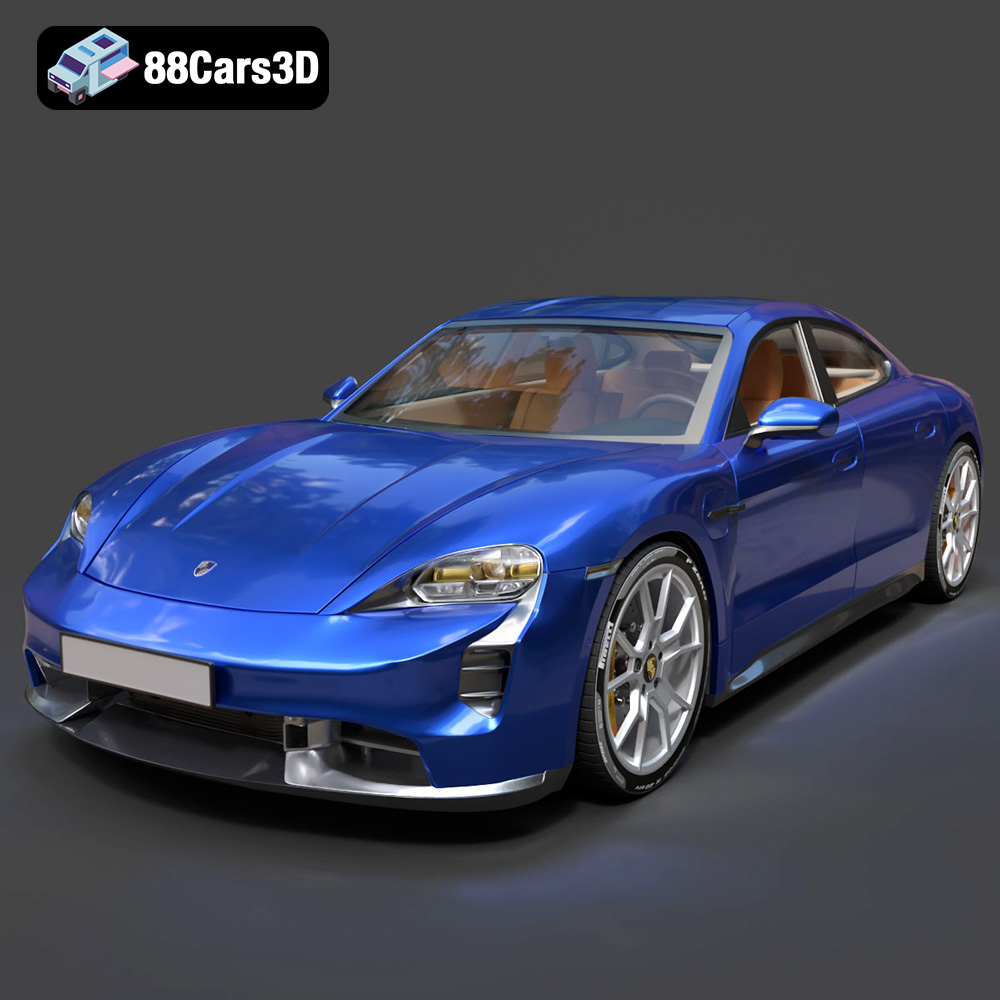
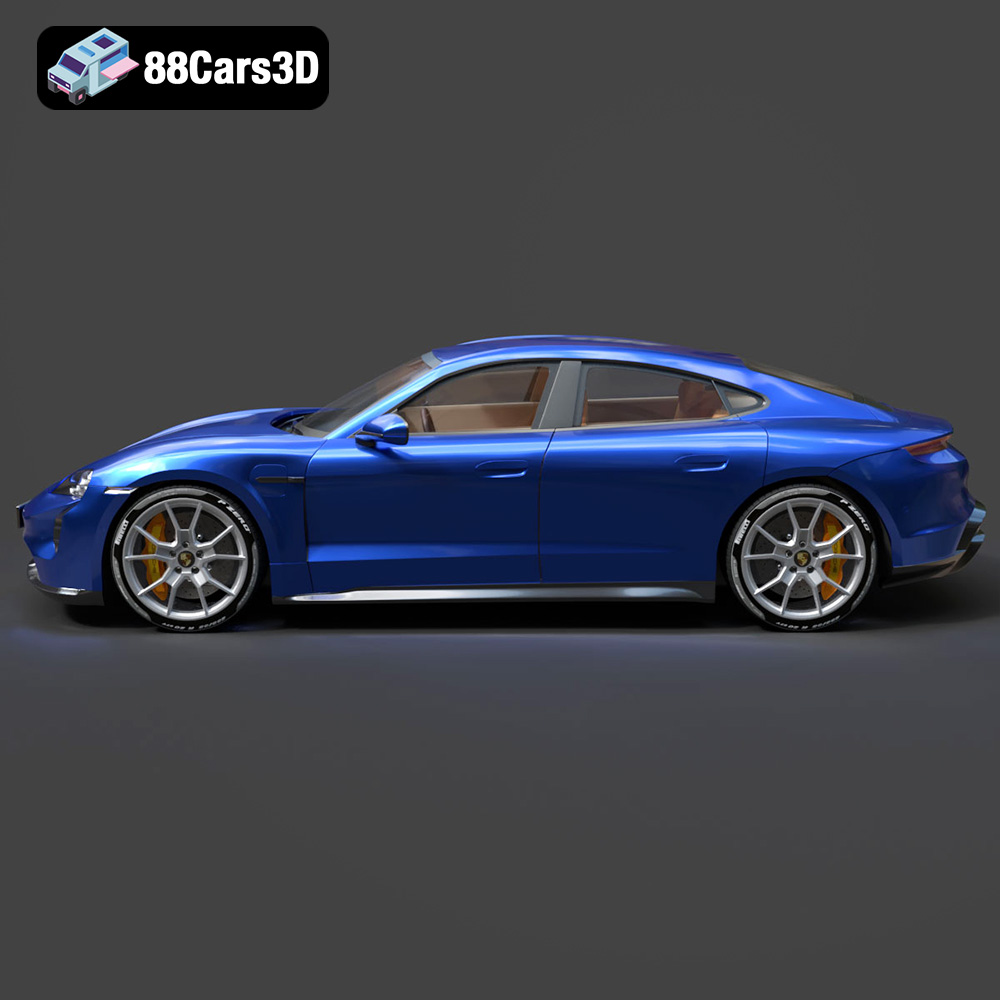
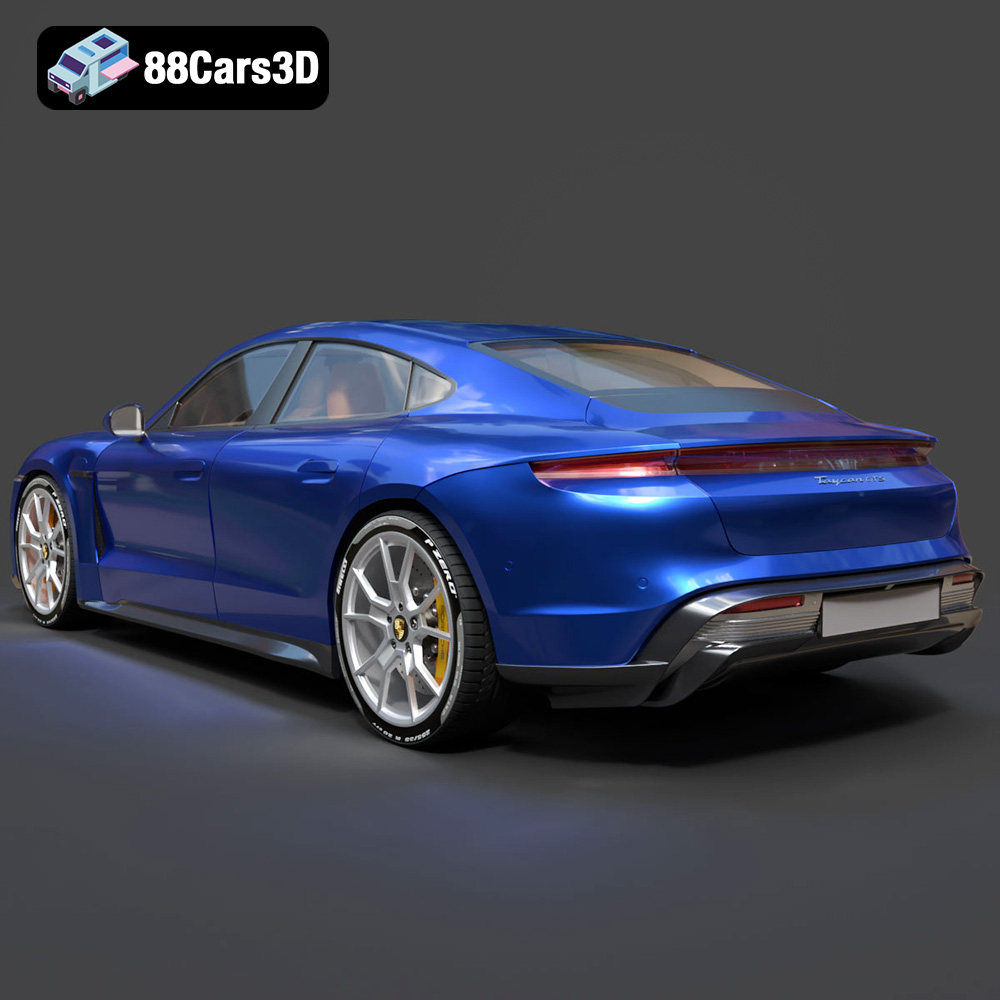
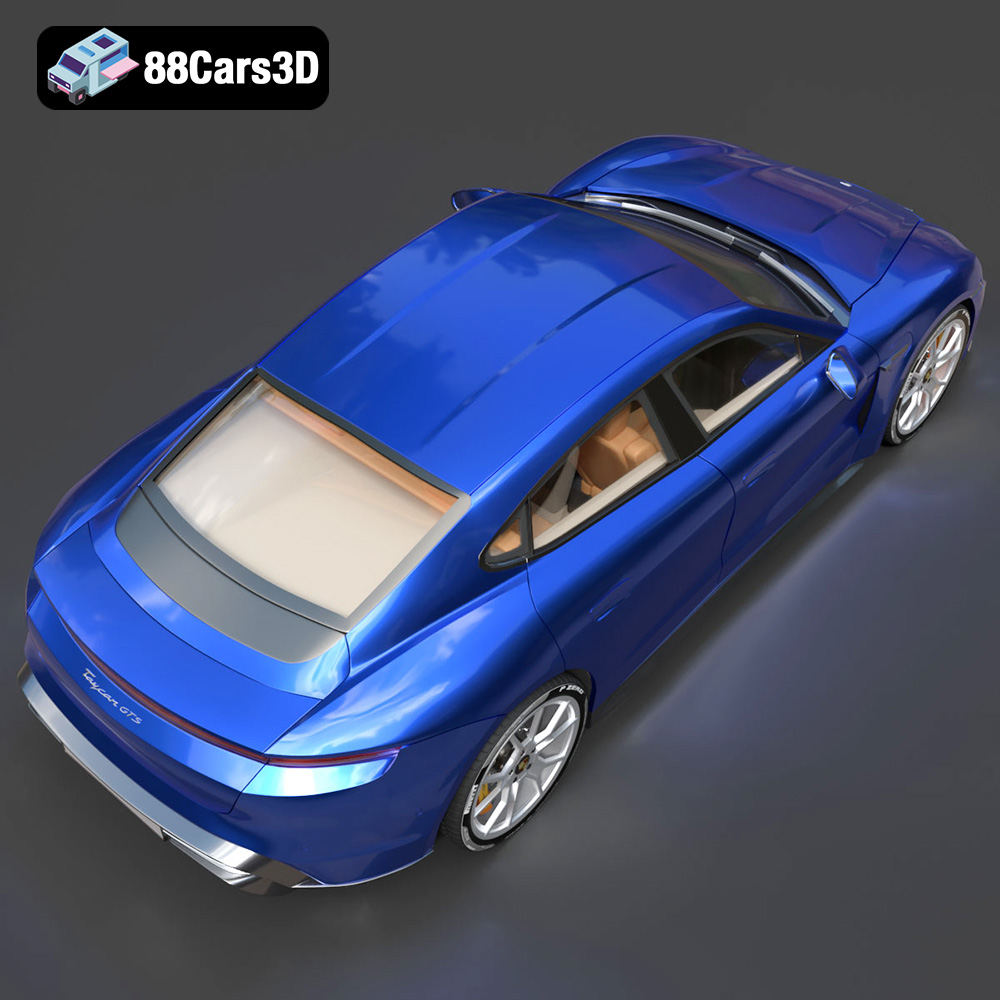
The Porsche Taycan GTS 2022 is a marvel of modern engineering, blending electric performance with iconic Porsche design. Now, thanks to 88cars3d.com, you can bring this stunning vehicle to life through the magic of 3D printing. This guide will walk you through the process, from selecting the right materials and settings to post-processing techniques that will make your 3D printed Taycan GTS a true showpiece. Whether you’re a seasoned 3D printing enthusiast or a beginner, this article provides the knowledge you need to achieve outstanding results.
Selecting the appropriate 3D printer is the first crucial step in ensuring a successful print. The level of detail in the Porsche Taycan GTS 2022 model from 88cars3d.com requires a printer capable of fine resolution and accuracy.
* FDM (Fused Deposition Modeling): FDM printers are a popular choice for their affordability and ease of use. While they can produce impressive results, achieving the intricate details of the Taycan GTS model may require careful tuning of settings like layer height and nozzle size. Consider an FDM printer with a smaller nozzle (0.4mm or even 0.25mm) for better detail.
* Resin (SLA/DLP/LCD): Resin printers excel at capturing fine details and smooth surfaces. They are ideal for producing highly accurate models like the Taycan GTS. The higher resolution of resin printers allows for finer details on complex areas like the car’s grilles, lights, and interior components. Resin printers generally offer a smoother surface finish, reducing the amount of post-processing needed.
Consider the build volume of your 3D printer. While the Taycan GTS model can be scaled to fit smaller build volumes, printing it at a larger scale (e.g., 1:24 or 1:18) allows for more intricate details to be showcased. Ensure that your printer’s build volume can accommodate the desired scale of the model, including any necessary supports.
Before diving into the printing process, it’s vital to understand the different file formats included with the Porsche Taycan GTS 2022 3D model and how they relate to 3D printing. While several formats are included for various applications, the STL format is the primary one for 3D printing.
The STL (Stereolithography) file format is the workhorse of 3D printing. It represents the surface geometry of a 3D object as a collection of triangles. This simplicity is its strength, making it universally compatible with almost all 3D printing software and printers. However, STL files only contain information about the shape; they don’t store color, texture, or material properties.
For the Porsche Taycan GTS, the STL file provided by 88cars3d.com is specifically designed for additive manufacturing. Before printing, it’s essential to inspect the STL file in a slicing program like Cura, PrusaSlicer, or Simplify3D. Look for any potential issues like:
* Non-manifold geometry: These are areas where the triangles don’t form a closed, watertight surface. This can lead to printing errors. Most slicing software can automatically repair minor non-manifold issues.
* Inverted normals: Normals are vectors that indicate the direction a triangle is facing. Inverted normals can cause the slicer to interpret the object’s inside as its outside.
* Holes in the mesh: Small holes can sometimes be present in the STL file, especially in complex models. These need to be filled before printing.
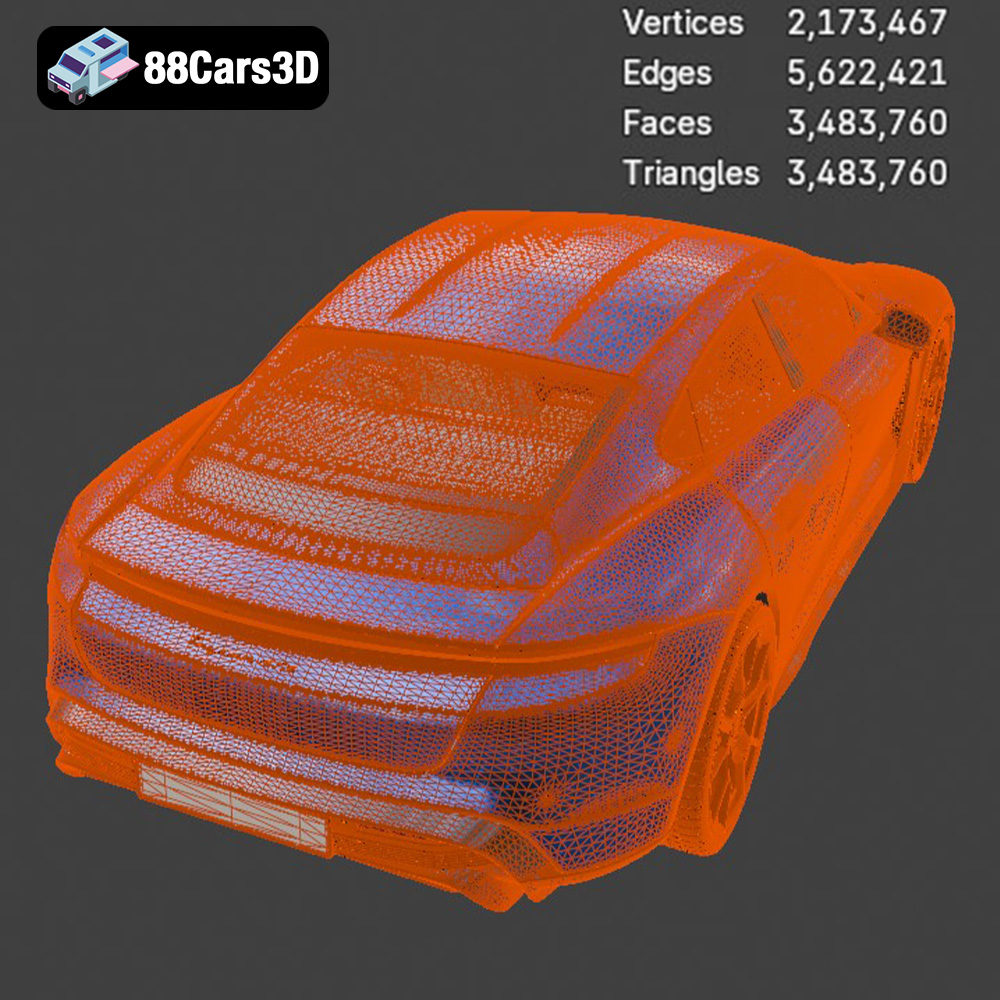
Mesh quality is crucial for a successful print. A high-resolution STL file contains more triangles, resulting in a smoother surface finish on the printed model. However, a very high-resolution mesh can also increase file size and processing time. The sweet spot is finding a balance between detail and manageability. The STL files from 88cars3d.com are typically optimized for 3D printing, ensuring a good balance.
The OBJ format is another common 3D model format that supports both geometry and texture information. Unlike STL, OBJ files can store color data, making them suitable for printing multi-colored models, though this often requires specialized printers.
PLY files are designed for storing 3D data acquired from 3D scanners. They can represent geometry, color, and even surface normals with high precision, making them suitable for capturing intricate details.
The blend file allows you to open the model in Blender and make modifications before exporting for 3D printing.
The FBX format is commonly used in game development and animation. It supports geometry, textures, and animations. While not directly used for 3D printing, it can be helpful for importing the model into slicing software that supports material assignment for multi-material printing.
The GLB format is designed for efficient delivery of 3D models on the web. It’s often used for augmented reality (AR) applications. While not directly used for 3D printing, it can be helpful for previewing the model in AR before committing to printing it.
The MAX format lets users load the model into 3ds Max and modify it before exporting a printable format.
The choice of material significantly impacts the final appearance, strength, and overall quality of your 3D printed Porsche Taycan GTS.
* Pros: PLA is a biodegradable thermoplastic known for its ease of printing, low warping, and wide availability. It’s a great choice for beginners and for models where high strength isn’t a primary requirement. PLA also comes in a vast array of colors and finishes.
* Cons: PLA is relatively brittle and has a low glass transition temperature, meaning it can soften or deform under heat. It’s not ideal for parts that will be exposed to high temperatures or significant stress.
* Printing Settings:
* Nozzle Temperature: 200-220°C
* Bed Temperature: 60-70°C
* Print Speed: 40-60mm/s
* Layer Height: 0.1-0.2mm
* Pros: PETG offers a good balance of strength, flexibility, and temperature resistance. It’s more durable than PLA and has better layer adhesion, making it a good choice for functional parts or models that need to withstand some stress.
* Cons: PETG can be slightly more challenging to print than PLA, requiring careful temperature and retraction settings to avoid stringing.
* Printing Settings:
* Nozzle Temperature: 230-250°C
* Bed Temperature: 70-80°C
* Print Speed: 40-50mm/s
* Layer Height: 0.1-0.2mm
* Pros: Resin offers unparalleled detail and surface finish. It’s ideal for capturing the intricate details of the Porsche Taycan GTS. Resin prints are typically stronger and more rigid than PLA or PETG prints.
* Cons: Resin printing requires more post-processing, including washing and curing. Resin can also be more expensive than filament-based materials.
* Printing Settings: These settings vary widely depending on the specific resin and printer model. Consult your resin manufacturer’s recommendations and your printer’s documentation. Typical settings include exposure time, layer height (25-50 microns), and lift speed.
Proper pre-print preparation is crucial for a successful 3D printing experience. This involves using slicing software to convert the 3D model into instructions that the printer can understand, as well as strategically orienting the model to optimize print quality and minimize support material.
* Cura: A free and open-source slicing software that is widely used and offers a good balance of features and ease of use.
* PrusaSlicer: Another popular open-source slicer known for its advanced features and support for various printer models.
* Simplify3D: A commercial slicing software that offers advanced control over printing parameters and support material placement.
The orientation of the Porsche Taycan GTS model on the print bed can significantly impact the print quality and the amount of support material required. Consider the following:
* Minimize Overhangs: Orient the model to minimize the number of overhanging features that require support. Overhangs can lead to sagging or poor surface finish if not properly supported.
* Maximize Bed Adhesion: Ensure that the largest flat surface of the model is in contact with the print bed to improve adhesion and prevent warping.
* Strategic Support Placement: Use the slicing software to manually place supports in areas where they are needed, such as under arches, overhangs, and bridges. Avoid placing supports on critical surfaces that will be visible in the final print, as removing supports can sometimes leave blemishes.
* Consider Splitting the Model: For larger prints, consider splitting the Taycan GTS model into multiple parts that can be printed separately and then assembled. This can reduce the amount of support material required and improve print quality. For example, the body, chassis, wheels, and interior could be printed as separate components.
Infill refers to the internal structure of the 3D printed object. The infill density determines how solid the object is, while the infill pattern affects its strength and weight.
* Infill Density: For a primarily aesthetic model like the Taycan GTS, an infill density of 15-25% is typically sufficient. Higher infill densities will increase the strength and weight of the model but also increase printing time and material consumption.
* Infill Pattern: Common infill patterns include grid, gyroid, and honeycomb. Gyroid infill provides good strength in all directions while minimizing material usage.
Post-processing is the final step in bringing your 3D printed Porsche Taycan GTS to life. It involves removing supports, sanding surfaces, and applying paint and finishing touches to achieve a professional-looking result.
Carefully remove the support structures from the printed model. Use tools like pliers, flush cutters, or a hobby knife to gently detach the supports without damaging the model’s surface. If you used a soluble support material (e.g., PVA), you can dissolve the supports in water.
Sanding is essential for removing layer lines and achieving a smooth surface finish. Start with coarse-grit sandpaper (e.g., 220 grit) to remove any significant imperfections, then gradually move to finer grits (e.g., 400, 600, 800, 1000) to achieve a polished surface. Wet sanding can help reduce dust and improve the smoothness of the finish.
Apply a primer coat to the sanded model to create a uniform surface for painting. Choose a primer that is compatible with the material you used for printing (e.g., PLA, PETG, or resin). After the primer has dried, apply multiple thin coats of paint, allowing each coat to dry completely before applying the next. Consider using automotive-grade paints for a durable and realistic finish.
If you printed the Taycan GTS model in multiple parts, carefully assemble the components using adhesive or fasteners. Ensure that the parts are properly aligned and that the joints are strong and secure.
Even with careful preparation, you may encounter some common 3D printing issues. Here are some tips for troubleshooting:
* Warping: Warping occurs when the corners of the print lift off the print bed. This can be caused by poor bed adhesion, insufficient bed temperature, or drafts in the printing environment. To prevent warping, ensure that the print bed is clean and level, use a bed adhesive (e.g., glue stick or hairspray), and enclose the printer to maintain a consistent temperature.
* Stringing: Stringing occurs when thin strands of filament are left between different parts of the print. This is typically caused by excessive retraction distance or temperature. Adjust the retraction settings in your slicing software and lower the nozzle temperature slightly to reduce stringing.
* Layer Shifting: Layer shifting occurs when the print head suddenly shifts position, resulting in misaligned layers. This can be caused by loose belts, stepper motor issues, or obstructions on the print bed. Check the tension of the belts, lubricate the stepper motor rods, and ensure that the print bed is free of debris.
* Poor Bed Adhesion: Ensure the bed is properly leveled and cleaned with isopropyl alcohol. Consider using a raft or brim for better adhesion.
The print time and material cost will vary depending on the size of the model, the material used, and the printer settings. As an estimate, a 1:24 scale model of the Porsche Taycan GTS printed in PLA at a layer height of 0.2mm with 20% infill could take anywhere from 15-25 hours to print and use approximately 200-300 grams of filament. For resin printing, the print time will depend on the layer height and the size of the model. Material costs can range from $5-$15 for filament prints and $10-30 for resin prints, depending on the type and brand of material.
Experience the pinnacle of electric performance with the meticulously crafted Porsche Taycan GTS 2022 3D Model. This premium digital asset captures the iconic aerodynamic lines, striking silhouette, and refined aesthetics of the renowned sports sedan. Every exterior panel and interior component has been expertly modeled to provide an unparalleled level of realism and accuracy for your creative projects.
$19.99
.arvr
.blend
.car3dmodel
.electriccar
.fbx
.gameasset
.glb
.gts
.max
.obj
.ply
.porsche
.rendering
.sedan
.simulation
.sportssedan
.stl
.taycan
.taycangts
.unreal