Get 20% OFF All Premium 3D & STL Models!

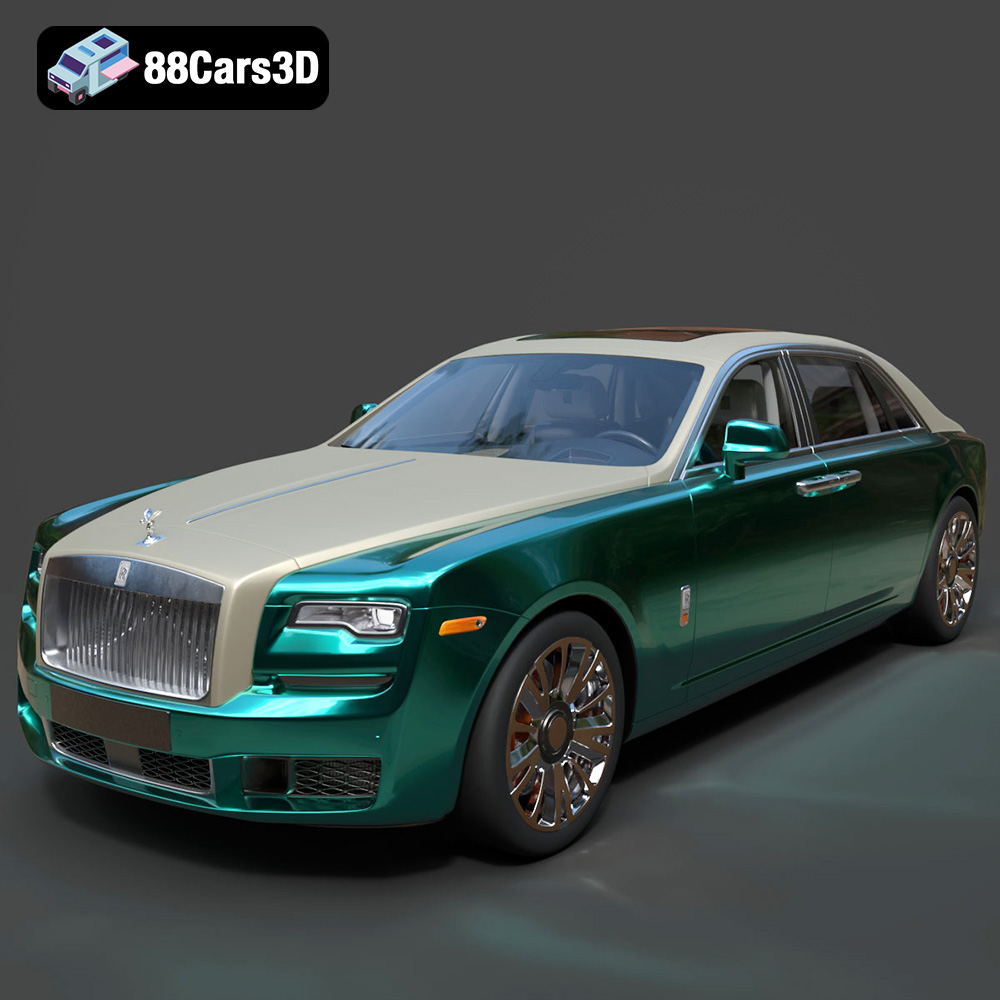
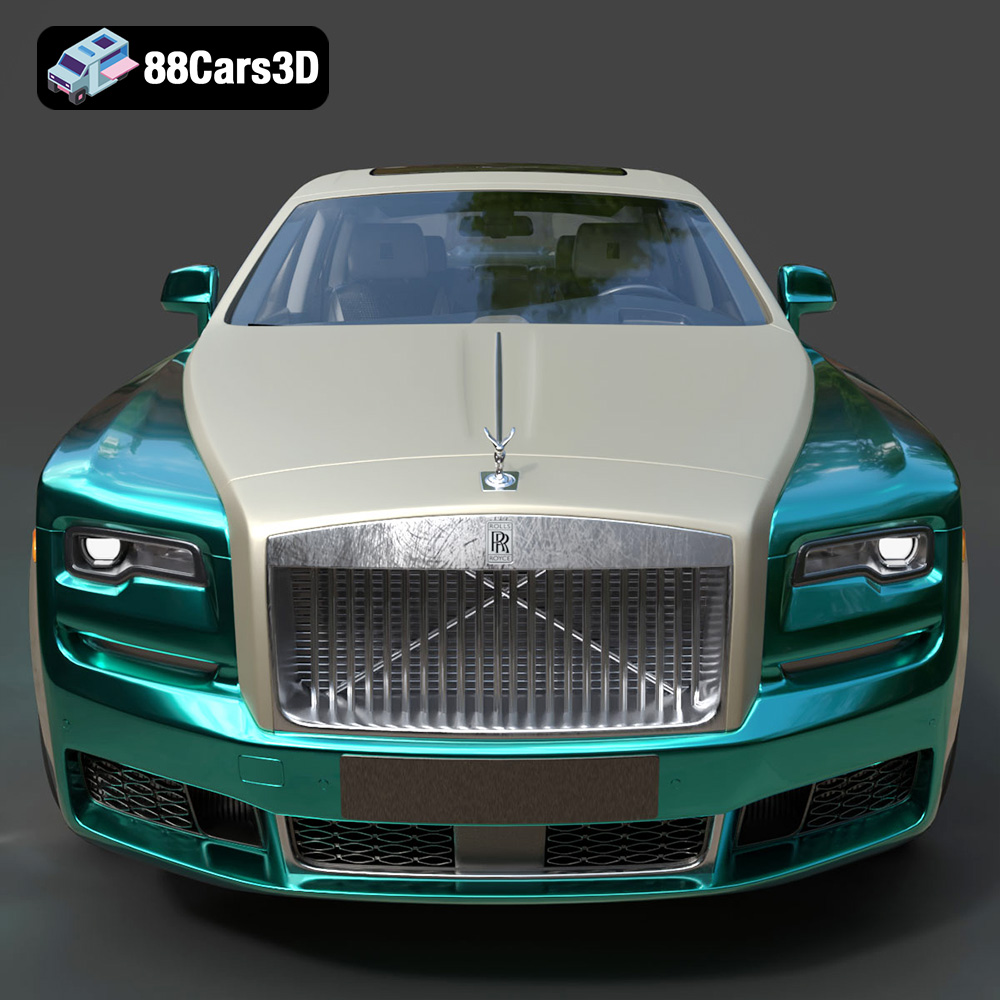
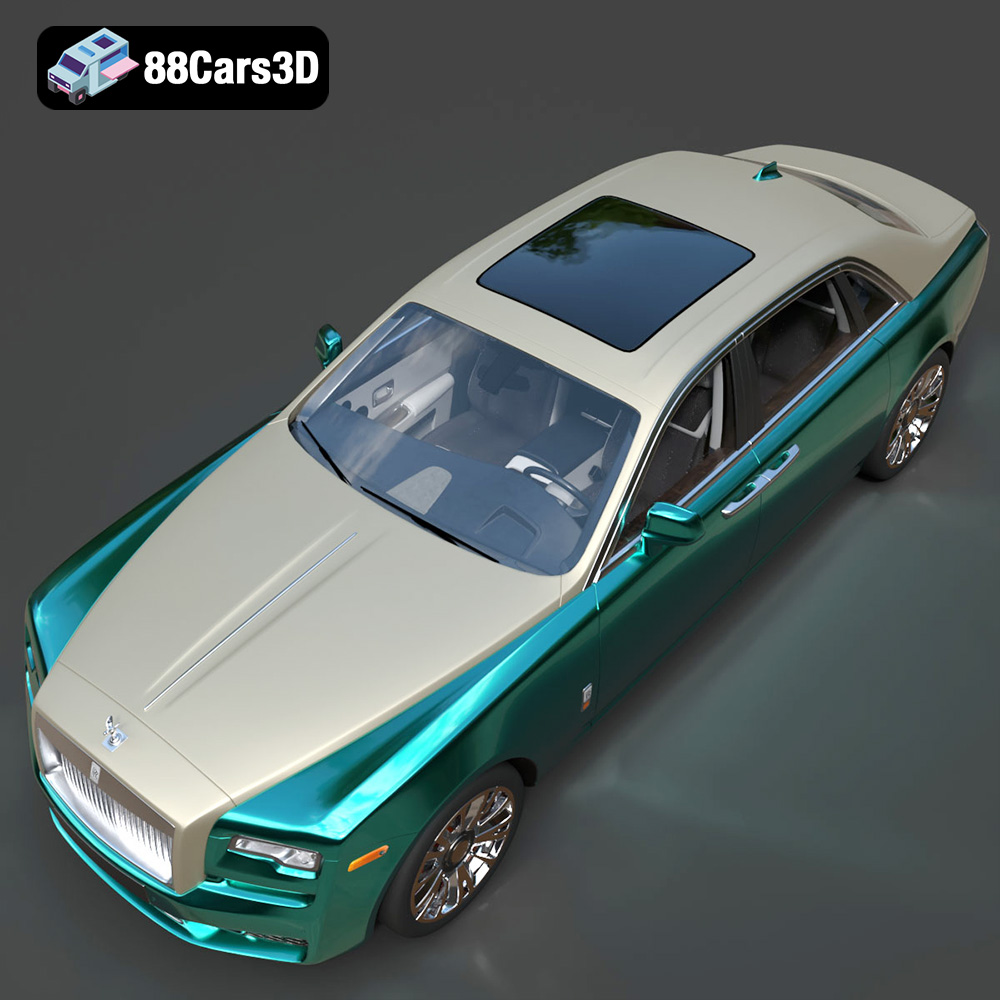
The Rolls-Royce Ghost EWB is a symbol of luxury and refinement. Now, thanks to 88cars3d.com, you can bring this iconic vehicle to life in your own home with the power of 3D printing. This guide will provide a comprehensive overview of how to successfully 3D print the Rolls-Royce Ghost EWB 3D model, covering everything from pre-print preparation to post-processing techniques. Whether you are a seasoned 3D printing enthusiast or just starting out, this article will give you the knowledge to create a stunning replica of this prestigious car.
Before you even think about hitting the “print” button, meticulous preparation is key to achieving a high-quality 3D printed model of the Rolls-Royce Ghost EWB. This involves inspecting the model, making any necessary repairs, and choosing the right orientation for printing.
* **Visual Examination:** Begin by thoroughly inspecting the 3D model in your chosen slicing software. Look for any obvious errors such as holes, non-manifold edges, or intersecting faces. These imperfections can lead to print failures or a subpar final product.
* **Mesh Analysis Tools:** Most slicing programs include built-in mesh analysis tools that can automatically detect and correct common errors. Utilize these tools to identify and repair any issues with the model’s geometry. Netfabb Basic is a great free option for more advanced mesh repair.
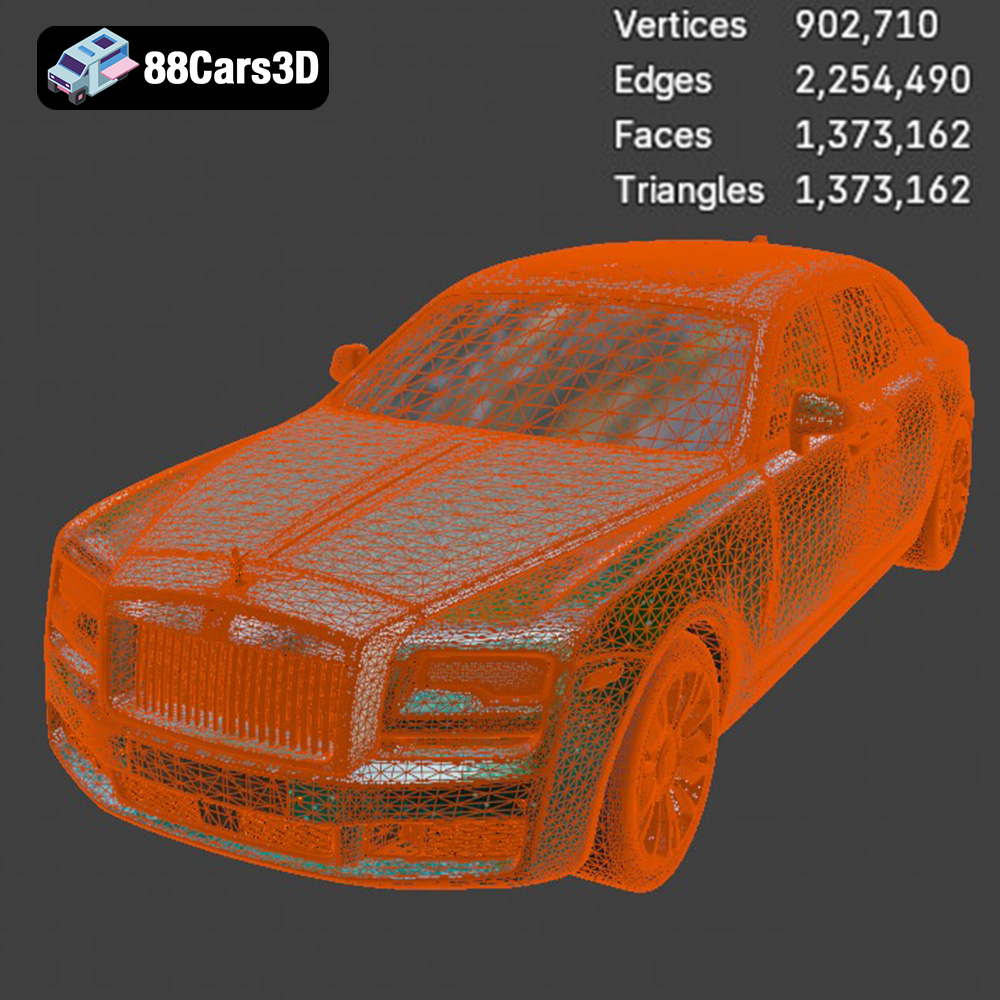
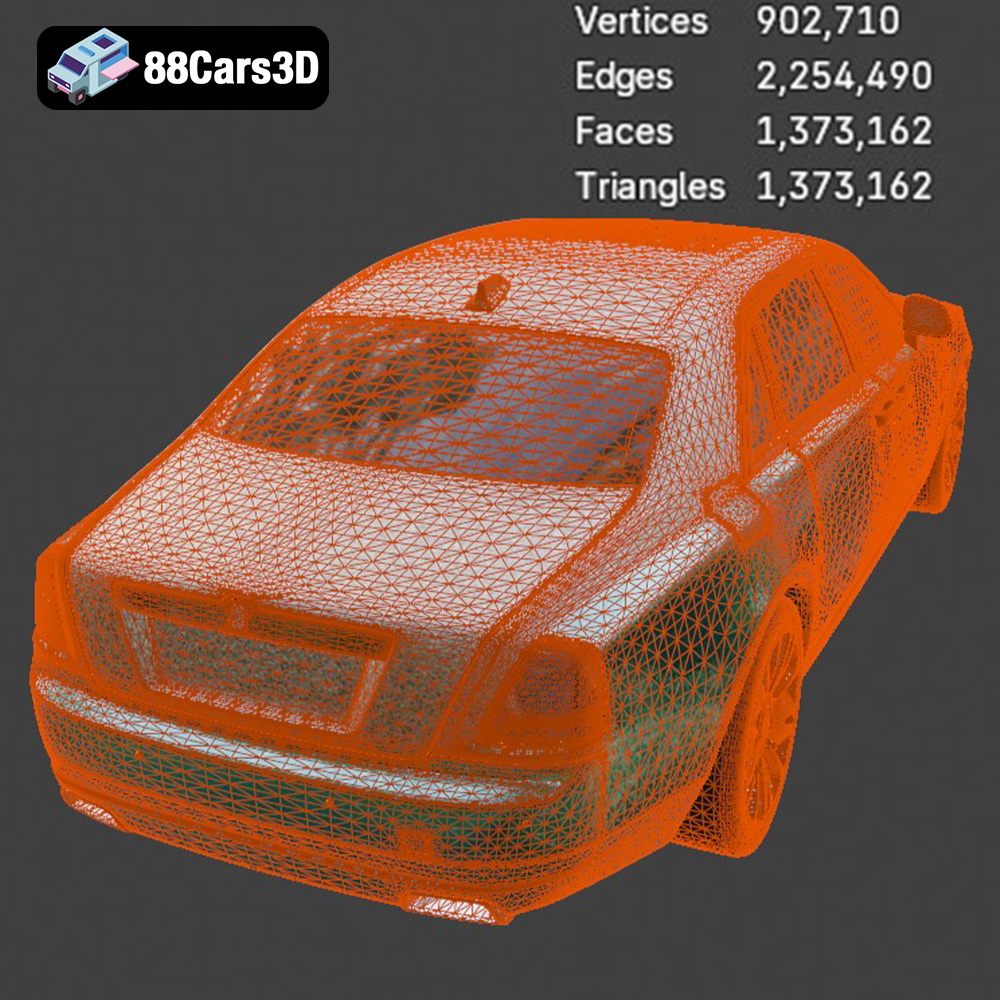
* **Simplify the Model:** While the Rolls-Royce Ghost EWB model from 88cars3d.com is optimized for printing, consider simplifying it further if you’re printing on a less capable machine or want to reduce print time. This can be done by reducing the polygon count in areas of the model where fine detail isn’t critical.
* **Minimize Support Structures:** The orientation of the model on the print bed significantly impacts the amount of support material required. Orient the model to minimize overhangs, which require supports.
* **Surface Finish Considerations:** The bottom layer of the print will often have a different texture than the rest of the model. Choose an orientation that places less critical surfaces on the print bed. For instance, printing the car with the roof facing downwards would likely result in a smoother roof surface.
* **Structural Integrity:** Consider the strength of the finished print. Orient the model to align key structural features (like the chassis) along the Z-axis to maximize strength and prevent layer separation.
Selecting the right file format is essential for a successful 3D printing experience. While the Rolls-Royce Ghost EWB 3D Model from 88cars3d.com includes a variety of formats, understanding their strengths and weaknesses will help you make the best choice for your needs.
* **.stl – Industry standard for 3D printing, mesh-only format:** STL (Stereolithography) is the most widely used file format for 3D printing. It represents the surface geometry of a 3D object as a collection of triangles, effectively creating a mesh. This simplicity makes it highly compatible with almost all slicing software and 3D printers. However, STL files do not store information about color, texture, or materials. When preparing an STL file for 3D printing, ensure that the mesh is watertight, meaning it has no holes or gaps. Also, pay attention to the mesh resolution. A low-resolution STL file will result in a faceted, blocky print, while a excessively high-resolution STL file can be computationally expensive to process and may not offer a significant improvement in print quality. For the Rolls-Royce Ghost EWB, an STL with a balance between detail and file size is ideal for most FDM and resin printers.
* **.obj – Universal format with texture support for colored prints:** OBJ files are another common format for 3D models, offering more flexibility than STL files. OBJ files can store color and texture information, allowing for the creation of multi-colored 3D prints (though this requires a printer capable of multi-material printing). However, OBJ files tend to be larger than STL files and may not be as universally supported by all slicing software.
* **.ply – Precision mesh format for high-detail prints:** PLY (Polygon File Format) is designed to store 3D data acquired from 3D scanners. It can represent color, transparency, surface normals, and other properties. PLY files are often used for high-resolution models, making them suitable for detailed prints of the Rolls-Royce Ghost EWB. However, similar to OBJ, PLY files can be large, and support in slicing software may be less common than STL.
* **.blend – Editable Blender scene for customization before export:** BLEND files are the native file format for Blender, a popular open-source 3D modeling software. They contain the entire Blender scene, including the 3D model, materials, textures, lighting, and camera settings. This makes BLEND files ideal for further customization and modification of the Rolls-Royce Ghost EWB model before exporting it to a printable format like STL.
* **.fbx – For importing into slicing software with materials:** FBX (Filmbox) is a proprietary file format developed by Autodesk. It’s commonly used for exchanging 3D data between different software applications, particularly in the game development and animation industries. FBX files can store geometry, materials, textures, animations, and skeletal rigs. While not primarily intended for 3D printing, some slicing software can import FBX files, potentially allowing you to retain material and color information (if your printer supports it).
* **.glb – For previewing models in AR before printing:** GLB (GL Transmission Format Binary) is a binary file format that represents 3D models in a compact and efficient manner. It’s commonly used for displaying 3D models in web browsers and AR/VR applications. GLB files can store geometry, textures, and animations. While not directly used for 3D printing, GLB files can be helpful for previewing the Rolls-Royce Ghost EWB model in AR to get a sense of its size and scale before committing to a print.
* **.max – Editable 3ds Max project for modifications:** MAX files are the native file format for 3ds Max, another professional 3D modeling software package. Like BLEND files, MAX files contain the entire scene, allowing for extensive customization before exporting to a printable format.
For 3D printing the Rolls-Royce Ghost EWB model, STL is the recommended file format due to its universal compatibility and simplicity. Ensure the STL file is watertight, and that the mesh resolution is appropriate for the desired level of detail. While other formats like OBJ or PLY might offer advantages in specific situations (such as multi-color printing), STL provides the most reliable and straightforward path to a successful 3D print. If you plan to modify the model extensively, using the BLEND or MAX files is recommended before exporting to STL.
The choice of 3D printing technology and materials will significantly impact the final appearance and durability of your 3D printed Rolls-Royce Ghost EWB. There are two primary technologies to consider: Fused Deposition Modeling (FDM) and Stereolithography (SLA) or resin printing.
* **Material Selection:** PLA is a popular choice for FDM printing due to its ease of use, biodegradability, and wide availability. PETG offers increased strength and temperature resistance compared to PLA. ABS is another option, known for its durability and heat resistance, but it can be more challenging to print due to warping issues.
* **Printer Settings:**
* Layer Height: 0.1-0.2mm is recommended for a good balance between detail and print time.
* Infill Density: 15-20% infill should provide sufficient strength while minimizing material usage.
* Print Speed: A slower print speed (40-60mm/s) will improve print quality, especially for intricate details.
* Support Structures: Use support structures where necessary to support overhangs. Tree supports are generally easier to remove than linear supports.
* **Resin Types:** Standard resin is a good starting point for resin printing. ABS-like resin offers increased toughness and impact resistance. Flexible resin can be used for creating tires or other flexible parts.
* **Printer Settings:**
* Layer Height: 0.025-0.05mm is typical for resin printing, allowing for exceptionally fine details.
* Exposure Time: Adjust the exposure time based on the resin manufacturer’s recommendations.
* Support Structures: Resin printing almost always requires support structures. Properly orient the model and use appropriate support settings to minimize scarring.
Even with the most carefully calibrated 3D printer, some post-processing is usually necessary to achieve a professional-looking finish on your 3D printed Rolls-Royce Ghost EWB.
* **Gradual Sanding:** Start with a coarse grit sandpaper (e.g., 220 grit) to remove any large imperfections or support marks. Gradually move to finer grits (e.g., 400, 600, 800 grit) to smooth the surface.
* **Wet Sanding:** Wet sanding can help to reduce dust and improve the smoothness of the surface. Use a small amount of water and a drop of dish soap.
* **Filler Primer:** Applying a filler primer can help to fill in any remaining imperfections. Sand the primer smooth after it has dried.
* **Priming:** Apply a primer coat to provide a smooth and even surface for the paint.
* **Painting:** Use high-quality acrylic paints designed for models. Apply thin, even coats, allowing each coat to dry completely before applying the next. Consider using an airbrush for a smoother and more professional finish.
* **Clear Coating:** Apply a clear coat to protect the paint and add a glossy or matte finish.
3D printing, while a rewarding hobby, isn’t without its challenges. Here are some common issues you might encounter when printing the Rolls-Royce Ghost EWB and how to address them:
* **Cause:** Warping occurs when the first layer of the print cools unevenly and pulls away from the print bed.
* **Solution:** Ensure the print bed is properly leveled and heated. Use a brim or raft to increase the surface area adhesion to the print bed. Enclose the printer to maintain a more consistent temperature.
* **Cause:** Stringing happens when molten plastic oozes from the nozzle while the printer is moving between different parts of the model.
* **Solution:** Increase retraction distance and speed. Lower the printing temperature slightly. Ensure the filament is dry.
* **Cause:** Supports failing to properly support overhangs, or being difficult to remove.
* **Solution:** Optimize the support placement and settings in your slicing software. Experiment with different support patterns (e.g., tree supports). Use a lower support density for easier removal.
Before embarking on your 3D printing journey with the Rolls-Royce Ghost EWB, it’s helpful to estimate the print time and material costs.
* **Print Time Estimation:** Most slicing software provides an estimated print time based on your chosen settings. Keep in mind that this is just an estimate, and the actual print time may vary. The size of the model, layer height, infill density, and print speed will all impact the print time.
* **Material Cost Estimation:** The material cost will depend on the type of filament or resin you use, as well as the amount of material required. Slicing software typically provides an estimate of the material usage in grams.
Creating a masterpiece like a 3D printed Rolls-Royce Ghost EWB from 88cars3d.com requires careful planning and execution, but the end result is well worth the effort.
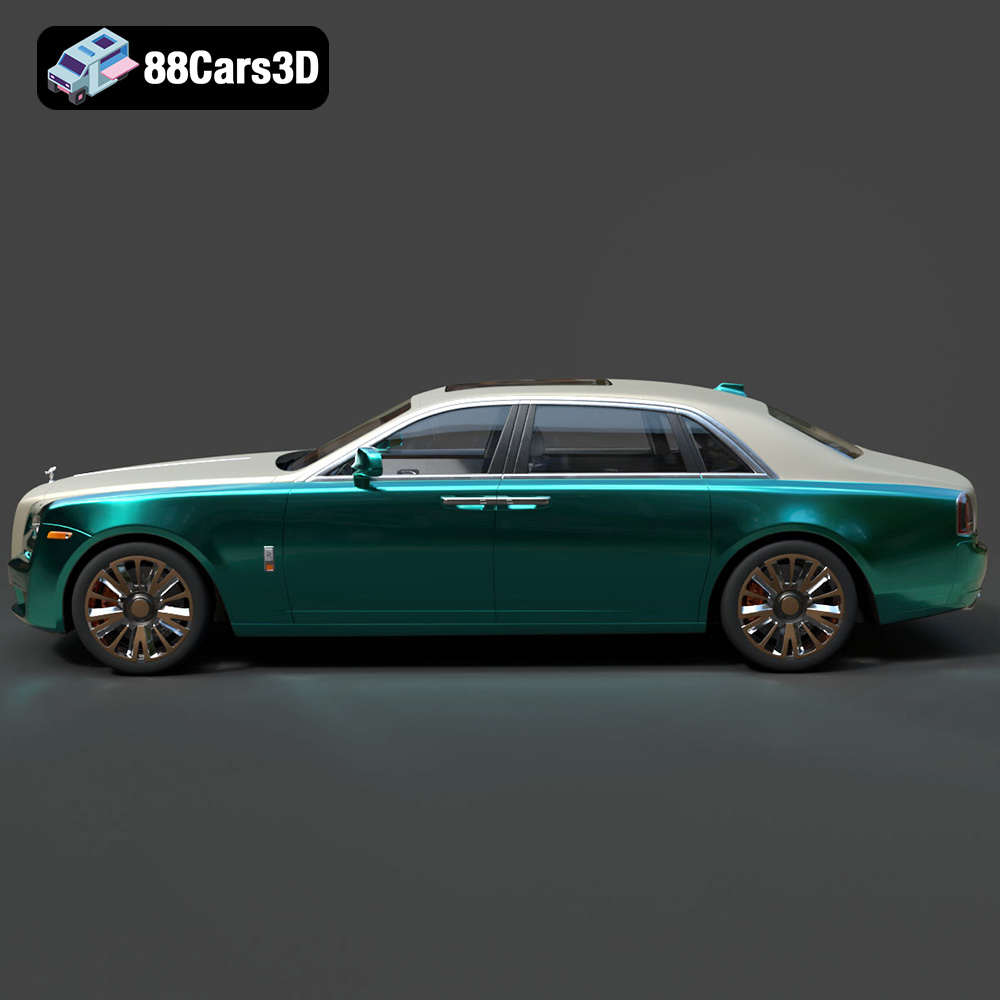
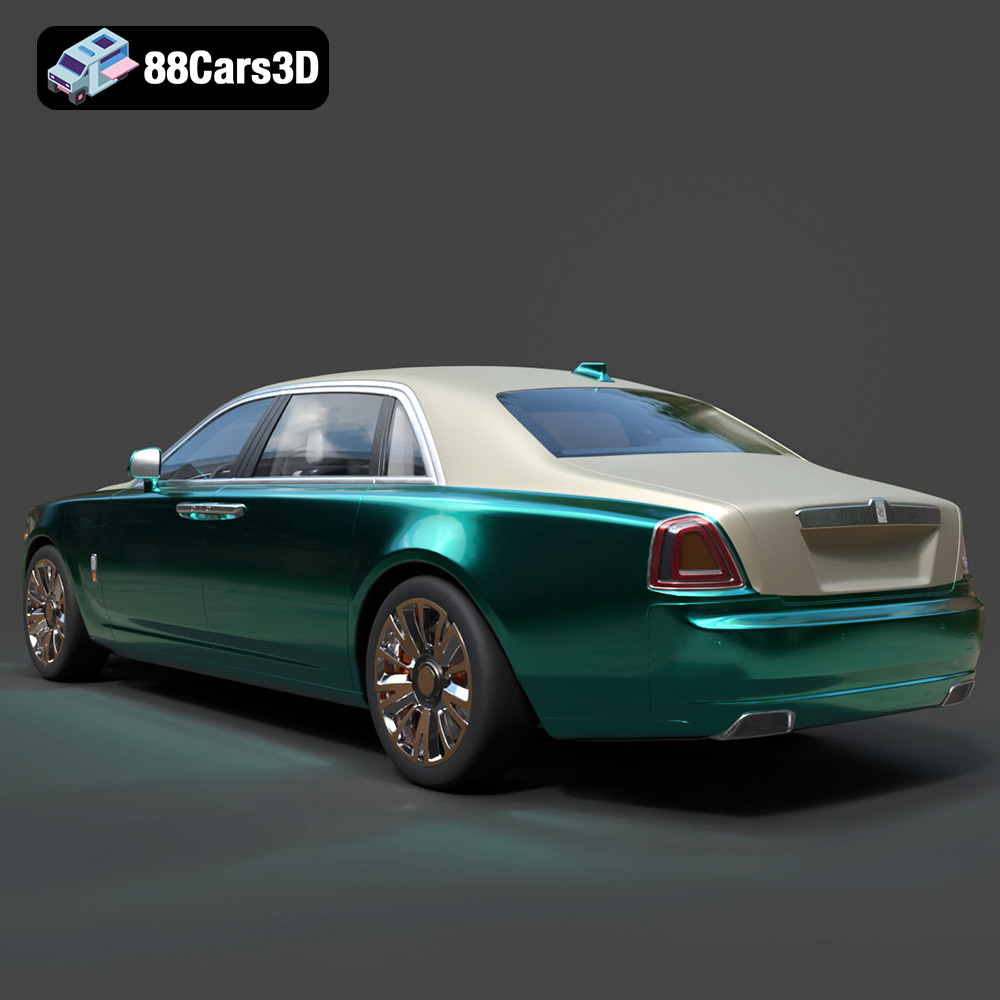
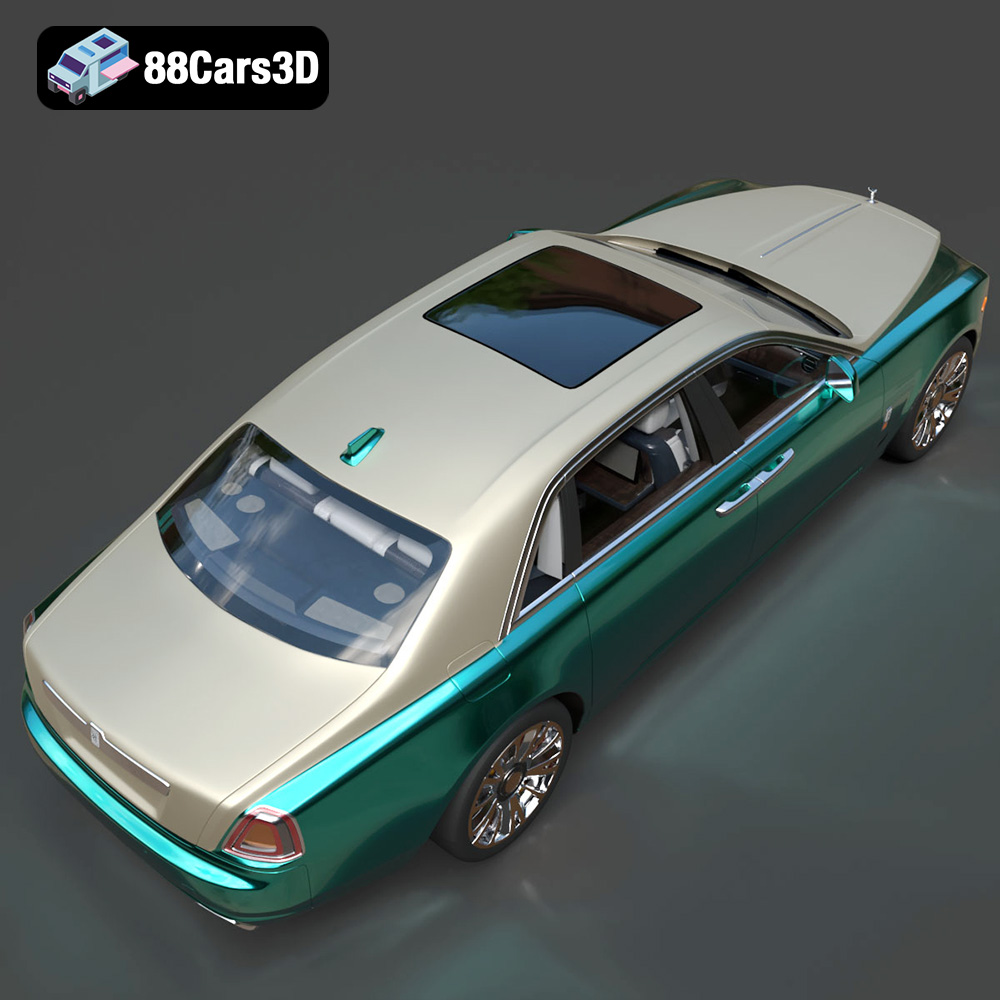
Experience unparalleled digital luxury with the Rolls-Royce Ghost EWB 3D Model. This exceptionally detailed replica captures the imposing presence and refined aesthetics of the renowned extended wheelbase vehicle. Designed with meticulous attention to detail, this asset delivers remarkable realism, making it a perfect addition to any digital collection or professional pipeline.
$19.99
.arvr
.blend
.car3dmodel
.ewb
.fbx
.gameasset
.ghost
.glb
.luxurycar
.max
.obj
.ply
.rendering
.rollsroyce
.sedan
.simulation
.stl
.unreal