Get 20% OFF All Premium 3D & STL Models!

“`html
So, you’ve found the perfect STL file for your next 3D printing project, perhaps a stunning printable car model from a marketplace like 88cars3d.com. But are you ready to hit ‘print’ and hope for the best? Not so fast! Achieving optimal print speed without sacrificing quality involves careful scaling, hollowing, and optimization of your STL model. This comprehensive guide will walk you through the essential techniques to slash print times, conserve filament, and ensure a successful, high-quality outcome. We’ll explore everything from understanding STL file structure to mastering advanced slicing parameters. Whether you’re printing a detailed scale model or a functional prototype, these strategies will help you get the most out of your 3D printer.
In this article, you’ll learn how to:
Before diving into scaling and optimization, it’s crucial to understand the fundamental structure of an STL file. STL (Stereolithography) is a file format that represents 3D surface geometry using a collection of triangles. The denser the triangle mesh, the more detailed and accurate the representation of the object, but also the more computationally intensive it becomes for slicing and printing. Optimized mesh topology is key to faster processing and cleaner prints.
Mesh topology refers to the structure of the triangle mesh that makes up the STL file. A good mesh topology has evenly distributed triangles, avoids long, thin triangles (often called slivers), and minimizes unnecessary details. Problems like non-manifold edges (edges connected to more than two triangles) or flipped normals (triangles facing the wrong direction) can cause slicing errors and printing failures. When downloading models from marketplaces such as 88cars3d.com, you can expect a higher quality of initial mesh topology.
Software like MeshLab, Netfabb, and Blender can be used to inspect and repair STL files. MeshLab is a free, powerful tool for visualizing and editing 3D meshes. Netfabb is a commercial software with advanced repair capabilities, and Blender, while primarily a 3D modeling program, also offers mesh repair tools. Here’s a general workflow for repairing an STL file:
Scaling an STL model is often necessary to fit your printer’s build volume or to create a model of a specific size. While seemingly simple, improper scaling can lead to unexpected issues, so it’s important to understand the process thoroughly. Whether you’re printing a miniature car from 88cars3d.com or a large-scale architectural model, accurate scaling is paramount.
Most slicing software, such as Cura and PrusaSlicer, allow you to scale models along the X, Y, and Z axes. It’s crucial to maintain uniform scaling unless you intentionally want to distort the model. Here’s how to scale a model in Cura:
PrusaSlicer offers a similar scaling tool with options to scale by percentage or by specifying the target dimension.
When scaling down a model, be mindful of the printer’s resolution and the level of detail in the original design. If you scale down a highly detailed model too much, fine features may become too small to be accurately printed. For example, if a car model has intricate grille details, scaling it down excessively might result in those details being lost or becoming blobby. Conversely, when scaling up a model, the layer lines become more noticeable, potentially requiring post-processing to smooth the surface.
Hollowing a 3D model is a game-changer for reducing material consumption and significantly speeding up print times, especially for large or solid objects. It involves creating an empty space inside the model, leaving only a thin outer shell. This is particularly useful for resin printing, where material costs are higher, and for FDM printing, where infill contributes significantly to print time and material usage.
Meshmixer is a free software from Autodesk that provides excellent hollowing capabilities. Here’s a step-by-step guide to hollowing a model in Meshmixer:
The placement and size of drain holes are critical for successful hollowing. For resin printing, ensure that there are enough holes to allow the resin to flow out completely during printing. Insufficient drainage can lead to resin getting trapped inside the model, causing cracks, warping, or even explosions. For FDM printing, holes help prevent pressure build-up inside the model during printing. Larger holes are easier to print and drain better, but they may require more support material. Here are some tips for optimizing hole placement:
Slicing is the process of converting a 3D model into a set of instructions that the 3D printer can understand. The slicing parameters you choose have a significant impact on print speed, quality, and material usage. Optimizing these parameters is essential for achieving the best possible results. Software such as Cura, PrusaSlicer, and Simplify3D offer a wide array of customizable settings. Getting these right can drastically reduce the time it takes to print those printable car models.
These three parameters are the most critical for controlling print speed. Increasing the layer height reduces the number of layers that need to be printed, thus reducing print time. However, it also reduces the Z-axis resolution, resulting in a less smooth surface. A layer height of 0.2mm is a good compromise between speed and quality for many FDM printers. For resin printing, layer heights are typically much smaller (e.g., 0.05mm) to achieve high resolution.
Infill density controls the amount of material used inside the model. Lower infill densities reduce print time and material usage, but also reduce the model’s strength. For purely aesthetic models, an infill density of 10-15% is often sufficient. For functional parts, a higher infill density (e.g., 20-30%) may be necessary.
Print speed directly affects the time it takes to complete a print. Increasing the print speed reduces print time, but it can also reduce print quality, especially for detailed features. Start with the recommended print speed for your material and printer, and gradually increase it until you start to see a reduction in quality. Common starting points:
Support structures are temporary structures that support overhanging features during printing. They are necessary for printing complex models with steep overhangs. However, supports also increase print time and material usage, and removing them can sometimes be challenging. Here are some tips for optimizing support structures:
The choice of material and the proper calibration of your 3D printer are crucial for achieving optimal print speed and quality. Different materials have different printing requirements, and a poorly calibrated printer can lead to a variety of problems, including poor bed adhesion, warped prints, and dimensional inaccuracies. Correct calibration ensures that your machine accurately translates the instructions from the STL file into a physical object. For instance, if you are printing a model car, the material choice will affect its structural integrity and finish, making material selection vital for any project, especially when using models from 88cars3d.com.
FDM (Fused Deposition Modeling) and resin printing are the two most common 3D printing technologies. FDM printers use filaments made of materials like PLA, PETG, and ABS, while resin printers use liquid resins that are cured by UV light. Each technology has its own advantages and disadvantages in terms of speed, quality, and material properties.
Resin printing generally produces higher-resolution prints at slower speeds compared to FDM. FDM printers can be faster for larger, less detailed parts.
Proper printer calibration is essential for achieving accurate and reliable prints. Here are some key calibration steps:
Even with careful planning and preparation, printing issues can still arise. Knowing how to troubleshoot common problems can save you time, frustration, and wasted material. We’ll cover some of the most frequent issues encountered when scaling, hollowing, and optimizing STL models for 3D printing.
Warping occurs when the corners of the print lift off the bed during printing, typically due to uneven cooling. Bed adhesion problems prevent the first layer from sticking to the bed, while layer delamination occurs when the layers of the print separate during printing. Here are some solutions to these problems:
Stringing occurs when small strands of filament are left between different parts of the print. Blobs are small accumulations of filament on the surface of the print. Overhang issues occur when unsupported overhangs droop or collapse during printing. Here are some solutions to these problems:
Optimizing STL models for 3D printing, including scaling, hollowing, and adjusting slicing parameters, is a vital skill for any 3D printing enthusiast. By understanding the principles of mesh topology, mastering hollowing techniques, fine-tuning slicing settings, and calibrating your printer, you can significantly reduce print times, conserve material, and achieve high-quality results. Whether you are creating intricate models from platforms like 88cars3d.com or functional prototypes, the knowledge and techniques outlined in this guide will empower you to take your 3D printing to the next level.
Here are some actionable next steps:
By continuously learning and experimenting, you’ll unlock the full potential of your 3D printer and bring your creative visions to life with speed and precision.
“`
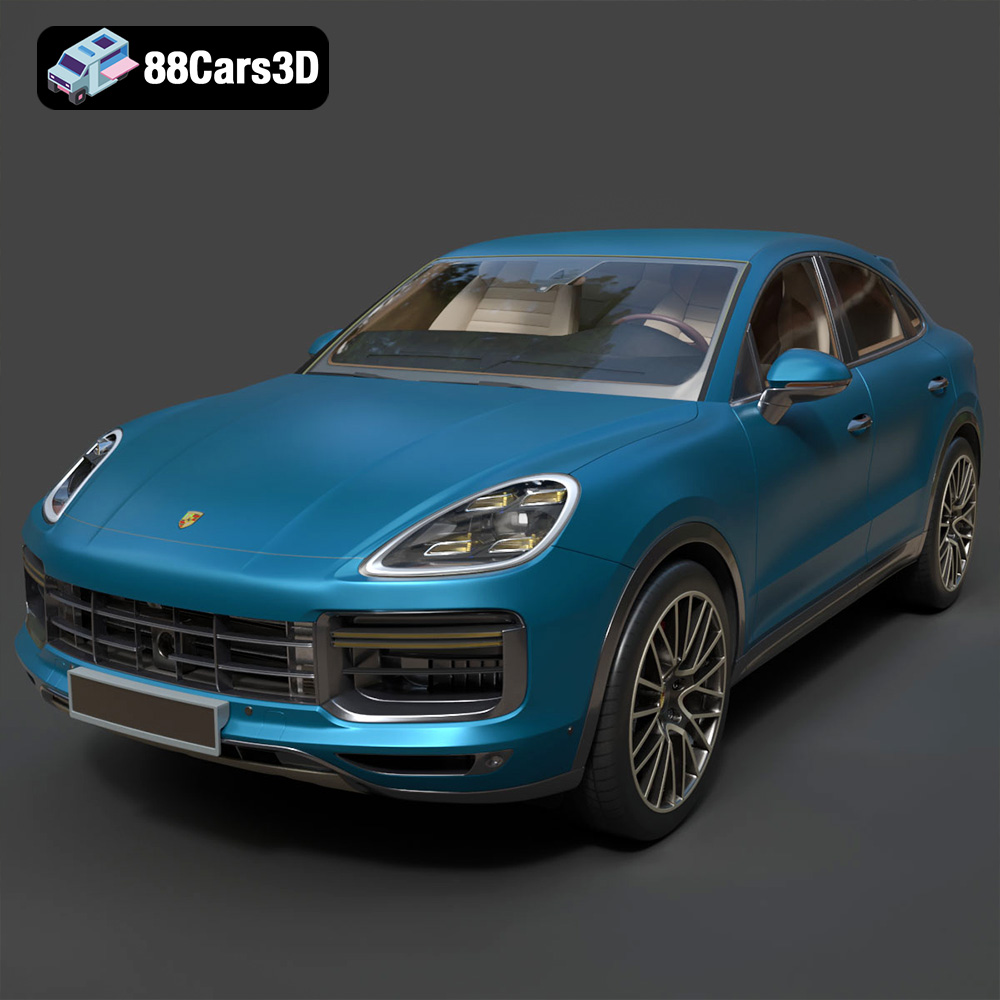
Texture: Yes | Material: Yes
Download the highly detailed, game-ready Porsche Cayenne Turbo Coupe 2020 3D Model. Features an aggressive coupe roofline, detailed quad exhaust, and a meticulously crafted luxury sport interior. Includes .blend, .fbx, .obj, .glb, .stl, .ply, .unreal, and .max formats for game development, AR/VR, and rendering.
Price: $19.99
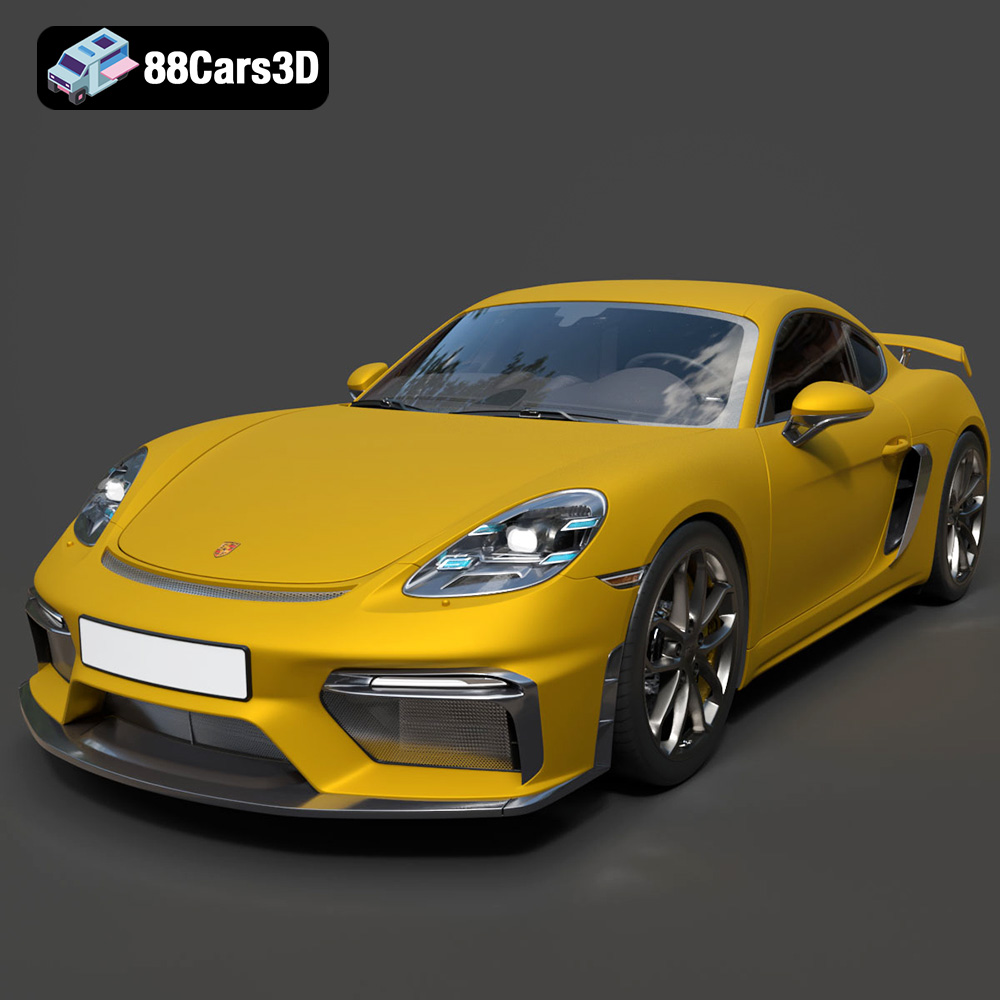
Texture: Yes | Material: Yes
Download the highly detailed, game-ready Porsche 718 Cayman GT4 2020 3D Model. Features an aggressive fixed rear wing, distinctive side air intakes, and a track-focused stance. Includes .blend, .fbx, .obj, .glb, .stl, .ply, .unreal, and .max formats for game development, AR/VR, and rendering.
Price: $19.99

Texture: Yes | Material: Yes
Download the highly detailed, game-ready Polestar 2 2020 3D Model. Features minimalist Scandinavian fastback styling, pixel LED lighting, and an accurate electric vehicle profile. Includes .blend, .fbx, .obj, .glb, .stl, .ply, .unreal, and .max formats for game development, AR/VR, and rendering.
Price: $19.99
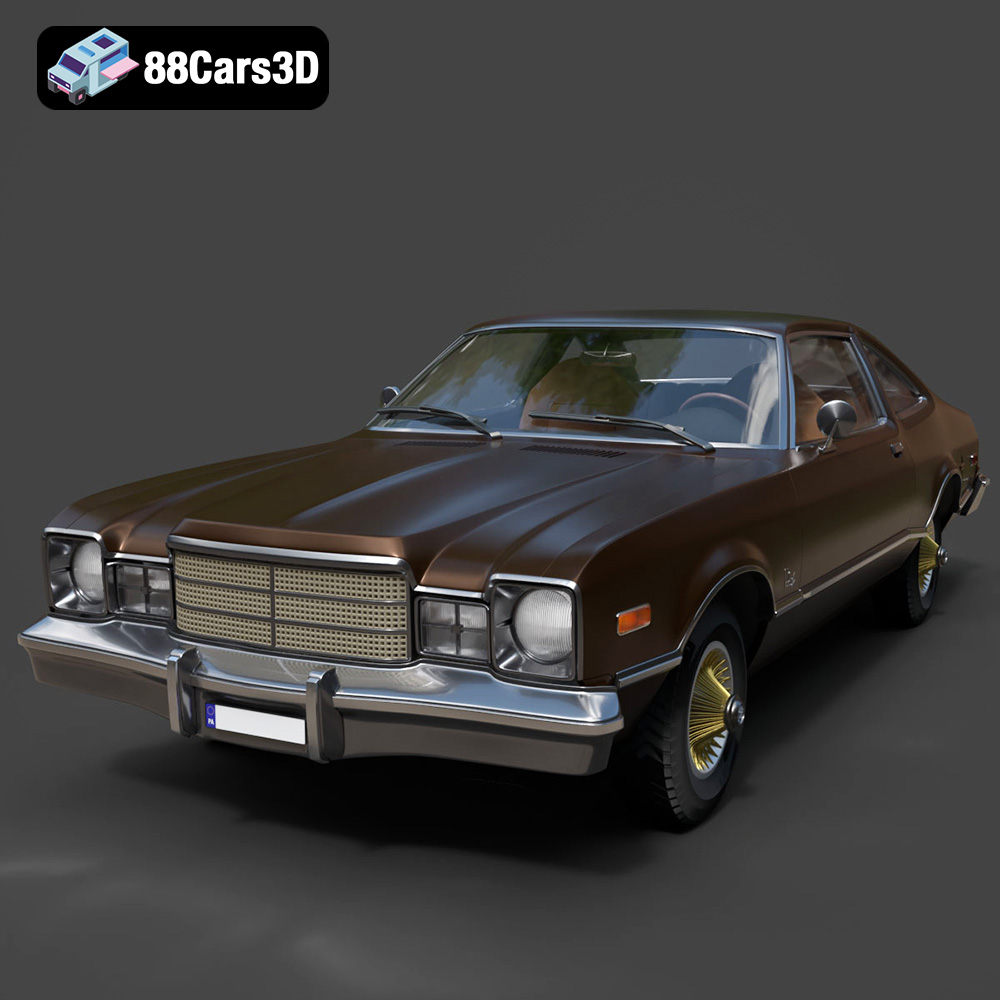
Texture: Yes | Material: Yes
Download the highly detailed, game-ready Plymouth Volare Coupe 1977 3D Model. Features classic F-body styling, detailed chrome trim, and an accurate vintage interior. Includes .blend, .fbx, .obj, .glb, .stl, .ply, .unreal, and .max formats for game development, AR/VR, and rendering.
Price: $19.99

Texture: Yes | Material: Yes
Download the highly detailed, game-ready Peugeot 208 2020 3D Model. Features aggressive ‘fang’ LED DRLs, sporty hatchback proportions, and aerodynamic alloy wheels. Includes .blend, .fbx, .obj, .glb, .stl, .ply, .unreal, and .max formats for game development, AR/VR, and rendering.
Price: $19.99

Texture: Yes | Material: Yes
Download the highly detailed, game-ready MV Agusta Brutale 1090 R 3D Model. Features an exposed trellis frame, distinctive teardrop headlight, and muscular naked bike styling. Includes .blend, .fbx, .obj, .glb, .stl, .ply, .unreal, and .max formats for game development, AR/VR, and rendering.
Price: $19.99

Texture: Yes | Material: Yes
Download the highly detailed, game-ready Custom Off-Road BMW R1150GS Adventure Sidecar 3D Model. Features rugged all-terrain suspension, an attached passenger sidecar, and off-road knobby tires. Includes .blend, .fbx, .obj, .glb, .stl, .ply, .unreal, and .max formats for game development, AR/VR, and rendering.
Price: $19.99

Texture: Yes | Material: Yes
Download the highly detailed, game-ready Mitsubishi Outlander GT 2010 3D Model. Features the aggressive Lancer-inspired front grille, accurate exterior styling, and high-fidelity alloy wheels. Includes .blend, .fbx, .obj, .glb, .stl, .ply, .unreal, and .max formats for game development, AR/VR, and rendering.
Price: $19.99
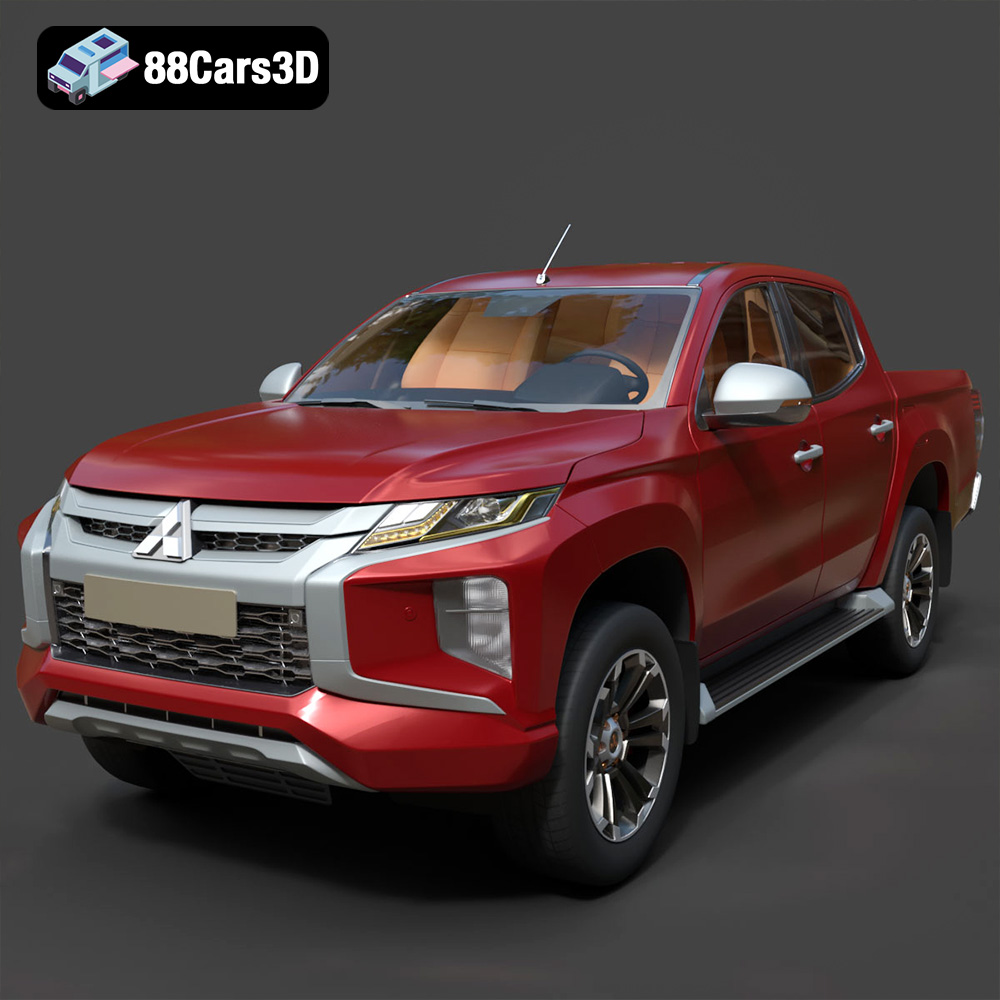
Texture: Yes | Material: Yes
Download the highly detailed, game-ready Mitsubishi L200 Crew Cab 2019 3D Model. Features the iconic Dynamic Shield front fascia, rugged cargo bed, and a spacious crew cab interior. Includes .blend, .fbx, .obj, .glb, .stl, .ply, .unreal, and .max formats for game development, AR/VR, and rendering.
Price: $19.99
Texture: Yes | Material: Yes
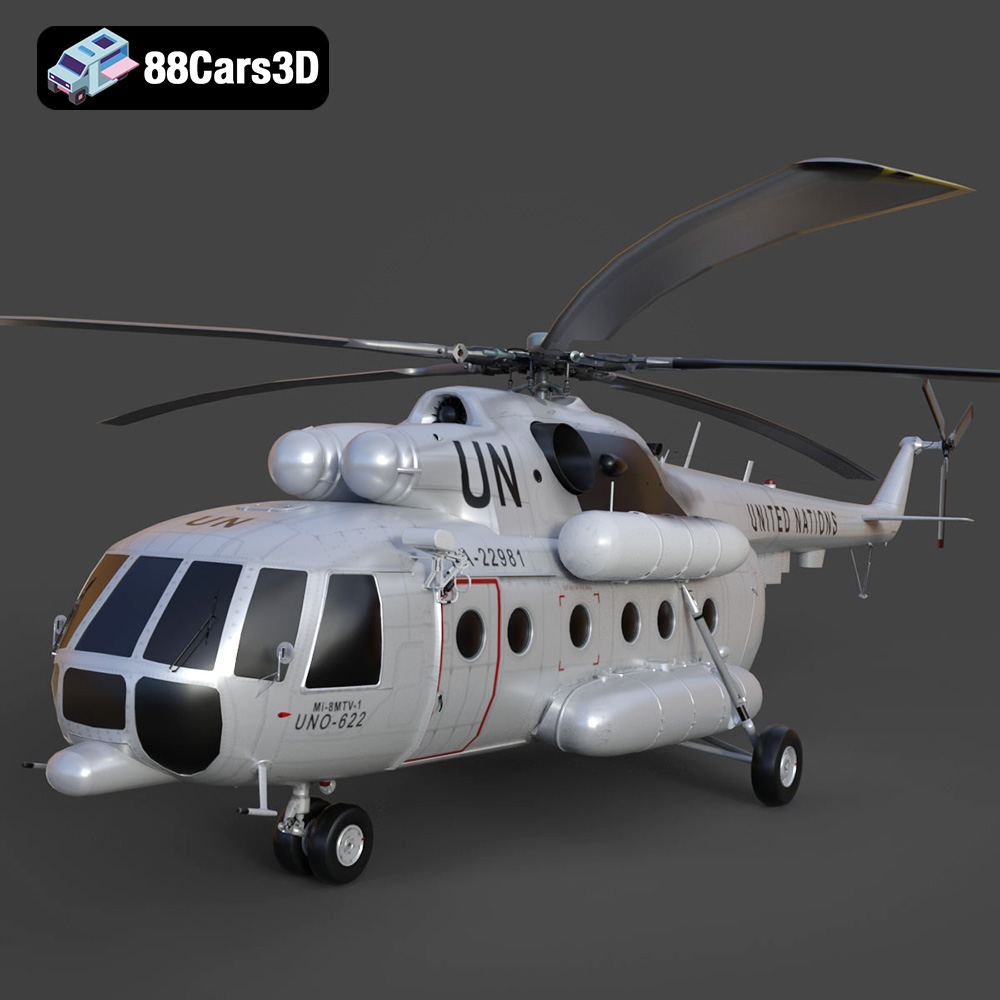
Download the highly detailed, game-ready Mil Mi-8MTV-UN 3D Model. Features the iconic United Nations white livery, detailed twin turboshaft engines, and fully articulated rotor assemblies. Includes .blend, .fbx, .obj, .glb, .stl, .ply, .unreal, and .max formats for game development, AR/VR, and rendering.
Price: $19.99

