Get 20% OFF All Premium 3D & STL Models!

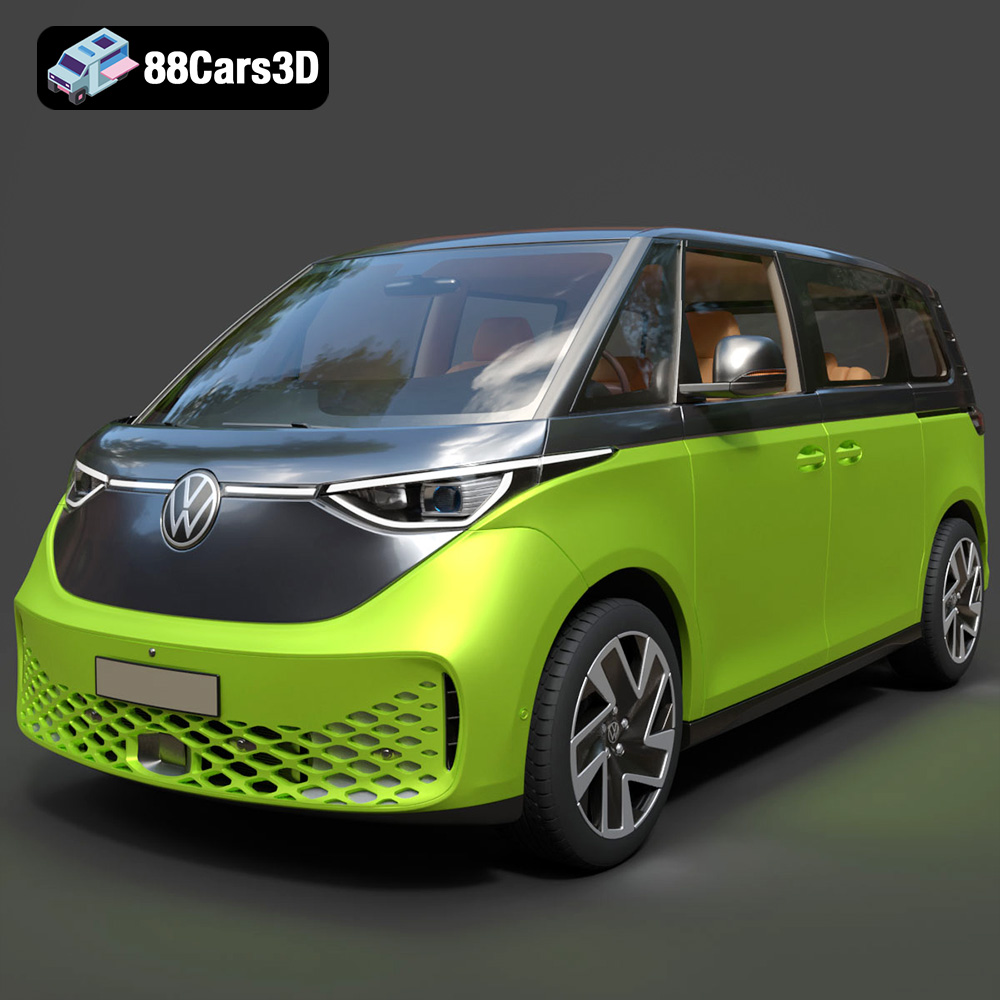
The Volkswagen ID. Buzz 2023 is more than just an electric van; it’s a symbol of innovation and retro-futuristic design. Thanks to 88cars3d.com, you can now bring this iconic vehicle to life with the power of 3D printing. This comprehensive guide will walk you through every step of the process, from preparing the STL files to applying the finishing touches, ensuring a successful and rewarding 3D printing experience. Whether you’re a seasoned 3D printing enthusiast or a beginner, this article provides the technical details and practical advice you need to create a stunning 3D printed model of the ID. Buzz.
Before diving into the specifics of printing the Volkswagen ID. Buzz, it’s crucial to understand the different file formats available and how they impact the 3D printing process. The model from 88cars3d.com is available in various formats, but the .stl format is the cornerstone for 3D printing.
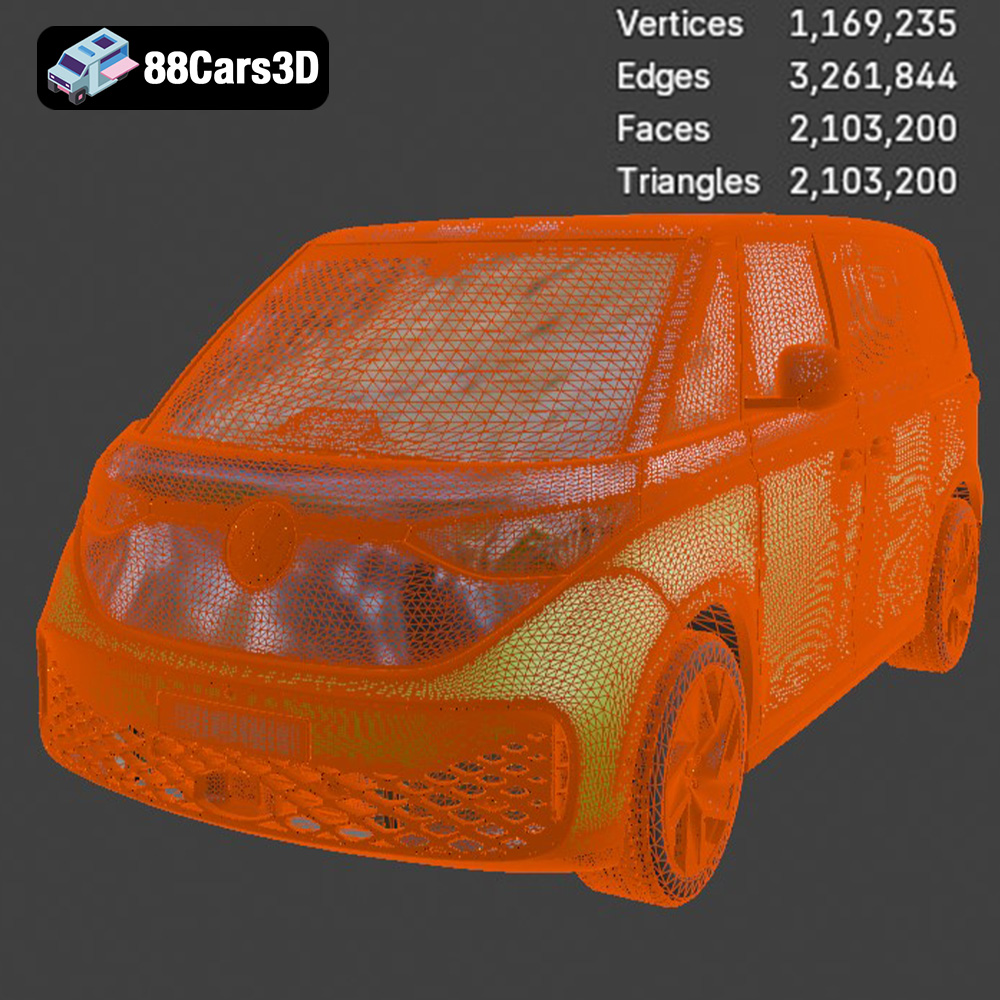
The STL (Stereolithography) file format has become the de facto standard for 3D printing. It represents the surface geometry of a 3D object as a collection of triangles. While simple, this format effectively conveys the shape of the model to the slicing software. The quality of the STL file directly affects the final print; a higher triangle count results in a smoother surface but also a larger file size and potentially longer processing times. For the Volkswagen ID. Buzz, a well-optimized STL file strikes a balance between detail and printability. Check the 88cars3d.com product to ensure the STL is optimized.
OBJ files are another common 3D model format. Unlike STL, OBJ can store color and texture information. This is beneficial if you plan to render the model or use it in applications that require visual fidelity beyond simple geometry. However, for 3D printing, the color and texture data are typically ignored, and only the geometry is used. OBJ files can be imported into slicing software, but STL is generally preferred due to its simplicity and widespread compatibility.
PLY files are designed for storing 3D data acquired from 3D scanners. They can represent color, normals, and other properties, making them suitable for highly detailed models. While PLY files can be used for 3D printing, they often contain more data than necessary, leading to larger file sizes and increased processing times.
.blend files are native to Blender, a powerful open-source 3D creation suite. This format allows you to directly edit the model, modify its design, add details, or prepare it specifically for 3D printing. If you’re comfortable with Blender, the .blend file offers the most flexibility. Before printing, you would need to export the model as an STL file.
FBX is a proprietary file format developed by Autodesk, primarily used for exchanging data between 3D applications. It supports meshes, materials, animations, and more. While you might be able to import an FBX file into certain slicing software, you’ll primarily be interested in the mesh data for 3D printing. Similar to OBJ, the material information isn’t typically used during the printing process.
GLB is a binary file format representing 3D models, often used for AR/VR applications and web-based viewing. Its primary advantage is its compact size and ability to efficiently store textures and animations. While GLB files aren’t directly used for 3D printing, they can be useful for previewing the model in augmented reality before committing to a print.
Similar to .blend, .max files are native to 3ds Max, another professional 3D modeling software. This format allows for extensive editing and customization of the model. If you’re a 3ds Max user, you can modify the ID. Buzz model before exporting it as an STL file for 3D printing.
For 3D printing the Volkswagen ID. Buzz, the .stl format is the most practical choice. Ensure that the STL file is well-optimized, with a sufficient triangle count to capture the details of the model without being overly complex. Import the STL file into your chosen slicing software and proceed with the preparation steps outlined in the following sections. The other formats are useful for rendering and visualization, but STL is king for additive manufacturing.
Before you start printing your Volkswagen ID. Buzz, meticulous preparation is key to a successful outcome. This involves using slicing software to convert the 3D model into a series of instructions for your 3D printer, as well as optimizing the model for printability.
Slicing software is essential for translating the 3D model into a language your printer understands. Popular options include Cura, Simplify3D, PrusaSlicer, and others. Choosing the right software depends on your printer and personal preference. Regardless of the software you choose, the following settings are critical for printing the ID. Buzz:
* **Layer Height:** A lower layer height (e.g., 0.1mm – 0.15mm) will result in a smoother surface finish, capturing the intricate details of the ID. Buzz. However, it will also increase print time. A higher layer height (e.g., 0.2mm – 0.25mm) will print faster but sacrifice some detail.
* **Infill Density:** The infill density determines the internal structure of the print. A higher infill (e.g., 20-30%) provides more strength and rigidity, which is important for larger parts of the model, like the body. Lower infill (e.g., 10-15%) can save material and print time for smaller details. Consider using adaptive infill settings to adjust the density based on the specific areas of the model.
* **Support Structures:** The ID. Buzz model likely contains overhangs, especially in areas like the wheel arches, mirrors, and roof. Support structures are necessary to prevent these areas from collapsing during printing. Choose a support type that is easy to remove and minimizes scarring on the model’s surface. Experiment with support settings like support density, overhang angle, and support interface to optimize support removal and surface quality.
* **Print Speed:** Adjust the print speed based on your printer’s capabilities and the complexity of the model. A slower print speed (e.g., 40-50mm/s) generally results in better print quality, especially for intricate details.
* **Bed Adhesion:** Ensure good bed adhesion to prevent warping or detachment during printing. Use a heated bed, apply an adhesive like glue stick or hairspray, or use a brim or raft to increase the contact area between the print and the bed.
The orientation of the model on the print bed significantly impacts print quality, support requirements, and overall success. Experiment with different orientations to minimize overhangs and the need for support structures. For the ID. Buzz, consider printing the body with the roof facing upwards or downwards, depending on which surface you want to prioritize in terms of finish quality.
Careful support placement is crucial to avoid damaging the model during removal. Place supports strategically to provide adequate support while minimizing contact with visible surfaces. Consider using tree supports or organic supports, which are often easier to remove and leave less scarring.
The Volkswagen ID. Buzz model can be scaled to your desired size in the slicing software. Consider the limitations of your printer’s build volume when determining the appropriate scale. A larger scale will showcase more details but require more material and print time.
Choosing the right material is crucial for achieving the desired look, feel, and functionality for your 3D printed Volkswagen ID. Buzz. Several materials are well-suited for this project, each with its own advantages and disadvantages.
PLA is a biodegradable thermoplastic derived from renewable resources like corn starch or sugarcane. It’s a popular choice for 3D printing due to its ease of use, low printing temperature, and wide availability. PLA is ideal for printing the main body and interior components of the ID. Buzz.
* **Pros:** Easy to print, low odor, wide range of colors, good surface finish.
* **Cons:** Lower heat resistance, can be brittle, not ideal for functional parts that require high strength or durability.
PETG is a modified version of PET, a common plastic used in water bottles. It offers improved strength, flexibility, and heat resistance compared to PLA. PETG is a great choice for printing parts that require more durability, such as the wheels, axles, and other functional components of the ID. Buzz.
* **Pros:** Stronger and more durable than PLA, higher heat resistance, good chemical resistance.
* **Cons:** Can be more challenging to print than PLA, may require higher printing temperatures and slower print speeds.
For those seeking the highest level of detail and surface finish, resin printing is an excellent option. Resin printers use liquid photopolymer resins that are cured by UV light to create solid objects. Resin printing is particularly well-suited for smaller, intricate parts of the ID. Buzz, such as the mirrors, emblems, and interior details.
* **Pros:** Exceptional detail, smooth surface finish, ideal for small and intricate parts.
* **Cons:** Requires post-processing (washing and curing), resins can be expensive and require careful handling, smaller build volume compared to FDM printers.
After printing the individual components of your Volkswagen ID. Buzz, post-processing is essential to achieve a professional and polished finish. This involves removing support structures, sanding, filling gaps, and painting.
Carefully remove support structures using pliers, a knife, or specialized support removal tools. Take your time to avoid damaging the model. After removing the supports, use sandpaper to smooth any rough edges or support scars. Start with a coarse grit sandpaper (e.g., 220 grit) and gradually move to finer grits (e.g., 400, 600, 800 grit) to achieve a smooth surface.
If your model consists of multiple parts, you may need to fill gaps and seams between the parts. Use a plastic filler or epoxy putty to fill any imperfections. Sand the filled areas smooth after the filler has dried.
Painting is a crucial step in bringing your 3D printed Volkswagen ID. Buzz to life. Apply a primer to the model to create a smooth and uniform surface for the paint to adhere to. Use acrylic paints or automotive paints to achieve the desired colors and finish. Consider using masking tape to create clean lines and apply multiple coats of paint for a richer color. Add details like the headlights, taillights, and emblems using fine-tipped paintbrushes or decals.
Once you’ve printed and post-processed all the individual components, it’s time to assemble your 3D printed Volkswagen ID. Buzz. Use glue or epoxy to attach the parts together. Ensure proper alignment and allow the glue to dry completely before handling the model.
Begin with the interior components. Carefully place the seats, dashboard, and steering wheel inside the body. Use small amounts of glue to secure them in place.
Attach the wheels, mirrors, and other exterior details. Pay attention to the alignment and ensure that all parts are securely attached.
Apply any final details, such as decals or paint touch-ups. Consider adding a clear coat to protect the paint and give the model a glossy finish.
Even with careful preparation, you may encounter some challenges during the 3D printing process. Here are some common issues and their solutions:
Warping occurs when the corners of the print lift off the print bed due to uneven cooling. To prevent warping, ensure good bed adhesion, use a heated bed, and avoid drafts.
Stringing occurs when small strands of plastic are left between different parts of the print. To reduce stringing, adjust the retraction settings in your slicing software, lower the printing temperature, and increase travel speed.
Layer shifting occurs when the print layers are misaligned due to a loose belt, a clogged nozzle, or excessive vibrations. Tighten the belts, clean the nozzle, and ensure that the printer is placed on a stable surface.
If the print is not sticking to the bed, try cleaning the bed with isopropyl alcohol, applying an adhesive like glue stick or hairspray, or adjusting the bed level.
By following this comprehensive guide, you’ll be well-equipped to successfully 3D print a stunning Volkswagen ID. Buzz model. Remember to take your time, experiment with different settings and materials, and enjoy the process of bringing this iconic vehicle to life. And don’t forget to visit 88cars3d.com for more high-quality 3D car models ready for additive manufacturing!
Discover exceptional detail with the Volkswagen ID. Buzz 2023 3D Model. This comprehensively built asset accurately recreates the unique design and modern characteristics of the celebrated electric van. It incorporates key features such as clean geometry, realistic materials, and professional quality, guaranteeing accurate representations in demanding visual projects.
$19.99
.arvr
.blend
.buzz
.car3dmodel
.electricvehicle
.ev
.fbx
.gameasset
.glb
.idbuzz
.max
.minivan
.obj
.ply
.rendering
.simulation
.stl
.unreal
.van
.volkswagen