Get 20% OFF All Premium 3D & STL Models!

“`html
For model makers, the quest for the perfect 3D printer is an ongoing journey. Whether you’re crafting intricate architectural models, detailed figurines, or, indeed, stunning printable car models from platforms like 88cars3d.com, the right 3D printer can be the difference between a frustrating experience and a seamless, rewarding one. But with a vast array of machines on the market, each boasting a unique set of specifications, how do you determine which features truly matter? This comprehensive guide will delve into the essential aspects of 3D printers, focusing on the characteristics that are most crucial for achieving exceptional results in model making. We’ll explore everything from print resolution and material compatibility to software integration and ease of use, providing you with the knowledge you need to make an informed decision and elevate your modeling projects.
This article will cover the key features of 3D printers for model making. We’ll explore resolution, material compatibility, ease of use, and software integration. We’ll also dive into essential features like build volume, print speed, and the advantages and disadvantages of FDM and resin printers, equipping you with the knowledge to select the perfect 3D printer for your specific modeling needs. Ultimately, this guide aims to help you choose a 3D printer that transforms your digital designs into tangible masterpieces with unparalleled precision and detail.
Resolution is arguably the single most important factor for model makers. It dictates the level of detail your printer can reproduce, directly impacting the accuracy and realism of your finished models. A printer with higher resolution will capture finer details, sharper edges, and smoother curves, resulting in a more professional and aesthetically pleasing outcome. When downloading models from marketplaces such as 88cars3d.com, which often feature incredibly detailed automotive designs, having a printer capable of capturing those nuances is paramount.
Layer height, measured in microns (µm), determines the thickness of each printed layer. Lower layer heights result in smoother surfaces and less visible layer lines. For FDM printers, achieving layer heights of 0.1mm (100µm) or less is generally recommended for detailed models. Some high-end FDM printers can even reach 0.05mm (50µm) layer heights, but this often comes at the expense of print speed. Resin printers, on the other hand, typically boast much finer layer heights, often down to 0.025mm (25µm) or even lower. This inherent advantage makes them ideal for models with intricate details and complex geometries.
Z-resolution (vertical resolution) specifically refers to the layer height, which directly dictates the level of vertical detail your printer can capture. For example, a resin printer advertised with a 25-micron Z-resolution means it can print layers as thin as 0.025mm, enabling extremely fine details and smooth curves. Achieving a high Z-resolution, particularly when printing detailed automotive models, ensures that subtle design features are accurately replicated, preserving the model’s authenticity and aesthetic appeal.
While layer height addresses vertical resolution, XY resolution determines the precision of the printer in the horizontal plane. For FDM printers, this is largely dictated by the nozzle diameter. A smaller nozzle (e.g., 0.25mm) allows for finer details and sharper corners compared to a larger nozzle (e.g., 0.4mm). However, smaller nozzles can be more prone to clogging and may require slower print speeds. Resin printers achieve XY resolution through the resolution of the LCD screen used to cure each layer. Higher resolution screens translate to finer details and sharper features in the final print. When printing models with intricate surface details, a high XY resolution ensures that these details are accurately rendered without blurring or distortion.
The range of materials a 3D printer can handle significantly impacts the types of models you can create and their intended applications. Different materials offer varying properties such as strength, flexibility, heat resistance, and surface finish. Choosing a printer compatible with a wide range of materials allows you to experiment with different looks and functionalities, tailoring your models to specific needs.
FDM printers offer a wide range of material options, each with its own advantages and disadvantages. PLA (Polylactic Acid) is a popular choice due to its ease of printing, biodegradability, and wide availability. It’s ideal for general-purpose models and prototypes. PETG (Polyethylene Terephthalate Glycol-modified) offers improved strength, flexibility, and heat resistance compared to PLA, making it suitable for functional parts and models that require more durability. ABS (Acrylonitrile Butadiene Styrene) is known for its high strength and impact resistance, but it requires higher printing temperatures and a heated bed to prevent warping. More exotic materials like nylon, polycarbonate, and TPU (Thermoplastic Polyurethane) offer specialized properties such as high strength, extreme heat resistance, and flexibility, respectively, but often require advanced printer setups and careful calibration.
Resin printers utilize liquid resins that are cured by UV light. Standard resins are suitable for highly detailed models with fine features, but they tend to be brittle and less durable. Tough resins offer increased impact resistance and are better suited for functional parts or models that will be handled frequently. Flexible resins allow for the creation of models with rubber-like properties, enabling the production of flexible joints, tires, or other deformable components. Specialty resins such as castable resins for jewelry making and dental resins for medical applications are also available, expanding the possibilities for specialized model making.
Build volume refers to the maximum size of an object that can be printed in a single run. It’s crucial to consider your typical project size when selecting a 3D printer. A larger build volume allows you to print larger models or multiple smaller models simultaneously, saving time and increasing efficiency.
Smaller build volume printers are often more affordable and compact, making them ideal for beginners or users with limited space. However, they restrict the size of models you can print in one go, potentially requiring you to split larger models into multiple parts and assemble them later. Larger build volume printers offer greater flexibility but tend to be more expensive and require more space. They’re better suited for experienced users who frequently work on larger projects or want to print multiple models simultaneously. When choosing a build volume, consider not only the size of your current projects but also the potential for future growth and expansion of your modeling endeavors.
Even with a limited build volume, you can often maximize the size of printable models by carefully considering the print orientation. By strategically rotating and positioning your model within the slicer software, you can often fit larger objects within the available build space. This may involve printing the model on its side or at an angle, which can also impact the need for support structures. Experimenting with different orientations is crucial for optimizing build volume utilization and achieving the desired print quality.
Slicing software is essential for preparing 3D models for printing. It converts the 3D model into a series of instructions (G-code) that the printer can understand. The slicing software also allows you to adjust various print settings that significantly impact the final print quality, strength, and speed.
Layer height, as mentioned earlier, controls the vertical resolution of the print. Lower layer heights result in smoother surfaces but increase print time. Infill refers to the internal structure of the model. Higher infill percentages increase the strength and weight of the model but also increase print time and material consumption. Support structures are necessary for printing overhanging features. Properly configured support structures are crucial for preventing print failures and ensuring accurate reproduction of complex geometries. The optimal settings for these parameters depend on the specific model, material, and printer being used.
Popular slicing software options include Cura, PrusaSlicer, Simplify3D, and Chitubox (for resin printers). Each software offers a unique set of features and customization options. Cura is a free and open-source slicer known for its user-friendly interface and extensive plugin library. PrusaSlicer is another excellent free option that offers advanced features such as variable layer height and adaptive infill. Simplify3D is a paid slicer known for its advanced control over print settings and support generation. Chitubox is a popular slicer for resin printers, offering features such as automatic support generation and hollowing tools. Experimenting with different slicers and their respective settings is essential for finding the optimal workflow for your specific needs.
Regular maintenance and calibration are crucial for maintaining the performance and reliability of your 3D printer. Proper maintenance ensures that the printer operates smoothly and consistently, while calibration ensures accurate and precise prints.
Routine maintenance tasks include cleaning the print bed, nozzle, and other components, lubricating moving parts, and inspecting for wear and tear. Regular cleaning prevents the build-up of debris and residue that can affect print quality. Lubricating moving parts ensures smooth and consistent operation, reducing the risk of mechanical failures. Regular inspection allows you to identify potential problems early on, preventing more serious issues from developing.
Bed leveling is critical for ensuring proper adhesion of the first layer to the print bed. An uneven bed can result in warping, poor adhesion, and print failures. Most 3D printers offer automatic bed leveling features, but manual bed leveling may be necessary for optimal results. Calibration involves adjusting various printer settings, such as temperature and flow rate, to ensure accurate and consistent material extrusion. Regular calibration ensures that the printer is operating within its optimal parameters, resulting in prints that are true to the design.
The two primary 3D printing technologies for model makers are Fused Deposition Modeling (FDM) and Resin printing (Stereolithography or SLA, Digital Light Processing or DLP). Each technology has its own strengths and weaknesses, making it suitable for different types of models and applications.
FDM printing is a more accessible and versatile technology. FDM printers are generally more affordable and easier to use than resin printers. They offer a wider range of material options, including PLA, PETG, ABS, and more. FDM printers are well-suited for larger models, functional parts, and prototypes. However, FDM prints typically have lower resolution and more visible layer lines compared to resin prints.
Resin printing excels in producing highly detailed models with smooth surfaces. Resin printers offer significantly higher resolution than FDM printers, making them ideal for intricate models, figurines, and jewelry. Resin prints typically have smoother surfaces and less visible layer lines. However, resin printers are generally more expensive than FDM printers, and resin materials can be more brittle and require more careful handling. Resin printing also requires post-processing steps such as washing and curing.
Choosing the right 3D printer for model making is a crucial decision that can significantly impact the quality, efficiency, and enjoyment of your projects. By carefully considering factors such as resolution, material compatibility, build volume, slicing software, printer maintenance, and the choice between FDM and resin technology, you can select a printer that perfectly suits your specific needs and goals. Remember to prioritize resolution for intricate details, explore material options for diverse applications, and consider the build volume for the scale of your projects. Don’t underestimate the importance of slicing software and printer maintenance for consistent and reliable results. And finally, consider the advantages and disadvantages of FDM and resin printing to determine which technology best aligns with your model making aspirations.
Take the time to research and compare different models, read reviews, and seek advice from experienced users. With the right 3D printer in your arsenal, you’ll be well-equipped to transform your digital designs into stunning tangible creations, whether you’re printing architectural marvels, detailed figurines, or the incredibly detailed printable car models available on platforms like 88cars3d.com. So, embrace the power of 3D printing and unlock your creative potential!
“`
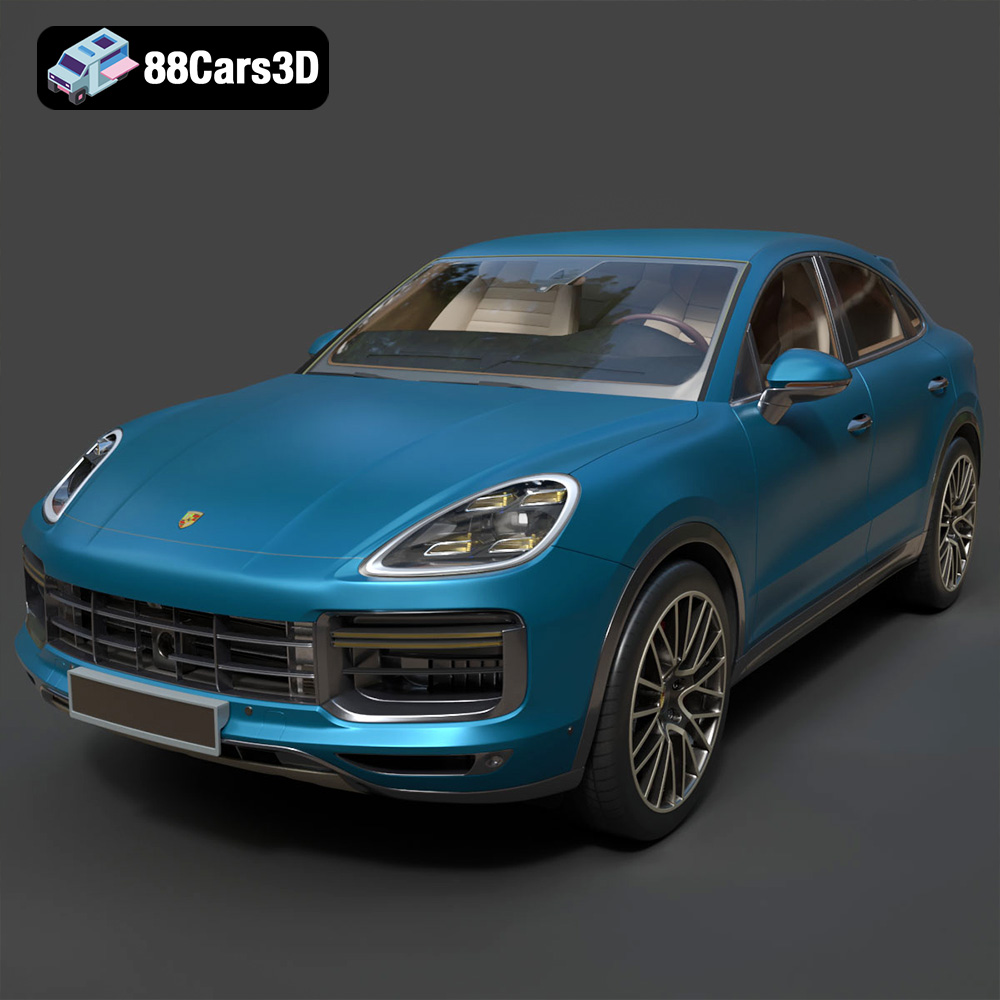
Texture: Yes | Material: Yes
Download the highly detailed, game-ready Porsche Cayenne Turbo Coupe 2020 3D Model. Features an aggressive coupe roofline, detailed quad exhaust, and a meticulously crafted luxury sport interior. Includes .blend, .fbx, .obj, .glb, .stl, .ply, .unreal, and .max formats for game development, AR/VR, and rendering.
Price: $19.99
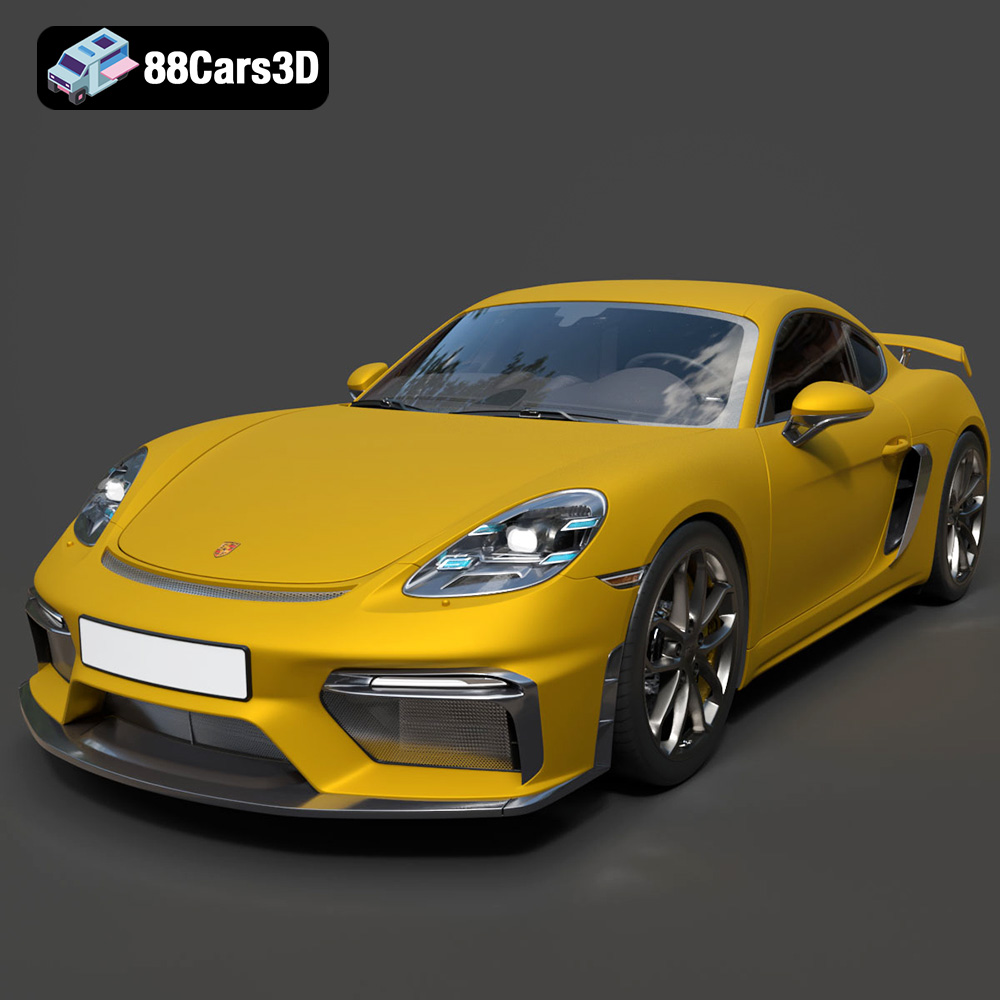
Texture: Yes | Material: Yes
Download the highly detailed, game-ready Porsche 718 Cayman GT4 2020 3D Model. Features an aggressive fixed rear wing, distinctive side air intakes, and a track-focused stance. Includes .blend, .fbx, .obj, .glb, .stl, .ply, .unreal, and .max formats for game development, AR/VR, and rendering.
Price: $19.99

Texture: Yes | Material: Yes
Download the highly detailed, game-ready Polestar 2 2020 3D Model. Features minimalist Scandinavian fastback styling, pixel LED lighting, and an accurate electric vehicle profile. Includes .blend, .fbx, .obj, .glb, .stl, .ply, .unreal, and .max formats for game development, AR/VR, and rendering.
Price: $19.99
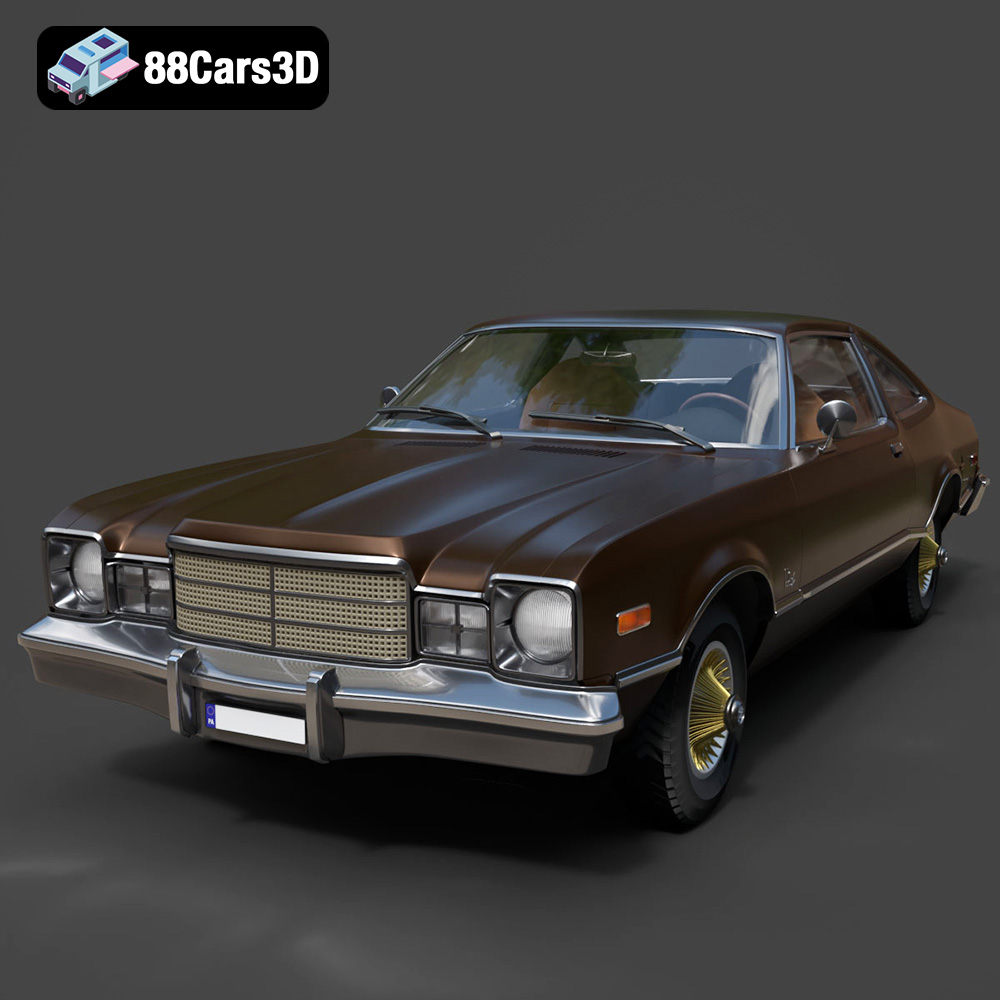
Texture: Yes | Material: Yes
Download the highly detailed, game-ready Plymouth Volare Coupe 1977 3D Model. Features classic F-body styling, detailed chrome trim, and an accurate vintage interior. Includes .blend, .fbx, .obj, .glb, .stl, .ply, .unreal, and .max formats for game development, AR/VR, and rendering.
Price: $19.99

Texture: Yes | Material: Yes
Download the highly detailed, game-ready Peugeot 208 2020 3D Model. Features aggressive ‘fang’ LED DRLs, sporty hatchback proportions, and aerodynamic alloy wheels. Includes .blend, .fbx, .obj, .glb, .stl, .ply, .unreal, and .max formats for game development, AR/VR, and rendering.
Price: $19.99

Texture: Yes | Material: Yes
Download the highly detailed, game-ready MV Agusta Brutale 1090 R 3D Model. Features an exposed trellis frame, distinctive teardrop headlight, and muscular naked bike styling. Includes .blend, .fbx, .obj, .glb, .stl, .ply, .unreal, and .max formats for game development, AR/VR, and rendering.
Price: $19.99

Texture: Yes | Material: Yes
Download the highly detailed, game-ready Custom Off-Road BMW R1150GS Adventure Sidecar 3D Model. Features rugged all-terrain suspension, an attached passenger sidecar, and off-road knobby tires. Includes .blend, .fbx, .obj, .glb, .stl, .ply, .unreal, and .max formats for game development, AR/VR, and rendering.
Price: $19.99

Texture: Yes | Material: Yes
Download the highly detailed, game-ready Mitsubishi Outlander GT 2010 3D Model. Features the aggressive Lancer-inspired front grille, accurate exterior styling, and high-fidelity alloy wheels. Includes .blend, .fbx, .obj, .glb, .stl, .ply, .unreal, and .max formats for game development, AR/VR, and rendering.
Price: $19.99
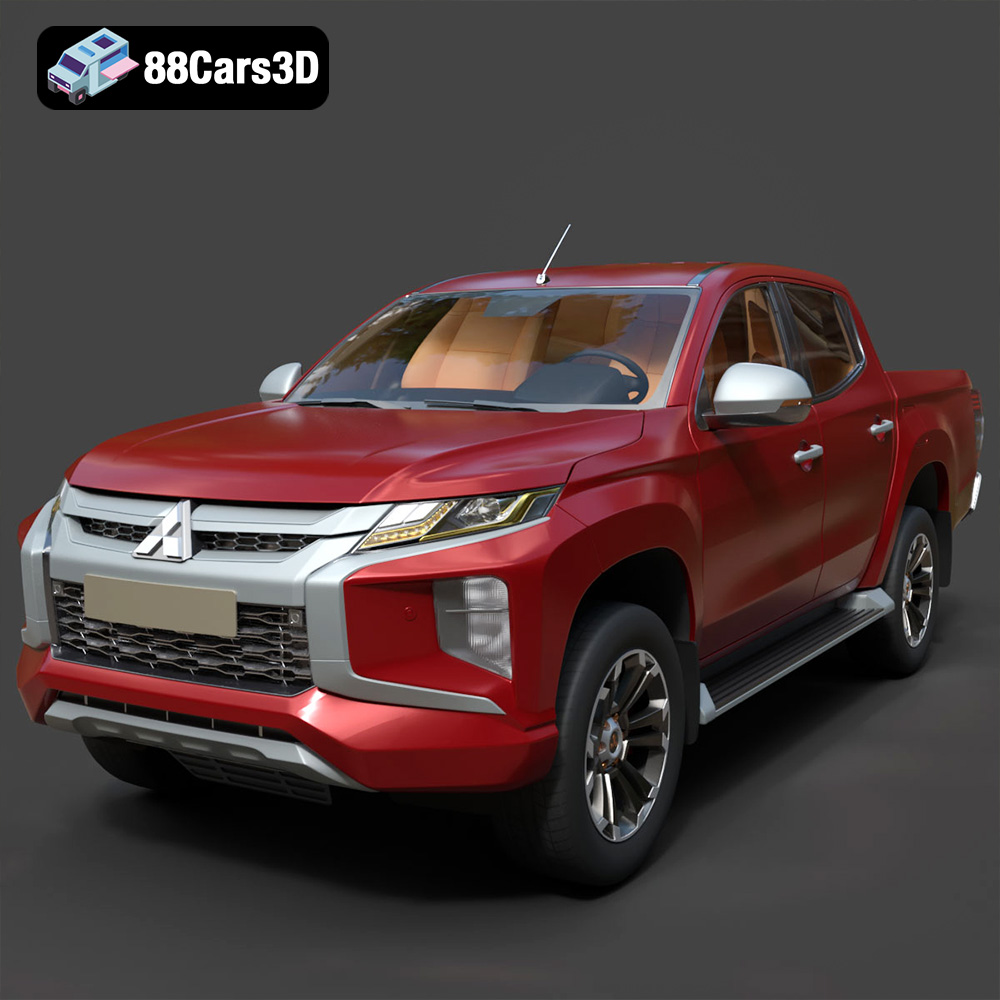
Texture: Yes | Material: Yes
Download the highly detailed, game-ready Mitsubishi L200 Crew Cab 2019 3D Model. Features the iconic Dynamic Shield front fascia, rugged cargo bed, and a spacious crew cab interior. Includes .blend, .fbx, .obj, .glb, .stl, .ply, .unreal, and .max formats for game development, AR/VR, and rendering.
Price: $19.99
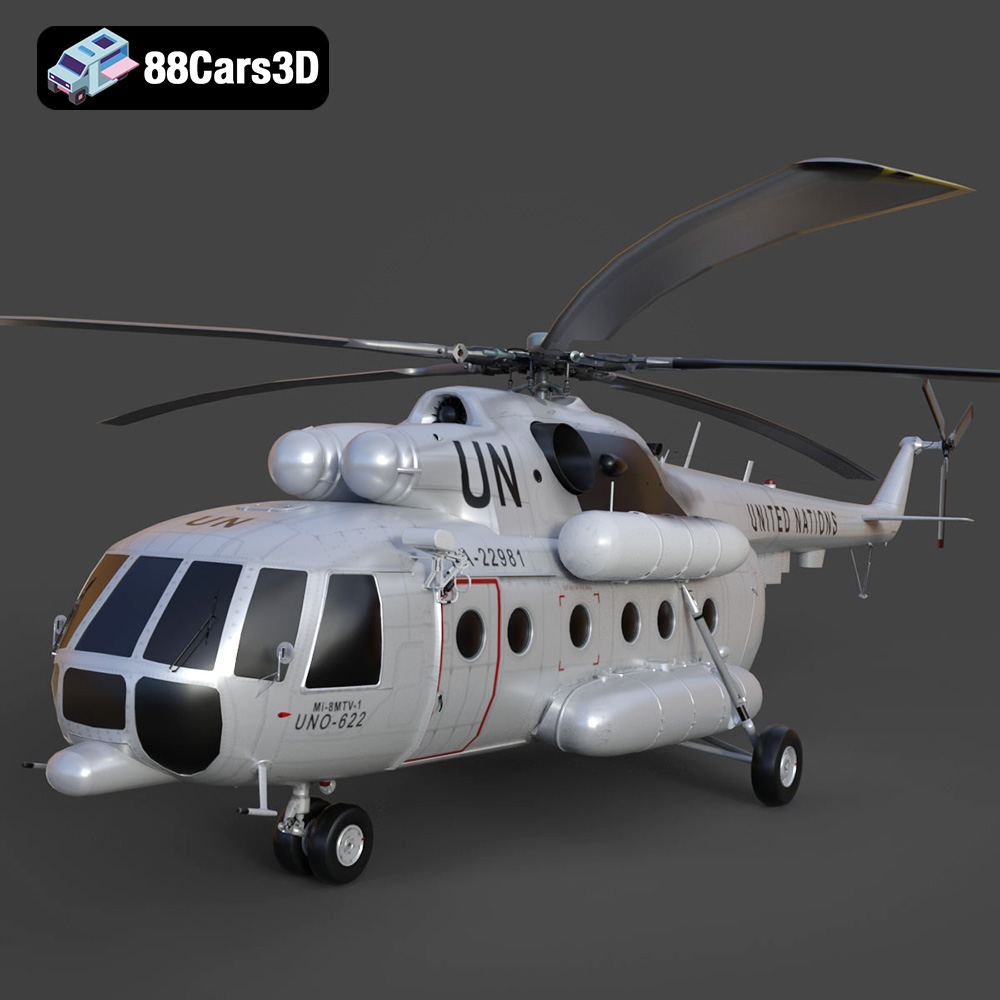
Texture: Yes | Material: Yes
Download the highly detailed, game-ready Mil Mi-8MTV-UN 3D Model. Features the iconic United Nations white livery, detailed twin turboshaft engines, and fully articulated rotor assemblies. Includes .blend, .fbx, .obj, .glb, .stl, .ply, .unreal, and .max formats for game development, AR/VR, and rendering.
Price: $19.99

